Thumbnail Generator for YouTube: 2026 Guide
A thumbnail generator for YouTube builds click-ready frames. See 2026 sizes, template vs custom rules, and watch-time tests.
5 min read
November 2, 2026

What is YouTube SEO? See how relevance, watch time, CTR, and retention decide rankings, plus the steps and metrics that improve a video.
Written by:


YouTube SEO improves discoverability in Search and recommendations by matching a video's topic, packaging, and viewing experience to 3 core considerations, relevance, engagement, and quality, not by stuffing keywords. A keyword can make you eligible for a search. Whether viewers click, stay, and leave satisfied decides if you get shown again.
That distinction saves you hours. You don't need a longer tag list. You need one clear viewer question, honest packaging for it, and a video that delivers fast enough that the right audience keeps watching.
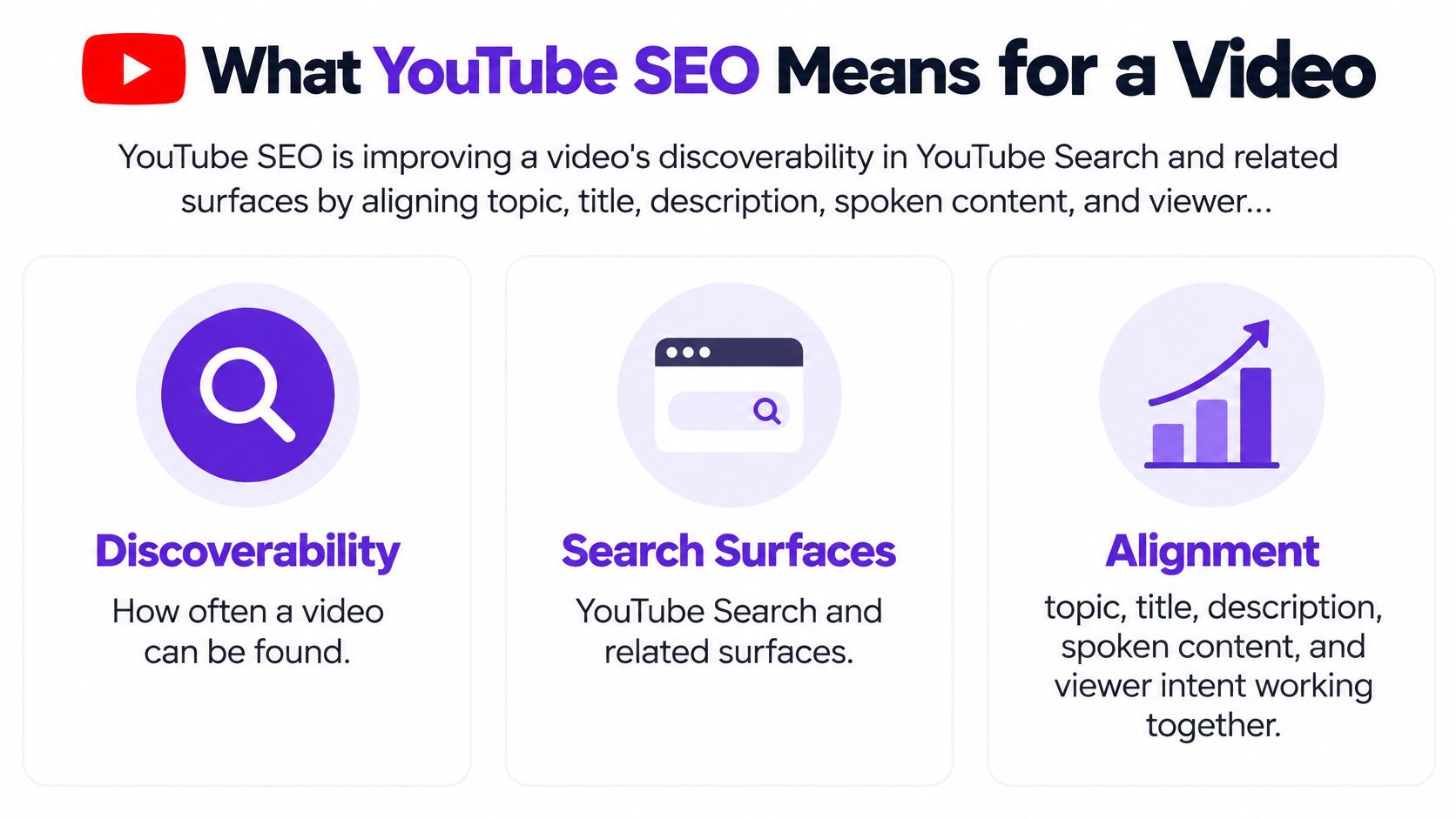
YouTube SEO is improving a video's discoverability in YouTube Search and related surfaces by aligning topic, title, description, spoken content, and viewer experience with what people search for and watch. It's broader than dropping keywords into tags. Tags are one small label. The video itself has to match the label.
Say a local plumber films a fix for a running toilet. A vague title like "Plumbing Tips" tells a searcher almost nothing. A precise title that uses the searcher's words, a description that names the problem, and an opening that shows the faulty part right away all point the same way. That alignment is the work.
The scale explains why alignment matters. The Wikipedia history of YouTube notes the platform had more than 2.7 billion monthly active users in January 2024, while viewers collectively watched more than 1 billion hours of video daily. Estimates cited for mid-2024 place the total library at approximately 14.8 billion videos.
Think of metadata as the sign on a shop door. A clear sign helps the right people walk in. Whether they stay, find what they came for, and tell others decides whether the street sends more visitors.
You're not competing against every upload. A local service pro, educator, podcaster, or small business competes for one specific question where real expertise can win. Your job is to be the clearest, most satisfying answer to that question, then check whether the audience that found you stayed.
YouTube judges every video on three considerations, and they interact with each other. This table is the whole framework in one place.
| Consideration | What YouTube checks | What you control |
|---|---|---|
| Relevance | How closely title, tags, description, and the video match the query | One precise topic in the title, description, and spoken answer |
| Engagement | Watch time for that query, average view duration, and average percentage viewed | A length that fits the question, a fast open, and no padded runtime |
| Quality | Whether the content reads as authoritative and reliable | Accurate claims, clear expertise, and a video that satisfies the click |
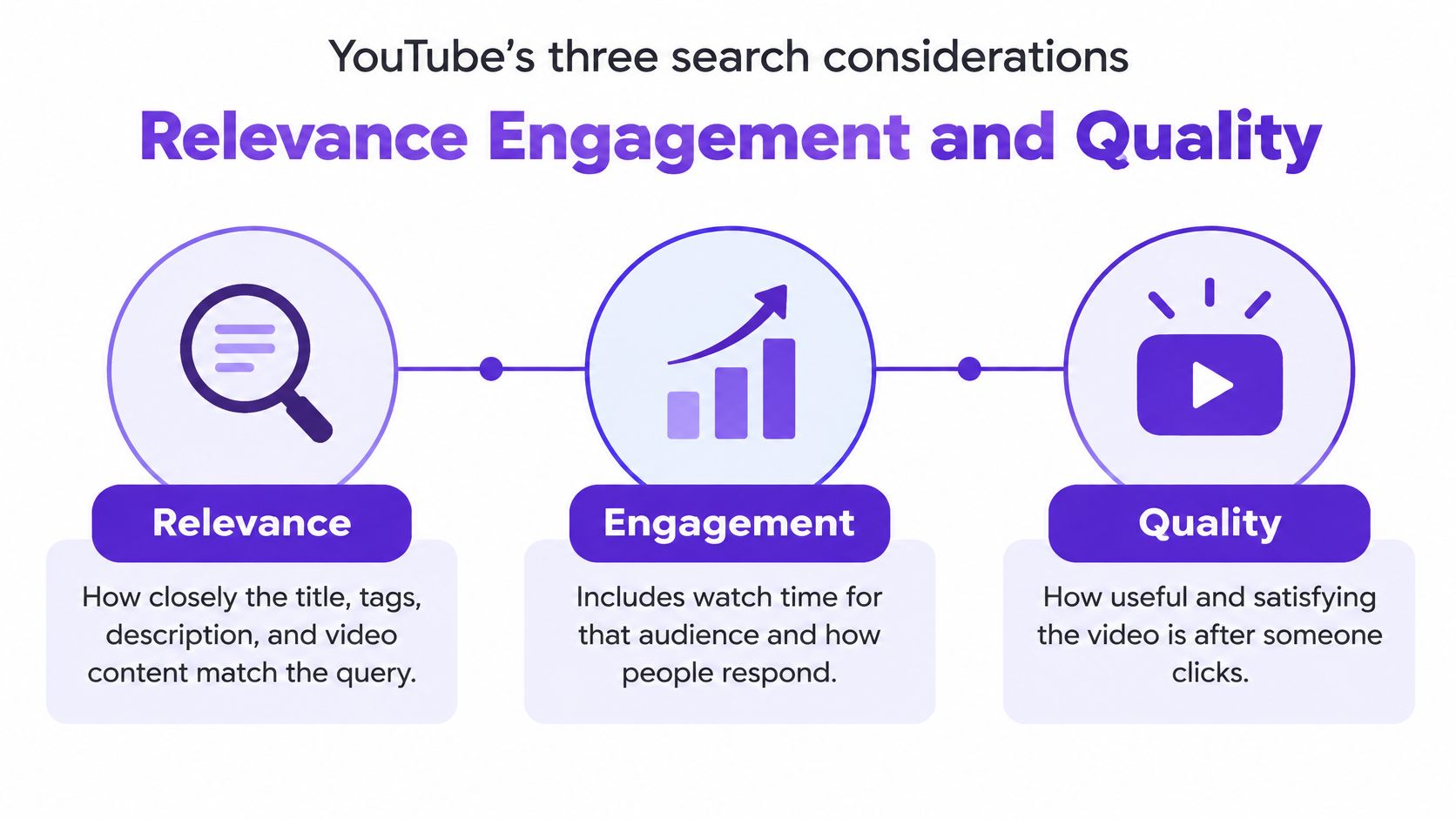
Relevance comes first because YouTube has to know what your video answers. The YouTube Help guide on Search and discovery identifies relevance, engagement, and quality as the three core search considerations, with relevance covering how closely your title, tags, description, and content match a query. If your spoken answer wanders into three other topics, you've diluted that match.
Engagement is where most keyword folklore falls apart. Ranking weighs average view duration and average percentage viewed, measured against the specific query that surfaced the video. Here's the part creators miss: engagement is per audience. Viewers who arrive from search with one clear question behave differently than viewers who stumble onto the video from a suggested feed, so the same upload can post strong retention for one group and weak retention for another. A perfect keyword can't rescue a video people click and abandon. It sends the opposite signal.
Quality is YouTube's read on whether your content is authoritative and reliable. Metadata can't fake this. Accurate claims, visible expertise, and a complete answer are what a viewer, and the system, can judge.
This emphasis isn't new. Over time, YouTube's search emphasis has shifted from raw view counts toward watch time and viewer satisfaction. That shift still explains most stalled videos today. A video can collect clicks and still sink, because the viewers it attracted weren't the ones it was made for.
Watch how these three considerations interact in practice before you apply them to your own upload.
Metadata earns the discovery opportunity. Viewer satisfaction decides whether that opportunity expands.
Read your engagement the way YouTube does: by traffic source. If search viewers finish the video and suggested-feed viewers leave early, the packaging works and the audience fit is the variable. If everyone leaves at the same point, the problem sits inside the video itself. Each pattern calls for a different fix, so check which viewers stayed before you change anything.
Packaging a video before you've found the question is backwards. Research comes first, and it doesn't require paid tools to start. You're looking for the exact words a real person types when they have the problem you solve.
| Source | What it shows | Decision it supports |
|---|---|---|
| YouTube search autocomplete | Phrases viewers type into the search box | Copy the viewer's wording into the title |
| YouTube Studio search terms | Queries that brought impressions and views to your videos | Confirm the exact question your audience already asks |
| Google Trends | Relative interest in a topic over time | Decide whether a topic is rising or fading before briefing it |
| Taja Next Video Idea | Lower-competition keyword ideas for your niche | Choose a follow-up video for the same audience |
For a deeper method on turning those findings into your next brief, this guide to keyword research best practices for video creators walks through the selection process step by step. The same discipline applies in writing, where writing helpful answers to search queries starts from the searcher's intent rather than the writer's outline.
None of these sources guarantees a ranking. They help you find a question worth answering. Whether that answer earns watch time from the right audience is a separate test, and it's the one that counts.
Use this single pass for every upload, in this order. Each step has a reason, and each has a common slip that breaks it.
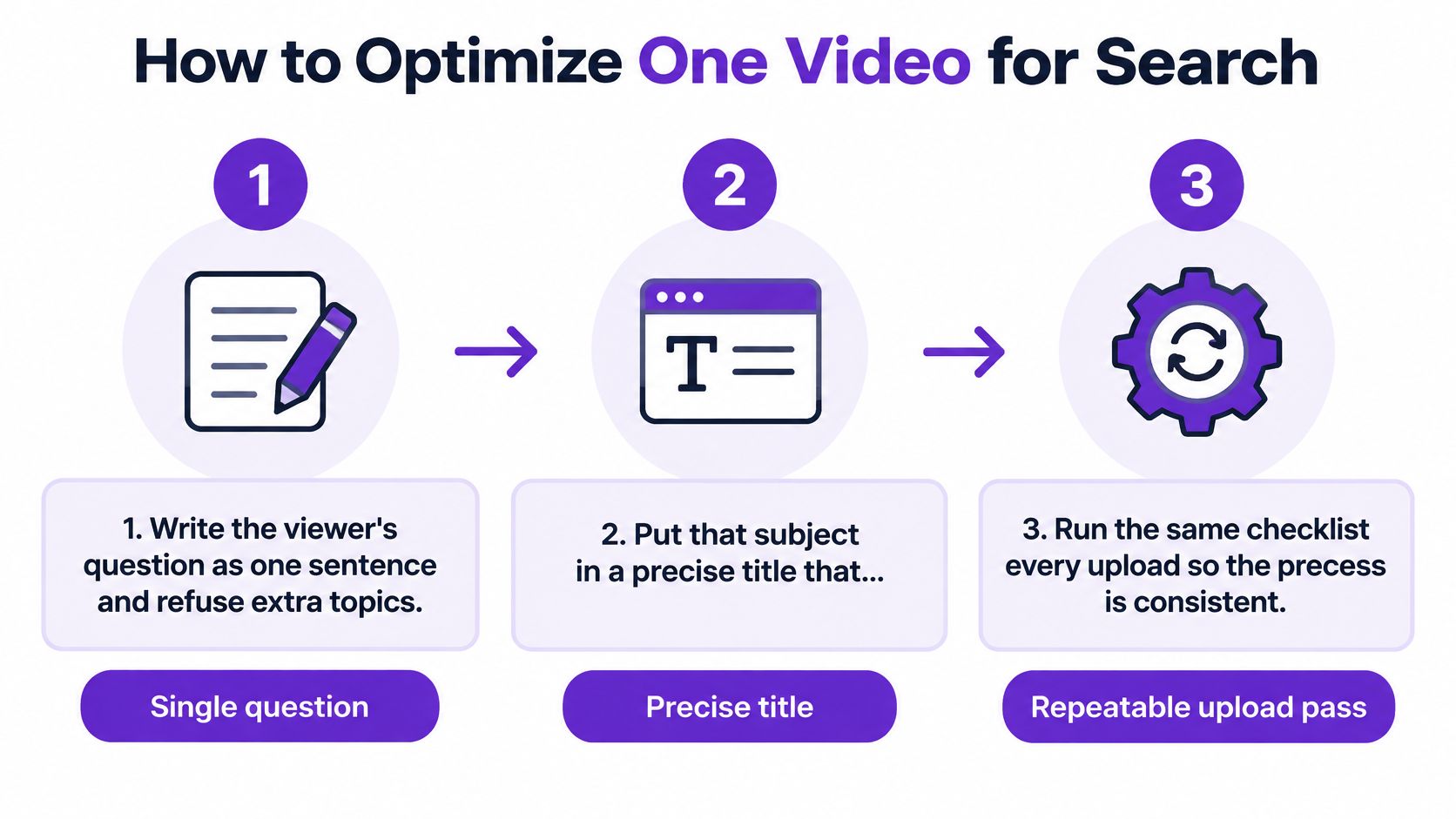
The YouTube Help guide on recommendations and performance explains that systems consider whether viewers choose to watch, ignore, or mark a video as not interesting, then assess average view duration, average percentage viewed, likes, and post-watch survey feedback. Steps 1 to 7 exist to influence exactly those responses. Keyword work gets you eligible. Satisfaction decides whether distribution grows.
Step 8 has a clear limit. Website markup helps Google understand and display your page. It doesn't replace what viewers do after clicking on YouTube.
Length rule: Pick the runtime the topic deserves. Stretching a short answer to chase watch time usually lowers the percentage viewed, and both signals count.
Open four numbers for one video in YouTube Analytics: impressions, click-through rate, average view duration, and audience retention, split by traffic source. Read them as a sequence, not a scoreboard. Impressions mean the system offered your video. CTR means the packaging won the click. Duration and the retention curve mean the video kept its promise.
| Pattern | Likely cause | Change to test |
|---|---|---|
| High impressions, low CTR | Title or thumbnail does not match the query | Rewrite the title to the exact problem and test a clearer thumbnail |
| High CTR, drop in the first 30 seconds | Packaging overpromises | Open with the promised answer and cut the intro |
| Abrupt exit at one timestamp | A confusing explanation, visual change, or call to action | Revise that segment and mark it with a chapter |
| Strong Search retention, weak suggested traffic | The topic does not match what that audience watches next | Publish a related follow-up in the same series |
| Long runtime, low average percentage viewed | The video is longer than the question needs | Cut to the useful length; both duration and percentage count |
The first two rows cover most stalled videos. The YouTube Help guide on video performance states that results are not ordered by total views alone, and that performance and relevance are evaluated for the particular audience and search context. It also describes the two classic patterns: a high impression count with weak clicks indicates packaging or intent mismatch, while strong clicks followed by an early retention drop indicates the title or thumbnail overpromises, which can weaken subsequent distribution.
Row three is your most precise tool. Find the timestamp where the retention curve drops sharply and watch that exact moment. You'll usually find a confusing explanation, a jarring visual change, or a call to action that arrived too early. That timestamp is the edit, not the whole video.
Rows four and five stop two common mistakes. Don't blend Search and suggested traffic into one average, because a video can satisfy a query perfectly and still be a poor recommendation next to unrelated videos. And don't assume a long video is safe because its raw minutes look big. Both absolute watch time and relative watch time are engagement signals, so artificial length works against you.
If you're unsure how the first two numbers connect, this explainer on impressions and click-through rate in YouTube Analytics breaks down what each one can and can't tell you. It'll help you avoid rewriting a title when the problem is the opening.
Make this a weekly habit. One video, one traffic source, one row from the table, one change. Testing five fixes at once tells you nothing about which one worked.
Throw out the idea of a one-time checklist you complete at upload. After publication, YouTube SEO is an audience-fit problem. The same well-packaged video can win one audience and fail another, and both results can be correct.
The YouTube Help guide on how recommendations work states that recommendations are personalized using watch history, search history, subscriptions, likes, dislikes, "not interested" feedback, device, time of day, and inferred topic interests. The system then evaluates whether viewers choose to watch, ignore, or dismiss a recommendation, how long they stay, and whether they appear satisfied. Two viewers see different shelves because they're different viewers.
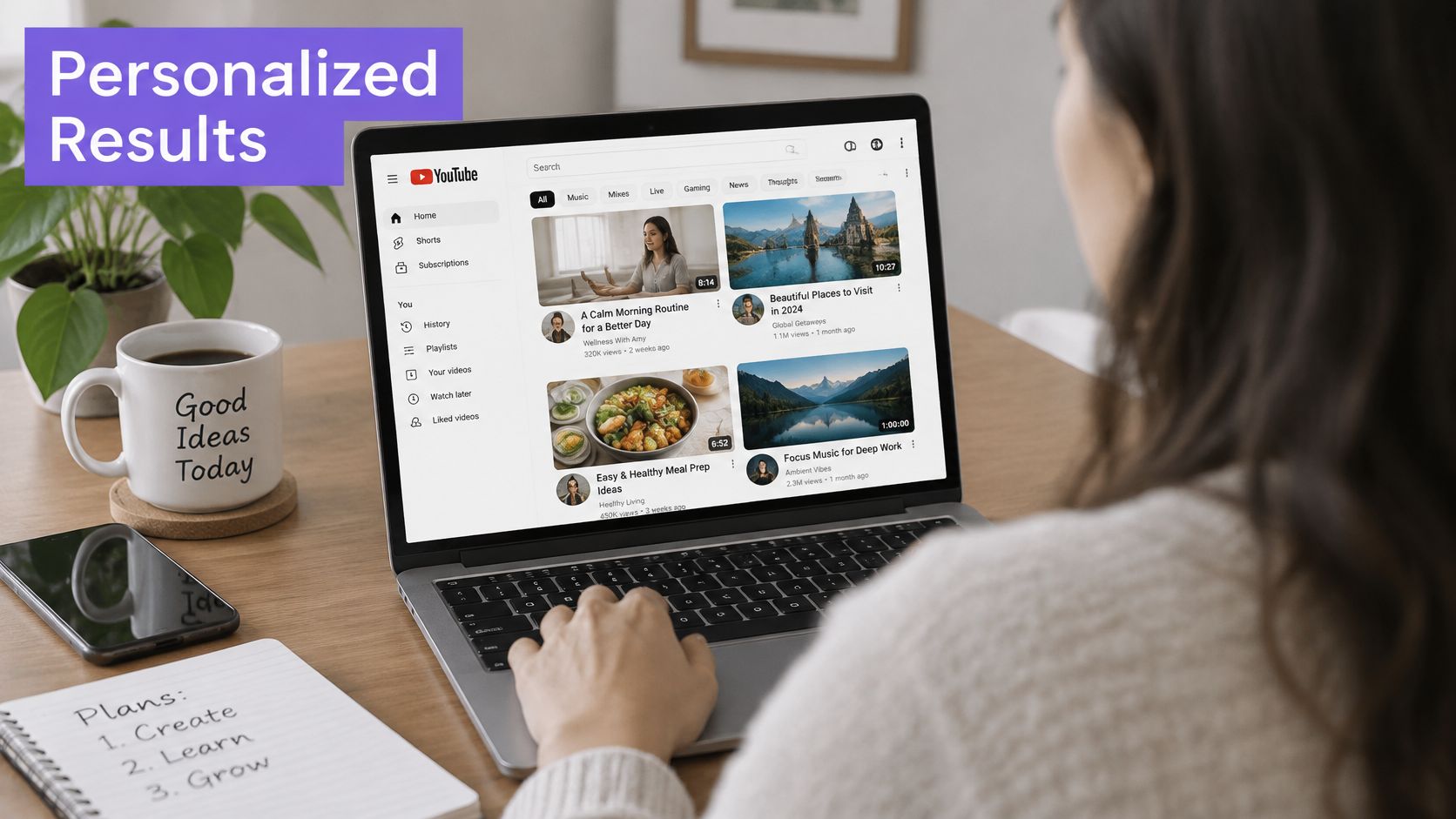
Radio offers a good comparison. The same song isn't played on every station, and forcing it onto the wrong one doesn't make it a hit. It makes listeners change the channel, which is exactly the signal you're trying to avoid.
Apply the same rule to clips and posts. A short should keep the original promise, not invent a hook that attracts people who'd never watch the long video. A smaller, sharper viewer problem beats a high-volume phrase your channel can't satisfy twice.
These three cases are illustrations of how the signals move, not official benchmarks. Each one isolates a single change and a single number to recheck after a week. That's deliberate. If you change the title, thumbnail, and opening at once, you'll never know what worked.
Say a home services owner publishes a video titled "Marketing Tips for Small Business" with a generic thumbnail that could belong to any niche. Impressions arrive, but almost nobody clicks, because the packaging doesn't match any specific search. The fix is a title that states the viewer's job, something like how to price a service page from the questions customers search, paired with a thumbnail that shows that outcome.
The metric that should move is CTR among people already seeing the impression. Don't judge this change by raw views. Views can rise or fall for reasons that have nothing to do with your new title, while CTR isolates whether the packaging now matches the query.
Say a teacher opens a tutorial with about 90 seconds of channel introduction, background, and housekeeping before reaching the lesson. Clicks are fine. Retention falls off a cliff in the first half minute. The fix is moving the promised answer inside the first 30 seconds and shifting the story and context to after the viewer has gotten value.
The metric that should move is the early retention curve, followed by average percentage viewed. Nothing about the topic changed. The click and the video finally match, so viewers who chose the video for that answer stop leaving before they reach it.
Say a podcaster uploads one strong interview clip that ranks for a specific query but earns almost no suggested traffic. There's nothing related for YouTube to recommend next, and no pattern of videos watched together. The fix is a three-video run on one viewer problem, where each episode answers the next logical question and points to the following one.
The metric that should move is suggested impressions to the same audience, not rankings for a brand-new unrelated keyword. You're giving the system a coherent sequence instead of an orphan. If you're cutting that run into short clips to promote it, you can find creative shorts inspiration for hooks and formats, as long as each clip keeps the original episode's promise intact.
Pick the example that matches your last upload. Ignore the other two until that one fix is live and measured.
Start with a decision, not a new upload. If your last video already has impressions, don't film a new topic yet. Low CTR means you rewrite the title and thumbnail. An early retention drop means you fix the first 30 seconds. Publishing something new on top of an unfixed problem just repeats it with a different title.
If the video isn't filmed yet, run a four-point fit test before you record.
Only then record. For the drafting work after filming, we built Taja's SEO Optimization feature to generate titles, descriptions, chapters, hashtags, and tags for a long-form video with one click, and Backlog Boost can re-optimize an older video's SEO with a single click to improve its discoverability. Next Video Idea generates multiple high-volume and low-competition keywords suited to your niche and channel when you need the follow-up topic.
Treat all of that as a drafting shortcut, not a ranking guarantee. None of it replaces watch time or viewer satisfaction. Run the fit test on your next video, or revive one stalled video using the diagnosis that matches its numbers. Do one of those today.
Stop guessing which fix your stalled video needs and let Taja AI handle the drafting while you handle the audience fit. Upload a video or paste a YouTube link and Taja generates scored titles, descriptions, chapters, hashtags, and tags in one click, plus ready-to-publish shorts and posts from the same recording. Visit Taja AI, run Backlog Boost on one underperforming video, and check its CTR and retention again in a week.


We are blessed to work with leading brands & Companies


We try to make easy and simple for every professionals. Get 30 days free trial - No credit card required.


© 2025 Taja AI. All rights reserved.