.jpeg)
Impressions Click Through Rate: What Good Looks Like
Learn what impressions click through rate means, how to calculate it, realistic benchmarks for YouTube, TikTok and Instagram, and how to improve it.
5 min read
October 30, 2026

Compare 10 video analytics tools by features, pricing tiers, and best use cases, from YouTube Studio to Wistia. Includes a checklist for choosing one.
Written by:


More measurement doesn't necessarily mean clearer answers. In a 2025 survey of more than 100 senior marketers, fragmented measurement frameworks and difficult budget allocation still hindered video strategy, according to the MMA State of Video report.
Creators face a smaller version of that problem. You check views, notice a video flattening after a few days, and still can't tell whether the thumbnail missed, the opening dragged, or the topic attracted the wrong audience. Adding another dashboard won't help unless it answers the question you're asking.
Video analytics tools do different jobs. Some diagnose videos on channels you manage. Others reveal public competitor trends. Business video platforms measure engagement on websites or inside sales workflows, where the useful outcome might be a booking rather than a subscriber.
The distinction matters because public competitor tools can't reveal another channel's private retention or actual revenue. Likewise, a website video dashboard won't explain your YouTube impressions. For organizations measuring participation or purchases, the practical challenge is to connect merch signals to program outcomes, not collect more engagement metrics.
Measurement job: Diagnose videos on a channel you own or manage.
YouTube Studio is the starting point I recommend before paying for another YouTube analytics product. Its first-party reports cover impressions, click-through rate, watch time, audience retention, traffic sources, and eligible revenue reporting.
Start with a question rather than the overview dashboard. If a video attracted impressions but few clicks, inspect the title, thumbnail, and audience context. If viewers clicked and then left quickly, compare the opening with the promise you made before they watched.
A retention dip identifies a moment worth reviewing, not the reason viewers left. Watch that passage yourself and check for a delayed answer, repeated explanation, abrupt topic change, or technical problem.
The main advantage is direct access to your channel's performance. The limitation is scope: Studio isn't a cross-platform reporting system, and it won't expose competitors' private analytics.
Pair the reports with these YouTube SEO best practices when improving discoverability. For a broader campaign perspective, Social Cloud's YouTube marketing guide provides complementary context, but neither optimization advice nor campaign planning replaces checking what your viewers watched.
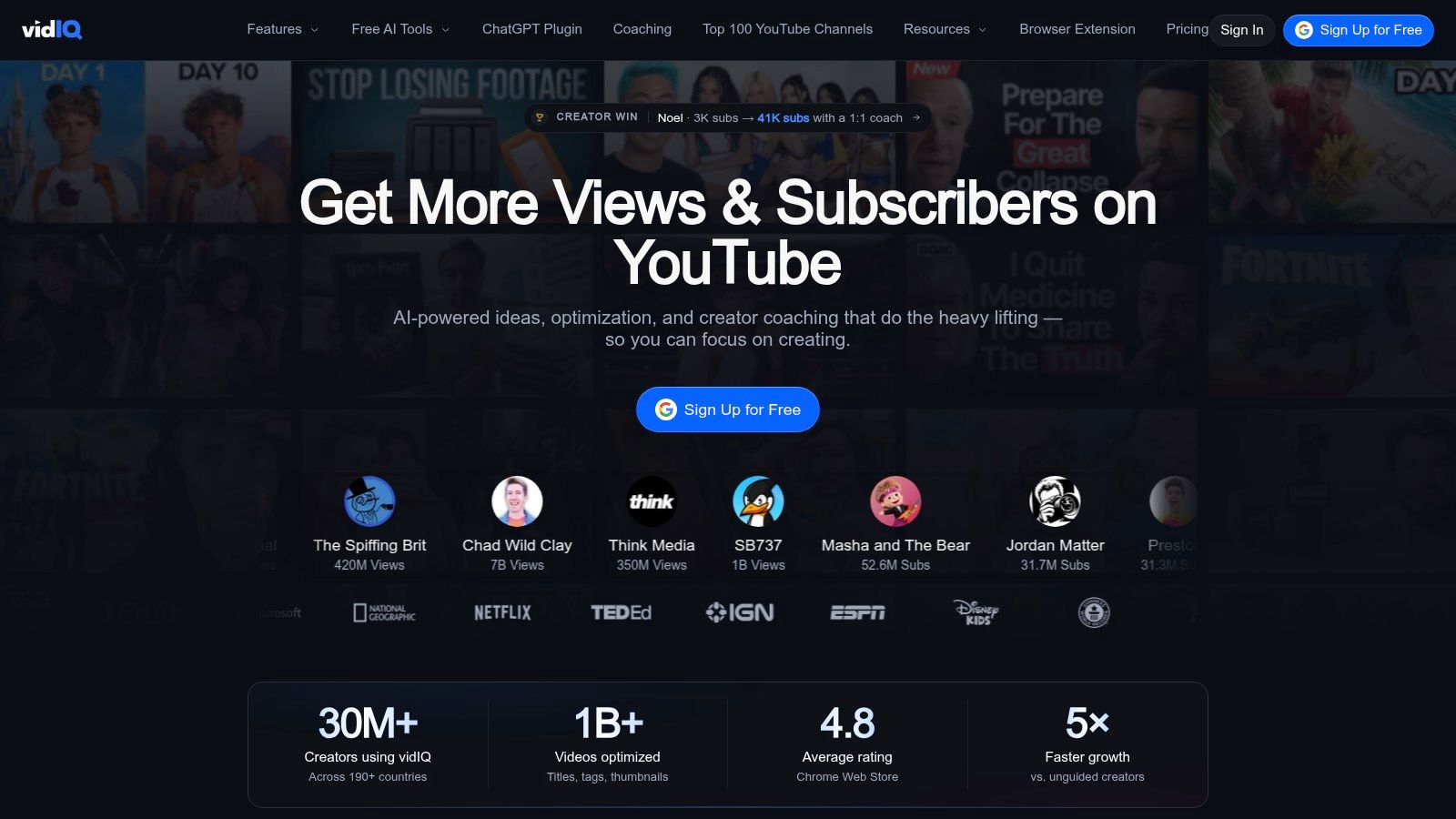
Measurement job: Turn YouTube research into future video ideas.
A local service business doesn't just need to know that its latest explainer underperformed. It needs a better topic for the next recording. vidIQ combines channel-performance signals with keyword research, competitor intelligence, optimization suggestions, and AI-assisted planning.
That makes it useful when you're moving from analysis into an editorial decision. You can investigate related searches, examine competing videos, and develop a topic hypothesis before writing the script.
A promising keyword isn't evidence that your specific video will attract viewers. The topic still needs a clear audience, a useful answer, and packaging that communicates why someone should choose your version.
Practical rule: Use a keyword score to decide what to investigate, not what you're guaranteed to rank for.
The free tier provides a way to explore the workflow, while paid capabilities suit creators who regularly use research and optimization features. Usage limits matter if you're researching heavily or managing several channels, so compare the actual features available on the plan you're considering.
vidIQ's trade-off is focus. It's more relevant to YouTube planning than website engagement or sales attribution. It also can't reveal another creator's private retention curve or verified revenue.
I'd choose it when the recurring problem is what to publish next. If you already have a strong topic backlog and mainly need to understand why viewers leave, spend more time in YouTube Studio before adding another subscription.
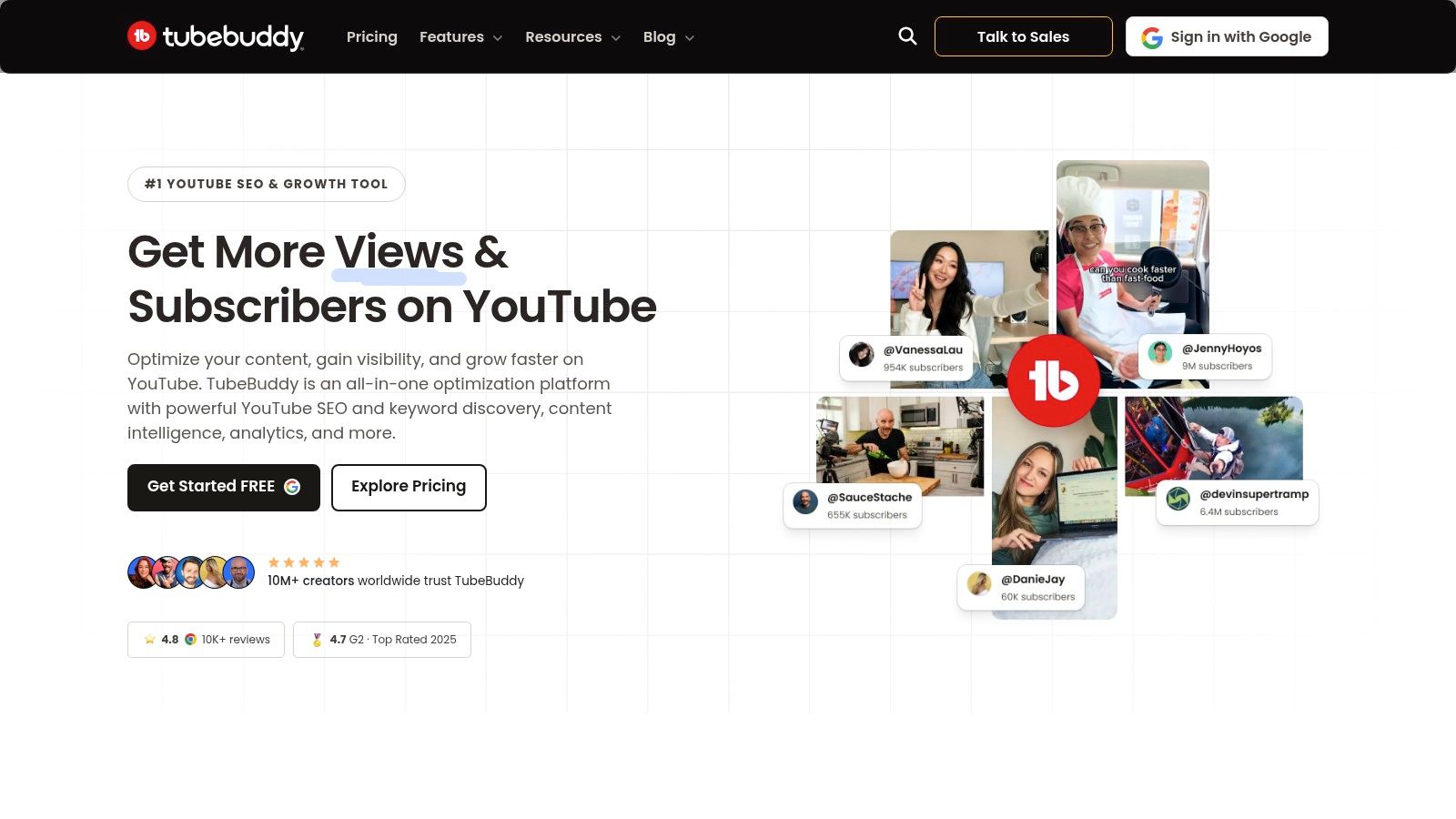
Measurement job: Combine YouTube optimization with channel maintenance.
TubeBuddy makes sense when analytics sits beside a practical backlog of channel work. Its browser-extension workflow combines search optimization, rank tracking, channel-management tools, and plan-dependent testing capabilities.
The distinction from a research-first tool is operational. You might identify a packaging problem, update metadata across relevant videos, and manage those changes alongside your usual YouTube workflow.
A better-looking score doesn't prove that you attracted the right viewers. A title can include the intended search term and still communicate the value poorly.
For an educator, a useful test might compare a topic-led title with a problem-led title while keeping the lesson itself consistent. Record what changed and avoid revising every variable at once, or you won't know which change mattered.
TubeBuddy offers a free entry point, but advanced analytics and testing depend on the paid feature set. Its other cost is attention: you're adding another interface and another set of recommendations.
Choose it if execution and channel upkeep are slowing you down. Don't choose it to measure website conversions, consolidate every social network, or uncover competitors' private performance.
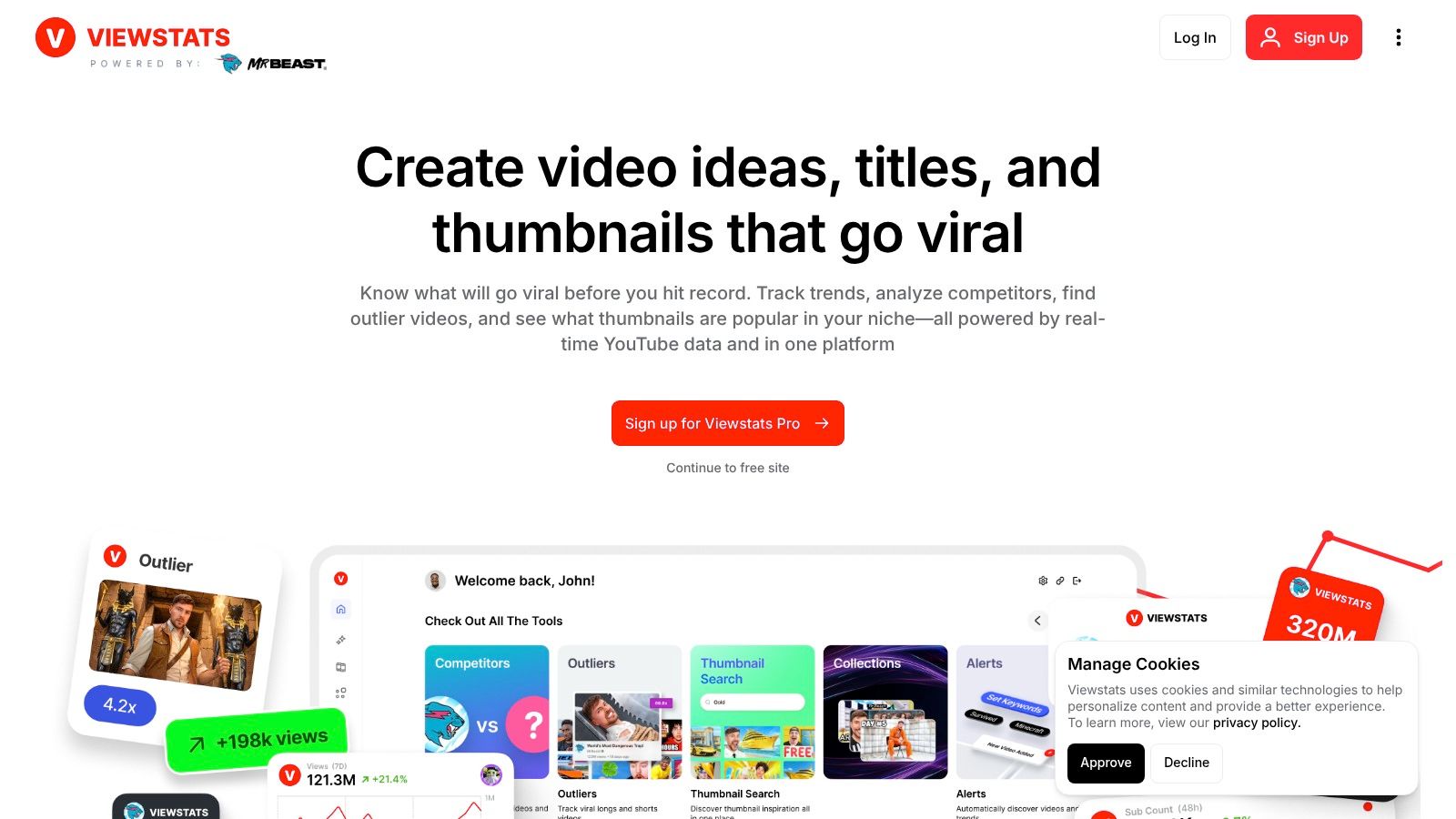
Measurement job: Find public YouTube videos worth studying.
An unusually successful video on a modest channel can be a more useful research lead than another hit from a large publisher. Viewstats focuses on that kind of discovery through outlier research, competitor tracking, thumbnail search, and collections.
The useful comparison is relative performance. A video that substantially exceeds a channel's usual results deserves examination because the topic, packaging, distribution, or timing may differ from its normal output.
Say you publish property walkthroughs and notice an outlier about hidden maintenance costs. The useful lesson might be that buyers want help avoiding expensive mistakes, not that you should copy the thumbnail's colors.
Inspect the promise, opening, structure, and audience problem together. Then develop an original video that serves your own market.
Public success doesn't explain private viewer behavior. Viewstats can't show another channel's audience-retention graph, internal traffic-source breakdown, or actual revenue.
Subscription features and credit allowances also affect how much research you can perform. Check those limits against your normal workflow rather than choosing on the size of the feature list.
I'd use Viewstats for focused competitive research, then validate any resulting idea against the audience and performance patterns in my own channel.
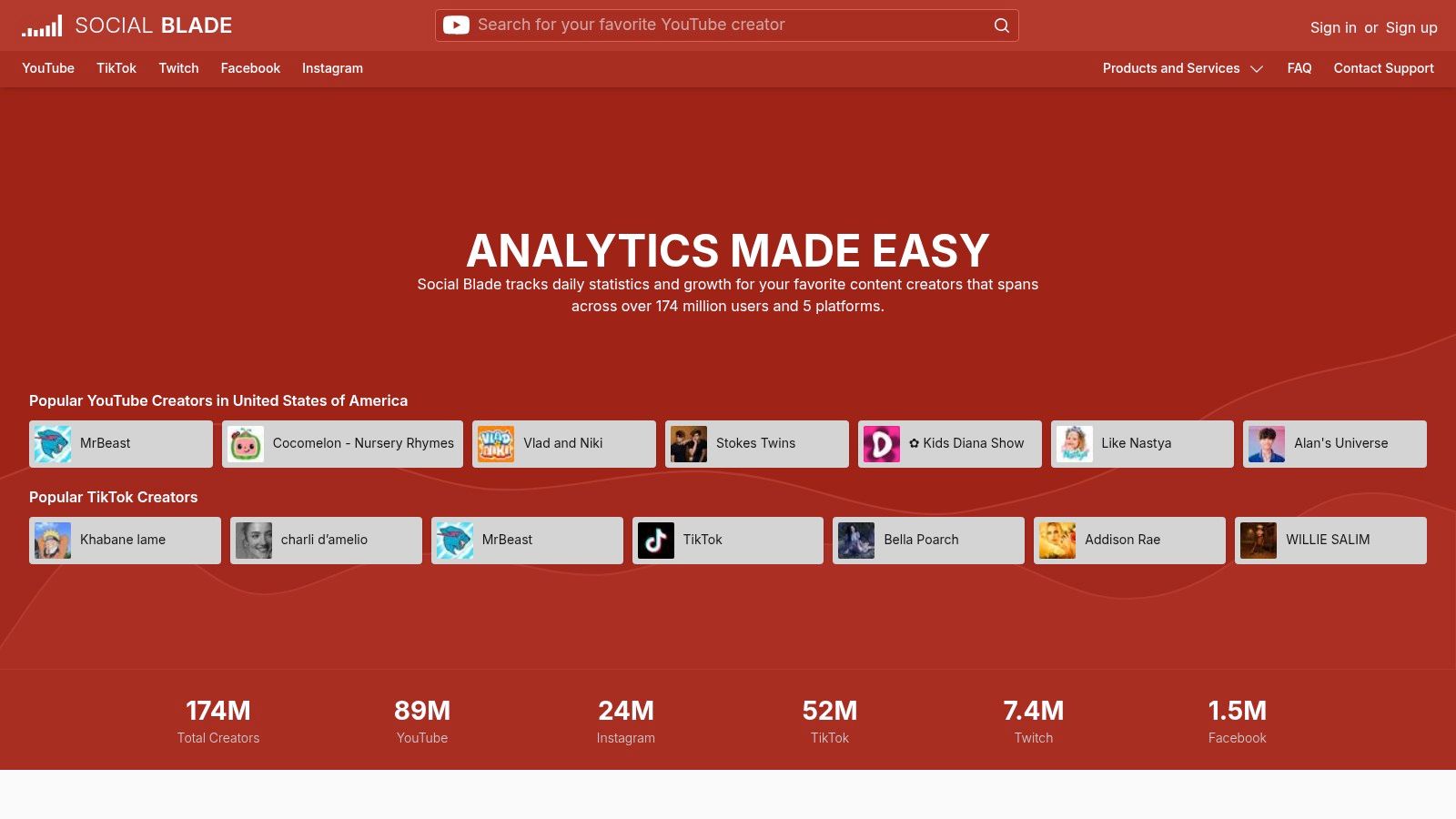
Measurement job: Check public creator growth across platforms.
Social Blade is useful for a quick public-profile check. Its coverage includes platforms such as YouTube, TikTok, Instagram, Twitch, and Facebook, with historical growth information, rankings, and public statistics.
That breadth makes it helpful when you need orientation rather than diagnosis. A social manager can investigate whether a potential partner has an established growth pattern, then decide whether a closer content review is worthwhile.
Estimated earnings are not a creator's accounts. Don't use them as verified revenue in a partnership proposal.
Public estimates can differ from platform-reported figures, and update frequency varies by profile and platform. A visible growth change is a prompt to investigate, not proof of a particular cause.
Social Blade won't tell you which sentence lost viewers or whether an audience converted into customers. It also won't establish that subscriber growth came from a particular thumbnail, upload schedule, or collaboration.
Its free public lookups are convenient for occasional research. Paid API and business-reporting options become more relevant when you need to collect public information systematically rather than inspect profiles individually.
For YouTube decisions, combine those broad trends with an understanding of YouTube ranking factors. Then inspect the videos themselves.
Best fit: preliminary competitor research, partner screening, and high-level growth comparisons. If your actual question is why your latest video stalled, Social Blade is the wrong primary tool, even if its charts are easier to scan than a detailed retention report.
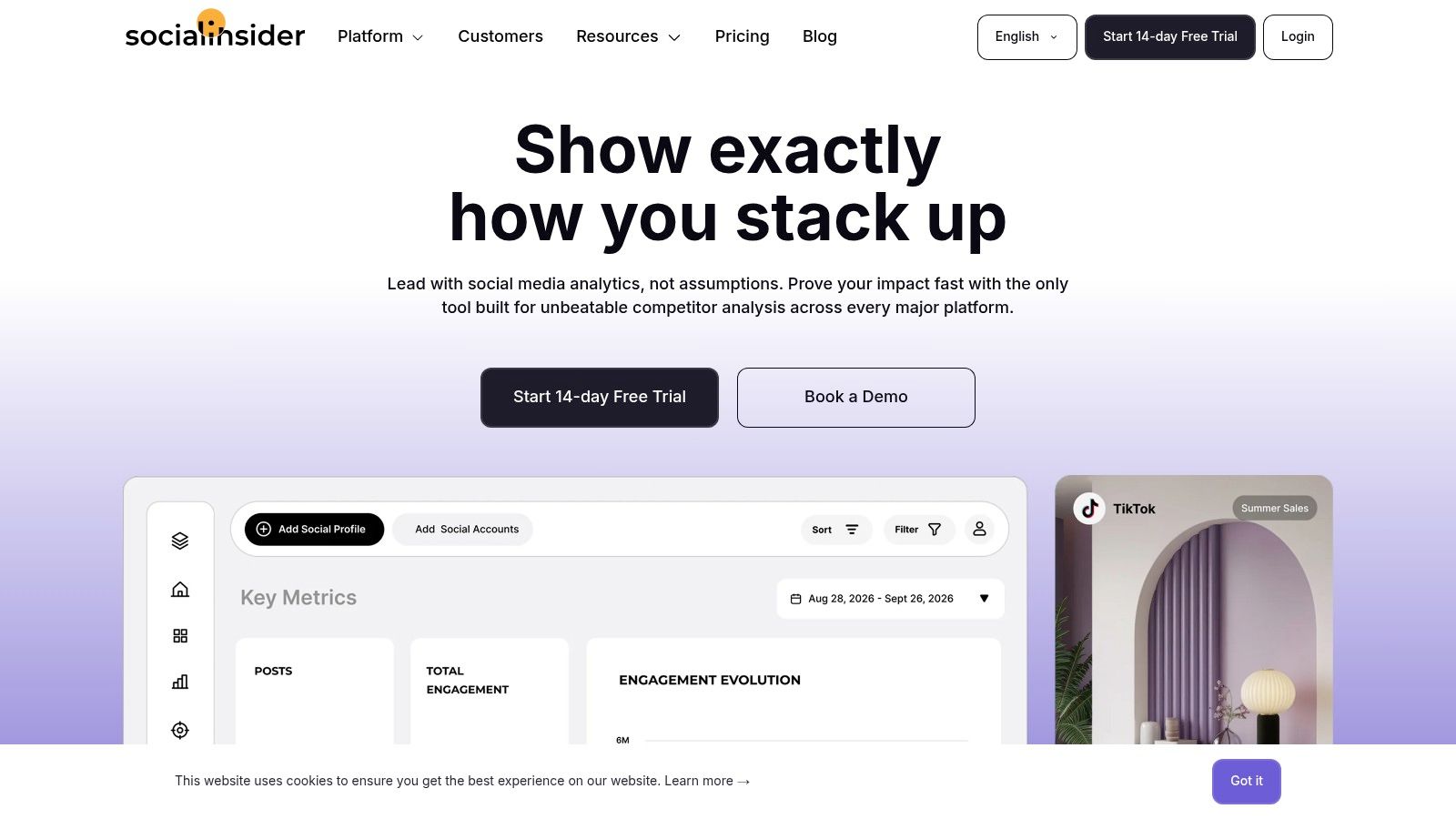
Measurement job: Benchmark social content and report across networks.
A marketing team needs a different reporting workflow from a solo YouTuber. Socialinsider combines social analytics, YouTube and Shorts reporting, public competitor benchmarking, and cross-platform comparisons.
Its value is less about discovering an isolated keyword and more about organizing repeatable analysis. You can examine content themes, compare public activity, and prepare reports without rebuilding the same presentation from separate platform dashboards.
Compare similar formats and goals. A short awareness clip and a detailed product demonstration shouldn't be judged as though they serve the same purpose.
The trade-off is cost and complexity relative to basic creator tools. A broader reporting platform is difficult to justify if you only need to review your own YouTube uploads.
Competitor reporting also has a firm boundary. Public engagement can support benchmarking, but it doesn't reveal competitors' retention, qualified leads, or sales.
I'd choose Socialinsider when someone has to explain social performance to a team or client. The strongest report should end with an editorial decision, such as expanding a useful tutorial series or retiring a weak format, rather than a collection of charts that leaves everyone unsure what happens next.
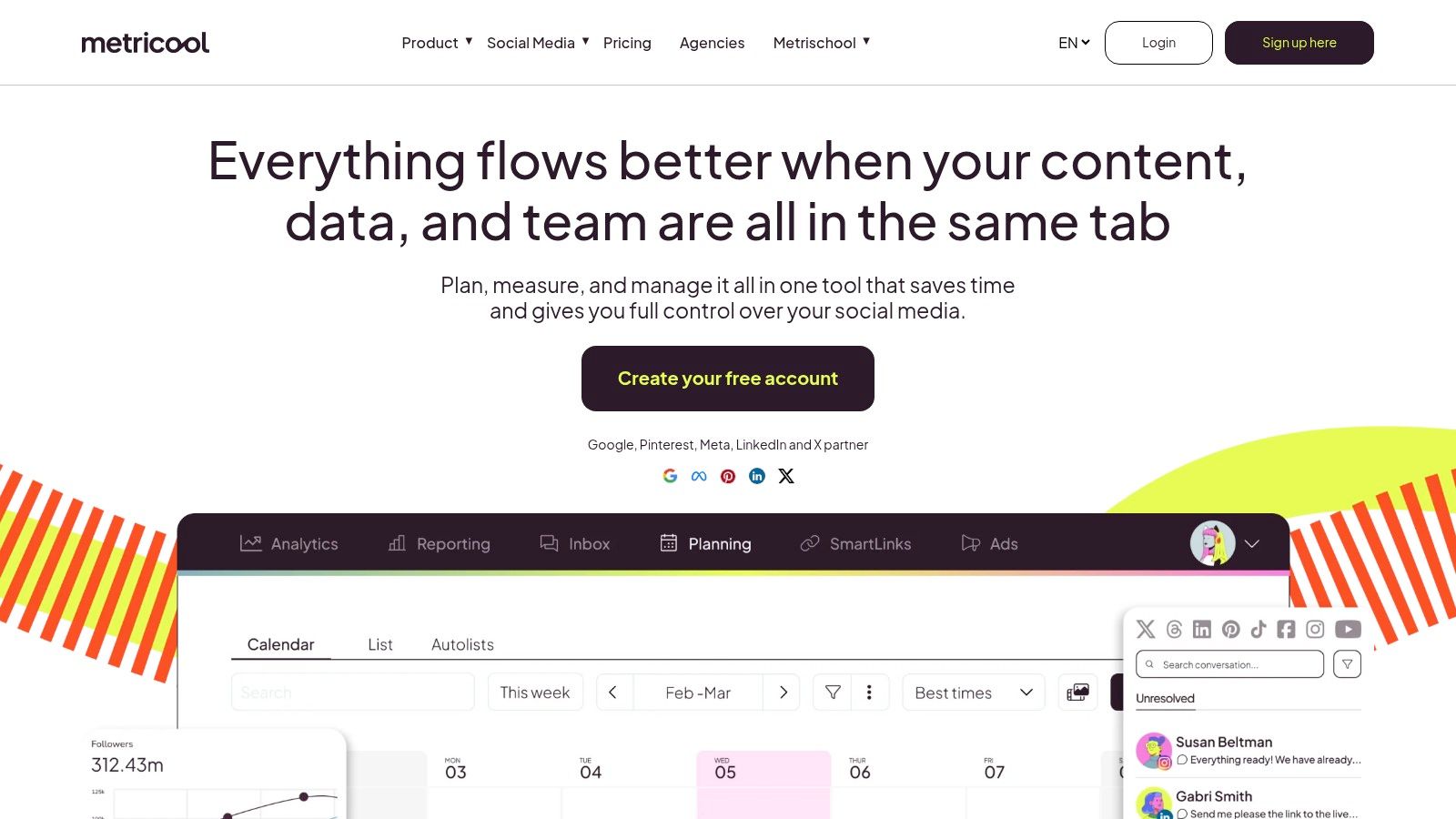
Measurement job: Keep publishing and social reporting together.
Metricool suits small teams that want to plan, schedule, and measure content in the same platform. It supports analytics for connected networks, including YouTube and TikTok, alongside publishing and plan-dependent reporting features.
For a congregation, podcast, or local business repurposing recordings, that combination can be more useful than another specialist research tool. The person scheduling clips can review results without maintaining a separate reporting process.
Cross-platform reporting doesn't make every metric equivalent. Networks expose different information through their APIs, and the available detail also depends on your plan.
A useful workflow is to compare each platform against its own goals, then summarize the business decision across channels. Don't assume that similarly named engagement metrics represent identical viewer behavior.
Metricool offers a free plan, which makes it approachable for evaluating the workflow before expanding access. Its limitation is specialization: it isn't a replacement for deep YouTube diagnosis or website video engagement analysis.
I'd prioritize it when switching between publishing and reporting tools is the main bottleneck. If the bottleneck is weak storytelling, a consolidated dashboard won't solve that on its own.
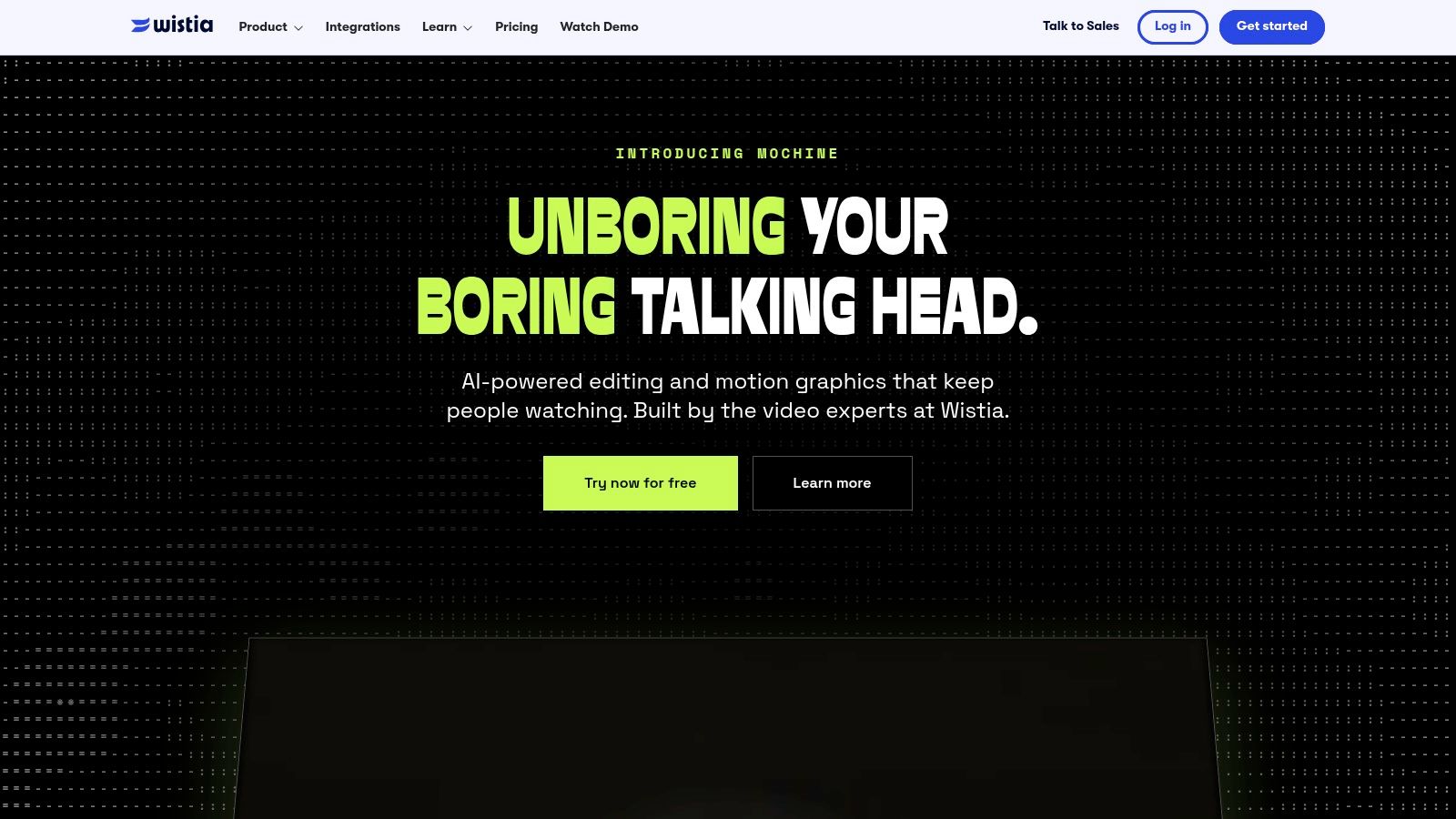
Measurement job: Understand engagement with videos on your website.
A landing-page visitor who starts a demonstration presents a different measurement problem from a YouTube subscriber. Wistia combines business video hosting with per-video engagement, embed reporting, referral information, and marketing integrations.
That makes it relevant when the video supports a website action. A service business might examine whether visitors reach the explanation of its process before deciding where to place a booking prompt.
Viewing behavior doesn't establish lead quality or revenue on its own. Connect the video workflow to a form submission, registration, booking, or another conversion event, and document what your setup can attribute.
Captions deserve attention too. According to CMS Critic's coverage of Wistia's 2025 State of Video report, caption use increased 572% since 2021. Adoption alone doesn't establish that captions are accurate or useful.
Wistia's limitations are straightforward. Advanced capabilities depend on subscription and setup, and it isn't designed to investigate public YouTube competitors.
Compare it with other video marketing tools based on your distribution model. Dedicated hosting makes sense when website video is central to your marketing, but it may add unnecessary complexity when you publish exclusively on social platforms.
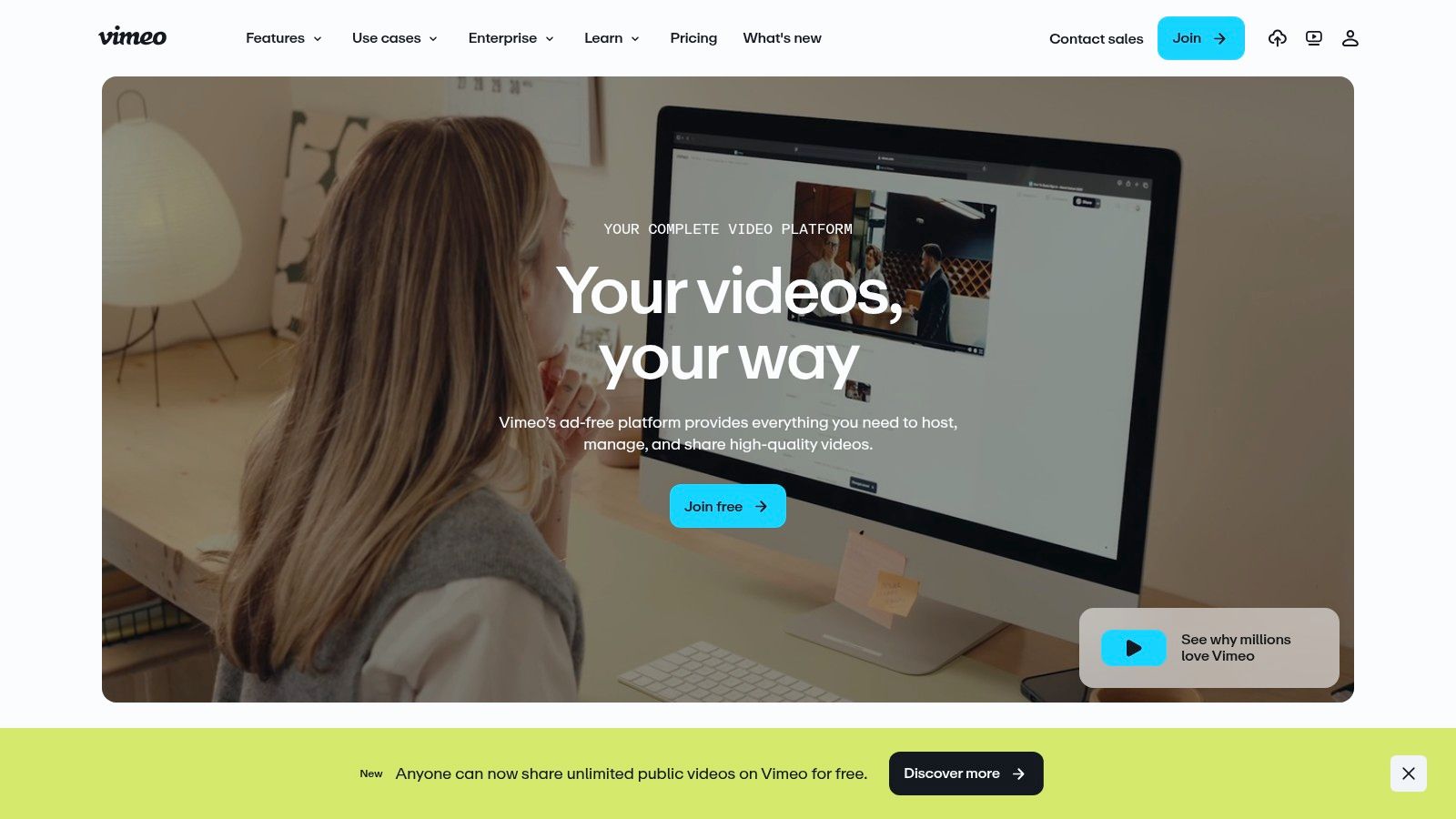
Measurement job: Combine controlled video hosting with engagement reporting.
Choose Vimeo when the delivery environment matters alongside the analytics. Its ad-free playback and player customization suit professional presentations, embedded lessons, courses, and events.
The analytics depth depends on membership. Video-level reporting is the starting point, while more detailed geographic, device, source, export, interaction, and event capabilities require an eligible plan.
An educator might want to know whether learners reach the worked example in a lesson. A business might care about completion of an onboarding video or engagement with an event recording.
Test those questions in the player and embedding setup you'll use. Third-party player integrations may provide less complete engagement information, so a dashboard demonstration isn't enough to confirm your production workflow.
Buying advice: Evaluate hosting and analytics together. A suitable player with usable reporting can be more valuable than a richer dashboard attached to the wrong delivery setup.
Vimeo is attractive when you want professional sharing without relying on a public social feed. It's less suitable when your primary question concerns YouTube discovery, competitor growth, or sales-representative follow-up.
The main trade-off is paying for the level of detail your team needs. Before upgrading, identify the report that would change an actual decision and verify that your intended plan includes it.
Best fit: businesses and educators who need controlled hosting first and useful engagement reporting alongside it. Keep native social analytics for videos distributed on those networks rather than expecting Vimeo to explain performance everywhere.
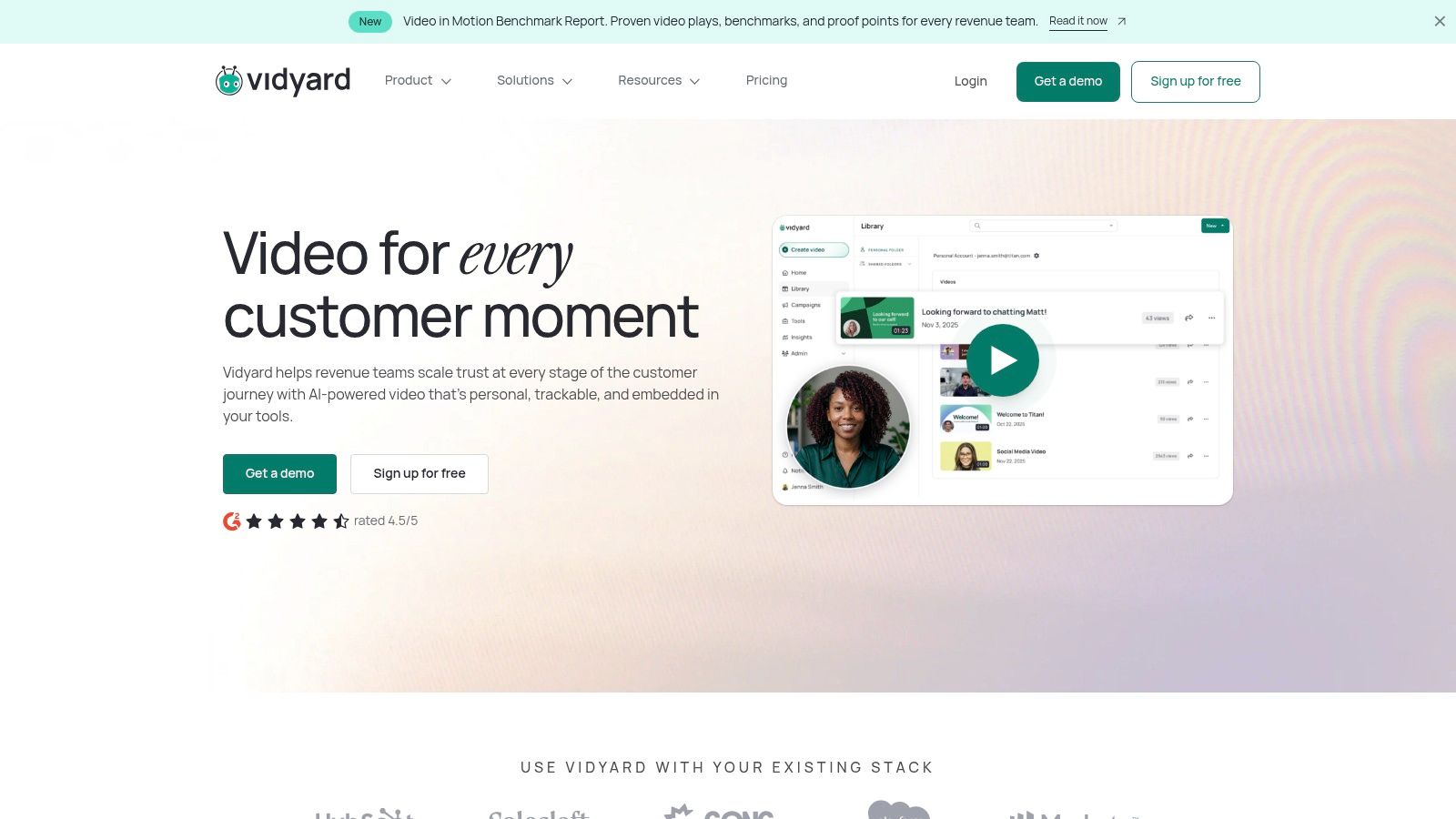
Measurement job: Use video engagement to support sales follow-up.
Vidyard is closer to a sales communication platform than a creator-growth dashboard. Its video messaging, view notifications, engagement reporting, and eligible CRM integrations support outreach and follow-up.
For a real estate professional sending a property explanation, the useful question might be whether a prospect watched before the next conversation. That's different from optimizing a public channel for discovery.
A view notification can help prioritize outreach. It doesn't prove purchase intent, identify every viewer with certainty, or establish that the video caused a deal to close.
Keep the follow-up helpful rather than intrusive. Use engagement information to offer clarification or relevant next steps, not to recite someone's viewing behavior back to them.
Vidyard offers a free entry point, while advanced analytics and integrations require higher-tier capabilities. Some business purchasing is sales-led, so compare the complete workflow rather than assuming every advertised feature is included.
I'd choose Vidyard when video is part of a sales conversation. I wouldn't choose it for public competitor research, YouTube topic discovery, or diagnosing the retention curve of an organically distributed channel video.
| Item | Free Option | Best For | Pricing Model | Key Limitation |
|---|---|---|---|---|
| YouTube Studio | Free with a YouTube channel | Measuring performance on channels you own or manage | Free | Focuses on YouTube and owned or managed channels |
| vidIQ | Free tier with limited tools | YouTube research, keyword discovery, and content planning | Free and paid plans; enterprise options available | Free-plan usage is limited, and recommendations do not guarantee views |
| TubeBuddy | Free plan; trial route for paid features | YouTube analytics combined with optimization and channel management | Free and paid plans | Advanced analytics and testing require a paid plan |
| Viewstats | Public channel and video research tools; free access not specified | Discovering breakout videos and researching competitors | Subscription plans, including business options; pricing varies | Public data does not include private retention or revenue |
| Social Blade | Free public profile lookups | Quick, high-level growth checks across platforms | Free lookups; paid API and business options | Estimates may differ from actual platform data |
| Socialinsider | 14-day free trial | Teams benchmarking competitors across social platforms | Paid plans with a free trial | Competitor data is not private first-party analytics |
| Metricool | Free plan | Small businesses and social managers coordinating content across platforms | Free and paid plans | Not designed for deep YouTube retention analysis |
| Wistia | No free option specified | Businesses measuring video engagement on websites and marketing pages | Subscription plans | May be unnecessary for social-only video use |
| Vimeo | No free option specified | Businesses hosting and measuring videos, courses, or events | Membership plans; detailed analytics require an eligible paid plan | Does not replace native social-platform analytics |
| Vidyard | Free plan | Sales teams measuring engagement with business videos | Free and paid plans; some business pricing is sales-led | Primarily built for business communication, not social growth |
Choose two tools that match the same measurement job, then run each against the same three videos for two weeks. That's a practical evaluation window, not a promise that your content will accumulate enough new activity to prove a performance improvement.
For your own YouTube channel, compare how quickly each workflow helps you locate retention drops, separate traffic sources, and identify a plausible next action. For public competitor research, judge the quality of the ideas you uncover instead, because those tools can't supply private retention data.
Use a short document rather than creating another elaborate dashboard. Record the question, the relevant report, the interpretation, and the change you'll make.
For website and sales video, retention and traffic sources may not be the only deciding factors. Test whether you can connect viewing activity to a useful next step, such as a registration or qualified inquiry, without claiming more attribution certainty than your setup provides.
Analytics pays off when it changes what you publish next. A useful finding might lead you to shorten an introduction, move a demonstration earlier, choose a clearer topic, or revive an older recording. More charts aren't an outcome.
Creators who want analysis tied directly to production can also consider Taja AI. We provide in-depth video performance analysis with real-time improvement tips, and our clipping tools use signals such as emotional tone, pace, punchlines, and retention spikes to help select moments.
Our Backlog Boost can repurpose older videos into shorts, clips, and text outputs. Optimized and repurposed content is ready on the dashboard about 30 minutes after a video is added to the playlist, rather than automatically being published at that point.
Choose the smallest setup that reliably moves you from question to evidence to production decision. Keep a specialist tool only when it answers something your existing workflow can't.
Taja AI connects video performance analysis and real-time improvement tips with clipping, optimization, and backlog repurposing. Visit Taja AI to turn a recording into publishable assets and put your next analytics-driven content decision into production.


We are blessed to work with leading brands & Companies


We try to make easy and simple for every professionals. Get 30 days free trial - No credit card required.


© 2025 Taja AI. All rights reserved.