.jpeg)
7 Closed Caption Fails That Cost Viewers and Lawsuits
Seven real closed caption fails, from Netflix and edX lawsuits to garbled auto-captions, plus before/after fixes and quick quality checks.
5 min read
October 28, 2026

Learn how to make an announcement for a product, business update or event, with templates, clip repurposing, scheduling and CTA tips.
Written by:


You've got news ready to go. The product's built, the date's set, or the price is changing, and now you need people to read it, understand it, and act. Most announcements fail before they're sent because the news is buried under vague language. To make an announcement that works, write one approved core message first, then derive your headline, clip, caption, email, and FAQ from it so every channel says the same true thing.
A vague headline sinks most launches. "Exciting update from our team" tells readers nothing, so they skip it. Put the fact in the headline, the reason it matters in the second sentence, and the action in the third. If the news isn't clear from the headline alone, rewrite it.
A product launch needs the product name, the one benefit that matters most, the price or availability date, and who it's for. A business update needs what changes, what stays the same, the effective date, and where to ask questions. An event needs the date, time zone, location or link, cost, and capacity. A price or policy change needs extra care because readers will look for the catch, so state the old and new terms plainly.
For a deeper walkthrough of launch structure and sequencing, the SubmitMySaas guide to launch announcements breaks down how SaaS teams frame that first release.
| Type | Headline formula | Must include | Primary CTA |
|---|---|---|---|
| Product launch | [Product] is here: [main benefit] | Price or availability date, target user | Start free trial |
| Business update | [Company] changes [what] on [date] | What changes, what stays, effective date | Read the FAQ |
| Event | [Event] on [date] in [place] | Date, time zone, location or link, cost, capacity | Save your seat |
| Price or policy change | [Product] pricing changes from [date] | Old and new price, who is affected, grace period | Check your plan |
Read only the headline and first line to a colleague. If they can't tell you what happens next, the template isn't finished.
That test takes ten seconds and catches most problems. It's cheaper than fixing confusion after you've posted in five places.
Write the long version once, get it approved, then cut everything else from it. Don't draft the LinkedIn post, the email, and the video script separately. That's how dates and prices drift apart.
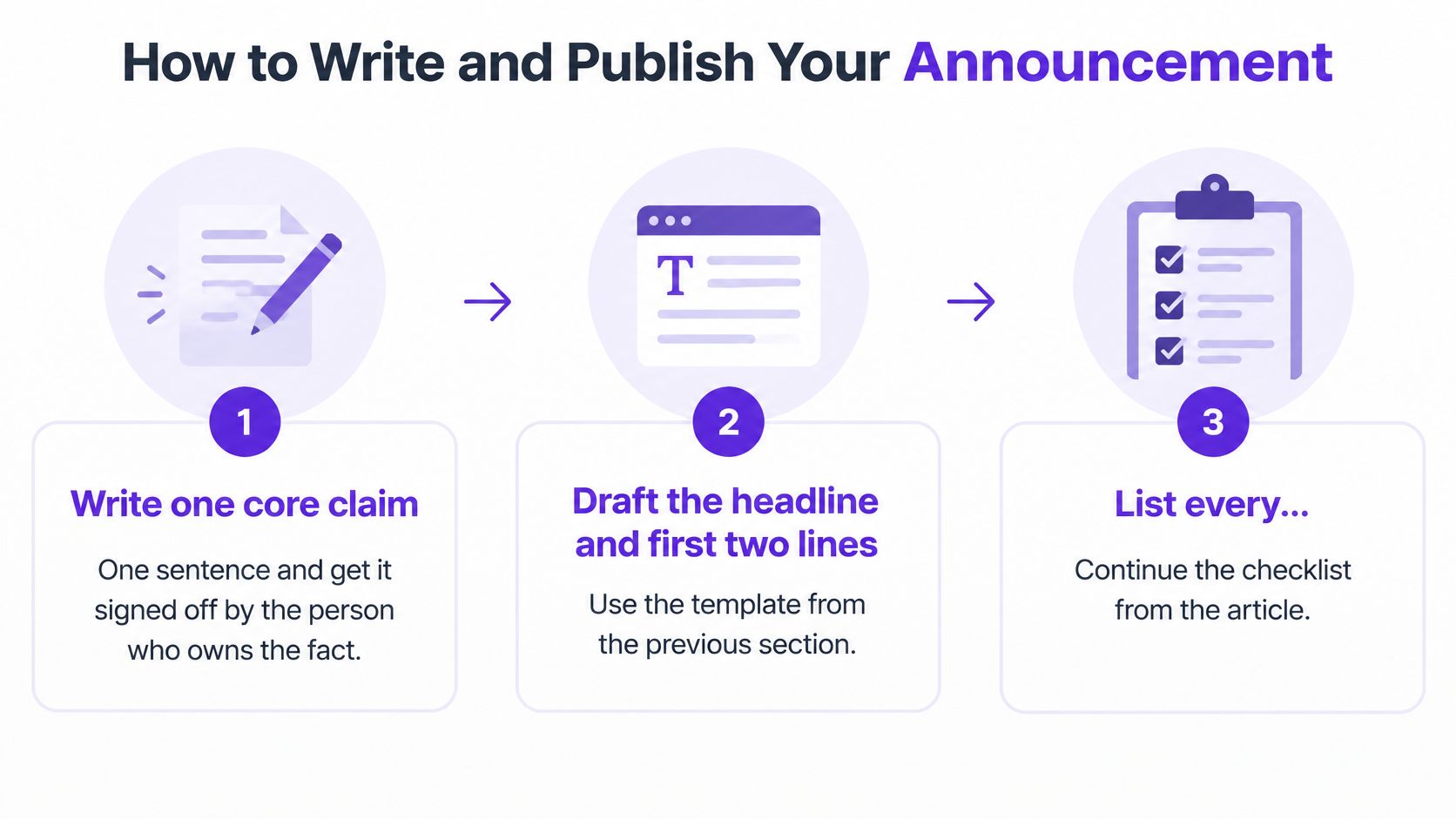
Write one core claim in one sentence. Get it signed off by the person who owns the fact, not the person who writes the fastest. Every other asset inherits this sentence.
Draft the headline and first two lines. Fact first, reason second. If you can't fit the claim up top, the claim is too complicated.
List every question a reader might ask. Answer each one in a short FAQ. Price, date, eligibility, refunds, what happens to existing customers. Write the answers now so support isn't inventing them later.
Write the call to action as "Do X by Y." "Save your seat by Friday" gets more responses than "Learn more" because it names the action and the deadline.
Confirm operational readiness. Check support replies, product availability, tracking links, and a named spokesperson. The common slip is sending before support knows the answer.
Adapt the core text to each channel. Keep the same date, price, and claim everywhere. Changing a date in one channel only is the error readers screenshot.
Publish the long version first. Put it on your website or in your newsletter, then release short versions that point back to it. You need one canonical page to correct if something's wrong.
Check replies and clicks after 24 hours. Fix any wrong detail with a dated correction on that same page. Don't edit and hope nobody noticed.
Use short sentences. One idea each. Cut internal acronyms and idioms that won't translate, because your announcement will be read by people outside your team and often outside your first language. Canada's first national plain-language standard, published in 2025, says effective communication should let people find, understand, and use information, while reducing misunderstandings, follow-up questions, and mistakes.
Translation alone doesn't fix a dense source text. If the original is full of jargon, the translated version will be too. I would simplify the English first, then translate, then check that each version keeps the same date and claim, not just similar words. Ask a reader in that language what action they'd take after reading it. If their answer differs from your CTA, the wording needs work, however accurate the translation looks.
Add captions and transcripts at this stage, not as an afterthought once the video is live. Plan alt text for images and a reading level a busy customer can handle in one pass. That's not polish. It's how people with different needs get the same news at the same time.
Start with one source recording. Record your spokesperson for 2 to 4 minutes saying the core claim, why it matters, and what to do next. If you don't have a spokesperson on camera, read the approved announcement text aloud. You don't need a studio. You need clean audio and the exact approved wording.
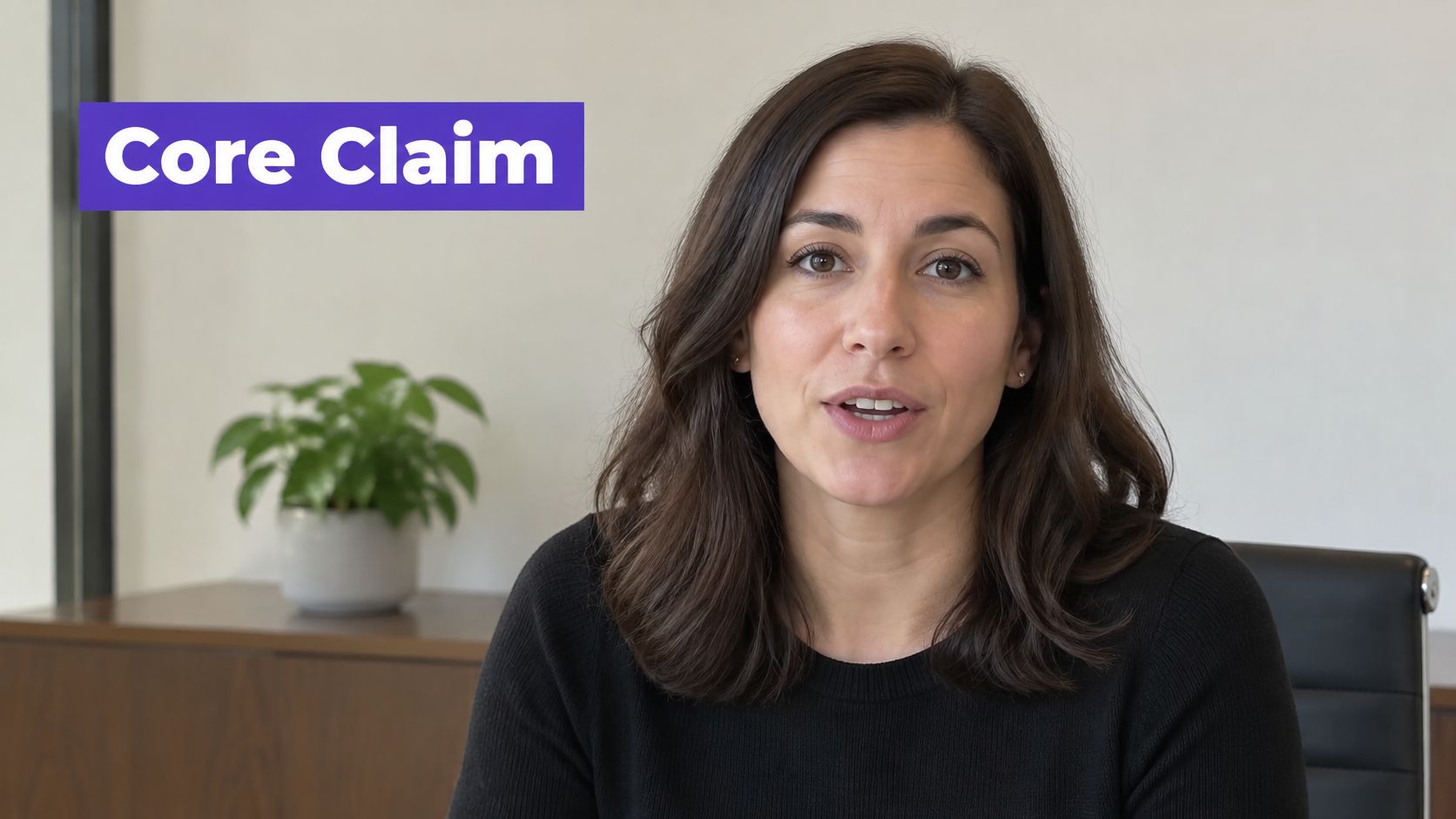
Pick three moments from that recording. First, the claim itself. Second, the reason it matters to the viewer. Third, the action with its deadline. Cut each to 15 to 45 seconds, format it vertically at 9:16, and burn in captions because many viewers watch without sound.
Write a text version of each clip as a caption or post. Some platforms crop or compress video, and some readers won't press play at all. The claim should survive without the video.
Tools that repurpose long recordings can speed up the cutting and captioning. Taja AI, for example, turns a long-form video into shorts, captions, and platform-specific posts from one upload, which you then check against your approved text before publishing. Whatever you use, the workflow for creating short-form video from longer recordings follows the same logic, one source, several checked derivatives.
Practical rule: Compare every clip word for word against the approved core text before it posts.
Clips introduce a failure mode text doesn't have. A tight edit can remove a qualifier like "for new accounts only" or cut a disclosure that was in the full video. The clip then promises more than the announcement does. Keep a folder of every version with clear file names and dates, so if you issue a correction you can find and fix every derivative the same day instead of hunting through scheduled posts.
Your announcement is approved, but the post is scheduled for a time when your audience rarely checks that channel. Choose a starting window, then compare results against your own audience's activity. Timing can help a clear message get noticed; it cannot fix a vague headline.
Schedule the same core message in at least two windows. Compare reach, qualified clicks, replies, and conversions over a fixed 24 to 72 hour period. Impressions alone can flatter a post that brings no one to a measurable next step.
For LinkedIn, use posting times for LinkedIn creators as one reference, then compare those suggestions with your own results. Keep the approved message consistent as you test timing. Automating a social media posting schedule can help keep test windows consistent when you publish across several platforms.
| Channel | Clip or post length | CTA placement |
|---|---|---|
| 1–3 short paragraphs | First line and last line | |
| Instagram Reels | 15–45 seconds | On-screen text plus caption |
| TikTok | 15–45 seconds | Spoken at 3 seconds and in caption |
| YouTube Shorts | 15–45 seconds | Pinned comment and description |
| Email newsletter | Subject plus 3 lines | Button above the fold |
Publish the full announcement first, then schedule clips 12 to 24 hours later so each channel has its own first day. Put the CTA in the post's first line and repeat it at the end of each video. Keep the headline, caption, email, and FAQ derived from the same approved core message, so changing the format never changes the claim.
Most announcement problems aren't writing problems. They're checking problems. A team approves the main post, then a clip, caption, or creator share goes out with a missing disclosure, a wrong date, or a claim nobody verified. Run these checks as launch requirements, not optional edits.
Start with an inventory of every paid, gifted, employment, family, or affiliate relationship behind any quote, testimonial, or creator post. The U.S. Federal Trade Commission guides on endorsements and testimonials say endorsements must reflect the endorser's honest opinions, findings, beliefs, or experience, and that an unexpected relationship that could materially affect credibility must be disclosed clearly and conspicuously. The disclosure belongs with the endorsement itself, including in the video, not only on a profile page, behind a "more" click, or solely in a description.
Repurpose the approved disclosure into every derivative asset. Shortening a video is exactly when context gets lost.
Confirm every video has captions and a transcript, and every image has alt text. If you're adding captions late in the process, adding accurate captions to your videos is a step to finish before scheduling, not after complaints arrive. Read the announcement once, quickly, and check you can name the main action without rereading. If you can't, your audience can't either.
Name two people before you publish. The approver signs off the fact. The spokesperson answers questions publicly. If one person holds both roles, say so in writing so there's no gap when replies start.
Go only if the headline states the fact, the date and CTA match in every version, support can answer the first three likely questions, and every clip carries captions and the approved disclosure.
If any check fails, delay 24 hours rather than publishing a partial version. A day's delay costs little. A wrong date in a shared clip costs you corrections across every platform. I would rather explain a short delay internally than explain a public correction to customers.
Archive each approval with its supporting data, screenshots of final posts, and the disclosure wording you used. Set a 24 hour review point to read replies, fix any wrong detail with a dated correction, and note what worked. That note becomes the starting point for your next announcement, so you stop relearning the same lessons.
Turn your next announcement recording into checked clips, captions, posts, and emails from one upload with Taja AI, so every channel carries the same claim, date, and call to action. Start free, publish your core message first, and schedule the derivatives once they've passed your go or no-go checks.


We are blessed to work with leading brands & Companies


We try to make easy and simple for every professionals. Get 30 days free trial - No credit card required.


© 2025 Taja AI. All rights reserved.