.jpeg)

How to Flip Video: Mirror and Rotate Quickly
Learn how to flip video in popular editors and mobile apps. Step-by-step guide to horizontal mirrors and vertical flips with quality and privacy tips.
5 min read
October 9, 2026

Compare 10 tools for video marketing in 2026, with use cases, pros, cons, pricing cues, and workflow tips for creating and distributing video.
Written by:


Video marketing rarely breaks because a team lacks creativity. It breaks because planning, editing, captioning, repurposing, publishing, and measurement happen in disconnected tools. A creator finishes a long-form recording, exports it to an editor, sends clips to a captioning app, downloads assets for a scheduler, then checks performance in several dashboards. The work gets repeated until consistency becomes harder than creation.
The strongest tools for video marketing remove a specific bottleneck. Your best choice depends on the content format, team size, destination channels, creative control, and how much automation you can safely trust. A YouTube educator needs a different starting point from a real estate team producing daily vertical clips, while an enterprise marketing department may prioritize approvals and reporting over speed.
This comparison organizes the stack by job to be done, from planning and production to repurposing, publishing, and measurement. Each tool is evaluated for its practical use case, implementation effort, creative control, pricing cues, limitations, and integrations. The aim isn't to collect ten subscriptions. It's to build a repeatable workflow with fewer handoffs, clearer ownership, and enough human review to protect quality. For broader context on assembling a practical marketing system, see busylike's 2026 martech guide.
Taja AI fits teams that need to turn one substantial video into a repeatable publishing system. Upload a long-form recording, and it can identify clips, generate captions, create thumbnails, draft blog snippets and social posts, optimize metadata, and prepare platform-specific outputs. The value is workflow compression. Planning, repurposing, and distribution stay connected instead of passing through several manual handoffs.
The platform analyzes a channel, niche, and brand voice, then creates an average of 27 short assets and text outputs from one upload, according to Taja's product information. Those outputs are vertical by default and can support roughly 3.8 weeks of scheduled content in one click, based on the same product materials. Taja also provides an editor, brand templates, a thumbnail generator, Backlog Boost for older videos, and an auto-scheduler for YouTube, Instagram, TikTok, Facebook, X, and LinkedIn.
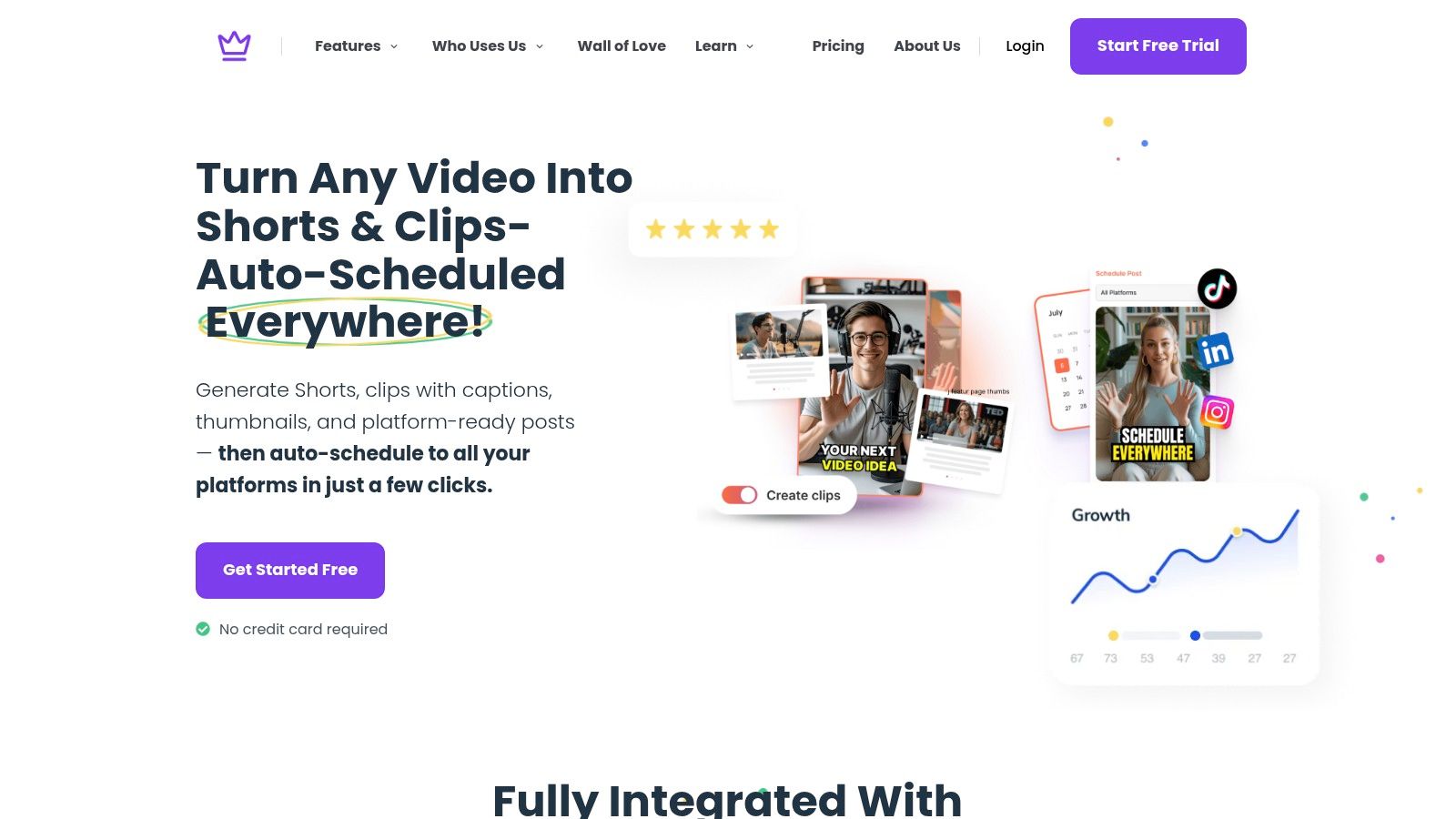
Taja is a practical option for solopreneurs, podcasters, educators, realtors, local businesses, social media managers, and faith-based organizations with useful long-form material but limited publishing capacity. The Next Video Idea tool uses keyword and performance signals to suggest topics. Backlog Boost gives existing videos another path to reach viewers, helping teams extend the value of their archive before commissioning more production.
Its public product information states that users report saving up to 2.3 hours per optimized video and that the platform has helped save more than 2.6 million hours across its user base. Treat these as product-reported figures, not a forecast for your own workflow.
Practical rule: Use Taja for repetitive production and scheduling, while a person approves clip selection, claims, tone, and final exports.
The free entry point requires no credit card and includes free credits. Public product pages do not clearly show complete pricing or every volume limit, so agencies and high-output teams should confirm plan capacity before moving a large content library. Taja can reduce handoffs, but it does not remove the need for editorial review.
vidIQ is built for the planning and packaging stage, especially when YouTube is the center of your strategy. It combines keyword research, topic discovery, competitor analysis, title development, thumbnail ideation, and channel-specific guidance. That makes it more useful before recording than after, because it helps you decide what deserves production time and how to position the finished video.
The AI Coach provides channel-specific recommendations and answers strategic questions inside the product. Keyword and competitor tools support repeatable research for both long-form videos and Shorts, while credit-based AI features help generate titles, thumbnails, and content ideas. Teams managing multiple channels can also consider its coaching and enterprise options.
vidIQ's advantage is depth within one ecosystem. A creator can research a topic, assess competing content, develop a working title, and use performance signals to shape the opening before filming. It won't replace a broad social publishing system, however. If your workflow depends equally on LinkedIn, Instagram, TikTok, and email, you'll need another tool for formatting and distribution.
AI credits also matter. Heavy use of ideation and packaging features can push you toward higher tiers, so review the credit model before making it part of every planning session. For a complementary approach to search-led content research, compare the methods in this guide to AI tools for keyword research.
Use vidIQ when the bottleneck is choosing the right topic and improving YouTube packaging. Pair it with Taja AI when you want to move from an optimized source video into clips, captions, text outputs, and scheduled posts without rebuilding the workflow elsewhere.
Repurpose.io focuses on reliable redistribution. It takes a source video or podcast, converts it into platform-friendly formats, adds captions where appropriate, and routes the finished assets to destinations such as YouTube, Instagram, TikTok, Facebook, and LinkedIn. Its core strength isn't cinematic editing. It's making sure a piece of content doesn't stop at the first upload.
The platform's Workflows let you define how a source moves through resizing, formatting, and publishing. Once a workflow is configured, bulk repurposing and scheduling can reduce repetitive exports for creators, podcasters, and social media teams. Multiple plan tiers serve individual users, professional workflows, and agencies, with more demanding automation generally requiring a higher tier.
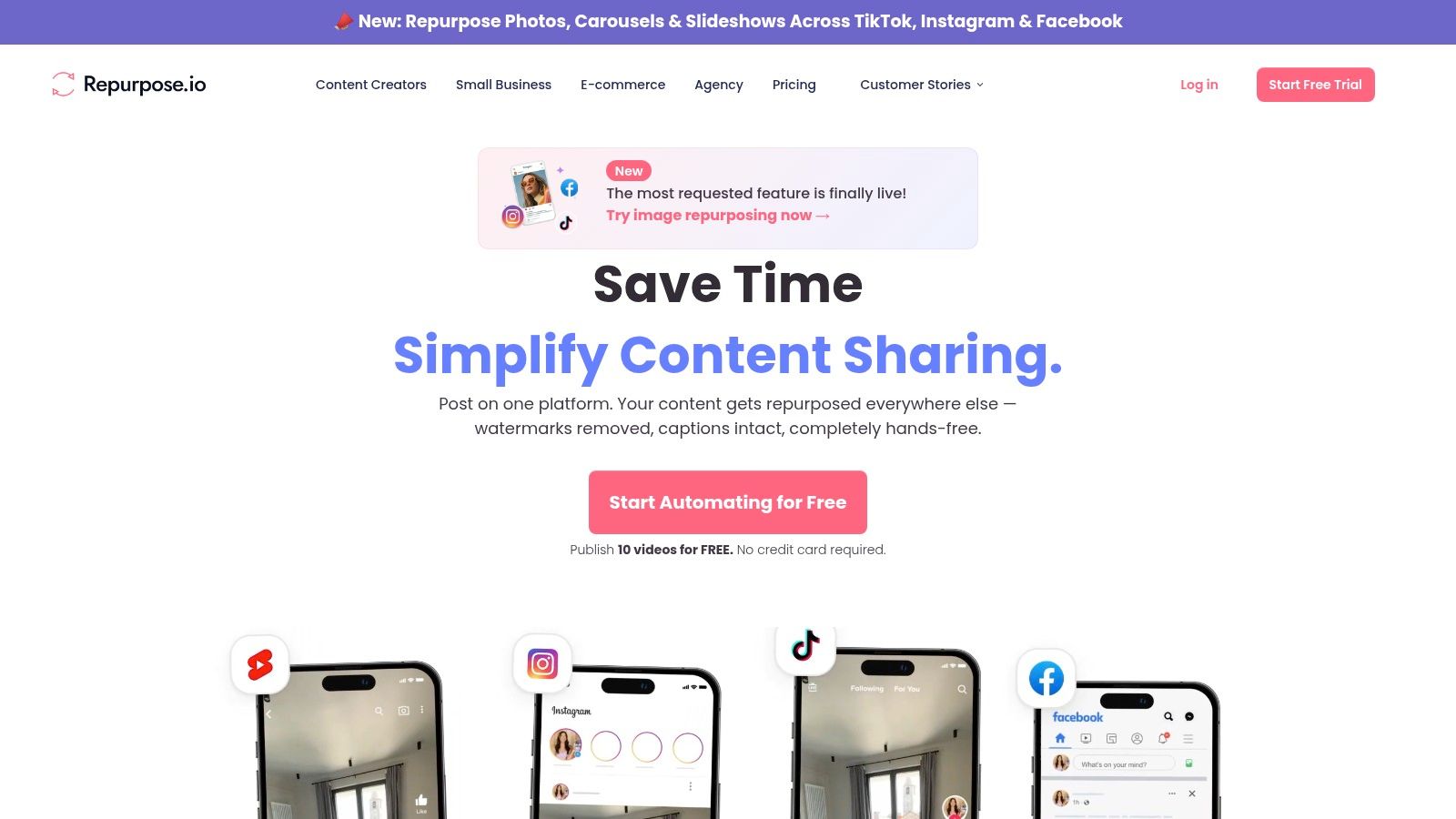
Repurpose.io works best after the creative decisions are already made. If you know which sections should become Shorts, Reels, or TikToks, it can handle the mechanical work of preparing and routing those versions. It isn't the best choice when each clip needs nuanced pacing, complex graphics, extensive sound design, or a substantial narrative rewrite.
Repurposing works when every destination receives a deliberate version, not merely an identical file in a different aspect ratio.
That distinction matters for brand quality. Configure platform-specific rules, review captions, and check framing before enabling bulk publishing. The platform is especially attractive for teams that value repeatability over deep editing. For a broader explanation of the workflow it supports, see what content repurposing means.
OpusClip is the fast route from long-form footage to short vertical clips. It analyzes recordings, identifies potential highlights, adds captions, and prepares social-ready outputs for platforms built around short-form viewing. Podcasters, interviewers, educators, and teams publishing conversations can use it to find usable moments without scrubbing through an entire recording manually.
Its AI highlight detection is the central feature. The platform also offers a Virality Score to help prioritize clips, which is useful when a recording produces more candidates than your team can review in one sitting. Credits and accelerated processing are available through higher tiers, so output volume and turnaround expectations should shape the buying decision.
OpusClip is efficient when the source material has clear spoken moments, strong answers, or self-contained observations. It is less convincing when the best edit depends on visual context, subtle pacing, product details, or a specific brand narrative. Automated selection can surface a technically complete excerpt that still lacks the opening, payoff, or context needed for a strong social post.
Use it as a discovery layer, not an unquestioned creative director. Review the first seconds, captions, crop, speaker framing, and call to action before publishing. If your team wants speed and a shortlist of candidate clips, OpusClip is a practical choice. If you also need topic research, text outputs, thumbnails, and scheduling from the same source upload, Taja AI offers a more consolidated path.
Descript changes the editing workflow by treating the transcript as the primary interface. Instead of searching a timeline for every phrase, you can edit the spoken words in a document-like view and let the video follow the transcript. That makes it particularly effective for interviews, podcasts, webinars, screen recordings, and talking-head content where the spoken structure drives the edit.
Transcription, multitrack editing, screen recording, caption generation, and AI voice tools sit in the same workspace. Overdub can help repair a small spoken mistake or create a version without rerecording the entire segment, while dubbing and translation features support variant production. Projects can also move toward other non-linear editors when a specialist needs deeper finishing control.
Descript reduces the back-and-forth between transcription and editing. A producer can search for a phrase, remove a tangent, tighten an answer, and prepare captions without switching applications. That simplicity is valuable for small teams that don't have a dedicated editor.
The limitation appears with heavy visual work. Complex multicamera edits, advanced effects, detailed motion graphics, and visual compositing still belong in a full desktop editing environment. Longer projects and AI functions may also require paid tiers or credits, so calculate usage based on your actual recording volume.
Choose Descript when the job is cleaning, tightening, captioning, and versioning spoken video. Pair it with a repurposing tool after the master edit is approved, rather than asking the repurposing platform to solve every editorial problem.
VEED is a browser-based editor designed for teams that need social content finished quickly. Its strongest workflow combines automatic subtitles, dynamic captions, translations, brand controls, and social-friendly export presets. A marketer can upload footage, apply a brand kit, create a vertical version, and prepare caption files or burned-in subtitles without installing a desktop editor.
One-click auto-subtitles support accessibility and make spoken content easier to consume with sound off. VEED can export SRT and VTT files as well as videos with captions embedded, which gives teams flexibility across websites, social channels, and internal publishing systems. AI Studio and generative features also support script-to-video and short-form creation.
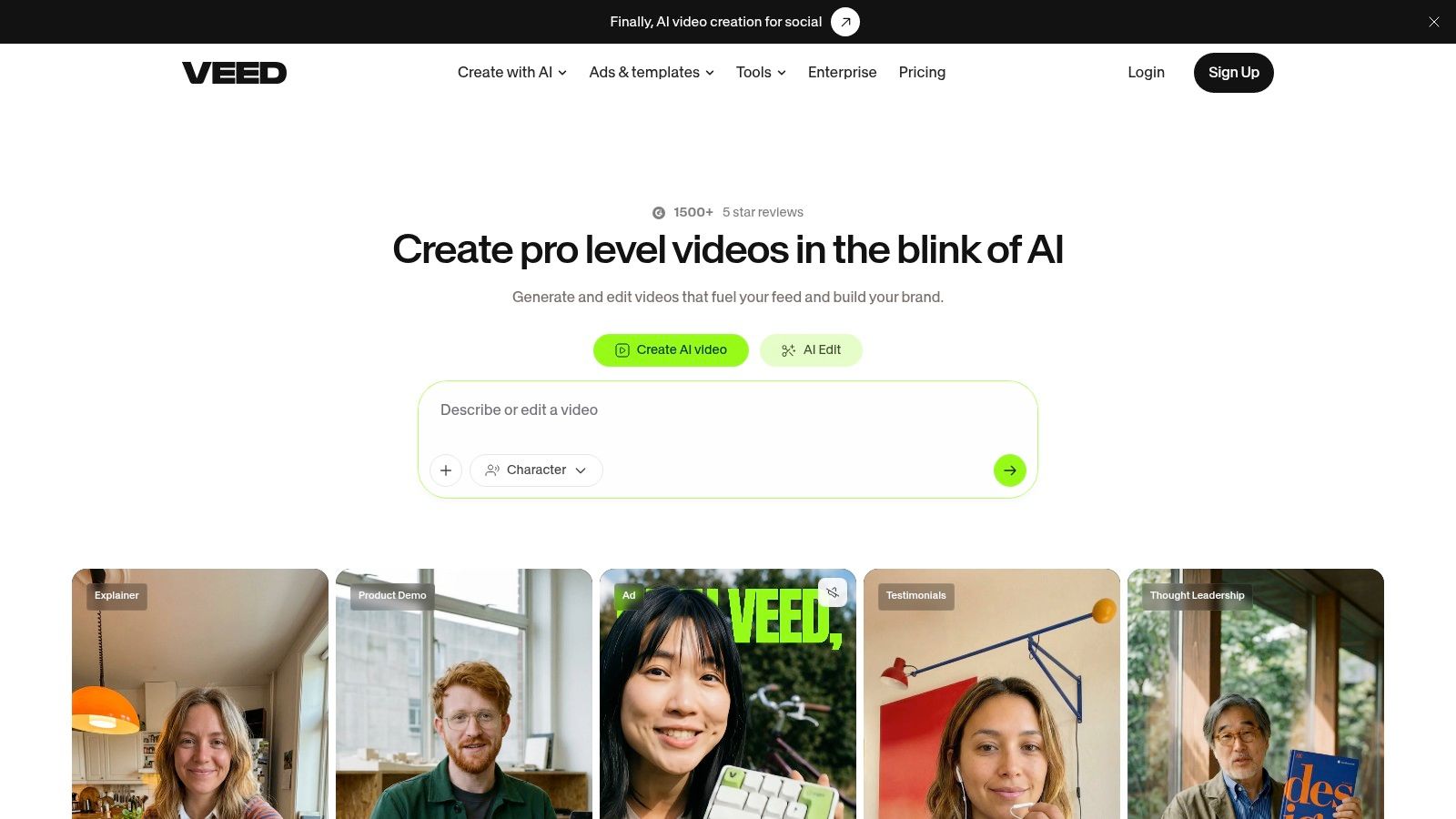
VEED's low ramp-up makes it suitable for non-editors and distributed teams. Shared workspaces and brand controls reduce the risk that every contributor invents a different caption style, logo treatment, or export format. It also works well when a campaign needs translated versions without sending every file to a specialist.
The trade-off is depth. Advanced long-form editing, complex audio work, and demanding visual effects are better handled by desktop non-linear editors. Some export and caption capabilities require paid tiers, so test the exact workflow with your intended output settings before committing.
For a simple production path, use VEED for editing and captions, then hand approved files to Buffer or Later for scheduling. If you need help with a specific finishing task, this guide to adding music to video covers that adjacent workflow.
Buffer is a lightweight publishing layer for teams that want a clear calendar without enterprise-level complexity. It supports video scheduling across major networks including Instagram, TikTok, Facebook, LinkedIn, Pinterest, and YouTube. Its queue-based approach makes recurring publishing easy to understand, while analytics and an AI assistant for captions add useful support around the schedule.
The main advantage is approachable channel-by-channel expansion. A solopreneur can start with a small number of destinations, learn the workflow, and add channels as the content system matures. Buffer also provides transparent per-channel pricing logic and documentation intended to clarify what happens as more channels are added.
Buffer isn't a serious video editor. Trim, caption, format, and brand the asset before it reaches the scheduler. That separation is helpful when the team already has a preferred editor, but it means Buffer won't consolidate the entire long-form-to-short-form process by itself.
Its analytics are suitable for practical publishing decisions, but teams needing extensive social listening, competitive benchmarking, governance, or advanced reporting may outgrow it. Review the cheapest social media scheduler options before choosing a paid plan, especially if you're comparing total channel costs.
Buffer is the sensible choice when the bottleneck is maintaining a consistent calendar, not producing the videos. Pair it with VEED, Descript, OpusClip, or Taja AI according to where the production workload sits.
Later is designed around visual planning. Its calendar and media library help small teams see how upcoming posts fit together, which is especially useful for Instagram-first brands, creators, and businesses that care about the relationship between individual videos and the broader feed. It has expanded beyond Instagram to support networks including TikTok, Facebook, Pinterest, LinkedIn, and Threads.
The Visual Planner supports multi-profile scheduling from one calendar, while Auto Publish handles supported video destinations. Basic trimming and media adjustments are available during scheduling, but Later should be treated as a planning and publishing tool rather than a complete editing environment.
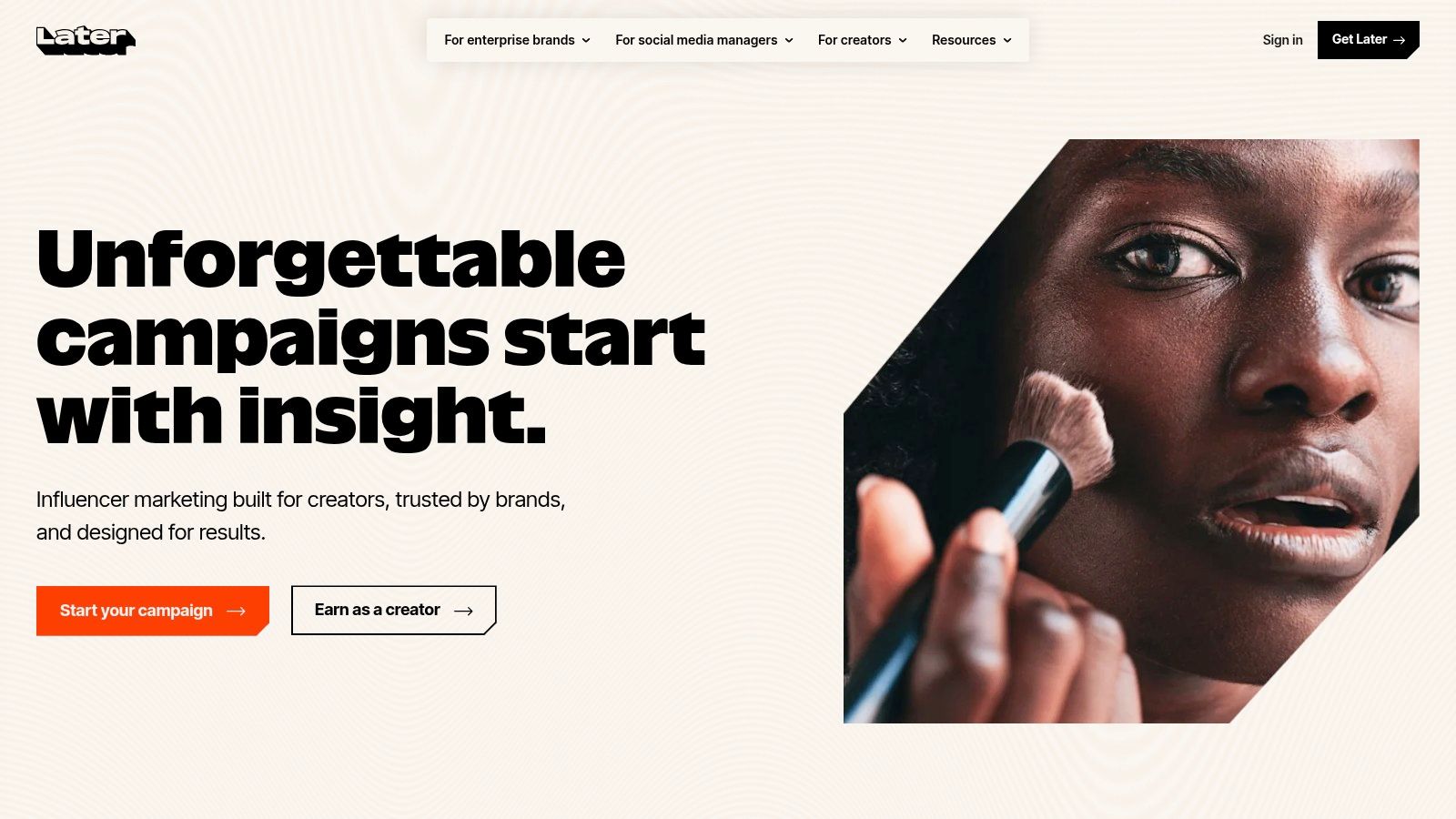
Later works well when several people need to understand what is going live, when it will publish, and how the content looks in context. Drag-and-drop planning reduces the friction of rearranging a campaign, and the media library gives teams a shared place to manage approved assets.
It won't solve complex edits. Prepare polished videos before upload, particularly when captions, hooks, transitions, or audio require careful work. Pricing can vary by seats and profiles, so verify the current plan details against your team structure.
Choose Later over Buffer when visual calendar planning is central to your process. Choose Buffer when simple queue management and incremental channel expansion matter more. Choose neither as your primary editor.
Synthesia is built for teams that need polished explainer, education, product-update, and localized campaign videos without arranging an on-camera shoot. Its AI avatars and voiceovers deliver scripted presentations with consistent visual treatment, which makes it useful for repeatable communication across markets and product lines.
The platform supports more than 120 languages and accents, according to Synthesia's product information, along with AI dubbing, multi-avatar scenes, stock and custom on-brand avatars, collaborative editing, brand kits, and API access on higher tiers. Enterprise features include SSO and SCORM export, which can matter when video production connects to organizational learning systems.
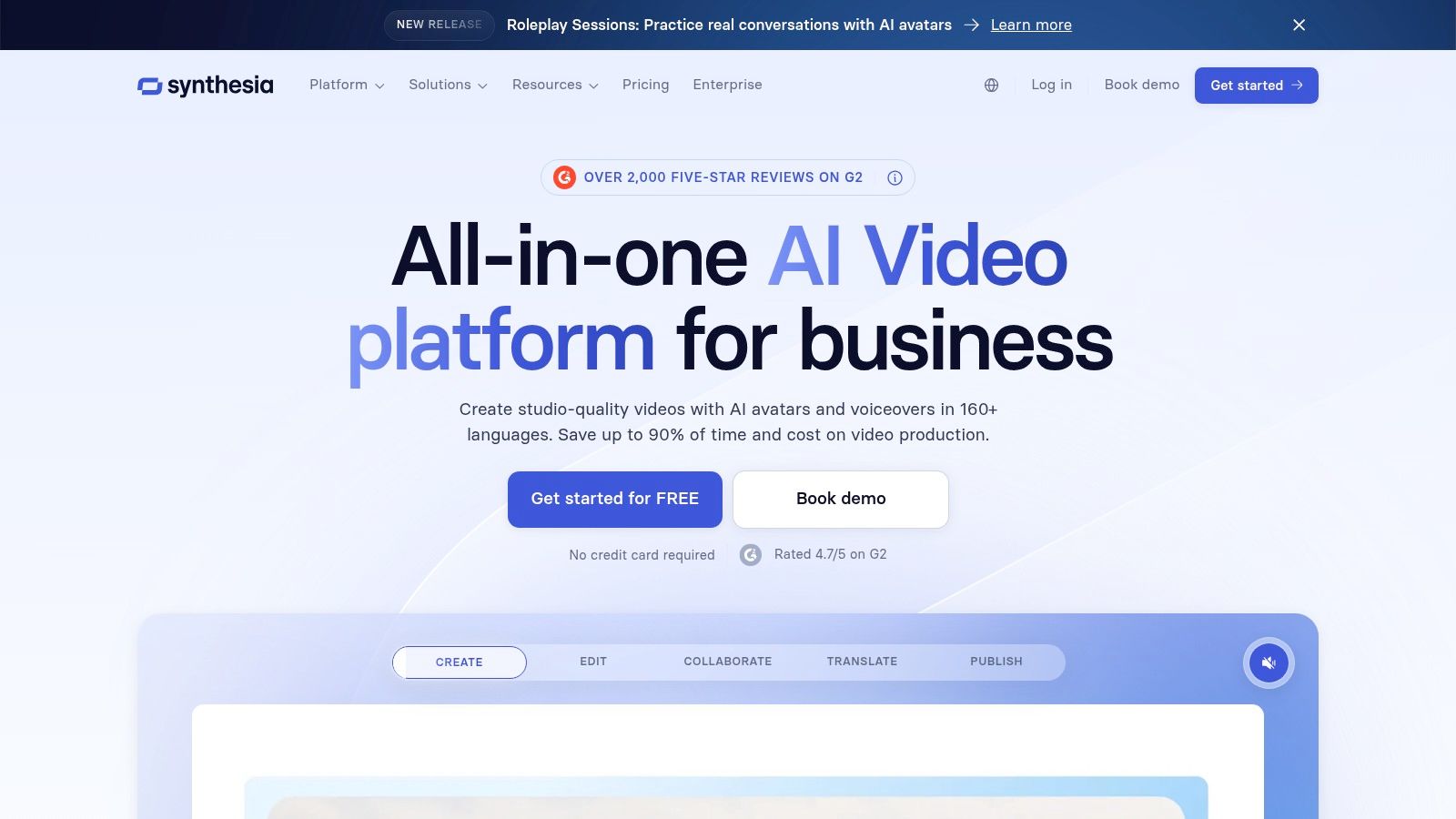
Synthesia is a strong fit for product walkthroughs, FAQs, onboarding material, internal education, and localized updates. A team can revise a script and create a new version without coordinating another filming session. Brand controls and collaboration features also make it easier to manage many related assets.
The weakness is authenticity. If your audience responds to a founder's personality, a customer's real experience, or live-action product footage, an avatar may feel too polished or detached. The credit-based system also means high-volume production needs careful plan evaluation.
Use Synthesia for scalable scripted communication, not as a universal replacement for live-action storytelling. It complements Taja AI when you need to distribute and repurpose finished videos, but the two tools solve different production jobs.
Hootsuite is the most governance-oriented option in this list. It combines scheduling, approvals, analytics, engagement management, and social listening in one dashboard, making it appropriate for teams that need a controlled publishing process across several networks. Multi-user roles and approval workflows are more important here than raw editing speed.
Video scheduling and centralized analytics support campaign coordination, while higher tiers add broader listening and engagement capabilities. The platform is suited to SMBs and larger marketing teams that need an accountable system for deciding who can draft, review, approve, publish, and report on content.
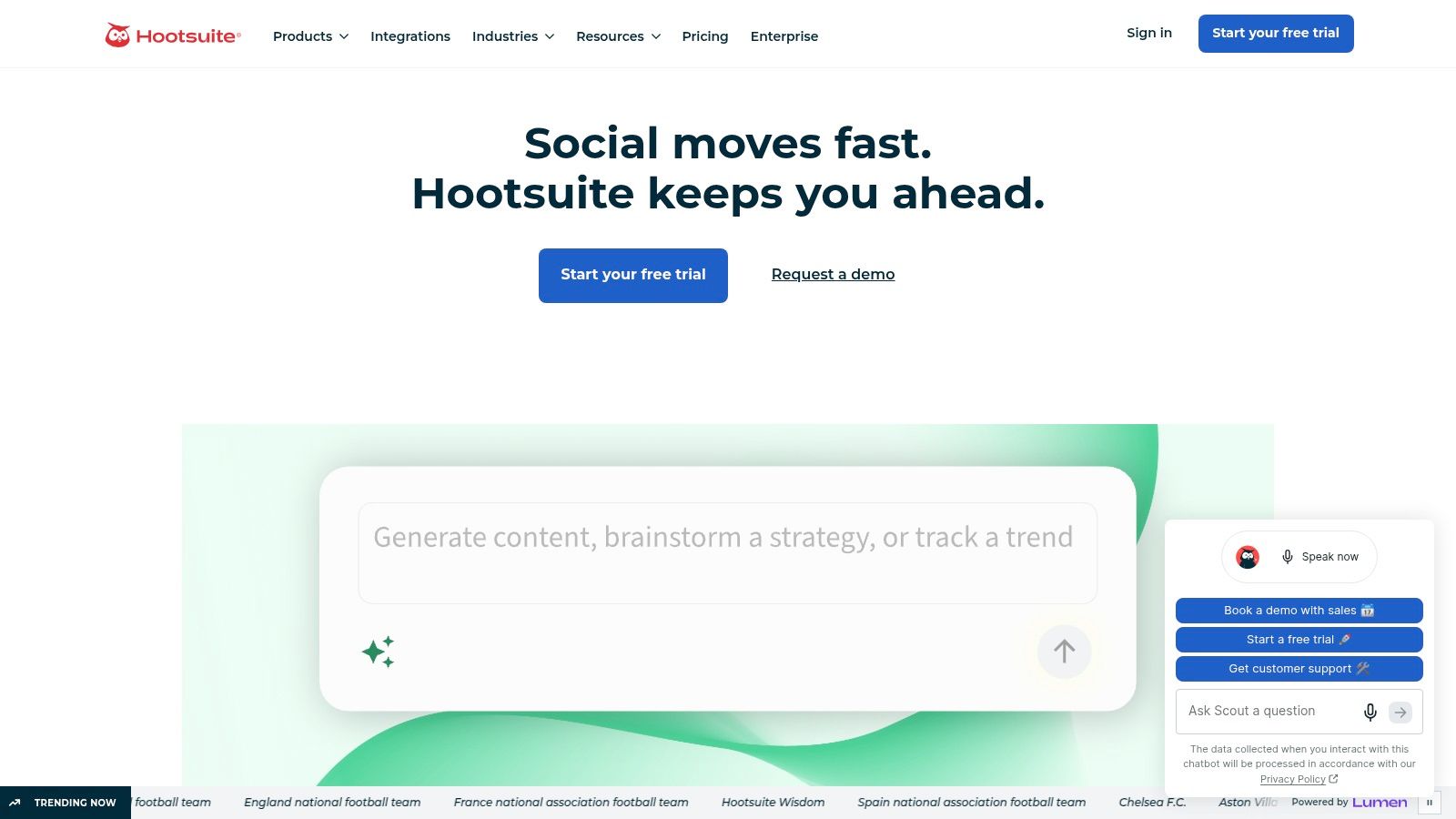
Hootsuite makes sense when several stakeholders must review video before publication or when reporting needs to cover multiple networks. Centralizing approvals and analytics can prevent missed posts, inconsistent messaging, and scattered campaign records.
That structure can feel heavy for a solo creator. Hootsuite is also typically more complex and more expensive than lightweight schedulers, especially if you don't need listening, permissions, or formal approvals. Build the creative workflow elsewhere, then use Hootsuite as the publishing and measurement control layer.
| Tool | Core features | UX / Quality ★ | Value / Price 💰 | Target audience 👥 | Unique selling points ✨ |
|---|---|---|---|---|---|
| Taja AI 🏆 | Auto-generates ~27 short assets per upload; SEO optimization; multi-channel auto-scheduler; built-in editor & templates | ★★★★☆ (fast, polished) | 💰 Free start; paid tiers for high volume | 👥 Creators, SMBs, podcasters, realtors, social managers | 🏆 ✨ One-click multi-platform pipeline + Next Video Idea & Backlog Boost |
| vidIQ | YouTube keyword research, AI Coach, title/thumbnail ideation | ★★★☆☆ (YouTube-centric) | 💰 Free + credited AI; higher tiers for heavy use | 👥 YouTubers, creators, growth teams | ✨ Deep YouTube SEO & in-product coaching |
| Repurpose.io | Workflow automation to resize/route posts; bulk repurposing & scheduling | ★★★☆☆ (reliable automation) | 💰 Tiered plans for individuals → agencies | 👥 Podcasters, marketers, multi-channel publishers | ✨ Robust automation for redistribution at scale |
| OpusClip (Opus.pro) | AI highlight detection; captioned vertical clips; virality scoring | ★★★☆☆ (fast clipping) | 💰 Credit/plan-based; faster processing on paid tiers | 👥 Podcasters, interviewers, educators | ✨ Auto-highlight + Virality Score to prioritize clips |
| Descript | Transcript-first video/audio editing; Overdub, captions, export tools | ★★★★☆ (text-first workflow excels) | 💰 Free tier; paid for advanced AI & long projects | 👥 Podcasters, interviewers, educators, editors | ✨ Edit-by-transcript + AI voice dubbing & multi-language |
| VEED | Browser AI editor with auto-subtitles, translations, brand kits | ★★★★☆ (easy for non-editors) | 💰 Freemium; paid for full exports & team features | 👥 Social creators, marketing teams | ✨ One-click captions/translations + brand templates |
| Buffer | Queue/calendar scheduling, simple analytics, per-channel pricing | ★★★☆☆ (easy start) | 💰 Free plan; per-channel pricing scales predictably | 👥 Solopreneurs, SMBs | ✨ Simple scheduler with transparent pricing |
| Later | Visual planner, media library, auto-publish, basic video trimming | ★★★☆☆ (visual planning) | 💰 Tiered by profiles/seats | 👥 Instagram-first creators, small teams | ✨ Drag-and-drop visual calendar & auto-publish |
| Synthesia | AI avatars, multi-language dubbing, collaborative editor | ★★★☆☆ (scalable localization) | 💰 Credit-based; enterprise options | 👥 Marketers, L&D, enterprise localization | ✨ Realistic avatars + 120+ languages for fast localization |
| Hootsuite | Scheduling, analytics, approvals, social listening, roles/workflows | ★★★★☆ (enterprise-capable) | 💰 Higher-cost tiers for teams/enterprise | 👥 SMBs, agencies, enterprise teams | ✨ Governance, approvals & unified reporting across networks |
There isn't one universal winner among tools for video marketing. The right combination depends on where work stalls. If your team can't decide what to make, start with vidIQ for YouTube topic research, competitor review, titles, and thumbnails. If editing and captioning consume the day, Descript suits transcript-led spoken content, while VEED is faster for browser-based social edits, subtitles, translations, and brand-controlled exports.
Long-form content creates a different decision. OpusClip is useful when you want an AI shortlist of highlight moments and quick vertical clips. Repurpose.io is better when the creative assets are already approved and the main job is resizing, routing, and publishing them repeatedly. Taja AI is the more consolidated option for a long-form-to-multi-platform pipeline because it combines optimization, clipping, text outputs, thumbnails, brand templates, and scheduling from one source upload.
Publishing needs its own distinction. Buffer is the practical lightweight choice for queue-based scheduling, approachable channel expansion, and straightforward planning. Later is better when a visual calendar and media library help the team coordinate the feed. Hootsuite earns its place when approvals, roles, analytics, engagement, and social listening matter more than simplicity.
Measurement deserves more attention than a view count. 60% of marketers cite engagement rate as their top video KPI, followed by conversion at 56% and click-through rate at 52%, while only 30% directly track revenue impact, according to Rev's video marketing statistics. That gap should influence your buying decision. A tool that creates many clips but can't help you connect content to clicks, conversions, or downstream business outcomes may increase production without improving decisions.
Video adoption is already broad. 91% of businesses use video as a marketing tool, and 93% of video marketers consider it important to their overall strategy, according to Wyzowl's video marketing statistics. AI is moving deeper into the workflow too, with 63% of video marketers using AI tools to create or edit videos in 2025, compared with 51% in 2024, as reported by SellersCommerce. The implication is practical: automation can remove repetitive labor, but human review still protects accuracy, nuance, and brand trust.
Use this sequence before adding another subscription:
For teams serving visual campaigns or event-led businesses, even adjacent workflows such as wedding photo hub tools can reveal how asset organization affects publishing efficiency. The principle remains the same: don't buy features in isolation. Buy the smallest connected system that removes your current bottleneck.
Taja AI turns one long-form video into shorts, clips, captions, thumbnails, blog content, and platform-specific posts, then helps schedule the results across major social channels. If disconnected handoffs are slowing your video workflow, visit Taja AI to start free without a credit card and test the complete repurposing process on your own content.


We are blessed to work with leading brands & Companies


We try to make easy and simple for every professionals. Get 30 days free trial - No credit card required.


© 2025 Taja AI. All rights reserved.