.jpeg)
Video from YouTube to Facebook: The Complete 2026 Guide
Move any video from YouTube to Facebook the right way in 2026. Learn native uploads, sharing, repurposing, specs, and tips that actually boost reach.
5 min read
September 23, 2026

Discover the 10 cheapest social media scheduler options for 2026. Compare pricing, features and use-case fits to keep your marketing on budget.
Written by:


Managing multiple social media profiles can get expensive fast, especially when every platform seems to sell you a different billing model, a different cap, and a different “starter” plan. If you're a solopreneur, a small business owner, or a marketer trying to keep posts flowing without blowing up the budget, the main question isn't just which tool is cheap. It's which cheapest social media scheduler stays cheap once you add profiles, approval steps, and actual publishing volume. That's why the best choice depends on how you work, not just the sticker price, and why a tool that also helps with repurposing can change the math entirely. For a broader look at workflow planning, see this guide on social media content scheduling.
Taja AI fits a different pricing question than a standard social scheduler. A team that already produces long-form video can use it to turn one source file into social assets, rather than paying for separate tools for clipping, captions, thumbnails, and publishing. The platform says it analyzes your channel, niche, and brand voice, then generates an average of about 27 ready-to-publish assets from a single upload, so the comparison shifts from monthly subscription cost to how much manual production work the tool removes. If you want the product's own explanation of that workflow, see its guide on AI for social media marketing.
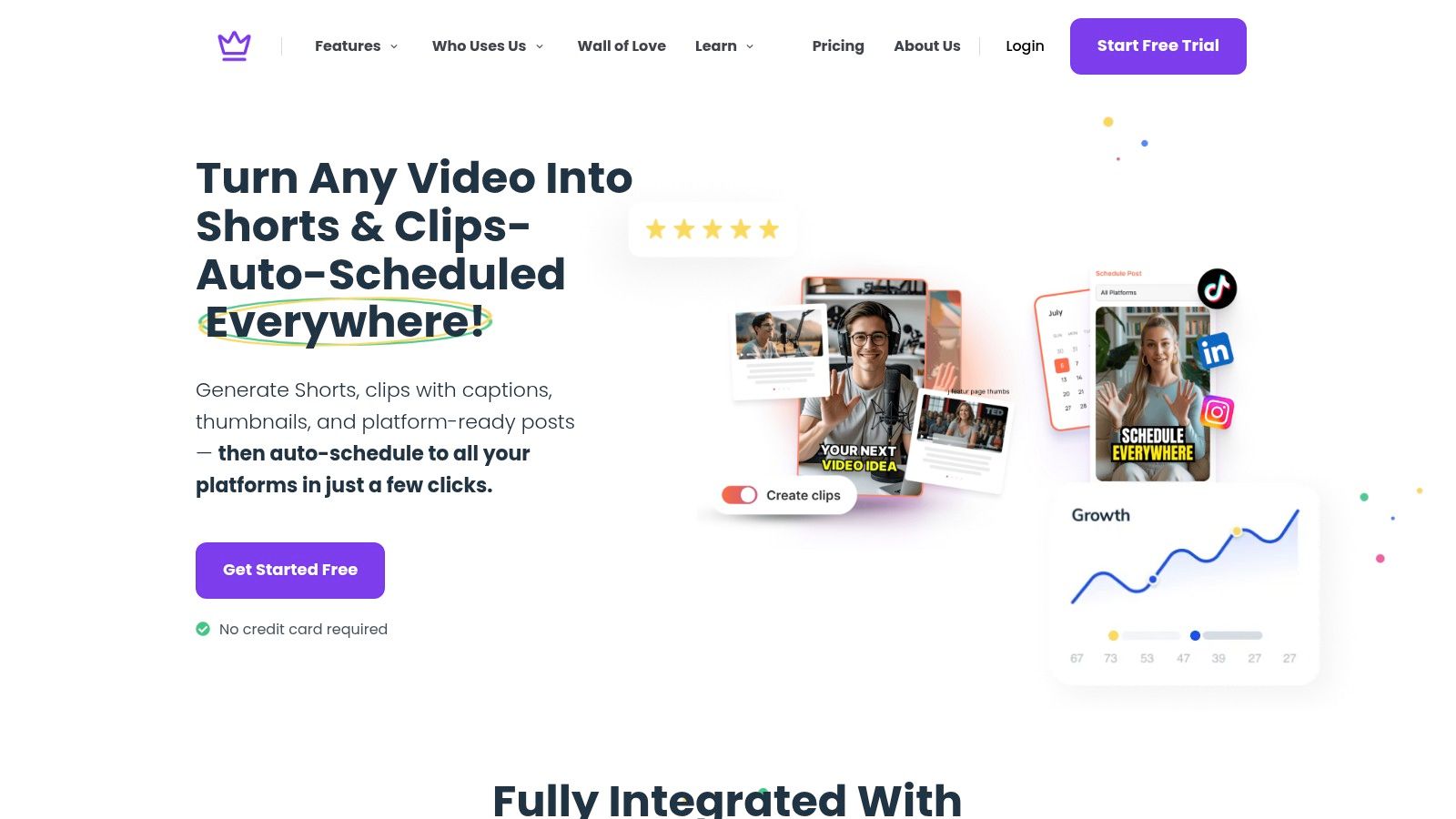
Most scheduler comparisons stop at the subscription line item. Taja changes the frame because it combines repurposing and scheduling in one workflow, then publishes across YouTube, Instagram, TikTok, Facebook, X, and LinkedIn from a single dashboard. The product brief says users can save up to 2.3 hours per optimized video, and the company also advertises 2.6M+ total hours saved and 256K+ businesses using the platform. Those figures matter because the lowest sticker price does not always produce the lowest operating cost if a team still has to pay for editing, clipping, and copy work elsewhere.
The fit depends on the content model.
Practical rule: If your content starts as video, compare the cost of a scheduler plus editing tools before you compare the cheapest monthly fee.
Taja also includes Next Video Idea, Backlog Boost, a content calendar, bulk scheduling, and brand templates, so it is more than an AI clip generator. It can help teams keep ideas moving without adding another separate system for planning. Pricing details are not fully visible on the landing content, so the free starter option may be the easiest way to test credits and limits before committing. For creators who want repurposing and publishing in one place, that can lower total workflow cost even if the subscription itself is not the absolute lowest.
Pallyy makes sense when the team wants something clean, visual, and easier to explain internally than a feature-heavy enterprise stack. It fits creators and SMBs that live inside a content calendar, want approvals, and don't need expensive extras just to keep a few accounts moving. Its value comes from keeping the interface simple while still covering the basics that matter for day-to-day publishing. Visit Pallyy.
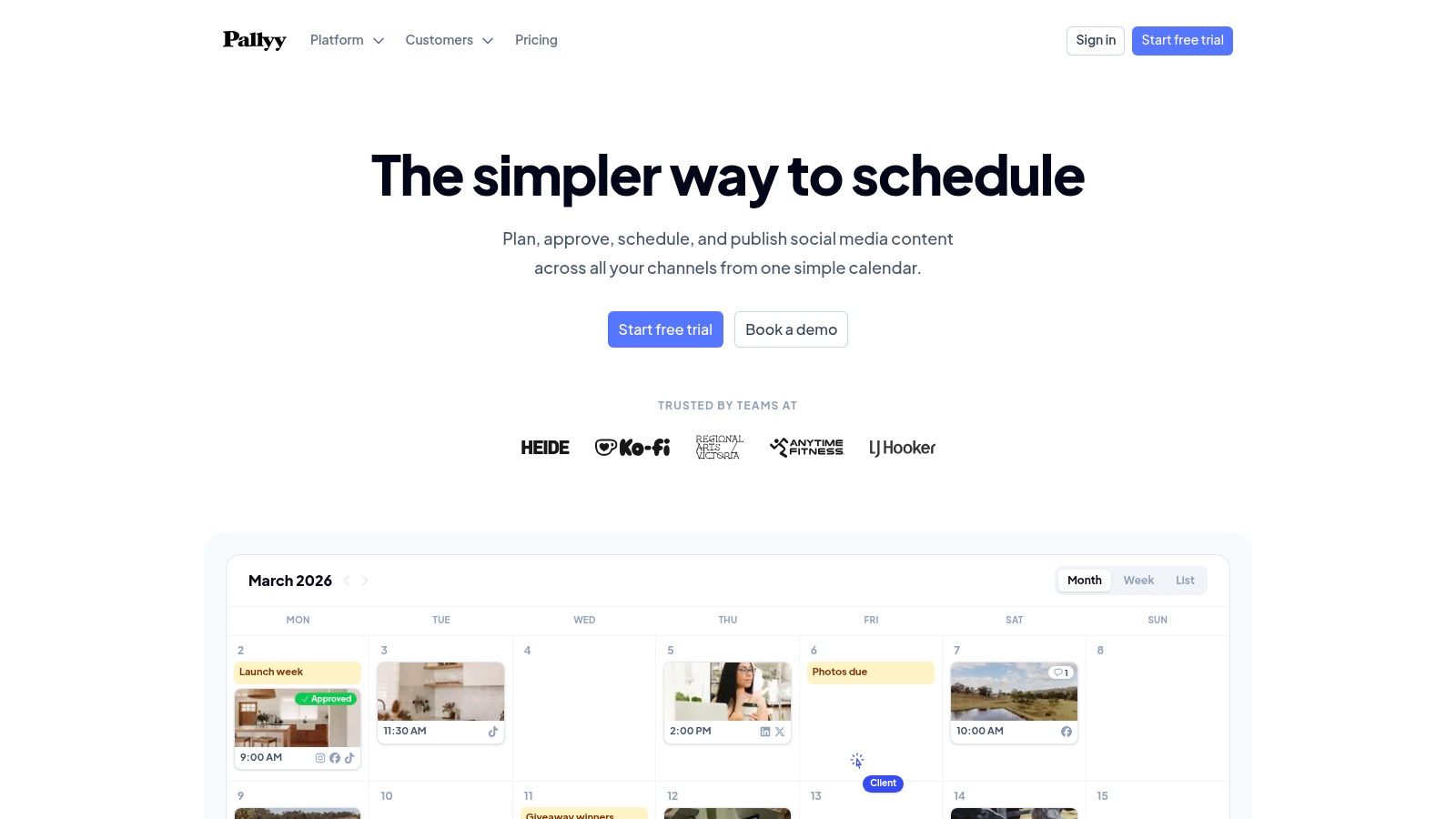
Pallyy's strongest appeal is its workflow balance. The visual calendar, drag-and-drop planning, queue scheduling, native publishing, and social inbox features give small teams enough structure to collaborate without having to buy into a larger platform they won't fully use. On the Pro side, approvals and shared calendars help when more than one person needs to sign off on content, which is often where cheap tools fall apart.
That said, its affordability depends on how much you need the collaboration layer. The plan structure is clear, but tighter post limits on the starter tier mean it works best when the posting cadence is modest and predictable. If you're managing a handful of profiles and don't need deep analytics, Pallyy can stay comfortably in the budget zone.
A good fit looks like this:
Its weakness is reporting depth. If you want in-depth analytics or a platform that turns social into a serious reporting layer, Pallyy won't feel as complete as some bigger competitors. But for straightforward scheduling with a usable collaboration setup, it stays competitive.
OneUp is the kind of scheduler that appeals to people who care less about polished marketing language and more about keeping a lot of accounts active without paying for bells and whistles. It's lean, automation-friendly, and especially practical for users who rely on recurring publishing, RSS feeds, or Google Business Profiles. For budget-conscious operators, that combination can be more useful than a prettier interface. Visit OneUp.
The biggest reason OneUp belongs in a cheapest-scheduler list is that its starter tier includes 5 accounts, which makes it attractive for users who would otherwise get squeezed by per-channel pricing. It also supports bulk upload, RSS auto-posting, repeating queues, and direct posting to formats like Reels, Stories, and carousels. That mix matters because small teams often need volume and automation more than advanced reporting.
There's also a local-business angle here. OneUp supports Google Business Profile posting and review replies, so it can work for service businesses that treat local presence as part of social publishing. Real estate pros, franchises, and neighborhood-focused brands can use that to keep listings, updates, and reviews moving from a single tool.
A cheap scheduler is only cheap if it covers the channels you actually publish on.
The trade-off is scope. The starter tier caps scheduled posts, and extra team seats aren't the main appeal. If you need a large collaborative workflow, OneUp won't feel as spacious as tools built around teams. But if your goal is to automate repeat posting across multiple platforms at low cost, it delivers a very practical version of affordability.
Publer is one of the clearest examples of transparent budget pricing in this category. It's built for people who want to pay for what they use, not subsidize features they'll never touch. That makes it especially appealing for freelancers, creators, and small teams that want control over account count without surprise jumps in cost. Visit Publer.
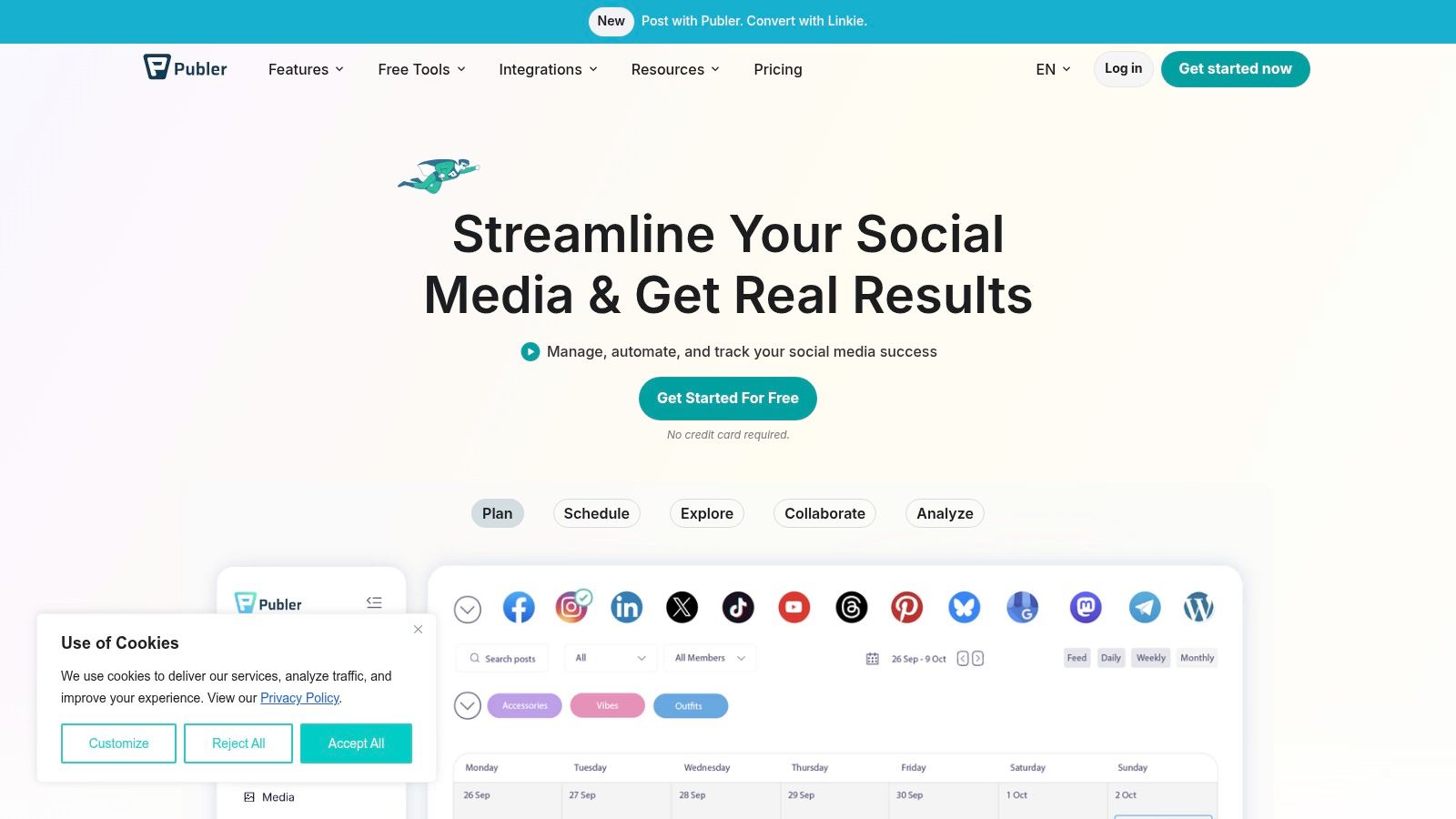
Publer's budget tier is listed in the verified data as $4.40 per account/month, which is exactly the kind of pricing model that can stay efficient for very small setups. The market scan also notes that Publer's pricing is modular and account-based, which is important because the actual cost of a scheduler often grows the moment you add a second brand, location, or client. For a solo user with a small footprint, that can be a sensible starting point.
The feature set is built to support actual publishing work, not just queue management. Paid plans include unlimited scheduling and drafts, plus bulk scheduling, RSS automations, link-in-bio support, and coverage that reaches TikTok, YouTube, Pinterest, Google Business Profile, and Telegram. That makes Publer a strong option for creators who already know how to write their own posts and just need a low-friction publishing layer.
What makes it attractive for budget-minded buyers:
The main limitation is depth on analytics and the free plan's platform restrictions, especially if you want X/Twitter connections. But if you're comparing the cheapest social media scheduler options by what they can really do, Publer is one of the first tools that looks cheap without feeling stripped down.
Buffer is the best-known name in this group, and it still matters because its usability is strong, even if the pricing model can get expensive fast. It's the kind of scheduler many people start with because it's easy, familiar, and reliable, then discover that per-channel billing makes it less attractive once the account count grows. Visit Buffer, and if you're comparing it against other options, see ViralBrain vs Buffer. For automation ideas, Buffer's scheduling workflow pairs well with this guide on automate social media posting.
The verified data shows Buffer's entry price was listed at about $5 to $6 per channel per month in 2026, which means a small team managing 8 to 10 accounts could land around $48 to $60 monthly before higher-tier features are added. That's the key Buffer lesson. The headline price looks friendly, but the billing model rewards very small channel counts and becomes less compelling as soon as your workflow expands.
Buffer still deserves a place on a cheapest-scheduler list because the product itself is easy to use. Its feature matrix includes a content calendar, bulk scheduling, and approval workflows, even at the low end, which is useful for teams that value a straightforward queue. The short learning curve is real, and that matters when the tool has to serve solo creators, assistants, and managers without lengthy onboarding.
Where Buffer still works well:
The catch is structural. Once you scale beyond a handful of channels, the tool stops feeling like the cheapest option and starts feeling like a premium convenience. That's why Buffer is best understood as affordable at low volume, not universally low cost.
Zoho Social makes the most sense when the buyer already lives inside the Zoho ecosystem or wants a brand-based scheduler with broad network support and a more business-oriented setup. It's a practical option for solo operators and SMBs that care about scheduling, reports, and monitoring without paying for a huge social suite they'll never fully explore. Visit Zoho Social. For branded offers connected to the wider ecosystem, this Zoho brand deals page adds helpful context.
Zoho Social's appeal is less about flash and more about fit. The broader Zoho stack can matter if your scheduling work connects to CRM or service workflows, especially on higher tiers, because that reduces the number of places your team has to open every day. It also covers a wide range of channels, which is useful for teams that want flexibility instead of a narrow visual-first experience.
The trade-off is that Zoho can feel more complex than minimalist schedulers. Pricing and inclusions are brand-based rather than obviously per-channel in a way every buyer will find intuitive, and that means you need to check whether the brand structure matches how you operate. If you manage one brand with multiple connected profiles, it can be efficient. If you manage several unrelated brands, the structure may feel less tidy.
Zoho Social is a reasonable choice when:
It's not the most exciting scheduler, but it doesn't need to be. For budget buyers who want a serious business tool with a familiar ecosystem behind it, Zoho Social holds its own.
Metricool is the budget scheduler for people who don't want to choose between affordability and analytics. It's one of the strongest examples of a tool that adds serious reporting depth without jumping into enterprise-only pricing. That makes it especially appealing for marketers who need to explain performance, not just publish posts. Visit Metricool.
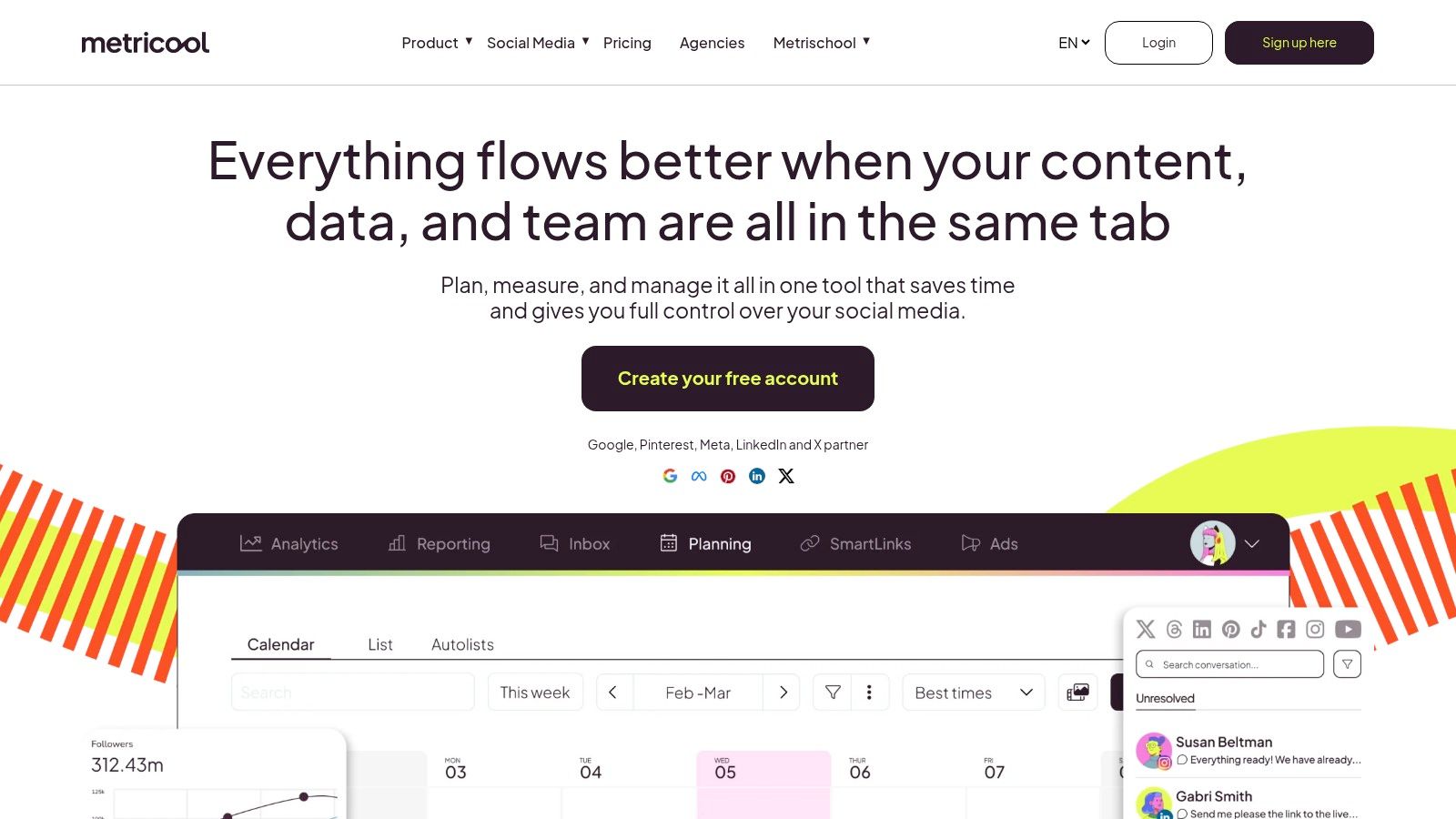
The verified data and research both point to Metricool as one of the lowest-cost paid options that still offers real scheduling value. The free tier is described as 1 brand and 20 posts per month with no X or LinkedIn, while the broader market comparison highlights its analytics depth and low-friction testing path. That combination matters because many cheap tools stop being attractive once the reporting conversation starts.
Metricool's strength is that it bundles scheduling with deeper measurement. Its planning and auto-publish tools cover the day-to-day workflow, while competitor tracking, long-range analytics, and reporting exports give you material you can bring into client reviews or internal updates. For agencies, that can justify the tool even when a simpler scheduler looks cheaper on paper.
It's especially useful for:
The downside is that breadth can make the interface feel heavier than minimalist competitors. If all you want is a clean calendar and a queue, Metricool may feel like more tool than you need. If you want the cheapest scheduler that still gives you meaningful performance visibility, it's one of the strongest candidates.
PLANOLY is built for visually driven planning, especially for Instagram and Pinterest-heavy workflows where layout matters as much as timing. That makes it a natural choice for creators who want to see the grid before they publish the post. Visit PLANOLY.
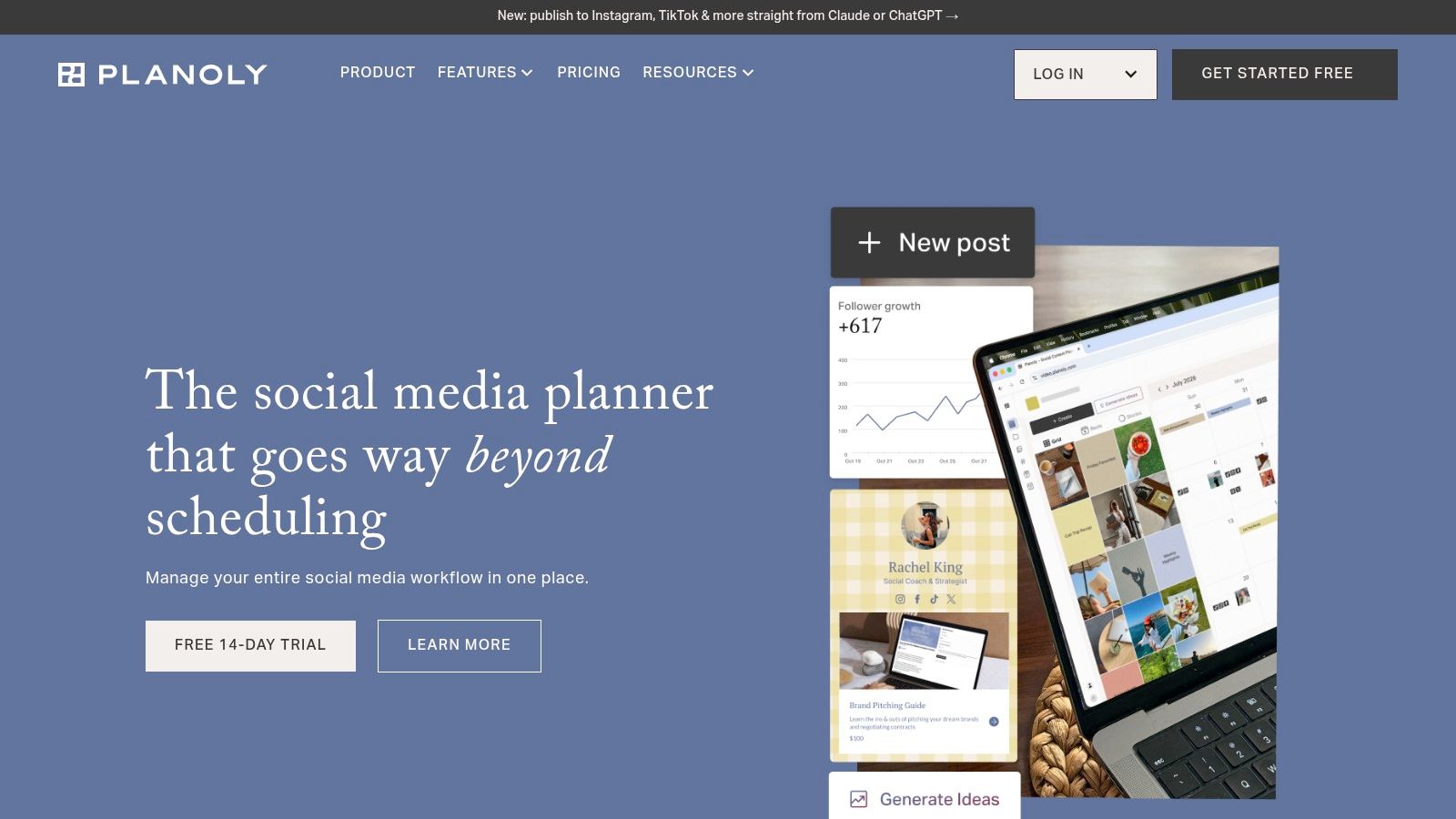
PLANOLY's value comes from being straightforward and visual. The grid planner, story and reel planning aids, content drafts, hashtag tools, and link-in-bio support make it feel friendly for creators who don't want a dense, enterprise-style dashboard. It also uses the social sets concept, which helps organize multiple profiles in a way that still makes sense for creators and small brands.
The main caveat is capacity. Lower tiers tend to feel more constrained than the plan name suggests, so it's not the best answer if you post a lot or manage many brands. That's why PLANOLY fits better when the priority is presentation and ease of use rather than volume or complex collaboration.
A strong use case looks like this:
PLANOLY doesn't aim to be the broadest scheduler. It aims to be the easiest visual planner at a reasonable entry point. If that's your workflow, it can be a smart low-cost pick.
SocialPilot is the affordable agency-style option in this list, which means it's more appealing when account count and collaboration start to matter. It brings a lot of practical scheduling power without pretending to be an enterprise suite. Visit SocialPilot.
SocialPilot's strength is ratio, not hype. Bulk upload, queues, calendar features, RSS scheduling, team collaboration, approvals, client views, and white-label reports on higher tiers make it attractive for teams that need more structure than a creator tool can provide. It also supports newer networks like Threads and Bluesky, which helps future-proof a budget stack.
That said, the value story gets better when you use it like a team tool. If you're solo and only need basic queueing, some lighter options may feel cheaper. If multiple people approve content, manage clients, or need polished reports, SocialPilot starts to look like a rational middle ground between small-business affordability and agency practicality.
Useful scenarios include:
SocialPilot isn't the flashiest tool here. It's the kind of platform buyers choose when they want more seats, more accounts, and more process without jumping into a much pricier suite.
Later remains a favorite for visual-first creators because it keeps the planning experience intuitive, especially on Instagram and TikTok. The tool has a clear upgrade path, which matters for people who start small but expect to add collaboration later. Visit Later, and if you're comparing it to a repurposing-first alternative, read Taja AI alternatives to Later.

Later's strength is its creator-friendly UI. The visual planner, social inbox, content approvals on higher plans, link-in-bio support, and basic AI caption credits make it a well-rounded choice for users who prioritize ease of use and feed aesthetics. The free trial also helps buyers test the workflow before they commit, which is helpful when you're comparing several affordable schedulers at once.
The pricing reality is more nuanced, though. The plan structure includes post caps and add-ons, so the total cost can rise as you bring in more sets, users, or AI credits. That means Later is best treated as a good fit for small teams and solo creators who want a polished interface, not as the lowest-cost solution at every scale.
It tends to fit:
Later works because it keeps the planning process friendly. If your team wants something approachable and familiar rather than the cheapest possible flat price, it still earns a place in the conversation.
| Product | Core features | UX / Quality (★) | Pricing / Value (💰) | Audience & USP (👥 ✨) |
|---|---|---|---|---|
| Taja AI 🏆 | Auto-generate ~27 assets/upload; SEO-optimised clips, captions, thumbnails; built-in editor; auto-schedule multi-platform | ★★★★☆, saves ~2.3 hrs/video; polished editor & templates | 💰 Free starter (no CC); scalable plans/credits | 👥 Creators, SMBs, podcasters, ✨ multi-platform repurposing, Next Video Idea & Backlog Boost |
| Pallyy | Visual calendar, native publishing, approvals, basic analytics | ★★★★☆, simple, IG-first UX | 💰 Free tier; per-social-set pricing (starter limits) | 👥 Small teams/creators, ✨ grid preview, affordable approvals |
| OneUp | Direct posting (Reels/Stories), bulk upload, RSS/auto-post, repeating queues | ★★★☆☆, automation-friendly for lean teams | 💰 Low per-account starter (5 accounts); 300 post cap | 👥 SMBs, GBP-focused, ✨ generous accounts, GBP tools |
| Publer | Unlimited scheduling (paid), bulk/RSS, platform coverage, build-your-own pricing | ★★★☆☆, modular, lightweight | 💰 Very low entry; transparent account-based pricing | 👥 Very small setups/solos, ✨ volume discounts, pay-for-what-you-need |
| Buffer | Clean calendar/queue, browser extensions, mobile apps, basic analytics | ★★★★☆, mature, easy learning curve | 💰 Free option; per-channel pricing that scales with profiles | 👥 Solo creators/small teams, ✨ reliable UX & quick composer |
| Zoho Social | Multi-channel calendar, bulk scheduling, reports, Zoho integrations | ★★★☆☆, solid but tier complexity | 💰 Free + affordable paid plans; brand vs channel nuance | 👥 SMBs using Zoho stack, ✨ CRM/Desk integrations |
| Metricool | Planner + auto-publish, competitor tracking, deep analytics & reports | ★★★★☆, stronger analytics for price | 💰 Free plan; scales by brand (predictable for solos) | 👥 Marketers needing analytics, ✨ competitor insights & reporting |
| PLANOLY | Visual grid planner, story/reel aids, drafts, hashtag tools | ★★★☆☆, IG/Pinterest visual-first UX | 💰 Creator-friendly entry; post caps on lower tiers | 👥 IG/TikTok creators, ✨ visual grid & aesthetic planning |
| SocialPilot | Bulk upload, queues, team collaboration, white-label reports | ★★★☆☆, agency-friendly value | 💰 Competitive for teams; white-label on mid tiers | 👥 Agencies & social teams, ✨ white-label + high account-to-dollar ratio |
| Later | Visual planner, social inbox, link-in-bio, basic AI caption credits | ★★★★☆, strong creator UX; 14-day trial | 💰 Affordable for single users; add-ons (AI, users) increase cost | 👥 Creators & small teams, ✨ IG/TikTok visual tooling and grid planning |
Choosing the lowest-priced scheduler is only useful if the billing model matches the way you publish. The verified data shows why this matters. Buffer's entry plan at about $5 to $6 per channel per month can look cheap until a small team adds more accounts and the bill climbs, while a flat-rate plan like Schedchie's €7.99 monthly option can become structurally better for multi-account workflows because it removes account and post caps. That same pricing logic applies across the whole category, which is why the cheapest social media scheduler is often the one with the right billing unit, not the lowest headline price.
The second big factor is adoption. In 2026, 73% of social media marketers use dedicated scheduling tools, up from 61% in 2024 and 47% in 2022, and the average manager uses scheduling tools across 5.2 platforms simultaneously according to the cited benchmark. The same source estimates these tools save about 6.3 hours per week, or roughly 328 hours per year, and teams using scheduling tools publish 2.6 times more content per week than those posting manually. That means price should always be compared against labor savings, not just the monthly subscription.
The best tool for you depends on your setup, not the market ranking. Solopreneurs can get by with lightweight schedulers or even native tools if they only post on one or two platforms. SMBs usually need a balance of scheduling, collaboration, and enough analytics to justify the spend. Real estate pros and local service businesses should care about Google Business Profile support and repeat posting. Podcasters and educators should give special weight to repurposing, because content creation time often costs more than the scheduler itself.
That's where Taja AI changes the equation. If you already create long-form video, bundling repurposing with scheduling can cut out separate tools and reduce the time sink that makes “cheap” schedulers expensive in practice. Instead of paying for a queue and then paying again in manual editing time, you can turn one recording into a broader publishing system.
If you want to stop paying for disconnected tools, try Taja AI and see how one long-form video can become a repurposed content workflow with scheduling built in. It's a strong fit for creators, SMBs, and local businesses that want more reach without more manual editing. Start there, compare it against your current scheduler cost, and see which option gives you the lowest total workflow expense.


We are blessed to work with leading brands & Companies


We try to make easy and simple for every professionals. Get 30 days free trial - No credit card required.


© 2025 Taja AI. All rights reserved.