.jpeg)

How to Share TikTok to Instagram Without Losing Quality
Discover How to Share TikTok to Instagram as a Reel or Story, with export specs, quality settings and fixes for cropped or muted posts.
5 min read
November 5, 2026

Learn how to add chapters to YouTube video to boost watch time. Our guide covers manual steps, SEO best practices, and how to automate chapters with AI tools.
Written by:


Independent 2025–2026 analyses report that adding YouTube chapters can raise total watch time by about 10–30% on average, with larger gains often appearing on longer videos where viewers need quick access to specific sections (FluxNote's chapter benchmarking guide). That doesn't make chapters a magic growth button, but it does make them one of the most practical improvements you can make after publishing.
The process is simple. You add timestamped titles to the video description, check YouTube's formatting rules, and then refine the labels so they help real viewers find answers. The strategic challenge is deciding where chapters should begin, how specific their names should be, and when automation is worth using.
Chapters solve a practical viewing problem. Someone may need one tutorial step, one interview answer, or one part of a product demonstration. Without chapters, that viewer must scrub through the timeline and guess. With them, the video becomes a resource people can browse instead of one uninterrupted block.
That structure improves the viewing experience without requiring a shorter upload. Viewers can jump to the relevant section, understand what the video covers, and decide whether to continue. A clear chapter list respects their time, especially in tutorials, podcasts, webinars, reviews, and educational content.
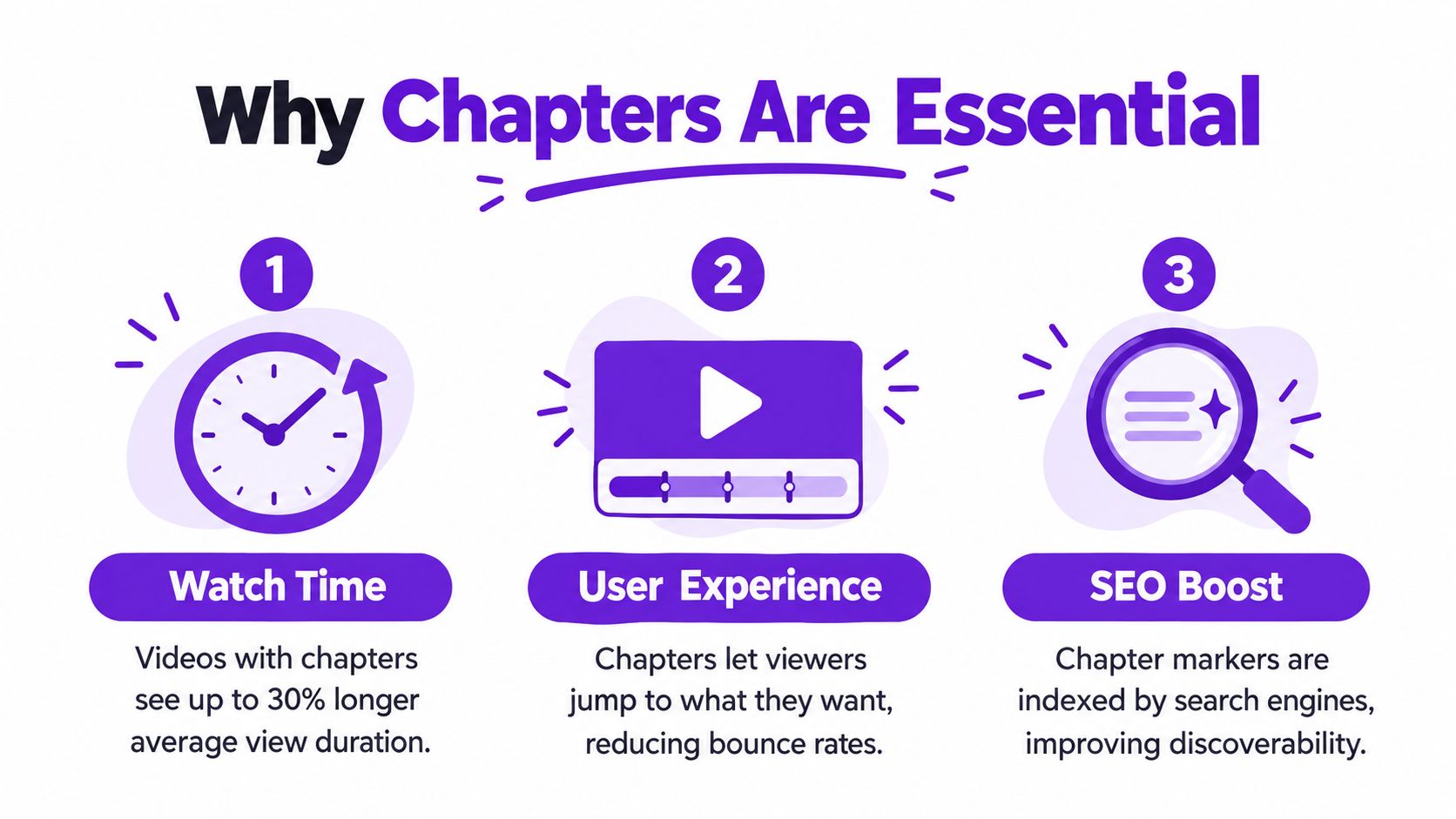
Chapters can prevent viewers from leaving when they cannot find the promised information. A person who skips a slow introduction and lands on the relevant demonstration has not necessarily abandoned the video. They may keep watching, visit another chapter, or return later.
That behavior matters for longer content. Navigation gives viewers a way to recover value from a video even when they do not watch from the opening second. It can support retention while making the viewing experience more flexible.
Chapter titles give YouTube and search engines clearer context about the subjects covered inside a video. “How to choose a podcast microphone” tells viewers and platforms much more than “Part 2.” Chapter markers may also appear as navigable moments in search, giving specific sections another path to discovery.
This makes chapter writing part of a practical YouTube chapters SEO strategy, rather than a formatting task left until upload. Each title should identify the answer, process, or topic that follows. That helps viewers choose the right section and gives the platform a clearer picture of the video's structure. For creators publishing frequently, that same logic supports a workable balance between careful manual labeling and AI-assisted chapter creation with tools such as Taja AI.
Adding chapters manually takes only a few minutes once the edit is final. YouTube Video Chapters use timestamped titles in the description and work across iOS, Android, and desktop, according to YouTube Help.
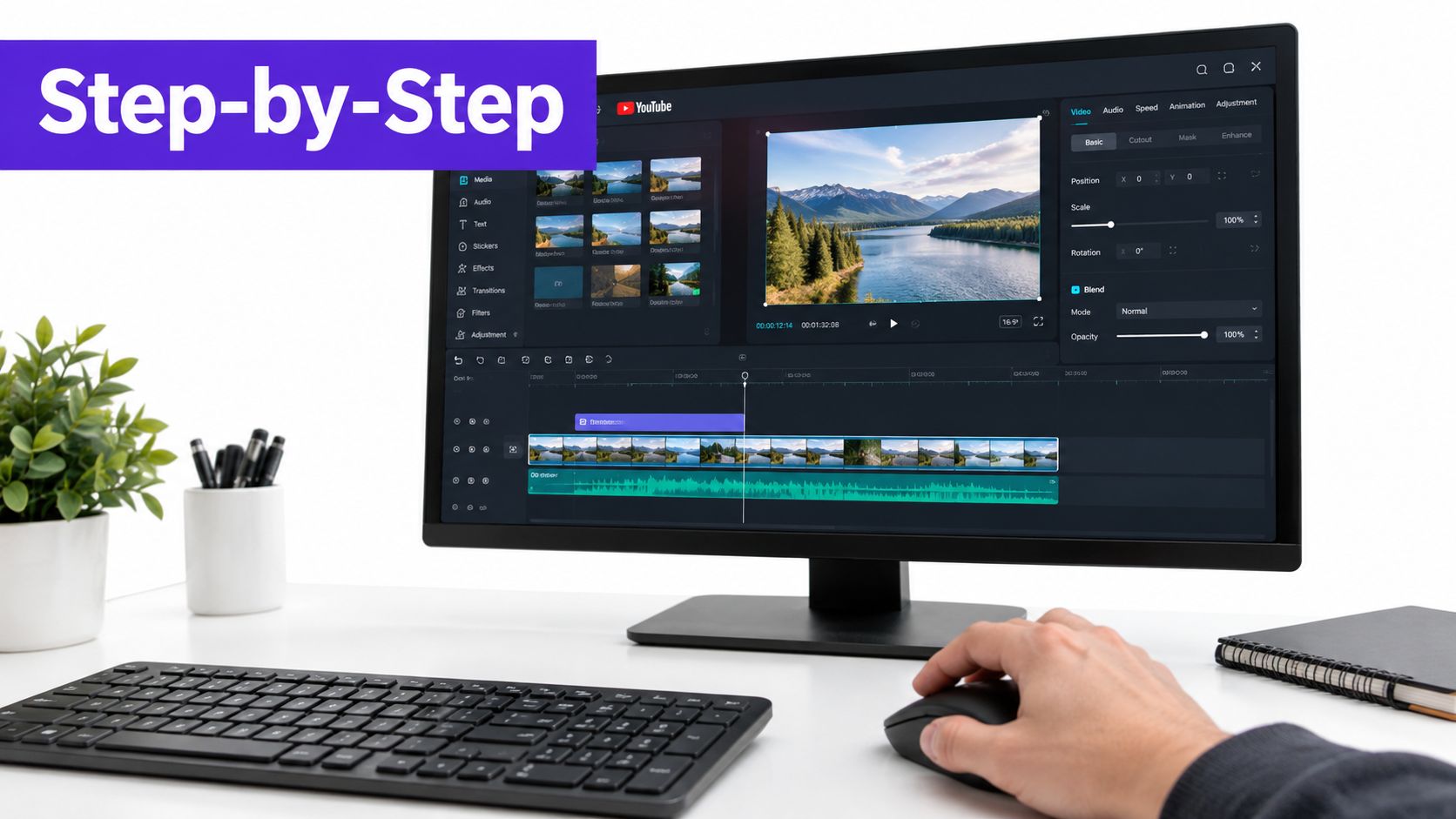
Start with a structure like this:
0:00 Introduction
1:18 The problem with unstructured videos
3:42 How to add chapters manually
6:15 Chapter titles that help viewers
8:04 Final publishing checklist
The first timestamp must be 0:00. YouTube also requires at least three timestamps, and each chapter must run for 10 seconds or longer. These rules create a complete chapter sequence instead of a single isolated marker.
Build the list from the finished video, not only from your script outline. Scrub through the recording, mark genuine topic changes, and name each section by the result or information it delivers. If an existing upload contains useful wording, copying a transcript from YouTube can reduce transcription time before you draft the chapter list. For frequent uploads, this manual review remains useful even when Taja AI helps automate the first pass at scale.
Timing determines whether chapters feel reliable. After saving, preview every marker and confirm it begins at a meaningful topic, demonstration, or transition. A marker placed halfway through a sentence makes the navigation look careless.
Practical rule: Create chapters from the final edit. Any change to the opening, segments, or sponsor placement can shift every later timestamp, so review the full list before publishing.
A chapter title works as both a navigation label and a small search headline. Vague wording makes viewers guess. Specific wording tells them what they will find before they click.
Keep titles short and topic-led, instead of using labels such as “Part 2” (Chapter Generator's best-practice guidance). Describe the segment in the language your audience uses. Adding every possible keyword makes titles harder to scan and rarely improves the viewer's decision.
| Weak label | Clearer title |
|---|---|
| Part 1 | How YouTube chapters work |
| Setup | Set up your first YouTube upload |
| Tips | Fix common thumbnail mistakes |
| Conclusion | Review your publishing checklist |
| Product section | Compare features before you buy |
The clearer versions identify a topic, task, or decision. They also make sense on the progress bar or in search without the surrounding description.
Give each chapter one primary idea. If a segment covers camera settings, lighting, and audio, select the dominant subject or split it when the edit gives each topic enough time. “Camera settings, lighting, and audio” may be accurate, but separate titles are easier to scan when viewers need one specific answer.
Too few chapters conceal the video's structure. Too many make the list noisy and fragmented. Independent 2025–2026 benchmarking guidance suggests roughly 3–5 chapters for videos under 10 minutes, 5–8 for 10–20 minute videos, 7–12 for 20–40 minute videos, and 10–15 for videos longer than 40 minutes.
Use these ranges as planning guidance, not a quota. A concise tutorial may need fewer labels because each section carries substantial information. A long interview may need more because the conversation moves through distinct questions. A keyword does not justify its own chapter.
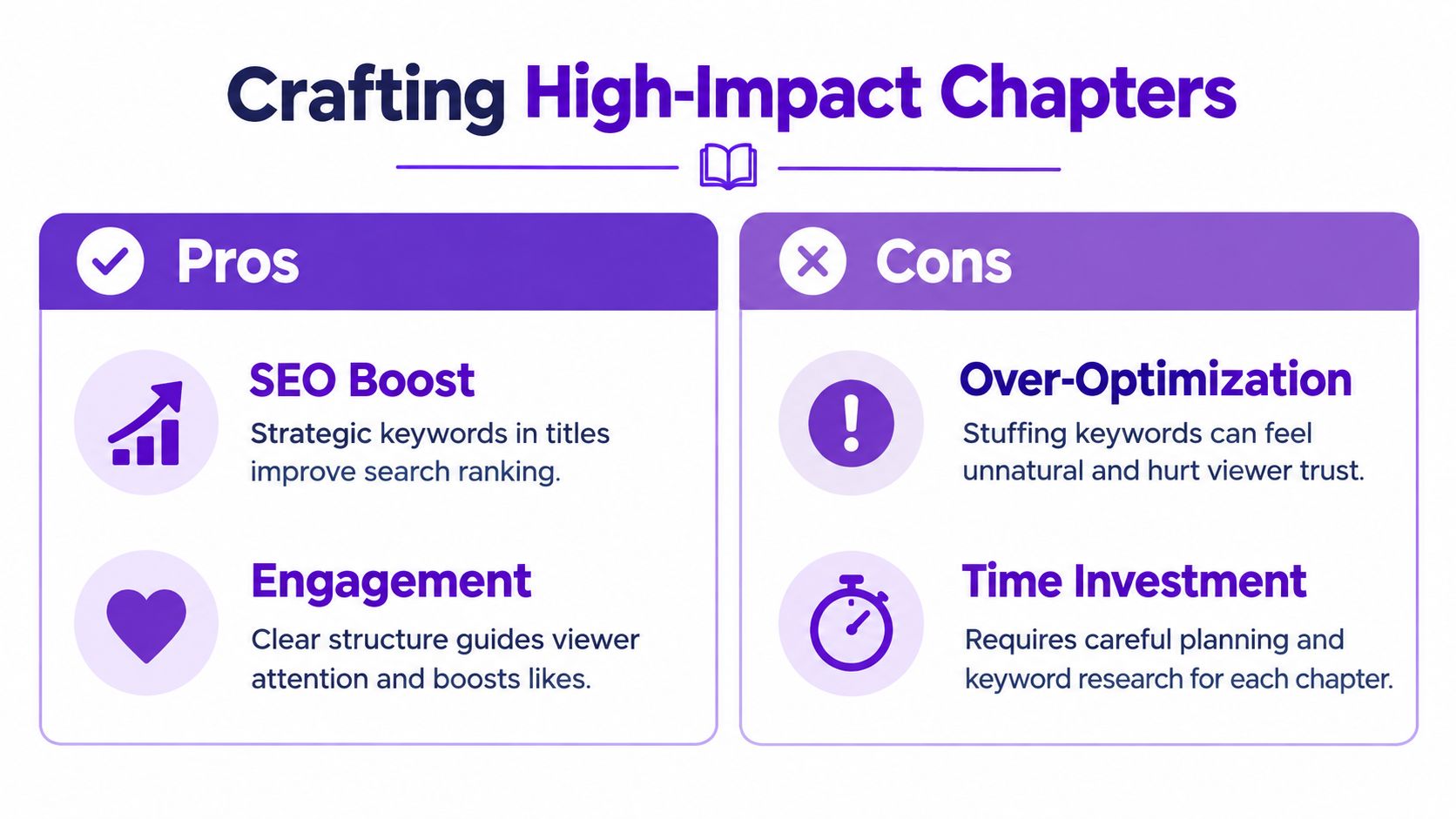
Review the finished list as a viewer. Can someone find the answer they want without opening every section? Do the titles sound natural when read aloud? For planning across titles, descriptions, and metadata, pair the chapter workflow with an up-to-date video SEO strategy.
For frequent uploads, Taja AI can help create a first-pass chapter list at scale, but human review still determines whether the labels match the final edit and the audience's intent. Automation saves drafting time. It does not replace editorial judgment.
When chapters fail to appear, check the description first. Timestamp links can work while the progress bar remains unsegmented, usually because one formatting requirement was missed.
Symptoms: timestamps appear as links, but the progress bar has no chapters.
Check these points in order:
1:25, not commas or periods.YouTube Help documentation lists the platform's formatting requirements. If chapters still do not appear, strip away extra formatting and rewrite each entry using the plain pattern: timestamp, space, title.
Automatic chapters can save time, especially across older or lower-priority uploads, but their boundaries and labels may not fit your editorial plan. Review them before publication, then replace weak sections with a manual list that reflects the video's actual structure.
For product videos, campaigns, search-focused content, and evergreen tutorials, inspect every suggested chapter. A poorly named or mistimed section can send viewers to the wrong part of the video, even when the feature itself is active.
Taja AI can help create a first-pass chapter list from a video's content, reducing repetitive drafting across frequent uploads. Treat the output as a starting point. Confirm the timestamps against the final edit, revise titles for viewer intent, and publish only after the list reads clearly on the watch page.
Manual chapters remain the quality baseline because you control the editorial decisions. The problem is repetition. Scrubbing through every upload, recording exact boundaries, and naming each segment can become a bottleneck when you publish interviews, podcasts, courses, or a large back catalogue.
AI automation addresses that bottleneck by using the transcript and surrounding video context to suggest logical sections. Instead of starting with a blank description, you review proposed breaks, correct the occasional weak boundary, and publish a cleaned list. The human still owns the final judgment, but the repetitive discovery work becomes lighter.
Automation is useful when:
Taja AI is one option for this workflow. Its optimization process can analyze a YouTube video and generate titles, descriptions, and chapter suggestions from the transcript, channel audience, and content context. You can learn more about this approach in its guide to automated video chaptering.

AI can misunderstand a topic transition, merge two distinct answers, or produce a title that sounds optimized rather than useful. Review the timestamp against the actual edit, remove chapters that add no navigation value, and replace generic wording with a specific viewer-facing phrase.
A practical production loop is simple: generate suggestions, compare them with the video, rewrite the labels, paste the final list into YouTube Studio, and verify the public result. Automation should reduce friction, not remove editorial judgment.
Chapters turn a published video into a resource viewers can browse with purpose. Manual editing gives you control over every timestamp and label. Automation helps process recurring uploads and older videos without rebuilding each description from scratch.
Treat every chapter as a destination and a promise. Set boundaries where the topic changes, write titles around viewer intent, and make the sequence reflect how people consume the video. If spoken content is your starting point, a transcript YouTube Shorts workflow can surface reusable moments before you finalize the chapter map.
Start with one older upload. Add a compliant list, review each label from the viewer's perspective, then compare equivalent periods after 2–4 weeks. Wait until the video has 1,000 or more views before treating the comparison as meaningful, following the benchmarking guidance noted earlier.
Taja AI can analyze long-form YouTube videos and suggest SEO-ready titles, descriptions, chapters, and repurposed content. Upload or connect a video through Taja AI, then review its suggested structure before publishing. Use automation to reduce repetitive work while keeping the final editorial decision yours.


We are blessed to work with leading brands & Companies


We try to make easy and simple for every professionals. Get 30 days free trial - No credit card required.


© 2025 Taja AI. All rights reserved.