.jpeg)
How to Make a Shorts Video That Actually Gets Views
Learn how to make a shorts video that drives real engagement. Master hooks, vertical formatting, and AI repurposing to scale your content without burnout.
5 min read
September 28, 2026

Learn how to transcribe tiktok video posts using AI or manual tools. Turn captions into SEO content, SRT files, and text notes in 2026.
Written by:


You posted a TikTok that had substance. Good hook. Useful point. Clear offer. It got a burst of attention, then disappeared into the scroll.
That's the mistake most creators make. They treat the video as the asset. It isn't. The spoken ideas inside the video are the asset. If you don't transcribe tiktok video content, the value stays trapped inside a format that's hard to search, hard to reuse, and annoying to turn into anything else.
A transcript fixes that. Not because captions look polished. Because text is portable. Text can become a blog post, an email, a LinkedIn post, a quote card, a search-friendly page, a script for the next video, or the raw input for content automation. That's where the true value lies.
Most TikTok advice stays at the surface. Add captions. Make the text pop. Keep people watching. Fine. But that's still thinking too small.
When you transcribe tiktok video content, you create a reusable text layer under the video. That changes the job of the content. It's no longer a single post. It becomes source material.
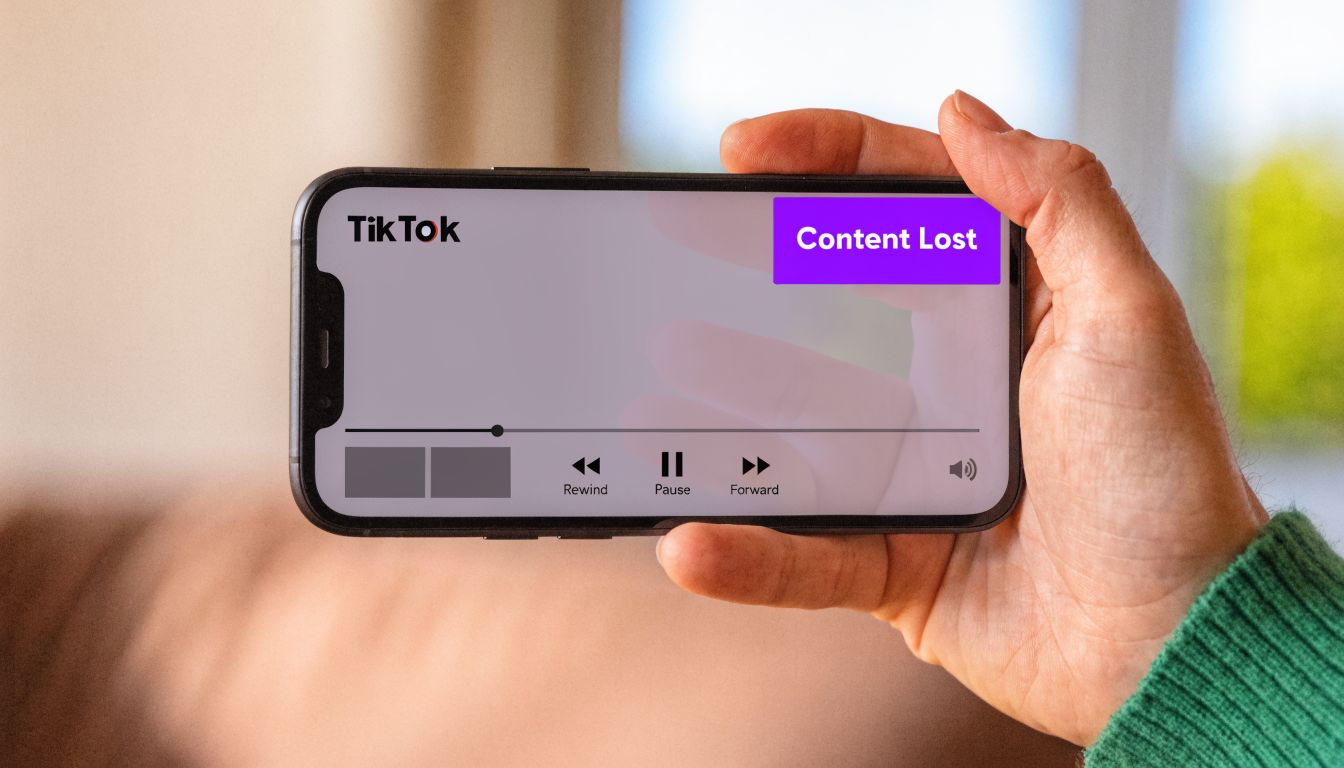
TikTok is built for fast consumption, not deep retrieval. A person can watch your clip and remember the point. They still can't search the exact phrase you used, extract your argument cleanly, or hand that wording to an editor without extra work.
That's why transcription sits at the front of a serious workflow. It gives you:
There's also a direct performance angle. In one benchmark, videos with subtitles reached 91% completion versus 66% without captions, a 25-point lift that matters on short-form platforms where retention affects distribution, according to video transcription efficiency statistics from Sonix.
Creators often postpone transcription because it feels like cleanup. That's backward. The transcript should come first in your repurposing stack, not last.
Practical rule: If a TikTok is worth posting, it's worth turning into text you can reuse.
The smartest teams don't ask, “Do we need a transcript?” They ask, “How many assets can we extract once we have one?” That shift is what turns short-form content from daily output into a system.
You've got three real options. Type it yourself. Use TikTok's native captioning. Or use a dedicated AI tool. None is perfect. Each solves a different problem.
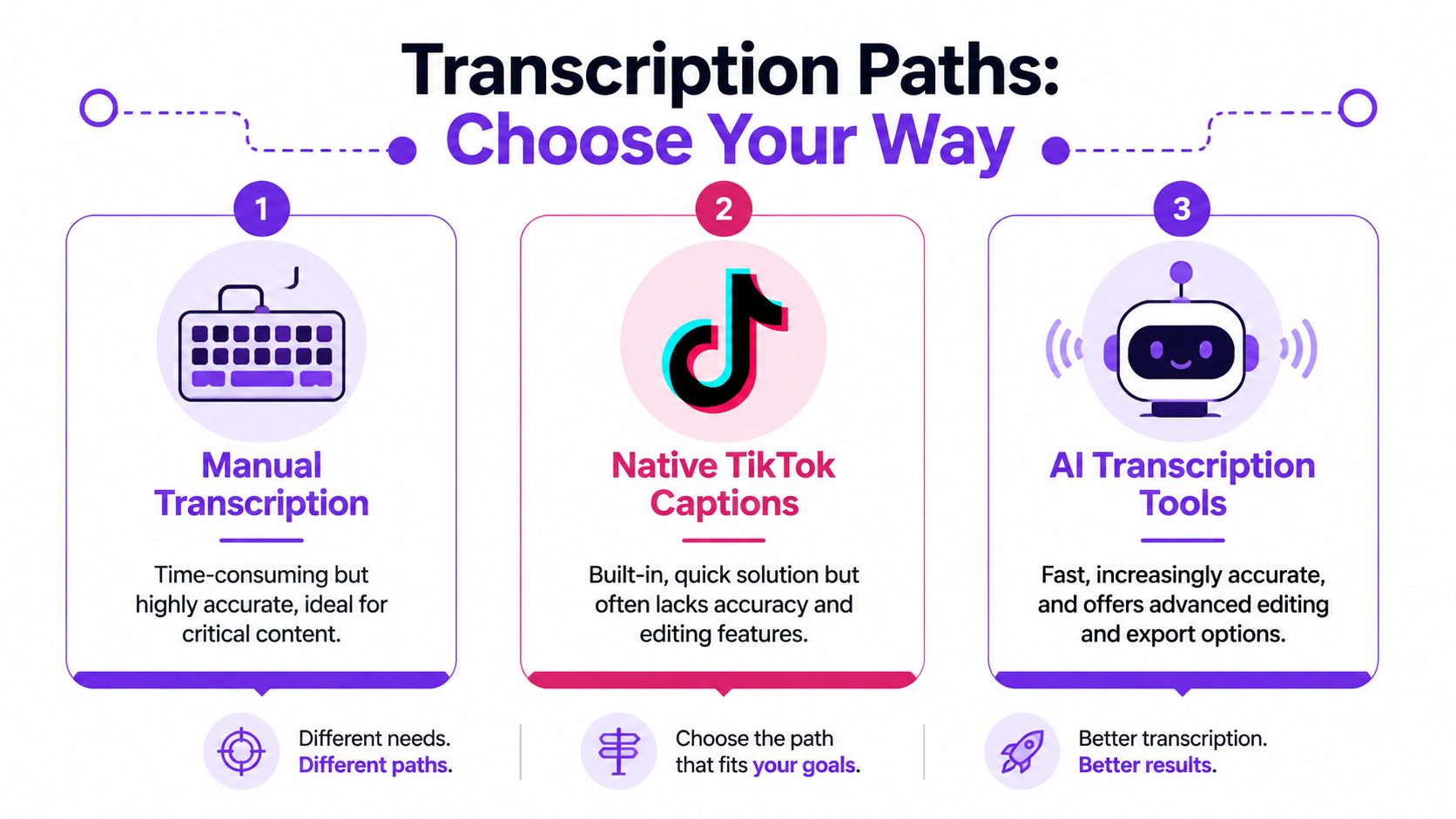
| Path | Speed | Accuracy | Export flexibility | Best fit | Main trade-off |
|---|---|---|---|---|---|
| Manual transcription | Slow | Highest with careful review | High, because you control the text format | Sensitive content, legal language, brand-critical messaging | Time cost |
| Native TikTok captions | Fast | Limited and inconsistent for tougher audio | Low | Quick on-platform publishing | Hard to reuse outside TikTok |
| AI transcription tools | Fast | Good starting point, improves with review | Strong, often with TXT, SRT, or VTT outputs | Repurposing, SEO, editing workflows | Needs quality control |
If the video includes technical terms, local place names, product names, or high-stakes calls to action, manual transcription still wins on control. You hear the nuance. You decide punctuation. You catch what automation misses.
That doesn't make it the default. It makes it the right choice for content where small errors create real problems.
TikTok's built-in captions are useful if your only goal is making a post more watchable inside the app. They're not built for a broader content operation.
The biggest limitation isn't speed or convenience. It's portability. Native captions help viewers consume the clip, but they don't automatically create the kind of reusable text asset creators need.
If your workflow ends at “captions are visible,” you're optimizing for a single post. If your workflow ends with an editable transcript file, you're building a content library.
For most creators and small teams, dedicated transcription tools are the practical option. You get speed, editable output, and files you can pass into writing, editing, and scheduling workflows.
But don't confuse fast with finished. One source notes automated verbatim transcription is often about 86% accurate, while human transcription is reported at 99% accuracy, according to Ditto Transcripts' discussion of social media video transcription. That gap is big enough to break names, product terms, and offer language.
So the actual decision isn't “manual or AI.” It's this:
If you're comparing broader creator workflows, this guide to AI tools for content creators is useful because transcription usually matters most when it connects to editing and repurposing, not when it sits alone.
The modern workflow is simple. Paste a TikTok URL, upload a file if needed, wait briefly, then review the transcript. That whole pattern is relatively new. TikTok launched internationally in 2017, and transcript tools followed quickly. Today, major services can generate a transcript in seconds or minutes, often with timestamps, summaries, and keyword extraction, as described in Speak AI's overview of TikTok transcription.
That speed matters, but the format of the output matters more. A transcript that only lives inside a preview window is less useful than one you can edit, export, and feed into the rest of your stack.
Most transcription-focused platforms follow the same core pattern:
That works well when your main need is text extraction. It's especially useful for interview clips, educational snippets, talking-head explainers, and customer-facing videos where the spoken content carries the message.
The weaknesses show up fast too. Music beds, interruptions, clipped words, and speaker overlap create messy output. And many creators don't just want a transcript. They want something to happen after the transcript exists.
The category splits at this point.
Some tools are basically transcript vending machines. You get text and leave. Other platforms treat the transcript as the raw material for a bigger workflow. That's the smarter direction if your goal is growth with less manual rewriting.
One example is Taja AI. It uses uploaded video transcripts to support broader content repurposing workflows, including generating clips, text assets, and SEO-oriented outputs from the source material. That's a different job than plain transcription. It turns speech into publishable derivatives instead of stopping at the transcript itself.
A transcript by itself is useful. A transcript wired into your publishing workflow is leverage.
That distinction matters if you publish often. A single short video can become a caption file, a cleaned text transcript, a blog draft, a set of social posts, and future content prompts. If you handle influencer-driven content, it also helps to track influencer sponsorships by Notta so you can connect creator activity, branded mentions, and repurposed content planning without guessing who's already saying what in your market.
Here's a quick walkthrough of how transcript-driven automation fits into a broader workflow:
Don't choose a transcription tool based on the home page promise. Check the operational details:
The right tool isn't the one that says “transcribe.” It's the one that removes the next three steps after transcription.
Manual transcription sounds old-school because it is. It's also the cleanest way to capture nuance when the wording really matters.
If you need a transcript for a testimonial, legal-sensitive claim, technical demo, sermon excerpt, or local-service pitch where names and offers have to be exact, doing it by hand is still a solid move.
Start with the audio, not the urge to type fast. A clean process beats raw speed.
[00:00:12] when the topic shifts or a new speaker starts.You don't need a complicated setup. A plain text editor works. Subtitle editors can help if you're building caption files and want better timing control.
Useful options include:
If you also work with longer recordings, this guide on how to copy transcript from YouTube is relevant because the same discipline applies. Clean transcript first. Reuse second.
Manual transcription is less about typing every word and more about producing a text asset someone else can use without asking you what it meant.
People usually slow themselves down in predictable ways:
A messy manual transcript defeats the purpose. A clean one becomes working copy for captions, editing notes, blogs, and internal archives.
A transcript is only valuable if you put it back to work. Otherwise you've just converted audio into a document nobody opens again.
TikTok itself creates a practical bottleneck here. Viewers can toggle captions on and off, but there's no built-in way to copy or export a full TikTok transcript as a text file, which is why creators lean on outside workflows for repurposing, SEO, and editing, as explained in Argil's guide to TikTok transcripts.
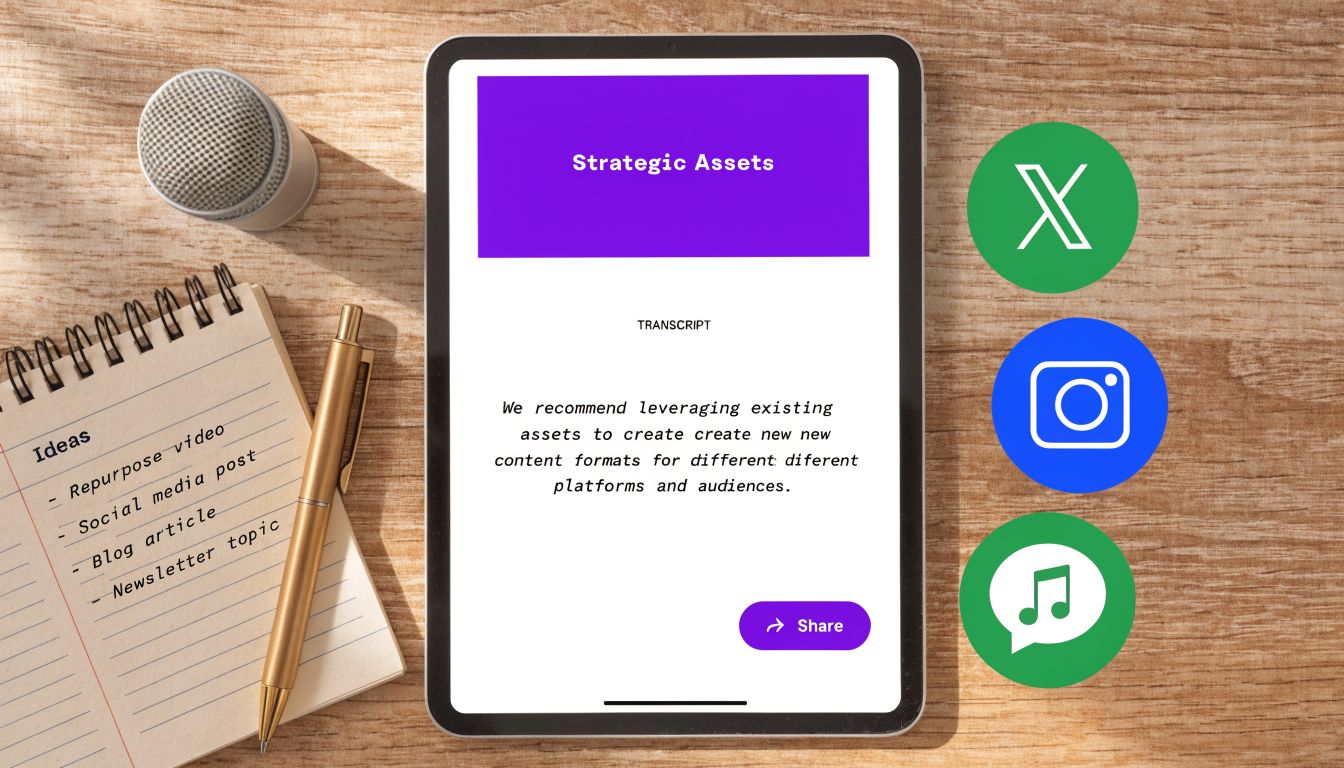
The transcript gives you a text source you can split, reshape, and publish in multiple formats. The obvious move is captions. The smarter moves sit one layer above that.
Subtitle files for other platforms
Export as SRT or VTT when you want synchronized captions on YouTube, LinkedIn, or hosted video pages.
A blog draft
Turn the spoken argument into a short article. Add an intro, break out the main points, then tighten the language. Spoken content often has strong rhythm but weak structure. The transcript fixes that.
Quote cards and post snippets
Pull short lines that sound opinionated, useful, or surprising. Good spoken hooks often make strong standalone graphics and text posts.
Keyword mining for future content
Look for repeated phrases, audience objections, niche terms, and direct questions. Those are usually better content seeds than generic brainstorming.
Use the transcript in this order if you want the highest return with the least friction:
| Priority | Output | Why it works |
|---|---|---|
| First | Clean transcript | Everything else depends on it |
| Second | Caption file | Immediate distribution value |
| Third | Blog or article draft | Searchable, expandable text asset |
| Fourth | Social snippets | Fast reuse across platforms |
| Fifth | Topic bank | Fuels future scripts and editorial planning |
They don't ask whether a TikTok should become a blog post every single time. They build a repeatable filter.
Use the transcript to identify:
That's how you turn one video into an asset tree instead of a one-off post. If you're building a repeatable workflow around that idea, this article on automating content creation fits because the actual gain comes from reducing the number of times you rewrite the same idea by hand.
Good repurposing doesn't mean posting the same thing everywhere. It means extracting the same insight into the format each channel can actually use.
The easy demos online skip the ugly parts. Real TikTok audio is messy. There's music under the voice. Two people talk at once. Someone clips the first syllable. A product name gets mumbled. That's where most transcript quality falls apart.
Multiple sources note that background music, clipped audio, and overlapping speakers are major causes of transcription errors, and a hybrid AI-plus-human review is often the safest approach, according to TicNote's guide to TikTok transcription.
This is the step people skip because they want instant output. Bad input creates bad text.
Use a quick cleanup pass when the audio is rough:
If your recordings are consistently rough, upgrading your capture setup helps more than switching tools every week. For creators who need better voice clarity without spending much, this roundup of cheap USB microphones for beginners is a practical starting point.
Automation struggles most when speech moves fast or switches context quickly. The fix isn't perfection. It's targeted review.
Use this approach:
A weak original transcript produces weak subtitles in every language. Clean the source text before you translate anything.
That matters for multilingual creators and brands. If one video includes code-switching or bilingual speech, don't force a single-pass workflow to guess the context. Split sections, identify speaker intent, then review the translated output like an editor, not like a machine supervisor.
Clean source text travels. Messy source text multiplies mistakes.
The strongest workflow is usually simple. Get the cleanest audio you can. Generate the draft fast. Review only the parts that can damage clarity, credibility, or conversion.
If you want the transcript to do more than sit in a document, Taja AI is worth a look. It turns video into transcript-driven content outputs so you can move from one recording to usable clips, captions, and written assets without rebuilding everything manually.


We are blessed to work with leading brands & Companies


We try to make easy and simple for every professionals. Get 30 days free trial - No credit card required.


© 2025 Taja AI. All rights reserved.