.jpeg)
10 Best Instagram Reels Maker Tools for Creators in 2026
Compare 10 Instagram Reels Maker tools for editing, vertical templates, captions, and publishing, with honest limits and use cases for 2026.
5 min read
October 15, 2026

A deep dive into the 10 best AI tools for content creators. Find the right AI for video editing, repurposing, ideation, and more to save time & grow.
Written by:


You spent hours scripting, shooting, editing, and packaging a video you were proud of. It goes live, gets a strong burst of attention, and then the feed moves on. A few days later, you're back at the same desk, staring at the same cycle. Record. Edit. Post. Repeat.
That treadmill is what burns creators out. Not a lack of ideas. Not a lack of talent. Just too many moving parts and too many platforms asking for native content at the same time.
In 2026, AI isn't the advantage by itself anymore. It's table stakes. One industry snapshot says 85% of marketers now use AI tools for content production. A key difference is how the tools fit your workflow. Some tools are good at scoring content. Some are good at writing a draft. A smaller group handles strategy, creation, optimization, publishing, and analytics in one system.
That's the lens for this guide.
This isn't another bloated roundup of shiny apps. It's a workflow-first look at the best ai tools for content creators, mapped to the bottlenecks creators hit every week: ideation, editing, repurposing, design, voice, and distribution.
If you're a solo creator, podcaster, realtor, educator, or small team, this matters even more. The stack that works for a full-time media company usually breaks for a one-person brand. You don't need ten subscriptions. You need the right few. In some cases, one all-in-one platform can replace several separate tools and remove the handoff friction that wastes more time than the creative work itself.
The list starts with the category that's been underserved for too long: turning one long-form asset into a full content system, without manually slicing clips, rewriting captions, resizing formats, and babysitting publishing calendars all week.
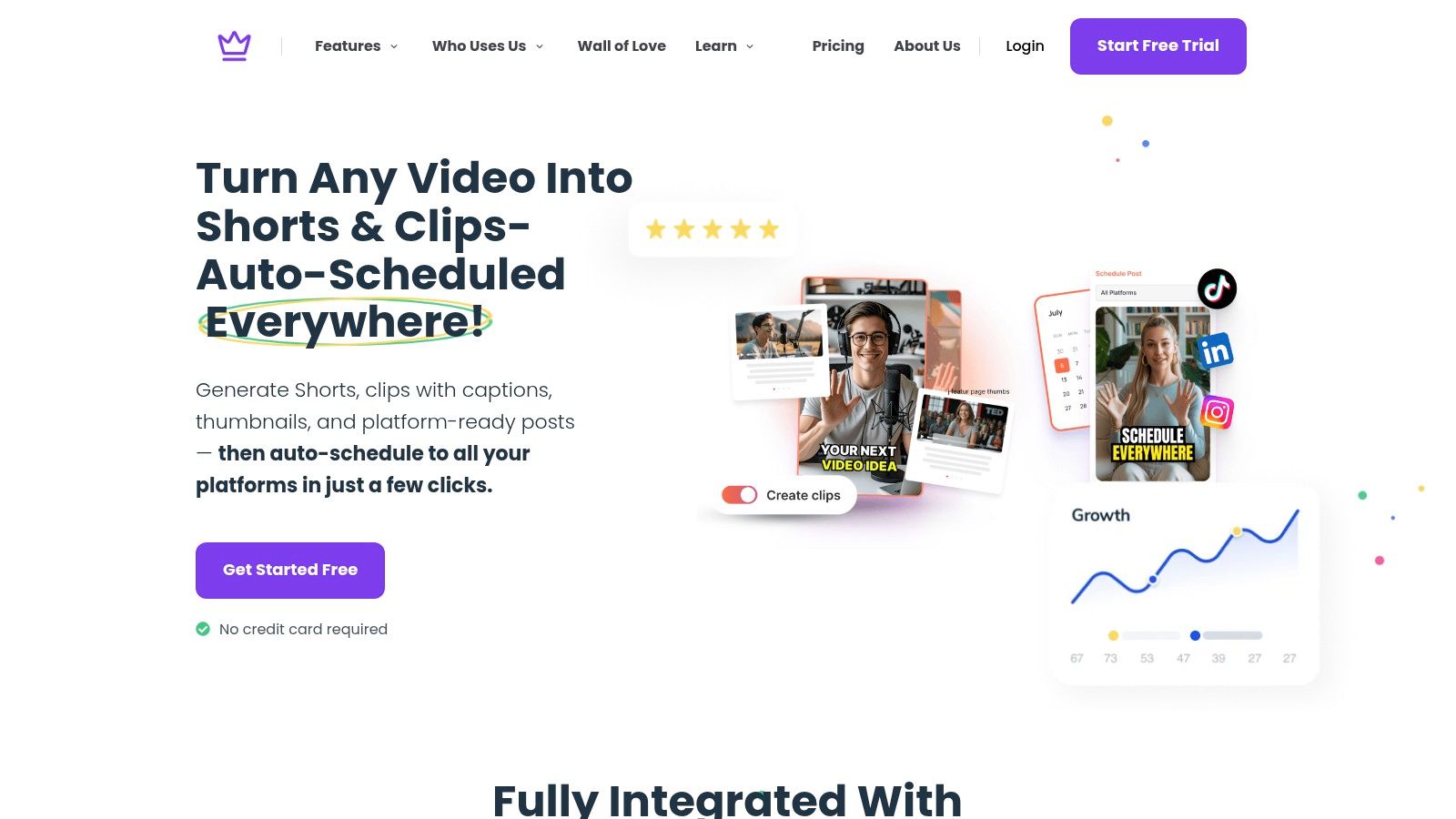
Taja AI is the tool I’d put first if your biggest problem isn't making one video. It's getting real mileage out of it after you hit publish.
Most repurposing tools stop at clipping. Taja goes further. It takes a long-form video, analyzes your niche and channel context, and turns that source file into a much broader publishing package. According to Taja’s product positioning, one upload can generate 27+ assets, including clips, captions, thumbnails, blog text, and platform-specific posts, while also pushing content across YouTube, Instagram, TikTok, Facebook, X, and LinkedIn from one dashboard.
That matters because repurposing is where most creators lose momentum. The original content is done. The tedious part starts after that.
Taja works best as the center of a creator stack, especially for people who already produce long-form video, podcasts, interviews, sermons, educational recordings, or listing videos.
The strongest part of the product is consolidation. Instead of using one tool for clipping, another for captions, another for thumbnails, and another for scheduling, you can handle the whole chain in one place. That kind of setup aligns with the broader shift toward integrated content engines, which are increasingly differentiated from standalone writing assistants and scoring tools in the AI content market, as noted in Averi’s breakdown of content tool categories and pricing.
Practical rule: If your weekly bottleneck happens after recording, not before, an integrated repurposing system will usually outperform a stack of disconnected point tools.
Taja also leans into a gap many “best tools” lists miss. Coverage often names general repurposing tools, but rarely goes deep on niche-aware systems that handle brand voice, SEO optimization, auto-scheduling, backlog revival, and idea generation from existing performance signals. That gap is called out directly in IMPACT’s discussion of underserved repurposing workflows.
The most useful differentiators aren't flashy. They're practical.
Taja says users save up to 2.3 hours per optimized video, and that users have collectively saved 2,652,887+ hours across 256,000+ businesses. Those claims come from the publisher information provided for this article and fit the product’s positioning around workload reduction.
The trade-off is simple. You still need a quick human review. AI-generated clips, captions, and thumbnails usually need small brand adjustments before they’re ready for publication. And if you don't have long-form content to feed the system, you're not getting the full value.
Still, for creators trying to escape the one-video-one-post trap, this is one of the most practical AI tools in the category.
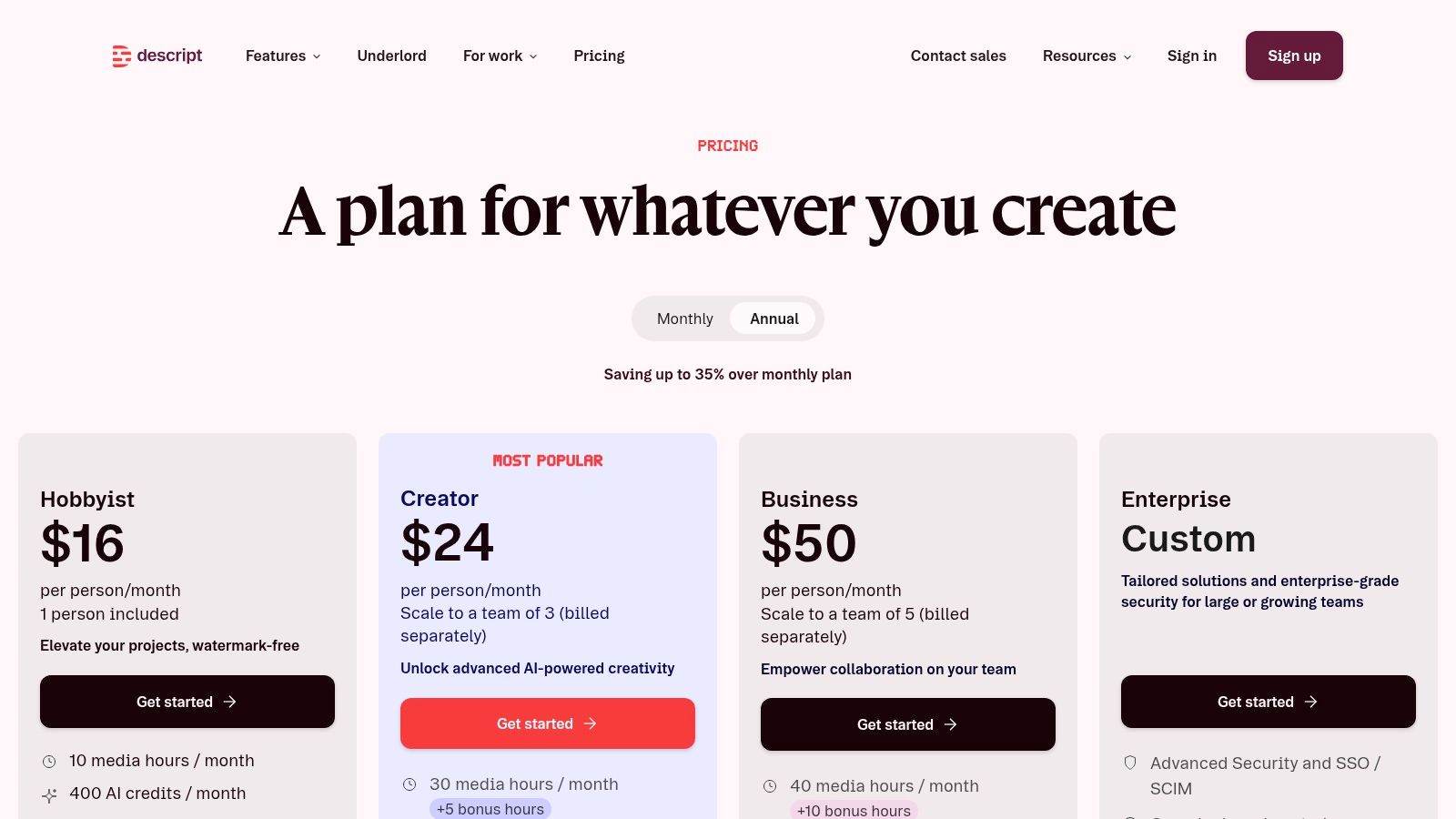
Descript is the editing tool I recommend to creators who hate timelines more than they hate editing itself.
Its core idea still feels smart because it solves a real friction point. You edit audio and video by editing text. For podcasters, interview-based creators, course builders, and talking-head YouTubers, that changes the experience from “learn an editor” to “revise a transcript.”
Descript shines when the spoken word is the product.
If your content starts with interviews, lessons, webinars, podcasts, or commentary videos, transcript-first editing is faster than poking around waveforms. Removing filler words, trimming rambling sections, cleaning rough audio, and pulling social clips all feel more accessible in Descript than in a traditional NLE.
The best parts of the workflow are straightforward:
The creators who get the most from Descript usually have high speaking volume and low patience for technical editing.
Descript is strong when speed matters more than frame-perfect control.
If you're publishing podcasts with video, educational interviews, founder updates, or recurring commentary, it's one of the best ai tools for content creators because it cuts down the mental overhead. You don't need to “be an editor” to get clean output.
But there's a ceiling. Once a project gets visually dense, layered, or motion-heavy, you start to feel the limits. It's not the place for advanced cinematic edits or heavily stylized short-form cuts. And like many AI products, some premium features rely on usage allowances, so heavy users need to keep an eye on credits and plan limits.
I think of Descript as a speed editor, not a forever editor. That's a compliment. It earns a place in a stack when your content is voice-led and your biggest enemy is the time it takes to clean, trim, and repurpose raw recordings.
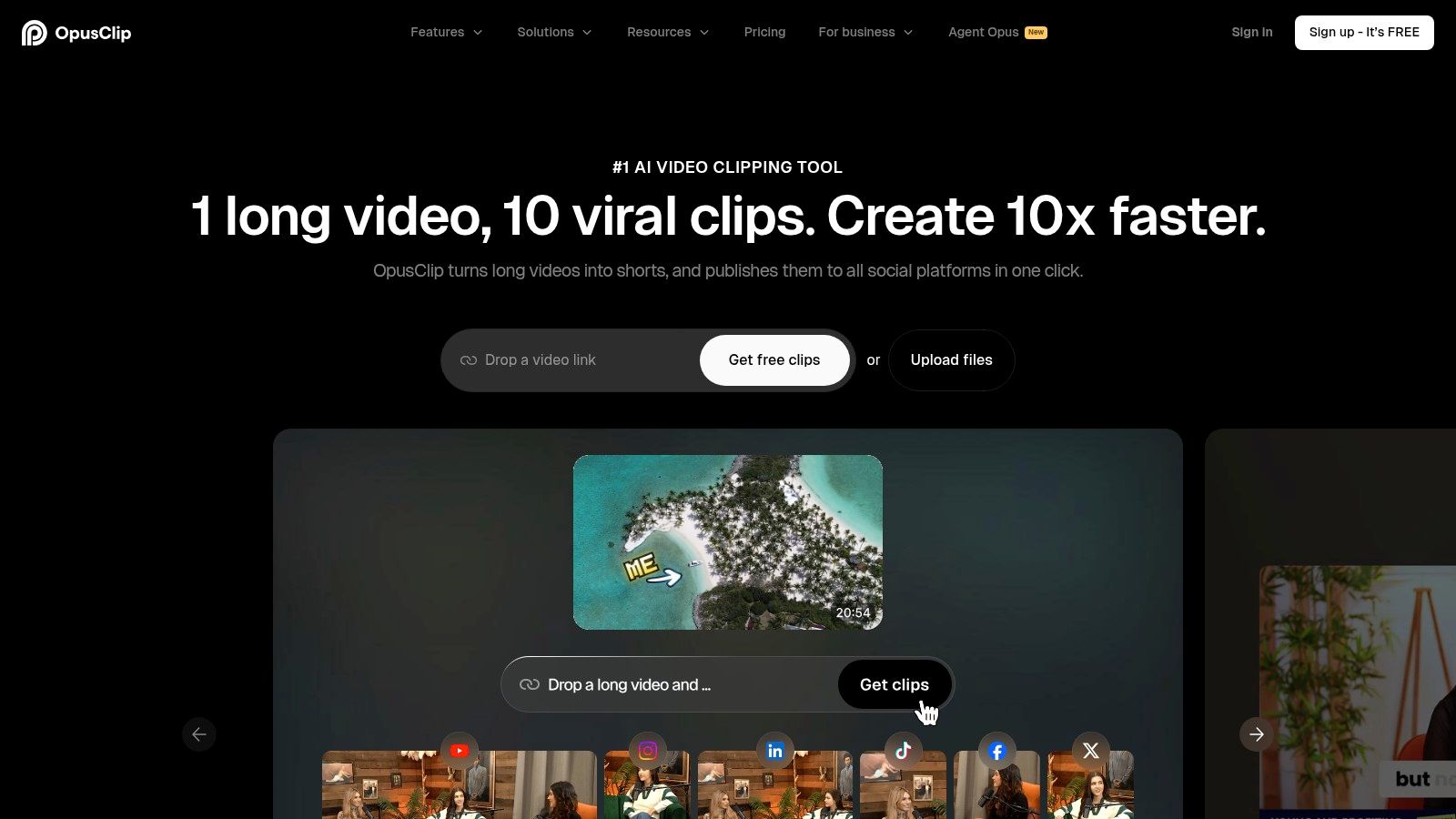
OpusClip is for creators who already know the value of short-form distribution and want to produce more clips without manually hunting every standout moment.
It’s built around a simple promise. Upload a long video, let the system identify highlight-worthy sections, and export platform-ready cuts in the right aspect ratio.
OpusClip excels in this area. It reduces the distance between “we recorded something useful” and “we have several short videos ready to post.”
That makes it a strong fit for:
Its reframing options are practical, and batch output helps when your goal is volume. Export support for editors like Premiere and Resolve also matters if AI gets you most of the way there but your team still wants a final pass in a pro tool.
If you’re comparing this category directly, Taja’s Opus Clip alternative page is worth reviewing because it highlights the difference between a clip-focused tool and a broader repurposing system.
OpusClip is narrower than an all-in-one engine. That's both its strength and its limitation.
If all you need is highlight extraction and quick short-form production, narrow is good. Fewer moving parts. Less setup. Faster output.
If you also need caption writing, blog drafts, thumbnail generation, channel-aware ideation, backlog revival, and unified distribution, you'll likely hit the edge of what it handles comfortably.
The other thing new users notice is credit logic. Processing minutes, plan allowances, and export expectations can take a minute to understand. That isn't unusual in AI video tools, but it does matter if you're batching a lot of content and trying to stay predictable on cost.
OpusClip does one thing that many creators need badly. It gets more short-form assets out of your long-form library with less manual labor. If that's your main pain point, it's a strong specialist.
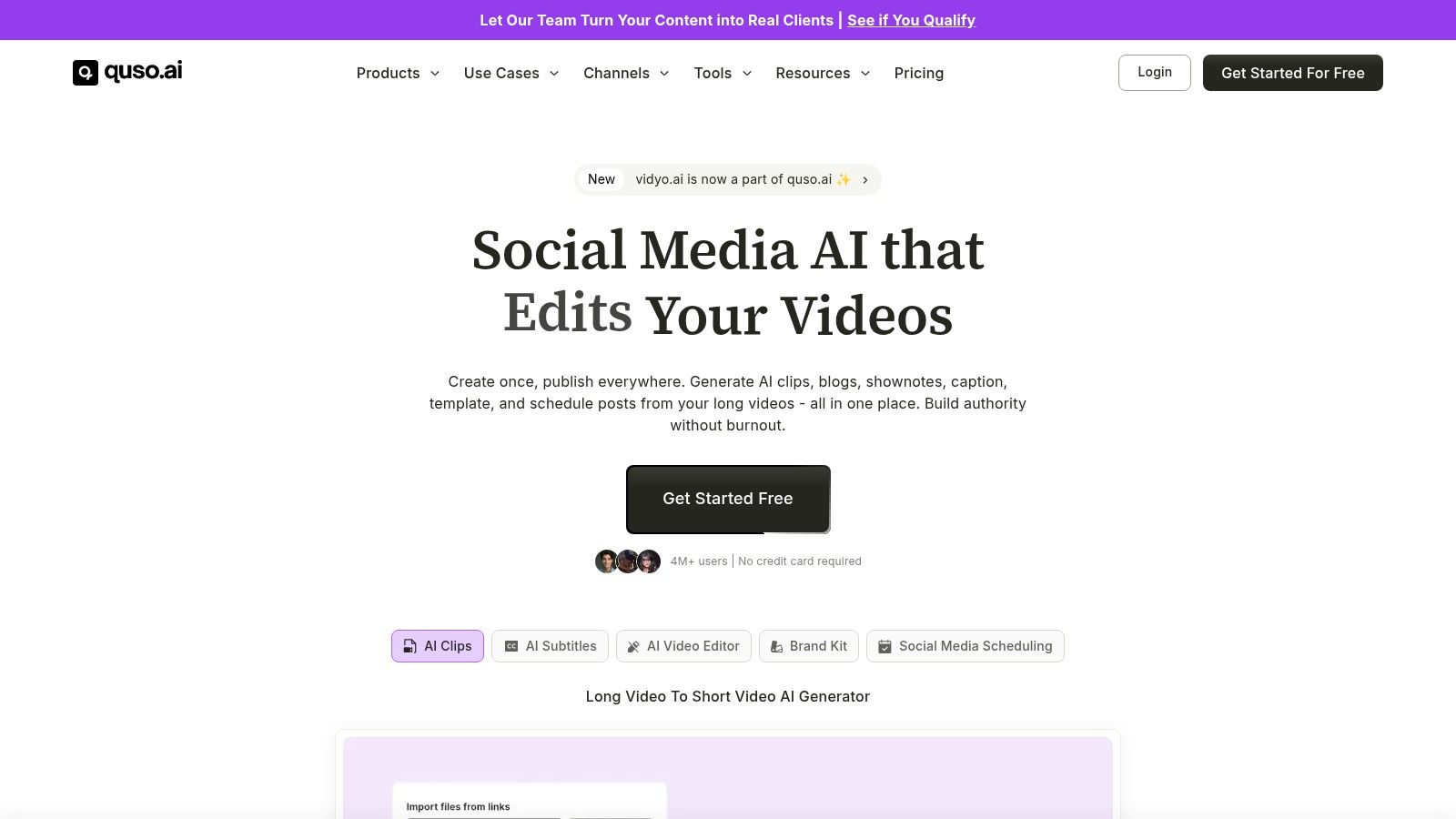
Quso.ai sits in the middle ground between a focused clipping tool and a broader creator workflow platform.
Formerly known as vidyo.ai, it combines long-to-short repurposing with social scheduling and analytics. That combination makes sense for solo creators and small teams that don't want a separate publishing tool bolted onto the end of the workflow.
Quso.ai is appealing because it tries to keep creation and distribution connected.
That’s important. One of the bigger shifts in AI for content isn't just generation. It's distribution and performance optimization. One market overview notes that more than 65% of B2B companies now use AI-powered tools for content distribution and performance tracking, not just content creation, in PatentPC’s analysis of AI adoption in distribution workflows. Even if you're a solo creator, that same logic applies. The useful systems don't just make assets. They help move them.
Quso.ai’s multi-platform scheduling, branded captions, and repurposing templates make it a practical choice if your workflow needs to end in publication, not just export.
I’d put Quso.ai in the “balanced” category.
It isn’t as stripped down as a specialist clipper, and it isn’t trying to become a full operating system for every content type either. For many creators, that middle ground is exactly right.
A few strengths stand out:
The trade-off is breadth. When a tool tries to cover more steps, some users will find it heavier than a single-purpose app. The rebrand also means some documentation and old pricing references can still create confusion.
If you want a practical tool that bridges repurposing and scheduling without becoming a giant enterprise suite, Quso.ai earns a spot on the list.
Pictory works well for creators who don't always start with video footage.
That’s an underrated use case. Not every creator has a camera-first workflow. Some start with scripts, blog posts, lessons, sermons, newsletters, or podcast transcripts. Pictory is useful because it turns those text-first assets into publishable video content without forcing you into a traditional editor.
Pictory handles a few common creator scenarios well:
For educators, faith organizations, consultants, and service businesses, that's practical. You may already have the knowledge asset. You just don't have the time to build a video from scratch every time.
This is also where beginner-friendliness matters. Pictory is approachable in a way many advanced editing tools aren't. You can produce useful output fast, especially for explainers, recap content, or short informational pieces.
Pictory is good at throughput. It helps creators generate more variants from existing material.
That doesn't mean the output is done the moment the AI finishes. In my experience with tools in this category, stock-heavy AI videos often need a brand pass. You may want to swap visuals, tighten pacing, or rewrite captions so the result feels specific rather than templated.
If you're using AI to create video from text, the fastest win usually comes from giving the tool strong source material, then spending a few minutes polishing the first draft instead of trying to perfect the prompt.
Pictory scales fairly naturally from solo use into team workflows, especially if you're producing lots of educational or promotional content from written material. The main watch-out is operational. Minutes and storage allowances can become part of your planning if you're generating heavily.
It’s not the most niche-aware tool on this list, and it won’t replace a full repurposing engine for long-form video creators. But for script-to-video and blog-to-video production, it remains one of the most practical options.
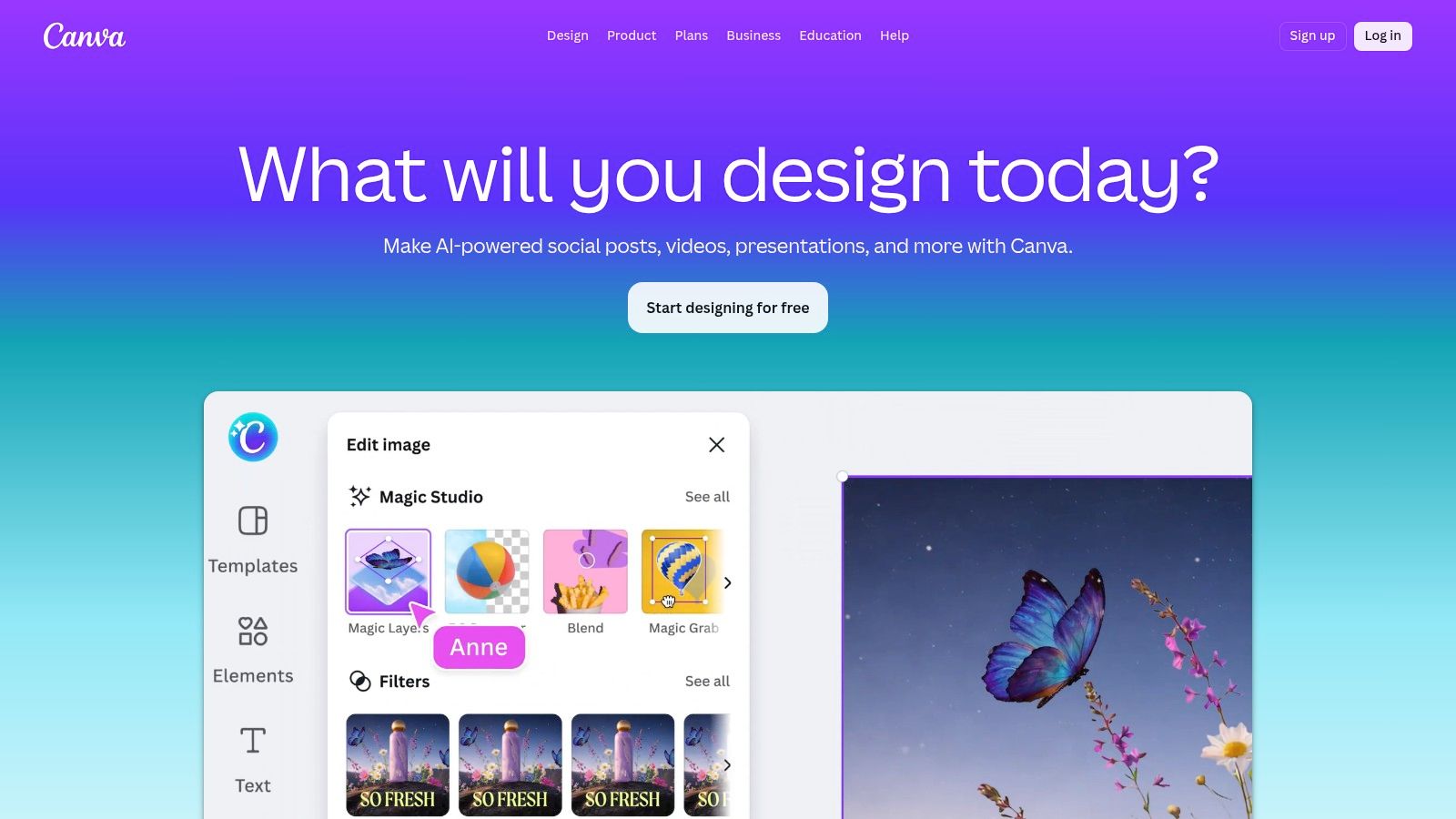
Canva is still the fastest way for most creators to make decent-looking assets without opening a heavy design app.
That includes thumbnails, quote graphics, carousels, presentations, lead magnets, short videos, and social posts. Magic Studio adds AI help on top of what Canva already does well, which is speed and consistency.
Canva wins because it removes friction.
You don't need advanced design skill to create clean, on-brand graphics. Brand kits, templates, background removal, text-to-image, text-to-video, and quick resizing all help creators publish more often without spending half a day in a design workflow.
Canva earns its place in a stack for these reasons:
For small businesses and solopreneurs, speed beats perfection most of the time. Canva understands that.
If thumbnails are a major part of your publishing workflow, this comparison on AI thumbnail makers versus Canva workflows is useful because it shows where dedicated thumbnail generation can outpace a general design suite.
Canva is not a precise video editor. It can handle lightweight motion content, but you feel the limits quickly if you're trying to do nuanced cuts, layered storytelling, or serious post-production work.
That isn't a flaw. It's a category boundary.
The bigger issue is that Canva can become the place where creators do too much manually just because it's familiar. If you're rebuilding the same thumbnails, social posts, and promo graphics from scratch every week, the convenience can hide a time drain.
Canva stays excellent as a support layer. I wouldn't build an entire AI content engine around it, but I would keep it in a stack for fast visual output and team-friendly brand control.
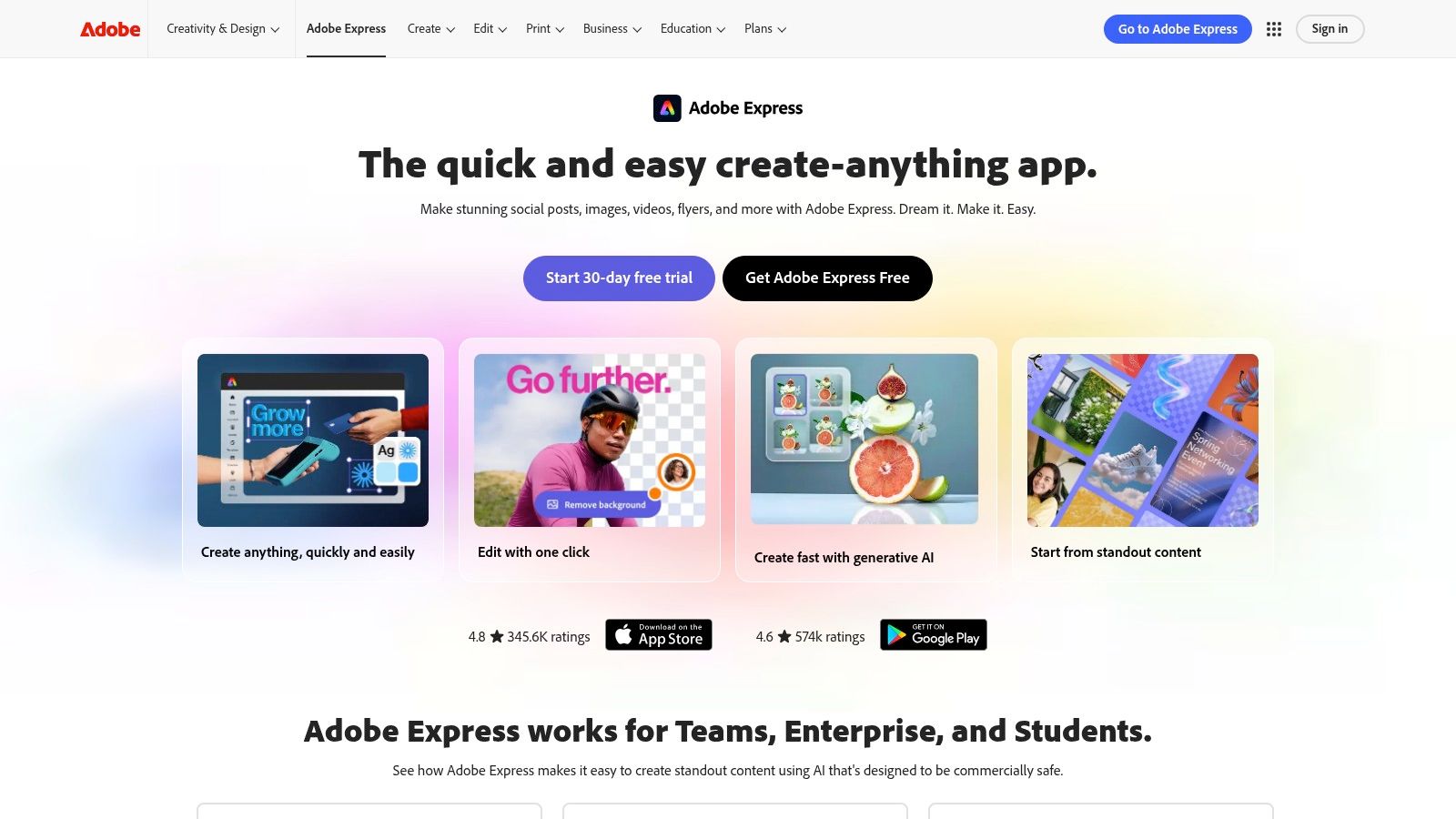
Adobe Express is what I’d suggest to creators who want cleaner creative output than a typical template tool but don't want the full weight of Photoshop, Premiere, or After Effects for everyday work.
It gives you a lighter Adobe environment for social graphics, quick videos, thumbnails, ads, and short-form branded assets. Firefly adds generative tools to that workflow.
Adobe has leaned harder into AI-assisted creative workflows, including customizable AI content models through Firefly, which was highlighted as part of Adobe’s 2026 product innovation cycle in PatentPC’s overview of AI content platform developments. That broader direction shows up in Express. It’s designed to help creators move faster while keeping brand consistency in view.
The practical value is easy to see:
If your team already lives in Adobe land, Express is an easy add-on. If you don't, it can still work as a lighter bridge into more polished creative work.
For creators experimenting with AI visuals, a realistic AI photo generator can also complement Adobe Express when you need a specific style of synthetic imagery.
Adobe Express is more polished than many lightweight design tools, but it still isn't a full timeline editor. If your work depends on deep motion graphics or complex video assembly, you're still heading back into Premiere or After Effects.
The other friction point is credits. Like many AI creative products, usage systems can shape how freely you work each month.
Still, Adobe Express is one of the more useful “middle” tools in this space. It gives creators better output quality than many low-friction tools, without asking them to commit every social post to a full pro workflow.

Jasper is the writing tool on this list for people who care less about “write me something fast” and more about “make it sound like us every time.”
That distinction matters.
A lot of AI writing tools can produce words. Fewer are good at maintaining usable brand voice across email, social, landing pages, scripts, and campaign assets when more than one person is involved.
Jasper is strongest when content operations need structure.
Brand Voice, audience profiles, product knowledge, and collaborative workflows make it better suited to teams than a generic chatbot-first setup. If you're a solo creator with a defined style, it can still help. But its biggest edge appears when multiple people need to generate on-brand drafts quickly.
Jasper fits well in these areas:
If you pair it with a repurposing platform, Jasper can become the ideation and writing layer while the other tool handles asset generation and distribution.
For creators trying to speed up their metadata workflow, this piece on AI-generated video descriptions for content creators is a helpful companion to Jasper’s writing use cases.
Jasper is not your editing suite, your scheduler, or your native video production tool. It can help create the words around the content, but it won't turn a long interview into a month's worth of clips by itself.
That sounds obvious, but it's where many stacks get messy. Creators buy a writing assistant hoping it will fix a distribution problem.
One more useful framing point comes from the verified market segmentation data: specialized writing assistants like ChatGPT Plus and Jasper are a distinct category from integrated content engines and optimization tools, as outlined in Averi’s market view of AI content software. That's exactly how I’d evaluate Jasper. It's a strong specialist. Use it for voice, ideation, and draft generation. Don't expect it to run the whole content machine.
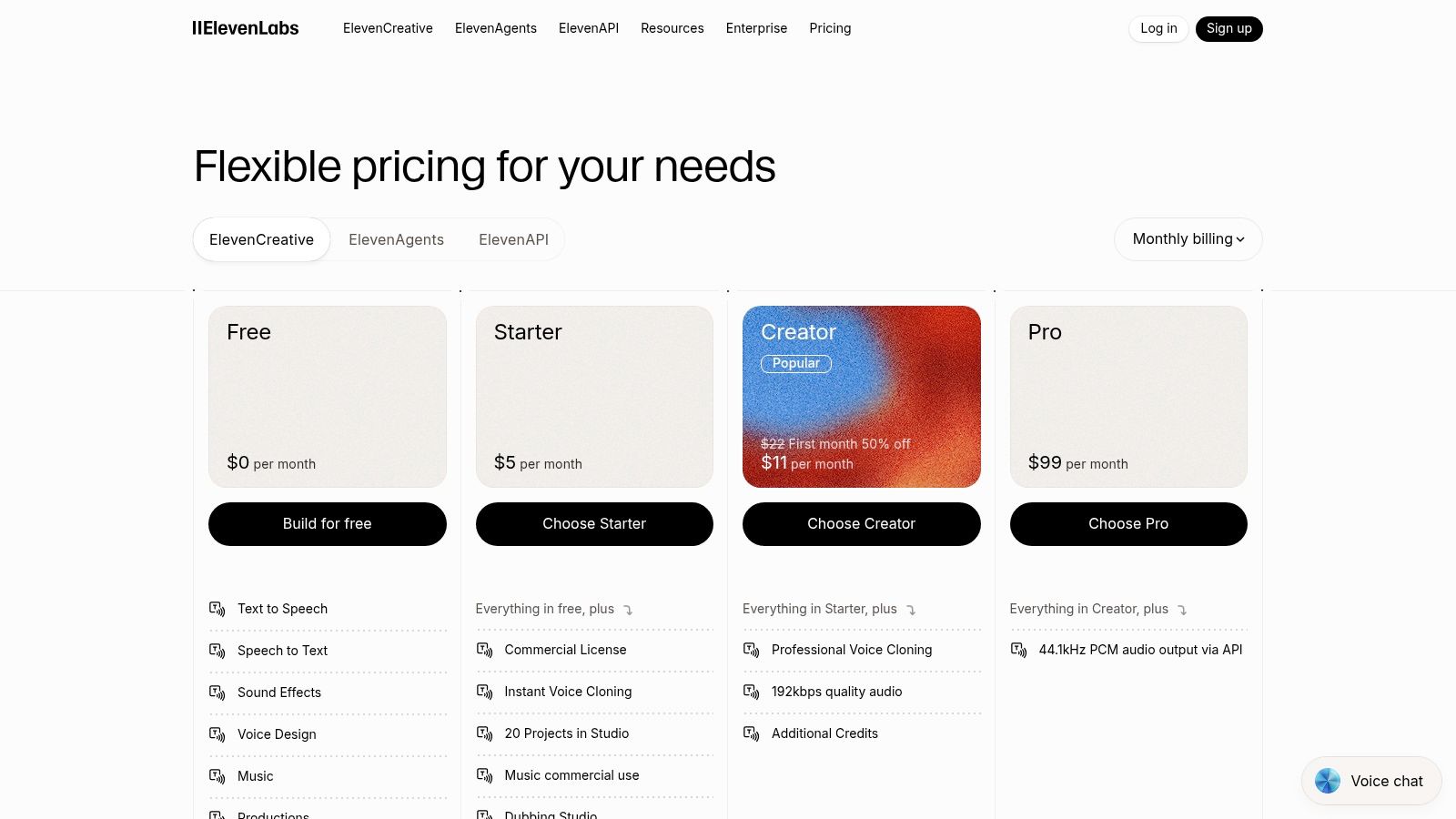
ElevenLabs is the voice tool I’d reach for when audio quality or multilingual delivery is a core part of the content strategy.
It handles text-to-speech, voice cloning, dubbing, and related audio generation. For narration-heavy creators, that opens up a lot of use cases fast.
ElevenLabs is useful when your content needs a voice but not always your live recording session.
That includes:
The naturalness is what makes the platform stand out. Many creators can tolerate synthetic visuals before they can tolerate robotic audio. Voice is less forgiving. If it sounds off, people leave.
That’s why ElevenLabs fits best as a specialist layer in the stack. Use it when voice quality is part of the product, not just a nice extra.
The first challenge is planning usage. Credit-based systems can feel abstract until you're producing at scale.
The second challenge is judgment. Good AI voice doesn't remove the need for editorial taste. You still need to choose where a cloned voice is appropriate, where a real recording has more authority, and where dubbing helps versus hurts trust.
For creators expanding into multilingual content, though, this category is one of the most practical AI wins available. Instead of re-recording every asset manually, you can localize faster and test new audiences without rebuilding your entire production process.
I don't think every creator needs ElevenLabs. But creators doing narration, training content, international distribution, or polished faceless video often get immediate value from it.
Buffer is the scheduling tool on this list for creators who need reliability more than complexity.
That may sound unglamorous, but consistent publishing beats clever chaos. A lot of creator workflows fall apart at the final step because assets sit in folders instead of getting queued and posted.
Buffer’s AI Assistant helps with post ideas, rewrites, caption variants, and lightweight repurposing. Its core value, though, is still the calendar. It helps creators and small teams keep a publishing rhythm across multiple networks without overbuilding the process.
Buffer excels in these areas:
If your current workflow ends with “I’ll post that later,” Buffer usually helps.
Buffer is not trying to be your video editor, your thumbnail maker, or your full analytics warehouse. That's good. It stays focused.
For solopreneurs and SMBs, especially the ones juggling several channels alone, that simplicity matters. You can pair Buffer with a creation tool and instantly become more consistent without a huge learning curve.
The limitation is obvious. AI caption help is only as good as the prompt and source material. And if you need deep reporting, advanced attribution, or highly specialized workflow logic, you may outgrow it.
Still, not every tool in a stack has to be groundbreaking. Some just need to remove the drop-off between “content exists” and “content ships.” Buffer does that well.
| Platform | Core features | UX & Quality (★) | Value & Pricing (💰) | Target (👥) | Unique selling points (✨) |
|---|---|---|---|---|---|
| 🏆 Taja AI | Auto-generates ~27 assets per upload; SEO optimization; multi-channel auto-scheduling | ★★★★☆: saves up to 2.3h/video; fast polish tools | 💰 Free trial/credits; paid tiers via signup (no public line-items) | 👥 Creators, SMBs, podcasters, SMMs, realtors | ✨ Next Video Idea, Backlog Boost, vertical-first assets, one-upload → weeks of posts |
| Descript | Transcript-first editing, Studio Sound, overdub, rapid clip creation | ★★★★☆: speeds edits; desktop learning curve | 💰 Freemium + credits for AI features | 👥 Podcasters, YouTubers, editors | ✨ Text-based editing, high-quality audio cleanup |
| OpusClip (Opus.pro) | Auto-detects highlights, reframes, batch processing, NLE exports | ★★★★☆: very fast for bulk clips; credit accounting | 💰 Minute/credit-based plans with clear allowances | 👥 Creators scaling Shorts/Reels, social teams | ✨ Batch short creation + direct scheduling, NLE export support |
| Quso.ai (vidyo.ai) | Long→short generation, branded captions, multi-platform scheduling | ★★★☆☆: all-in-one UX; rebrand friction | 💰 Tiered plans; migration support for vidyo.ai users | 👥 Solo creators & small teams | ✨ Templates + built-in scheduling & analytics |
| Pictory | Script/URL-to-video, auto-subtitles, highlights, stock library | ★★★☆☆: beginner-friendly; outputs need polish | 💰 Freemium/tiers; minutes & storage caps | 👥 Educators, podcasters, webinar hosts | ✨ Text-to-video + bundled stock assets |
| Canva (Magic Studio) | Magic Media (text→image/video), templates, brand kits, background removal | ★★★★☆: fastest for thumbnails/graphics | 💰 Freemium; some AI features require premium | 👥 SMBs, marketers, creators | ✨ Massive templates + team brand kits for quick on-brand assets |
| Adobe Express (Firefly) | Generative images/video, text-to-video, brand kits, Photoshop web links | ★★★★☆: Adobe-quality UX; credit limits | 💰 Subscription with monthly credits | 👥 Designers wanting Adobe ecosystem | ✨ Firefly models + Photoshop integrations |
| Jasper | Brand-voice copy, agents/workflows, long-form canvas | ★★★★☆: strong for consistent copy; credits model | 💰 Subscription/credits; team features | 👥 Marketers, content teams, agencies | ✨ Brand voice controls + workflow automation |
| ElevenLabs | TTS, voice cloning, dubbing, API, 70+ languages | ★★★★★: industry-leading naturalness; credit math | 💰 Credits-based tiers | 👥 Podcasters, localizers, VOs | ✨ High-fidelity voice cloning & multilingual dubbing |
| Buffer (with AI Assistant) | Multi-channel scheduling, AI captions & ideas, analytics, calendar | ★★★★☆: reliable scheduler; AI varies by prompt | 💰 Tiered pricing; add-ons for deeper analytics | 👥 SMBs, social managers, solopreneurs | ✨ Simple multi-channel scheduling + AI-assisted rewrites |
The mistake most creators make with AI is treating tools like trophies. They subscribe to a writer, a clipper, a design app, a scheduler, a voice tool, and a few random extras. Then they wonder why the workload still feels fragmented.
The problem isn't a lack of software. It's stack design.
The best ai tools for content creators aren't the ones with the longest feature lists. They're the ones that remove the specific bottleneck slowing your publishing machine down right now.
If editing is the part you dread, Descript is a strong fix. It makes spoken-word editing feel manageable and fast. If you're stuck at the blank page stage, Jasper can help generate usable scripts, captions, and campaign copy without forcing you to improvise your brand voice from scratch every time. If your visual output is inconsistent, Canva or Adobe Express can tighten that up quickly. If you're strong on creation but weak on consistency, Buffer can keep posts moving out the door.
But for a lot of creators, none of those are the deepest problem.
The deepest problem is this: you already made the hard thing (the podcast episode, the video interview, the lesson, the webinar, the long-form YouTube upload). And then you still have to turn that one piece into clips, captions, thumbnails, blogs, platform-specific posts, and a publishing calendar. At this point, people often stall. Burnout then starts to feel structural, not temporary.
For this reason, all-in-one repurposing systems matter right now.
Recent coverage has pointed to an underserved gap in niche-specific repurposing, backlog revival, and data-driven idea generation for creators who are tired of manual edits and repetitive publishing work, especially for solopreneurs, podcasters, educators, and SMBs. Another related gap shows up around creator burnout, where many tools help generate something new but don't do enough to revive old assets or surface low-competition ideas from performance and keyword signals. Those are practical workflow problems, not theoretical feature requests.
Taja AI stands out because it addresses that specific pain. Instead of giving you one more isolated tool, it compresses several steps into one system. Repurposing, optimization, asset generation, scheduling, and backlog reuse live in the same flow. That can replace multiple subscriptions and, significantly, multiple handoffs.
One useful framing from the market data is that integrated systems have become their own category. They aren't just writing assistants with a few add-ons. They're built to handle a broader content operation. For solo creators, that matters because simplicity has economic value. The more steps one tool can cover well, the fewer points of failure your workflow has.
If you want another perspective on this category, The 12 Best AI Tools for Content Creators in 2026 offers a broader roundup. My advice is narrower and more practical. Don't start by asking which tool is most popular. Ask which part of your workflow keeps stealing your week.
Then build from there.
For most creators, a solid stack is only two or three tools:
And if one platform can cover several of those jobs well, that's usually the smarter buy.
The point isn't to automate your voice away. It's to automate the repetitive production work that keeps your real voice from showing up consistently.
If you're tired of watching one strong video disappear after a single upload, try Taja AI. It’s built for the part of content creation most tools barely touch well: turning long-form videos into a full stream of clips, captions, thumbnails, posts, and scheduled distribution without forcing you to stitch together a messy stack. Start free, upload one video, and see how much of your weekly content workload can disappear.


We are blessed to work with leading brands & Companies


We try to make easy and simple for every professionals. Get 30 days free trial - No credit card required.


© 2025 Taja AI. All rights reserved.