How to Schedule Posts Across Platforms in 2026
Learn how to schedule posts across Instagram, LinkedIn, X and more, with platform windows, a repeatable calendar and automation checkpoints.
5 min read
November 10, 2026

Compare 10 blog post headline generator tools by features, pricing, and best use cases, plus examples and tips to lift clicks and SEO in 2026.
Written by:


Write 25 headlines before you pick one. That's the standard advice, and it's mostly wasted work if you can't judge the 25 you've written. Most writers don't have a shortage of drafts. They have a shortage of useful feedback on which draft matches the search, fits the channel, and tells the truth about the post.
A good blog post headline generator should do more than add volume. It should give you a different angle, a clearer promise, or a reason to reject a weak line. Some tools below only generate. A few score, organize, or carry a chosen title into an outline, a document, or a team workflow. That after-draft work is where they separate.
Length alone won't settle the choice either. A Backlinko and BuzzSumo analysis reported by MarketingProfs of more than 912 million blog posts found headlines of 14 to 17 words generated 77% more social shares on average than headlines of 1 to 5 words. That doesn't make long titles right for search results, where display space is tight. It does show why you need channel-specific variants instead of one formula.
I've ranked these tools by what happens after generation, not by headline count. If you're also building a wider AI SEO workflow, start with the tool that helps you test, not just brainstorm.
CoSchedule Headline Studio is the strongest option here when the problem is judgement rather than volume. It generates ideas, but the useful part is the analysis: word balance, length, clarity, sentiment, and skimmability, with notes on what is dragging a draft down. That gives you a checklist for revising a headline you already have.
Use the score to compare drafts, and treat a higher number as a cleaner headline rather than proof of clicks. A 2017 Verblio study of 279 blog headlines found an average score of 57.44, with headlines averaging 8.9 words and 54.92 characters, against a CoSchedule benchmark of at least 55. That's a useful baseline when you're choosing between versions. It won't tell you whether the promise fits the search result or whether readers care.
Coverage is broader than blog titles. The same scoring applies to email, YouTube, podcast, and social headlines, which helps when one post needs several channel-specific variants. Premium adds keyword and SEO suggestions, headline history, and refinement tools, plus browser extensions and integrations, so the title can move into the writing workflow rather than sitting in a generator tab.
The trade-off is credits. The free plan gives you a limited monthly allowance across generation and analysis, and it runs out fast if you score every variation. SEO features sit behind the paid plan too. I'd pay only if you'll use the history to track revisions across posts. If you want one score for one headline, the free tier is enough to tell you the approach works.
You enter a topic, pick a tone, and get five titles. That's the whole job of the Ahrefs Blog Title Generator, and its simplicity is the point. It's part of Ahrefs' free AI writing tools and doesn't require an Ahrefs subscription.
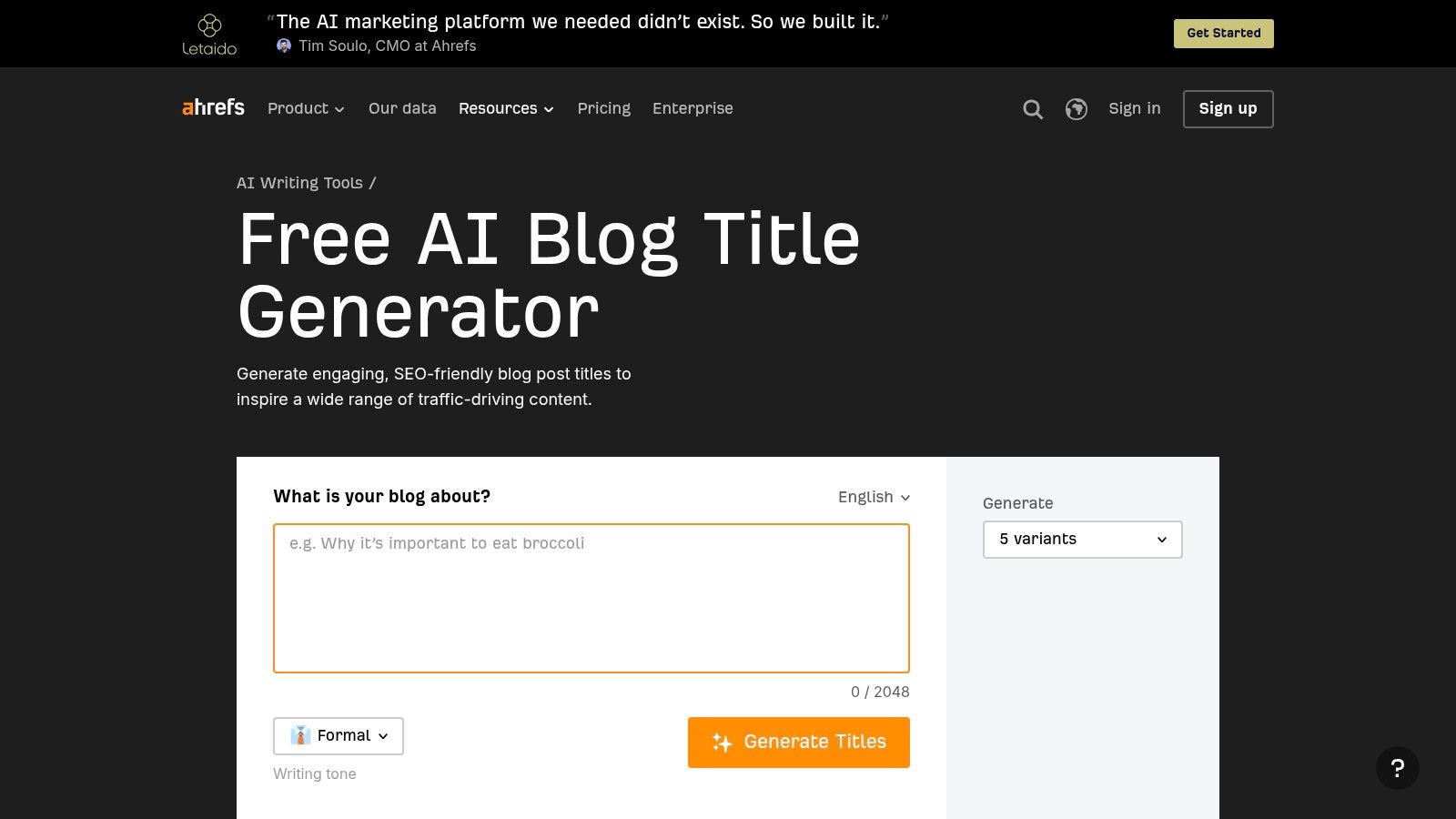
Five options won't be enough if you're building a serious shortlist. Run it a few times with slightly different inputs and you'll get a workable spread of angles. Change the keyword phrasing, not just the tone, or the outputs start to sound like the same title re-dressed.
A quick generator works best when you already know the search intent. It can't choose that intent for you.
There's no in-depth assessment of search demand or likely performance here, despite the Ahrefs name. Pair it with your own check of the results page and with sound SEO title best practices before you commit. Check that the keyword sits near the front, that the first part of the title still makes sense if it gets cut off, and that the post delivers the exact promise.
I'd use this for a fast first pass on a familiar topic. For a competitive keyword or a post you expect to drive leads, five untested variations aren't enough on their own.
HubSpot Blog Ideas Generator starts one step earlier than most tools on this list. You give it a broad subject or keywords and it returns topic angles as well as headline ideas. That's useful when your problem isn't wording, it's that you don't yet have a sharp angle worth titling.
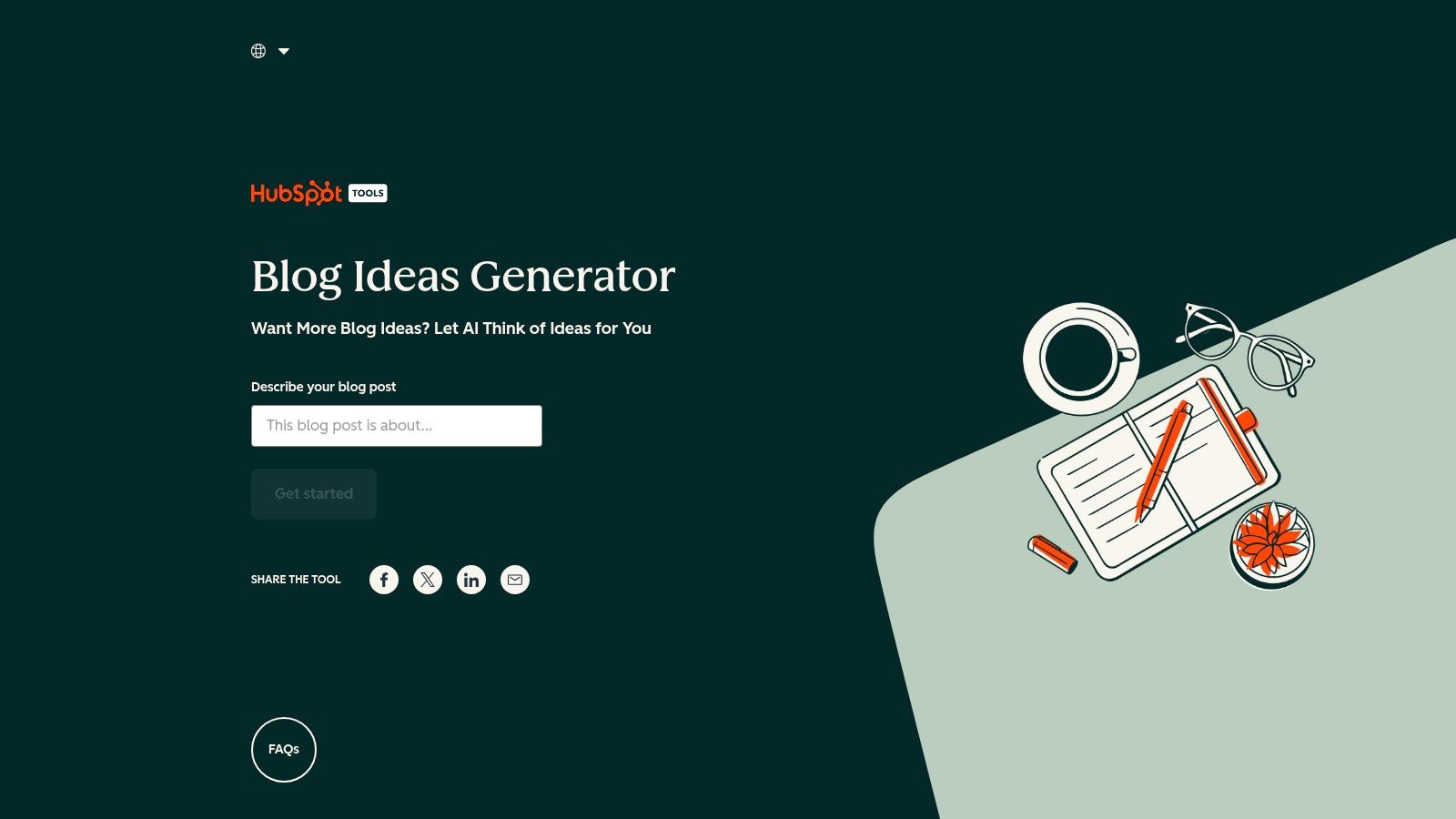
From there, the workflow can develop an idea into an outline and draft content inside HubSpot's wider content and CMS ecosystem. If your team already publishes in HubSpot, that continuity saves real switching time. If you don't, the extra workflow can feel heavy for what started as a title search.
Use it alongside your own scan of trending content ideas and the questions your customers ask. HubSpot's suggestions can sound polished while aiming at a reader you don't have. Promotional claims about SEO or content results aren't guarantees either.
For small teams already in HubSpot, this is a sensible default. For everyone else, take the angles and leave the ecosystem.
If you already edit in Grammarly, the Grammarly AI Blog Post Title Generator is the lowest-friction option here. You enter a topic or short description, set a preferred style or tone, and generate titles in formats including how-to guides and listicles. The generator itself is advertised as free.
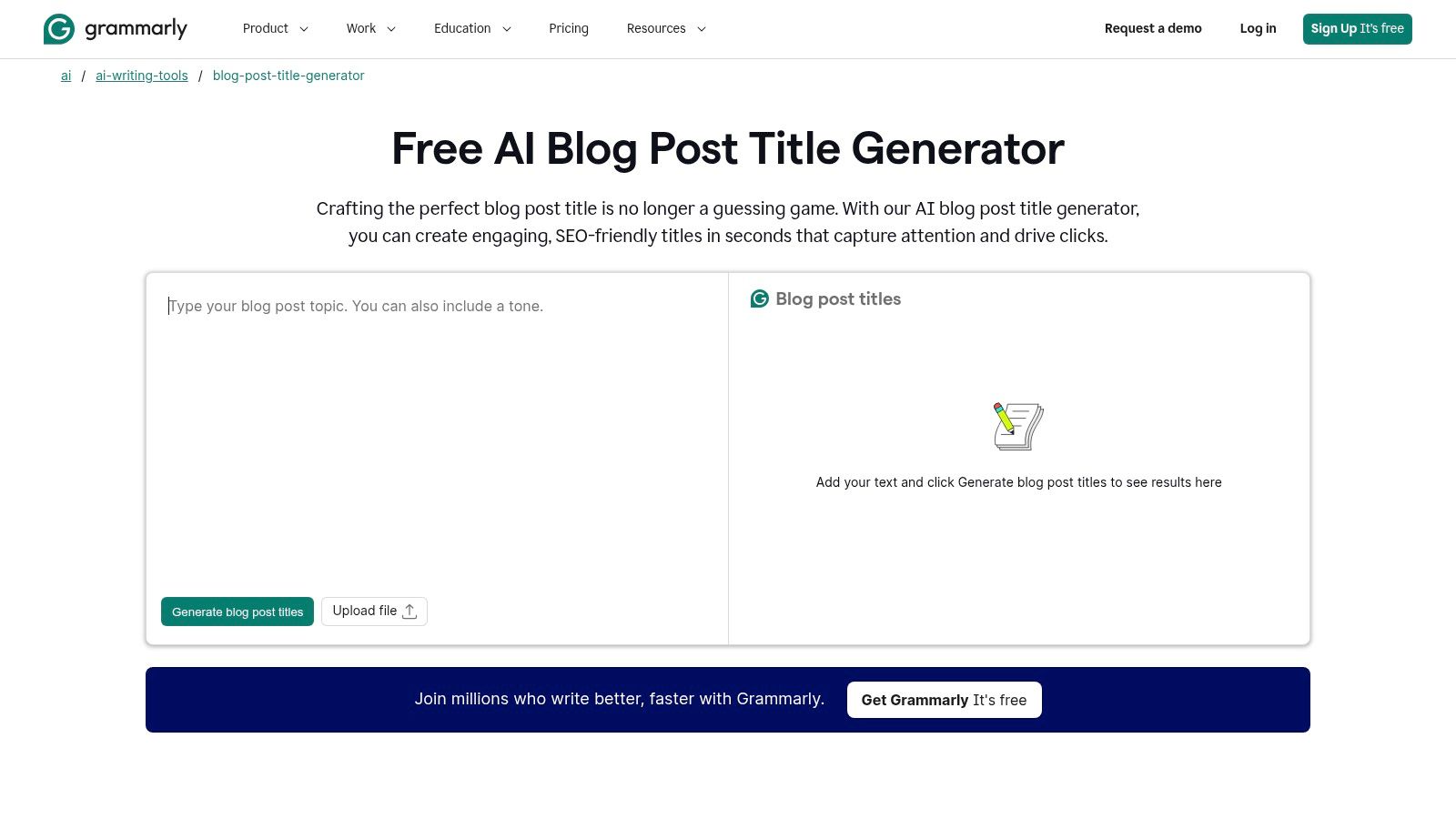
The tone step is more useful than it sounds. A title can be accurate and still sound wrong for your publication. Forcing yourself to name the tone before generating cuts down on generic output you'd rewrite anyway.
There's no dedicated headline-performance analysis and no scoring to help you compare drafts. SEO-oriented wording doesn't replace keyword research, and it won't tell you whether the title matches what searchers want. You'll need your own check on how to improve click-through rate and on the competing results for your keyword.
The workflow also makes most sense inside Grammarly's broader product. If you're not already a user, there's little reason to choose this over a faster standalone tool. If you are, it's a clean way to brainstorm and keep editing in one place.
The Canva AI Blog Title Generator runs on Magic Write, Canva's AI writing assistant. You describe the topic, the audience, and the approach you want. You can add SEO requirements, tone, and brand voice context in the prompt, then keep working in Canva Docs without moving tools.
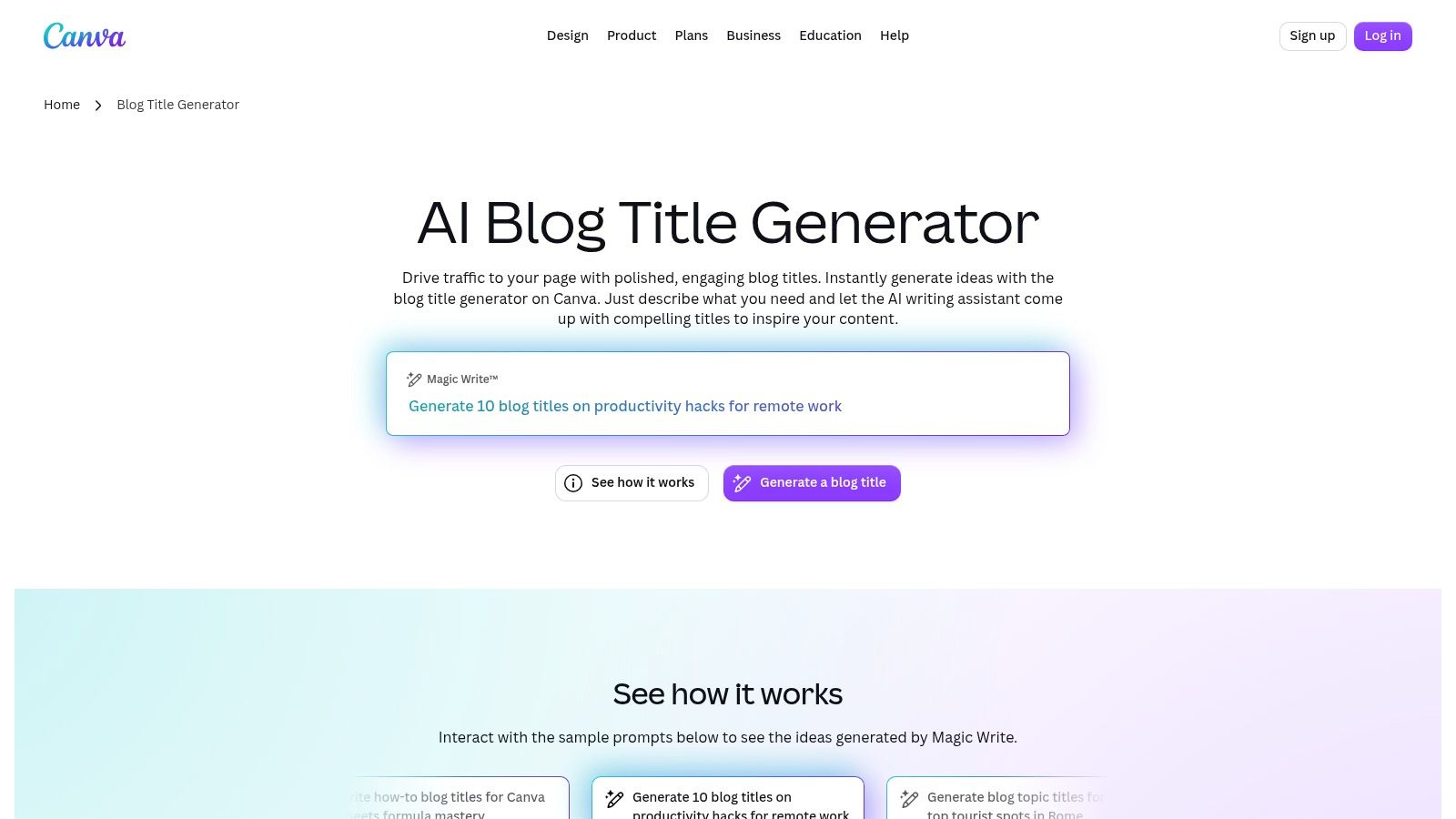
That prompt flexibility puts the quality control on you. A vague prompt gives you vague titles. Name the reader, the outcome, and one constraint, such as time, cost, or who the post is not for, and the options get noticeably more specific.
Magic Write supports multiple languages, which helps if you publish for more than one audience. But this isn't a specialized headline analyzer. There's no scoring and no structured feedback on clarity or length. You're judging the output yourself.
Access is the other catch. Canva Free includes limited lifetime uses of Magic Write, so heavier use may require Canva Pro. That's reasonable if you already design in Canva and want titles, drafts, and graphics in one workspace. If you only need headlines, paying for a design platform to get them doesn't make sense. Review every suggestion too, since output can be generic or inaccurate.
Copy.ai Blog Title Generator is built for marketers who need several angles quickly. Enter a topic or target keyword and it produces multiple candidate titles. The standalone tool is promoted as free, so you can test it without committing to the wider platform.
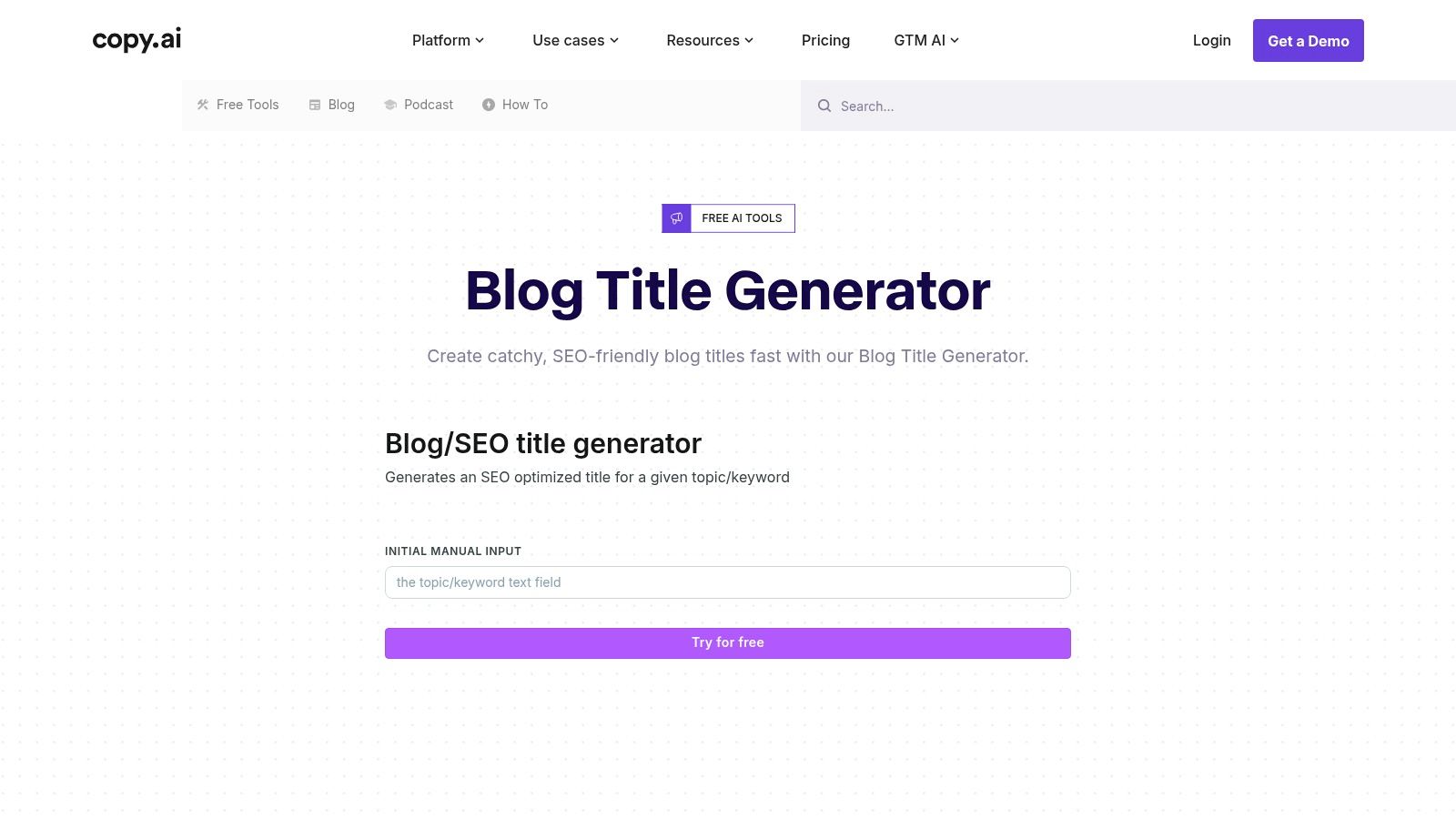
The wider Copy.ai product adds workflows, brand information, and team use, plus other marketing copy formats. That's the deciding factor. As a one-off title tool it's interchangeable with several others here. As part of a team system that also produces ad copy, emails, and social posts, it earns its place.
Don't mistake SEO-oriented wording for a ranking strategy. A title can include your keyword and still miss the intent behind the search. I'd generate a batch, delete anything your competitors could publish unchanged, and keep only titles that name a specific outcome or audience.
Every list needs one tool that breaks your pattern. Portent Content Idea Generator produces playful, sometimes strange titles from a single subject. Used properly, it's a prompt for a fresher angle on a topic you've already covered three times.
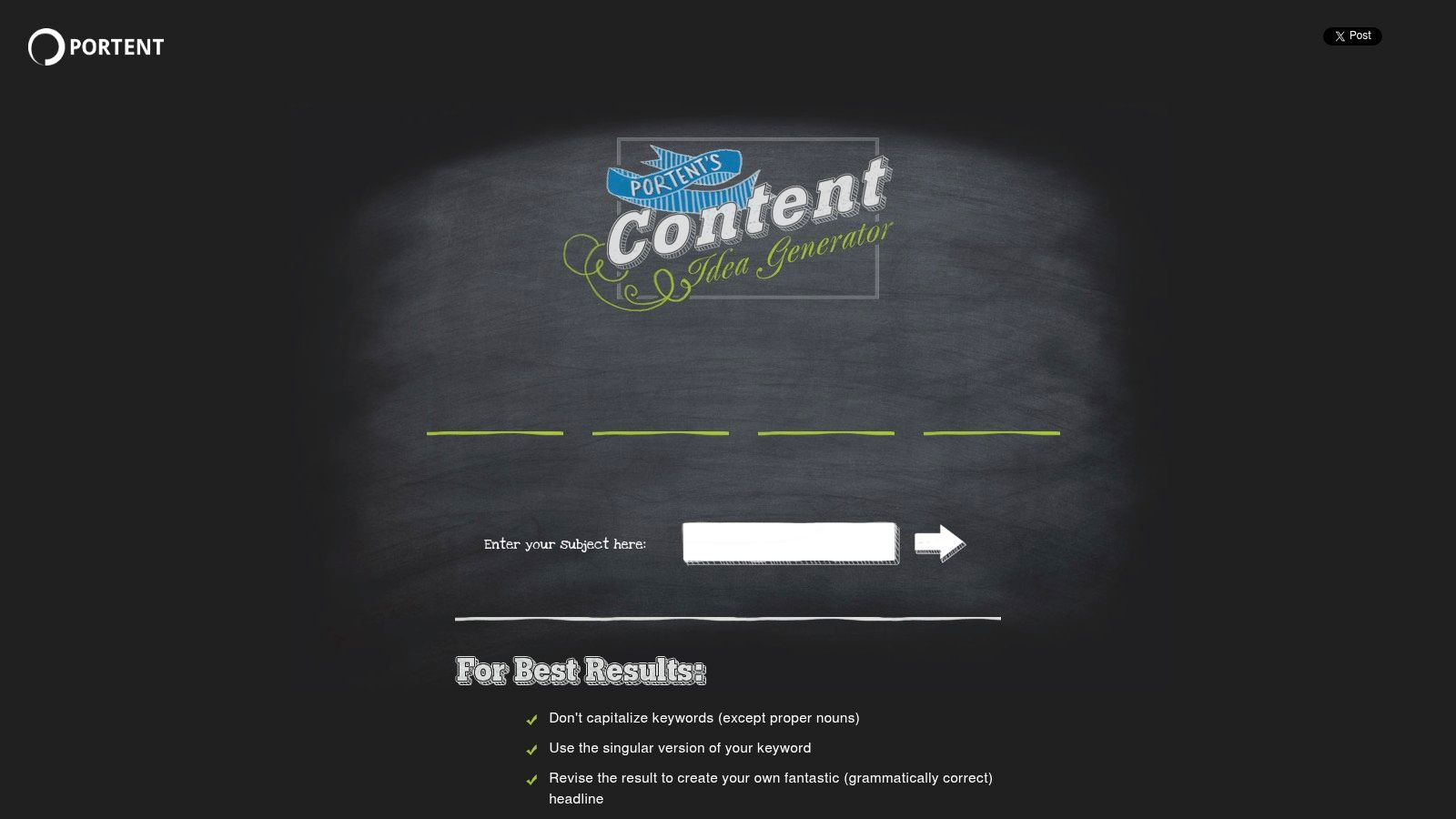
You can save titles you like, and the ideas can stretch beyond blog posts to podcast and video concepts. Portent's own guidance is honest about the output. It recommends revising results to make them grammatically correct, which tells you exactly how much editing to expect.
Practical rule: Steal the angle, rewrite the sentence. Almost nothing from Portent should publish as generated.
There's no deep SEO or keyword analysis, and many results will be too quirky or awkward for a professional audience. If you write for finance, healthcare, or legal readers, you'll discard most of what it gives you. If you write for creators or a general audience and your titles have gone flat, one odd suggestion can spark a post you'd never have briefed.
It's free, fast, and deliberately unserious. Just budget the rewrite time.
Control is the selling point of the SEO Review Tools Free Headline Generator. Instead of one keyword box, you set the topic, related keywords, language, tone, target audience, and a creativity level. It then generates up to 25 headline options per run.
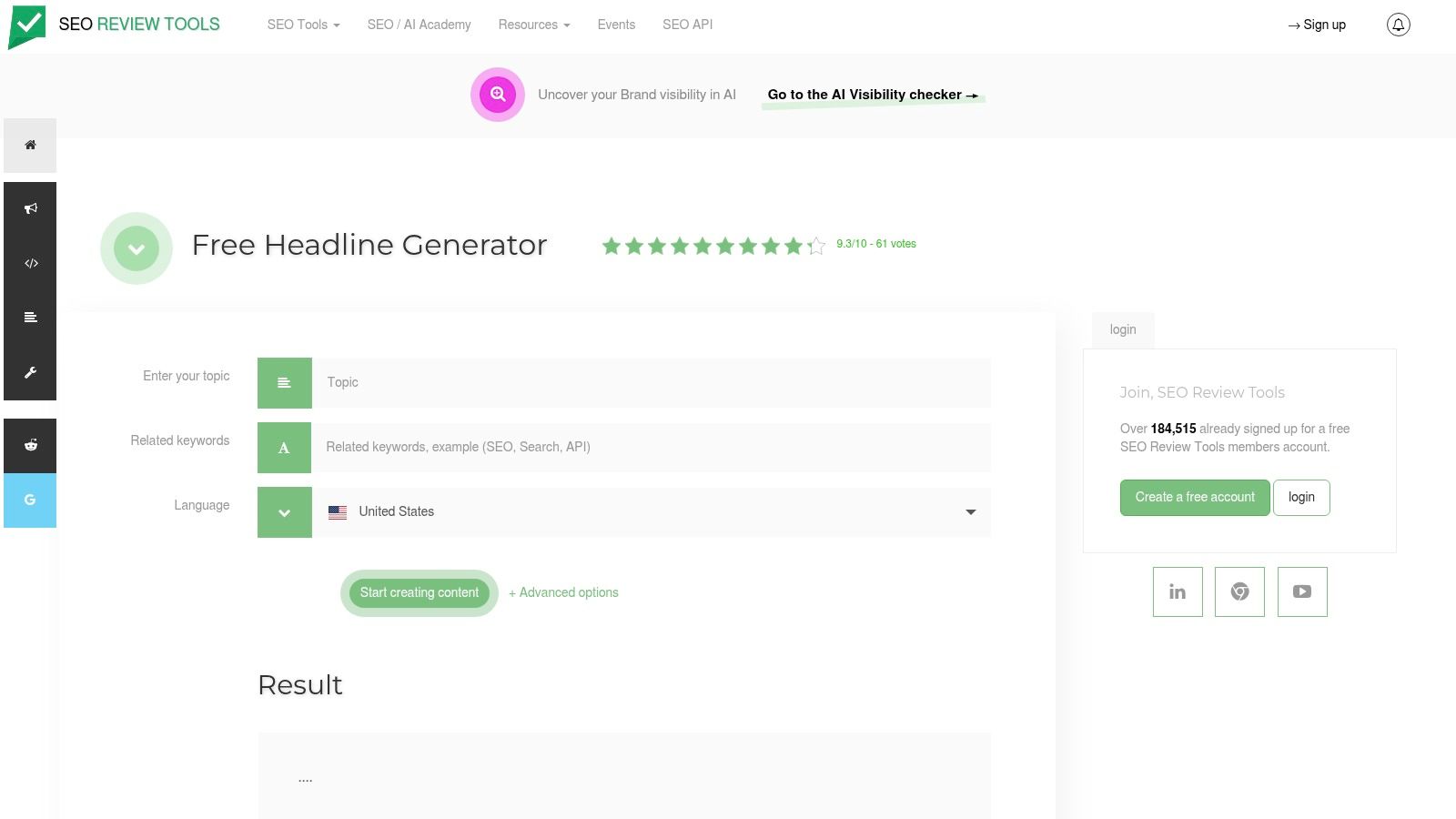
That makes this a useful blog post headline generator for structured testing. Run the same topic twice, changing only the audience field, and compare what shifts. Then run it again changing only tone. You end up with variants separated by one variable, which is how you should test them later anyway.
Benchmark material on headline formulas by channel, summarized in an Accio overview of AI headline generators, reports list headlines at 5.3% for blogs and 7.1% for YouTube, while curiosity-gap headlines are reported at 24.5% for email and 8.4% for YouTube. Treat those as directional, since audiences and methods differ. They still underline why one title rarely fits every channel.
The interface has more settings than a basic generator, and daily-use limits may not suit very high-volume work. Results still need editorial review. US English is among the language options.
Hypotenuse AI treats the title as the first step in a full article workflow rather than an end in itself. You provide an SEO keyword, audience, company context, tone, and point of view. Then you pick from multiple title variations and carry the winner into an outline and draft.
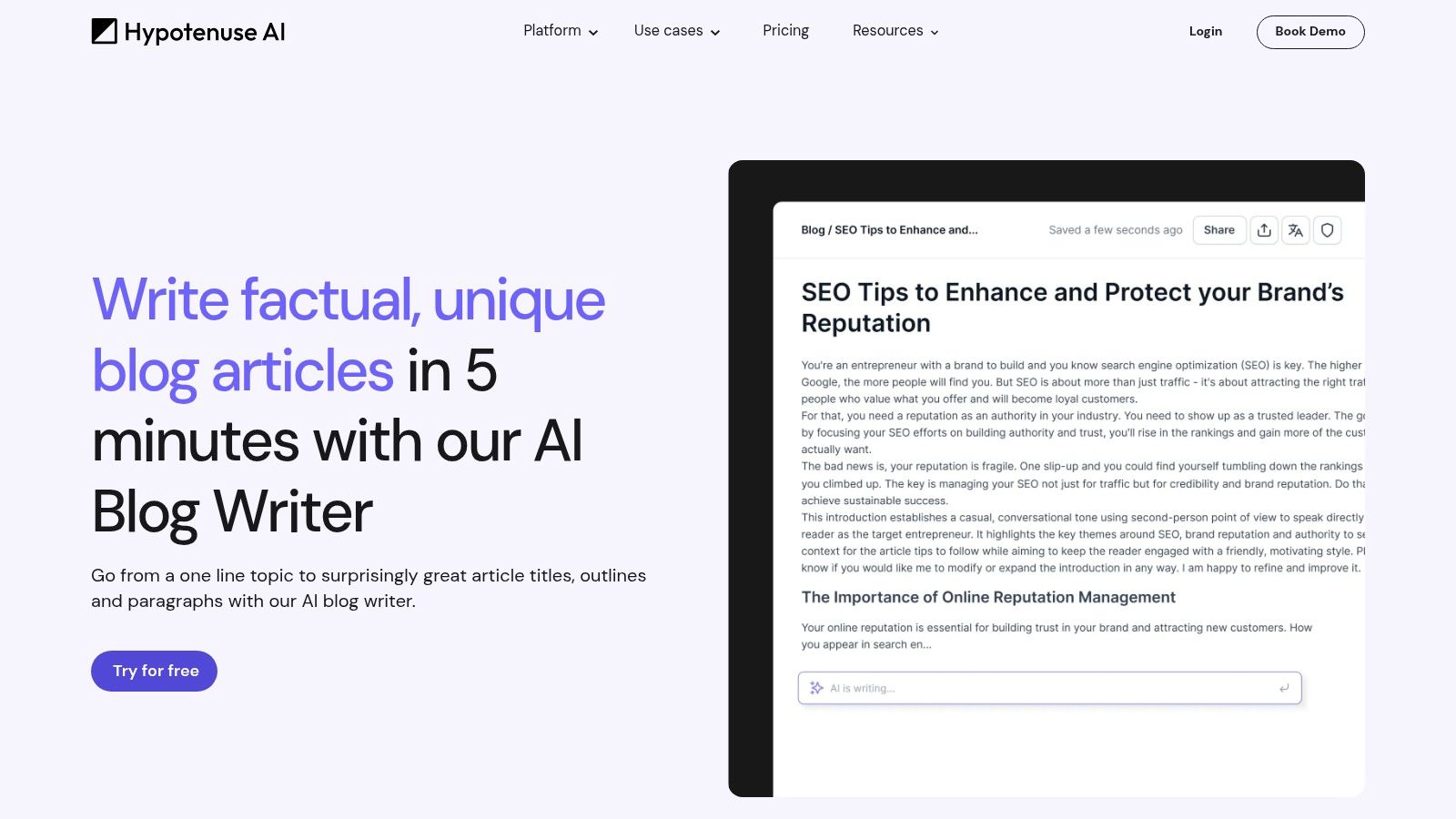
That continuity matters more than it looks. A title chosen in isolation often promises something the eventual draft doesn't deliver. When the same tool builds the outline from the title, you're forced to check the promise against the structure before you write a paragraph.
Occasional bloggers don't need a full writing platform to title four posts a month. The broader product will be more than you use, and ongoing access depends on current plans and trial limits.
Businesses publishing articles every week get more from it. Company context in the input reduces the generic output you get from a bare keyword. Still check every title against the actual results page. SEO-friendly phrasing inside a generator doesn't confirm search intent, difficulty, or whether your site can compete for that query.
Jasper Headlines Agent is the team option. It generates headline variations from your topic, keywords, and content goals, and can target objectives such as SEO or social engagement. Through Jasper IQ it applies your Brand Voice, Style Guide, and audience context across output.
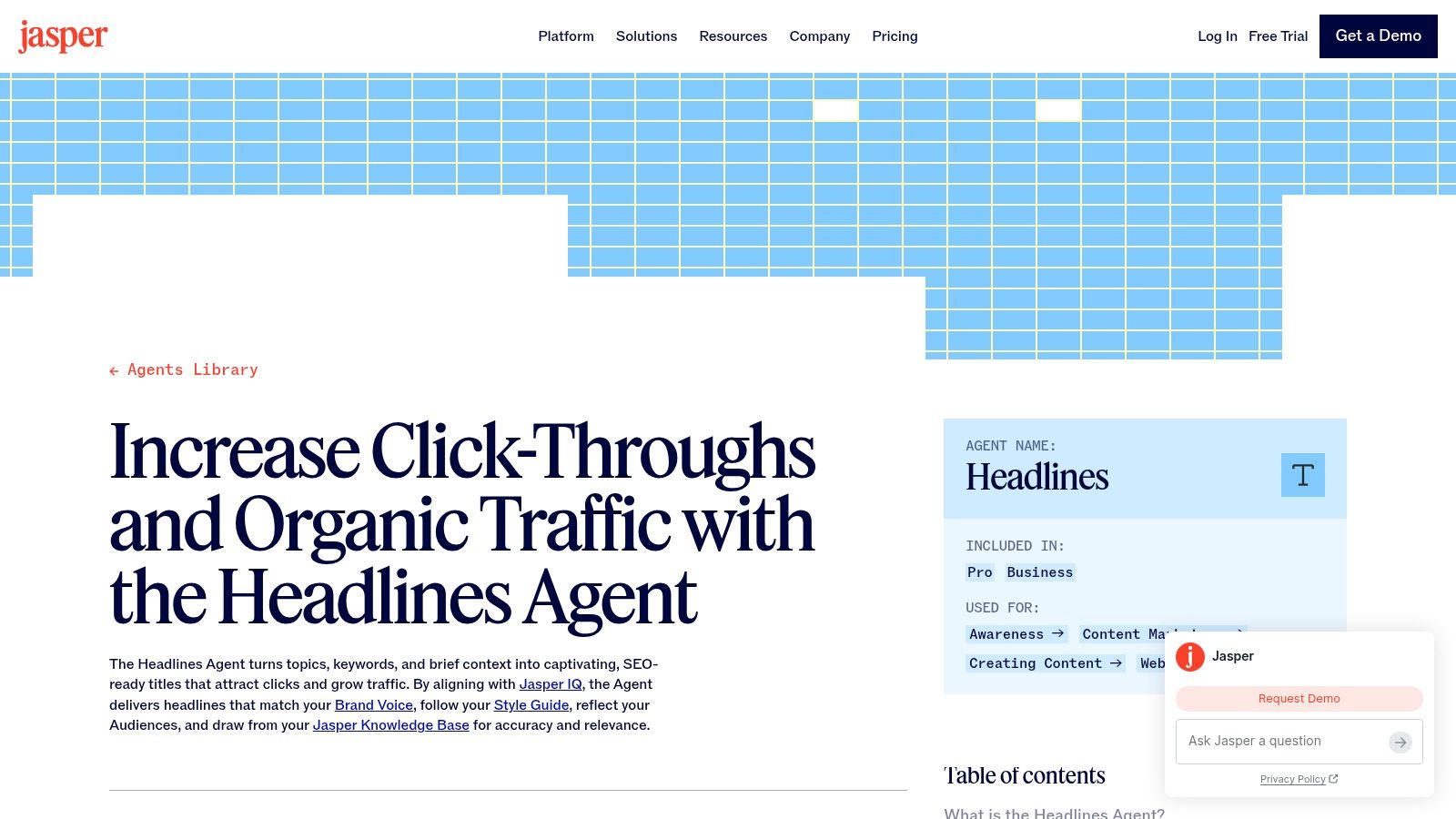
That brand layer solves a real problem. When five people write headlines, you get five voices. A shared style guide inside the tool keeps titles consistent without an editor rewriting every line. It also protects trust, which is easy to lose with generated copy. A 2026 cross-country study reported by PRWeek found 32% of consumers would trust a brand less if they knew its content was AI-generated, while 86% said disclosure matters. Human editing, accurate claims, and a recognizable voice are how you avoid that penalty.
The cost of that consistency is commitment. Jasper is a broader paid platform, not a standalone free utility, and it'll be excessive for occasional blog titles. Generated headlines still need fact and search-intent checks. I'd choose it only when headline consistency across a team is a genuine weekly problem.
| Item | Free access | Best for | Main limitation |
|---|---|---|---|
| CoSchedule Headline Studio | 10 monthly credits for generation and analysis | Refining and comparing headlines | SEO suggestions require a paid plan |
| Ahrefs Blog Title Generator | Free, with five variations per request | Quick title brainstorming | No in-depth performance assessment |
| HubSpot Blog Ideas Generator | Free entry point | Developing topics into outlines and drafts | Broader workflow may feel involved |
| Grammarly AI Blog Post Title Generator | Generator advertised as free | Writers already using Grammarly | No dedicated headline-performance analysis |
| Canva AI Blog Title Generator | Limited lifetime uses on Canva Free | Canva users creating and drafting content | More access may require Canva Pro |
| Copy.ai Blog Title Generator | Standalone tool advertised as free | Marketers brainstorming title angles | Confirm current access and pricing terms |
| Portent Content Idea Generator | Free | Finding playful, unexpected angles | Suggestions may need substantial editing |
| SEO Review Tools Free Headline Generator | Free, with daily-use limits | Exploring many headlines with custom inputs | Daily limits may restrict high-volume use |
| Hypotenuse AI Blog Title Generator | Free-trial limits depend on current plans | Developing titles into outlines and drafts | Broader platform may exceed occasional needs |
| Jasper Headlines Agent | Part of a broader paid platform | Teams seeking consistent brand messaging | Not a simple standalone free tool |
Start by matching the tool to the job you're stuck on. If you have drafts but can't choose, use CoSchedule Headline Studio for structured feedback. If you have no angle yet, HubSpot or Portent will get you moving. If you need volume with controls, pick SEO Review Tools. If the title has to become an article or a campaign, look at Hypotenuse AI, Copy.ai, or Jasper. Ahrefs, Grammarly, and Canva make most sense when you already work inside those ecosystems.
That fits how marketers already work. SurveyMonkey figures on AI marketing use show 51% of marketers use AI to optimize content, 45% use AI to brainstorm content ideas, and 50% use AI to create content. A headline tool works better as one step in that pipeline than as an isolated gimmick. Feed it your target query, audience, search intent, article promise, and platform limits. Label what comes back by job, such as SEO-led, benefit-led, curiosity-led, or trust-led, so you're comparing approaches rather than near-duplicates.
Then test instead of guessing. The Upworthy Research Archive holds thousands of randomized headline A/B tests conducted from 2013 to 2015, and its lesson is methodological. Small wording changes move results, and emotional framing matters, so generic best-headline rules won't settle your choice. Your audience and channel will.
Generate a batch, then shortlist three to five titles that keep the same core promise. Change one variable at a time across them, such as the benefit, a number, the named audience, or the level of specificity. Publish with one version, or run variants through your email subject line, social posts, and paid or organic promotion where you can control exposure. Log impressions, clicks, click-through rate, and downstream engagement for each one over a few weeks.
Don't pick the winner on click-through rate alone. A sensational title can pull the wrong readers, who leave fast and never convert. Keep the version that brings qualified visits, watch time, or sign-ups, and remove any promise the content doesn't keep in the first screen or two. Store the losers as well. Patterns in what your audience ignores are as useful as patterns in what they click, and they'll make your next batch sharper.
If you also repurpose long-form video, we generate titles each paired with an SEO score as part of SEO Optimization, alongside a blog post for each video. That lets you test the same promise as a video title, a blog headline, and a social post, then keep the framing that earns real engagement on each channel.
If your best ideas begin as long-form videos, podcasts, lessons, or sermons, you don't need a separate headline search for every format. Taja AI turns one upload into a blog post, SEO titles with scores, clips, captions, thumbnails, and platform-ready posts you can edit and schedule from one dashboard. Start free, upload a video you're already proud of, and test which headline your audience clicks.


We are blessed to work with leading brands & Companies


We try to make easy and simple for every professionals. Get 30 days free trial - No credit card required.


© 2025 Taja AI. All rights reserved.