10 TikTok Caption Ideas for Higher Engagement in 2026
Copy-and-paste TikTok caption ideas by niche and tone, with real examples for hooks, CTAs, stories, and series posts that boost watch time in 2026.
5 min read
November 8, 2026

Compare 10 Caption Generator for Instagram tools by features, free access, limits, and best use cases, with sample captions for each tone.
Written by:


It's 9 PM, the Reel is edited, the cover frame is picked, and the caption box is still empty. You've typed a line, deleted it, and now you're staring at a post that's technically done but can't go out. That's the moment most creators reach for a Caption Generator for Instagram, not because they can't write, but because they're posting several times a week and the writing is the slowest part left.
This comparison judges ten tools on what happens after the draft appears. Can you schedule from the same screen? Does the free tier run out midweek? Does the tool look at your image, or are you describing it from scratch? To keep the test honest, each tool was judged against the same scenario, a short Reel of a bakery pulling morning croissants from the oven, briefed in playful, professional, and direct sales tones.
You're not unusual for outsourcing this step. In 2024, 83% of 620 Instagram influencers surveyed by HypeAuditor reported using AI tools for content creation, according to the HypeAuditor influencer survey. Solo operators make the same calculation in other parts of the business when they delegate property management tasks to virtual assistants instead of doing every repetitive job themselves. The tool matters less than the fit. Pick for your workflow, not for the longest feature list.
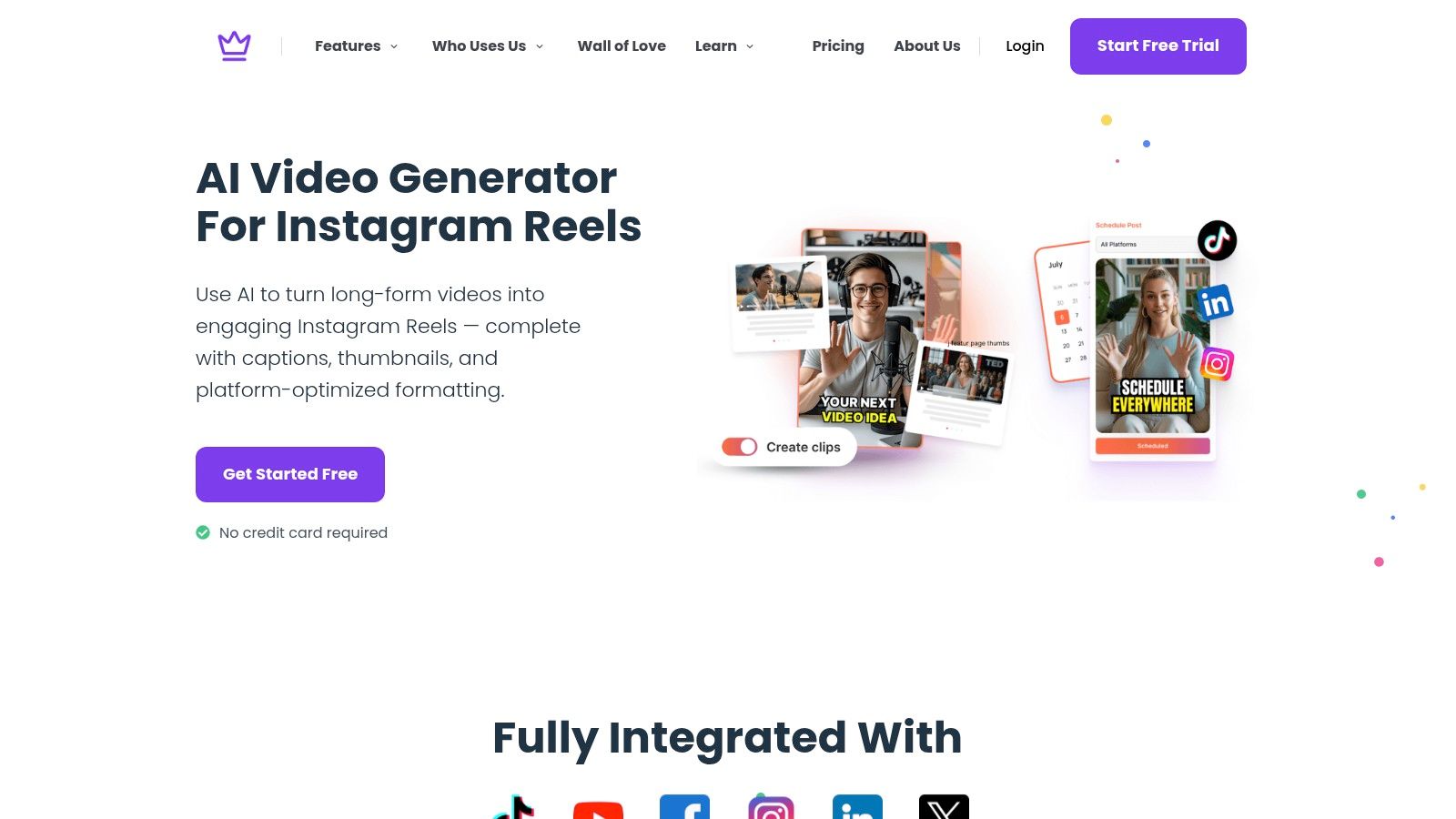
Taja AI's AI Video Generator for Instagram Reels works backwards from the video rather than forward from a prompt. Upload a recording and it builds the post around the footage, generating social captions, hashtags, and headlines while adding styled captions on the Reel itself. For creators whose real bottleneck is cutting a longer video into publishable clips, that starting point saves more time than any text box will.
On the bakery brief, the practical win is range. A playful draft can open on the croissant pull, a professional version can cover bake times and ordering, and a direct sales version can push a morning pre-order, all from the same footage. Because Taja sits inside a broader repurposing platform, thumbnails and captions are included and they can be edited before posting. If you're learning the wider workflow, this guide to a caption generator for videos covers where on-screen text and post copy overlap.
That last point is required, not optional. The Texas Tech University accessibility guidance warns that generated captions may contain errors and creators should review proper nouns, technical vocabulary, and industry-specific terms before publishing. It also notes Instagram doesn't support importing caption files for video, so you can't skip an in-platform check.
The trade-off is clarity on the details. Before building a weekly routine around it, check Taja AI's current editing options, supported formats, and pricing. I recommend it first for video-led creators, podcasters, educators, and local businesses repurposing recordings. For shooting and framing basics that make any Reel easier to caption, Carlos Alba Media's social video guide is a useful companion.
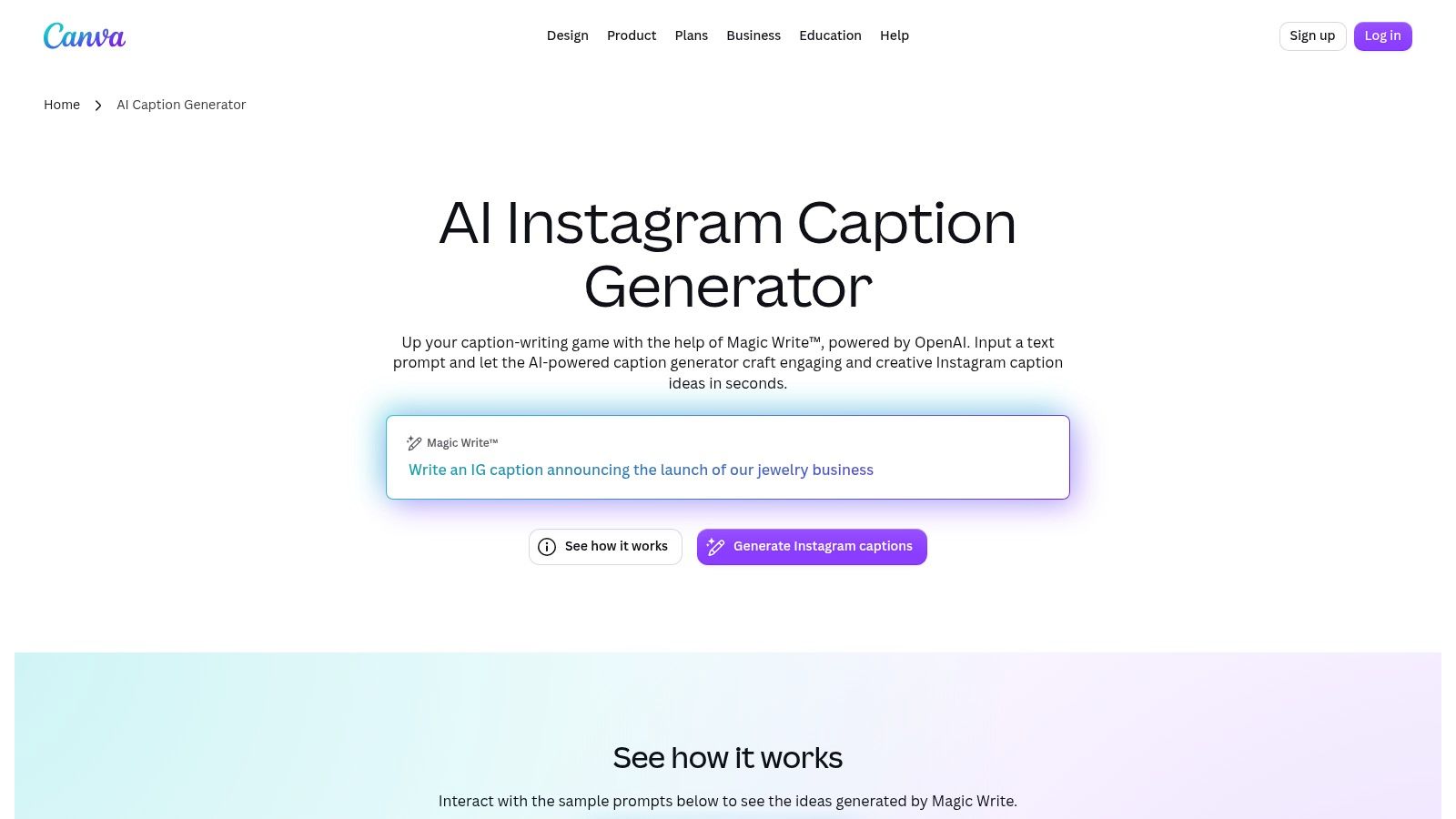
If you already build the post in Canva, leaving Canva to write the caption is friction you don't need. Canva's AI caption generator uses Magic Write inside the design workflow, so you can brief content, audience, and tone and draft copy for posts, Stories, and Reels beside the visual. Templates, editing tools, and Brand Kit features live in the same workspace, across browser, desktop, and mobile.
On the bakery brief, Canva is strongest when your prompt does the heavy lifting. Name the audience, morning commuters within walking distance, say, and specify the tone, and you can pull several styles from one prompt. A vague prompt like "croissant caption" returns vague copy with extra emojis. That's not a Canva flaw specifically, but Canva won't rescue a thin brief because it isn't analyzing your business for you.
Practical rule: Write the prompt as you'd brief a person. Audience, one specific detail, desired action, and tone. Skip any one of those and you'll spend the saved time editing.
The limits are practical. Free AI usage is limited and plan allowances can vary, so a daily poster can hit the ceiling faster than expected. Output also needs review and personalization, especially specific claims about ingredients, times, or offers. I recommend Canva Magic Write if design is already your home base and most posts are graphics, quote cards, or carousels. If you rarely open Canva, there's no reason to adopt it just for captions. You'll get the caption-to-visual convenience only when both halves of the post happen there.
Buffer makes the opposite bet from Canva. The writing happens where the scheduling happens. Buffer's AI Assistant generates and refines posts inside Buffer's publishing workflow, building Instagram captions from prompts or repurposing existing content, with options to rephrase, shorten, expand, and adjust tone toward formal or casual. From there the draft moves into planning and scheduling without a copy and paste detour.
That shortened path is the whole argument. For the bakery Reel, you'd generate the playful version, shorten it for a weekday post, expand a professional version for a weekend feature, and queue both while the context is fresh. Repurposing an old caption that performed well is often smarter than starting blank, and Buffer treats that as a first class move rather than a workaround. If scheduling is your weak point, this walkthrough on how to schedule Instagram Reels shows the steps the draft still needs to survive.
Small teams managing a handful of channels get the most value, because approvals, drafts, and the calendar stay together. You can try it with a free account, which lowers the cost of finding out whether the tone controls match your voice.
The downsides are scope and supervision. Buffer may offer more functionality than you need if you post twice a month and only want a caption. Every draft still needs a human check for accuracy and brand voice, particularly repurposed copy that may carry an old price or date. I recommend Buffer when the caption isn't your only bottleneck. If posts die in a notes app because nobody queues them, fix that first.
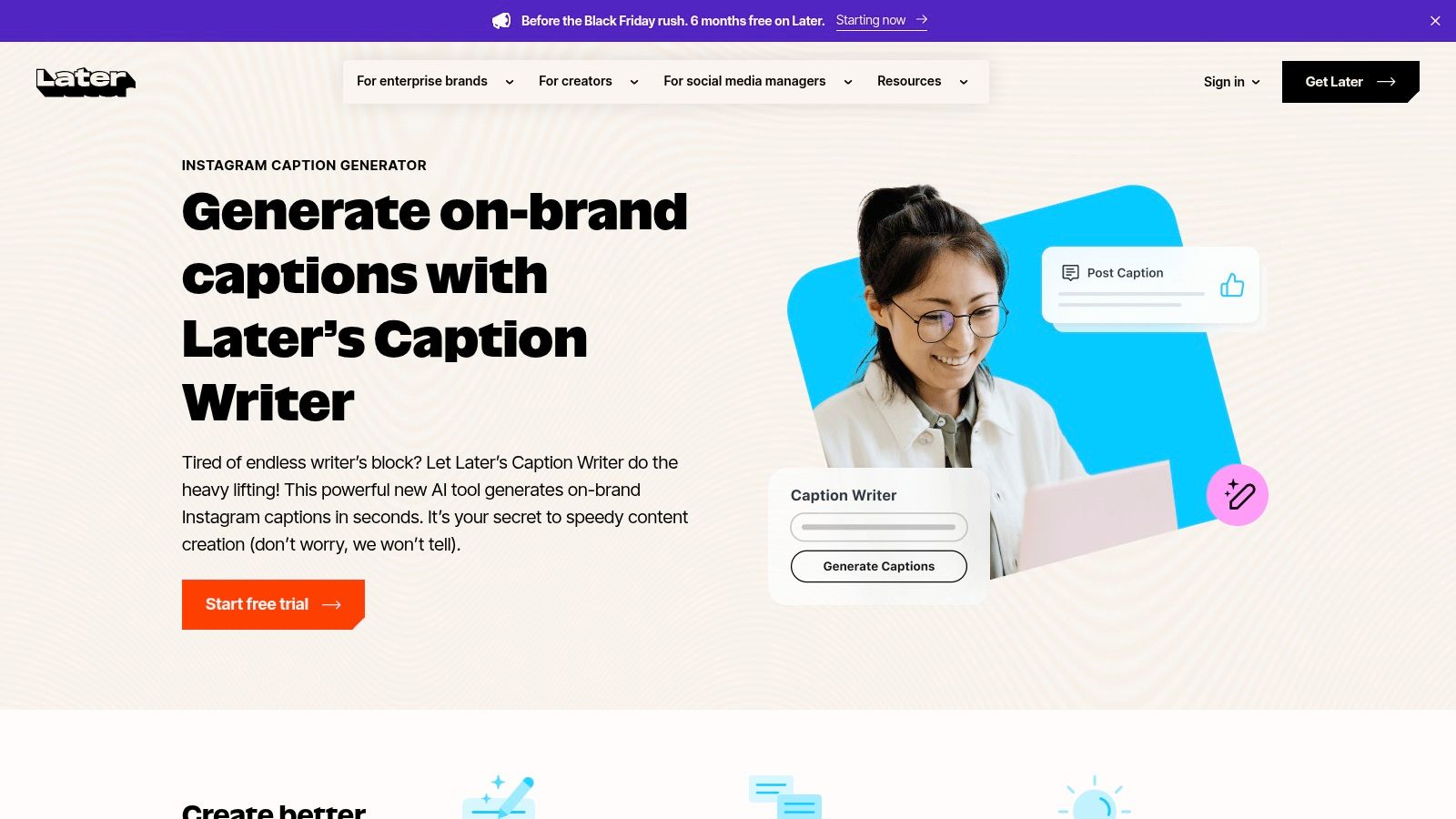
Later is built for people who plan a grid before they write a word. Later Caption Writer creates captions from short descriptions, can rephrase copy or change its tone on supported devices, and drops drafts into Later's visual content calendar. If you batch a week of posts on Sunday and arrange them by how they'll look together, writing inside that calendar feels natural rather than bolted on.
For the bakery scenario, you'd describe the croissant Reel in a sentence, generate a draft, then rephrase toward playful for Monday and keep a straighter version for a catering focused post later in the week. Later also offers saved captions and hashtags, which helps if you reuse location tags, ordering instructions, or a standard call to action. For examples of what finished copy should look like before scheduling, these Instagram Reel captions are a helpful reference point.
The constraints are explicit and you should weigh them before committing.
I recommend Later for visual planners who already schedule in batches and think in grids. I don't recommend it as a standalone writing purchase. You're paying for the calendar and planning system, with caption generation as one feature inside it. If you won't use the calendar weekly, the credit meter will annoy you for capability you can get free elsewhere.
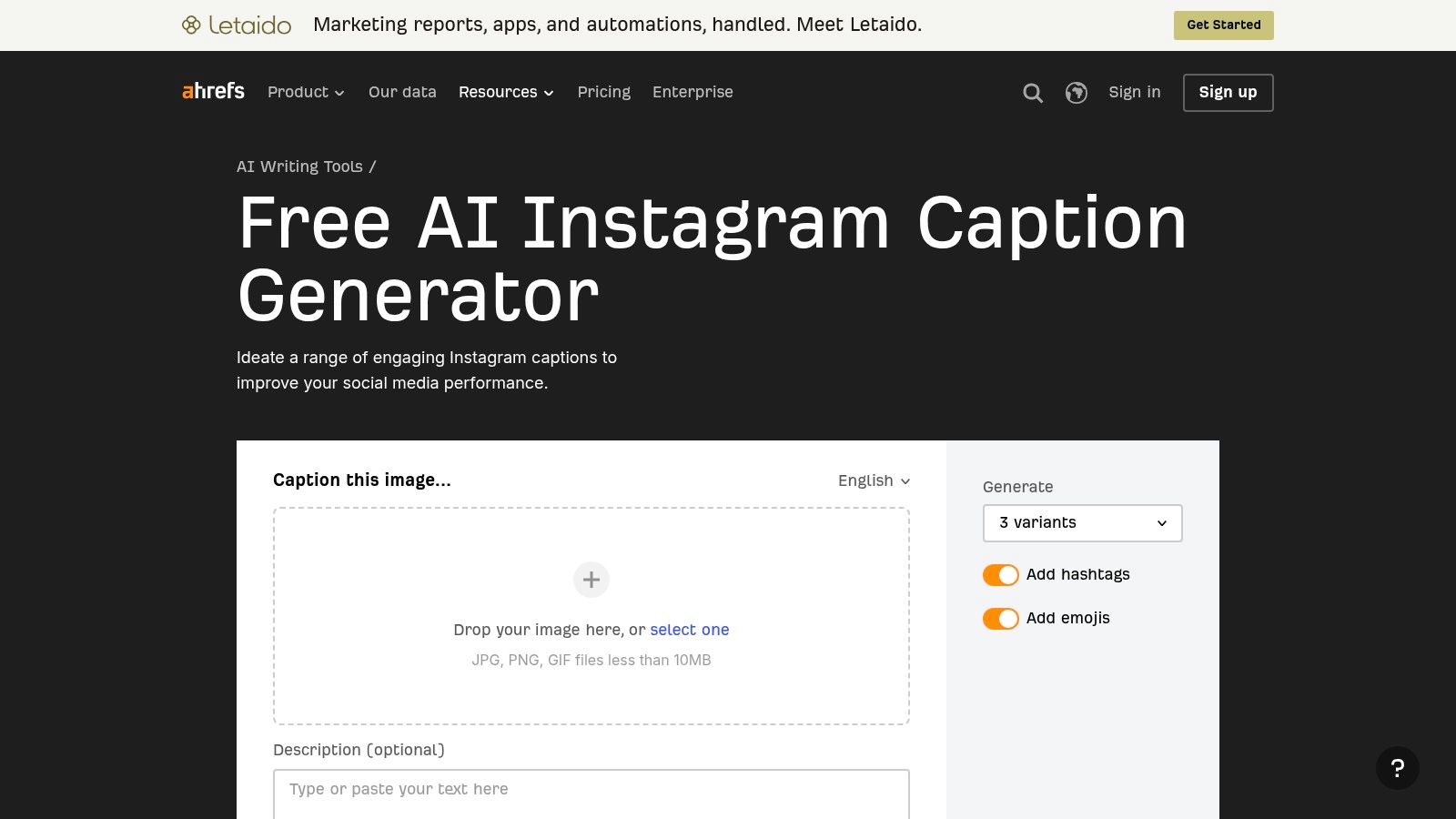
Ahrefs does one thing the prompt only tools don't. It looks at the picture. The free Ahrefs Instagram Caption Generator accepts an uploaded image or a written description, offers language and tone selections, and returns three caption variants per request. No Ahrefs subscription is required for the standalone writing tools, which also include Instagram hashtag and bio generators.
Image awareness changes the starting point. Upload the croissant tray photo and the drafts can reference what's visible instead of waiting for you to describe steam, trays, and a bakery counter in prose. You still choose tone, so the same image can produce a playful hook, a professional description, and a direct sales line you can compare side by side. Three variants is a sensible number. Enough to choose, not so many that choosing becomes the new bottleneck.
An image aware draft still can't know your opening hours, your neighborhood, or whether those croissants are sold out by nine. Add the facts only you know.
The boundaries are clear. There's no scheduler or publishing workflow, so the winning caption travels by copy and paste into Instagram or your planner. Image uploads have a stated 10 MB file-size limit on the Ahrefs generator page, and details the tool infers from a photo can be wrong, so check ingredients, locations, and people before posting. I recommend Ahrefs for occasional posters and for anyone testing whether AI captions help at all. It costs nothing, asks for no commitment, and the image input gives it a real edge over a blank prompt box.
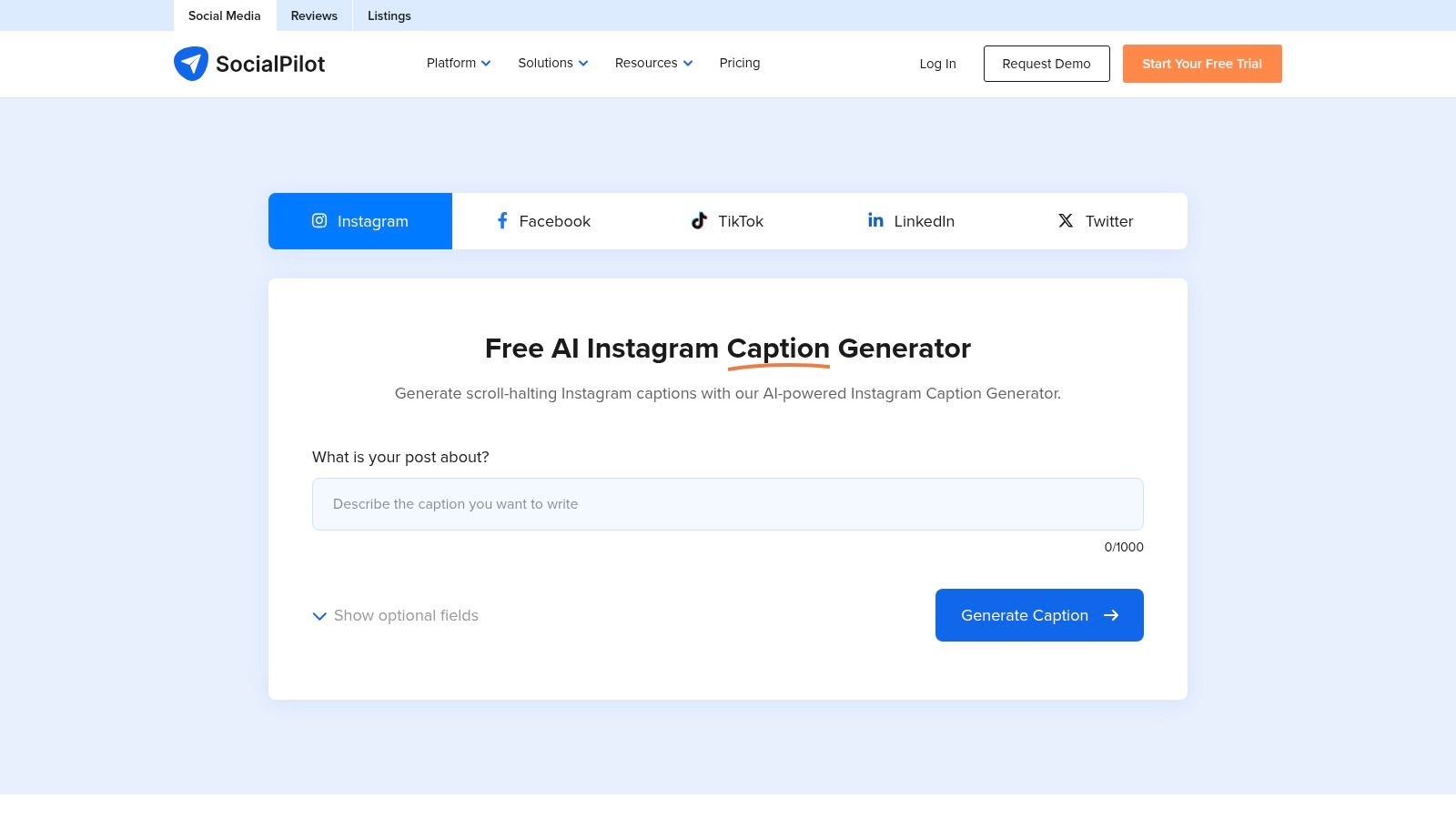
SocialPilot's free tool adds one control many basic generators skip, keywords. The SocialPilot Instagram Caption Generator builds suggestions from a description plus optional keywords, with language and tone choices, alternative copy on request, and hashtag suggestions attached. If you later need a fuller publishing setup, SocialPilot's scheduling tools are available with an account.
Keywords matter when a caption has a job beyond sounding pleasant. For the bakery, adding terms like sourdough, pre-order, and your neighborhood name steers the draft toward search and local discovery instead of generic food copy. Tone controls then let you run the same keyword set as playful for followers and professional for a wholesale audience. Requesting alternative copy is useful, but compare alternatives for substance, not just opening lines. Two drafts that swap adjectives aren't really two options.
Hashtag suggestions should be reviewed rather than posted automatically. Generators default to broad, saturated tags that bury a small account, and they can't tell which tags your actual customers browse. Keep the specific ones, cut the generic pile, and reuse combinations you've seen work on your own account.
The standalone generator doesn't replace a content calendar or publishing tool, and any engagement claims around generated copy aren't a guarantee of performance. I recommend SocialPilot for small businesses and solo operators who want free drafts with more steering than a single prompt, especially local services where keywords carry the post. If you don't care about keywords, simpler tools here will feel faster.
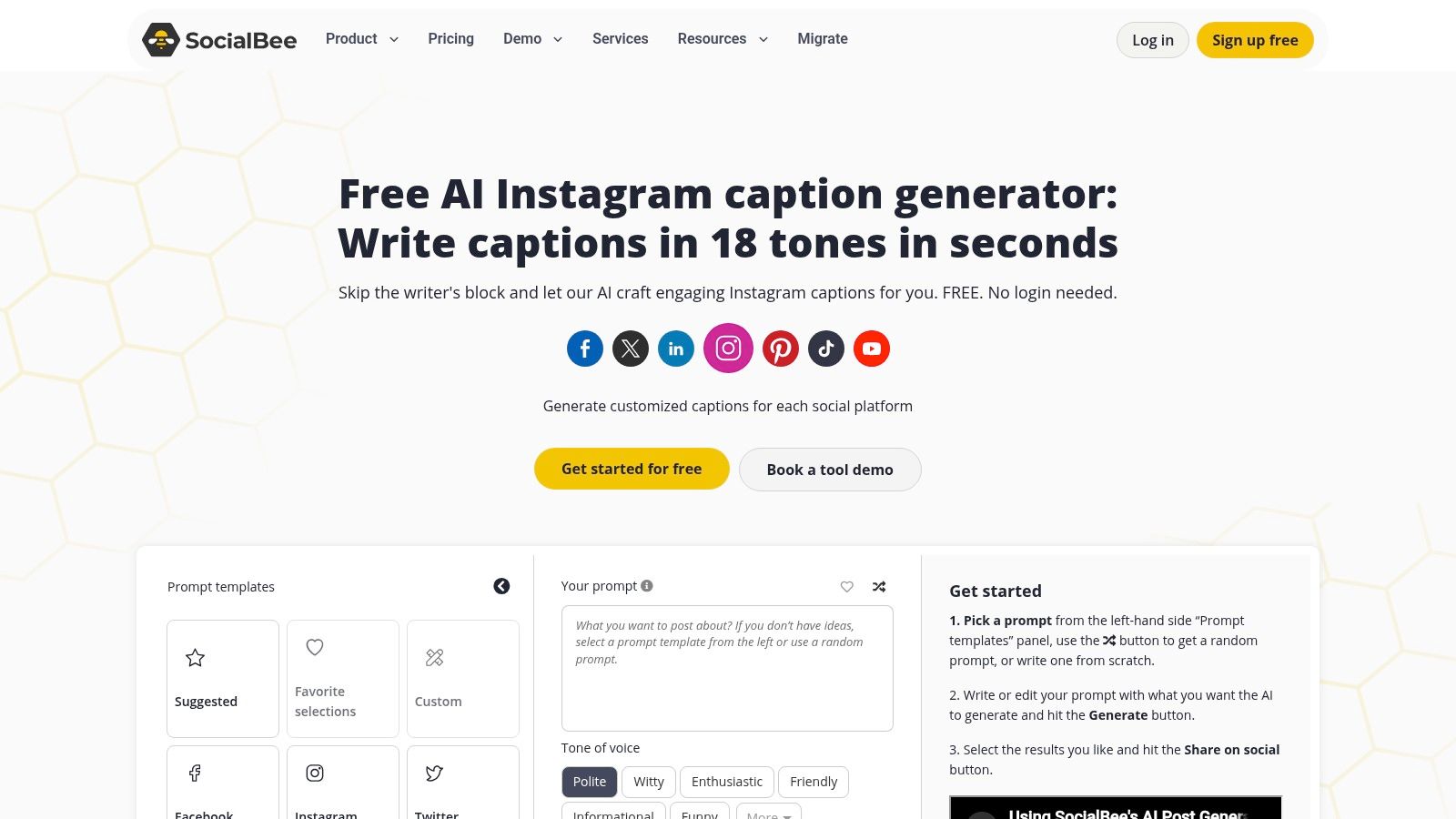
Where Ahrefs gives you three variants, SocialBee lets you ask for a batch. The SocialBee Instagram Caption Generator creates between one and ten caption options and exposes controls for tone, length, emojis, and hashtags, backed by a library of prompt templates for brainstorming. With a SocialBee account, that extends into an AI writing and scheduling workflow, and its editor can adapt posts for different social platforms.
Batch generation suits a specific working style. Say you plan a week of bakery content in one sitting. You'd generate ten options for the croissant Reel, keep the two strongest hooks, and discard the rest without re-prompting. Length and emoji controls save editing time because you're setting constraints up front instead of trimming every draft afterward. Prompt templates help when you don't know how to brief a post type you rarely make, such as a testimonial or a seasonal offer.
The trade-off is weight. SocialBee is a broader social media management tool, not a caption only product, and paid scheduling plans may be unnecessary if you only need occasional drafts. Captions still need editing to add specific business details and a genuine voice, and ten generic options aren't better than three specific ones. I recommend SocialBee if you publish across platforms and want ideation volume. Single account Instagram creators will likely use a fraction of it.
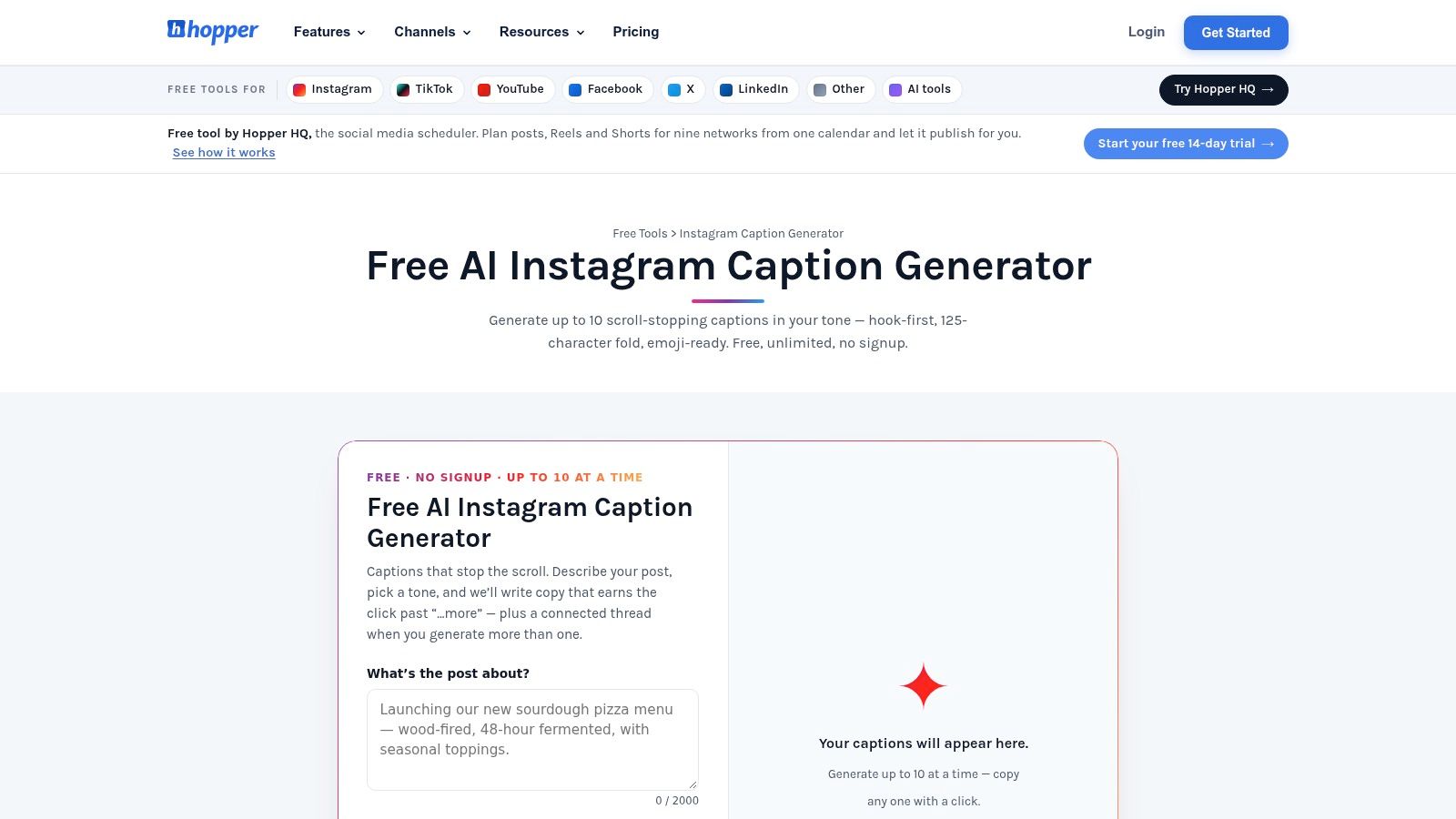
Hopper HQ splits its offer cleanly in two. The free Hopper HQ Caption Generator works without an account and creates up to ten caption options from a post description and selected tone, formatted around Instagram's caption shape. The paid platform then adds image-aware caption suggestions from uploaded images or video, hashtag tools, and scheduling.
No signup is a genuine advantage at 9 PM. You can describe the croissant Reel, pick playful, and compare several hooks in the time other tools spend on account creation. Running the same description under professional and sales tones shows you quickly whether tone controls change the writing or just swap a few adjectives. On any generator, that's the test worth running before you pay. If all three tones read alike, the tool is decorating, not writing.
Once you pick a draft, the free tool's job ends. It doesn't manage a content calendar by itself, so the caption still needs a home in Instagram or a separate planner. Drafts can also sound generic without specific context, and ten options built on a vague description will be ten versions of the same vagueness. Feed it a detail only your bakery could claim, a bake time, a regular's order, a sold out time, and the output improves immediately.
I recommend the free Hopper HQ tool for fast, commitment free drafting and hook comparison. I recommend the paid product only if you also need social planning and scheduling and want image based suggestions inside that workflow. Don't subscribe for captions alone when the free tier already covers your volume.
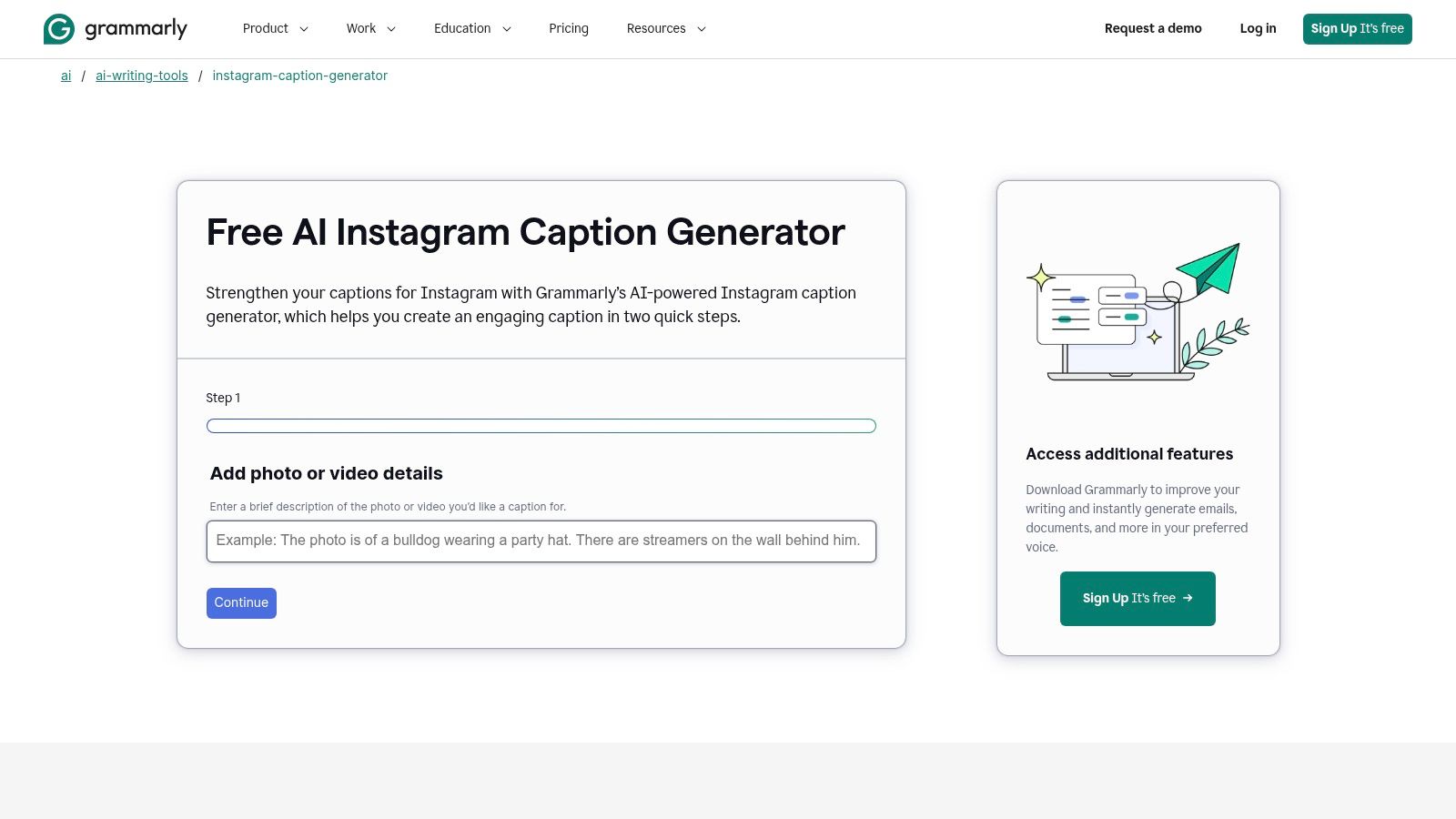
Grammarly's entry is the simplest flow on this list. The Grammarly Instagram Caption Generator takes a short description of a photo or video plus a preferred tone and returns caption ideas for Instagram. There's no calendar, no asset library, and no publishing layer. For people who already use Grammarly to revise and proofread writing, that simplicity is the point.
Think of it as a drafting and polishing pair. You describe the croissant pull, set a warm tone, take the best idea, then run your edited version through Grammarly's broader writing and proofreading tools before posting. Tone guidance helps steer a draft away from a generic default, though you'll get more range by describing the audience in your prompt than by relying on a tone label alone. Playful for regulars and playful for first time visitors shouldn't read the same.
It doesn't provide scheduling or Instagram publishing, and it can't verify that a caption accurately describes your visual, since you're supplying the description yourself. Describe the wrong detail and the caption will confidently repeat it. Teams needing batch generation, approvals, or a shared content calendar will outgrow it quickly.
I recommend Grammarly for occasional posters who value clean, checked copy over workflow features, and for professionals whose credibility depends on error free writing, such as educators, consultants, and real estate agents. If you post daily across accounts, you'll spend more time moving text between tools than Grammarly saves you writing it. Match the tool to your posting frequency, not your aspirations.
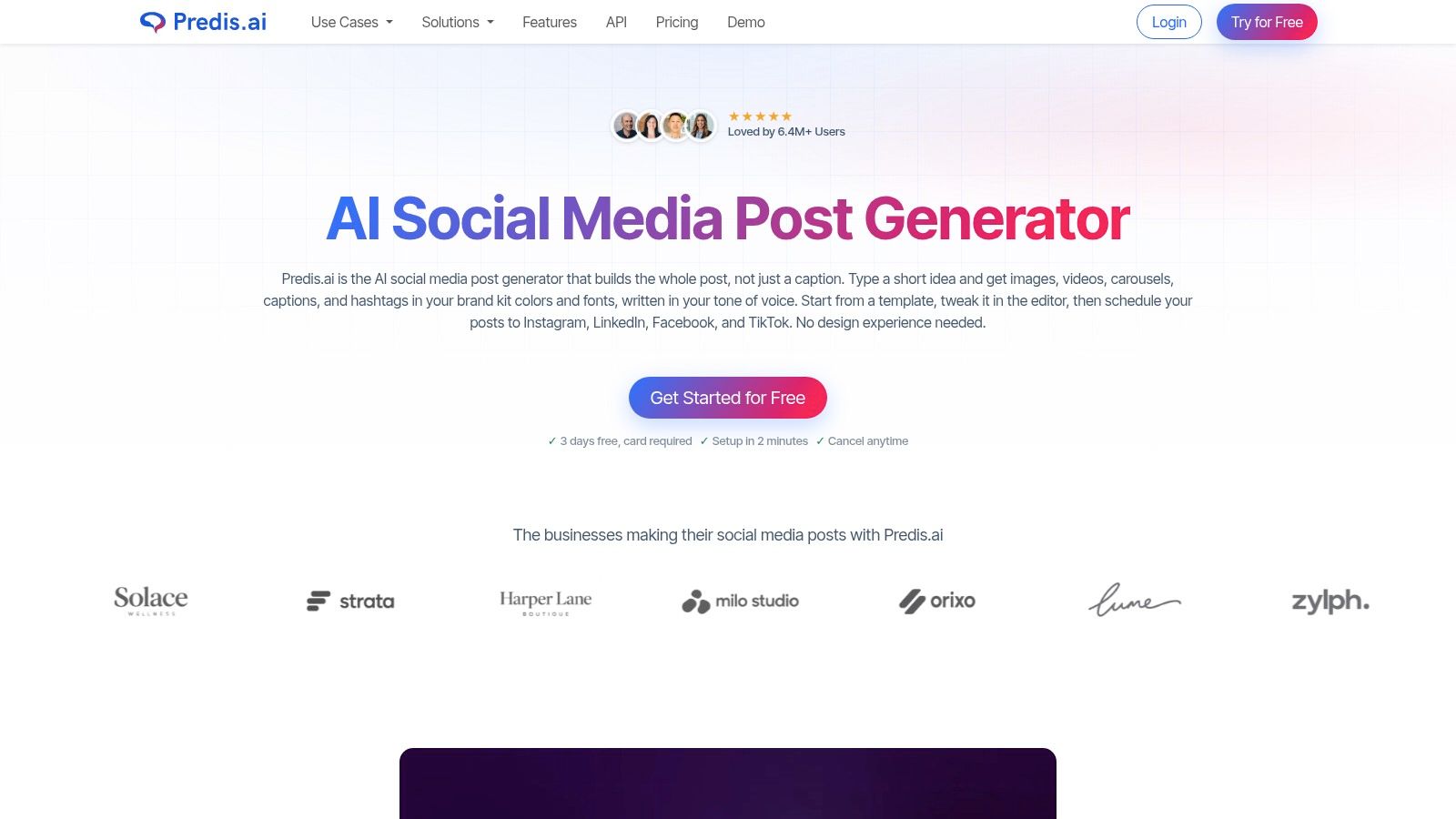
Predis.ai is the broadest tool here, and that breadth is both its pitch and its problem. Predis.ai's Social Media Post Generator creates captions and hashtags from a short prompt and can also generate matching images, videos, or carousels. An editor with brand kits and templates, plus scheduling and publishing to Instagram and other platforms, wraps around the generation, and the product page states it supports multiple languages.
For a small business without a designer, one prompt returning a visual and caption together is attractive. The bakery could brief a morning special and receive a carousel with copy instead of sourcing a photo, designing slides, and writing text in three sittings. Brand kits keep colors and fonts consistent across those generated assets, which matters when several people post for one account.
Watch the commitment: According to its product page, the trial requires a card. Set a reminder before it converts if you're only testing.
Generated visuals and copy may need substantial editing before use on a brand account. Template looking graphics can undercut a business whose real food photography is its best asset, and an AI generated croissant that doesn't resemble yours creates a trust problem no caption fixes. The tool is also more complex than necessary if you only want text for photos you've already shot.
I recommend Predis.ai for small businesses that lack design resources and publish informational content, tips, offers, and announcements. I don't recommend it for creators whose own footage is the product. You'll pay for generation you won't use.
| Item | Free Access | Scheduling | Best For | Limits or Plans |
|---|---|---|---|---|
| AI Video Generator for Instagram Reels | Access details not specified | Publishing workflow; scheduling not specified | Turning videos into polished Reels with captions and post copy | Pricing and editing details not specified; review generated content |
| Canva Magic Write | Free AI access is limited | Scheduling not specified | Creating captions alongside Canva designs | AI usage limits vary by plan; review and personalize copy |
| Buffer AI Assistant | Available to try with a free account | Plans and schedules posts within Buffer | Drafting captions and moving them into a publishing workflow | Check plan allowances; review for accuracy and brand voice |
| Later Caption Writer | Not included in the free plan | Integrates with Later's calendar and scheduling tools | Visual planning and batch scheduling | Paid plans; monthly AI credits; English-only beta |
| Ahrefs Instagram Caption Generator | Free; no Ahrefs subscription required | No scheduling or publishing workflow | Generating image-informed caption ideas | Three variants per request; image uploads limited to 10 MB |
| SocialPilot Instagram Caption Generator | Free standalone generator | Scheduling tools available with an account | Caption drafts with keyword, tone, and language controls | Standalone tool lacks a full content calendar; review hashtags |
| SocialBee Instagram Caption Generator | Free generator | Scheduling available through SocialBee | Generating and tailoring multiple caption drafts | Paid scheduling may be unnecessary for occasional use |
| Hopper HQ Caption Generator | Free standalone tool; no signup required | Scheduling available in the paid platform | Quickly comparing multiple caption options | Free tool has no content calendar; scheduling requires the paid platform |
| Grammarly Instagram Caption Generator | Access details not specified | No scheduling or publishing | Occasional caption drafting and proofreading | Review visual accuracy; no batch or calendar workflow specified |
| Predis.ai Social Media Post Generator | Trial available; requires a card | Supports scheduling and publishing | Creating complete posts with captions and visual assets | Trial requires a card; generated content may need substantial editing |
Start by naming where your routine breaks. If the caption itself is the bottleneck and you post a few times a week, begin with a free standalone generator such as Ahrefs, Hopper HQ, SocialPilot, or SocialBee. Run the same post through three tones, compare the hooks, and keep the tool whose drafts need the least rewriting. You can learn that in one evening without a subscription, and you'll also learn whether your prompts are the problem.
If scheduling is the bottleneck, choose differently. Captions that sit in a notes app don't publish themselves, so Buffer, Later, SocialBee, or Hopper HQ's paid platform make more sense because drafting connects to a calendar. Taja can schedule content to YouTube, X, Instagram, Facebook, TikTok and LinkedIn, which matters when one video needs to become posts everywhere rather than one caption in one app. Whatever you pick, check the free-tier limits and credit allowances before a posting week depends on them. Later's monthly credits and Canva's limited free AI usage are the kind of ceiling you discover at the worst moment.
Length deserves the same unsentimental treatment. The Social Media Curve Instagram engagement analysis found posts with captions shorter than 20 characters performed near the high end of the observed engagement range, while posts with no caption or captions between 1,000 and 2,000 characters performed nearer the low end. It also reported a modest engagement lift for posts using 1 to 10 emojis compared with none or excessive use. Treat that as a directional benchmark, not a rule. Generate a short hook, a medium explanatory version, and a longer context rich version, then test them on your own account.
Accessibility is where most generators fail you. According to Ignite Social Media's accessibility guidance, more than 20% of U.S. adults identify with a disability, and excessive emojis can cause screen readers to announce lengthy descriptions and disrupt comprehension. Practical fixes cost you nothing. Keep emojis restrained and out of the middle of sentences, write hashtags in camel case so screen readers can parse them, use plain language, and don't treat a marketing caption as alt text. For Reels, add a short summary of what's said and shown. A caption that's expressive but unusable with assistive technology reaches fewer people, not more.
Trust is the other editing job nobody mentions. A June 2025 audit described in an arXiv research paper reported that roughly 25% of posts appearing in top results for common non-AI hashtags contained AI-generated content, yet fewer than one-quarter of that content on Instagram carried an AI label. You don't need a policy document, but you do need a habit. Verify every claim, testimonial, price, and local regulatory statement a generator produces, because it will invent plausible details when your prompt leaves gaps. Distinguish AI assisted wording, where you supplied the facts and edited the draft, from synthetic media, where disclosure expectations are higher.
Finally, protect the two lines that carry the post. Rewrite the first line in your own words so it earns the tap to expand, and rewrite the closing line so the call to action sounds like something you'd really say. Let the generator handle the middle, where it saves real time at no quality cost. Keep a short file of your best performing captions and paste a couple into your prompt as style samples. That single habit improves every tool on this list more than upgrading tiers will.
If you're comparing these caption tools against a wider stack, Sprello's guide to AI marketing tools puts them in context. My recommendation is simple. Test one free generator on your next three posts, measure editing time rather than likes, and only pay when a limit, a missing scheduler, or a second platform forces the decision.
Turn your next long video into Instagram ready clips with styled captions, headlines, and hashtags already drafted, then schedule everything from one dashboard instead of writing copy at 9 PM. Visit Taja AI to try the workflow on a real post this week and see how much of the caption work disappears.


We are blessed to work with leading brands & Companies


We try to make easy and simple for every professionals. Get 30 days free trial - No credit card required.


© 2025 Taja AI. All rights reserved.