YouTube Shorts Upload: A Step-by-Step Guide for 2026
Step-by-step YouTube Shorts upload guide for 2026: vertical specs, metadata, thumbnails, and timing tips to get more views.
5 min read
November 7, 2026

Copy-and-paste TikTok caption ideas by niche and tone, with real examples for hooks, CTAs, stories, and series posts that boost watch time in 2026.
Written by:


You've trimmed the pauses, fixed the lighting, and found a clip worth posting. Then you reach the caption field and type something forgettable: a vague announcement, a string of hashtags, or a request to watch until the end. The video has a clear point, but the words underneath don't give viewers much reason to respond.
A good caption works as a second hook. It names the problem, adds context, and gives viewers a useful next step. It's also a place to describe your topic in language a potential customer might search for, without turning a natural sentence into a pile of keywords.
For a business, that next step should connect to something meaningful. A clinic trying to turn TikTok engagement into clinic bookings needs captions that match the service discussed and the booking destination, not just prompts that attract unrelated comments.
Choose your caption by the action you want, rather than by whichever phrase sounds most viral.
The TikTok caption ideas below include copy-ready formulas, niche examples, and the situations where each approach backfires. Replace the bracketed details with what your video shows.
One distinction matters before you paste anything: post captions are the descriptions beneath your videos. Video captions, or subtitles, communicate speech and meaningful sound on screen. A clever description doesn't replace accurate subtitles, and neither should promise something your clip doesn't deliver.
A homebuyer doesn't need another caption announcing mortgage tips. They need a reason to recognize that this particular clip answers their concern. Start with the question they're struggling to phrase.
Best for: Expert explanations, interview clips, and correcting a specific misunderstanding. Keep the tone curious rather than accusatory.
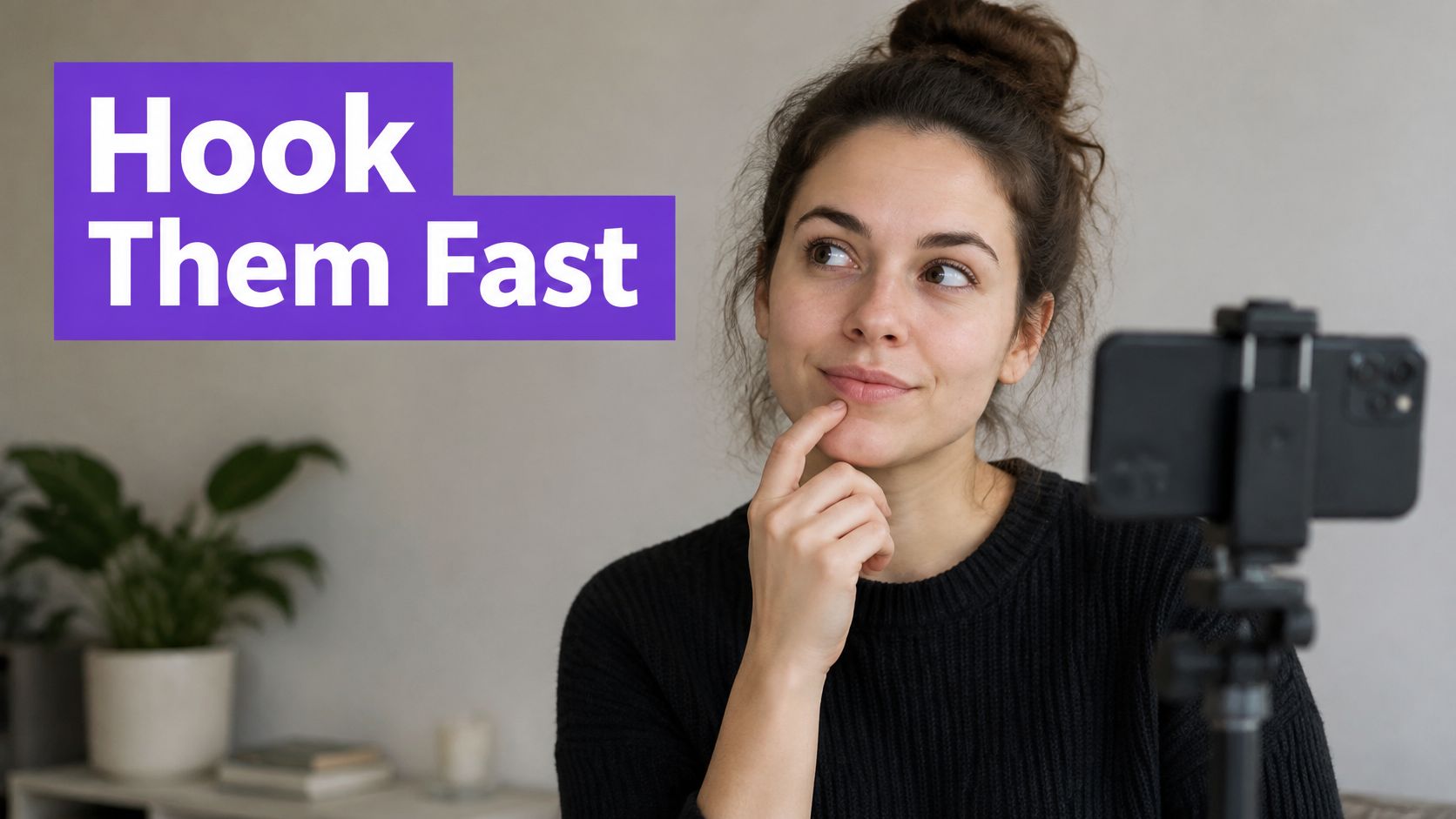
Pull the question from the transcript, then remove any setup that requires viewers to know the full episode. A stranger should understand who the question concerns and what they'll learn.
When it backfires: The question creates more drama than the answer supports. If your video explains routine paperwork, don't frame it as a hidden scandal.
Practical rule: Write the answer beside your draft question. If the clip doesn't contain that answer, change the caption or choose another clip.
Keep alternative hooks in your notes. Compare them across similar videos instead of assuming that different results on unrelated topics came from caption wording alone.
Write the sentence your customer would type, then make it sound like something you'd say aloud. Specific language beats a caption stuffed with loosely related industry terms.
A Material study cited by TikTok's guide to discovery and search found that 61% of TikTok users discover new brands or products on the platform. That supports taking discovery seriously, but it doesn't prove a particular caption formula causes additional reach.

Formula: How to [specific task] when [relevant situation]. This walkthrough explains [concrete takeaway].
Plumbing example: How to troubleshoot a running toilet when the tank keeps refilling. This walkthrough shows what to inspect before replacing parts.
For a congregation, try: A simple morning prayer routine for busy parents. Use this prompt when you're not sure where to begin. Both captions describe an identifiable need without awkward repetition.
Check TikTok's search suggestions for phrasing, then keep the language that accurately matches your clip. Use the same topic naturally in your spoken explanation and on-screen heading.
When it backfires: You target a query the video only mentions in passing, or add a city where you don't work. Neither helps the right viewer understand your offer.
Before publishing, check names and topic wording. If you spot an error afterward, review whether you can edit a TikTok caption before deciding to repost.
Don't ask viewers to save, share, comment, follow, and book in the same caption. Pick the action that fits what they've just watched.
A practical checklist warrants a save. A resource demonstration can warrant a request for the resource. A service explanation can point toward a relevant booking page.
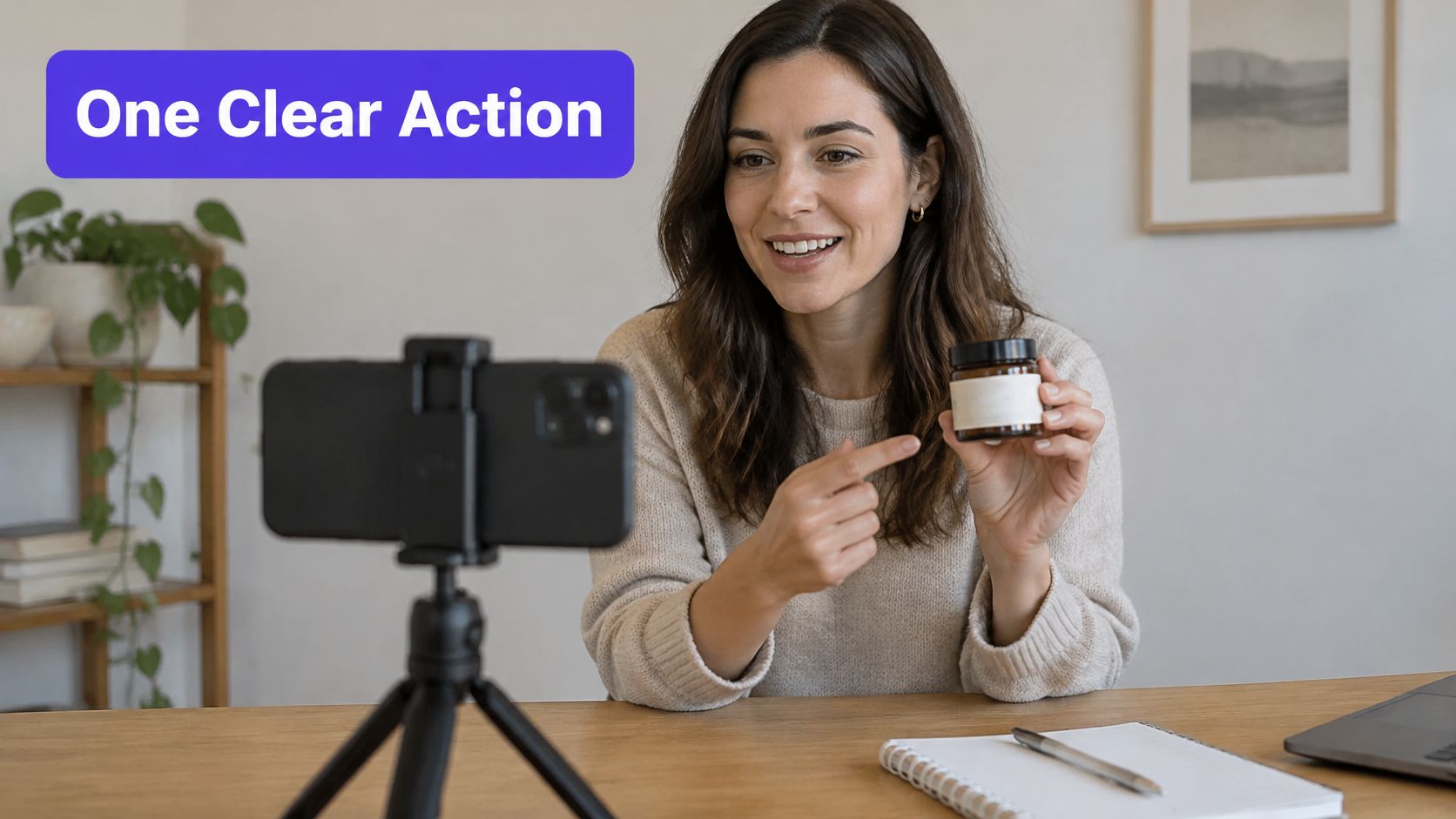
If you request a keyword comment, have the resource ready and decide how you'll deliver it. Don't imply an automated response unless you've configured one.
For booking captions, describe the next step accurately. An introductory consultation isn't the same thing as an appointment for treatment, installation, or a property viewing.
When it backfires: The request benefits only the account owner. Asking for a follow without explaining what viewers will get is weaker than naming the ongoing topic.
When adapting the clip elsewhere, rewrite platform-specific directions. These Instagram Reel caption approaches can help you rethink the wording rather than carrying over an instruction that doesn't fit the destination.
Use a direct, helpful tone, not artificial urgency.
A story caption needs a situation, a complication, and a reason to watch the resolution. It doesn't need a dramatic autobiography underneath a short clip.
Say a contractor films a renovation reveal where the original design wouldn't fit the room. The interesting story isn't that the team worked hard. It's the decision that changed the result.

Formula: [Original plan] seemed straightforward until [complication]. Here's why [decision] changed the result.
Contractor example: The original kitchen layout looked great on paper until we checked the doorway clearance. Here's why we moved the pantry instead.
Podcast variation: The founder planned to hire a salesperson. Then the customer interviews revealed a different problem.
Use these as models only when your recording supports the events. For interview clips, preserve the speaker's meaning and make clear whose story you're summarizing.
Tell the smallest complete story your footage can honestly support.
When it backfires: You invent tension, expose private client details, or withhold the resolution until an unrelated future post. Viewers shouldn't have to chase the answer you promised.
A longer caption can add useful context, but don't bury the turning point under background information. Keep the opening understandable without sound, and let the video demonstrate what happened.
A numbered caption gives viewers a clear description of the information ahead. Use it when the clip contains distinct points, not when you're trying to make a rambling answer look organized.
Formula: [Number matching the clip] [mistakes, checks, or habits] for [audience] before [task].
Business coach example: Pricing checks for freelance designers: scope, revision limits, and delivery costs. Review these before sending your next proposal.
You can add the matching count when the edited clip is final. Don't promise extra points that only exist in the full recording.
A peer-reviewed ACM study of user-generated TikTok captioning examined 300 videos and documented variation in caption placement, timing, visual style, and completeness, alongside access difficulties reported by users who rely on captions. Treat your list heading as navigation, not a substitute for accurate speech captions.
When it backfires: The list promises measurable results without supporting evidence. Study habits to try is more honest than habits guaranteed to improve exam scores.
For repurposed interviews, trim each point until it makes sense independently. Don't force unrelated remarks into a list just because they share a broad topic.
A hook-first question introduces the problem your video answers. An engagement question asks viewers to contribute something after they've watched.
That difference matters. If the clip already settles a factual question, asking viewers to vote on the answer can create confusion rather than useful discussion.
Best for: Preferences, lived experience, design decisions, and community conversations. Keep the tone welcoming, particularly when your audience may disagree.
A review of social SEO guidance notes the lack of independent published testing isolating caption wording's effect on organic TikTok views or watch time. Treat question captions as a way to invite relevant discussion, not a guaranteed distribution tactic.
When it backfires: The prompt is invasive, manufactures conflict, or asks people to disclose sensitive information. A clinic shouldn't solicit personal medical histories in public comments.
Reply with a useful follow-up instead of a generic acknowledgment. If viewers repeatedly raise the same concern, use it to shape a future explanation, while keeping their identities and private circumstances out of the content.
POV, Things I wish I knew, and Me explaining are recognizable structures, not obligations. Use them when the scene fits the format.
A financial educator can use a hindsight caption without pretending to be a comedy account. A real estate agent can use a point-of-view setup when the footage puts viewers in that situation.
Formula: POV: you're [specific situation] and finally understand [relevant concept].
Real estate example: POV: you're reviewing your closing documents and finally understand what escrow means.
For a calmer voice, try: Things to understand before your first paycheck: read the deductions, check the pay period, and keep your payslip. It delivers the familiar hindsight structure without claiming a personal experience you haven't shared.
Use short-form video trends as a starting point for deciding which formats suit your footage. Check current examples in your audience's region before assuming a familiar format is still timely.
When it backfires: Viewers need to understand an obscure reference before they can understand your business. Skip formats that require a long explanation.
Trend captions are optional packaging. Your tutorial, demonstration, or story should remain understandable after the format stops being fashionable.
Show the detail a customer wouldn't notice in the finished result. That might be a furniture maker checking a joint, a baker testing a filling, or a volunteer team preparing an accessible entrance.
Best for: Explaining care, showing process, and giving context to work that otherwise looks effortless.
Formula: Before you see [finished result], we check [specific detail] so [practical reason].
Furniture maker example: Before this table leaves the workshop, we check the joints and finish by hand. Here's what we're looking for.
Behind-the-scenes clips often include machinery, overlapping voices, and background music. Don't assume an automatic transcript communicates everything that matters.
A systematic review of social-media video captioning describes persistent automatic-caption errors involving accents, function words, and specialized subject matter, along with sparse treatment of meaningful non-speech sounds. Correct technical terms, and describe relevant sounds when they help explain the scene.
For a church setup clip, try: Before the congregation arrives, the team checks the microphones and clears the walkways. A look at the preparation behind Sunday service.
When it backfires: You reveal customer information, make an unsafe shortcut look acceptable, or turn ordinary preparation into an exaggerated claim of exceptional care.
Keep it genuine: Explain the detail you can show. Don't invent a production struggle to make routine footage sound dramatic.
Ask permission before featuring identifiable clients or volunteers. Process transparency shouldn't come at someone else's expense.
Give viewers enough instruction to act without copying the entire transcript into the description. Lead with the outcome, then summarize the sequence.
Formula: How to [achievable outcome]: [starting action], [next action], then [finishing check]. Save this for [relevant moment].
Bookkeeping example: How to organize receipts before sending them to your bookkeeper: group them by period, separate business purchases, then flag anything you're unsure about. Save this for your next admin session.
Use clear action verbs: open, compare, label, check. Replace improve your organization with the actual action you show, such as label folders by reporting period.
TikTok's creative guidance on text elements reports a 58% uplift in recall from captions in advertising research. That isn't an organic-post forecast, but it supports giving viewers readable text instead of a dense block competing with the demonstration.
Use this embedded video as a reference point while planning your captioned short-form workflow.
When it backfires: The caption strips out a safety condition or makes a complicated task sound universally simple. Keep essential limitations in both the clip and the description.
For financial, medical, or technical subjects, narrow the outcome. Organizing documents is a more defensible promise than guaranteeing a tax result, and identifying a symptom isn't the same as diagnosing its cause.
A series caption should tell viewers both where they are and what they'll learn now. Part labels alone aren't useful descriptions.
Formula: [Series name], part [sequence label]: [standalone takeaway]. Next: [specific connected topic].
Real estate example: First-home buying series, opening part: what to prepare before speaking to a lender. Next: comparing loan estimates.
Use numeric part labels when you've settled the publishing order. Keep the topic beside the label so someone discovering a later installment can still decide whether to watch.
For a podcast, separate a discussion into complete questions: identifying a hiring need, writing the role, and evaluating applicants. Each clip should answer its own question rather than stop halfway through the speaker's explanation.
Guidance on TikTok captions and subtitles emphasizes preserving speaker meaning, identifying speakers, and avoiding text that covers faces or important visual details. Those choices are particularly useful when a series draws from interviews with several participants.
When it backfires: Viewers must find earlier installments to understand the basic advice. Add a brief context line instead of making them reconstruct the conversation.
The series should reward continued interest, not withhold the answer that brought someone to the current clip.
| Item | Primary Goal | Typical Length | Best Tone |
|---|---|---|---|
| Hook-First Question Captions | Reinforce the video's opening hook and encourage watching or commenting | Under two lines before the “more” cutoff | Bold and curiosity-driven |
| Keyword-Rich Search Captions | Improve search visibility and long-term discoverability | Concise, descriptive sentence | Clear and searchable |
| Clear Call-to-Action Captions | Prompt one specific action, such as commenting or saving | Brief, with one clear CTA | Direct and helpful |
| Story-Driven Narrative Captions | Build connection and curiosity around a story | Usually two to four sentences | Conversational and personal |
| Numbered List Captions | Preview structured, easy-to-follow value | Short list preview | Clear and organized |
| Question-Based Engagement Captions | Invite opinions or experiences in the comments | Brief, ending with an easy-to-answer question | Inviting and conversational |
| Trend-Format Captions | Adapt a recognizable TikTok format to a topic | Short, often under 15 words | Light and platform-native |
| Behind-the-Scenes Captions | Humanize the creator or brand with process details | Brief, with a specific detail | Casual and authentic |
| Value-Packed How-To Captions | Summarize practical steps or takeaways | Brief steps, usually three or four | Practical and informative |
| Serialized Part-Based Captions | Encourage return viewing and signal a continuing series | Short part or episode label | Consistent and anticipatory |
Choose formats that match your business goal and speaking style. A tutor might compare a how-to caption with a numbered list. A local contractor might compare a problem-focused question with a behind-the-scenes explanation.
Keep the comparison fair enough to teach you something. Use the same kind of clip, a similar subject, and comparable production quality. Changing the topic, length, offer, and caption together makes it difficult to know what influenced the response.
Don't label an approach successful because it attracted a lively but irrelevant argument. Read the comments themselves. A question from someone in your service area may be more useful to your business than a crowd debating something unrelated to your offer.
Likewise, compare saves in context rather than relying only on raw totals. A post with broader distribution has more opportunities to collect interactions. Keep your conclusions modest when the clips reached different audiences.
For a more structured review, use a consistent method to analyze A/B test results. Organic posts aren't a controlled experiment, so treat the outcome as guidance for the next batch, not proof that a wording choice caused the result.
Save reusable patterns, not just finished phrases. Label each with its intended audience, tone, action, and the footage it needs. Add a note when something backfires, such as a question that attracts off-topic answers or a story setup that overstates the payoff.
With Taja AI, we can turn long-form recordings into shorts, clips with editable captions, and platform-ready posts, then schedule them across platforms. That gives you material to refine without starting every description from an empty field.
Keep the final editorial decision with you. Check the transcript, correct names and specialist terms, and read the description aloud. Then watch without sound to check whether viewers can still follow the meaning.
The most useful TikTok caption ideas aren't the loudest. They're the ones that accurately describe your video, respect your audience, and make the next step clear.
We turn long-form videos into shorts, editable captions, and platform-ready posts, with scheduling across your channels. Visit Taja AI to repurpose a recording, then adapt these formulas to the clips you're ready to publish.


We are blessed to work with leading brands & Companies


We try to make easy and simple for every professionals. Get 30 days free trial - No credit card required.


© 2025 Taja AI. All rights reserved.