.jpeg)
8 Reels Best Practices That Drive Views in 2026
Master reels best practices with 8 actionable tactics for hooks, pacing, captions, CTAs, and posting cadence that help short videos grow reach.
5 min read
October 12, 2026

Don't just link. Learn to strategically move content from Instagram to Twitter (X). Adapt visuals, captions, & use tools to maximize engagement.
Written by:


The most popular advice on Instagram to Twitter is still the worst: connect the accounts, hit share, and let automation handle the rest.
That shortcut creates posts that look cheap on X. The image preview breaks, the layout feels wrong, the caption reads like it was written for another room, and the result tells people you didn't bother adapting the content. Convenience isn't the same as strategy.
A strong Instagram post and a strong X post do different jobs. Instagram sells the visual. X sells the angle, the opinion, the hook, and the conversation. If you treat them as interchangeable, your content won't travel well.
The ugly part isn't just aesthetic. It's structural.
When creators rely on direct Instagram sharing, X often renders the post as a weak link instead of a native media post. That means the tweet can lose the visual punch that made the original Instagram post work in the first place. Recent data shows that over 68% of cross-posted images from Instagram to Twitter lose native card formatting, resulting in 40% lower engagement compared to manually uploaded tweets with optimized dimensions according to LouiseM's Instagram to Twitter breakdown.
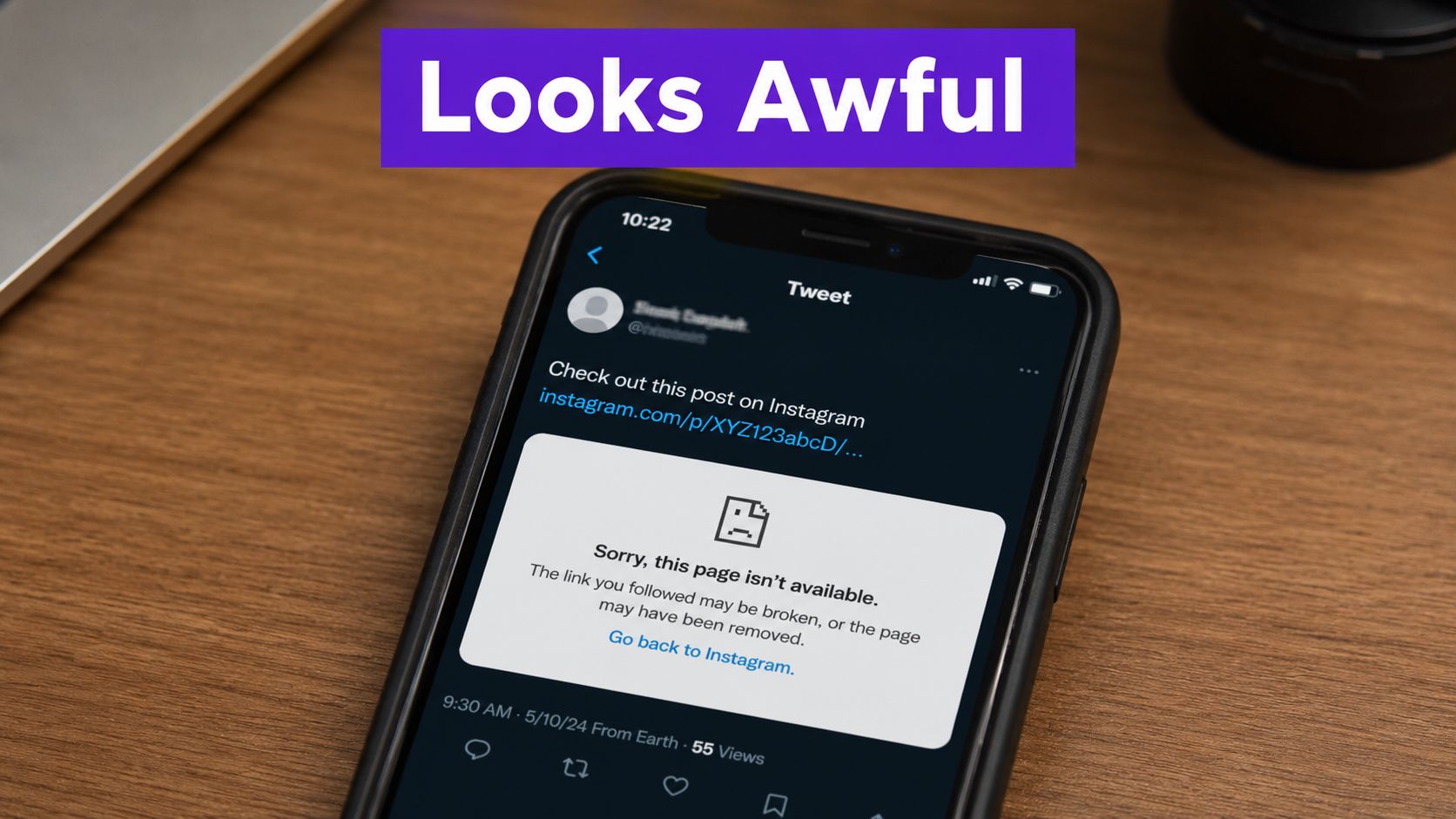
Instagram and X don't present media the same way. Instagram is built around square and vertical assets. X favors native uploads that fit its own feed behavior, cropping logic, and card display.
If you publish the Instagram link instead of uploading the asset directly, you hand presentation control to a platform that wasn't designed to showcase that link well. The post can end up as a bare URL, a weak preview, or a cropped thumbnail that strips out the key part of the image or video.
A lot of this starts with mismatched asset design. If you want a cleaner visual handoff, it helps to understand Instagram video format requirements before you ever start repurposing.
Practical rule: If the tweet shows a link first and the media second, you've already lowered the odds that someone stops scrolling.
People on X read fast and judge faster. A broken-looking Instagram to Twitter post signals low effort before anyone reads the first line. That affects clicks, replies, reposts, and trust.
The deeper problem is context loss. Instagram captions often lean on the image to carry meaning. On X, the text has to stand on its own. If the visual preview is weak and the caption depends on the missing visual, the whole post collapses.
This is why "auto-share" isn't neutral. It actively weakens content that might have performed well if you had uploaded the media natively and rewritten the framing.
Automatic sharing exists because it's easy, not because it's effective.
If all you want is basic distribution, linking accounts gives you speed. Post on Instagram, let it echo to X, and move on. For anyone serious about reach or lead flow, that trade-off is usually wrong.
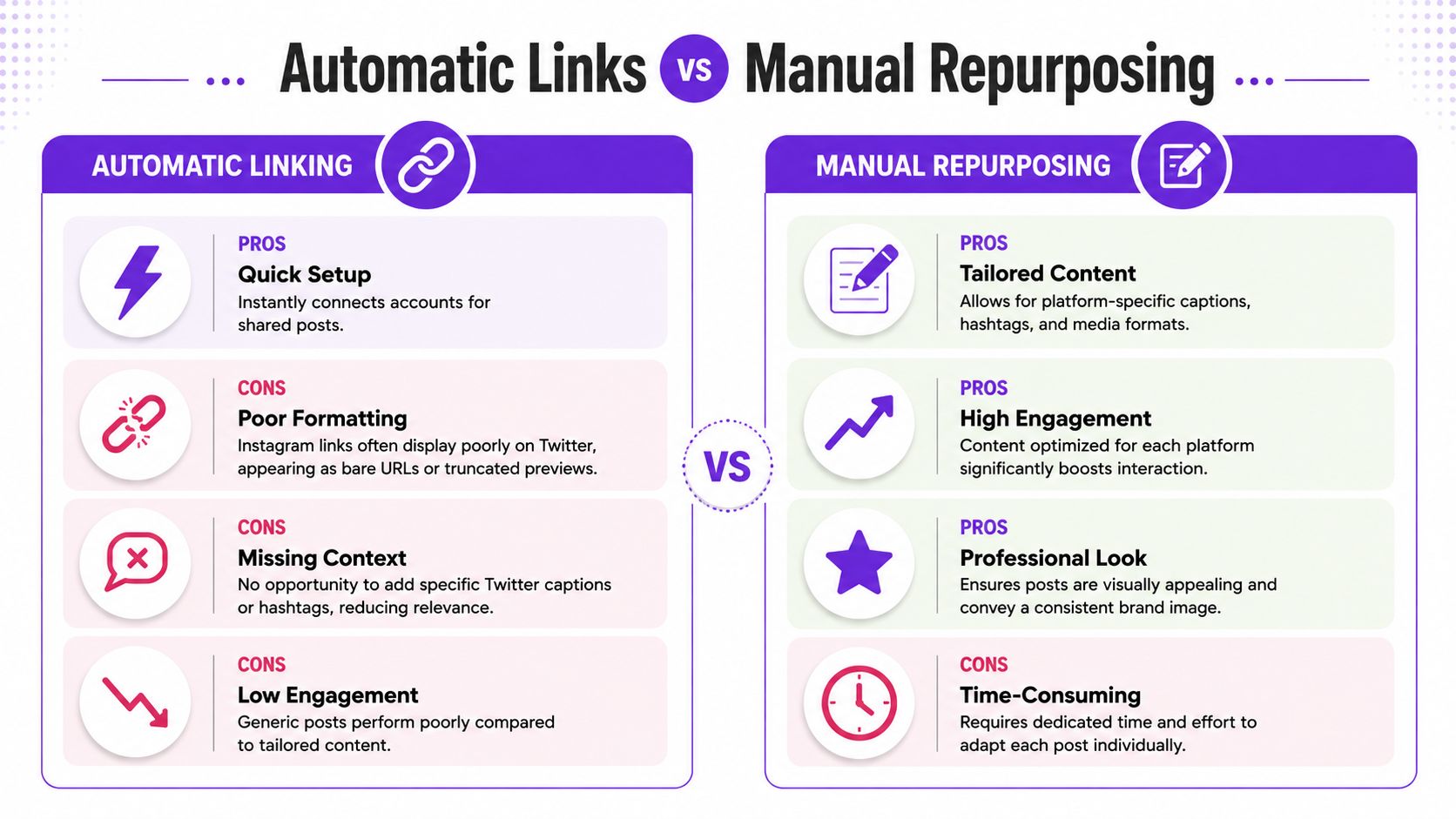
Here's the clean comparison.
| Approach | What you gain | What you lose |
|---|---|---|
| Automatic linking | Speed, less setup, fewer publishing steps | Native formatting, platform context, stronger engagement |
| Manual repurposing | Better fit for X, cleaner presentation, stronger hooks | More time, more editorial decisions |
The platform difference matters. Instagram has approximately 2.35 billion monthly active users, more than four times larger than X's roughly 557 million according to StartupIK's Instagram vs Twitter comparison. That audience gap matters because the platforms train different behavior. Instagram rewards visual browsing. X rewards reaction, commentary, and text-led discovery.
Auto-sharing solves one problem. It removes friction from publishing.
It does not solve messaging, formatting, tone, or audience intent. It also doesn't let you shape the tweet around what X users respond to. You lose the chance to add a sharper hook, rewrite the caption, or upload media in a way that looks native.
If you're juggling multiple platforms, a broader workflow matters more than account linking. That's why many teams move toward a single app for all social media instead of relying on platform-to-platform bridges.
Automatic links save minutes. Manual repurposing saves the post.
Manual repurposing works because it respects the feed you're posting into.
On Instagram, a carousel can do the heavy lifting. On X, the idea has to land in the first line. On Instagram, hashtags can help package discovery. On X, a cluttered hashtag stack often makes a post feel imported.
Use automatic links if your standard is "published somewhere." Use manual repurposing if your standard is "worth reading on this platform."
A good Instagram to Twitter workflow starts after the Instagram post is live, not at the same moment.
The strongest process is to let the Instagram post breathe, see what resonates, and then turn the winning idea into a native X format. The recommended method is to wait 24 to 48 hours, monitor engagement, then atomize the top-performing hook into 8 to 12 platform-native posts for Twitter, while stripping hashtags and adapting the tone for text-first, conversational behavior based on Monolit's repurposing guide.
Don't repurpose every Instagram post. Repurpose the ones that reveal clear audience interest.
Look for signals like:
If an Instagram carousel only works because of design polish, it may not translate well. If it works because it makes a sharp point, that's usable on X.
Instagram often packages ideas visually. X needs sequence.
Use this conversion logic:
A post doesn't become native to X because you shortened the caption. It becomes native when the idea reads well without the original Instagram asset.
Most repurposing fails here.
An Instagram caption can start soft because the image already did the stopping power. On X, the first line has to carry that burden. Write for interruption. Then write for replies.
A simple framework:
Good repurposing also means changing the media itself. Re-upload the asset as native media on X. Resize it if needed. Crop it intentionally. If the original was vertical, make sure the important subject isn't trapped at the top or bottom edge.
For creators working heavily with clips, reels, and interviews, these expert short-form video strategies are useful because they focus on adapting the message, not just chopping the file.
Not everything from Instagram should survive the move.
Remove or rethink:
Manual repurposing sounds slower because it is slower. But it also turns one good Instagram idea into a set of X-native assets instead of one broken link.
Manual repurposing is the right standard. It just doesn't scale well if you're posting often.
That's where smart automation earns its place. The goal isn't to automate bad cross-posting. The goal is to automate the adaptation steps that humans already know matter, such as clipping, reformatting, rewriting, scheduling, and creating platform-specific versions from a shared source asset.
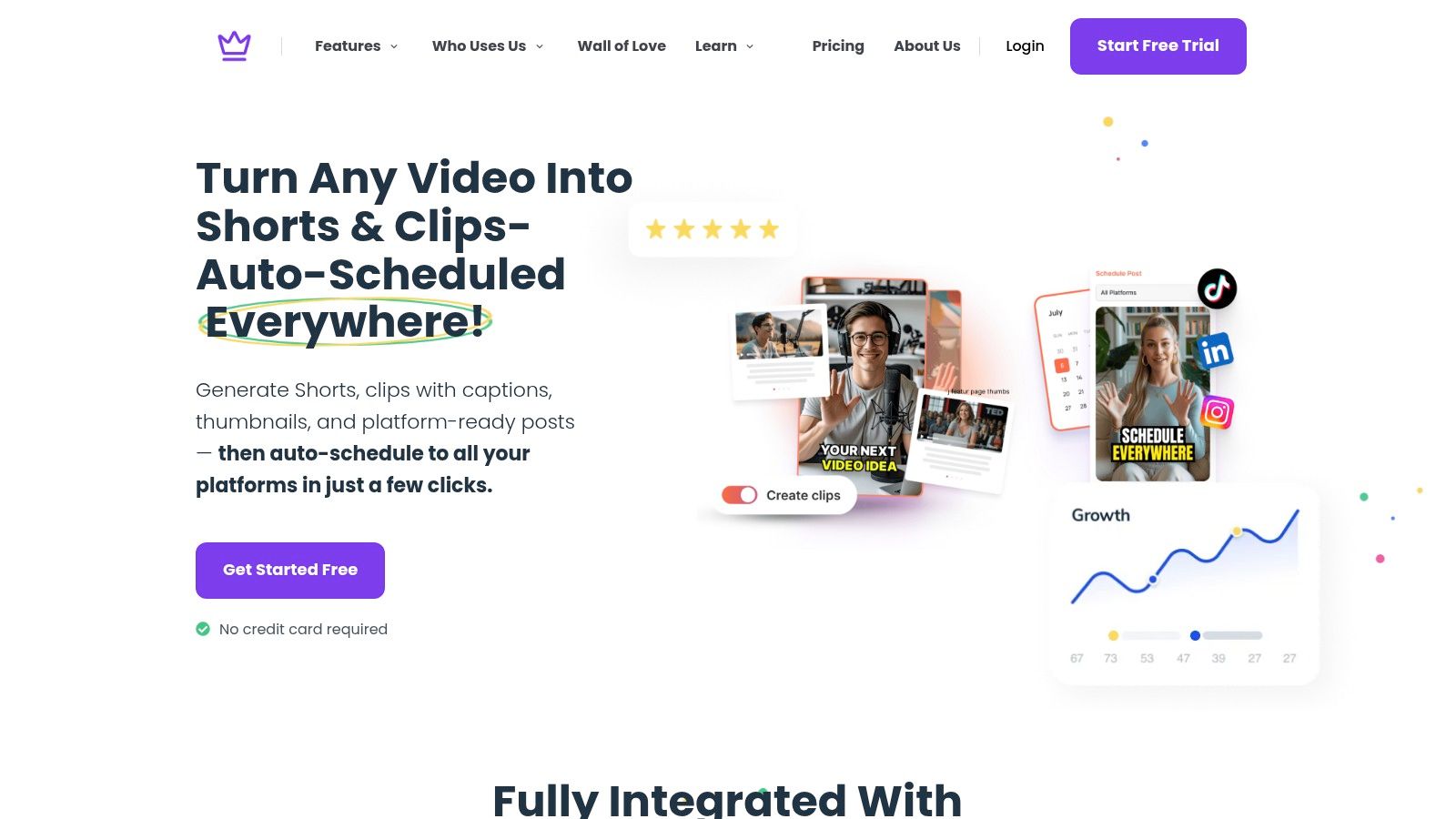
A useful repurposing tool should help you do five things:
One option in this category is Taja AI. It takes a long-form video and generates platform-specific assets, including clips, captions, and text posts for channels such as Instagram and X. If you're comparing systems built around this workflow, Taja also has a useful overview on automating content creation.
Bad automation copies. Smart automation translates.
If your current setup posts the same caption and media everywhere, you've automated the weakest part of the process. A better system turns one source file into multiple native outputs, then gives you enough control to tighten the copy before it goes live.
This is also where a lot of solo operators get relief. Instead of manually exporting clips, resizing assets, rewriting every post from zero, and scheduling them one by one, you review a generated starting point and make editorial calls where they matter.
A quick product walkthrough helps make that difference concrete:
The right tool doesn't replace strategy. It applies strategy faster and more consistently.
Publishing the adapted post is only half the job.
X rewards participation. If you post an Instagram-derived thread and disappear, you leave the compounding value on the table. Creators who link Instagram posts directly to Twitter see a 55% drop in engagement compared to those who adapt captions into Twitter-native threads with hooks and questions, according to the referenced YouTube discussion on platform-native adaptation.
The strongest habit is simple: stay with the post.
A practical routine:
Field note: On X, conversation is part of distribution. The post isn't finished when you hit publish.
Instagram followers often engage passively. X users are more likely to test your idea in public. That's useful if you welcome it.
Ask narrower questions. Make clearer claims. Give people something to respond to besides "great post." If you're trying to build momentum around a profile, audience quality matters more than vanity metrics. Some creators also look at services and tactics designed to boost your X following, but even then, stronger content framing and active replies do more for long-term retention than passive posting ever will.
If your Instagram content is polished and your X content feels alive, you're doing it right.
The Instagram to Twitter mistake is treating distribution as the goal.
A link is a bridge. A repurposing workflow is a system. The bridge just moves content across platforms. The system reshapes the content so it fits the audience, the feed, and the behavior of the platform you're publishing to.
That shift matters more than any tool. Repost and you get a weak duplicate. Repurpose and you get a second asset with its own job. For teams trying to stay consistent across channels, this kind of efficient social media management matters because it reduces chaos without lowering content quality.
Use Instagram to generate source material. Use X to sharpen the message. Build around that, and every post works harder.
If you want a faster way to turn long-form video into platform-specific assets for Instagram and X, take a look at Taja AI. It helps you generate clips, captions, and text posts from one source file so you can repurpose strategically instead of relying on broken auto-share links.


We are blessed to work with leading brands & Companies


We try to make easy and simple for every professionals. Get 30 days free trial - No credit card required.


© 2025 Taja AI. All rights reserved.