.jpeg)
YouTube to Text: How to Convert Videos in 2026
Master YouTube to text conversion. Learn to extract auto-captions, download SRT files, use AI tools, and repurpose video content for SEO and growth.
5 min read
October 10, 2026

Master reels best practices with 8 actionable tactics for hooks, pacing, captions, CTAs, and posting cadence that help short videos grow reach.
Written by:


You spend days recording a useful long-form video. The opening is polished, the advice is solid, and the first few views look encouraging. Then reach flattens. The problem usually isn't a shortage of ideas. It's the handoff from long-form content to the fast, unforgiving environment of a vertical feed.
A Reel can lose viewers before the main point appears. It can look cramped after a careless crop, become difficult to follow without sound, or ask for a vague action that nobody takes. Even a strong clip can underperform when every platform receives the same caption, thumbnail, and call to action.
The practical answer is a connected workflow. Start with one long-form recording, identify the moments worth preserving, shape each clip for vertical viewing, make the message clear with accurate captions, adapt the packaging for each platform, and review performance before creating the next batch. These Reels best practices solve specific production problems rather than offering disconnected algorithm folklore.
Start with the strongest usable moment from the long-form recording. A Reel cannot spend several minutes building context before explaining why the viewer should stay. The first frame should identify the subject, problem, or promised result.
Research summarized from TikTok's own marketing data found that nearly 63% of the platform's highest-click-through-rate videos presented the brand's key message within the first three seconds, as reported in Wix's video marketing statistics overview. Instagram differs from TikTok, but the editing lesson carries across platforms. Lead with the useful idea, not a greeting, logo animation, or background story.
Select the opening according to the source material. A real-estate agent could begin with, “Three inspection issues that kill deals.” A podcaster might use the interview's most surprising sentence. An educator could show the finished result before explaining the method. A service provider could present the transformation, then reveal how it happened.
Remove waiting, repetition, and low-information transitions. Use a reaction shot to reset attention after a dense explanation, a close-up to emphasize a product detail, or a text change to signal a new point. Transitions should clarify the edit. Effects that compete with the speaker make the clip harder to follow.
Practical rule: Make the first three seconds understandable without sound. Show the subject, state the tension, or put the promise in concise on-screen text.
Match the pacing to the idea. A property walkthrough may need smooth movement between rooms, while a podcast clip may work better with speaker reactions and carefully timed text. A faith-based creator could open with a relatable dilemma and let the argument build toward a clear conclusion. Create several openings from the same recording, then compare completion, rewatches, shares, and profile actions. Personal preference is a weak test.
For creators repurposing long-form footage, video marketing for Florida agents offers useful context for property-focused short-form production. Taja AI can help locate promising moments, but review every suggested clip before publishing. The strongest hook may be quiet and specific. Its job is to make the intended viewer care about the next sentence.
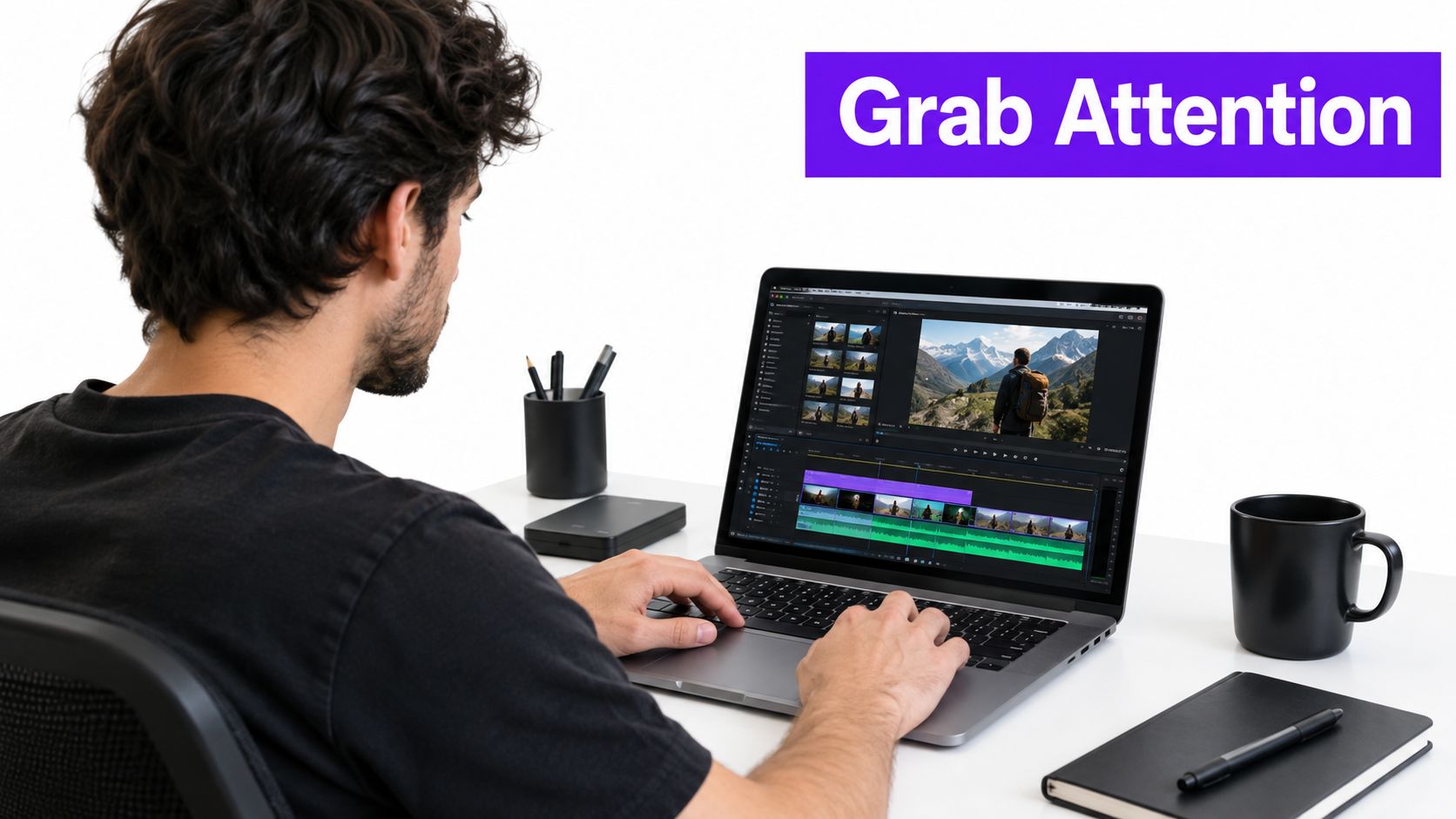
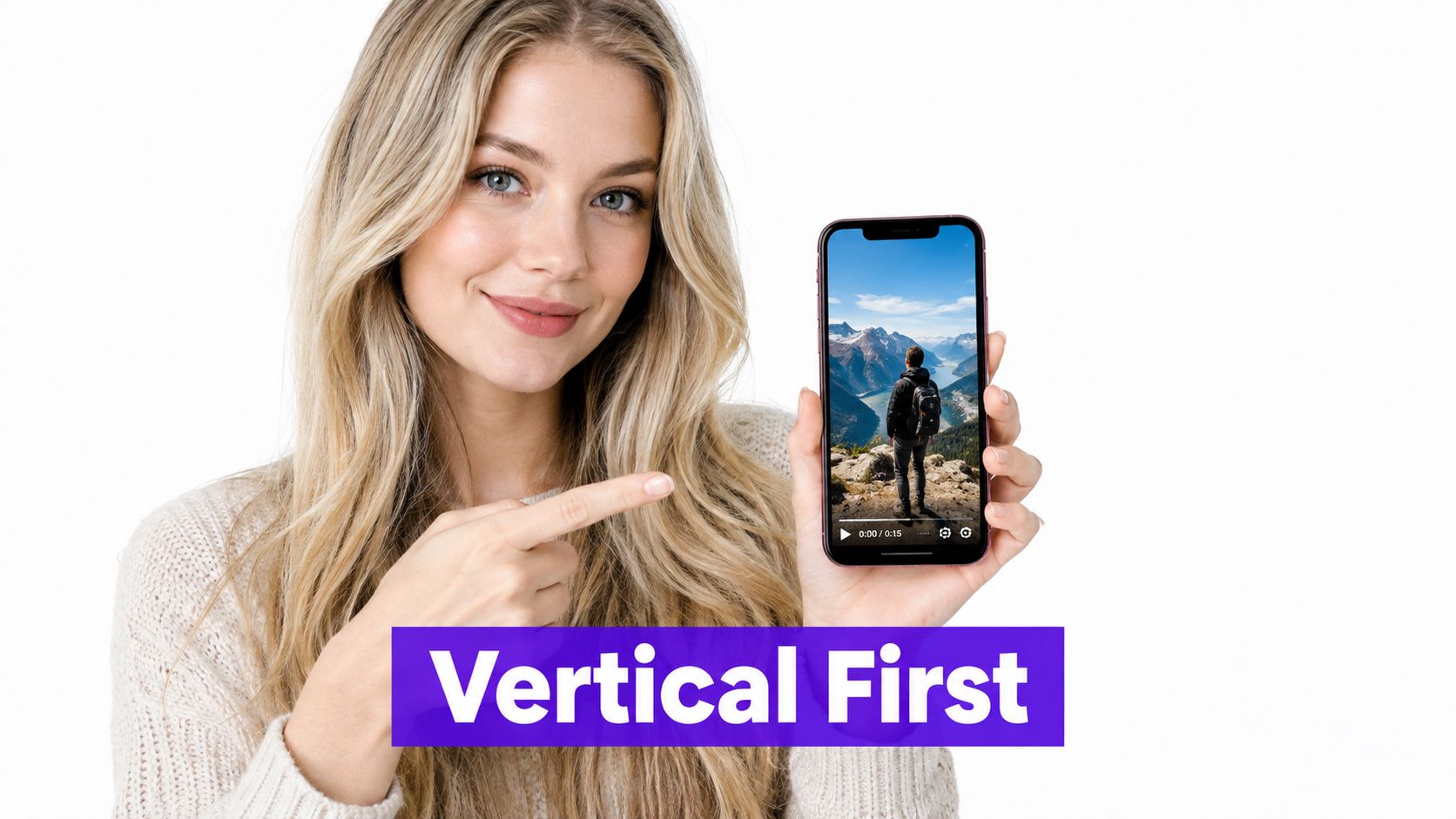
Start with the strongest moment from the long-form recording, then rebuild its composition for a 9:16 frame. A horizontal interview may hide the speaker's face or shrink the detail that makes the clip useful. Vertical editing changes camera distance, text placement, and how much information viewers can process at once.
For a property tour, let the room or featured detail fill the screen. For a podcast excerpt, keep the speaker's face large enough to read and place captions away from platform controls. An educator can position the presenter to one side, leaving space for a diagram or short supporting text.
Keep the face, product, and key words near the center. Interface buttons, usernames, captions, and calls to action often occupy the edges. A layout that looks balanced in an editing window can feel cramped on a phone.
Check the finished clip on a mobile device before exporting. Look for tiny text, cut-off hands, cropped product labels, and captions hidden behind the interface. Taja AI can automatically format long-form footage into vertical clips, but inspect every result before publishing.
Photographers can use Instagram export settings for photographers to choose presets that preserve detail in vertical crops. For the format itself, see this guide to TikTok aspect ratio and vertical video dimensions. The same framing discipline applies to Instagram Reels, TikTok, YouTube Shorts, and Facebook, even though each platform displays posts differently.
A travel creator might center a person holding a phone while keeping the destination visible behind them. A local service provider should give the repair, installation, or finished result most of the frame. If viewers must squint or infer the subject, the crop has added friction to a clip that began with one long-form recording.
Trending audio can help a clip feel native to the feed, but it shouldn't determine what you publish. A useful Reel still needs a clear point that survives after the trend disappears.
Start with the long-form moment, then choose audio that supports its mood and rhythm. A property reveal may work with a transition sound. A before-and-after service clip can use a beat that gives the change a natural edit point. A serious educational explanation may need quiet background audio so the speaker remains easy to understand.
The mistake is treating a popular sound as a distribution strategy by itself. A podcast clip with an unrelated trend can feel forced, while a faith-based message may need restraint and clarity rather than a fashionable effect. Match the audio to the audience and the promise of the clip.
If the spoken message carries the value, lower the music beneath it. Review the mix on a phone speaker and with headphones. Viewers shouldn't have to choose between recognizing the trend and understanding the advice.
Use Instagram's current audio discovery tools, then learn how to find trending audio on Instagram before selecting a sound. Trends move quickly, but evergreen audio can make more sense for a searchable tutorial or a clip that represents your brand for a long time.
Create more than one version when the source material supports it. One cut might use a subtle trend under a spoken hook. Another might rely on the original interview audio. Compare retention, shares, saves, and profile actions. If the sound attracts attention but distracts from the message, it isn't helping the business outcome.
A real-estate agent can use a rising sound for a fast property reveal, then publish a separate answer-first clip explaining an inspection issue with clean voice audio. The two posts serve different intentions. One is discovery-led. The other is built around useful information that can remain relevant after the trend fades.
Captions aren't finished just because an automatic tool generated them. A misspelled name, incorrect technical term, or poorly timed line can change the meaning of an interview and reduce trust.
Short-form video increasingly reaches viewers through search as well as feeds. An analysis of 153 million Google search-result pages found that 99.4% of social content appearing in Google was surfaced through Shorts, while 17.1% appeared in general search results, according to Neil Patel's analysis of social content visibility in search. That finding points to a practical opportunity. Say the searchable question clearly, show it on screen, answer it quickly, and adapt the title and caption for the platform.
A local-service Reel might display “cost of a home inspection” while the speaker explains what affects the price. An educator can show the question first, then reveal each step. A podcast clip needs the speaker's name and the key quote, but not a wall of text that competes with the face.
Review captions for:
A captioned Reel should remain understandable with sound off, but captions shouldn't duplicate every hesitation and filler word. Use concise overlays for the central promise, and reserve full captions for the spoken explanation. Taja AI can generate and synchronize captions, while a human should verify the details that carry meaning.
Measure whether the format supports the outcome. Educational clips should produce comprehension signals such as saves and fewer clarification comments. Interview clips need accurate quotations. Local businesses should watch for qualified messages and profile visits, not just passive views.
Consistency becomes easier when you stop treating every Reel as a separate filming project. One podcast interview, property tour, lesson, sermon, or customer conversation can supply several distinct clips if each one has a different question and opening.
The source should produce a small set of editorial angles. For a property tour, one clip can reveal a layout problem, another can explain a buyer consideration, and a third can show a standout feature. For an educational lesson, separate the definition, example, common mistake, and practical application. Don't split a video mechanically at arbitrary time marks.
Create a production block for selecting moments, formatting clips, reviewing captions, writing platform copy, and scheduling the final versions. A batch is useful only when every asset receives a quality check.
Use this guide to scheduling Instagram Reels when you're building a calendar. Choose posting times from your own audience data rather than copying another creator's routine. Keep the schedule sustainable enough that you can respond to comments and review results.
A podcaster may record one weekly interview and turn it into clips across several themes. A real-estate professional can record a tour once and distribute separate moments over the following days. A congregation can edit a sermon into devotional excerpts, but each excerpt should stand on its own and avoid repeating the same opening.
Batching has a second benefit. It lets you compare different hooks and lengths from the same source without changing every variable at once. Keep the subject and intended audience consistent, then vary the framing, opening, or call to action. That gives you more useful feedback than publishing unrelated clips and trying to explain every result at once.
Cross-posting saves time, but identical publishing can waste the context each platform gives you. The underlying video can remain similar while the packaging changes.
Write the caption for the viewer's next action on that platform. An Instagram post may direct someone to the profile. A YouTube Short can support a longer video or channel subscription. TikTok copy can lead with the question people already use when searching for the topic. A local-service business may need a direct inquiry prompt on one platform and a save-oriented educational prompt on another.
Start with these adjustments:
A home inspector might publish the same evidence from a long-form video as an Instagram Reel about buyer mistakes, a TikTok answer to a search-style question, and a YouTube Short that points toward a full inspection guide. The content isn't repetitive if each version serves a different viewer intention.
Check every thumbnail on a phone. A generic frame grab may show a speaker but communicate nothing about the clip. A better cover identifies the question or result without crowding the image. The strongest packaging makes the content easier to choose, not louder for its own sake.

A call to action works best when it follows the content naturally. “Comment below” asks the viewer to invent a response. A precise question gives them something easy to answer.
Match the action to the value of the clip. A tutorial can ask viewers to save the steps. A transformation can invite them to tag someone who needs the service. A podcast discussion can ask which idea they would try first. A real-estate Reel can ask, “Which room would you renovate first?” That prompt gives the audience a concrete choice.
The caption and spoken ending should support the same next step. If the video asks for a question but the caption asks for a profile visit, the viewer receives competing instructions. Choose one primary action, then make it obvious.
Reply to useful comments with substance. A question about inspection costs might deserve a short follow-up Reel. A request for more context on a lesson can reveal that the original clip needs a clearer caption. Community interaction is not just a reach tactic. It also gives you language for future hooks and topics.
A strong CTA completes the promise of the clip. It doesn't interrupt it.
Track the outcome tied to the request. Saves matter for reference material. Shares matter when the advice solves a common problem. Direct messages matter for a local service. Follows matter when the clip accurately represents what the account will publish next.
For example, an educator shouldn't ask viewers to share a clip if the core value is a procedure they'll need later. “Save this before your next exam” is more aligned with the content. A service provider showing a repair can use “Send this to someone dealing with the same issue.” Specificity makes the action feel useful rather than promotional.
A Reel's view count tells you that distribution happened. It doesn't tell you whether the opening worked, whether viewers understood the lesson, or whether the clip created a business result.
Review each version through a group of related signals: average watch time, percentage viewed, completion, rewatches, shares, saves, profile actions, search impressions, direct messages, and leads. Compare clips with similar topics and audiences. A longer video may earn more useful actions than a shorter one, while a short hook may attract more initial attention but less qualified interest.
A 2025 academic analysis found an inverted U-shaped relationship between short-form video length and engagement, with an estimated optimum of 34.69 seconds, as reported in the Marketing Trends Congress analysis. Treat that figure as a starting benchmark, not a rule. Build a roughly 25 to 40-second version around one takeaway, then test a shorter hook-led cut and a longer version when the topic needs proof or multiple steps.
Platform-specific evidence reinforces the need for testing. Buffer reported that TikTok videos longer than one minute received 43.2% more reach than videos in the 30 to 60-second range, while a separate analysis of 1.1 million TikTok videos reported 63.8% more watch time for videos over one minute, as summarized in Buffer's analysis of longer TikToks. Those results shouldn't be copied directly to Instagram Reels. They do show why “shorter is always better” is weak advice.
Test the hook before changing the caption, or the caption before changing the posting time. Record the topic, opening, length, format, CTA, and distribution channel in a simple spreadsheet. After a batch, look for patterns rather than declaring a winner from one post.
For a real-estate account, compare an inspection-problem opening with a room-reveal opening. For a podcaster, compare a surprising quote with a direct question. For an educator, compare a definition-first clip with a result-first demonstration. Keep the version that produces the strongest combination of retention and meaningful action, not merely the largest reach.
| Technique | Implementation Complexity 🔄 | Resource & Speed ⚡ | Expected Outcomes 📊⭐ | Ideal Use Cases 💡 | Key Advantages ⭐ |
|---|---|---|---|---|---|
| Hook Viewers Immediately & Edit for Pacing, Transitions, and Pattern Interrupts | High 🔄🔄🔄 | High resources; slower execution ⚡ | Dramatic ↑ watch time & completion; stronger organic reach 📊 ⭐⭐⭐⭐ | Solopreneurs, real estate tours, educators, high-polish creators | Maximizes completion rate; professional, attention-grabbing edits |
| Optimize for Vertical Video Formatting (9:16) | Low 🔄 | Low resources; very fast conversion ⚡⚡⚡ | ↑ engagement (~30–50%); better mobile UX 📊 ⭐⭐⭐ | Any mobile-first platform content (Reels, TikTok, Shorts) | Full-screen immersion; platform-native compatibility |
| Leverage Trending Sounds and Music | Medium 🔄🔄 | Moderate effort; quick algorithmic boost ⚡⚡ | Large initial distribution bump; viral reach potential 📊 ⭐⭐⭐⭐ | Trend-driven clips, transitions, quick reach campaigns | Boosts discoverability and shareability rapidly |
| Use Strategic Text Overlays and Captions | Low–Medium 🔄🔄 | Moderate effort; tooling speeds workflow ⚡⚡ | ↑ retention for sound-off viewers; improved accessibility 📊 ⭐⭐⭐ | Educational content, interviews, noisy-viewer contexts | Improves comprehension, SEO and inclusive reach |
| Maintain Consistent Upload Schedule and Batch Repurposing | Medium 🔄🔄 | Upfront planning; highly efficient long-term ⚡⚡⚡ | Sustained reach growth (150–300%); reduced burnout 📊 ⭐⭐⭐⭐ | Podcasters, educators, agencies repurposing long-form | Scalable, predictable distribution; saves production time |
| Create Platform-Specific Variations and Thumbnails | Medium–High 🔄🔄🔄 | Additional per-platform work; moderate speed ⚡⚡ | Higher CTR (20–40%) and platform-specific engagement gains 📊 ⭐⭐⭐ | Multi-platform creators, cross-post campaigns, YouTube Shorts | Optimizes CTR, metadata and discoverability per platform |
| Encourage Engagement Through CTAs and Community Interaction | Low–Medium 🔄🔄 | Ongoing community management; moderate ⚡⚡ | ↑ engagement rate (40–80%); stronger community signals 📊 ⭐⭐⭐⭐ | Brands, service providers, community-focused creators | Drives comments/shares, builds loyalty and UGC |
| Use Data-Driven Content Iteration and Performance Tracking | Medium–High 🔄🔄🔄 | Requires consistent tracking; tooling helps ⚡⚡ | Continuous improvement; better ROI and topic selection 📊 ⭐⭐⭐⭐ | Growth marketers, data-driven creators, businesses | Removes guesswork; informs scalable content strategy |
The eight practices work as one production loop. Start with a long-form recording that contains several useful moments. Pull out the clearest problem, claim, demonstration, or emotional turn. Then create multiple candidate openings and choose the one that makes the clip understandable immediately.
Build the chosen moment into a vertical composition. Keep the speaker, product, property, or demonstration prominent. Check the crop on a phone, then add concise on-screen text and reviewed captions. Make sure a viewer can follow the core idea without sound, but don't cover the screen with words.
Next, choose the distribution version. A trend may suit a property reveal or transformation, while clean original audio may suit an educational explanation. Adapt the caption, cover, keywords, and CTA for each platform instead of exporting one identical post everywhere. The video can come from one source, but the packaging should reflect the viewer's context.
Schedule the batch across the week. The exact rhythm should fit your capacity and audience, not a copied posting quota. A realistic schedule leaves time to answer comments, capture questions, and review the signals that matter. If one source video gives you several distinct clips, you can maintain output without filming every day.
At review time, start with the opening and retention curve. Did viewers leave before the promised answer? Did the caption clarify the subject? Did the vertical crop hide the important detail? Did the CTA produce saves, shares, profile visits, messages, or leads? These questions point to specific edits for the next batch.
For a practical audit, take your last five Reels and record the following:
Don't change everything after one weak post. Group results by topic, format, and audience intent. A searchable answer-first Reel may have a different job from an entertainment-led trend clip, so judge each against its purpose.
Taja AI can support this workflow by identifying moments in long-form videos, creating vertical clips, generating captions and thumbnails, and helping schedule content across channels. It can reduce the mechanical editing work, but your editorial judgment still determines whether the hook is honest, the caption is accurate, and the CTA fits the viewer.
Audit those five recent Reels today. Mark the first moment where each clip becomes useful, check the crop and captions on your phone, and write one replacement hook for the weakest opening. Then use that improved version as the first test in your next batch.
Taja AI turns long-form videos into ready-to-publish short clips with vertical formatting, captions, hooks, thumbnails, and platform-specific content. Upload your next recording, review the generated Reel variations, and visit Taja AI to start building a more consistent repurposing workflow.


We are blessed to work with leading brands & Companies


We try to make easy and simple for every professionals. Get 30 days free trial - No credit card required.


© 2025 Taja AI. All rights reserved.