.jpeg)
10 Instagram Reel Captions That Drive Action
Explore 10 Instagram Reel captions with hooks, CTAs, niche formulas, hashtag examples, and Taja AI ideas for faster content creation.
5 min read
September 24, 2026

Learn how to share Instagram Reel to TikTok without the watermark. Our 2026 guide covers saving, audio, captions, and optimizing for both platforms.
Written by:


You've just finished an Instagram Reel that's getting strong reactions. The hook works, the edit feels tight, and people are sharing it. So you download the posted Reel, upload it to TikTok, and wait for the same momentum. Instead, the video barely moves.
That outcome usually isn't caused by a weak idea. It comes from treating cross-posting as a file transfer rather than a content adaptation process. Instagram Reels and TikTok both support vertical short-form video, but each platform evaluates originality, presentation, metadata, audio, and viewer behavior in its own way.
The reliable workflow is simple in principle: create one clean master file, then prepare a separate native upload for each platform. The steps take more care than tapping a share button, but they protect quality and give each version a better chance of fitting its destination.
A common mistake looks like this. You publish a Reel, open Instagram's download or save options, receive a file with platform branding or altered audio, and upload that file directly to TikTok. The video is technically usable, but it carries signals that make it look recycled before a viewer has even decided whether to watch.
Visible watermarks are the most obvious issue. Guidance on cross-platform content duplication and watermarks warns that re-downloaded or watermarked files can hurt distribution. Instagram is known to suppress videos showing TikTok-style watermarks, and the reverse risk matters too. A TikTok viewer may also recognize the clip as an import and scroll before giving it a fair chance.
The opportunity is too large to leave to a careless export. Around 2.3 billion people engage with Instagram Reels each month, while TikTok is estimated to have roughly 1.9–2.0 billion monthly active users in 2026, according to Instagram Reels statistics and TikTok audience estimates. Those audiences overlap, but they aren't identical. A video that performs well with Instagram followers may need a different opening, caption, or context for TikTok viewers.
Practical rule: Repurpose the idea and footage, not the entire Instagram post package.
TikTok also has its own discovery environment. Its audience expects content to feel native to the platform, and its recommendation system isn't designed to reward a direct clone of an Instagram upload. If you're trying to grow engagement on TikTok, start by giving TikTok a clean file and a post built for TikTok rather than copying Instagram's visible treatment.
The problem isn't that Instagram Reels can't work on TikTok. The problem is that a published Reel is usually the wrong source file. Once the platform has added its watermark, interface elements, licensed audio treatment, or export compression, you have fewer options and less control.
A clean master is the final version of your video before Instagram, TikTok, or any other platform adds branding, compression, captions, audio metadata, or interface elements. Keep that file as the source for every destination. It preserves your resolution and gives you control over edits that each platform needs.
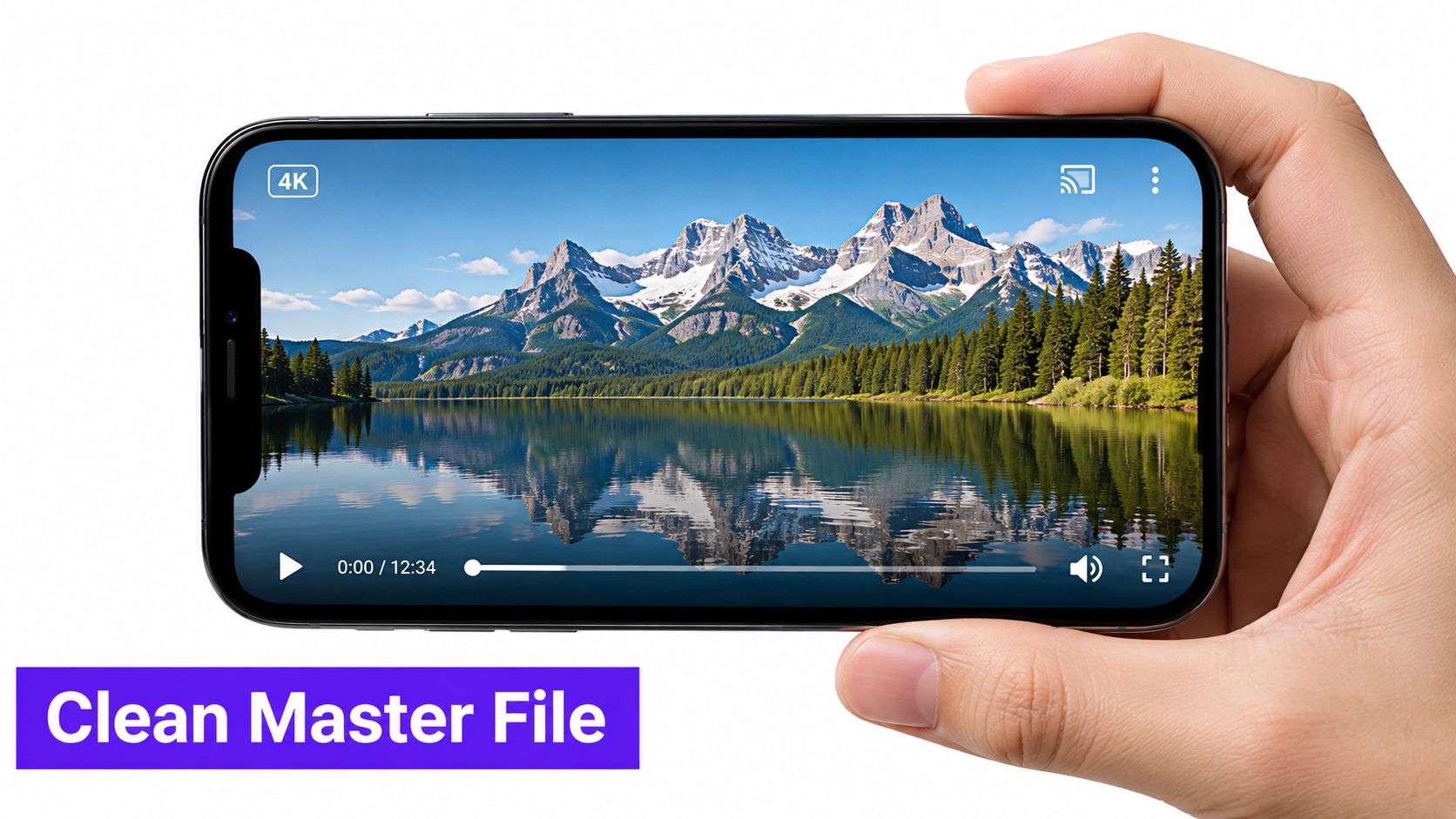
The strongest workflow starts outside Instagram:
This method gives you a fallback if either platform changes its download behavior. It also lets you revise the TikTok version without degrading the original. Repeated downloads and uploads can introduce softness, compression artifacts, or distorted audio, so the cleanest available file should always be your starting point.
Some creators build the entire Reel inside Instagram. In that case, try to save the finished video to your device before final publication, using Instagram's available draft or save options. Check the resulting file carefully. If it contains a watermark, an interface element, or a restricted music track, it isn't a true clean master.
You can also recreate the edit in a separate editor using the original camera clips. That takes longer once, but it restores control over timing, text, and sound. Don't assume that a file downloaded from a published Reel is equivalent to the original export.
Downloader websites and unknown apps may appear convenient, but they create avoidable problems. They can reduce quality, expose you to aggressive advertising or data collection, and put your workflow at odds with platform rules or the original creator's rights. They also don't solve the audio licensing issue, and removing a watermark after download may leave visible blur or damaged detail.
The clean master isn't an optional extra. It's the asset that keeps every later decision reversible.
If you didn't create the original Reel, don't download and repost it just because the app exposes a share link. Ask the creator for the source file or permission, and respect any restrictions attached to the content. A safe cross-platform workflow begins with ownership or clear authorization, not with a tool that strips a file from a public page.
Watermark and audio problems require different decisions. A watermark is a visual asset problem, while music is a rights and platform compatibility problem. Solving one doesn't automatically solve the other.
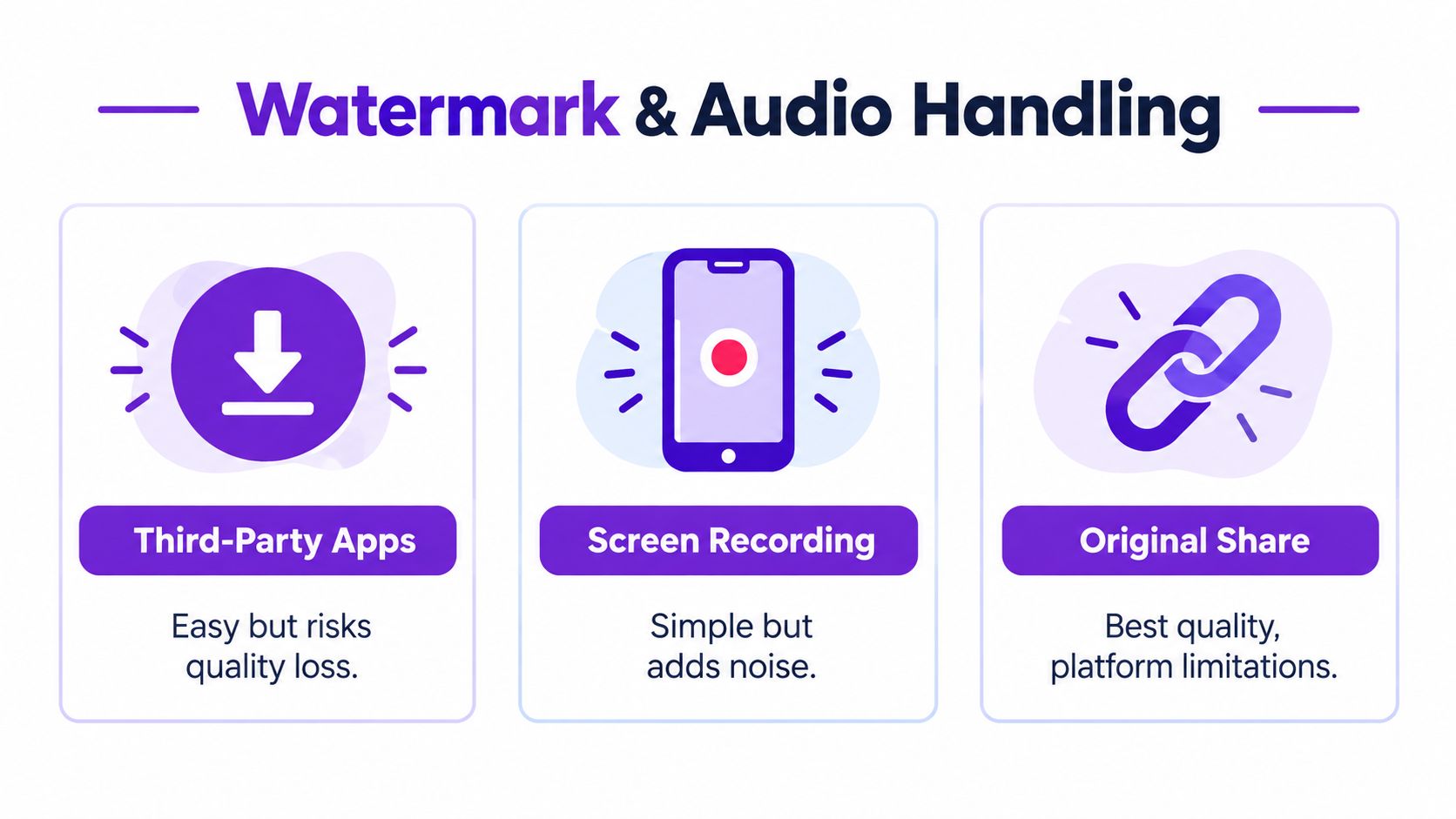
The best option is still the original export. It gives you a sharp image, clean edges, and no need to repair the frame. If you no longer have it, choose the least damaging recovery method available.
Cropping can remove a watermark near an edge, but it may cut into the subject or force you to enlarge the image. That enlargement can make the footage softer, particularly when the original file has already been compressed. Check the result on a phone before uploading, because a crop that looks acceptable in an editor may feel cramped in the TikTok feed.
Reframing is often better than a blunt crop. Place the original clip on a vertical canvas, reposition the subject, and rebuild any text that falls outside the safe viewing area. This preserves more of the scene, but it takes editing time and may require changes to the composition.
Watermark-removal tools can be useful for authorized content, but they aren't magic. They may smear backgrounds, distort faces, or leave a patch that attracts more attention than the original mark. Don't use them as a substitute for obtaining the source file.
Screen recording is a last resort. It may capture the visible video, but it can add interface elements, playback artifacts, and unwanted sound. It also gives you less control over resolution and timing.
Instagram's music catalog is licensed for use within Instagram's environment. That license may not carry over when you upload the same video to TikTok. The result can be muted audio, a restricted post, or a removal request.
For a safer TikTok version, export the visual track without Instagram's licensed music, then add a sound through TikTok's own audio tools. Businesses should pay particular attention to TikTok's commercial music options and the permissions attached to each track. For a practical overview of licensing basics for social media music, review the rights before you build a campaign around a trend.
Voiceovers and original sound are easier to manage, but they still deserve a check. Keep dialogue clear, lower background music under speech, and confirm that the final mix doesn't clip after TikTok processes it. If your message depends on spoken words, add readable captions and review them for accuracy using this guide to adding captions to video.
The trade-off is straightforward. Reusing Instagram's exact audio is faster, but it creates rights uncertainty. Rebuilding the sound inside TikTok takes another upload step, yet it produces a more native post and gives you access to TikTok's own sound context.
A clean file removes one obstacle, but it doesn't make an Instagram post native to TikTok. The two apps may share a vertical format, yet their discovery systems and audience expectations remain distinct. As cross-platform Reels data explains, compatibility is the central constraint. Each platform is built around its own discovery logic, so creators need to handle uploads separately and adapt the presentation.
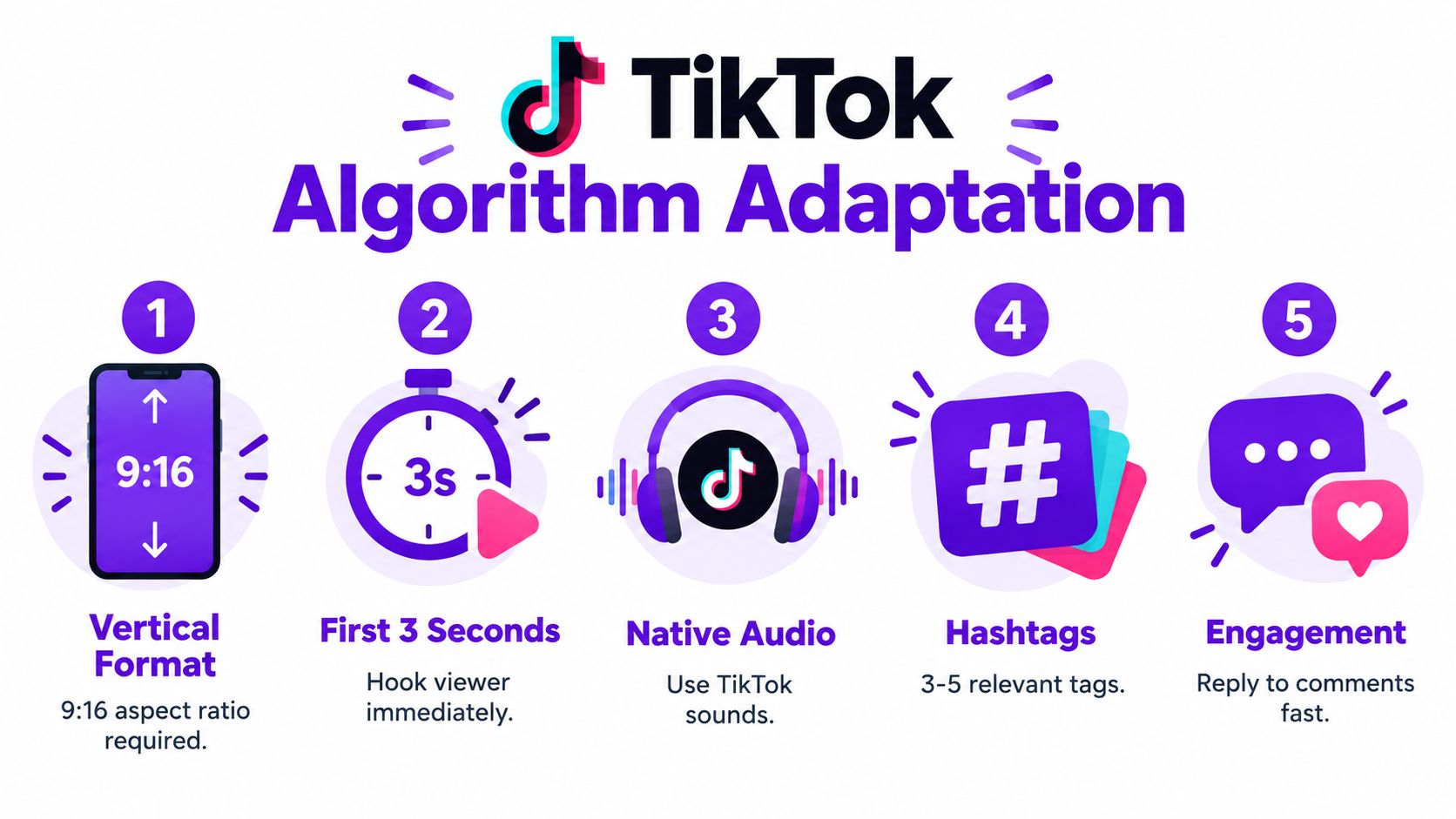
Instagram captions often support a polished brand voice. TikTok captions can be more direct, conversational, and search-oriented. Write a new opening line that tells viewers what they'll get, challenges an assumption, or introduces the result quickly.
Review the first moments of the video too. If the Instagram edit begins with a slow logo reveal or context that followers already understand, replace it with the strongest visual or statement. The footage can remain the same, but the sequence may need a sharper entry point.
The visual treatment should also stand on its own without Instagram context. Remove references such as “save this Reel” or “comment on Instagram,” unless the cross-platform reference is intentional. Replace them with language that matches the action you want from TikTok viewers.
Before publishing, watch the video with the sound off, then with the sound on. Ask three questions:
That review catches more problems than just checking whether the upload succeeded. The aim isn't to disguise the video's origin. It's to make sure TikTok viewers receive a complete, useful post rather than an Instagram export with missing context.
Manual repurposing works for occasional posts. It becomes a bottleneck when every video requires a separate export, caption rewrite, audio decision, thumbnail adjustment, upload, and scheduling pass. The work isn't difficult, but it fragments attention and makes inconsistent publishing more likely.
A better system starts with one clean master and creates destination-specific versions from it. Automation can handle the repetitive preparation while leaving strategic decisions, such as the hook, audience angle, and rights review, with the creator or social team.
Look for a system that can:
Automated cross-posting and workflow tools are increasingly being used to address this exact operational problem. The useful shift isn't merely posting to two apps at once. It's creating one controlled source while allowing each destination to receive its own caption, schedule, and presentation.
Don't let an automated tool publish every variation without inspection. Check the opening frame, subtitle accuracy, brand references, music rights, and calls to action. A system can speed up production, but it can't always tell whether a joke makes sense to a new audience or whether a claim needs qualification.
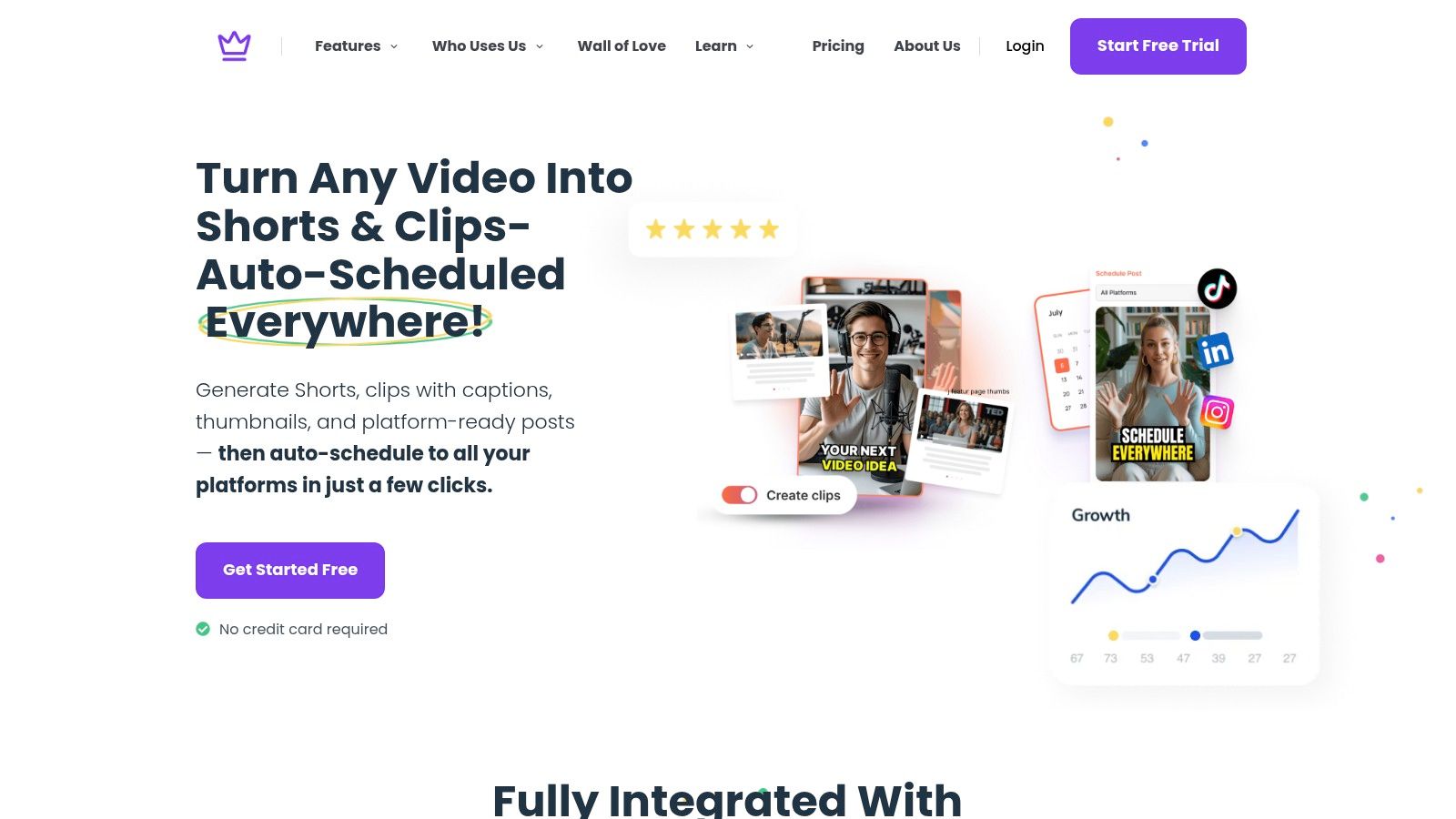
Taja AI is one option for teams that want to turn a source video into platform-specific short-form assets, captions, hooks, titles, and vertical outputs, then schedule content across supported social channels from one dashboard. Used properly, that kind of workflow reduces repetitive file handling while preserving the clean-master principle.
The professional advantage is consistency, not blind automation. You still decide what the video means, who should see it, and which version reflects the brand. The system handles more of the mechanical work that otherwise encourages rushed downloads and duplicate uploads.
The durable principle is repurpose, don't repost. Keep the original export as your clean master, remove platform-specific audio when rights are uncertain, and prepare TikTok's caption, text placement, sound, and call to action as a separate publishing package.
Manual uploads give you control, but they also create repeated work. If you're evaluating a technical route, resources on the cross-posting Instagram TikTok API can help clarify what connected publishing may and may not handle. A broader content repurposing workflow can also organize the source file, edits, metadata, scheduling, and reporting in one process.
The right question isn't “How do I copy this Reel?” It's “How can I give this proven idea a native, rights-safe, high-quality version on TikTok?” That change in thinking protects reach and makes cross-platform publishing easier to scale.
Taja AI turns a clean source video into TikTok-ready and Instagram-ready short-form assets with platform-specific hooks, captions, titles, and vertical formatting, then helps schedule them from one dashboard. Upload your master file and visit Taja AI to start building a faster, more consistent repurposing workflow.


We are blessed to work with leading brands & Companies


We try to make easy and simple for every professionals. Get 30 days free trial - No credit card required.


© 2025 Taja AI. All rights reserved.