.jpeg)
How to Add Chapters to YouTube Video: A 2026 Guide
Learn how to add chapters to YouTube video to boost watch time. Our guide covers manual steps, SEO best practices, and how to automate chapters with AI tools.
5 min read
September 22, 2026

Learn how do you share videos on Facebook for max reach. Our 2026 guide covers native uploads, links, Stories, Reels, groups, privacy, and repurposing tips.
Written by:


You've got a video ready. Maybe it's a property walkthrough, a client testimonial, a podcast clip, a sermon excerpt, or a quick tip you filmed on your phone. Then the practical question hits: how do you share videos on Facebook in a way that gets watched?
Many users treat Facebook sharing like a button-clicking task. It's not. The format you choose, where you post it, and how you package it will change the result. A native upload can outperform a pasted link by a wide margin. A Group post can beat a Page post when the audience fit is right. A Reel can do more for discovery than a standard feed post, while Messenger is better for one-to-one follow-up than public reach.
That's why the right answer isn't just “click Share.” It's choosing the distribution method that matches the job.
The biggest decision happens before the post goes live. Are you uploading the file directly to Facebook, or are you pasting a link from YouTube or another platform?
If your goal is reach and engagement on Facebook itself, native upload is usually the right move. An analysis found that Facebook native videos have a 1055% higher share rate than other video formats, including YouTube links, which points to Facebook's preference for content hosted on its own platform, according to Quintly's analysis of Facebook video shares.
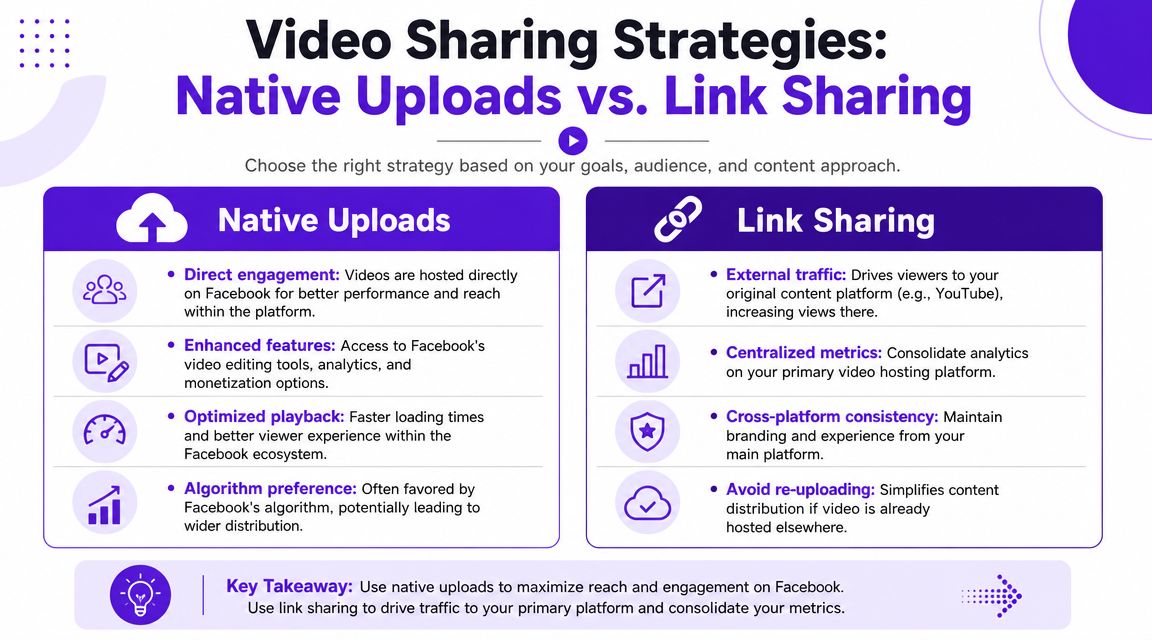
That doesn't mean link sharing is useless. It means links should be used on purpose. If you need viewers to land on YouTube for watch time, subscriptions, or monetization, a link can still be the better business decision even if Facebook gives it less organic distribution. If that's your use case, this guide on how to share youtube videos on facebook is worth reviewing because it focuses on the link-sharing side of the equation.
Native video fits Facebook's environment. It autoplays in feed, loads cleanly, and gives you access to Facebook's own posting controls and video insights. It also fits short-form workflows well, especially if you're adapting clips from longer recordings.
For teams building a broader content operation, systems matter more than one-off posts. A workflow built around AI for social media marketing makes more sense than manually deciding every post format from scratch.
Practical rule: If the post's job is awareness, conversation, or shares on Facebook, upload the video file directly to Facebook.
Use a link when Facebook is acting as a distribution channel for another platform. That's common for creators who want YouTube views, educators hosting the full lesson elsewhere, or businesses sending traffic to a webinar or sales funnel.
The trade-off is simple. You may get less reach inside Facebook, but you gain clearer traffic intent. People who click are choosing to leave the app and watch somewhere else.
| Feature | Native Upload (Recommended) | Link Share (Use Strategically) |
|---|---|---|
| Reach inside Facebook | Stronger for in-platform distribution | Usually weaker than native |
| Viewer experience | Seamless autoplay in feed | Adds friction because users leave Facebook |
| Engagement potential | Better for comments, reactions, and shares | Better when the main goal is external clicks |
| Analytics focus | Facebook post and video performance | Centralized video metrics on your external platform |
| Best use case | Reels, clips, promos, announcements, local visibility | Driving traffic to YouTube, a course, or a landing page |
Most small businesses don't need to overcomplicate this. Use native uploads for Facebook growth. Use links when the destination matters more than the feed performance.
You upload a video, hit publish, and it gets little traction. Usually the problem is not the upload itself. It is the choices made in the 60 seconds before posting.
On a profile or Page, the posting flow is straightforward. Open the composer, choose Photo/Video, upload the file, then finish the caption, audience, and publishing settings. On mobile, tap Create Post, select the video from your camera roll, and move to the same setup screen.
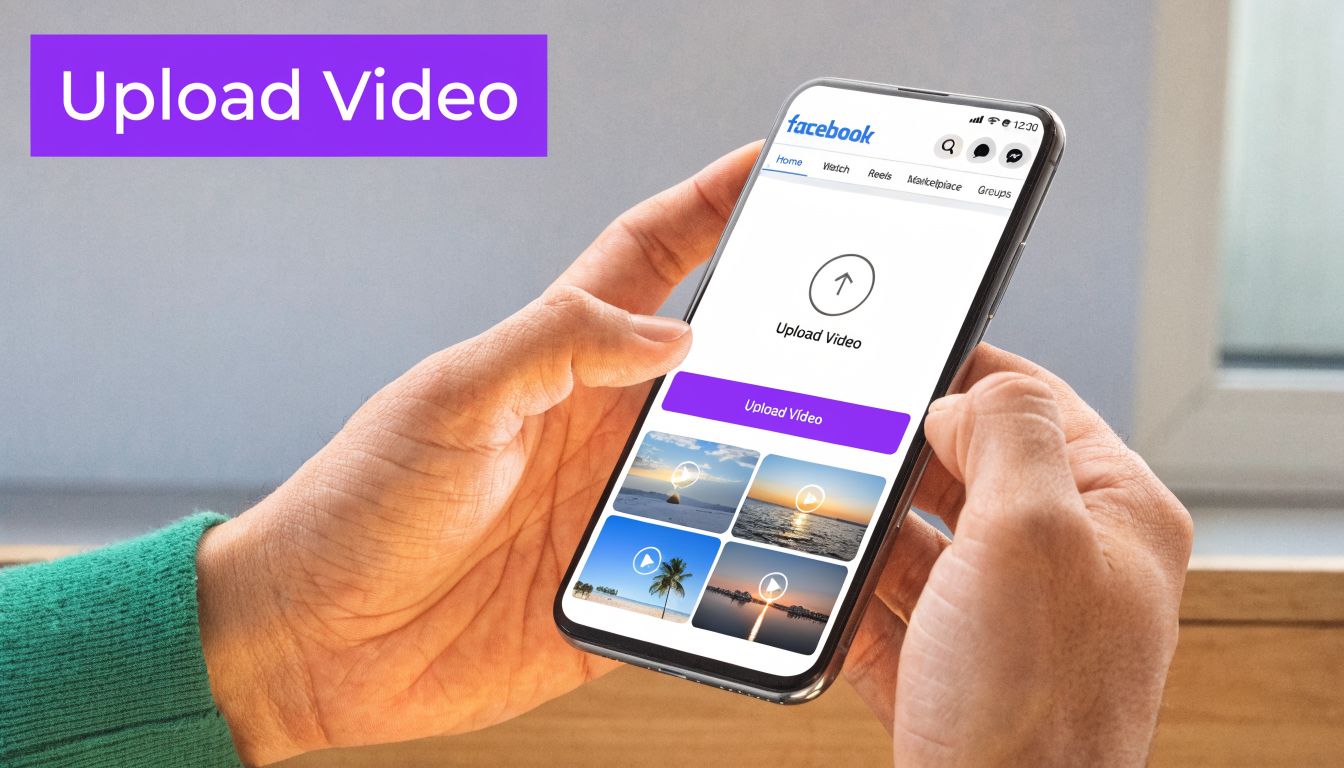
That setup window is where reach is won or lost.
Use MP4 as the default. It is the safest option for consistent playback across desktop and mobile.
For framing, match the format to the job. Vertical works best for short, attention-first clips because Facebook is used heavily on phones, and mobile viewing dominates the experience. If the video is a quick tip, teaser, testimonial, or talking-head clip, 9:16 usually gives you more screen presence. If it is a longer explainer, webinar excerpt, or polished brand piece, 16:9 can still work well on a Page post.
That trade-off matters. The same video can perform differently based on how much space it takes up in feed.
If the clip is really built for short-form discovery, it may be smarter to publish it as a Reel instead of a standard feed video. This guide on how to post Reels on Facebook covers that workflow.
A Facebook caption should do three things fast. Stop the scroll, frame the value, and point people to the next action.
Use this checklist before publishing:
This is also where repurposing discipline pays off. One core video can become a Page post, a shorter Reel cut, and a version adapted for Groups. The upload step stays the same. The framing and CTA change based on where the post needs to work.
If you're editing the video before upload and need music that won't feel tacked on, this step-by-step guide for video music is useful for the creative side.
Small businesses often spend more time polishing the caption than the thumbnail. That is backwards. Meta's video creative guidance for advertisers stresses that strong visual presentation, including the first frame and cover image, has a direct effect on whether people stop and watch, especially on mobile. Review Meta's recommendations in its video ad creative best practices.
Choose a thumbnail that still reads clearly on a small screen. Faces, tight framing, strong contrast, and a moment with visible emotion usually outperform cluttered screenshots. Avoid tiny text and busy layouts.
If you manage a Business Page, check the scheduled time before publishing. I have seen average creative perform well because it went out when the audience was active, and strong creative stall because it was posted at a dead hour.
Posting to your feed is the baseline. Targeted sharing is where Facebook starts acting like a real distribution system.
Relevant format choice matters because people use each surface differently. Group members expect conversation. Story viewers expect speed. Reel viewers expect short, fast value. Messenger recipients expect relevance, not a random broadcast.
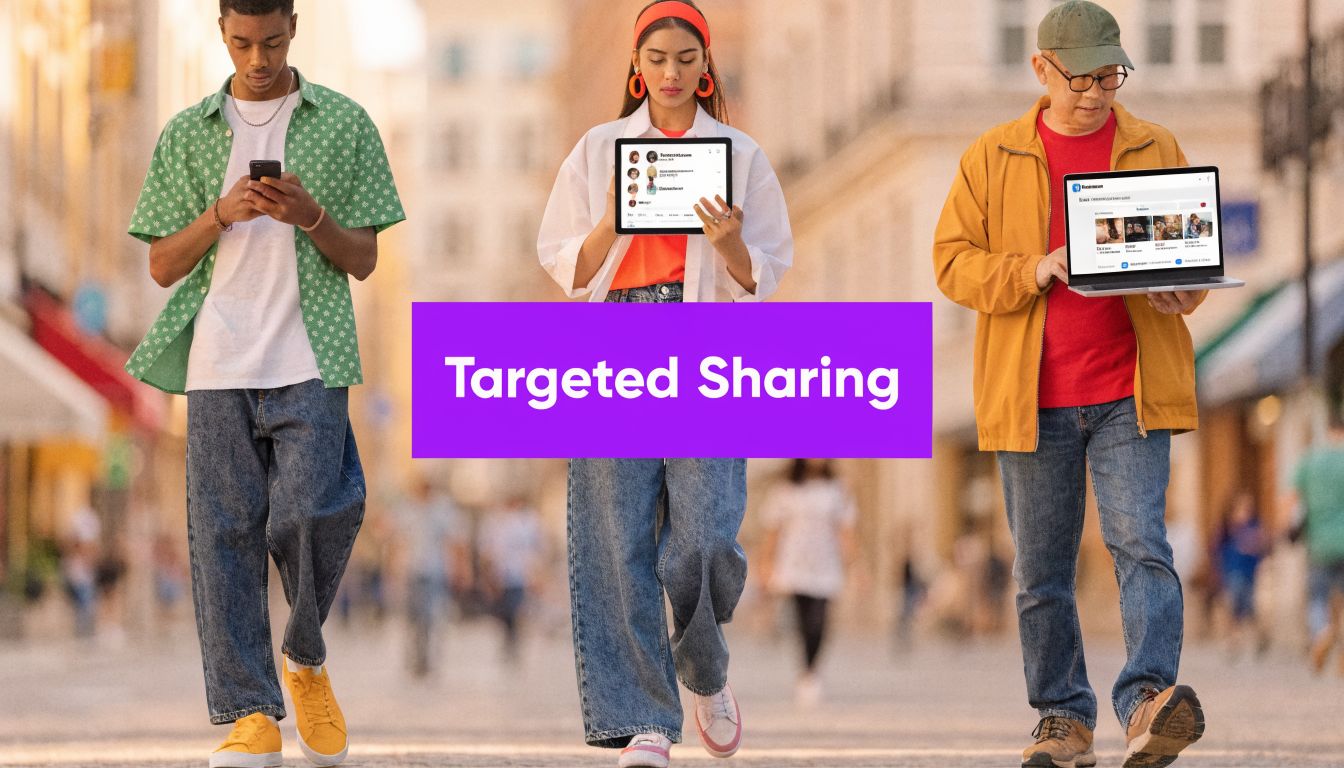
If you have a video that solves a narrow problem or speaks to a defined community, Groups can outperform a Page post. Relevant content in Facebook Groups can generate up to 3x the engagement compared to a standard Page post, and 48% of social users are most likely to engage with videos under 60 seconds, according to Sprout Social's video statistics roundup.
That means a short, useful clip posted into the right Group can do serious work.
Use Groups well by keeping the post native to the community:
A lot of paid and organic distribution strategies overlap here. If you're combining Group content with paid amplification, these actionable Facebook Ads strategies for 2026 can help you think through audience intent and creative fit.
Stories work when the message has urgency. Event reminders, limited offers, quick updates, and behind-the-scenes clips fit well here. Viewers don't expect polish as much as clarity.
Add text overlays because many people watch casually and without sound. Use a direct prompt like “DM me for details” or “Watch the full clip on the Page.” Keep it simple. Stories are not the place for a long setup.
Reels are the best format for getting in front of people who don't already follow you. The strongest Facebook Reels are built around one clear takeaway, one visual idea, and one reason to keep watching.
If you need a practical publishing workflow, this guide on how to post reels on Facebook is helpful because it focuses on the mechanics and formatting decisions that affect performance.
Here's a useful breakdown of the format in action:
Short clips usually perform better here than republished long-form segments with a weak opening. Trim hard. Start on the most compelling line, not the introduction.
Keep the strongest sentence in the first beat of the Reel. If the hook arrives late, most viewers never reach it.
Messenger isn't a reach tool. It's a relationship tool.
Use it when the video is specifically relevant to one person or a small set of leads. A contractor sending a renovation example to a prospect, a pastor sending an event clip to a member, or a coach sending a quick explanation to a lead is using Messenger the right way. The expectation is personal relevance, so don't use it like a mass distribution channel.
Most Facebook video issues are predictable. The fix usually starts with checking privacy, format, or rights.
The most common frustration is when a video won't share. In many cases, the problem isn't the Share button. It's the original post's privacy setting. A 2025 Meta report indicated that 15% of all video shares fail because of privacy mismatches, including cases where the original video is set to “Friends only,” as summarized in this guide on why Facebook video shares fail due to privacy settings.

Check the original audience setting first. If the source post is limited to Friends, a private group, or a restricted audience, public resharing won't work.
Use this first-aid sequence:
A sharing error often means access is restricted, not that Facebook is malfunctioning.
This usually comes from music, background audio, or reused footage. If Facebook limits the post, remove or replace the audio and upload a fresh version. If the clip matters and the flagged section is short, trim that section out before reposting.
Built-in editing tools can help with basic fixes. If you routinely repurpose interviews, podcasts, or event footage, it's smarter to create original short clips rather than reposting full segments with questionable audio.
Poor quality usually comes from one of three issues: weak source footage, the wrong export, or bad framing for the placement.
Try this:
Autoplay issues are often viewer-side and tied to app settings or connection conditions, so don't assume the post is broken if one device behaves differently than another.
Manual sharing becomes a bottleneck fast. One webinar, product demo, or customer interview can easily turn into a Page post, a Reel, a Story, a Group clip, and a few assets for Messenger follow-up. If you build each version from scratch every time, the work piles up in the same places: trimming, resizing, writing captions, choosing thumbnails, and scheduling.
That repetitive production work is a common failure point for small teams trying to post consistently on Facebook.
A stronger approach starts with one master video and a simple distribution plan. Treat each Facebook format as a different output with a different job. A Reel can introduce the topic and get discovery. A Page video can hold more context and support trust. A Group clip can spark discussion with a narrower audience. A short follow-up asset can support conversion after someone has already engaged.
This is the part many creators miss when they ask how do you share videos on Facebook. The method matters because the format changes the outcome. Native uploads, links, Page posts, and Group shares do not serve the same purpose, so repurposing should be intentional, not just efficient.
Specialized tools can reduce the manual steps. Taja AI is one option for that workflow. It helps turn long-form video into shorter platform-specific assets, along with captions, thumbnails, written content, and scheduled posts from one upload. If your goal is to build a repeatable workflow instead of rebuilding every asset by hand, this guide on how to automate content creation is a useful place to start.
A key gain is operational. Instead of asking whether one video can be shared everywhere, decide which cut belongs in each Facebook surface and why. That shift makes repurposing more than a time-saver. It gives you a system you can repeat every week without sacrificing relevance or reach.
If you want a faster way to turn one recording into Facebook-ready clips, captions, thumbnails, and scheduled posts, Taja AI is built for that workflow. Upload one long-form video, generate multiple social assets, and keep your Facebook content moving without rebuilding every post by hand.


We are blessed to work with leading brands & Companies


We try to make easy and simple for every professionals. Get 30 days free trial - No credit card required.


© 2025 Taja AI. All rights reserved.