.jpeg)
Add Subtitles to Video Free: 5 Methods That Actually Work
Add subtitles to video free with YouTube, TikTok and free editors. Step-by-step captions, SRT export, timing rules and fixes for auto-caption errors.
5 min read
October 26, 2026

Looking for good video ideas to grow your reach? Explore 10 actionable formats for business, real estate, and more to create engaging content in 2026.
Written by:


Short-form video is where attention is going. Kasra Design reports that short videos generate 2.5x more engagement than long-form videos, and 73% of consumers prefer short-form videos to learn about products or services, which is why weak, vague concepts keep dying in the feed (Kasra Design video content statistics). If your content feels random, the issue usually isn't volume, it's the idea.
Most creators don't need more brainstorm sessions. They need good video ideas that are specific enough to hook viewers fast, simple enough to batch, and flexible enough to repurpose across Shorts, Reels, TikTok, and LinkedIn. That's where burnout starts to drop, because one strong concept can become a repeatable format instead of a one-off post.
The best ideas also fit real audience behavior. Google's YouTube Studio trends tool surfaces topics based on searches and videos watched more than 1,000 times per week in the last 28 days (YouTube Studio trends tool), so the smartest creators stop guessing and start choosing ideas with visible demand. If you've been stuck making content that looks fine but doesn't move leads, views, or trust, use these formats as a practical reset.
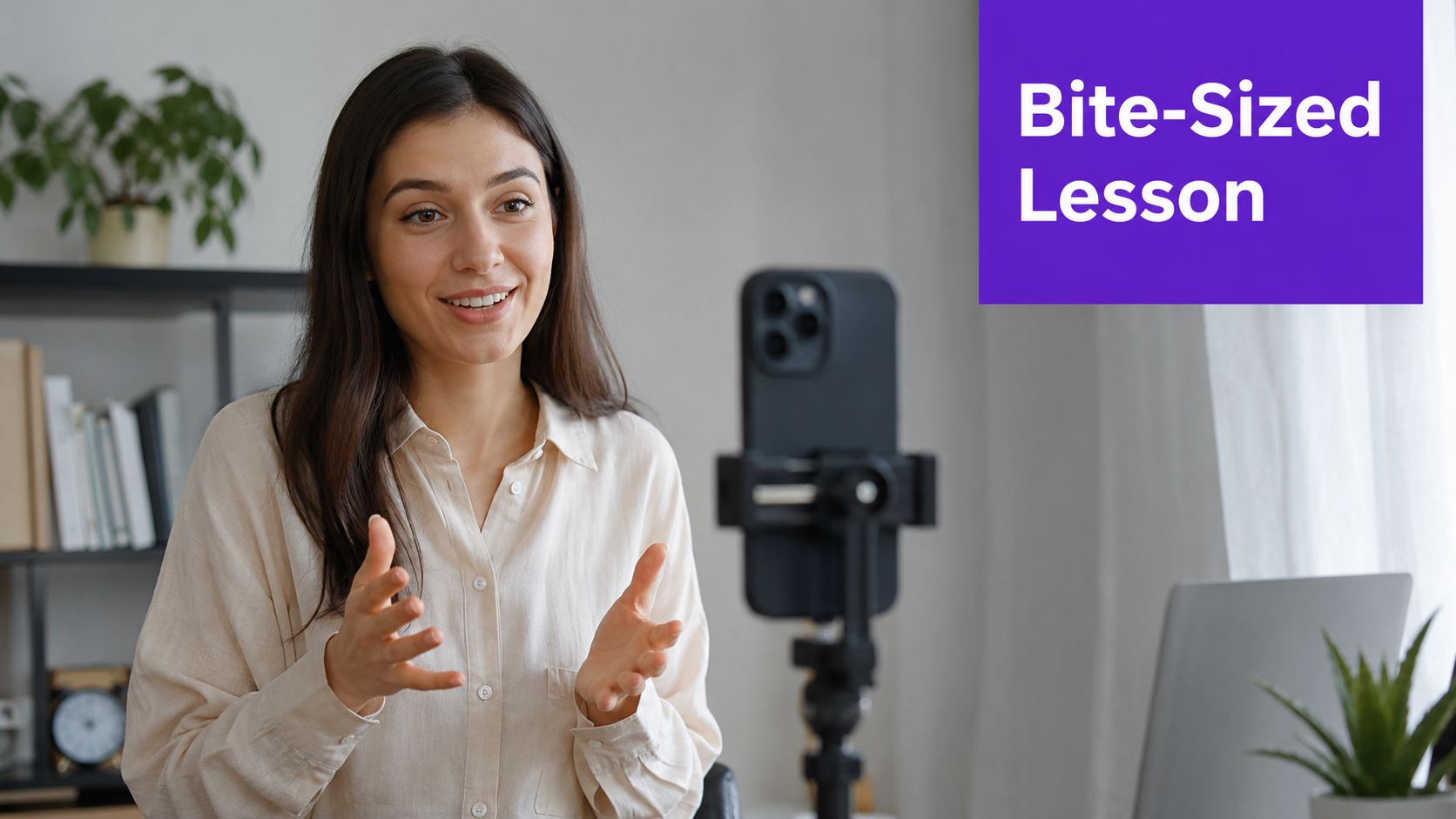
A short educational series is the cleanest answer when you need authority without production bloat. One idea per clip, one problem solved, one clear takeaway. That structure fits how people learn on mobile, especially when the hook lands in the first second and the payoff is obvious before they swipe away.
For a real estate brand, that can mean “How to read a listing photo like a pro” or “What buyers miss during the first walk-through.” For faith-based organizations, it might be “What this passage means in plain language” or “How to join a new small group without feeling awkward.” For a business coach, the same format becomes “How to qualify leads faster” or “The one onboarding mistake that slows referrals.”
Practical rule: keep the clip narrow enough that someone can explain it back to you in one sentence.
The best execution starts with a script, not improvisation. Use a strong opener, then move straight to the point, because short-form rewards clarity over range. If you need a production shortcut, the process in how to create YouTube Shorts with Taja AI is useful for turning one lesson into a format you can repeat without rebuilding the wheel every week.
The trade-off is depth. You won't explain everything in 30 seconds, and that's fine. Short educational clips work because they earn the next click, the next follow, or the next visit to a longer piece of content.
If you want leads, start with proof. A client story removes abstract marketing language and shows a real person describing a real outcome, which is far more persuasive than brand claims that sound polished but empty. This format works especially well when the client sounds natural, not coached into sounding like an ad.

A real estate agent can use a buyer walking through why the process felt smoother than expected. A local service provider can show a homeowner talking about responsiveness, cleanup, or speed. A faith-based group can feature a member explaining how a program or ministry helped them feel connected.
Here's where many teams struggle. They over-edit testimonials until they lose the one thing that makes them convert, which is believability. A branded lower-third is fine. Heavy scripting is not. Keep the story simple, then move quickly from problem to result to recommendation.
If you're building a lead engine, video for lead generation with Taja AI is a useful reference for turning testimonials into a repeatable asset instead of a random win. These clips also repurpose well into landing pages, social proof carousels, and pinned posts, which means the footage keeps working after the first upload.
Interview content is a repurposing machine if you treat it like a clip library instead of a single episode. One strong conversation can generate multiple short assets, and that's where the time savings show up. You're no longer asking, “What should I make today?” You're asking, “Which part of the conversation earns the next cut?”
For podcasters, the best clips are usually the moments where the guest gets specific. For educators, it's the clean explanation that removes confusion. For business owners, it's the one observation that cuts through generic advice and sounds like someone who has done the work.
Start by marking the exact moment the guest makes a useful claim, shares a sharp example, or answers a high-intent question. Then package the clip with enough context that it stands alone. If you strip context too aggressively, the quote loses meaning and the viewer drops off before the payoff.
This is where automating content creation with Taja AI matters in practice. Instead of manually hunting through a full recording every time, you can use the original long-form asset as the source for a batch of short clips, captions, and social snippets.
The trade-off is obvious. If the original recording is weak, the clips will be weak too. Bad audio, rambling intros, and unfocused guests force you to salvage content that should have been tighter from the start.
Good clips don't feel extracted. They feel like the strongest sentence in a conversation that already had a point.
Behind-the-scenes content works because people are curious about process. They want to know how the work happens, what the setup looks like, and what gets left out of the polished final version. That curiosity makes this format easy to sustain, even when you don't have a big campaign or launch to promote.
A real estate team can film staging, listing prep, or sign installation. A church can show event setup, rehearsal, or volunteer coordination. A business can record packing, client onboarding, service delivery, or a day in the office that shows how the operation runs.
The best BTS clips don't feel staged. They use small moments, quick cuts, and simple voiceover instead of trying to turn every task into a cinematic production. That makes them cheaper to make and easier to repeat, which matters if your team is already stretched.
The downside is that BTS content can get too indirect if you're not careful. It builds familiarity, but it doesn't always close the sale on its own. Use it as the trust layer, then pair it with a stronger CTA or a follow-up clip that explains the benefit of what the viewer just watched.
This format works when you have something useful to say fast. A trend comment, industry reaction, or concise take gives you a reason to post while the topic is still active, instead of waiting until the conversation is already stale. The trick is not to sound like everyone else repeating the same headline.
Use the trend as the entry point, then add interpretation. For a business account, that might mean explaining what a platform change means for small teams. For faith groups, it could mean responding to a cultural conversation with a thoughtful, grounded perspective. For local service brands, it might mean commenting on seasonal demand, pricing shifts, or common customer confusion.
The strongest comments are specific. They connect the news to a viewer problem, not just to your opinion. If you can't connect the topic back to your audience, the post turns into noise.
Taja AI's homepage at taja.ai is relevant here because it positions idea generation around ongoing content workflows, which is exactly what trend content demands. You need speed, not perfection, and you need enough structure that the post still sounds like your brand.
The risk is timing. If your approval process is slow, the trend dies before the upload goes live. If the take is too generic, nobody remembers it. This format rewards teams that can monitor, decide, and publish without turning every post into a committee meeting.
The best hot take is short, informed, and usable. If it reads like a press release, you waited too long.
Quick tips are still one of the easiest ways to earn saves and shares because they solve one problem fast. They don't need a big setup. They need one useful action the viewer can apply right away.
The highest-performing version usually looks like this, one tip, one demo, one result. A real estate agent can show how to spot a bad listing photo. A faith-based creator can show a simple way to share an invitation to an event. A business owner can show a small workflow fix that saves time during the week.
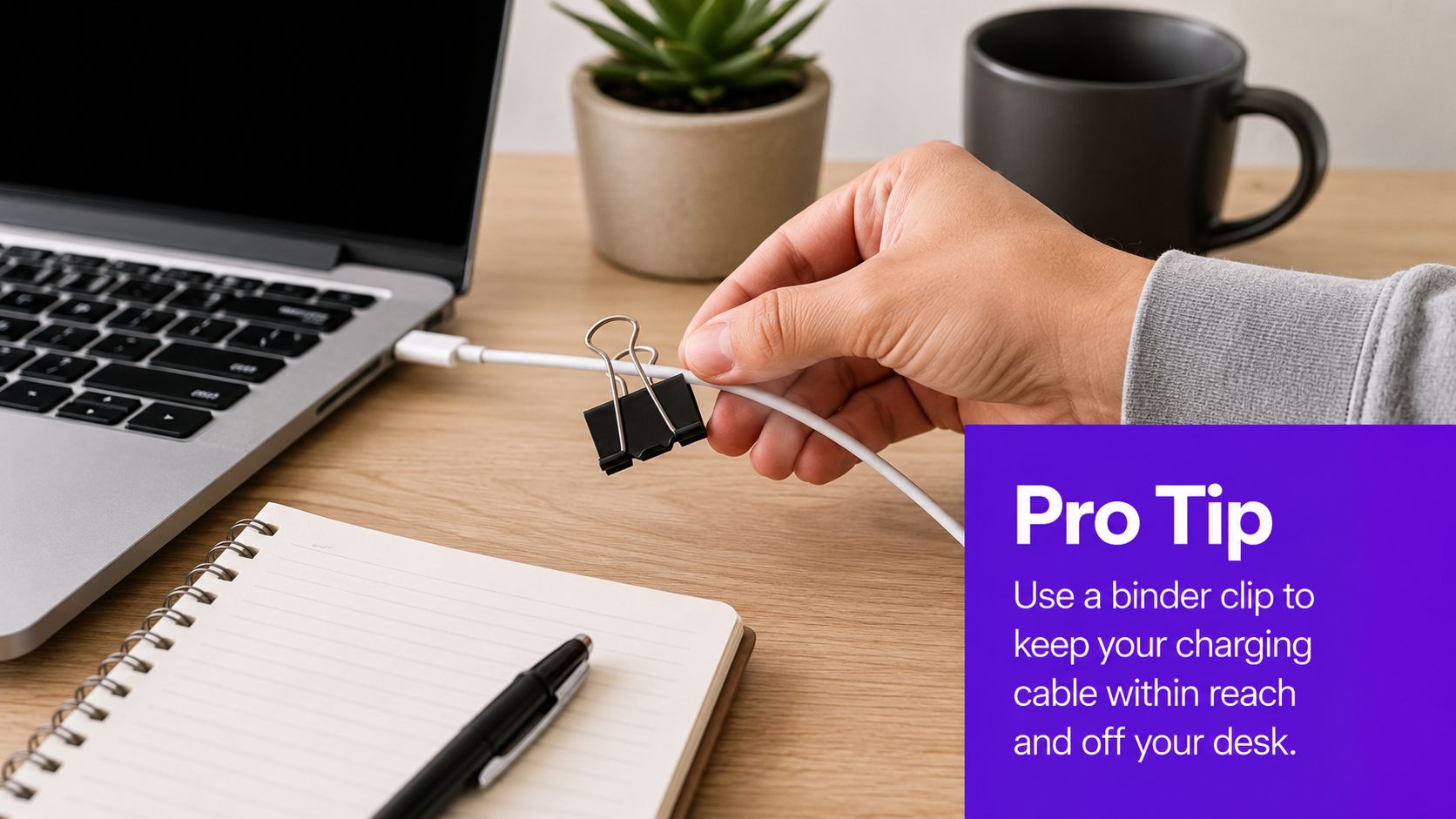
The mistake is trying to make a tip sound bigger than it is. If the viewer can tell you're stretching for content, the clip feels thin. Keep the visual obvious and the language tight.
This is one of the most reliable formats for batch production because the structure barely changes. The challenge is keeping the ideas fresh. That's where customer questions, support requests, and recurring objections become the primary source material.
User-generated content gives you proof without creating everything yourself. It also makes your audience feel seen, which is one of the fastest ways to turn passive viewers into participants. The strongest versions usually come from comments, tagged posts, customer photos, or community submissions that already contain a story.
A fitness studio can spotlight member wins. A church can highlight volunteer moments or member testimonies. A local business can feature customer photos, renovation progress, or reactions from people using the product in real life.
The key is moderation. Not every submission fits your brand, and not every post deserves the same level of polish. You still need to choose what aligns with the tone you want to build, otherwise the content starts looking random.
You also don't need to overcomplicate the edit. A short intro, the community clip, and a clear thank-you often do more than a highly produced montage. That simplicity is part of the appeal, because the audience sees itself in the content.
This format is especially useful when your own team needs a break from being on camera. Community highlights keep the feed active without forcing a fresh production from scratch every time. They also give you a natural reason to ask for more participation later, which helps build a content loop instead of a one-way broadcast.
If you already teach, repurpose the teaching. Webinars, workshops, and training sessions contain dozens of clips that can become short-form posts, educational snippets, and lead magnets without starting from zero. That's a smarter use of your production time than inventing a new topic every week.
A coach can pull one objection-handling moment into a short clip. A local service company can turn a training demo into a quick tip. A faith-based organization can use a talk, class, or sermon segment as the source for shorter, topic-specific posts that reach people who will never watch the full recording.
Pull the sentence where the explanation gets simplest. Pull the visual example that makes the concept understandable. Pull the transition point where the viewer can either keep watching or click through to the full training.
That approach also makes the clip easier to repurpose into emails, blog posts, and social captions. One recording becomes a content library instead of a dead asset sitting in a folder after the live event ends. That matters because long-form education takes time to create, and you should squeeze more value out of it.
The main constraint is context. A clip taken from a webinar has to stand on its own, which means you need enough framing at the start and a useful ending at the end. If the viewer feels lost, the repurposed asset stops performing.
FAQ videos are underrated because they answer the exact thing people are already asking. That means less persuasion work for you and more relevance for the viewer. If a question keeps showing up in DMs, sales calls, or comments, it's already telling you what to make next.
A real estate professional can answer questions about financing, timelines, or neighborhood differences. A church can answer questions about newcomers, service times, or how to get involved. A business can answer pricing, process, or expectations before a lead ever books a call.
The strongest FAQ clips are blunt. They state the question on screen, answer it directly, and stop talking once the point is made. You don't need a long setup or a promotional speech tacked onto the end.
The reason this format pulls weight is simple. It reduces friction. It also creates a searchable library that makes support easier later, because the same question doesn't have to be answered from scratch every time.
Use real customer language when possible. If people ask, “How long does this take?” don't rewrite it into corporate jargon. Match the phrasing they use, then answer in plain language. That keeps the video useful and makes the content feel grounded instead of packaged.
Some ideas need space, but they still don't need long videos. A multi-part series lets you stretch one topic across a sequence of short clips, which keeps viewers returning for the next piece instead of trying to cram everything into one upload. That structure works especially well when the topic has a clear beginning, middle, and payoff.
A business creator can break down a client process across several clips. A real estate team can turn a home search or listing journey into a series. A faith-based account can use a scripture reflection, event story, or community update as a sequence that builds anticipation.
The discipline here is pacing. Every part has to earn the next one, or the series stalls. If part one is too vague, people don't continue. If part three feels padded, the audience drops off.
This is the format to use when you want return views without forcing every idea into a single isolated post. It also gives your content calendar structure, because you already know what follows tomorrow's clip. That helps if your team needs consistency more than constant originality.
The trade-off is planning time. You can't wing a series and expect it to hold attention. Still, when the topic is worth more than a single post, this is a strong way to package it.
| Format | 🔄 Implementation Complexity | ⚡ Resource Requirements & Speed | 📊 Expected Outcomes | 💡 Ideal Use Cases | ⭐ Key Advantages |
|---|---|---|---|---|---|
| Short-Form Educational Series (15–60s) | 🔄🔄🔄, needs tight scripting and hooks | ⚡⚡⚡⚡, low equipment, batchable, fast per clip | High engagement; drives traffic to long-form | Mobile-first teaching; repurposing webinars/podcasts | ⭐⭐⭐⭐, Shareable, authority-building |
| Client Success Stories & Testimonials (30–90s) | 🔄🔄🔄🔄, client coordination and careful editing | ⚡⚡⚡, moderate (clients + production) | Strong trust and conversion; qualified leads | Services, real estate, SaaS, coaching | ⭐⭐⭐⭐⭐, Highest credibility and conversion |
| Expert Interview Clips & Podcast Excerpts (20–120s) | 🔄🔄, depends on original asset quality | ⚡⚡⚡⚡, highly efficient (many clips from one recording) | Scales authority; drives listens/views to full episode | Podcasters, thought leaders, educators | ⭐⭐⭐⭐, Time-leveraged, quotable content |
| Behind-the-Scenes & Process Videos (15–60s) | 🔄🔄, candid filming, consistent discipline | ⚡⚡⚡, low production, steady footage required | Builds authenticity and parasocial engagement | Creators, small businesses, service providers | ⭐⭐⭐, Humanizes brand; low scripting needed |
| Trending Topic Commentary & Hot Takes (30–90s) | 🔄🔄🔄, fast turnaround; monitoring required | ⚡⚡⚡⚡, quick to produce but time-sensitive | High viral potential and SEO spikes when timely | News-adjacent niches, analysts, marketers | ⭐⭐⭐⭐, High reach if published promptly |
| Quick Tips, Hacks & How-Tos (15–45s) | 🔄🔄, simple structure, single-tip focus | ⚡⚡⚡⚡, very low resource, easily batchable | Very high shareability and immediate utility | Broad audiences, high-volume content calendars | ⭐⭐⭐⭐, Extremely consumable and repeatable |
| User-Generated Content & Community Highlights (20–60s) | 🔄🔄, dependent on submissions and moderation | ⚡⚡, minimal production but submission-dependent | Strong community engagement; authentic social proof | Brands with active communities, UGC campaigns | ⭐⭐⭐, Low cost; builds loyalty and advocacy |
| Educational Webinar & Training Repurposing (20–90s) | 🔄🔄🔄, needs context-setting and edit work | ⚡⚡⚡, leverages existing high-quality assets | Drives enrollments; positions creator as expert | Course creators, coaches, corporate training | ⭐⭐⭐⭐, High ROI by repurposing long-form content |
| Question & Answer / FAQ Videos (20–90s) | 🔄🔄, straightforward but needs question sourcing | ⚡⚡⚡, easy to batch; requires data collection | High search intent; reduces support load | SaaS, service providers, product teams | ⭐⭐⭐, Practical, searchable, support-reducing |
| Carousel Stories & Multi-Part Series (15–30s/part) | 🔄🔄🔄🔄, careful planning, narrative pacing | ⚡⚡⚡, moderate (series production + scheduling) | Increases retention, repeat views, binge behavior | Complex topics, serialized education, storytelling | ⭐⭐⭐⭐, Boosts retention and watch time |
Good video ideas are not just creative prompts. They're repeatable formats that fit your audience, your production capacity, and your conversion goals. That's why the strongest creators don't treat brainstorming as a separate task from distribution. They build a system where one recording can fuel clips, captions, posts, and follow-up assets without draining the team.
The formats above all solve a real problem. Short educational clips teach fast. Testimonials build trust. Interviews extend the life of long-form recordings. BTS content creates familiarity. Hot takes keep you current. Tips, FAQs, and multi-part series help you stay useful without reinventing your whole process every week.
That's also where burnout starts to drop. When your next post comes from a proven structure instead of a blank page, content becomes operational rather than emotional. You stop asking whether you're “creative enough” and start asking which format best fits the message, the audience, and the next step in the funnel.
For many teams, the smartest move is to pair idea selection with repurposing. Taja AI is built for that workflow, turning long-form video into shorts, clips, captions, thumbnails, blogs, and platform-specific posts from a single upload. Its Next Video Idea feature also helps surface topics using keyword and performance signals, which makes it easier to choose content that has a real shot before you invest in production.
If you want more reach without more chaos, start with one format from this list, repurpose it aggressively, and track what your audience responds to. The goal isn't to post more for the sake of staying busy. The goal is to build a content engine that keeps producing useful video ideas long after the initial brainstorm fades.
If you want a faster way to turn one recording into a week of content, Taja AI can help you repurpose long-form video into shorts, captions, and platform-ready posts. It also gives you topic suggestions tied to keyword and performance signals, which makes it easier to choose good video ideas without starting from scratch every time.


We are blessed to work with leading brands & Companies


We try to make easy and simple for every professionals. Get 30 days free trial - No credit card required.


© 2025 Taja AI. All rights reserved.