.jpeg)

Convert Video to Blog Post for More Traffic
Learn to convert video to blog post with transcription, SEO structuring, editing and republishing tips that turn recordings into traffic.
5 min read
October 16, 2026

Create youtube shorts from youtube video. Create YouTube Shorts from a YouTube video with this practical 2026 guide. Learn clipping, captions, thumbnails
Written by:


You've got a long YouTube video that should be reaching more people, but making a Short from it feels like a race against the clock. You find a promising moment, crop it vertically, add captions, and publish. Then it struggles to hold attention, or you start wondering whether the music, guest footage, or other material in the clip could cause a copyright problem.
A reliable workflow starts before the edit. First, check that you have the rights to use the footage and that the clip adds enough value to stand on its own. Then choose a moment with a clear payoff, shape it for a phone screen, and use viewer response to improve your next cut.
A long video can be informative, entertaining, and carefully produced, yet a clipped moment can still feel incomplete. The speaker may refer to an earlier point, the payoff may arrive too late, or the opening may look like a random fragment rather than a reason to keep watching. Cropping and captions improve presentation, but they can't fix a clip that lacks a clear idea.
There are two gates to pass before editing. The first is a rights-and-originality check: confirm you can use the footage and that your Short contributes something beyond a resized copy. The second is retention: give a viewer who has never seen the full video a reason to stay through the next moment.
The format's scale helps explain why a careful process is worth building. YouTube tested Shorts creation tools in India in September 2020, expanded the beta to the United States in March 2021, and made Shorts broadly available worldwide in July 2021. By June 2022, Shorts averaged more than 30 billion views per day, according to YouTube's account of the format's first year. A long interview, lesson, sermon, or product demonstration can therefore supply multiple discovery moments, provided each clip makes sense on its own.
Think of repurposing as an editorial decision, not a cropping task. Creators building a professional body of work can also learn from these social media portfolio tips for remote applicants, which help frame social content as evidence of practical skill.
Choose the workflow based on who owns the source and how much editing control you need. YouTube's built-in Remix route is convenient for eligible videos, while downloading and re-uploading your own footage gives you more control over the finished asset. Neither path clears rights to every element captured in the recording.
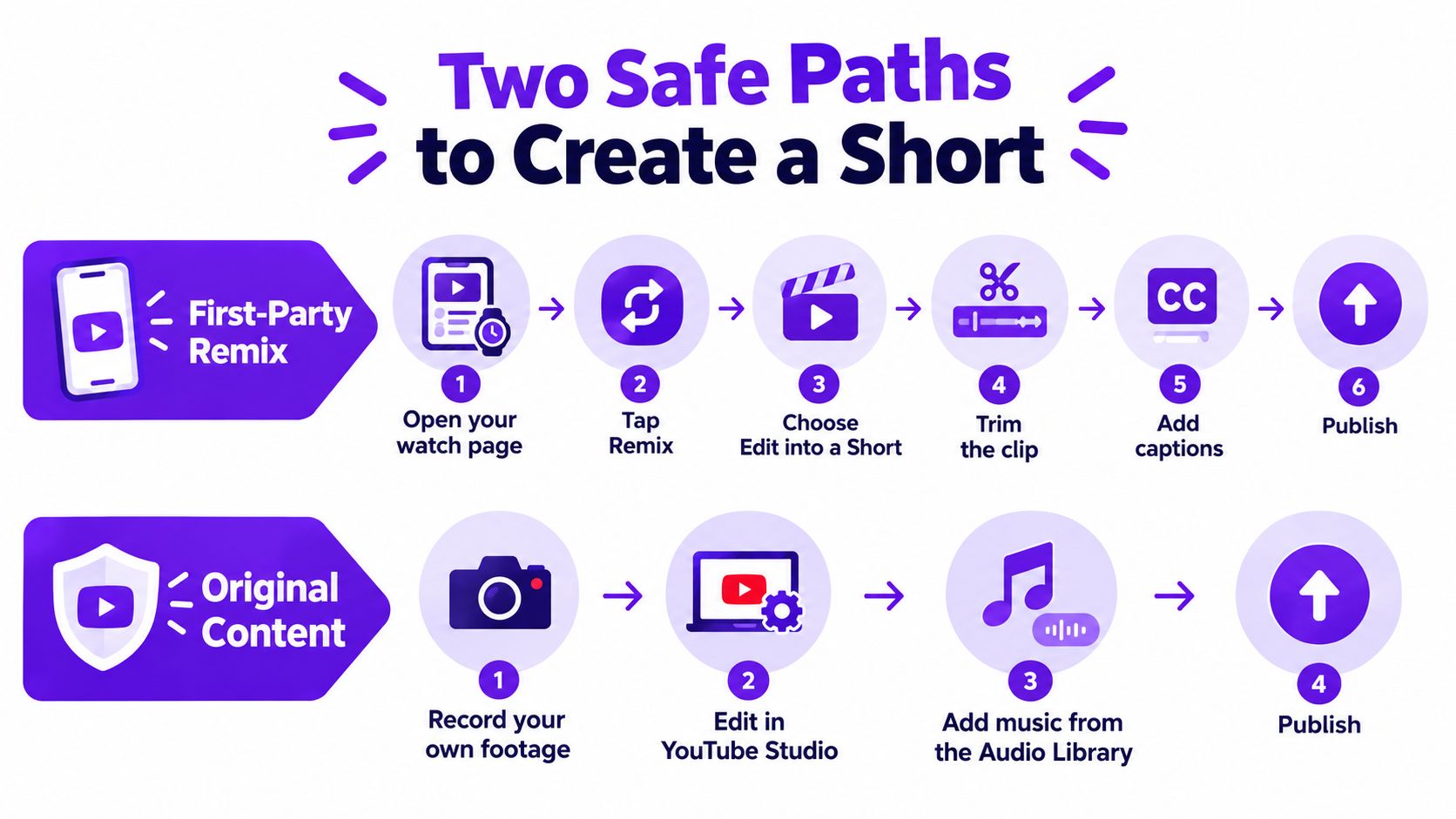
For a public long-form video you uploaded, open its watch page, select Remix, and choose Edit into a Short. Pick a segment of up to 60 seconds, then add text, filters, and other edits before publishing. YouTube keeps the clip connected to its source video, which helps preserve attribution within the platform. The exact steps and eligibility rules are described in YouTube's guide to creating Shorts from your videos.
If Remix isn't available, check YouTube Studio. Open Content, choose the video, select Show more, and check that Shorts remixing is enabled. The feature isn't available for private or unlisted videos, or for videos with third-party copyright claims.
A separate edit-and-upload workflow makes sense when you own the footage and need tighter control over the framing, captions, or brand style. Keep the original project files, check music and guest permissions, and use properly licensed media. A public video isn't automatically free to reuse, and changing its size or adding captions doesn't grant permission.
Rights check: Review the music, guest footage, logos, and licensed media separately, even when you own or can remix the main video.
A clip may look lively in the timeline and still fail as a Short if it depends on context viewers never get. Review the source with an editor's eye and find a moment that delivers a complete thought. A strong answer, surprising result, or useful instruction can each hold attention when the subject becomes clear quickly.
Start with the transcript to mark candidates, then watch each one in context. Cut pauses and introductions that add nothing to the point. If a speaker says, “As I mentioned earlier,” or opens with a question the clip never answers, choose a cleaner in-point or add enough context for the thought to stand alone.
Before editing, check whether each candidate:
YouTube Analytics reports the percentage of viewers who watched versus swiped away. When testing different openings from the same recording, compare that measure with average view duration, completion, likes, comments, and subscribers gained. The research article on short-form video and engagement discusses these metrics in the context of short-form engagement.
Treat each result as a signal about the clip, not a verdict on the source video. A slow opening may lose viewers before the useful point arrives. Try a more direct opening for the same moment, while keeping the edit faithful to what the original video says.
A promising moment can become hard to follow when its speaker drifts out of frame or captions cover an important detail. Reframing, subtitles, and the preview image should work together to make the clip legible at a glance. Check the actual phone-size result, not just the editing timeline on a large monitor.
Set the frame to 9:16 and keep the presenter or main subject within the safe area. For an interview, follow the person speaking and preserve enough of the shot to show relevant gestures or objects. In a product demonstration, don't crop out the product just to make a face larger.
Add captions that match the audio, break naturally into readable phrases, and stay clear of interface overlays. Auto-captions can save time, but review names, technical terms, and any line where a transcription error could change the meaning. For more practical captioning guidance, see how to add captions to videos.
A thumbnail or selected preview frame should show what the viewer will get. Choose a clear face, product, or moment of action. Avoid dramatic text that promises a result the clip doesn't deliver; clickbait may create curiosity, but it undermines trust when the video doesn't match.
| Option | Best For | Tradeoff |
|---|---|---|
| YouTube auto-captions | A fast first pass when the speech is clear | Names, jargon, and punctuation may need correction |
| Brand caption template | Channels that need a consistent visual style | A busy design can compete with the speaker |
| Dedicated editing tool | Creators making clips that need more polished captions and framing | Requires setup and a review pass |
Before exporting, watch the opening two seconds at phone size. If the subject, caption, or central idea is difficult to understand, adjust the frame or the first line before publishing.
Resizing, subtitles, and speed changes can make a Short easier to watch, but those edits don't necessarily make it meaningfully original. A clip can look polished and still be little more than another creator's footage in a new layout. If the borrowed footage is the main reason to watch, visual changes alone may not add enough editorial value.
YouTube's guidance distinguishes meaningful additions, such as original commentary, a new narrative, or distinctive storytelling, from minor template changes made only to alter an existing upload. That difference can matter for distribution and monetization; the distinction is explored in this discussion of original content and YouTube Shorts.
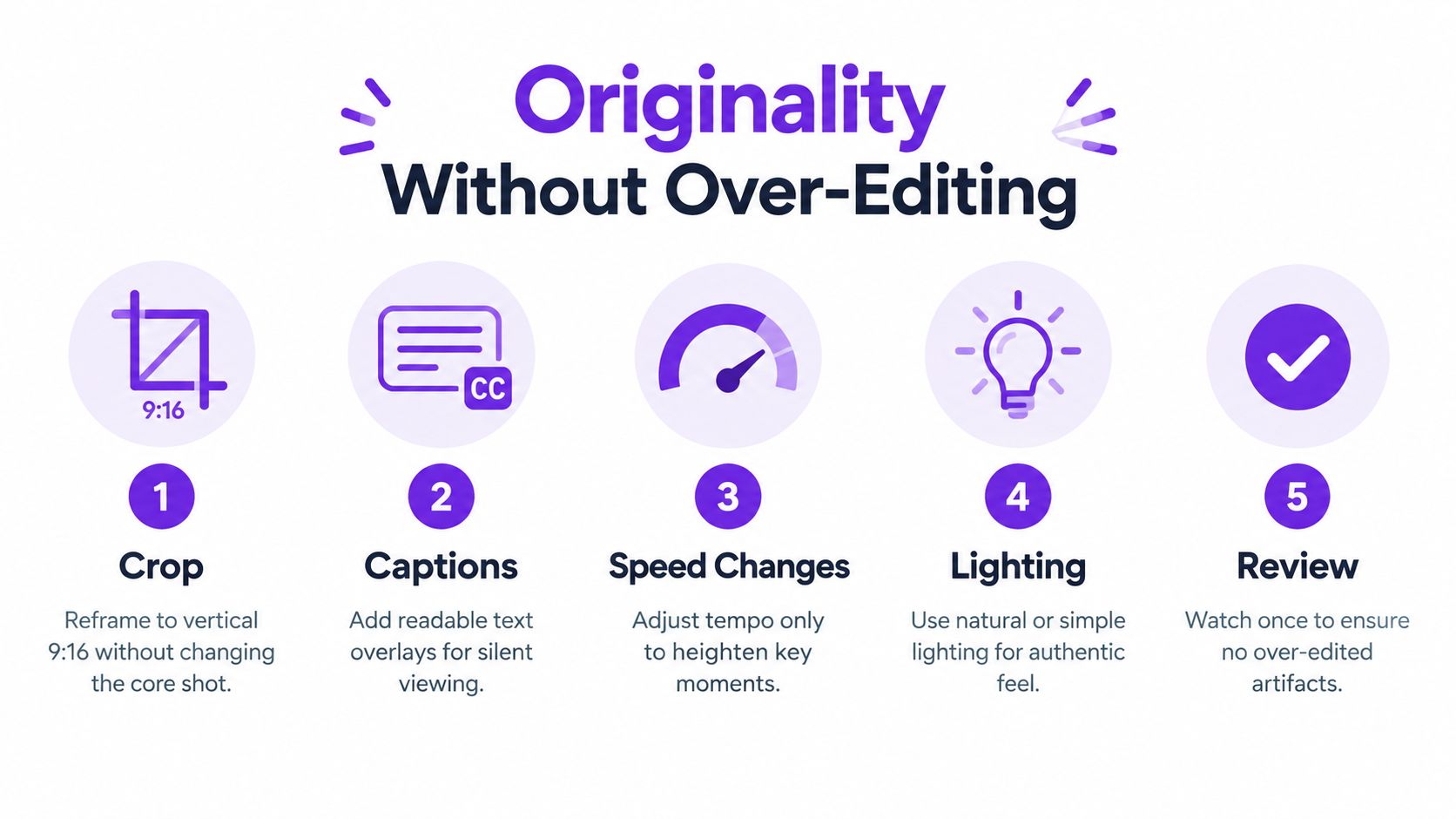
A meaningful transformation doesn't require flashy effects. It requires a clear editorial choice that changes how viewers understand or use the material. Depending on the source, that might mean adding your commentary, presenting a new narrative, checking a claim, or stating the practical takeaway on screen.
Ask these questions before you publish:
Originality isn't the same as adding more transitions or effects. A concise, well-framed explanation often gives viewers more value than an elaborate edit built around footage with no new point.
A finished clip still needs a clear title and a deliberate publishing plan. Write a concise title that tells viewers what they'll see, and use the description to point interested viewers toward the full video or related material. Keep hashtags relevant to the topic and audience rather than filling the description with broad tags.
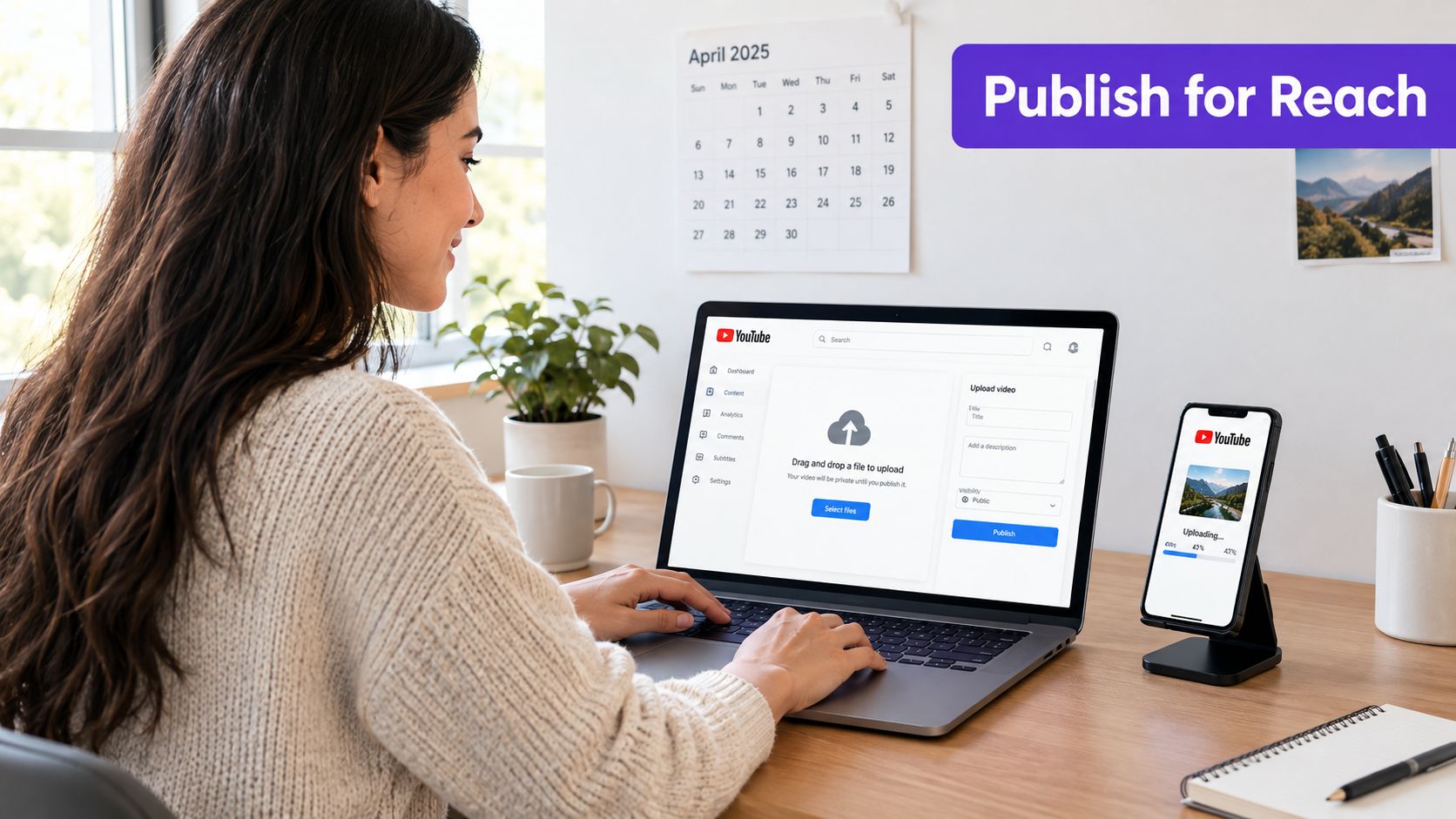
Before scheduling, confirm that the title matches the clip, captions are accurate, the source video is linked where useful, and any music or footage permissions are settled. Schedule around the routine of your own audience rather than assuming one universal posting time. Once a Short is live, use its viewer response to guide what you publish next.
For broader context on how the parts of a YouTube video work together, read this guide to YouTube ranking factors. Treat it as a planning aid, not a reason to force keywords into a title that sounds unnatural.
Cross-posting can extend the usefulness of a clip, but don't assume one export is finished for every platform. Adjust captions, framing, and descriptions for each destination, and check the platform's rules before scheduling.
YouTube's format rules also affect the rights review. Since October 15, 2024, new vertical videos from one to three minutes are categorized as Shorts. A Short longer than one minute with an active copyright claim can be blocked, so verify the rights status before publishing a longer clip.
For a visual walkthrough of uploading, use the video below as a companion to your checklist.
A sustainable workflow should help you publish consistently without turning every clip into a separate production. After a long-form upload, review the transcript, choose several strong moments, and edit them together in one session. Finish captions and previews as a batch, then schedule the clips across the week so publishing doesn't depend on finding editing time every day.
A simple weekly rhythm looks like this:
A written content creation workflow blueprint can help a small team assign review, editing, and publishing responsibilities. For the measurement loop, revisit your recent Shorts together and compare watched-versus-swiped behavior, average view duration, and subscriber gains with the long-form video that supplied them. Look for patterns in the opening, subject, and payoff, then use those patterns to choose the next set of moments.
If you want to reduce manual clipping, Taja AI analyzes a channel, niche, and brand voice from a video upload, then generates short assets and text outputs with scheduling across social platforms. Its content repurposing workflow outlines how automated drafts can fit into a process that still includes a human rights check, originality review, and final edit.
Taja AI can turn a long-form upload into Shorts and other ready-to-publish assets, with captions, thumbnails, and scheduling tools to support a repeatable workflow. If you want to spend less time on mechanical clipping while keeping the rights and originality checks in your hands, visit Taja AI and explore its video repurposing tools.


We are blessed to work with leading brands & Companies


We try to make easy and simple for every professionals. Get 30 days free trial - No credit card required.


© 2025 Taja AI. All rights reserved.