YouTube Auto Translation Guide: Captions, Dubs and Limits
Learn how YouTube auto translation works for captions and dubs, where it fails, and how to publish translated videos safely in 2026.
5 min read
November 17, 2026

Build a content repurposing strategy that works: 8 actionable ways to turn one video, podcast, or post into channel-ready assets across every platform.
Written by:


One recording should never be one post. If a piece of content lives on only one channel, most of its potential reach sits unused while you start the next idea from scratch.
Video is no longer a side channel. Wyzowl's 2024 research, a survey of 967 marketing professionals and consumers, found that 91% of businesses used video as a marketing tool in 2023 and 2024, up from 61% in 2016. Marketers who called video important moved from 78% in 2015 to 88% in 2024. A content repurposing strategy matches that shift. The recording already holds the expertise. Publishing it once is the waste.
Single-platform publishing misses the buyer who never opens that app. A webinar that only lives on YouTube skips the person who learns from a 30-second clip. A podcast that only lives in a feed skips the searcher typing a question into Google.
The eight workflows below are complete systems. Each one names the input, the process, the output, and the trade-off. You record once, then cut, rewrite, and rebuild for the channel. You schedule a controlled set, not an endless pile.
Input: one webinar, interview, tutorial, or sermon. Process: isolate moments that stand alone, then cut hooks, captions, and a path back to the full recording. Output: a small set of clips for YouTube Shorts, Instagram Reels, and TikTok. Trade-off: short-form rewards frequency, but dozens of cuts create review, caption, and comment work a solopreneur cannot sustain.
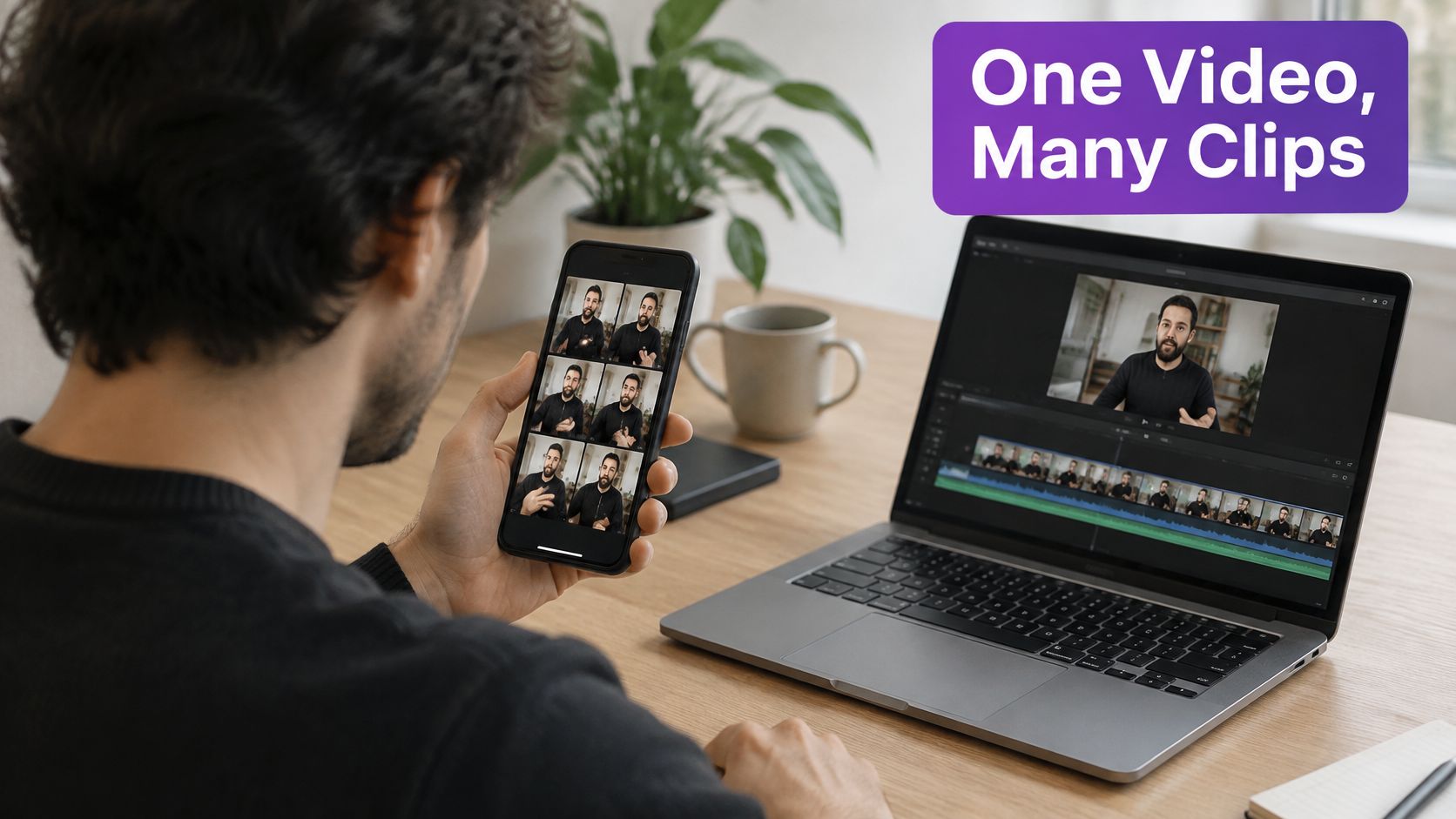
Short-form is where marketers are putting money. In HubSpot's video marketing statistics, 17.13% of marketers named short-form video the content type they planned to invest in most during 2025, and 21% said it generated the highest return on investment among video formats, according to the HubSpot video marketing statistics. Those are marketer-reported results, not proof that every clip converts. Treat the set as a test.
Say a real estate agent records a 40-minute buyer workshop. Pull the rate objection, the inspection story, and the "what to bring to closing" list. Each clip gets one idea. Gary Vaynerchuk's long talks and Lex Fridman's interviews are cut this way. Ahrefs and HubSpot do the same with webinars. The pattern is public and repeatable.
Practical rule: five strong clips beat thirty weak ones. If editing time is the bottleneck, hire video editing services for the batch and keep hook selection in-house.
Spoken episodes disappear from search the week they publish. A cleaned article can keep earning clicks for months.
Input: a podcast, interview, or voice memo with real expertise in it. Process: transcribe, pick one search question, then rebuild the talk as headings, short answers, and a link back to the audio. Output: a blog post, guide, or listicle. Trade-off: a raw transcript ranks poorly and reads like filler. The rewrite takes longer than the export, and that time is the point.
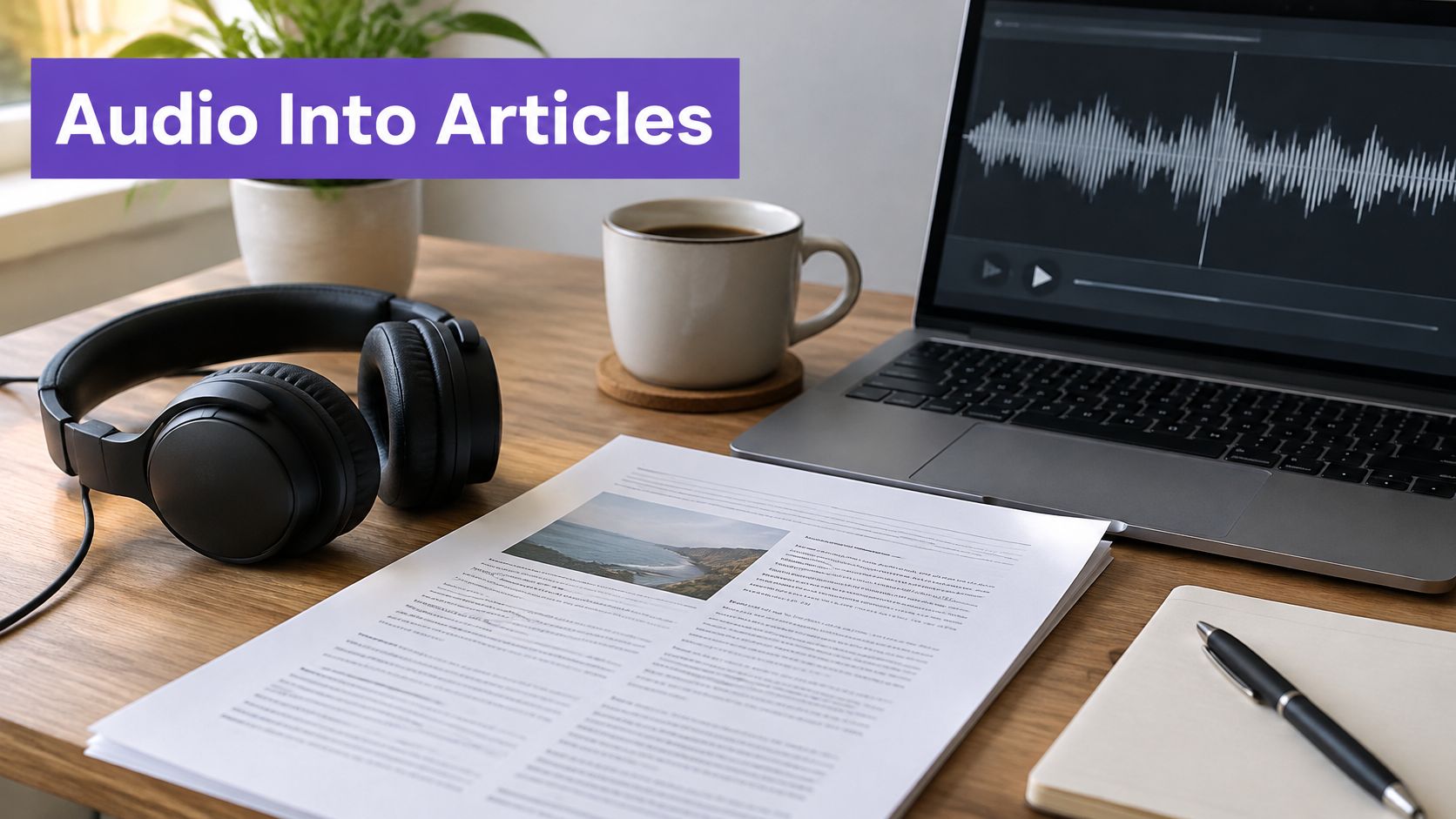
Pat Flynn's Smart Passive Income show has long paired episodes with written notes that expand the topic. Moz has published transcripts so audio and video can be found. The useful version is not the full dump. It is the answer a stranger would search.
Say a local HVAC owner records a 25-minute episode on winter furnace noises. The target phrase is the question homeowners type, not the episode title. Cut "um," side stories, and repeated warnings. Keep one clear fix per section. Add timestamps so a reader can jump to the original segment. The step-by-step shape of that edit is covered in turning a podcast into a blog post.
Guest lines need care. Turn a sharp sentence into a pull quote only after you check the wording against the recording. If the quote could embarrass the guest, ask before you publish it.
A transcript is source material. The article is a new piece with one job, answering the search.
People who already trust a written guide still will not read it on a phone feed. Visual versions carry the same idea to scrollers.
Input: a post that already ranks or converts. Process: pull one takeaway per frame, match brand colors and type, and end on a single next step. Output: an explainer, a carousel, an infographic, or an animated text post. Trade-off: design time stacks up if every slide is custom. Templates keep you fast, and they also make lazy carousels look alike.

Readers say they want the moving version. In Wyzowl's 2024 survey, 89% of consumers wanted to see more video from brands, and 44% preferred short video as the way they would most like to learn about a product, ahead of text-based articles at 13%, per Wyzowl's video and social media findings. A ranking article still matters. It is the source, not the only door.
LinkedIn creators turn blog points into multi-slide PDFs. Canva's templates exist for this exact move, and Buffer has turned long guides into visual summaries. Say your post is "five listing photos that scare buyers." Slide one is the claim. Slides two through six are one photo mistake each. The last slide links the full article.
The first slide is the hook, so write it like a headline, not a logo. Keep fonts and colors identical to the site so the set feels like one brand. A final call to action belongs on that last frame, not buried in a caption nobody finishes.
This short walkthrough shows the same idea moving from a written piece into a feed format.
A live session is a pile of lessons wearing one title. Split it, and the same hour becomes a path people opt into.
Input: a webinar, workshop, or livestream with clear chapters. Process: name each chapter by the outcome, trim it toward about ten minutes, and attach a checklist. Output: a multi-part series or an email course. Trade-off: a sequence builds a list, and it also creates an inbox promise you have to keep. Thin lessons train people to ignore the next email.
Real estate coaches already run free sessions that feed buyer and seller guides. Agencies turn the recording into a nurture. HubSpot Academy turns sessions into course modules. The mechanic is the same for a congregation class or a local contractor's "how we quote" workshop.
Say you hosted a 50-minute seller webinar. Email one covers pricing. Email two covers prep. Email three covers offers. Each message links the clip and one worksheet. People who wanted the live event and missed it still enter the pipeline.
What does not work is chopping the recording into equal time blocks with no outcome. Viewers cannot tell why the next part exists, so they leave.
You do not need a new idea to show up this week. You need a reason to point people at work you already shipped.
Input: a tagged library of videos, articles, and posts. Process: pick a theme, write a short note on why it matters now, and segment who receives it. Output: a newsletter, digest, or resource hub. Trade-off: curation is fast, and a generic "here are five links" email gets skipped. The intro has to earn the click.
Morning Brew built a business on tight summaries with sources. Churches send weekly notes that link the sermon, a devotional, and the event recording. Marketing teams do the same with a monthly recap of posts, videos, and case studies. The library is the system. Without tags, you hunt for assets every Sunday night.
Tag by topic, audience, and offer. A property manager might tag "tenant screening," "maintenance," and "renewals." When a local law changes, the digest writes itself from those tags.
Write three or four lines in your own voice before the links. Say why this set matters this month. Segment by interest so investors do not get the first-time buyer recap. Then watch which links get clicked. Those clicks pick next month's theme better than a brainstorm.
Roundups fail when every issue links everything you published. Pick a few assets tied to one decision. Leave the rest in the library.
Old uploads are not finished just because the publish date passed. New people arrive on the platform every week, and search demand does not expire with your calendar.
Input: videos, posts, or articles that still answer a current question. Process: sort by views, watch time, or search traffic, fix stale facts, then change the hook and thumbnail. Output: a resurfaced asset with an updated title, description, or opening. Trade-off: revival is cheaper than a new shoot, and republishing junk trains the audience to ignore you.
A 2025 survey of 1,000 creators in the United States and United Kingdom found that about half had experienced career-related burnout, and 37% had considered quitting, with creative fatigue, workload, and screen time among the causes, as reported by Richard Hartley's write-up of creator burnout. More clips are not a cure. A controlled backlog is.
Say a YouTube tutorial from two years ago still gets search traffic, but the software screenshots are wrong. Update the frames, rewrite the first line, and design a thumbnail around the current question. Blogs do this when they refresh a high-traffic post. Ministries do it when an evergreen sermon fits a season. Label it "Updated for 2025" only if you changed the substance.
Sort first. Revive the pieces with proof, not the pieces you feel sentimental about. Pause anything that creates comments and zero qualified leads.
One sharp sentence can travel farther than the full talk, if it can stand alone.
Input: a transcript or recording. Process: pull lines under about 25 words, verify the wording, and drop them into a fixed template. Output: quote graphics, captions, pull quotes, and text posts for LinkedIn, X, Threads, and Facebook. Trade-off: these are fast, and a vague line with no point gets shared by nobody. Short is not the same as complete.

Simon Sinek's talks circulate as single lines. Faith teams post a sermon sentence midweek. Operators on LinkedIn turn one interview remark into a text post. The line has to make a full point without the paragraph around it.
A generator that gives you the transcript saves the hunt. Use one, then read the line against the audio. A clean way to start that pull is a video transcript generator workflow, followed by a human pass for attribution.
Say a pastor says, "You do not have to feel ready to be faithful this week." That line is a graphic, a caption, and a text post. The sermon link sits underneath for people who want the rest.
The same file, resized and reposted, is cross-posting. It saves minutes. It does not match how each network behaves.
Input: one core asset and a written matrix of format, length, caption style, and posting rhythm. Process: rebuild the hook, pace, and call to action per platform, then stagger the posts. Output: native versions, not duplicates. Trade-off: native work takes longer than a bulk upload, and showing up everywhere with no replies wastes the week.
An analysis of more than 6 million short-form videos from over 375,000 accounts found TikTok generated the highest average views, Instagram Reels generated more shares and comments, and YouTube Shorts ranked lower across the measured metrics, according to Metricool's repurposing analysis. Small accounts reportedly received about twice as many shares on Instagram Reels as on TikTok and roughly nine times as many as on YouTube Shorts. Reach, conversation, and search are different jobs.
Use TikTok when you want the first wave of views. Use Reels when you want comments and shares. Use Shorts or the long YouTube description when you want the idea to be found later. Change the metric with the job. Do not judge a Reel by the views a TikTok cut got.
Red Bull Media House cuts for YouTube, Instagram, and TikTok instead of uploading one master. Buffer and Hootsuite exist so a small team can schedule that set without six logins. A creator can still publish one long video in a week, then release the adapted clips across several days.
Skip a channel when your buyers are not there or nobody can answer comments. A matrix with three active channels beats a fantasy calendar with eight.
| Strategy | Input Asset | Output Formats | Best For | Effort Level |
|---|---|---|---|---|
| Long-Form Video to Short-Form Clips | Long-form video | Short vertical clips for Shorts, Reels, and TikTok | Creators, podcasters, educators, and professionals with long recordings | Medium to high |
| Podcast or Audio Recording to Blog Posts and Articles | Podcast, interview, or voice recording | Blog posts, guides, and articles | Podcasters, educators, interviewers, and faith-based organizations | High |
| Blog Posts to Videos, Carousels, and Infographics | Blog posts and articles | Explainer videos, carousels, infographics, and social graphics | Marketing teams, solopreneurs, and small businesses with proven blog content | Medium |
| Webinars and Live Sessions to Multi-Part Series and Email Courses | Webinar, workshop, or live session | Video lessons, email courses, and nurture series | Coaches, educators, real estate professionals, and local service providers | High |
| Content Roundups and Newsletters from Existing Posts | Published videos, articles, and social posts | Newsletters, digests, resource hubs, or video recaps | Teams and creators seeking consistent outreach with little new production | Low |
| Backlog Revival of Previously Published Videos and Posts | Older videos, blog posts, or social content | Refreshed posts, videos, titles, thumbnails, and descriptions | Creators and businesses with large content back catalogs | Low to medium |
| Transcripts and Quotes into Captions, Graphics, and Text Posts | Transcripts or recordings | Captions, quote graphics, carousels, and text posts | Thought leaders, faith-based organizations, business owners, and social media managers | Low |
| Platform-Specific Adaptation and Multi-Channel Distribution | A core content asset | Platform-tailored posts, clips, threads, and carousels | Social media managers, marketing teams, and multi-channel businesses | Medium to high |
Run the eight workflows as one pipeline, not eight hobbies. Record the long piece once. That recording is the pillar. From it, extract a few clips, one rewritten article, a handful of verified quotes, and a short email or newsletter sequence. Adapt each piece for the channel's job. Put the set on a calendar and stagger it across days.
The order matters. Clips before you rewrite the article, because the best lines reveal the headings. Quotes after the transcript is checked, not before. Revival of older videos happens on a separate pass, so new production does not stall while you refresh the archive. Roundups come last, once the new assets exist to point at.
Manual cutting and posting is the bottleneck. A solopreneur who edits every clip, writes every caption, and logs into every network will quit the cadence within a month. Automation should remove that load and help you choose what to publish, not push you to post more for its own sake.
Taja AI is built for that handoff. One long-form video becomes shorts, clips with captions, thumbnails, and platform-ready posts, then those pieces are auto-scheduled across YouTube, Instagram, TikTok, Facebook, X, and LinkedIn based on the days and times each platform's content receives the most engagement. Backlog Boost can re-optimize a video's SEO with a single click. Solopreneurs who use Taja AI save up to 2.3 hours per video optimized and repurposed. During the free trial you can optimize and repurpose up to 4 long-form videos.
Start with one recording you already believe in. Pull five clips, one article, and three quotes. Schedule them. Measure watch time, saves, and leads against that platform's usual results, not against the original long video. Then repeat the pipeline next week with a smaller set, not a bigger one.
Taja AI turns a single long-form video into captioned shorts, thumbnails, a blog post, and posts ready for each network, then schedules them from one dashboard so a content repurposing strategy does not become a second job. If you want one recording to cover weeks of channel-specific content, start free with Taja AI. No credit card is required, and you can ship the first batch before you commit to a plan.


We are blessed to work with leading brands & Companies


We try to make easy and simple for every professionals. Get 30 days free trial - No credit card required.


© 2025 Taja AI. All rights reserved.