.jpeg)
TikTok to Text: A Practical Guide for Creators
Learn how to convert TikTok to text the right way. Step-by-step workflow for transcripts, captions, and repurposing with accessibility and accuracy in mind.
5 min read
October 8, 2026

Discover the best video to text converter. We review 10 top AI & human services for accuracy, speed, and features for creators & businesses in 2026.
Written by:


Stop manually transcribing. The infrastructure behind modern video-to-text tools is scaling fast. One industry roundup puts the global AI transcription market at $4.5 billion in 2024, with a projection to $19.2 billion by 2034 at 15.6% CAGR. That tells you something important. Video transcription isn't a side utility anymore. It's workflow software.
If your videos don't have transcripts, they're trapped. You can't search them cleanly, turn them into posts efficiently, build subtitles fast, or mine them for SEO and repurposing. You're sitting on content, but you can't extract value from it at speed. That's the ultimate cost.
The best video to text converter isn't the one with the longest feature list. It's the one that removes your actual bottleneck. Maybe you need shorts and captions from one upload. Maybe your team needs searchable meeting records. Maybe your editors want transcript-driven cuts. Maybe your developers need an API, not a dashboard.
That's the lens for this guide. Each pick is tied to a workflow, not a vague promise. If you also need to publish captioned videos fast, easily add subtitles to videos after transcription.
Most teams don't need “more AI.” They need fewer manual handoffs between transcript, edit, caption, and publishing.
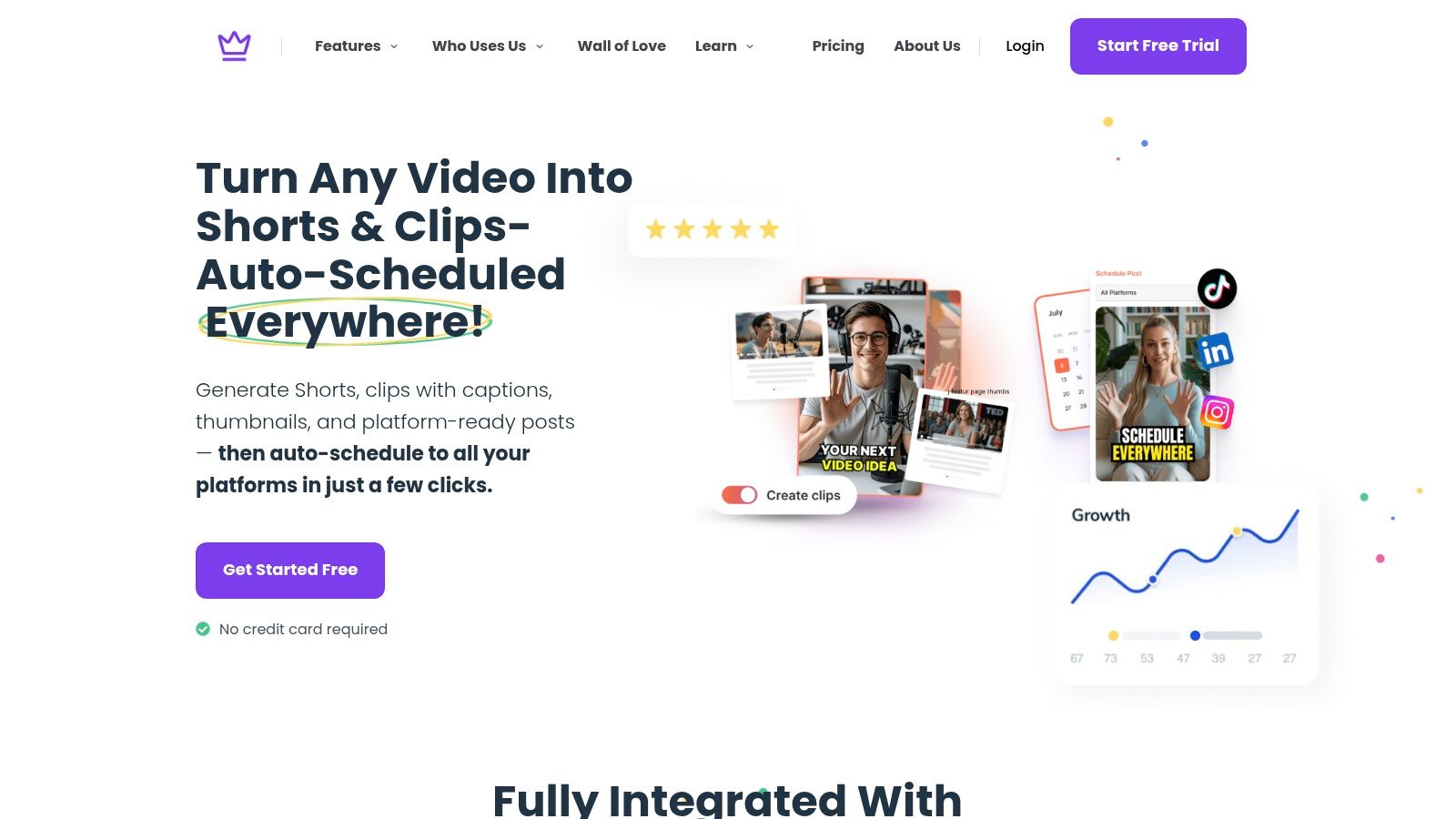
Taja AI is the right pick if transcription is only the first step in your content machine. If you run a creator business, a podcast, a local service brand, or a lean marketing team, your real problem usually isn't getting text from video. It's turning one long-form asset into enough good content to stay visible everywhere.
Taja is built for that exact choke point. You upload one long video, and the platform doesn't stop at transcript output. It pushes into clips, captions, thumbnails, blog-ready text, platform-specific posts, and scheduling from one place. That's why it's the strongest recommendation here for growth-focused operators.
Its edge is simple. It treats video-to-text as the center of a repurposing workflow, not as the finish line.
Taja says users report saving up to 2.3 hours per optimized video, and the platform says users have collectively saved more than 2.6 million hours. It also says it generates an average of 27 assets from one long-form upload. Those aren't generic productivity claims. They point to the actual value of using the transcript as source material for distribution, not just documentation.
If you're posting to YouTube, Instagram, TikTok, Facebook, X, and LinkedIn, that's the difference between consistency and burnout.
A few reasons Taja stands out:
If your current process is record, export, transcribe, edit, clip, write captions, design thumbnails, then schedule manually, you're wasting time on workflow friction. Taja removes that stack. If that's your bottleneck, start by reading how it helps automate content creation.
Strategic fit: Choose Taja when your transcript needs to feed publishing, not just documentation.
The tradeoff is straightforward. If you want a barebones transcript utility, this is more platform than you need. And because AI-generated creative output still benefits from review, you'll want a human pass before publishing if your brand voice is tight or your editing standards are high.
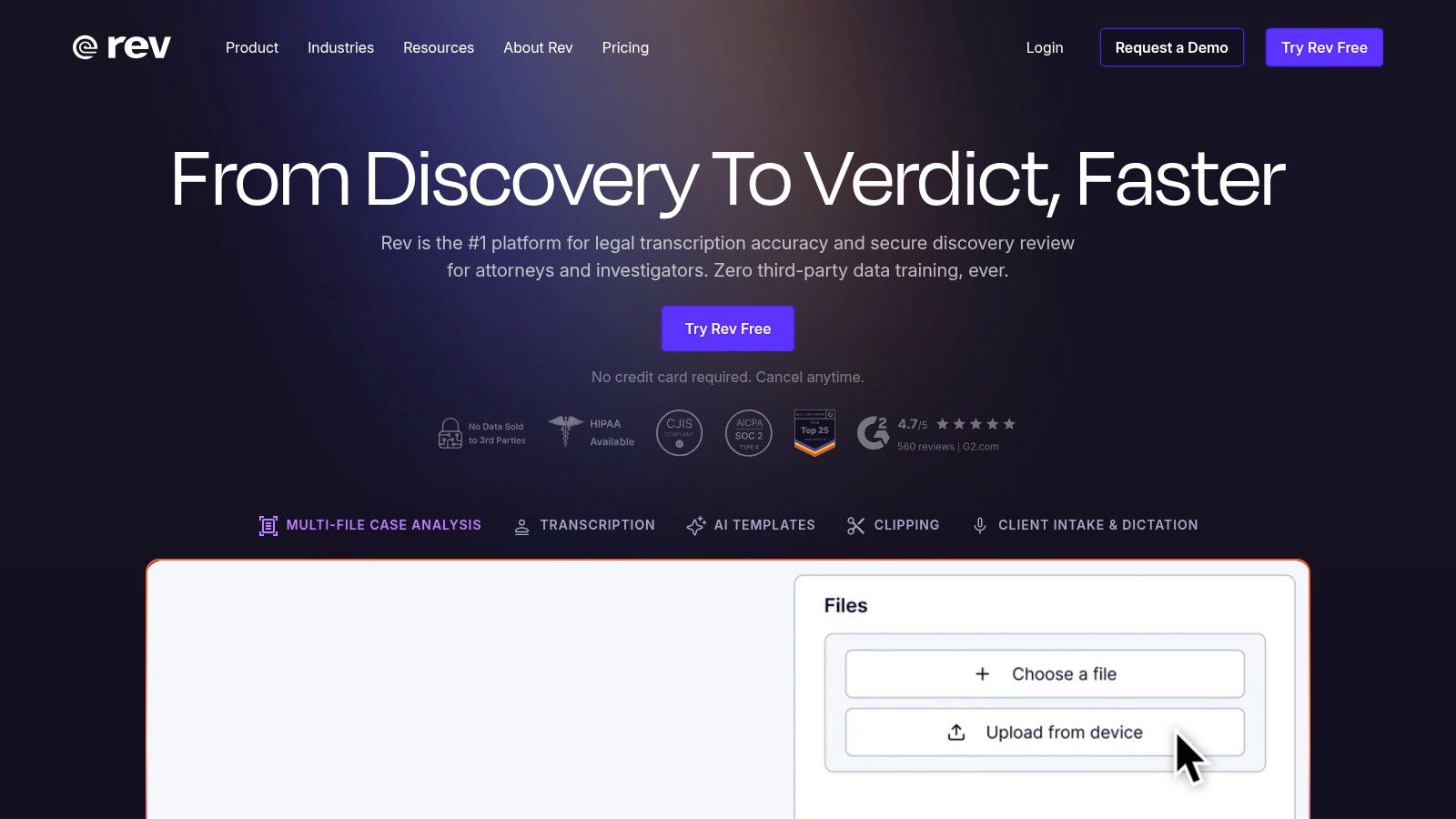
Rev fits a different workflow than creator tools. Use it when the transcript is evidence, documentation, accessibility output, or a client deliverable. In those cases, speed matters less than confidence.
That distinction matters.
Rev's edge is operational flexibility. You can run automated transcription for routine files, then switch to human transcription for interviews, legal recordings, research material, or anything that could create risk if the wording is wrong. That makes Rev a strong choice for teams that process mixed-stakes content instead of one uniform content pipeline.
Choose Rev if your bottleneck is trust, not publishing.
It works well for teams that need:
Rev also forces the right buying questions. If you handle sensitive recordings, transcription is a data handling decision before it is a convenience decision. Evernote's overview of video-to-text privacy concerns makes that point clearly, and buyers should treat it seriously.
Ask direct questions before you upload anything. Where is the data stored? How long is it retained? Is it used for model training? Who can access completed transcripts?
If your workflow starts with a public video and you just need the text fast, a lighter process may be enough. In that case, use a simpler route to copy a transcript from YouTube before you pay for higher-control infrastructure you do not need.
Strategic fit: Choose Rev when transcript quality, auditability, and handling standards matter more than creator repurposing speed.
The tradeoff is obvious. Rev is the wrong pick if your real bottleneck is turning one video into clips, captions, posts, and scheduled distribution. It is built for transcript reliability and controlled workflows. That focus is exactly why serious teams keep it on the shortlist.
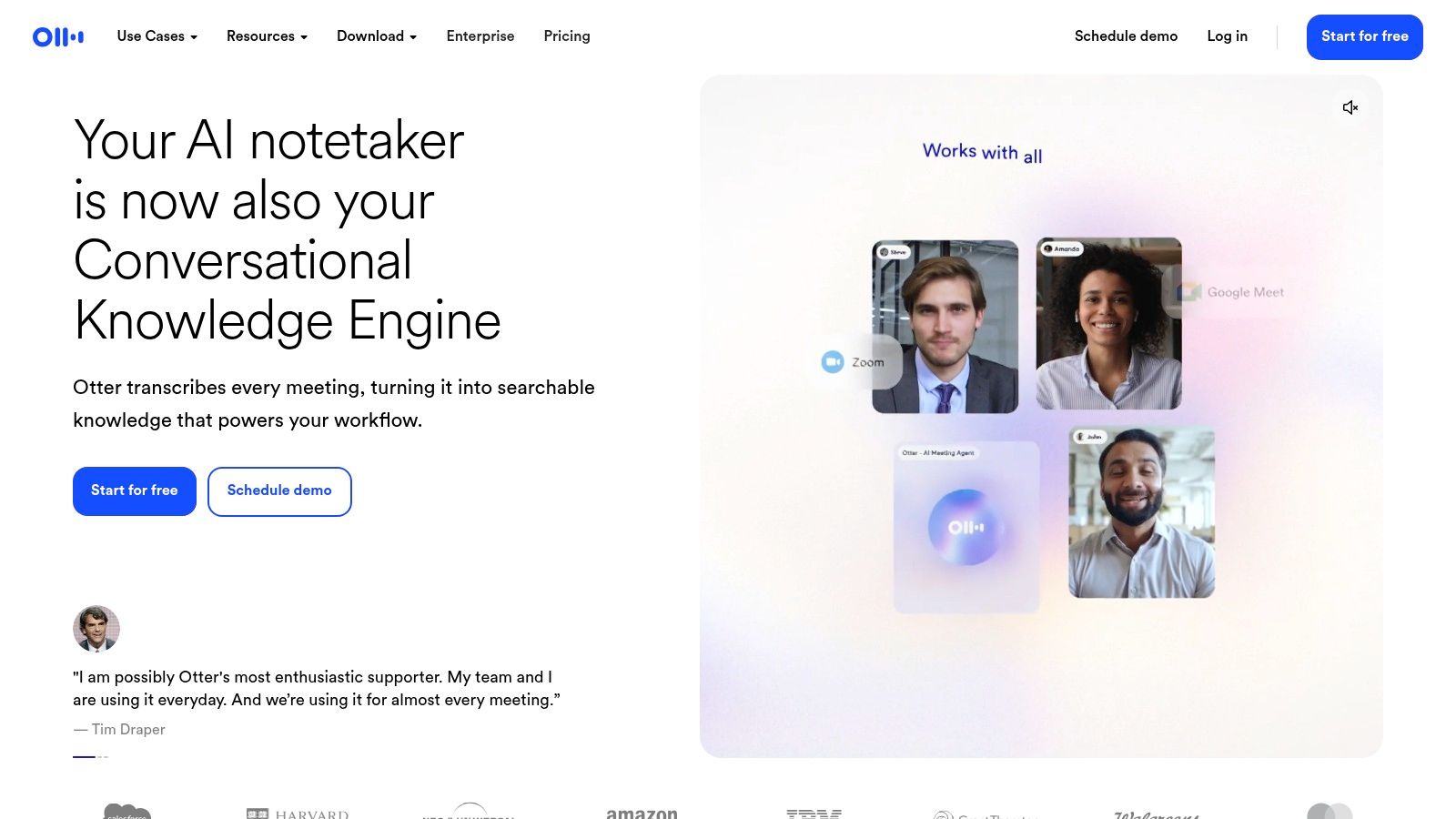
Otter.ai wins when your workflow starts in live conversation. Team meetings, lectures, workshops, interviews, client calls. That's Otter's home field. If your main goal is searchable transcripts with speaker labeling and sharing, it does the job fast.
Otter isn't built like a creator repurposing engine, and it isn't trying to be. It's a meeting-first transcript system that also handles imported audio and video.
If your organization lives in Zoom or Google Meet, Otter removes a familiar problem. People leave a call with partial notes, vague memory, and no clean record. Otter gives you a searchable transcript layer that the team can refer back to instead of reconstructing the conversation from scratch.
That makes it strong for:
Otter starts to look weaker when your workflow is creative editing, clip production, or deep subtitle formatting. It can support the early transcription step, but it won't replace a repurposing or edit system.
If you're pulling text from YouTube videos for notes, summaries, or editorial prep, this guide on how to copy transcript from YouTube helps frame the workflow before you choose a tool.
Otter is for teams that need memory, not necessarily teams that need marketing output.
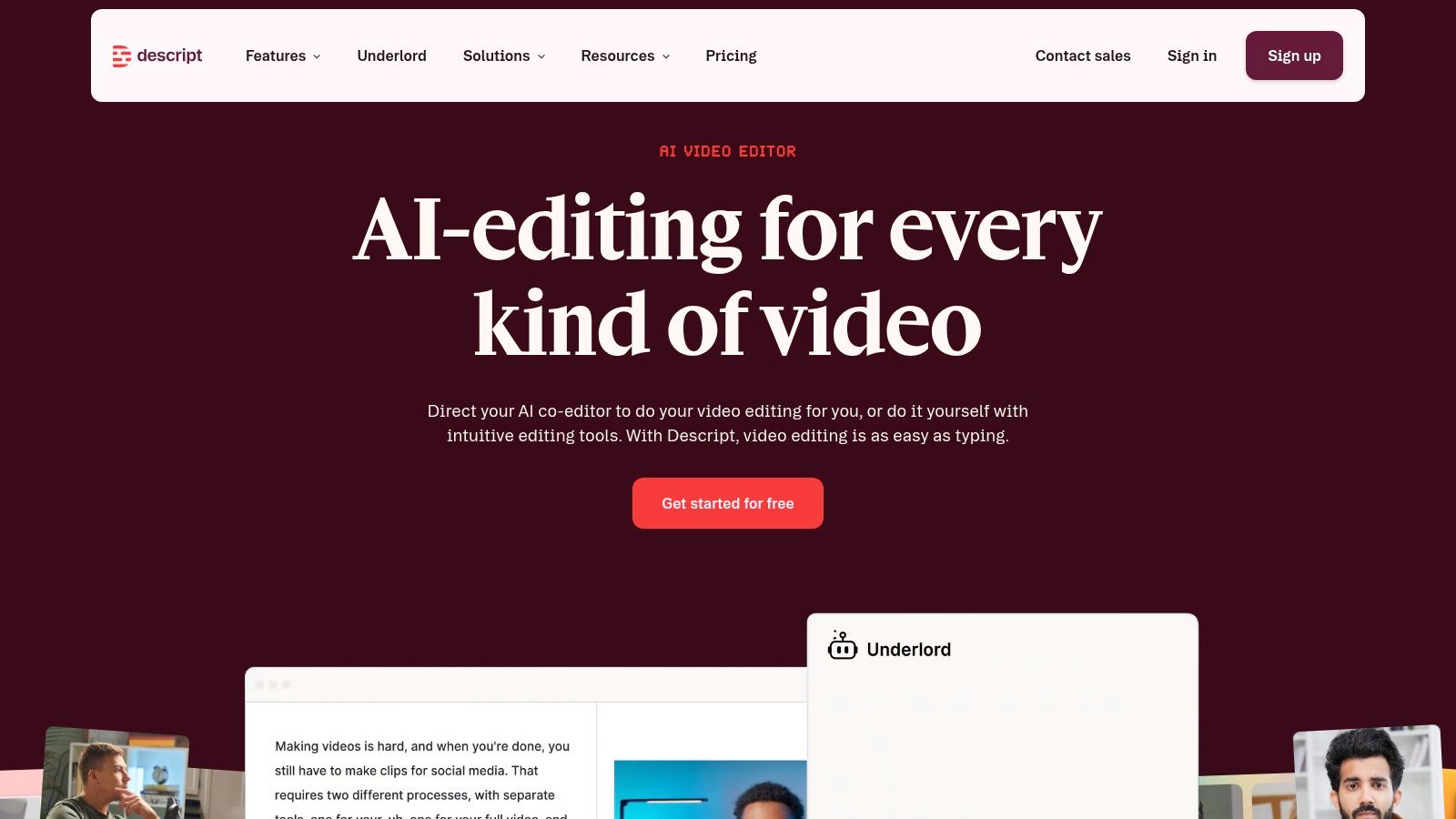
Descript is the best video to text converter for people who edit through language. If you hate scrubbing timelines and would rather cut a video by deleting sentences, Descript is your tool.
That workflow sounds small until you use it. Then you realize the transcript isn't just output. It's the editing interface.
Descript works especially well for podcasters, interview channels, explainers, and talking-head content. You upload, get the transcript, then edit the media by editing the text. For long-form spoken content, that can collapse a lot of mechanical editing work.
Its strongest points are easy to spot:
The catch is that Descript is a real production tool, not a toy. If you only want plain transcripts, it'll feel heavier than necessary. And if you're coming from a traditional non-linear editor, there is a workflow shift.
It becomes especially useful when short-form extraction is part of your pipeline. If you're working with social clips, it's worth seeing how creators transcribe TikTok video content before editing and repurposing. If you're comparing transcript-first editing options for podcast workflows, this AI podcast generator comparison adds useful context.
Descript turns spoken-word editing into document editing. For the right creator, that's a massive speed advantage.
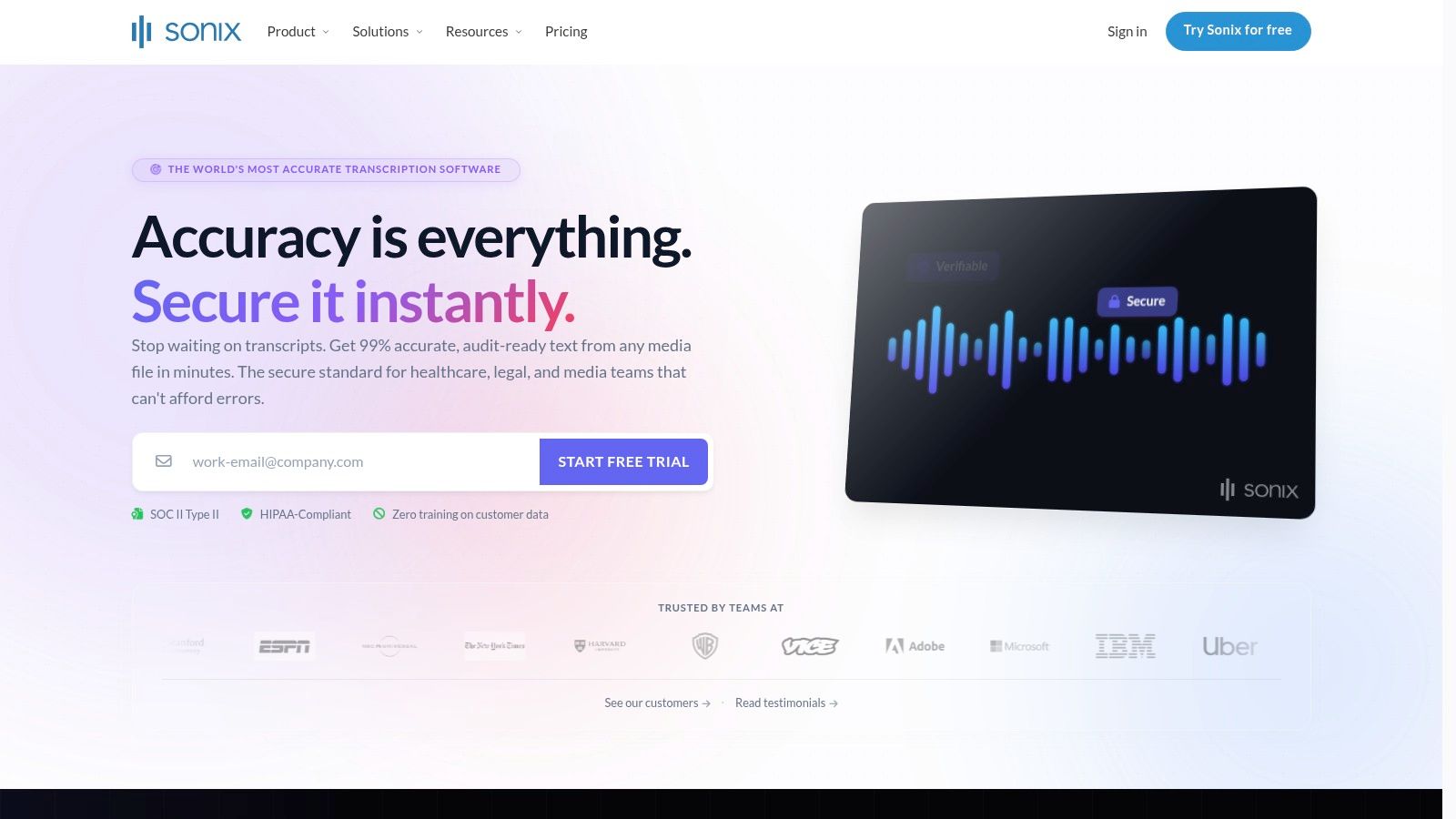
Sonix fits teams with a clear production bottleneck: they need to turn recordings into usable text and subtitle files across multiple languages, without dragging every file through a heavy editing suite. If your workflow involves interviews, webinars, internal training, research calls, or localized content, Sonix solves the middle of the process well. Upload, review, clean up, export, move on.
That workflow focus matters. A lot of video-to-text tools chase creators with flashy editing features or chase enterprises with API complexity. Sonix sits in the operational middle. It is built for teams that need transcripts to move through review, approval, and publishing fast.
Sonix is a strong pick if your team handles a growing media library and needs consistent transcript and subtitle output. The browser editor keeps the review process simple, and the time-synced transcript makes it easier to pull quotes, verify sections, and prep captions without switching tools.
Its strongest advantages show up in production:
The bigger point is process fit. Sonix is not the tool you choose because it checks the most boxes on a feature grid. You choose it when your bottleneck is transcript cleanup and multilingual file delivery. That makes it a better match for operations teams, agencies, and content managers than for creators who want transcript-driven editing inside the same tool.
Analysts tracking this category have also pointed out how standardized the market has become. Upload, select language, edit the draft, export subtitles. Sonix stays competitive because it executes that workflow cleanly, as outlined in this video-to-text workflow roundup.
If your team needs fast transcript review and reliable subtitle exports across languages, Sonix is an easy yes.
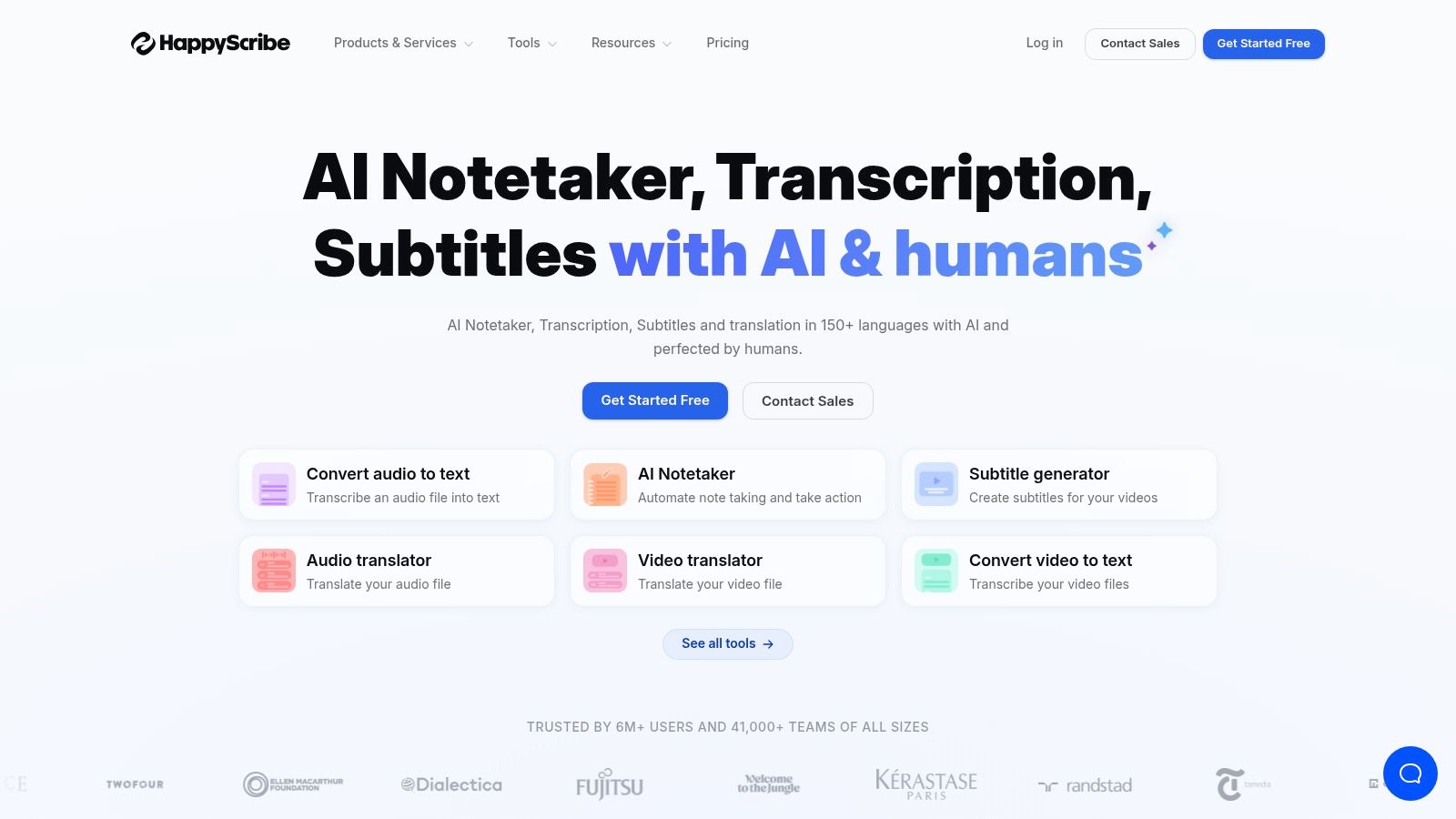
Happy Scribe fits a specific bottleneck: you do not just need a transcript. You need that transcript to turn into subtitles, translations, and publishable assets without rebuilding the workflow in a second tool.
That makes it a smart pick for agencies, educators, course creators, and media teams shipping content across multiple languages. One interview can become a transcript for review, subtitles for YouTube, and translated captions for other markets. Happy Scribe keeps those steps in one system.
Happy Scribe combines AI transcription with subtitle generation, translation support, and human review options. That mix matters if your output changes by project. A short creator video may only need a fast draft and subtitle export. A paid campaign or client deliverable may need tighter review and cleaner language.
Its value is workflow control, not novelty.
Here is where it earns its place:
Happy Scribe is not the tool I would hand to a developer building speech pipelines or to an editor who wants transcript-based video cutting inside the same interface. It is for teams whose bottleneck starts after transcription. If your process regularly ends with subtitles, translated captions, or polished delivery files, Happy Scribe solves a more expensive problem than basic text conversion.
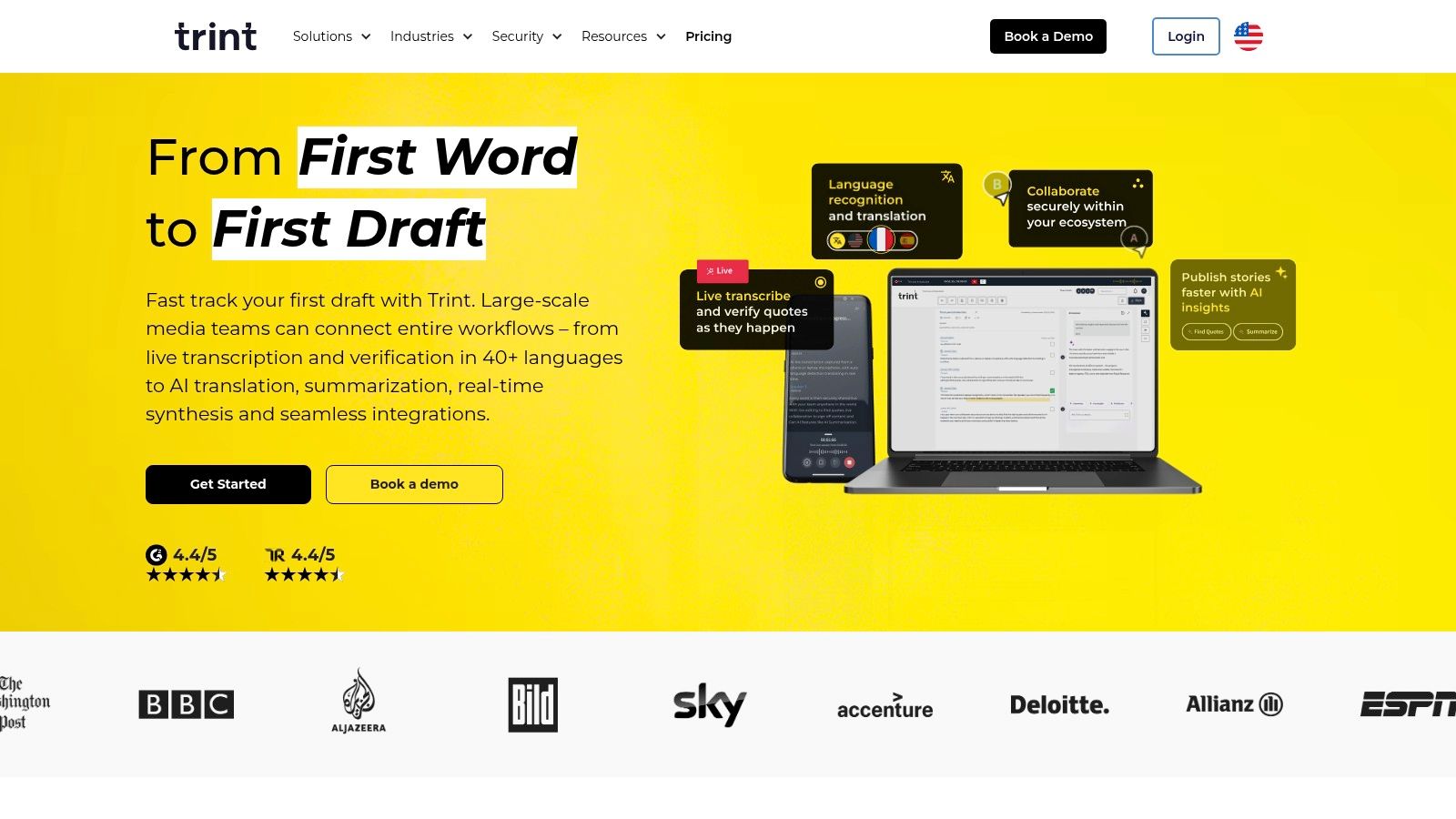
Trint is built for people who don't just transcribe content. They mine it. Journalists, editorial teams, branded content groups, documentary researchers. If that's your job, Trint's value isn't just transcript generation. It's collaborative extraction.
A raw transcript is noisy. Trint is designed to help teams find quotes, review passages, organize material, and build stories from recorded conversations.
Trint separates itself from lighter tools. It gives teams a shared environment for reviewing and shaping long-form spoken content. You can highlight lines, work through interviews together, and keep a tighter audit trail on what gets used.
Trint is strongest when you need:
The downside is obvious. Solo users and casual creators may find it heavier and more team-oriented than they need. But if multiple stakeholders touch the transcript before publication, that extra structure pays off.
A newsroom-style workflow breaks when transcripts live in personal folders and feedback lives in chat. Trint fixes that operational mess.
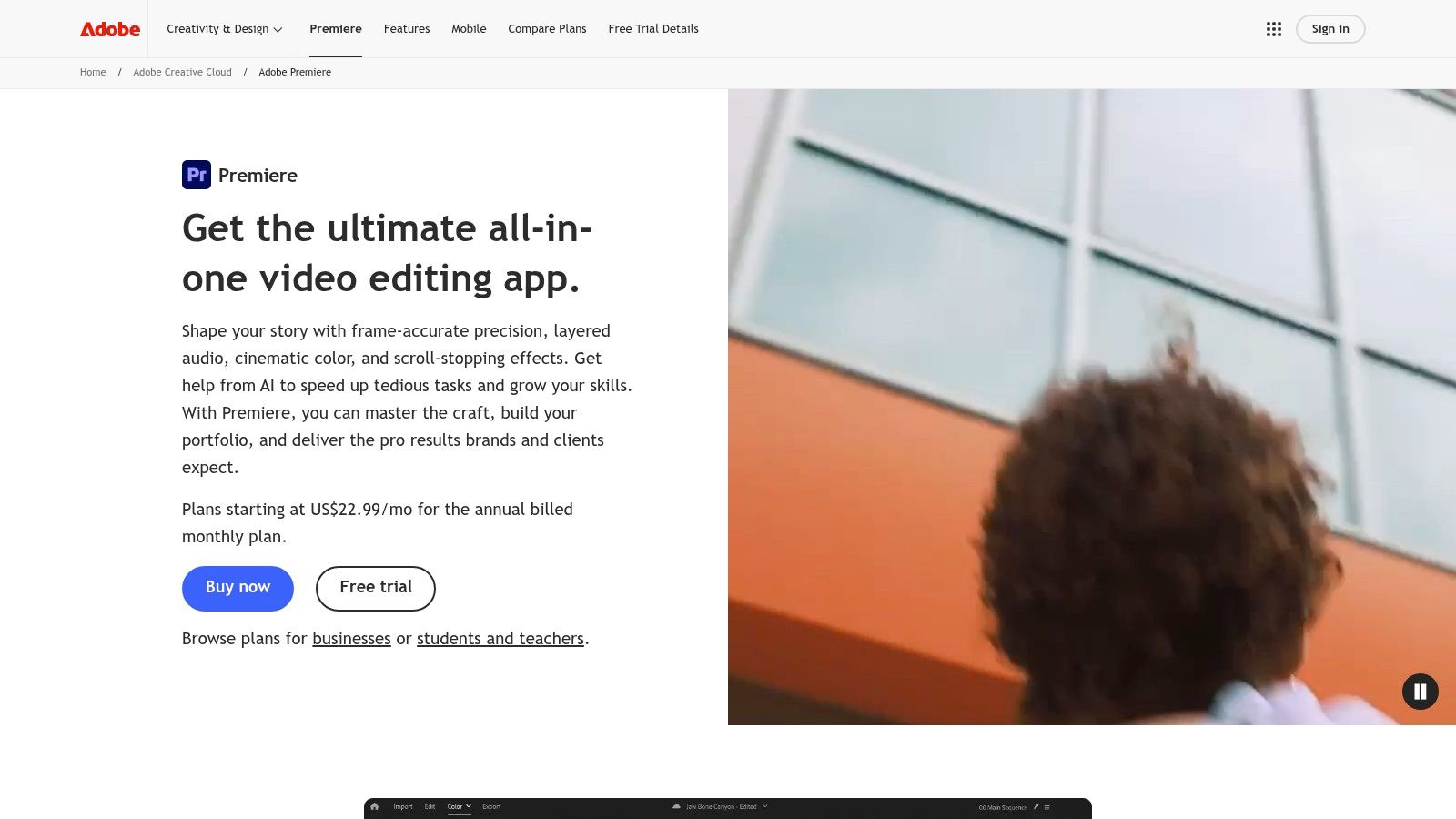
Adobe Premiere Pro is the right answer if your team already edits inside Premiere. In that environment, using a separate converter often creates extra friction. You export a file, upload it somewhere else, wait, import captions back, then fix timing again.
Premiere's Speech to Text feature cuts out that handoff. You transcribe in the same place you edit.
If your workflow is centered on post-production, this is the cleanest option. Editors can generate transcripts, search spoken dialogue, build captions, and keep everything attached to the project timeline.
That makes Premiere attractive for:
The limitation is simple. If you don't already use Premiere, this isn't the best entry point just for transcription. But if you're already paying for Adobe and editing there daily, using an external converter for routine caption and transcript tasks often just adds drag.
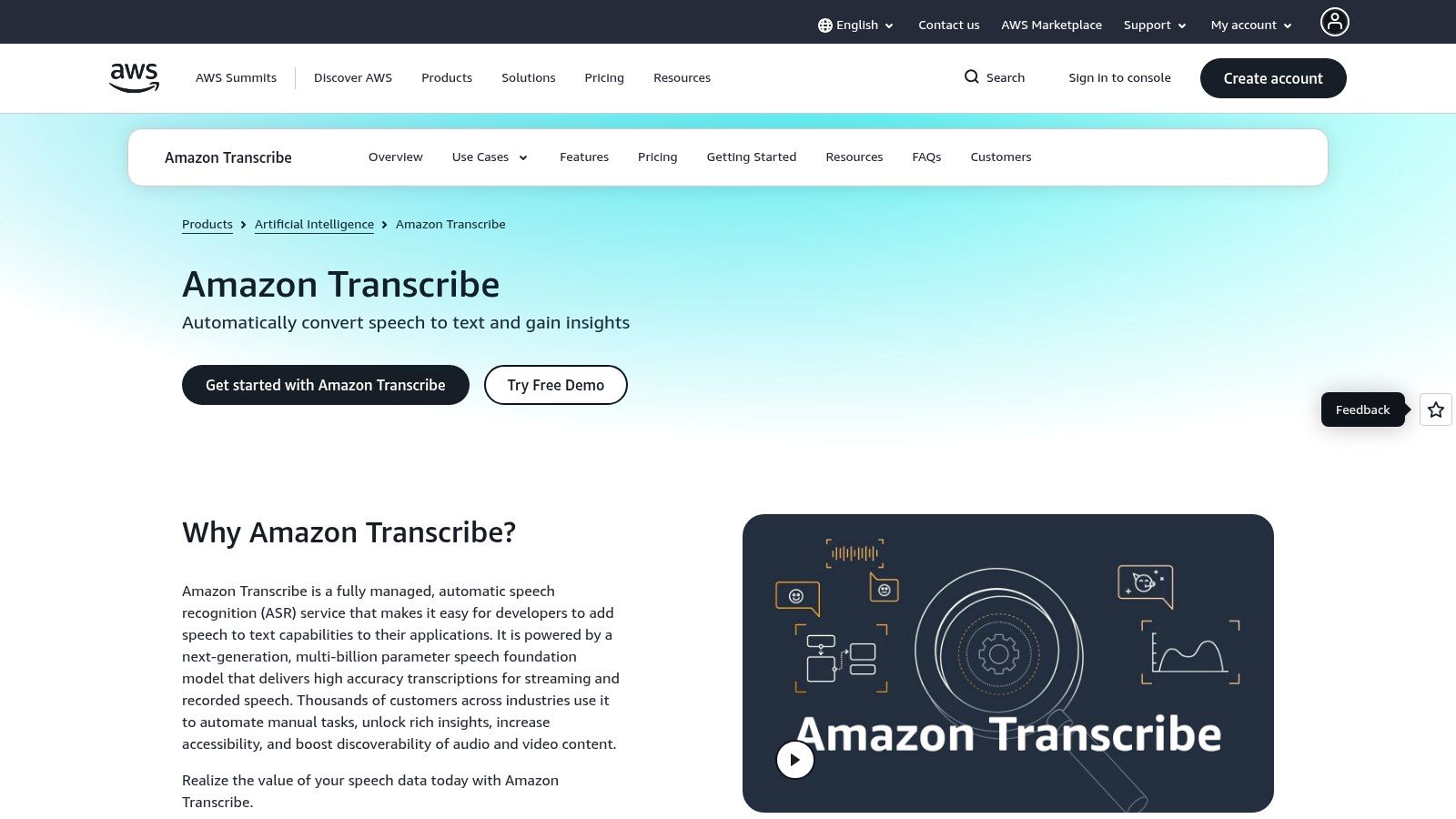
Amazon Transcribe is for developer-led workflows, not marketers looking for a polished dashboard. If you need batch jobs, streaming transcription, custom vocabularies, channel identification, and AWS-native security controls, it is the solution.
This is infrastructure. Treat it that way.
Amazon Transcribe makes sense when transcription is one step inside a broader system. Think media archives, call analysis, customer platforms, internal knowledge systems, or automated subtitle generation at volume.
Its best use cases include:
The broader market trend backs this up. MarketsandMarkets values the speech-to-text API market at $2.2 billion in 2021 and projects $5.4 billion by 2026 at 19.2% CAGR. That's the layer tools like this operate in. Buyers increasingly care about latency, accuracy, timestamps, punctuation restoration, and downstream integrations because those are the features that reduce cleanup in production systems.
If you need a product your engineers can wire into a pipeline, Amazon Transcribe is one of the strongest options on this list.
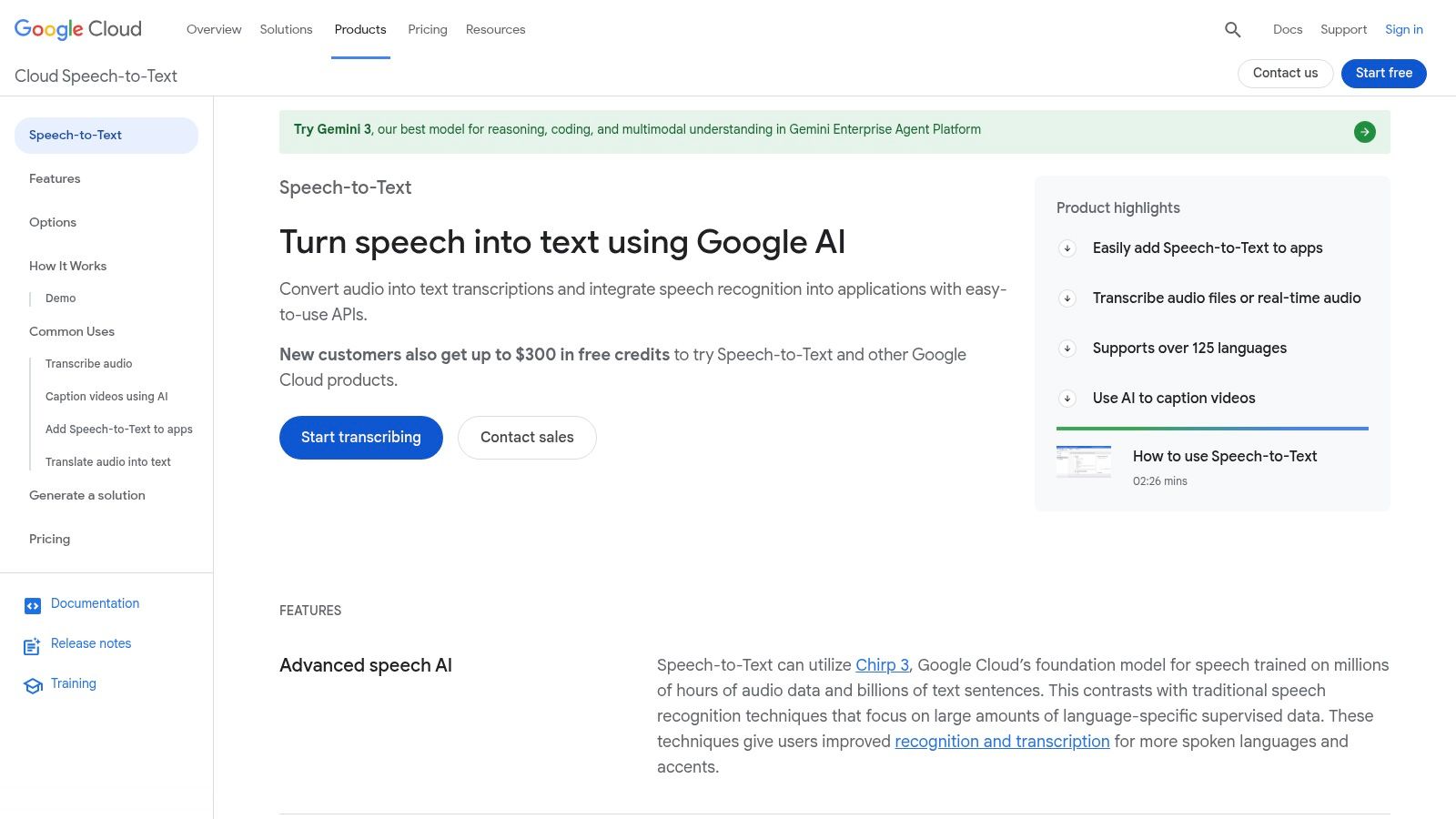
Google Cloud Speech-to-Text belongs in the same conversation as Amazon Transcribe, but the fit is slightly different. If your team already builds on Google Cloud, uses GCS for storage, and wants speech recognition inside a larger app or media workflow, it's a natural choice.
This isn't a turnkey creator product. It's a programmable speech layer.
Google Cloud Speech-to-Text works well for teams that want control over recognition models, timestamps, diarization options, and integration with other GCP services. That usually means internal tools, media processing systems, support platforms, or content pipelines built by engineering.
Why teams choose it:
The tradeoff is the same one you get with AWS. You need technical ownership. If nobody on your team wants to manage cloud infrastructure, developer APIs, and implementation details, this is the wrong category. If they do, it gives you the flexibility a dashboard product can't.
| Product | Core features | Quality / UX (★) | Value / Pricing (💰) | Target audience (👥) | Unique / Standout (✨) |
|---|---|---|---|---|---|
| Taja AI 🏆 | AI-first repurposing: ~27 shorts, captions, thumbnails; editor, brand templates, auto-schedule | ★★★★☆ | 💰 Free trial (no CC); paid tiers after signup; high time-saved | 👥 Creators, SMBs, podcasters, SMMs, realtors | ✨ Next Video Idea, Backlog Boost, SEO clip selection, multi-channel autoschedule |
| Rev | Human + AI transcription, captions, multilingual subtitles, API | ★★★★★ | 💰 Per-minute; human minutes cost more | 👥 Legal, media, accessibility, enterprise | ✨ Human-verified accuracy & compliance controls |
| Otter.ai | Live transcription, speaker labeling, meeting imports, search | ★★★★☆ | 💰 Freemium; plan limits on imports/minutes | 👥 Teams, educators, remote workers | ✨ Live meeting capture with strong search/sharing |
| Descript | Transcript-driven editing, Overdub, multitrack, publishing tools | ★★★★☆ | 💰 Freemium → paid tiers; minute/feature limits | 👥 Podcasters, creators, editors | ✨ Edit video by editing text; Overdub voice cloning |
| Sonix | Automated transcription, subtitle exports, browser editor, batch | ★★★☆☆ | 💰 Per-hour/minute fees; scales with volume | 👥 Teams with multilingual/video libraries | ✨ Batch exports & multiple caption formats |
| Happy Scribe | AI + human transcription, subtitling, translations, credits | ★★★★☆ | 💰 Per-minute AI + optional human add-ons | 👥 Creators needing subtitles & translations | ✨ Flexible AI/human mix; translation credits |
| Trint | Time-synced editor, collaboration, story-stitching, API | ★★★★☆ | 💰 Team-oriented pricing; dev/API plans available | 👥 Newsrooms, marketing teams, editors | ✨ Review workflows, version control, quote highlighting |
| Adobe Premiere Pro – Speech to Text | In-NLE transcript & caption creation, timeline sync (Sensei) | ★★★★☆ | 💰 Included with Creative Cloud subscription | 👥 Professional video editors | ✨ Transcribe & caption directly in the timeline |
| Amazon Transcribe (AWS) | Batch & streaming API, custom vocab, diarization, channel ID | ★★★★☆ | 💰 Pay-as-you-go per-minute; AWS infra costs | 👥 Developers, enterprises, automated pipelines | ✨ Scales in AWS with fine-grained security & customization |
| Google Cloud Speech-to-Text | Multiple models, word-level timestamps, diarization, GCP integr. | ★★★★☆ | 💰 Competitive per-minute; GCP storage/egress fees | 👥 Developers, enterprises, ML pipelines | ✨ Strong language coverage & Google Cloud ecosystem integration |
The best video to text converter depends on what happens after the transcript is created. That's the decision most buyers get wrong. They compare language counts, export formats, and interface screenshots, then pick a tool that looks capable. But the core question is operational. What bottleneck are you trying to remove?
If you're a creator, coach, podcaster, social media manager, or small business owner, don't optimize for transcription alone. Optimize for output. You need a system that turns one long-form video into clips, captions, text posts, blog material, and scheduled distribution. That's why Taja AI is the strongest choice for growth-focused users. It treats the transcript as the raw material for reach.
If you're editing spoken content and want to cut video by working with text, Descript is the obvious answer. It collapses the gap between transcript and edit. For dialogue-driven content, that's a serious efficiency gain. If your team already works in Adobe Premiere Pro, use the transcription and caption tools inside Premiere instead of adding unnecessary handoffs.
If you run meetings all day and need searchable institutional memory, Otter.ai is the cleaner fit. It captures conversations, labels speakers, and gives teams something they can refer back to. If you work in editorial, journalism, or collaborative content production, Trint gives you the review layer that simple converters don't.
For multilingual subtitle and archive workflows, Sonix and Happy Scribe make more sense. Sonix is a strong browser-based option for fast transcript-to-subtitle work. Happy Scribe is a good match when subtitle generation, translation, and flexible service levels matter.
If accuracy, accountability, and sensitive content handling are the priority, Rev stands above the AI-only crowd because it lets you move between automated and human transcription. That's the right choice when the transcript itself carries business, legal, or reputational risk.
For engineering teams, stop thinking in terms of creator apps. Use infrastructure. Amazon Transcribe and Google Cloud Speech-to-Text are built for scale, automation, and integration. Pick the one that matches your existing cloud stack and governance model.
One final point matters more than most feature lists admit. Governance isn't optional. Before you upload private material, check storage, retention, access, and training policies. The fastest converter in the world isn't worth much if it creates a compliance problem.
Pick the tool that fits the rest of your process. That's how you save time twice. Once on transcription, and again on everything that comes after.
If your real bottleneck isn't transcription but turning video into publishable growth assets, Taja AI is the clear move. Upload one long-form video, generate clips, captions, blog-ready text, thumbnails, and platform-specific posts, then schedule everything from one dashboard. Start free, test the workflow on your own content, and stop treating every video like a one-and-done asset.


We are blessed to work with leading brands & Companies


We try to make easy and simple for every professionals. Get 30 days free trial - No credit card required.


© 2025 Taja AI. All rights reserved.