How to Repurpose Video Content in 2026
Repurpose video content into clips, captions, and posts with a 2026 workflow covering cuts, vertical specs, and when to stop.
5 min read
November 21, 2026

Explore 8 video hook examples with tactics, strategic breakdowns, and tips to stop the scroll and boost retention. See why each one works.
Written by:


A strong opening can stop the scroll without winning much attention. In a 2025 Clutch consumer survey, 55% of respondents said humor or an intriguing opening could make them stop scrolling, but only 9% fully paid attention during short-form viewing. Getting someone to pause isn't the same as getting them to care.
That distinction matters when you're editing a podcast, property tour, tutorial, or sermon. A dramatic opening might attract strangers who never need your service. A quieter demonstration might hold exactly the person who's ready to book, learn, or join.
Treat the first three seconds as an editing checkpoint, not a universal deadline. Start with something the intended viewer can understand immediately, then make the next beat worth watching. A logo animation, greeting, or episode announcement usually belongs after that exchange, if it belongs in the clip at all.
The best hook isn't necessarily the loudest moment. It's the earliest moment that makes the right viewer want the next one.
The useful lesson from BEDHEAD's mattress video playbook is to consider the opening within the complete marketing video, rather than polishing it in isolation. Your promise, demonstration, and next step need to belong together.
These video hook examples use footage you may already have. Each pattern depends on a particular moment, and each can fail when the edit removes too much context or delays the promised payoff.
Start inside the moment, not outside it explaining why it matters. For a podcast about customer service, that might mean opening on a guest saying We refunded the order before we knew whose mistake it was, then cutting directly into the decision behind it.
The viewer has a situation to interpret. They don't need the guest's biography yet.
A close crop and a short context overlay can make an extracted conversation understandable.
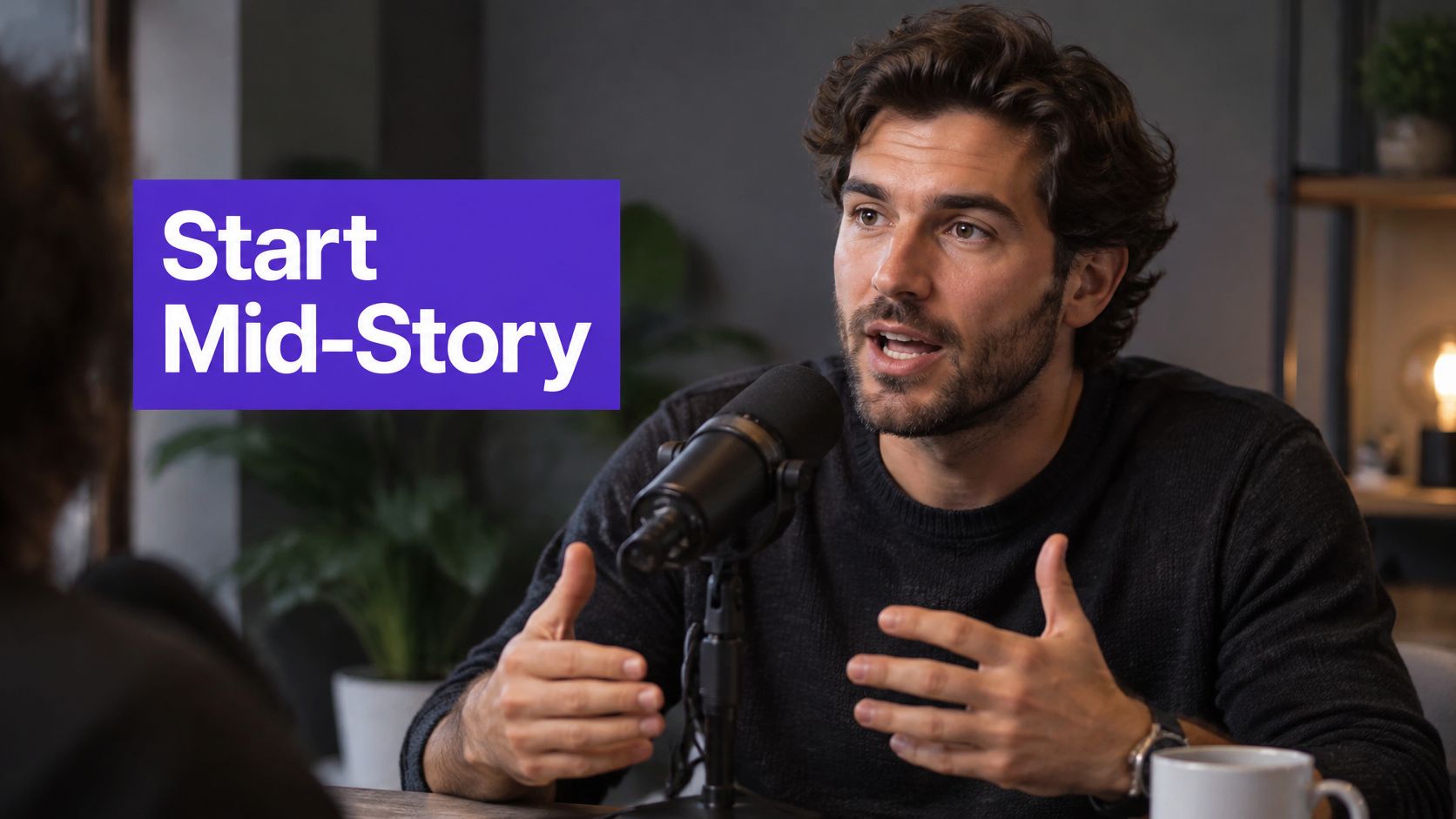
In an Allin1Panel short-form case study, an in-medias-res opening achieved 85% three-second retention, compared with 62% for the no-hook control. That's a useful reason to test starting inside the action, not a benchmark every account should expect.
Search the transcript for decisions, reversals, and emotional reactions. Then listen around each candidate, because the transcript won't tell you whether a pause feels tense or merely awkward.
The hook wins when viewers can recognize the situation while still wondering what happens next. It loses when they hear that's why it failed without knowing what failed.
For a church recording, pull a memorable line together with its immediate explanation, not an isolated sentence that sounds more provocative than the message. The same selection discipline applies when making a highlight reel: choose moments that stand on their own before worrying about transitions or branding.
Posting more won't fix an unclear offer.
That's a usable opening for a marketing educator because it challenges a familiar prescription and names the alternative problem. Everything you know about marketing is wrong creates friction without giving the viewer anything concrete to evaluate.
Contrarian hooks work best when you can demonstrate the exception immediately. Say a real estate agent has footage explaining why expensive staging wouldn't address a particular property's main objection. The useful opening is New furniture won't fix this awkward layout, followed by the floor plan and the buyer concern.
The weaker edit turns that specific argument into Staging is a waste of money. It may attract disagreement, but the footage can't support the broader claim.
Look through interviews, webinars, and consultations for phrases such as not necessarily, the bigger issue, or I wouldn't start there. Those phrases often sit beside an argument worth moving forward.
Build the opening from the claim plus its strongest supporting example. Remove the moderator's setup if the claim makes sense without it, but retain any condition that limits the advice.
Producer's rule: If the qualification changes the advice, it belongs in the hook, not buried near the end.
On the timeline, the critical moment comes immediately after the provocative sentence. Cut to the evidence, comparison, or demonstration instead of holding on the speaker while they promise to explain.
Keep on-screen wording compact, but don't shorten it into an absolute you can't defend. Specific disagreement attracts a relevant audience; exaggerated disagreement can leave you explaining a claim you never intended to make. Use this pattern when your footage contains a defensible argument, not just an opinion delivered loudly.
Why does your air conditioner freeze when it's hot outside?
An HVAC business can build an entire useful clip around that customer question. Show the frozen component, identify possible causes without pretending to diagnose every system remotely, and explain the appropriate next step.
Compare that with Want to learn something surprising about air conditioning? The second version asks viewers to trust that something useful is coming. The first names the problem they recognize.
A direct question should be understandable before the explanation begins.
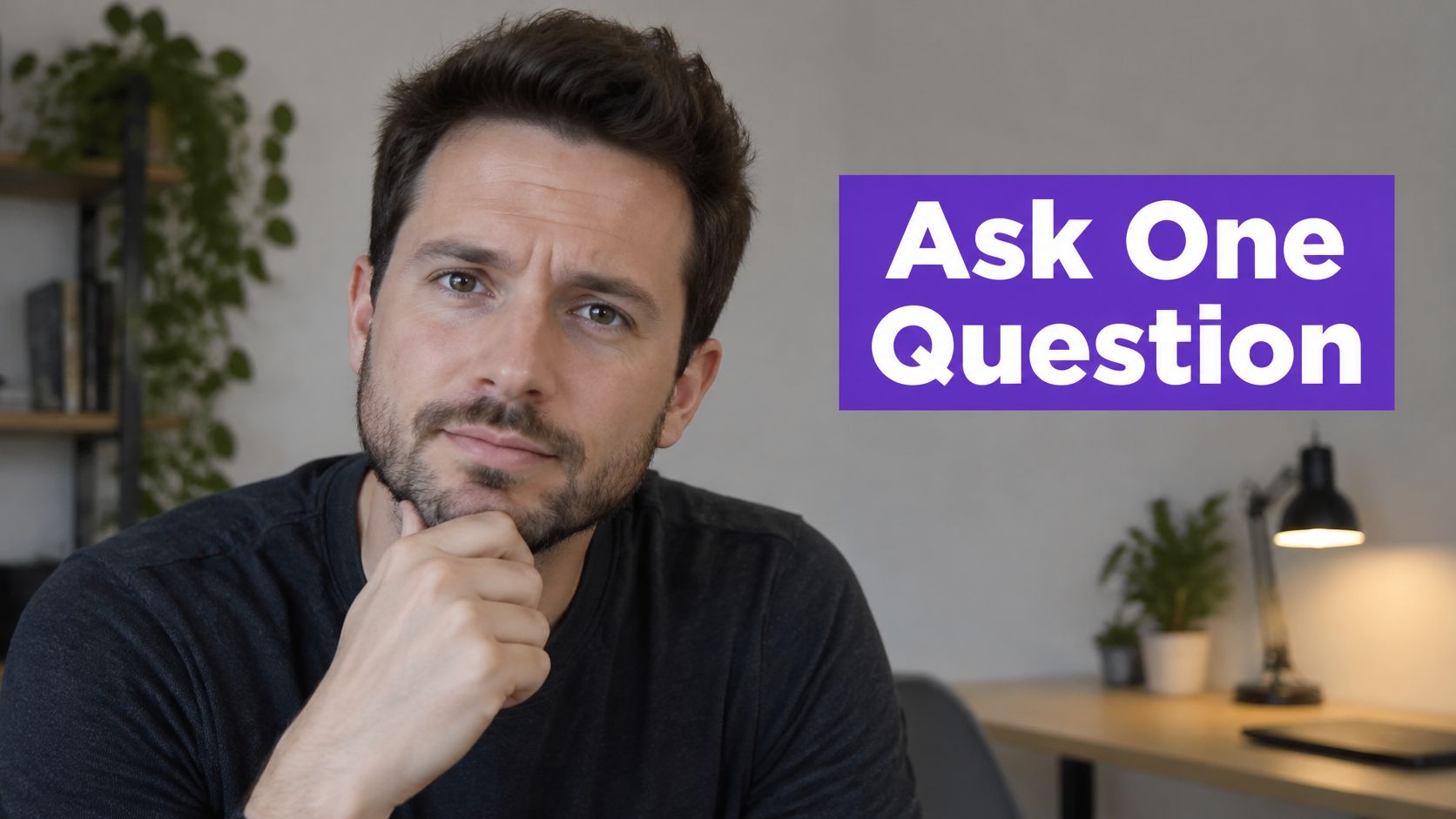
Recorded consultations, webinar questions, and podcast interviews already contain natural openings. Keep the customer's phrasing when it's clear, then cut to the answer rather than replaying the speaker acknowledging how good the question is.
The question wins at recognition. It loses when the answer starts with a long definition, an unrelated anecdote, or another question.
Accessibility requires more than switching on automatic subtitles. An ACM review of captioning research found that auto-translated YouTube captions could fall short of educational accessibility standards and require extensive editing.
Check technical terms, caption timing, contrast, and translated wording manually. A question that depends on an English idiom may need a plain-language rewrite for another audience.
Customer questions also provide practical social media video ideas. Save the original question alongside its answer so you can reuse the topic without inventing a fresh premise every time.
A remodeler doesn't need to begin with demolition. Open on the finished kitchen, show the useful change, then explain the design decision behind it.
Use a frame where the result is easy to read, rather than a beautiful shot that hides what changed.
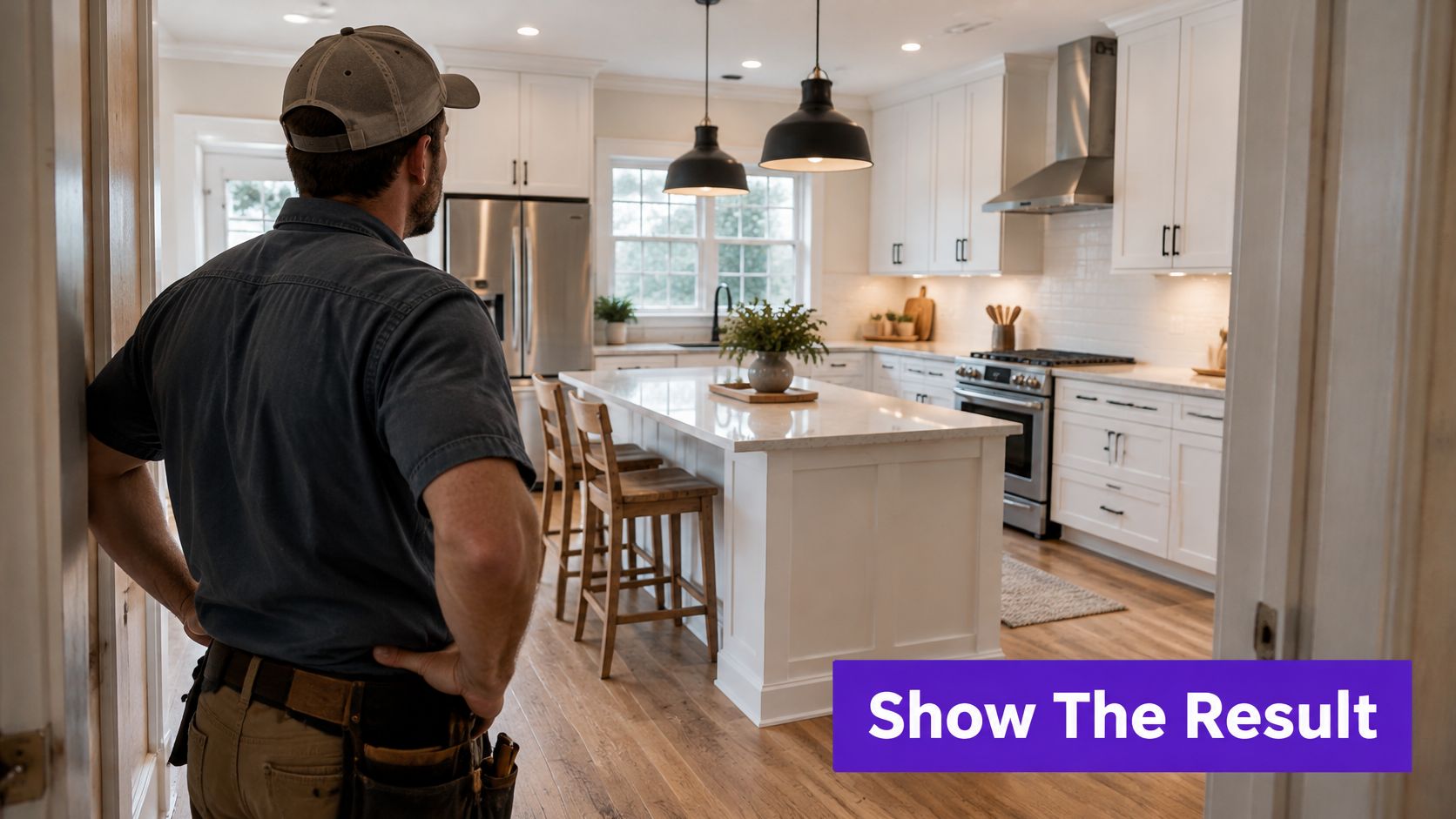
The attention-winning moment is proof. A viewer sees the finished cabinet, repaired surface, or working spreadsheet and can decide whether learning the process is worthwhile.
In a 200-upload longitudinal study published by Allin1Panel, validated-outcome openings retained 76% of viewers at the 30-second mark, compared with 52% for standard narrative openings. Treat that as a candidate approach to test against your own footage, not a guaranteed lift.
Find the final walkthrough, completed demonstration, or summary screen in your recording. Move that segment forward, then return to the decision that produced the change.
For a kitchen project, the opening could read The island wasn't the important change. Moving this doorway was. The finished room supplies the evidence; the next shot identifies the mechanism.
Use the embedded video as a reference while considering where an outcome-led opening could begin.
This pattern loses credibility when the comparison exaggerates the transformation. Keep before-and-after framing reasonably consistent, identify material differences, and avoid implying that a single change caused a business outcome when other factors were involved.
A screenshot isn't automatically proof, either. Crop private information, retain the labels viewers need, and explain what the result measures. Show enough evidence to establish the promise, then spend the rest of the clip making that promise useful.
A chef opens by putting an unexpected ingredient beside a familiar dish. A bookkeeper slides a tangled stack of receipts across the desk. A repair technician starts with the faulty part already moving in their hand.
Each opening gives the viewer something unusual to interpret. None needs a random crash sound or an unrelated stunt.
The interrupt wins attention at the instant the viewer notices the mismatch. The following beat determines whether that attention was worth earning.
If a business owner opens with a whip-pan, the camera needs to land on something meaningful. A dramatic movement that ends on an ordinary talking head adds activity, but it doesn't improve the promise.
Scrub through demonstrations for object reveals, changes in framing, unusual comparisons, and moments when the speaker physically shows a mistake. Begin just before the action becomes legible, rather than including the walk toward the table or the search for the object.
For an educator, an incorrect worked example can supply the interruption. Put the obviously surprising answer on screen, then show where the calculation went wrong.
This is also a practical constraint when making a Shorts video. A wide demonstration may need reframing so the hands, object, and explanatory text remain visible on a phone.
Don't confuse movement with meaning. If removing the effect leaves the viewer with no reason to watch, rewrite the opening before adding more effects. The interrupt should introduce the subject, not distract from the absence of one.
A local service clip can begin with a recognizable symptom instead of a company introduction:
That stain keeps coming back after you paint. The moisture source may still be there. Find the cause before covering it again.
The problem is visible, the consequence is relevant, and the solution points toward diagnosis rather than a premature promise. That's more useful than a roofing business opening with its founding story while the viewer waits to understand whether the video addresses their leak.
This hook wins when the viewer feels accurately understood. It loses when the agitation becomes exaggerated or the proposed fix arrives before you've established what the problem is.
Recorded consultations and teaching sessions often contain the right sequence, but it's scattered. Find the customer describing the symptom, the practitioner explaining its consequence, and the demonstration of the next step.
Reassemble those moments carefully. Don't splice separate cases together so they appear to describe the same customer or imply a diagnosis the speaker didn't make.
For a congregation, the same structure can address belonging without manufacturing anxiety: You recognize people at services but haven't built friendships. Attending isn't the same as connecting. Start by joining a group where you can participate regularly.
The trade-off is tone. Too little consequence makes the advice feel optional; too much turns a helpful clip into pressure. Keep the discomfort proportional to the problem and spend more of the video on the solution than the warning.
The client liked the proposal. The handoff was where the project went wrong.
A consultant could use that opening over an anonymized workflow diagram, then reveal the missing approval step. The viewer knows the subject and the stakes, but doesn't yet know the cause.
That's a useful open loop. You won't believe what happened next withholds nearly everything, including why the viewer should care.
The hook wins when the missing information feels relevant and answerable. It loses when the creator keeps delaying the answer to stretch the clip.
Give viewers enough information to choose the video, not so little that they have to watch just to discover its subject.
Search your transcript for until, except, but, and what changed. Listen for the moment when the speaker's original expectation no longer matches the outcome.
Move that reversal forward, then retain only the background required to explain it. In a podcast about hiring, the opening might focus on why a strong interview didn't predict a successful working relationship, followed by the missing evaluation step.
Don't move the explanation into a separate post unless the current clip delivers a complete, useful lesson on its own. A series can extend a topic without holding the basic answer hostage.
For lead generation, qualify the curiosity. The handoff mistake in custom renovation projects attracts a more relevant audience than The mistake that ruins businesses.
Judge this pattern beyond the initial pause. Look for completion, useful follow-up questions, saves, and inquiries that fit your service. A mystery that attracts people who only want the reveal may be less valuable than a straightforward problem statement.
Close the loop clearly, then show what the viewer can do differently. Without that final application, you've told a story but may not have helped anyone.
A number is useful when the viewer can immediately understand what was measured, whose behavior it describes, and why it matters. Without those details, precision can make a weak claim look stronger than it is.
For a creator teaching video analytics, a defensible opening could explain that YouTube's audience-retention guide measures the percentage of viewers still watching after the first 30 seconds as its intro metric. The next shot should show where that measure appears and how to interpret it for the video's format.
The point isn't to make the numeral enormous. It's to turn the finding into a useful decision.
This comparison captures the difference between evidence and decoration.
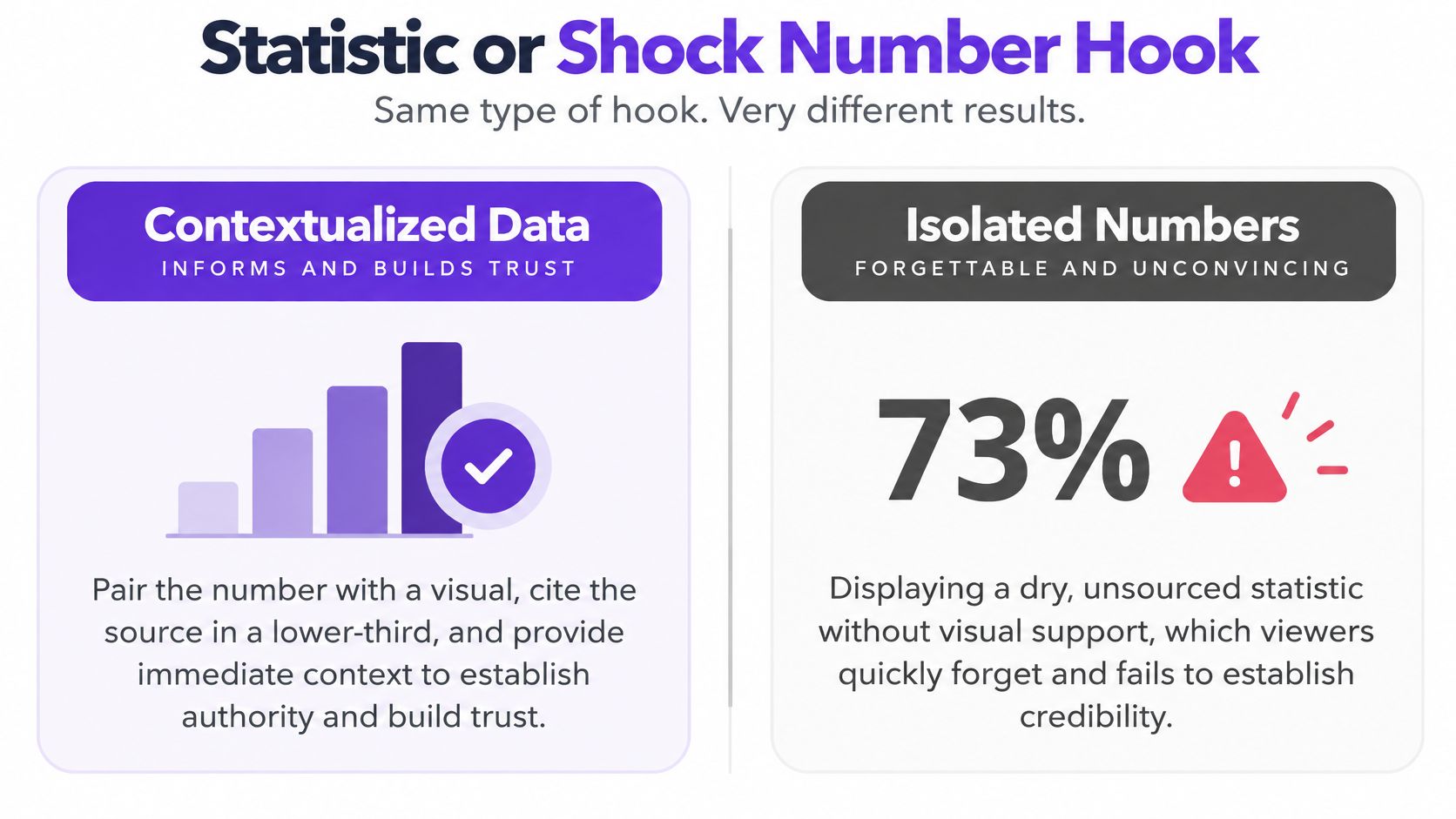
Look through webinars, market updates, and recorded presentations for charts the speaker explains. Extract the chart, the interpretation, and the practical implication together.
For a real estate video, retain the geography, reporting period, and measure from the original market report. A change in asking prices isn't interchangeable with a change in completed sale prices.
The hook loses trust when the number looks impressive but answers the wrong question. A business revenue screenshot, for example, doesn't establish profit or explain acquisition costs.
If you can't verify a figure, use the underlying problem as the opening instead. Check whether viewers leave before your demonstration begins is stronger than an unsupported claim about how everyone's attention works.
| Item | Best For | Main Strength | Main Risk |
|---|---|---|---|
| Cold Open (In Medias Res) | Podcasters, interviewers, and educators repurposing long-form recordings | Grabs attention with a compelling moment | A vague teaser can confuse viewers |
| Bold Contrarian Claim | Social media managers, marketing teams, and solopreneurs building authority | Sparks engagement and establishes a point of view | A weakly supported claim can damage trust |
| Question Hook | Real estate professionals and local service providers using video for lead generation | Creates curiosity and leads naturally into an answer | Generic questions or slow answers lose attention |
| Result-First Hook | Real estate professionals, contractors, and local service providers | Builds credibility with visible proof | A weak result or early payoff can reduce retention |
| Pattern Interrupt | Solopreneurs and small business owners seeking consistent content output | Stops scrolling with an unexpected moment | Can feel gimmicky if unrelated to the content |
| Problem-Agitate-Solve Hook | Real estate professionals, local service providers, and faith-based organizations | Connects a recognizable problem to a solution | Exaggerated agitation can feel manipulative |
| Curiosity Gap (Open Loop) Hook | Podcasters, interviewers, and educators creating multi-part content | Encourages viewers to stay for the payoff | A weak or missing payoff erodes trust |
| Statistic or Shock Number Hook | Social media managers and marketing teams at startups and SMBs | Establishes authority with specific data | Unsourced or inaccurate statistics undermine credibility |
Choose a long-form recording this week and pull three candidate openers from it: a surprising quote, a finished result, and a provocative claim. Treat those as editing variations, not separate production assignments.
Start by marking the original timecodes and saving the surrounding context. That gives you a reliable way to check whether a punchy excerpt still represents what the speaker meant.
Create a shared body for the clip, then attach each candidate opening. Keep the explanation, captions, framing, and closing action as consistent as the material allows so you can learn something useful about the opening.
Run each version before publishing. The viewer should be able to identify the subject and understand the promise without depending on a sound effect or a perfectly heard sentence.
Don't label the most dramatic version the winner before looking at the full viewing experience. An opening can hold early attention while attracting the wrong audience or causing disappointment when the explanation begins.
Compare early retention with completion, average watch duration, and the actions that matter to your work. A service business should distinguish a relevant inquiry from a general reaction; an educator should examine whether questions suggest understanding or unresolved confusion.
Organic posts aren't controlled experiments. Different audiences, publishing conditions, and topics can affect the result, so treat an apparent winner as a pattern to retest rather than a permanent rule.
Our free trial lets you optimize and repurpose up to 4 long-form videos, with clips vertical and under 60 seconds by default. That's an option for building candidate edits from existing recordings without starting each asset from a blank timeline.
Save the successful opener with its audience, subject, visual, caption treatment, and payoff. Also note why weaker versions failed: missing context, delayed evidence, unreadable text, or a promise the clip couldn't fulfill.
A useful hook library contains decisions you can repeat. When the next recording arrives, you won't need to invent drama. You'll know where to look for a meaningful moment, how to move it forward, and what evidence to watch before using that pattern again.
We turn long-form recordings into shorts, captioned clips, thumbnails, and platform-ready posts. Visit Taja AI to repurpose an existing video, then use these hook patterns to select and refine openings that match your audience and deliver on their promise.


We are blessed to work with leading brands & Companies


We try to make easy and simple for every professionals. Get 30 days free trial - No credit card required.


© 2025 Taja AI. All rights reserved.