.jpeg)
How to Auto Generate Captions on TikTok: A Complete Guide
Learn how to auto generate captions on TikTok with this step-by-step guide. Master native tools, fix errors, and optimize for accessibility and SEO.
5 min read
October 20, 2026

Discover what is a content calendar and why it's essential for 2026. Learn basic formats, advanced workflows, and start planning your content strategy today!
Written by:


A content calendar is a single source of truth for planning, scheduling, and tracking your content, and its use has become standard practice, with 92% of marketers using one in 2026 and 65% of small businesses using one. If you're trying to turn scattered ideas, half-finished drafts, and last-minute posting into a repeatable system, that's what a content calendar is for.
Most creators don't start with a system. They start with good intentions. A video goes live, then a week passes. You meant to cut clips from it, write the caption, turn it into a blog post, post the quote card, send the email, and reuse the best point on LinkedIn. Instead, the video sits there while you scramble to make something new.
That's the underlying reason people ask what is a content calendar. They're not asking for a textbook definition. They want a way to stop losing ideas, stop guessing what to post next, and stop feeling behind all the time.
For a busy creator or small business, the problem usually isn't lack of content. It's lack of coordination. When one long-form piece could feed your whole week, but nothing is mapped out, every platform starts to feel like extra work. A good calendar fixes that. It gives your content a sequence, an owner, a deadline, and a purpose.
A content calendar is a single source of truth that coordinates content topics, formats, owners, due dates, channels, and publishing status across a team, which reduces workflow ambiguity, as described in LaunchNotes' definition of a content calendar.
That sounds operational because it is. But the practical value is personal first.
If you've ever opened Notes, Google Docs, your camera roll, and your scheduler at the same time just to figure out what's going out today, you already know the cost of not having a calendar. The stress doesn't come from content creation alone. It comes from re-deciding everything over and over.
A creator records a strong podcast episode on Monday. By Wednesday, they've posted one clip. By Friday, they remember there were three more usable moments, a newsletter angle, and a blog topic buried in the conversation. Next week starts, and they move on to the next recording without finishing the last one.
Nothing is technically broken. But the workflow leaks energy everywhere.
A content calendar changes that by answering the questions that usually stay fuzzy:
Practical rule: If you're still deciding what to publish on the day it needs to go live, you don't have a content system. You have a posting habit.
Modern content calendars aren't just editorial schedules. Industry guidance describes them as broader systems for planning, assigning, scheduling, posting, and reviewing performance across blogs, social media, email, product launches, and website updates, as outlined in Opal's content calendar best practices.
That shift matters because most creators are no longer publishing in one place. One idea now travels across YouTube, Instagram, TikTok, LinkedIn, email, and your site. If you don't coordinate that flow, consistency turns into burnout fast.
A good content calendar gives you operational clarity. On a busy week, that matters more than inspiration.
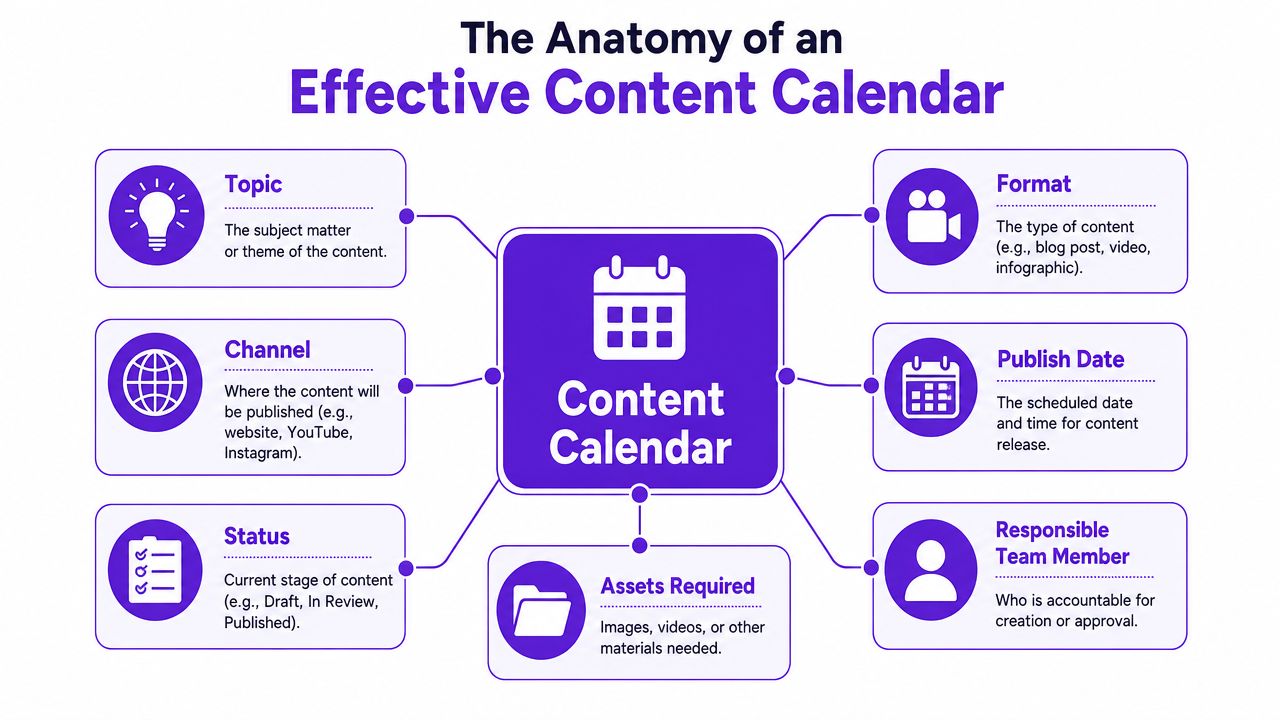
At minimum, your calendar should tell you what is being made, where it will be published, who owns the next step, and what is blocking it. Earlier in the article, we covered how content calendars have expanded beyond simple scheduling. In practice, that means your calendar needs to support production, review, and repurposing, not just posting dates.
These are the fields I treat as standard for creators, small teams, and agencies:
Topic or angle
Capture the specific idea, not a vague subject. “Pricing mistakes first-time homebuyers make” is workable. “Video about pricing” is not.
Format
Long-form video, short clip, blog post, carousel, email, quote graphic. Format shapes the workflow, review process, and turnaround time.
Channel
YouTube, Instagram Reels, TikTok, LinkedIn, newsletter, blog. One idea can travel across several platforms, but each destination still needs its own slot.
Publish date and time
This is the release plan. Without it, you have a content backlog, not a calendar.
Status
Planned, scripting, editing, in review, approved, scheduled, published. Status removes guesswork and exposes bottlenecks fast.
Owner
Every asset needs a clear next person. That still applies if the team is you, an editor, and a VA.
Assets required
Thumbnail, transcript, CTA link, subtitle file, design template, B-roll. This field prevents last-minute scrambling.
The basic fields keep production moving. These fields help the calendar support business results, especially in a video-first workflow.
| Field | Why it helps |
|---|---|
| CTA | Connects each asset to the action you want the audience to take |
| Campaign or theme | Keeps weekly output aligned instead of random |
| Source asset | Tracks which long-form video, podcast, or webinar each piece came from |
| Notes or hook | Saves the opening angle or platform-specific framing |
| Performance review | Creates a record you can use to improve the next batch |
For repurposing-heavy creators, source asset is one of the highest-value fields in the entire system. If one YouTube video turns into six shorts, a newsletter, a blog post, and a LinkedIn carousel, the calendar should show that relationship clearly. Otherwise, assets get lost, repeated, or left unfinished.
A content calendar should remove publishing-day decisions.
The best calendar is the one your team can update without friction during a hectic week. That usually means fewer fields than you want, but better discipline around the ones you keep.
I've seen creators build elaborate systems with color codes, custom tags, and multiple views, then stop using them because updating the calendar became another job. A better approach is to track the information that affects output. What is the source video. Which assets are being created from it. What is ready. What is blocked. Who needs to act next.
For a video-first operation, that last part matters a lot. A traditional editorial calendar can track standalone posts. A modern repurposing calendar needs to track one-to-many production, where a single recording feeds weeks of distribution.
There's a reason this isn't a niche practice anymore. In 2026, 92% of marketers use a content calendar, 65% of small businesses use one, up from 45% in 2024, and 78% of businesses have integrated content calendars with AI tools for predictive analytics and automated scheduling, according to these 2026 content calendar statistics.
That doesn't mean everyone loves planning. It means content volume got too high to manage by memory.

Audience trust is built through repetition. Not repetition of the exact same post, but repetition of presence. When people know you publish regularly, your content starts to feel dependable instead of accidental.
Without a calendar, consistency depends on mood, spare time, and last-minute inspiration. That's fragile.
Creators often describe burnout as too much work. A lot of the time, it's too many open loops. You're editing one video, trying to remember captions for three more, checking if the blog is drafted, and wondering whether anything is scheduled for tomorrow.
A content calendar closes loops before they become stress.
Your calendar is not extra admin. It's the thing that stops content from living only in your head.
When you can see the month at once, weak spots become obvious. You notice you're overposting top-of-funnel clips and ignoring conversion content. You see that all your posts are educational but none support an offer. You spot dead space before launch week instead of during it.
For teams managing multiple channels, Brandwatch notes that the technical value of a content calendar is in capacity planning and cadence control, including reserving 20% to 30% of slots for reactive posts and reviewing performance weekly to adjust the next cycle, as explained in Brandwatch's content calendar glossary.
That's the difference between filling slots and managing a pipeline.
The format matters less than the fit. A content calendar can live in a spreadsheet, a project board, or a more integrated platform. The wrong choice usually shows up fast. Either it's too basic to support your workflow, or so complex that you avoid opening it.
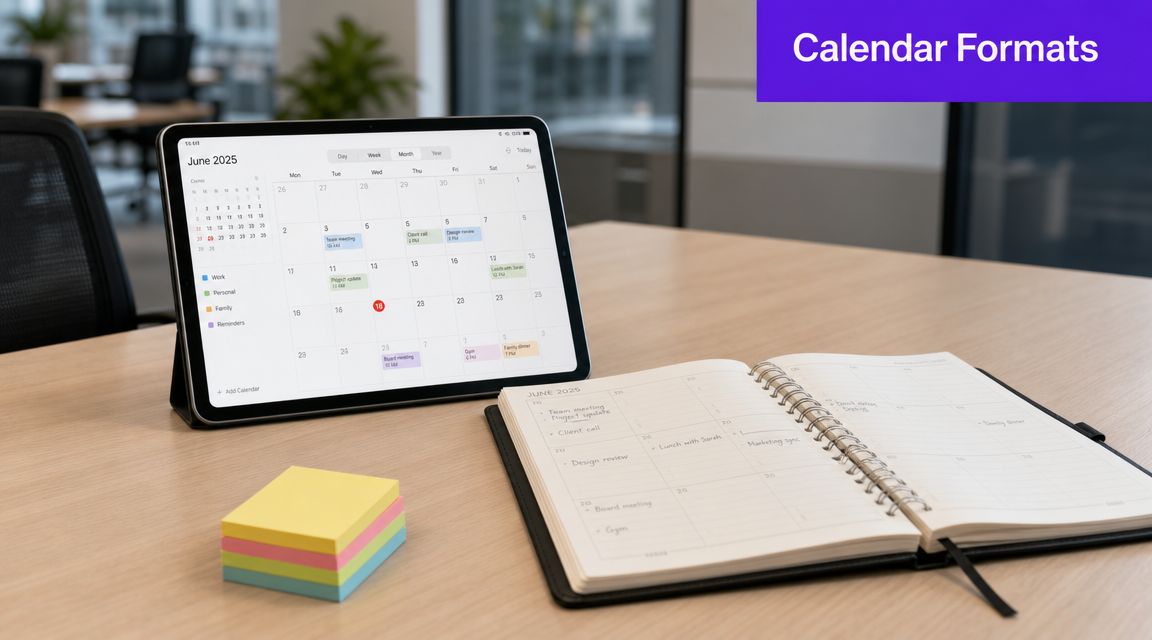
Google Sheets and Airtable-style tables work well when you need speed and flexibility. You can build columns for topic, status, platform, owner, and publish date in under an hour.
They're a good fit if:
The downside is that spreadsheets break down once your process has dependencies. A row can say “Instagram Reel,” but it won't naturally show that the reel came from a YouTube episode, still needs a thumbnail variant, and must be sequenced after a teaser clip.
Trello, Asana, ClickUp, and Notion are useful when content creation involves several steps and multiple people. These tools handle assignments, approvals, due dates, and movement between stages better than a spreadsheet.
They're stronger when:
The trade-off is setup time. Many teams overbuild these systems. If every post needs six custom fields, four tags, and three automations just to move from draft to scheduled, the calendar becomes a chore.
Once your workflow includes planning, repurposing, asset generation, and scheduling, a standalone calendar starts to feel incomplete. That's when integrated tools become useful, especially for video-led teams managing multiple channels. If you're comparing that category, this guide on content automation software is a practical place to start.
Here's a simple decision view:
| Format | Best for | Main limitation |
|---|---|---|
| Spreadsheet | Solo creators and early-stage planning | Weak for multi-step execution |
| Project board | Teams and approval workflows | Easy to overcomplicate |
| Integrated platform | Multi-channel publishing and repurposing | Requires a clearer process upfront |
The right tool is the one that matches your current complexity, not your ideal future setup.
Traditional content calendars were built around original posts. One row, one asset, one publish date. That model still works if you're writing a weekly blog or posting a few standalone updates.
It breaks when your workflow starts with one long-form video and branches into everything else.
A practical gap in content calendar guidance is how to build one for repurposed video workflows. Most definitions focus on tracking original posts, leaving creators without a strong structure for sequencing derivative assets like shorts, blogs, and platform posts from one source asset, as noted in Optimizely's content calendar glossary.
If you publish a podcast episode, webinar, sermon, interview, tutorial, or YouTube video, the main asset is just the beginning. The workflow often includes:
A standard calendar usually treats those as separate random entries. That hides the relationship between them.
What you need instead is a repurposing calendar. It tracks the parent asset and the derivative outputs in sequence.
For a video-first system, I'd add fields that traditional templates usually miss:
Source asset
The original episode, interview, webinar, or recording everything comes from.
Derivative format
Short, blog, quote graphic, email, carousel, text post.
Platform-specific hook
The opening angle changes by channel. The same clip won't be introduced the same way on LinkedIn and TikTok.
Reuse window
A note for when the same insight can be republished or reframed later.
Content pillar or theme
This keeps repurposed assets from feeling repetitive because each one serves a different message lane.
If one video produces many outputs, your calendar should show the family tree, not just the publish dates.
Calendars transition from decorative to operational tools. You don't want to dump every clip from one episode in three days and disappear for the next ten. You want controlled spacing.
A better sequence might look like this:
| Asset type | Purpose |
|---|---|
| Teaser clip | Create curiosity before the main push |
| Main short | Deliver the strongest standalone insight |
| Blog adaptation | Capture search intent and depth |
| Quote post | Reinforce the message in a lighter format |
| Follow-up clip | Extend the shelf life of the original video |
That's the logic behind capacity planning and cadence control in a repurposing workflow.
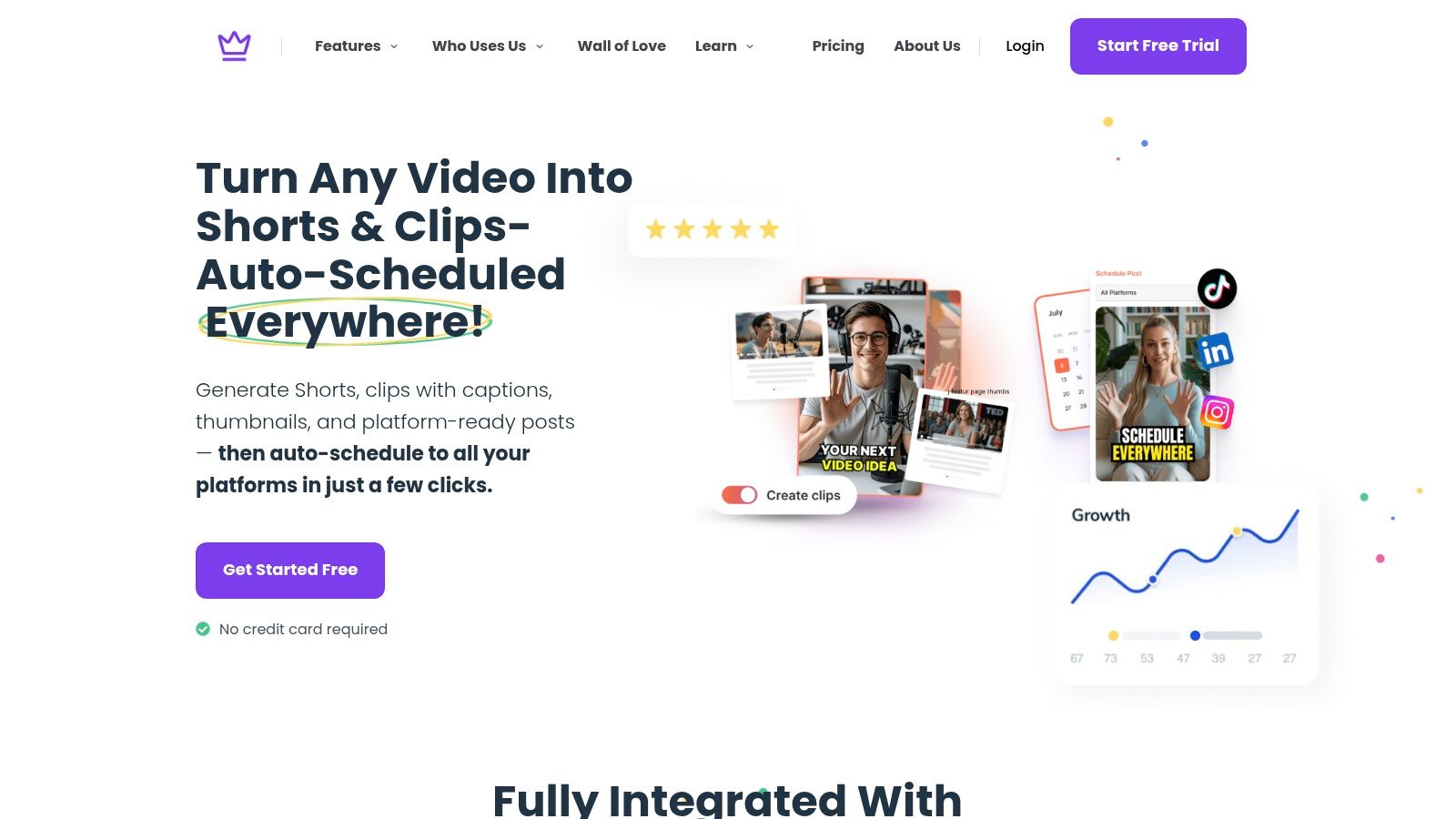
For a closer look at how automation fits into that process, this walkthrough on automating content creation is useful for creators trying to bridge planning and execution. One example in this category is Taja AI, which is built around turning long-form video into multiple publishable assets and scheduling them from a single workflow.
Here's what that kind of workflow looks like in practice:
The main takeaway is simple. If your content starts with video, your calendar shouldn't be post-first. It should be source-first.
You record a strong long-form video, then the actual work starts. Which clip goes out first, what turns into a blog post, what needs a caption, and what still sits in draft a week later because the system lives in your head. That is where creators lose consistency and burn out.
A useful calendar closes that gap between recording and publishing.
Choose the simplest setup that matches the volume you publish. A solo creator can run a solid workflow in a spreadsheet. A team handling shorts, blogs, approvals, thumbnails, and multi-channel scheduling usually needs a tool that tracks status, owners, and deadlines in one place.
The rule is simple. If the system takes too much effort to update, you will stop using it.
For a video-first workflow, start with the next few long-form videos on your schedule. Then assign the assets each one should produce: short clips, captions, blog adaptations, quote posts, thumbnails, and publish dates. This keeps the calendar tied to your production reality instead of filling up with disconnected post ideas.
If ideation is slowing you down before you even get to scheduling, HolyJot's insights for writers offer a practical look at how AI can reduce blank-page friction.
Planning only matters if assets get made and shipped. AI can help turn one recorded video into draft posts, reusable copy, and channel-specific variations without forcing you to rebuild each piece from scratch. If you are comparing options for that workflow, this guide on AI for social media marketing is a useful next read.
I have found that the best systems remove repetitive production work first. That saves time, protects creative energy, and makes it easier to keep publishing when the week gets crowded.
If your workflow starts with a long-form video and ends with clips, captions, thumbnails, blogs, and scheduled posts, Taja AI is one way to connect those steps inside a single system. It is built for creators and teams who want to plan content, repurpose it, and move from idea to publishing without managing every asset by hand.


We are blessed to work with leading brands & Companies


We try to make easy and simple for every professionals. Get 30 days free trial - No credit card required.


© 2025 Taja AI. All rights reserved.