.jpeg)
Impressions Click Through Rate: What Good Looks Like
Learn what impressions click through rate means, how to calculate it, realistic benchmarks for YouTube, TikTok and Instagram, and how to improve it.
5 min read
October 30, 2026

Learn how to share a YouTube video beyond a link. This guide covers timestamps, embeds, private sharing, and strategic repurposing for maximum reach.
Written by:


Sharing a YouTube video is easy. Sharing it well is where most creators lose reach.
The default advice is always the same: click Share, copy the link, paste it everywhere. That works mechanically. It doesn't work strategically. A raw YouTube link dropped into five platforms with the same caption usually underperforms because each platform rewards different behavior, different formatting, and different context.
That gap matters. Most guides on how to share a youtube video stop at the button. They don't deal with distribution choices, privacy trade-offs, or what to do when a video deserves more than one link post. They also skip a major reality: direct shares can lose 40-60% of potential engagement due to unoptimized formatting, while AI-driven repurposing can save creators up to 2.3 hours per video (YouTube Help reference).
If you're a solopreneur, local business owner, educator, or podcaster, the share action isn't the finish line. It's the first distribution decision. The better that decision, the more useful your video becomes across search, social, lead gen, and follow-up content.

The lazy version of sharing is simple. Copy the link. Paste it on LinkedIn, Facebook, X, email, maybe a group chat. Then wait.
That usually creates weak distribution because the same link can serve very different goals. A sales prospect needs context. A warm lead might need a timestamp. A private client review should never use the same workflow as a public thought-leadership post.
The biggest mistake is treating every share like a traffic play. Sometimes the goal is reach. Sometimes it's trust. Sometimes it's feedback. Sometimes it's moving a person from curiosity to inquiry.
A YouTube link with no setup asks too much from the viewer. They have to figure out why it matters, whether it's worth their time, and where the value starts. Many will not do that work for you.
Practical rule: Don't ask one share to do five jobs. Choose the share format based on the outcome you want.
A better approach starts with intent:
The same logic applies to supporting assets. A weak description, title, or positioning line can blunt a strong video before sharing ever starts. If you want a sharp reminder that metadata affects distribution, this breakdown of the untold power of your YouTube video description is worth reading before you push links out.
Creators who get more from their videos don't just share. They package, place, and frame them with intent.
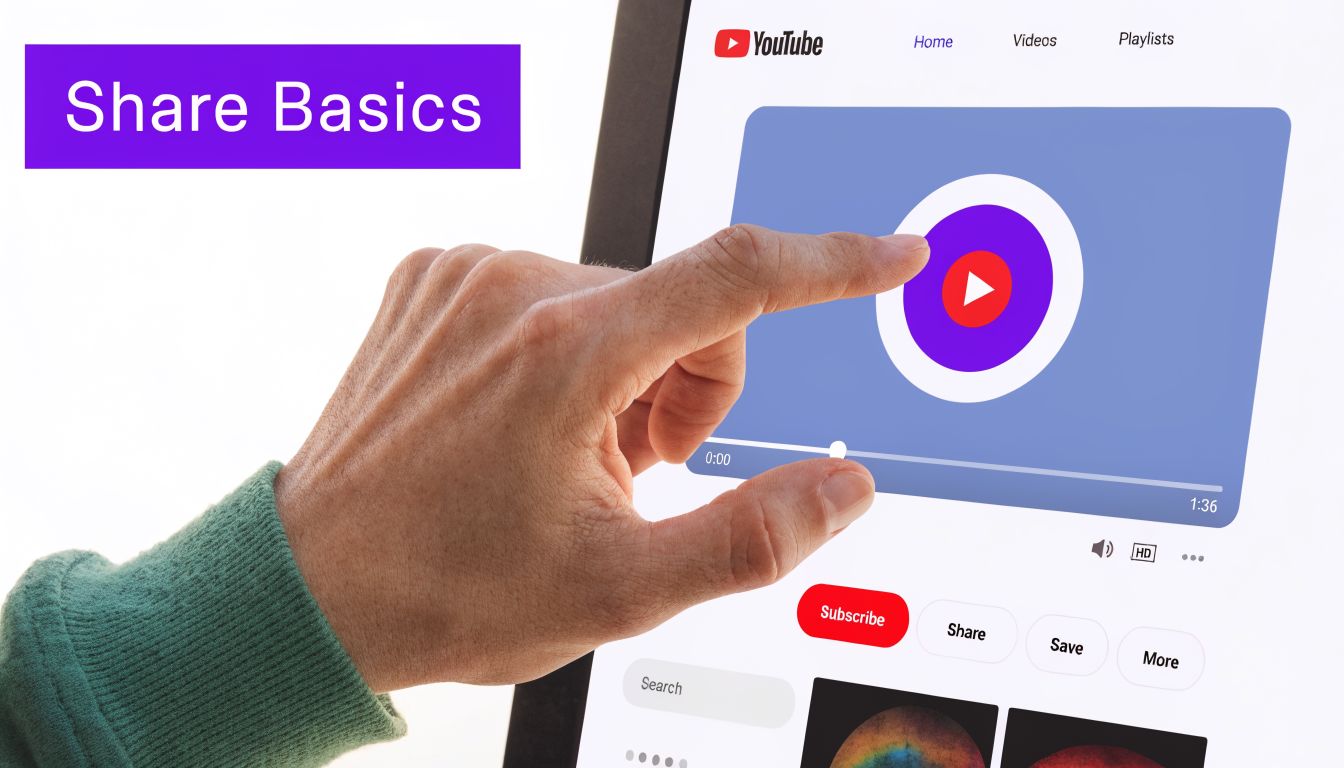
Start with the default tool because you'll use it constantly. Under any YouTube video, click Share. That opens the platform's basic distribution panel.
This is the control center for simple distribution. It isn't complex on its own, but it gives you the base link and options you'll build on later.
Inside that panel, you'll usually see a few standard choices:
Copy link
This gives you the shareable YouTube URL, often in the shortened youtu.be format. Use this when you want to paste the video into an email, message, document, or social post you've written yourself.
Social platform shortcuts
YouTube may show one-click options for places like Facebook, X, Reddit, or email. These are useful when speed matters more than customization.
Email sharing
If you want to send the video directly to one person or a small group, this can be fine for quick communication.
Basic sharing works best when:
Where it falls short is presentation. One-click shares often produce generic posts. That makes them convenient, but not strong.
A copied link is a delivery method, not a positioning strategy.
Use this simple sequence:
| Action | Best use case | Watch-out |
|---|---|---|
| Copy link from player | Fast sharing | Easy to post with no context |
| Use social icon | Quick personal sharing | Can feel generic on business accounts |
| Use email option | One-to-one send | Weak for campaigns or segmented lists |
If you're handling videos from inside YouTube Studio, you can also copy the canonical video link from the video's Details view. That workflow is better when you're managing content operationally, especially if you're scheduling posts, checking visibility, or coordinating distribution across platforms.
The point isn't to avoid the Share button. It's to understand that it's the start of the process, not the whole process.
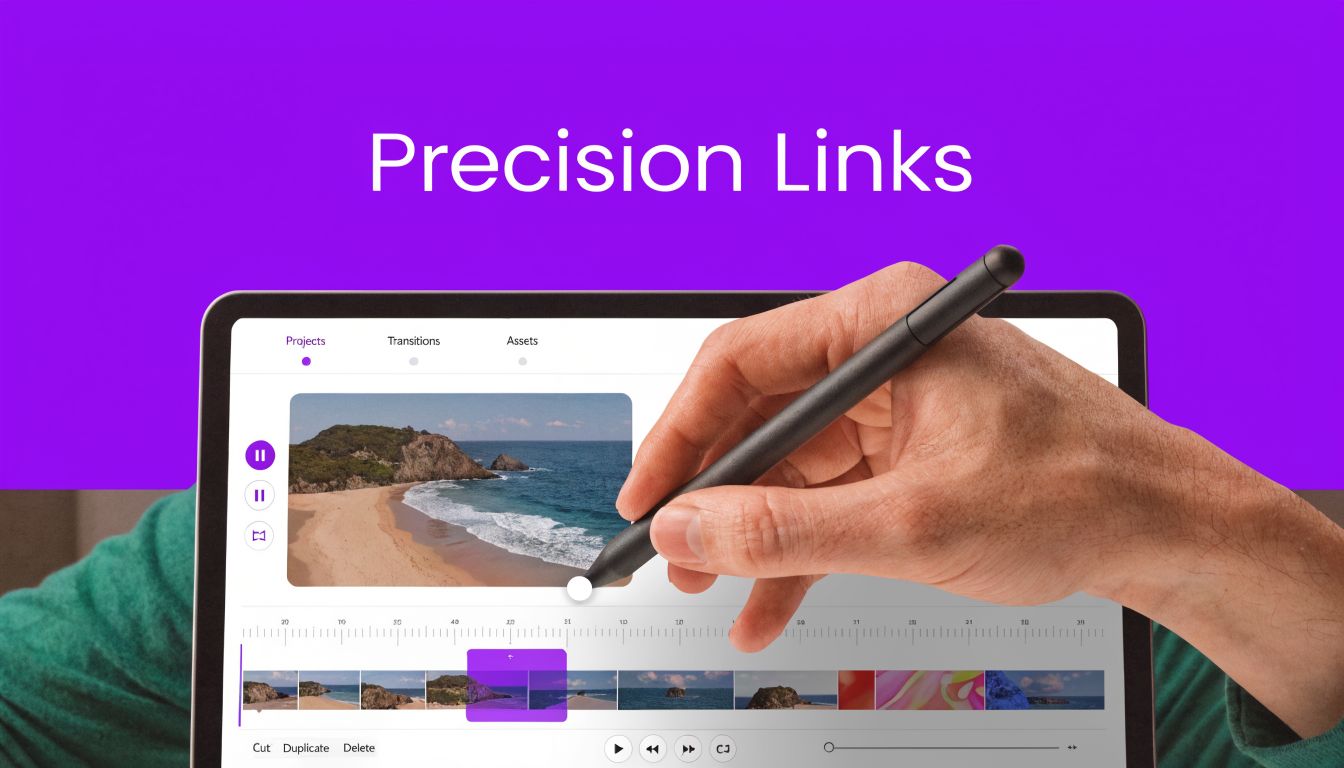
The strongest shares remove friction. They don't make people hunt for the useful part.
Two tools do that better than anything else inside YouTube: timestamped links and embeds.
If the best part of your video starts two minutes in, don't send people to the beginning and hope they stay.
You can create a timestamped link by opening the video, pausing at the exact moment you want, clicking Share, checking Start at, and copying the generated URL. YouTube appends a parameter like ?t=120s. In educational or tutorial contexts, timestamped links can boost viewer retention by an average of 23% because they let people skip intros and get directly to the relevant point (tutorial reference).
Use timestamped links for:
The Embed option gives you iframe code that places the YouTube video directly on your website. That matters because the viewer stays inside your page environment instead of bouncing back and forth between your site and YouTube.
A few strong use cases:
If the page is doing selling, teaching, or pre-qualifying, the video should usually live on that page too.
A generic share says, "Watch this."
A precise share says, "Start here. This is the part that matters."
That small difference changes completion behavior, click quality, and the viewer's willingness to keep going. It also makes long-form content more usable, which is often the main bottleneck.
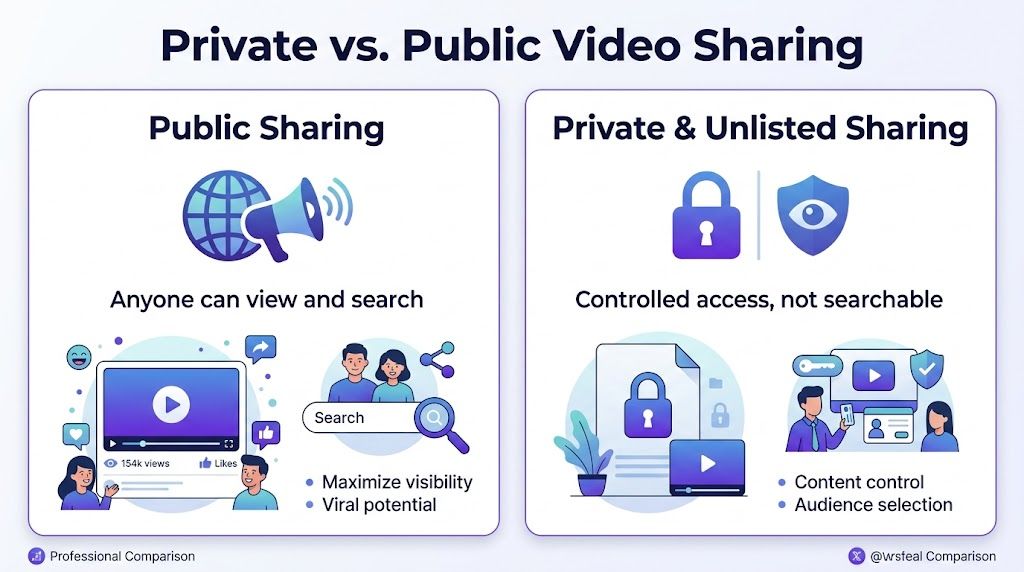
Not every video should be public. If you're sharing a client walkthrough, internal update, paid training, or pre-launch preview, visibility settings matter as much as the link itself.
The primary decision is usually Unlisted vs Private. They sound similar. Operationally, they're very different.
| Setting | Best for | Limitation |
|---|---|---|
| Unlisted | Lead magnets, preview videos, community-only links | Anyone with the link can forward it |
| Private | Internal reviews, one-to-one feedback, restricted viewing | Access is limited to invited Google-account emails |
Unlisted means the video isn't searchable on YouTube, but anyone with the URL can watch it. That's useful when you want low-friction access without making the video public.
Private is tighter control. You share access with specific email addresses tied to Google accounts, and YouTube supports sharing with up to 50 addresses for private viewing in the workflow described in the verified guidance.
Unlisted is convenient, but convenience is not security. Recent data indicates 35% of small businesses have reported privacy breaches from improperly shared video links, and one reason is simple: unlisted URLs can still be copied and forwarded by anyone who has them (privacy reference).
That makes the choice practical, not theoretical.
Use Unlisted when:
Use Private when:
Publicity and access are not the same thing. A low-friction link can still be the wrong business decision.
For prospect-facing assets, ask one question first: if this link gets forwarded, am I comfortable with that?
If the answer is yes, Unlisted can work well. If the answer is no, use Private and control access properly. A lot of teams choose Unlisted because it's faster, then discover later that speed created the exact problem they were trying to avoid.
The link doesn't carry the post. The framing does.
A generic caption like "New video up, check it out" wastes the click because it gives no reason to care. The better move is to write for the platform first, then attach the video second.
Sharing directly from YouTube Studio instead of the player can yield up to 40% higher cross-platform engagement, in part because it pushes you to build a native post rather than relying on a bare share. On platforms like Facebook, that approach can auto-generate a full-sized thumbnail with an 85% success rate (creator benchmark reference).
Here is the basic shift:
The second version gives the viewer a reason to click.
Lead with a business tension, lesson, or question.
Try this:
"What makes a prospect trust you before the sales call? In this video, I break down the signals that do the heavy lifting."
Avoid sounding like a broadcast alert. LinkedIn rewards useful framing more than announcement energy.
Don't post a raw link in a feed caption and expect much. Tease the strongest moment visually, then direct people through Stories, bio, or repurposed clips. If you're trying to adapt long-form content properly, this guide to master posting a YouTube video on Instagram is useful because it focuses on format fit instead of simple cross-posting.
Use a sharp line, claim, or quote-sized insight.
Try this:
"Most videos lose attention in the first minute because they bury the payoff."
That kind of opener earns the click better than a generic announcement.
The job of the caption is not to describe the video. It's to create enough relevance that the right person wants the video.
A practical approach is:
| Platform | What works | What fails |
|---|---|---|
| Insight-led intro | Bare link drop | |
| Visual teaser and native clip | Long caption with off-platform ask only | |
| X | Tension, opinion, punchy line | Soft, vague promo copy |
If you're building a workflow around short-form distribution too, this guide on how to create YouTube Shorts that grow your business is a useful next step because it connects long-form ideas to platform-native packaging.
The smartest share is often not a link to the full video at all.
Sometimes the win is pulling the strongest moments out of the original upload and turning them into platform-native assets. That's where sharing becomes distribution strategy instead of simple promotion.
YouTube makes this easier than most creators realize because you can track exactly how many times a video has been shared in YouTube Studio > Analytics > See more > Interactions > Shares. Top-performing videos often show share rates 5-10 times higher than average, which makes the Shares metric a strong signal for what deserves repurposing next (YouTube analytics walkthrough).
If a video gets shared more than your usual uploads, treat that as a clue:
That last option matters more than people think. If your content is interview-based, educational, or conversational, it may be worth learning how to turn YouTube into a podcast so one strong recording can travel into another channel cleanly.
Don't ask, "How do I share this video?"
Ask, "Which part of this video should travel where?"
That's the key shift. One upload can become a sales asset, an email follow-up, several short clips, a blog embed, and a platform-specific post series. If you want a practical workflow for that next step, this guide on how to repurpose YouTube videos for Shorts lays out strong ways to extend reach without rebuilding everything from scratch.
If you want to stop treating every upload like a one-and-done post, Taja AI helps turn long-form videos into ready-to-publish shorts, clips, captions, thumbnails, blogs, and platform-specific posts from one upload. It’s built for creators and businesses that need consistent output without spending their week editing, formatting, and manually reposting content everywhere.


We are blessed to work with leading brands & Companies


We try to make easy and simple for every professionals. Get 30 days free trial - No credit card required.


© 2025 Taja AI. All rights reserved.