.jpeg)
How to Get Views on YouTube Short in 2026
Learn how to get views on YouTube short with hooks, 9:16 cuts, titles, and a simple analytics check that shows what to fix.
5 min read
November 1, 2026

Learn how to make new playlist on youtube on desktop & mobile. This guide shares tips for SEO, custom thumbnails, boosting watch time, and channel growth.
Written by:


You already have enough videos to make playlists useful. The problem is that most creators treat playlists like storage folders, not growth assets.
That leaves watch time on the table. It also makes your channel difficult for new viewers to move through, as they land on one video and have no clear next step.
If you're searching for how to make new playlist on youtube, the clicks are simple. Creating playlists effectively improves discovery, keeps people watching, and turns scattered uploads into a cleaner content system.
A playlist is one of the fastest upgrades you can make to an existing channel. Organized playlists can boost watch time by up to 50% because they encourage sequential viewing, according to TubeBuddy’s playlist best practices for growing your channel.
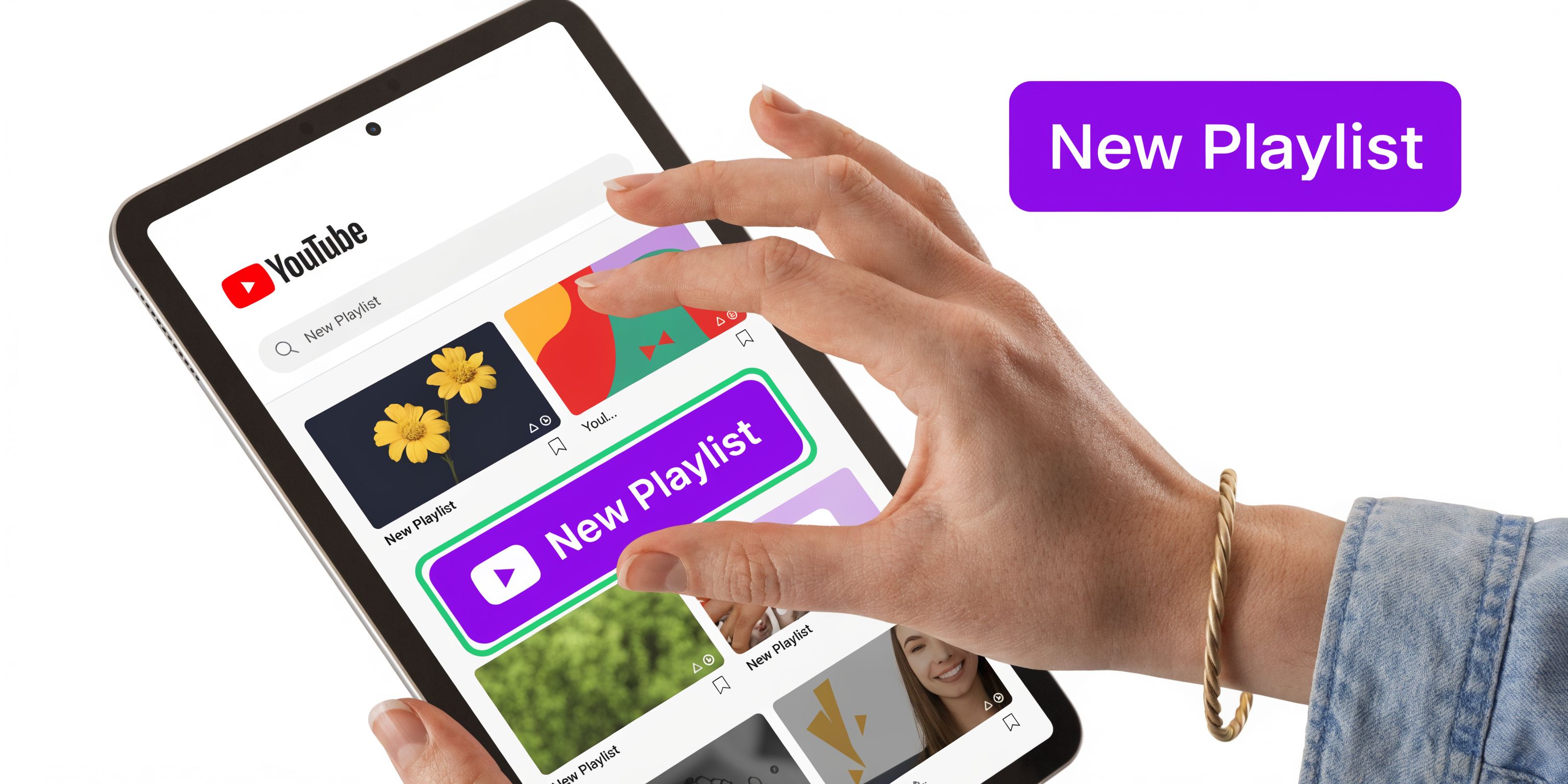
If you work from a laptop most of the time, use YouTube Studio. It gives you better control over titles, descriptions, and video order.
If you're publishing content for onboarding, tutorials, or customer education, this is also a good time to group related videos into one learning path. Teams that create engaging training videos usually get more value when those videos live inside a clear playlist instead of as isolated uploads.
The mobile workflow is fine when you're moving fast or adding videos between meetings. It isn't as strong for deeper optimization, but it works.
On the YouTube app, open a video, tap Save, then tap Create new playlist. Add the playlist title, select the privacy setting, and tap Create. After that, you can keep adding videos from other watch pages or reorder them later from your library.
Practical rule: Use mobile to capture the idea quickly. Use desktop later to clean up the title, description, and order.
This is the quickest method if you're already watching one of your videos and want to organize it immediately.
From the watch page, click More > Save > Create new playlist. That shortcut works for regular videos and can also be used as a fast way to start from Shorts, as noted in the TubeBuddy guide linked above.
Don't stall on naming. A simple, clear working title is enough to start:
You can refine later. The important move is to create the playlist while the content grouping is obvious.
A playlist should answer one viewer intent. If the videos solve different problems, split them.
Privacy isn't a minor setup detail. It changes who can discover the playlist and how useful it is to your business.
The wrong setting causes confusion fast. On the YouTube mobile app, setting a playlist to Public is recommended for a 35% higher impression rate, while accidentally leaving it Unlisted can hide it from subscribers and contribute to an 18% drop in initial plays, based on the workflow and benchmarks shared in this mobile playlist creation walkthrough.
| Setting | Who Can See It | Primary Use Case |
|---|---|---|
| Public | Anyone on YouTube | Discovery, series content, search visibility, evergreen libraries |
| Unlisted | Anyone with the link | Client resources, bonus content, private community access |
| Private | Only you and permitted account access | Internal training, draft organization, personal review |
Choose Public when you want the playlist to help your channel grow. This is the default choice for tutorial series, niche topic hubs, podcast episodes, and customer education content you want found in search.
If you want traffic, don't hide the asset.
Use Unlisted when the playlist is meant for a controlled audience but not just for you. That works well for:
This setting is useful, but it's also where creators make avoidable mistakes. If discoverability matters, double-check that you didn't leave a growth playlist unlisted by accident.
Private playlists are operational tools. They help when you're collecting drafts, reviewing competitor examples for your own research, or organizing internal team training before launch.
Private is good for process. It's bad for reach.
Most YouTube playlist tutorials stop at creation. That's where the value usually starts.
A playlist isn't just a container. It's a search and recommendation asset. Optimized playlists can increase session time by 20 to 50% and contribute to 30% of a channel’s views via recommendations, according to this video covering playlist SEO and algorithm strategy.
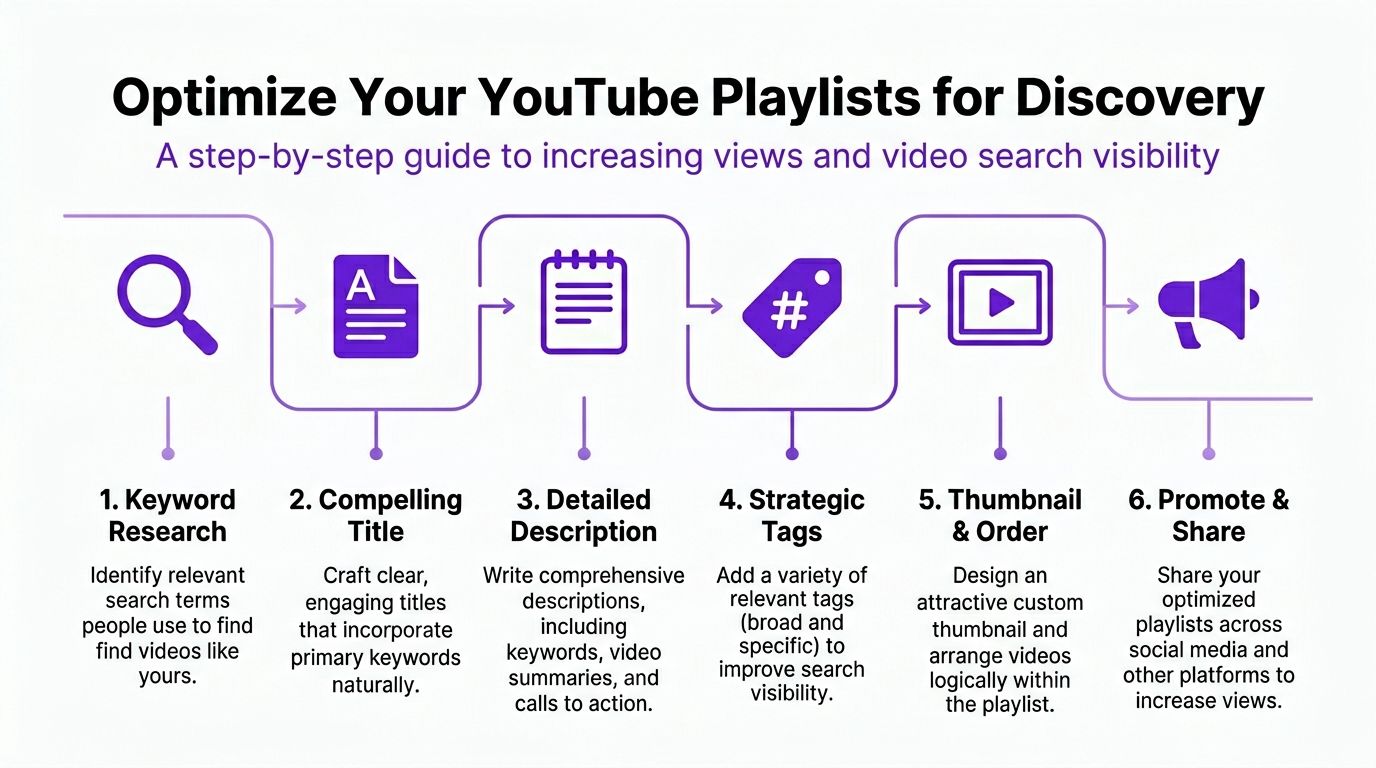
A weak playlist title usually sounds like internal shorthand. Viewers don't search that way.
Bad examples:
Better examples:
The rule is simple. Match the title to the problem the viewer wants solved.
If you need a stronger framework for keyword targeting across titles and video metadata, this guide on mastering YouTube SEO for stronger reach is a useful companion.
Most playlist descriptions are empty. That's a mistake.
A solid playlist description should do three things:
For example, a real estate channel might write a description that mentions first-time buyers, mortgage basics, inspections, and closing steps. That's far better than one vague sentence.
Your description helps YouTube understand the theme. It also helps the viewer decide if this playlist is worth committing to.
Here, creators either build momentum or kill it.
Don't dump videos into a playlist in random publish order if the topic needs progression. Start with the clearest entry point, then move into the next logical question.
A practical order often looks like this:
For service businesses, that might mean “what it is” before “how much it costs.” For educators, it means beginner lessons before implementation details.
The playlist has to earn the click before it earns the watch time.
If your channel style supports it, use a custom playlist thumbnail in Studio so the series looks intentional. Keep the design consistent with your channel branding. Clear text, one visual idea, and enough contrast to read on mobile is usually enough.
A strong playlist shouldn't just sit on the Playlists tab.
Put it in:
One practical workflow is to build playlists around content themes, then support those themes with repurposed clips and shorter discovery assets. Tools like Taja AI can help turn long-form videos into shorts, captions, thumbnails, and related content pieces that feed viewers back into the full playlist system.
Once playlists are live, the job shifts from setup to maintenance. Here, many channels get sloppy. Titles drift, old videos sit in the wrong order, and no one checks which playlists are helping viewers continue watching.
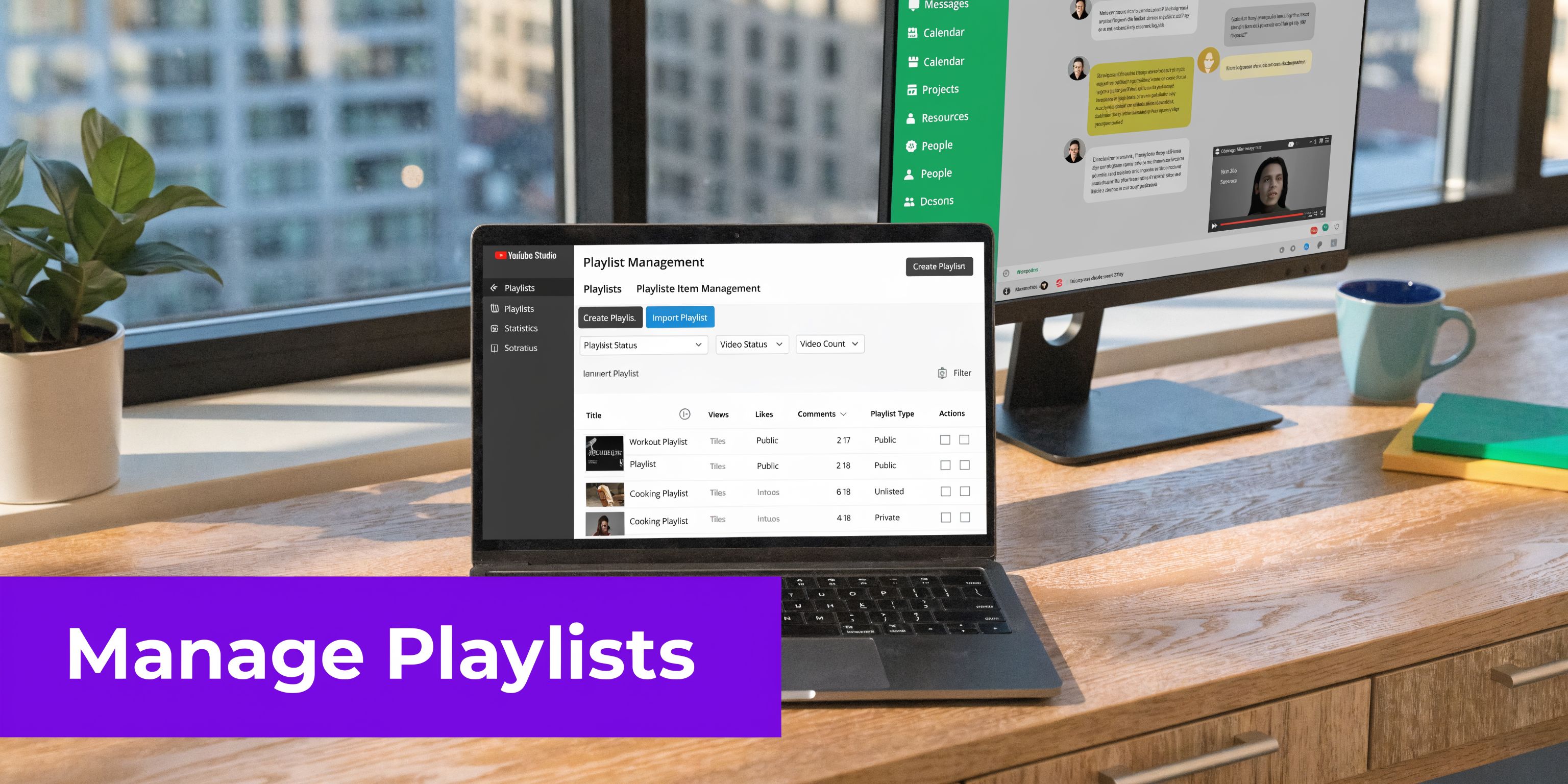
YouTube gives playlist-level analytics through tabs such as Overview, Content, Audience, and Revenue in playlist reporting, as described in the TubeBuddy material cited earlier. That matters because you shouldn't judge a playlist by title alone. Judge it by whether it keeps sessions moving.
Look for patterns such as:
If you want a better handle on where these reports sit inside Studio, this walkthrough on using YouTube Studio analytics for channel growth helps connect the dashboard to actual content decisions.
If you publish episodes or lessons that clearly belong together, manage them like a real sequence. That means consistent naming, consistent thumbnails, and an order that starts with the best entry point.
A playlist should feel curated, not archived.
The best playlist managers think like producers. Every video has a role, and the order carries the viewer forward.
For channels with multiple contributors, podcasts, or client-facing media teams, shared editorial standards matter. Decide who owns naming, who updates order, and who removes outdated videos. Otherwise the playlist becomes a dumping ground.
If you're onboarding a team member to manage channel organization, show them the process in action first.
Have them review:
That operational discipline is what separates a growing library from a messy archive.
Playlist issues usually come from a few predictable mistakes. Fix those first before assuming YouTube is broken.
Start with the basics. Confirm the video was saved to the correct playlist and that you're viewing the latest version of the page.
If it still doesn't show, remove the video from the playlist and add it again. On desktop, this is usually faster because you can confirm exactly which playlist box is checked.
This often happens when you're trying to reorder from the wrong interface or when the playlist is using an automatic sort you forgot to change.
Open the playlist settings and switch from an automatic sort to manual ordering if needed. Then drag videos into the intended sequence.
An unavailable video usually means the underlying video has changed status, been removed, or has restrictions that affect playback. Replace it with a live version if you have one, or remove it so the playlist doesn't look broken.
This is common. Overloading playlists with more than 50 videos can drop session time by 40%, and non-descriptive titles can reduce click-through rates by as much as 25%, according to this playlist guide with common pitfalls.
Use this fix:
Shorter, tighter playlists usually perform better than bloated ones.
The biggest shift is mental. Stop thinking of playlists as a way to tidy up old uploads. Start treating them as the structure behind your channel.
A well-built playlist gives new viewers a path. It gives returning viewers a reason to stay. It also makes your content library more useful without forcing you to create something brand new every time.
If you already have long videos, interviews, webinars, sermons, tutorials, or podcast episodes, you have the raw material. The next move is to group that content by viewer intent, then support those themes with clips and follow-up assets. This guide on repurposing YouTube videos into Shorts fits that workflow well.
If you want help turning long-form videos into a more organized publishing system, Taja AI can assist with repurposing videos into shorts, captions, thumbnails, blogs, and platform-specific posts so your playlists connect to a broader content engine instead of sitting alone on your channel.


We are blessed to work with leading brands & Companies


We try to make easy and simple for every professionals. Get 30 days free trial - No credit card required.


© 2025 Taja AI. All rights reserved.