.jpeg)
How to Post a YouTube Video on Facebook: 2026 Guide
Learn how to post a YouTube video on Facebook in a few simple steps. Follow these methods to share videos easily and boost your social media engagement in 2026.
5 min read
September 26, 2026

Learn how to edit faster with actionable workflows. This guide covers keyboard shortcuts, project templates, batching, and AI tools to save you hours.
Written by:


You spent half a day cutting a video that looked sharp on the timeline. You trimmed the pauses, fixed the audio, matched the music, exported three versions, wrote the title, and posted it. For a brief window, it felt worth it.
Then the cycle repeated. Another video. Another edit. Another stretch of hours that disappeared into polishing details most viewers won't consciously notice, while the platforms keep demanding more output, more formats, and more consistency.
That's why learning how to edit faster isn't really about shaving a few seconds off each cut. It's about building a content system that respects your time. Fast editors don't just move quicker inside Premiere Pro, Final Cut Pro, or DaVinci Resolve. They remove friction before the timeline, during the edit, and after export so every piece of content does more work.
The worst editing days aren't the long ones. They're the long ones that lead to one upload, one short spike, and then silence.
A lot of creators are stuck in that pattern. They treat every video like a handcrafted final product, even when the platform will bury it in days. So they keep pouring hours into micro-cuts, endless retakes, and fussy cleanups that don't change the result in any meaningful way. The problem isn't effort. The problem is effort without impact.
I've seen the same thing across solo creator workflows. Someone records one useful long-form video, then spends most of their available week finishing that single asset. By the time it's live, they're already behind on the next one. Nothing gets repurposed. Nothing gets reused. The edit becomes a bottleneck instead of a growth engine.
The waste shows up in a few predictable places:
Practical rule: If a task repeats across projects, it shouldn't stay manual for long.
Fast editing is a strategic skill now. Not because hustle is admirable, but because attention is short-lived and distribution is fragmented. One polished video isn't enough if you can't turn it into a week of content.
That shift matters. The goal isn't to become the quickest person on the keyboard. The goal is to build an editing workflow that produces more usable content from the same recording session, with less drag and fewer resets.
Most editing delays start before the first cut.
Open a project with random file names, mixed frame rates, scattered downloads, and no shortcut habits, and you've already lost momentum. Editors report that video editing speed can increase by 50 to 70 percent through keyboard shortcuts and pre-established project structures, and they also note that transcoding footage to optimized codecs removes technical lag that slows decisions on the timeline, according to discussion among working editors on Reddit's editing workflow thread.
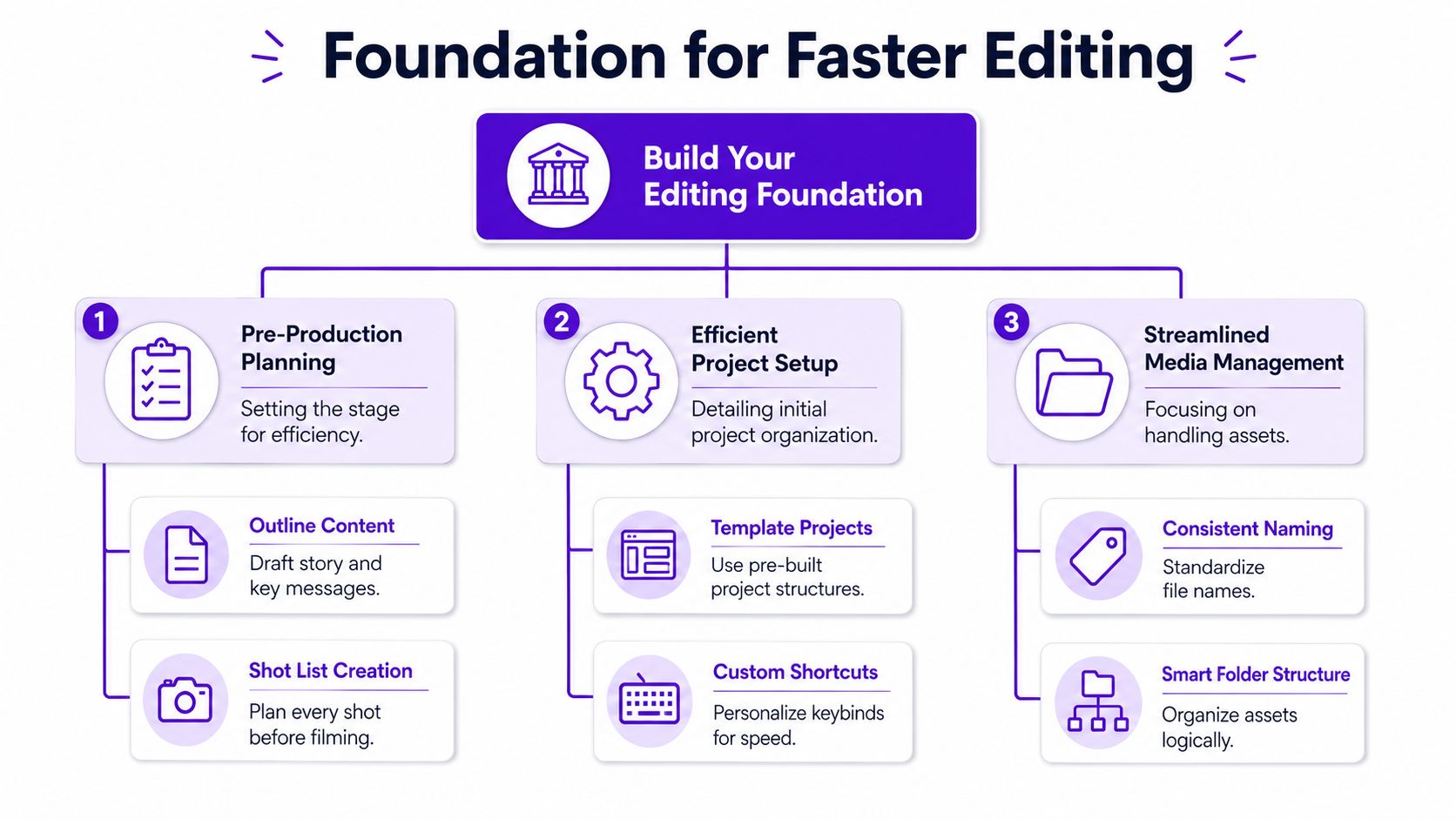
A fast project usually starts with a structure like this:
| Folder | What goes in it |
|---|---|
| 01_Footage | Camera files, screen recordings, phone clips |
| 02_Audio | Voiceover, music, room tone, sound effects |
| 03_Graphics | Logos, lower thirds, overlays, thumbnails |
| 04_Project | Premiere, Final Cut, or Resolve project files |
| 05_Exports | Review exports and final deliverables |
| 06_Social | Vertical cuts, captions, platform variants |
This looks basic because it is. That's the point. You don't want to think about where assets live every time you begin. You want the answer to be automatic.
Add a naming pattern and it gets even cleaner. Keep dates, versions, and statuses obvious. “Podcast_Ep12_Rough_v1” is boring, but you'll find it instantly. “Final FINAL new use-this-one” is how people lose hours.
Trying to memorize every key command is a waste. A handful of actions do most of the work.
Focus on the commands you hit all day:
The shortcut itself matters less than repetition. If you still reach for the mouse to do a ripple delete, that tiny interruption compounds over every project.
Slow software trains slow decisions. Optimized media and consistent shortcuts keep your attention on story, not mechanics.
A lot of people think they need a new machine when they really need better prep. If your footage stutters, scrubbing becomes hesitant. You second-guess trims because playback doesn't feel trustworthy.
Two habits fix a lot of that:
That combination does more for speed than most “edit faster” tricks. It gives you a stable workspace where cutting feels immediate instead of sticky.
Fast editing inside the timeline comes from restraint. The editors who move quickest usually aren't doing more at once. They're doing fewer things in the wrong order.
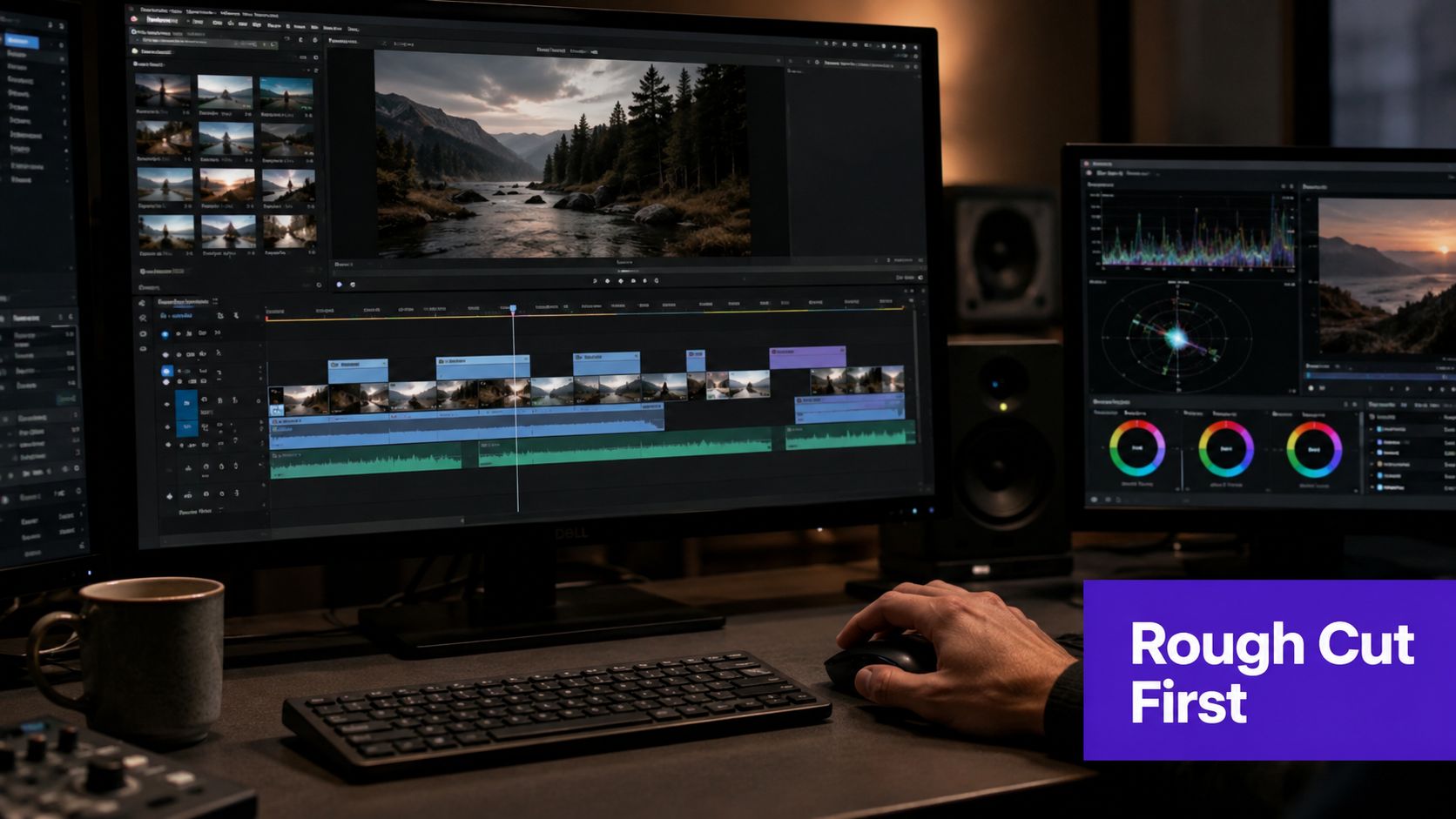
One of the biggest traps in editing is polishing scenes that might not survive the next revision. You add sound design to a section that gets removed. You finesse B-roll timing before the script flow is settled. You clean every breath before deciding whether the take belongs in the video at all.
A better workflow is simple:
Editors sharing workflow advice note that finishing the rough edit before chasing perfection can cut total iteration time substantially in practice, and that lines up with what many experienced creators learn the hard way. The story has to lock before the cosmetics make sense.
Proxy files are one of the easiest speed gains available. A structured editing process that uses proxies can reduce render times by up to 60 percent on standard hardware, and a structured revision process can reduce total revision cycles by 30 to 40 percent, based on the workflow covered in this revision and proxy workflow video.
If you edit interviews, podcasts, tutorials, or multicam recordings on a laptop, proxies stop the timeline from becoming the enemy. You get cleaner playback, quicker scrubbing, and less waiting between choices.
Here's the practical version:
That's not a compromise. It's workflow hygiene.
Most slow editors don't have a cutting problem. They have a revision problem.
A few methods work especially well:
If you edit social-first content, it also helps to study viral TikTok and Reels editing tips that focus on pacing, hook retention, and visual rhythm, because speed isn't only about software efficiency. It's also about making fewer wrong creative choices.
For a deeper look at polishing for social platforms without bloating your workflow, this guide on mastering social video editing is useful.
A quick visual walkthrough helps if your process still feels chaotic:
Watch for this pattern: If you're revising one note at a time as messages arrive, you're not editing. You're reacting.
Editing gets faster when you stop treating each video like a fresh event.
That doesn't mean your content becomes formulaic. It means the repeatable parts become standardized so your attention stays available for judgment calls. The custom work should be the message, the pacing, the story beats, and the visual choices that matter. The rest should already be built.
A slow week often looks like this. You cut a little A-roll, then look for music, then tweak color, then build captions, then export one draft, then come back the next day and try to remember where your head was.
That kind of switching is expensive.
A better rhythm is to batch the work:
The benefit isn't just speed. It's consistency. Your ears adjust when you stay in audio mode. Your eyes sharpen when you color multiple pieces in one sitting. Your pacing improves when you compare hooks back to back.
A strong editing template can include:
| Template element | Why it matters |
|---|---|
| Preset bins | Keeps assets in the same place every project |
| Intro and outro holders | Stops you rebuilding branded sections |
| Music and SFX tracks | Keeps audio routing predictable |
| Caption style presets | Speeds up social formatting |
| Color labels and markers | Makes review status visible at a glance |
The best template is not the fanciest one. It's the one you'll still use six months from now.
A lot of templates fail because they only store assets. Better ones store decisions.
Save the lower third style you always approve. Save the audio chain you keep rebuilding. Save the crop presets for horizontal, square, and vertical formats. Save export settings. Save thumbnail layouts if those happen outside your editor.
Every repeated click is a decision you already made once. Store it.
That's the system mindset. You aren't trying to hustle harder inside the same messy workflow. You're building a repeatable environment where useful defaults carry more of the load.
Manual editing improvements matter. They save time inside the craft.
Repurposing is different. That's where many creators lose entire afternoons after the main edit is already done. They export the long-form video, duplicate the sequence, crop it for vertical, hunt for clip-worthy moments, burn captions, rewrite titles, resize graphics, and package each version separately for TikTok, Reels, Shorts, LinkedIn, and whatever else they're trying to maintain.
That's why automation changes the equation. Not because it makes cuts a little faster, but because it removes a category of repetitive work.
A long-form interview or podcast usually contains more than one publishable asset. The issue is extraction.
A manual process forces you to answer the same questions over and over:
That's exactly the kind of workflow AI is suited for. Tools in this category can scan a source video, identify strong moments, prepare captions, and output platform-ready variations without making you rebuild each asset by hand.
If you're comparing options in the market, this overview of Explore Opusclip on SponsorRadar gives useful context on one of the well-known names in automated clipping.
The useful way to think about AI repurposing is not “replace the editor.” It's “remove the factory work.”
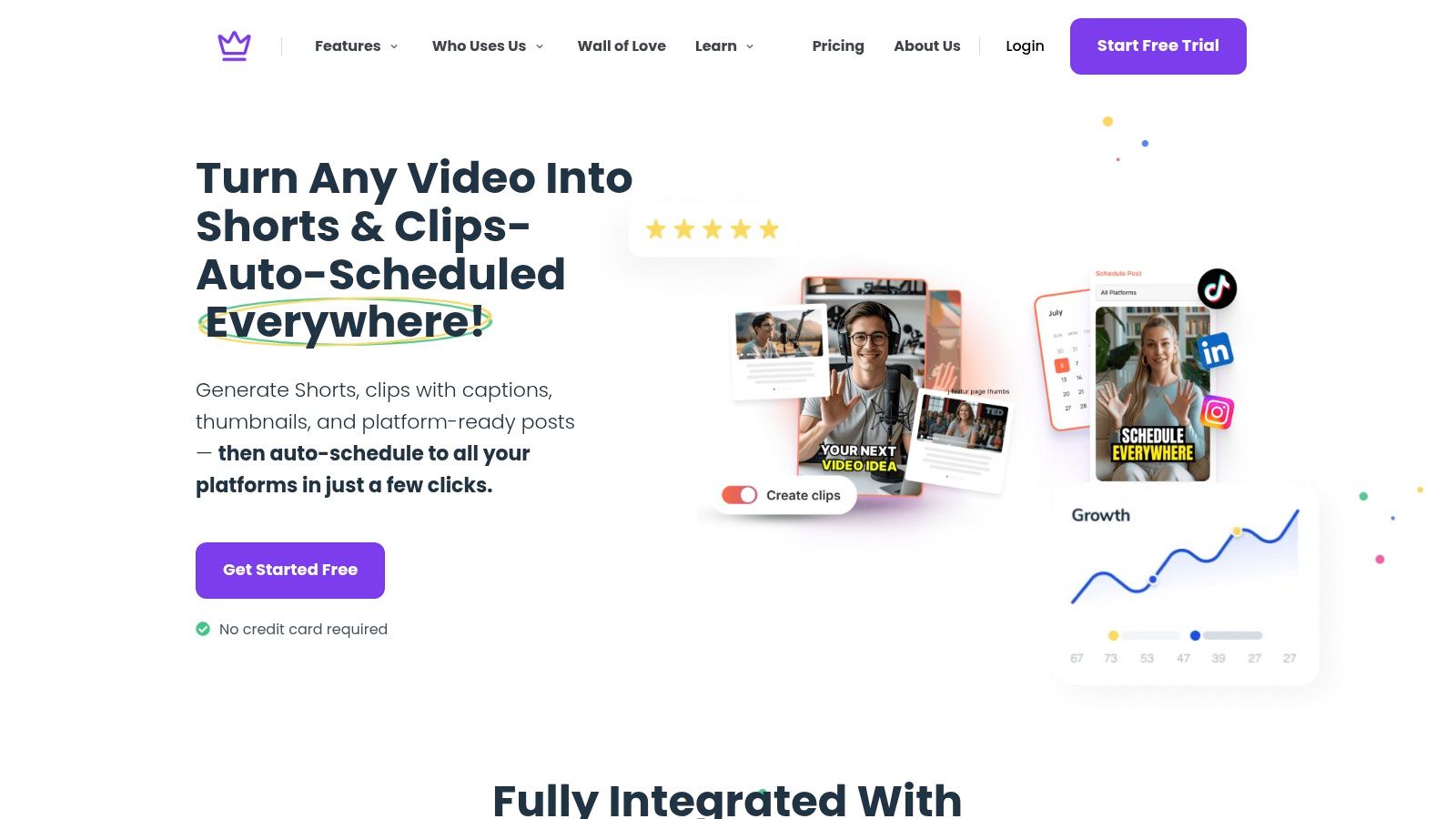
For example, Taja AI is built around that exact repurposing problem. It takes a long-form video and generates shorts, captions, thumbnails, blogs, and platform-specific post assets from one upload. In practice, that means the editing system doesn't end at the finished main video. It extends into distribution.
That's the key shift. Fast creators don't stop at “the video is done.” They ask, “How many usable assets can this recording produce without more manual labor?”
AI doesn't fix a chaotic foundation. If your raw footage is disorganized and your edits drift without structure, automation won't rescue the workflow.
But once the foundation is solid, AI becomes the last and most impactful layer because it handles the jobs people tend to postpone:
The fastest workflow is the one that keeps human judgment where it matters and offloads repetition where it doesn't.
That's the practical answer to how to edit faster in a modern content business. Use skill for the parts that need taste. Use systems for the parts that need consistency. Use automation for the parts that are mostly repetition.
A video isn't finished when the timeline looks good. It's finished when the right version reaches the right platform without one more hour of fiddling.
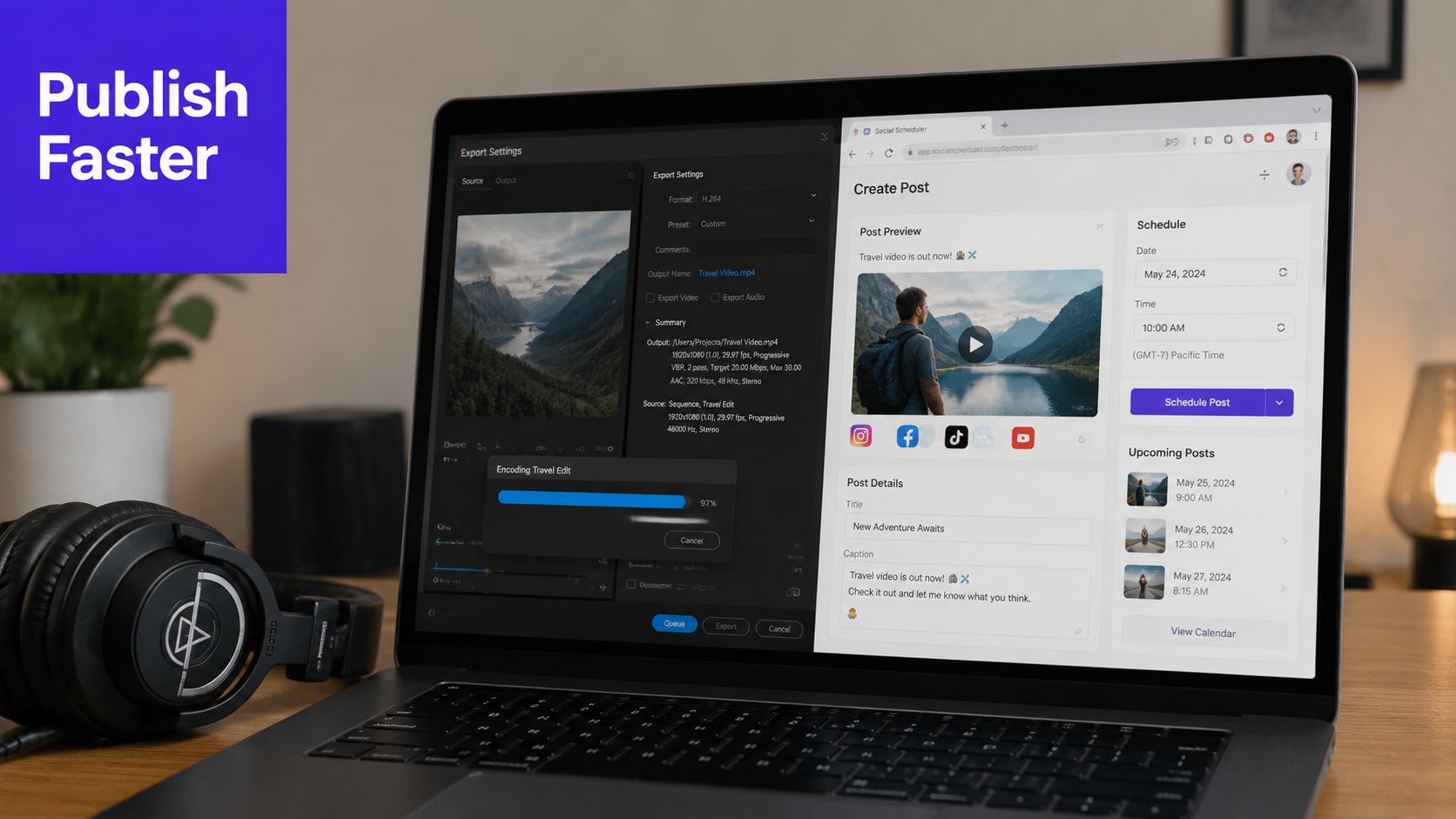
If you still set bitrate, resolution, naming, and destination manually every time, fix that first.
Create presets for your real publishing stack:
Name them clearly inside Premiere Pro, Resolve, or Final Cut Pro. Then keep the output folders just as clean. Exports should feel like selecting a destination, not solving a puzzle.
Final distribution gets slow when titles, descriptions, thumbnails, and schedules all live in separate places. Compression can also become a problem if files are too heavy for the platform or your upload speed.
If file size keeps slowing delivery, this guide on how to make a video file smaller is a practical reference for reducing upload pain without turning the export process into guesswork.
The larger point is simple. Export settings, naming conventions, and scheduling shouldn't demand fresh attention on every publish. Once those decisions are preset, the final step becomes routine instead of draining.
If you want a faster workflow without turning into a full-time editor, Taja AI is worth a look. It's built for creators and teams who want to upload one long-form video, generate ready-to-publish assets for multiple platforms, and cut down the manual repurposing and scheduling work that usually eats the back half of the week.


We are blessed to work with leading brands & Companies


We try to make easy and simple for every professionals. Get 30 days free trial - No credit card required.


© 2025 Taja AI. All rights reserved.