.jpeg)
YouTube to Text: How to Convert Videos in 2026
Master YouTube to text conversion. Learn to extract auto-captions, download SRT files, use AI tools, and repurpose video content for SEO and growth.
5 min read
October 10, 2026

Learn how to cut a song cleanly for social media, podcasts, or videos. Our guide covers free tools, pro editing tips, export settings, and copyright rules.
Written by:


You've got the video cut. The pacing works. The captions are clean. Then you drop in a full song and realize you only need one small part of it, maybe the pre-chorus lift for a Reel, the music-only break for a podcast intro, or a tight hook for a product video.
Many creators make the project sound cheaper than it looks. They grab a random segment, slice it by eye, and end up with a clip that starts too abruptly, lands off-beat, or ends like the music hit a wall.
Knowing how to cut a song is partly technical, but the bigger skill is judgment. You need the right tool, the right edit point, and a reason for choosing that exact moment in the track. You also need to know when a perfectly cut clip is still the wrong clip, and when using it creates a rights problem the editing tutorial never mentioned.
A rough cut usually fails in one of three places. The beginning feels rushed. The transition lands in the middle of a drum hit or vocal phrase. The ending drops out so suddenly that the whole video feels unfinished.
That's why “just trim the file” isn't enough. A usable music edit has to sound intentional. If the listener notices the cut, the cut is probably wrong.
A trimmed song clip is shorter than the original. An edited song clip still feels like music.
That difference matters most when you're cutting for content. A creator making a short property walkthrough might only need the rising energy before a chorus. A coach turning a webinar into clips might need a music bed that gets in and gets out without stepping on speech. A podcaster might want a clean loopable intro that doesn't pull focus from the host's first line.
Practical rule: If your cut interrupts the musical phrase, the audience hears the edit before they hear the message.
A good result usually comes from three decisions working together:
Many tutorials stop at waveform trimming. That helps with mechanics, but it doesn't answer two creator questions that matter just as much.
First, which section of the song should you use if you want viewers to stay through the clip?
Second, are you allowed to use that custom-cut version at all once you upload it to a platform, client project, ad, or podcast feed?
Those are the mistakes that cost creators time. They polish a clip that doesn't hold attention, or they upload a custom edit of a commercial song and find out the clean audio wasn't the hard part. The rights were.
The right tool depends less on “best software” and more on how often you do this, how precise you need to be, and whether audio lives inside a larger video workflow.
Some creators only need a one-off trim. Others need to cut music every week for intros, shorts, promos, and client deliverables. Those are different jobs.
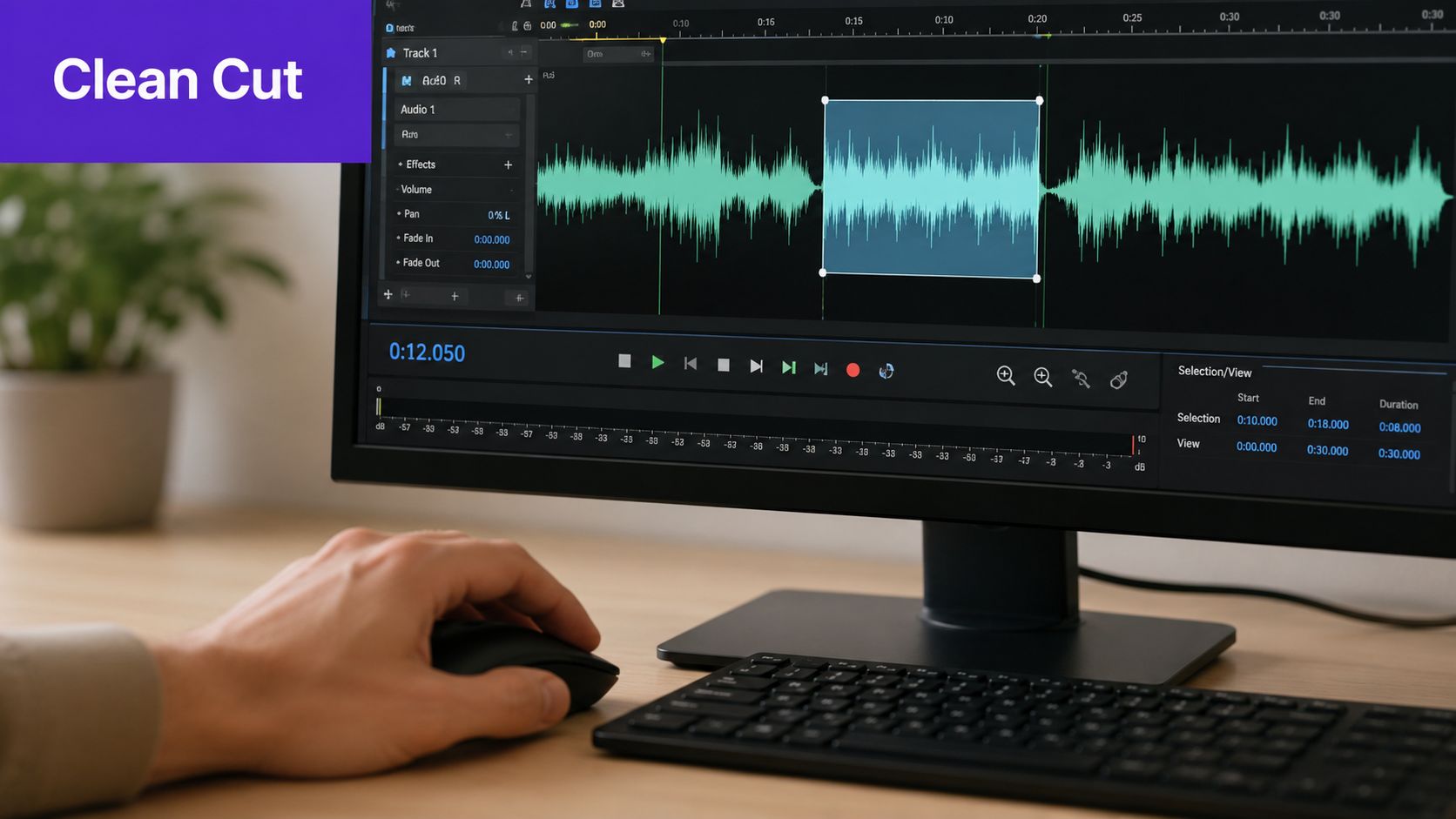
Audacity is still a practical starting point. It isn't flashy, but it gives you what matters for music editing: waveform view, precise selection, split edits, fades, and export control.
If you're learning how to cut a song and want to understand what's happening, Audacity is a good teacher because nothing is hidden behind templates. You see the waveform. You choose the cut point. You hear the result.
Online cutters can work for fast jobs, especially if you're trimming one MP3 and don't need layered edits. The trade-off is speed versus control. They're fine when the clip is simple and disposable. They're not ideal when you need smooth transitions, vocal-safe edges, or a polished handoff for production.
If your source is part of a longer video, an online video splitter workflow can be useful before you move into deeper audio cleanup.
Paid tools usually earn their keep when your music edits live inside a broader workflow.
Descript is convenient for creators who edit audio and video in the same project and care more about speed than traditional DAW-style precision. Adobe Audition is a stronger fit when you need detailed control over fades, multitrack work, loudness, cleanup, and finishing.
If you also cut spoken-word content, interviews, or podcasts, this roundup of Get Up Productions' software recommendations is a useful reference because it compares tools in the context of real editing workflows rather than feature lists.
Here's the simple breakdown.
| Tool | Price | Best For | Key Feature |
|---|---|---|---|
| Audacity | Free | Creators who want precise manual edits | Detailed waveform editing with trim, split, and fades |
| Online MP3 cutter | Varies | Quick one-off trims | Fast browser-based cutting |
| Descript | Paid | Video-first creators and podcasters | Audio editing inside a larger content workflow |
| Adobe Audition | Paid | Editors who need deeper finishing control | Professional multitrack and detailed audio tools |
| Taja AI | Paid | Creators repurposing long-form video into clips | Turns long-form video into shorts and clips inside a broader repurposing workflow |
If you're only cutting a song occasionally, use Audacity and learn the basics well. That skill transfers everywhere.
If you cut music as part of weekly social content, choose the tool that matches your bottleneck. If your problem is precise audio finishing, use a proper editor. If your problem is turning one long video into multiple publishable assets, use a workflow-oriented platform.
The best tool is the one that lets you hear the edit clearly, fix it fast, and export without second-guessing the result.
Most bad edits come from the same habit. People cut where the waveform looks convenient instead of where the music wants to turn.
If you want a repeatable method, stop thinking in terms of “delete the extra stuff” and start thinking in terms of preserve the exact section you want to keep.
Before you touch the scissors tool, listen for structure.
You're trying to find a segment that begins and ends at points that feel natural. In most songs, that means phrase boundaries, bar lines, section changes, and moments where the harmony resolves cleanly.
A useful shortcut is figuring out the key first. A widely used editing approach is to identify the tonic or home key because the opening and closing chords often point to it, and a chart's key signature is the fastest clue when one exists. In a Spotify-based analysis of 30 million songs, the three most common keys were C, G, and D, together accounting for 42.8% of the dataset, while the top six keys reached 68.5% and the top seven reached about 76% according to this key-analysis reference. For editing, that matters because once you know the tonal center, it becomes easier to cut, loop, or rearrange a section without breaking the musical logic.
In plain terms, if a section feels like it wants to land back “home,” don't cut it mid-journey.
For precision editing, the safest workflow is to mark the exact segment you want, audition it, and then isolate it with trim-style operations instead of loose deletion. In Audacity, that means selecting the region, listening to it, and using Trim Audio or Split to keep the chosen passage clean, as described in this guide to cutting songs in Audacity.
That sounds minor, but it changes your accuracy. Deleting around a clip invites mistakes. Preserving the target clip keeps your timing intact.
Use this sequence:
If the clip sounds slightly early or slightly late, it's wrong. Music tolerates many things. It does not tolerate hesitation around the beat.
Waveforms help, but ears decide. A visible peak might be a kick drum you shouldn't slice through. A flatter valley might still be the wrong place if the vocal phrase is pulling into the next note.
A quick visual pass helps you spot likely edit points:
Watch the workflow once, then do it slowly on your own project.
Make the first clean selection, then test it in context.
Drop the clip under the actual video, intro, or spoken section it's supporting. A cut that sounds fine solo can still feel wrong once narration starts or a scene change hits. The best editors don't just cut songs well. They cut them for a job.
A clean trim gets you a usable clip. A smooth finish makes it sound like the music was always meant to be that length.
That final polish usually comes from tiny moves, not dramatic ones.
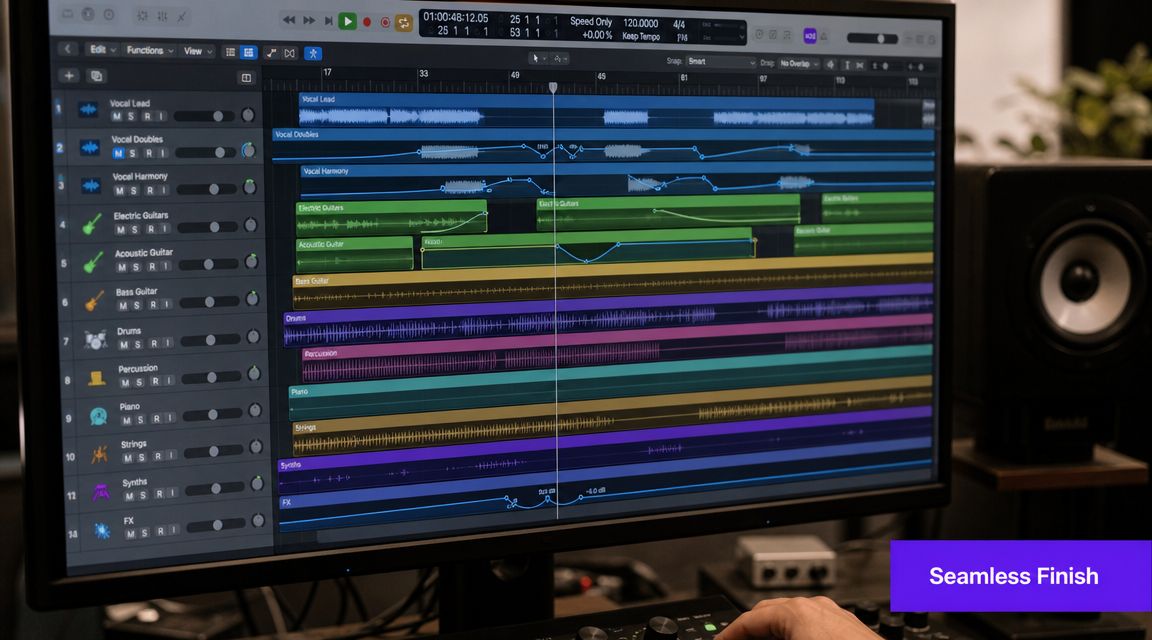
If your clip starts too suddenly or stops like a switch flipped, add short fades first.
A brief fade-in can soften an exposed entry. A brief fade-out can prevent that hard stop that makes the viewer feel the edit. You don't need a dramatic swell unless the style calls for it. You just need the edge to stop sounding mechanical.
Common mistakes:
When one section of the song is too long and you need to jump ahead, a crossfade usually does the heavy lifting.
A practical way to avoid an audible glitch is to cut on a beat, split the clip, overlap the two sides slightly, and apply a very short crossfade so the transition doesn't hard-stop mid-transient, as outlined in this guide to cutting music without a sudden stop.
That works because the ear accepts overlap more easily than interruption, especially near the end of a chord progression or at a natural phrase turn.
Cut on the beat. Hide the join in motion. If you cut through a transient and leave it exposed, the listener hears the seam.
After the edit, check volume and perceived intensity. A clip can be technically clean and still feel awkward if the edited section is noticeably louder, thinner, or more aggressive than the rest of your audio.
Often, creators reach for too many tools. You usually don't need heavy processing. You need basic restraint:
If your wider workflow includes thumbnails, cutdowns, and multi-platform publishing, a broader creator stack can help streamline the non-audio parts too. This list of AI tools for content creators is useful if your editing process extends beyond music into packaging and repurposing.
The edit itself matters. The choice of clip matters just as much.
A perfectly polished section of the wrong musical moment won't hold attention, support dialogue, or fit the platform. That's where creators lose the plot. They focus on the cut and ignore the role the cut has to play.
For short-form, the strongest clip usually gets to the point fast. That might be the hook, the first impact of the chorus, a recognizable rhythmic pattern, or a section that creates lift right before a visual payoff.
The scale of short-form consumption is the reason this matters. YouTube reported that Shorts averaged more than 70 billion daily views in 2024, which makes clip choice a strategic decision, not just a technical one, as noted in this discussion of short-form editing and platform behavior.
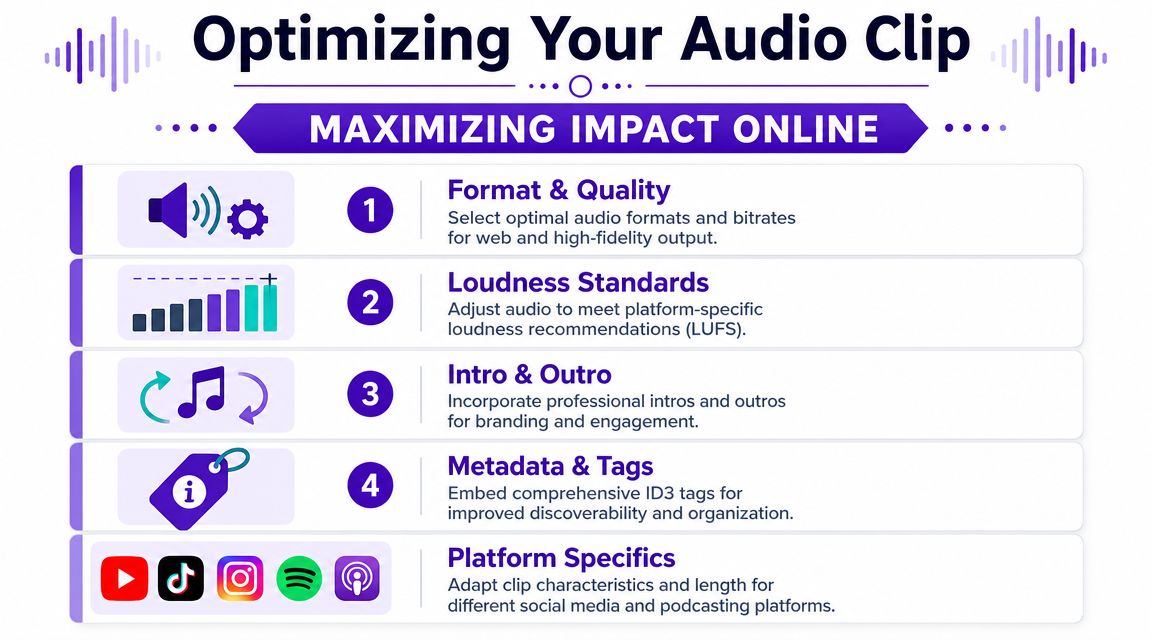
For different formats, different choices tend to work better:
Creators often overcomplicate export settings. What matters is compatibility, clean playback, and a file that matches where it's going.
If the clip is headed to social platforms, MP3 is usually practical. If it's going into a podcast or final video master, keep the highest practical quality inside your editing workflow and only compress when needed for delivery.
What matters more than obsessing over settings is testing:
If your source material starts as long-form audio or video, a dedicated podcast clip maker can help surface shorter moments worth testing, but the editorial call still comes down to taste and context.
The right clip isn't always the most famous part of the song. It's the part that helps the viewer stay with your content.
This is the part most editing tutorials skip because it's less fun than waveforms. It also matters more than the fade length.
Cutting a song shorter does not remove copyright. A trimmed version is still the song. If you upload a custom cut of commercial music, platforms may treat it as unauthorized copying or a derivative use, and enforcement can vary by format and region. That uncertainty is one reason creators get confused about what's allowed.
A common gap in tutorials is rights guidance. U.S. Copyright Office materials still frame unauthorized copying and derivative uses as potentially infringing, while short-form platforms enforce audio rules unevenly, creating real uncertainty for creators using custom edits.
That means there's a big difference between these two workflows:
If you're making content for a client, a business, or a branded channel, be conservative. Don't assume a short clip is harmless just because lots of other people do it.
Use music from libraries you're licensed to use. Read the platform terms. If money, sponsorship, ads, or broad distribution are involved, get clear on the rights chain. This explainer on types of music industry royalties is a good primer if you want to understand why one song can involve multiple rights and payments.
The simple creator rule is this: editing permission and usage permission are not the same thing. You might know how to cut a song cleanly and still not have the right to publish that cut.
If you're already turning long videos, interviews, sermons, webinars, or podcasts into short content, Taja AI can help with the repurposing side after the audio decision is made. It's built to turn long-form recordings into clips, shorts, captions, thumbnails, and platform-ready posts, which is useful when the song cut is just one part of a larger publishing workflow.


We are blessed to work with leading brands & Companies


We try to make easy and simple for every professionals. Get 30 days free trial - No credit card required.


© 2025 Taja AI. All rights reserved.