.jpeg)
Auto Generate Captions for Video in 2026
Learn how to auto generate captions for video with AI tools, accuracy tips, and platform publishing workflows that actually scale in 2026.
5 min read
October 18, 2026

Discover the 10 best AI content marketing tools for 2026. Our guide reviews top platforms for writing, SEO, video repurposing, and more to boost your strategy.
Written by:


Your content strategy is already behind if you're still treating AI as a nice-to-have. In 2026, 97% of content marketers said they plan to use AI to support content marketing efforts, up from 90% in 2025, 83.2% in 2024, and 64.7% in 2023, according to Siege Media's AI writing statistics roundup. That isn't experimentation anymore. That's infrastructure.
The shift is even more obvious inside the workflow. The same research found 74% of content marketers use AI for ideation, 61% for outlining, 44% for drafting, and 38% for editing, with editing use doubling year over year in that dataset. If you're still doing every topic brainstorm, outline, first draft, clip pull, caption pass, and scheduling task by hand, you're not protecting quality. You're slowing down output while competitors publish more often.
Marketing teams often don't need more random AI apps. They need a stack encompassing the entire pipeline: idea generation, creation, optimization, repurposing, and distribution. That's the difference between posting occasionally and building a system that compounds.
If you want a broader look at writing-first platforms, start with these best AI writing tools for 2026. If you want the right stack for modern content marketing, start here.

Taja AI earns the top spot because repurposing is where content systems usually break. Recording the source asset is only the first job. The draining tasks begin after that: pulling clips, writing captions, building thumbnails, adapting copy by platform, scheduling posts, and finding ways to reuse old content without sounding repetitive. Taja handles that middle layer of the workflow better than tools that only draft text or queue social posts.
That matters because this article is not a random roundup. It's a workflow stack. Taja sits in the repurposing and distribution layer, and it also strengthens ideation and creation by helping creators get more mileage out of every long-form asset.
Taja analyzes your content, channel, niche, and voice, then turns one upload into publishable assets for YouTube, Instagram, TikTok, Facebook, X, and LinkedIn. That makes it useful as a force multiplier across your stack. It connects content you already made to the formats and channels that drive reach.
Here's who should pay attention:
Recommendation: Put repurposing in the center of your content marketing stack if video or podcast content is part of your strategy. That is where output usually stalls.
Taja is a strong fit for solopreneurs, podcasters, local businesses, and small marketing teams because it shortens the gap between recording and publishing. If consistency is your problem, start with Taja's content automation workflow and build the rest of your stack around that process.
The downside is straightforward. You still need a human review pass for clip selection, captions, and tone before anything goes live. Pricing details also are not fully visible on the main landing experience, so you may need to check plans during signup.
Use Taja AI if repurposing is your bottleneck. For a lot of creators, it is.
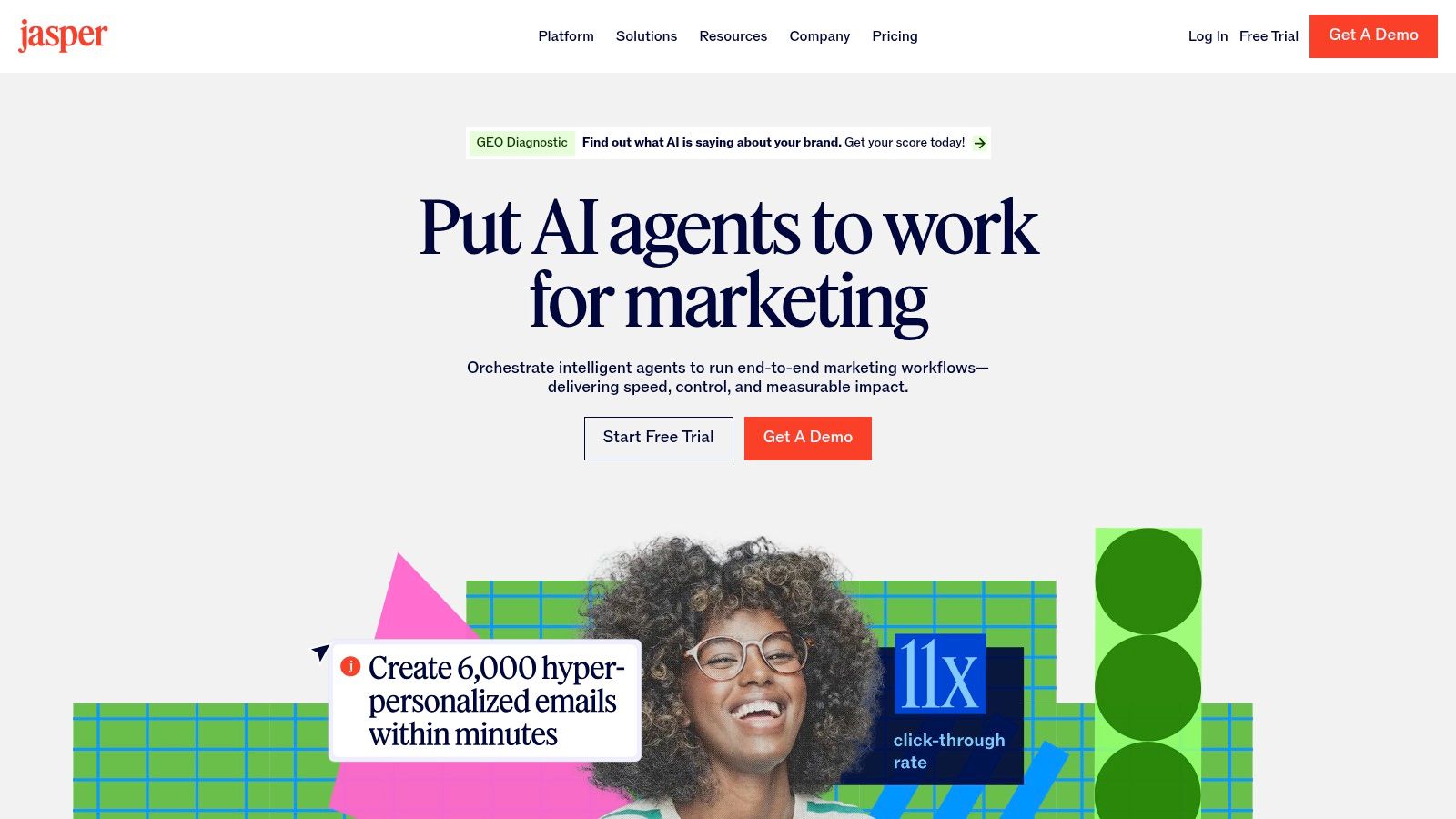
Jasper is the tool you buy when brand consistency matters more than raw prompt flexibility. General chatbots can write. Jasper is built to keep a team from sounding like six different companies across blog posts, ads, landing pages, emails, and social.
Its best feature isn't novelty. It's control. Jasper IQ, brand voice settings, style guides, company knowledge, and workspace defaults help marketing teams reduce the cleanup that usually follows AI drafts.
If you're managing multiple contributors, Jasper gives you structure. You can create brand voice from writing samples and URLs, route work through marketing-focused agents, and keep outputs grounded in approved messaging instead of whatever the model improvises that day.
That's why it fits teams that already know what they want to say but need to produce more of it without turning review cycles into chaos.
Jasper is strongest when your problem isn't "how do I generate text?" It's "how do I keep AI-generated text on-brand across the whole team?"
If you're a solo creator, Jasper may feel heavier than you need. If you're running a team and tone drift keeps costing you time, it's one of the clearest choices in the category.
Start with Jasper.
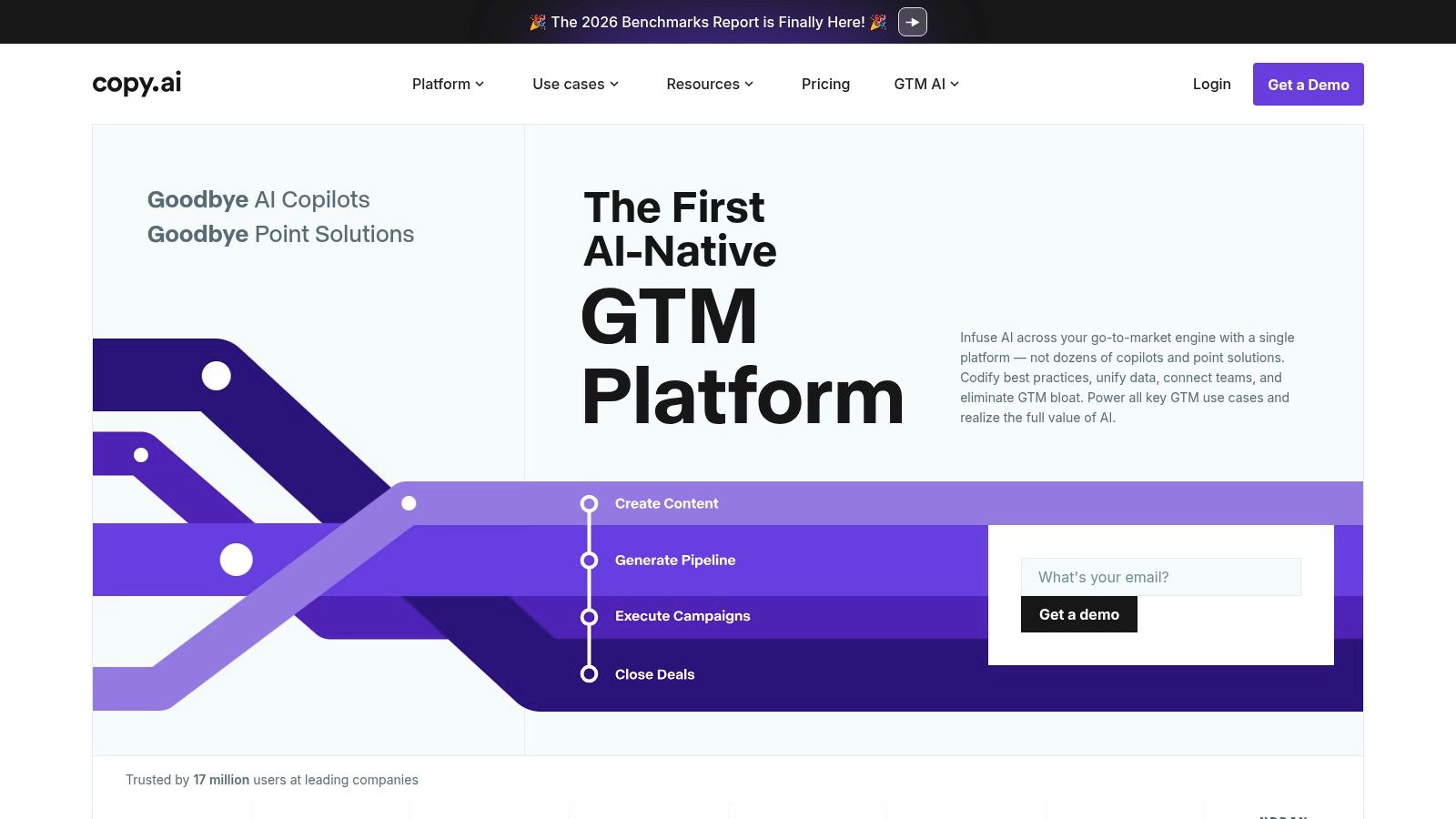
Copy.ai is for marketers who are tired of generating content one prompt at a time. It shines when you want repeatable systems, not just one-off outputs. Its visual Workflow Builder, templates, brand voice features, and data-connected actions make it better suited to operational content work than casual drafting.
That distinction matters. Many AI content marketing tools are fine for brainstorming and weak at process. Copy.ai is the opposite. It wants you to build content operations that repeat cleanly.
Use Copy.ai when your workflow includes recurring tasks like SEO briefs, post variations, email sequences, campaign support copy, and content handoffs between marketing and sales. The more often a process repeats, the more value Copy.ai creates.
It also helps if your team needs access to multiple models and wants more control over how content gets generated inside a single system.
Copy.ai rewards teams that think in systems. If that isn't how you work yet, the platform can feel like overkill. If you're already documenting recurring content processes, it's a strong accelerator.
Go to Copy.ai.
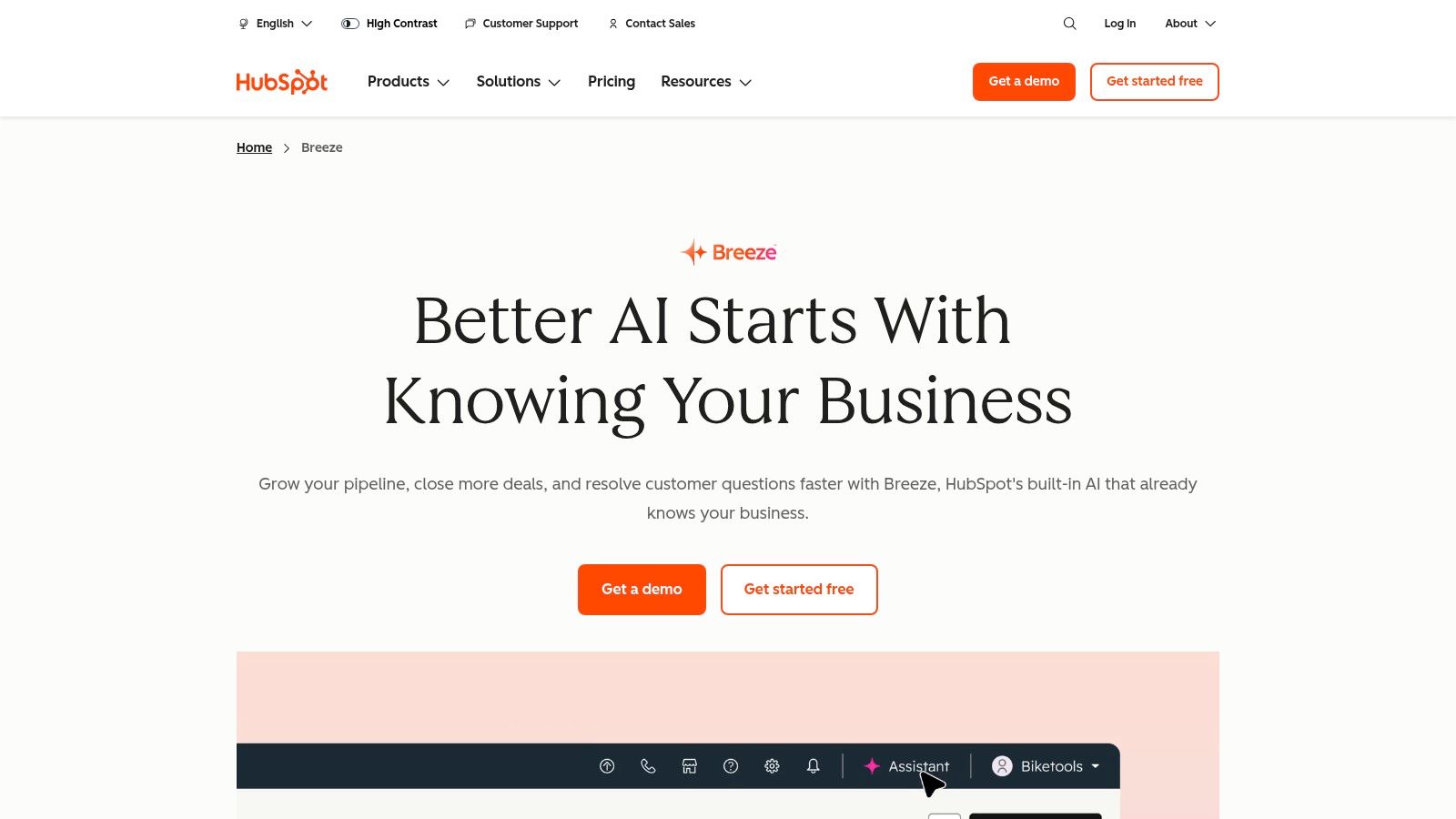
HubSpot AI is the practical choice for teams that already live inside HubSpot. Breeze Assistant and the platform's embedded AI writing features let you generate and refine content where your CRM, CMS, email, and campaign data already sit. That removes a lot of tab-switching and copy-pasting.
This category is bigger than many teams realize. Salesforce-reported data summarized by Digital Applied shows 87% of marketers used generative AI in at least one workflow in Q1 2026, and the same summary says teams that adopted AI content tools in 2024 produced 4.1x more published content per marketer per month, with content marketing specifically at 4.6x more versus pre-adoption baselines in that source's summary of HubSpot AI Trends 2026, as noted by Digital Applied's 2026 AI marketing statistics roundup.
HubSpot AI gets stronger when you use it with CRM context. That means page copy, emails, social drafts, and summaries can reflect the customer and campaign data your team already tracks. For governance and operational simplicity, that's hard to beat.
It's not the deepest SEO writing platform on this list. It doesn't need to be. Its edge is proximity to your existing publishing and lead generation stack.
HubSpot AI won't replace specialist tools in every category. It will make a HubSpot-centered team move faster with less friction.
See HubSpot AI.
Semrush Content Toolkit is one of the smartest choices for search-driven teams because it closes the gap between keyword research and draft production. Most tools handle one side well and force you to glue the rest together manually. Semrush keeps topic discovery, briefs, drafting, and optimization closer to one system.
That matters because measurement is shifting. Search marketers now need to think beyond rankings and clicks alone. Semrush's own 2026 coverage highlighted AI visibility toolkits alongside more traditional content tools, reflecting the broader move toward tracking presence in AI-driven discovery surfaces, as discussed in Semrush's overview of AI content marketing tools.
Semrush Content Toolkit works best when your process starts with search intent. Topic Finder, SEO briefs, AI article generation, and optimization features help teams move from opportunity to draft without losing the keyword context.
It's also a strong fit if you're already using Semrush elsewhere. The more of your SEO workflow lives in one ecosystem, the easier it is to maintain consistency between research and execution.
If you want a deeper look at search-focused tooling around optimization, this guide to an SEO content optimization tool is worth pairing with your evaluation.
Use Semrush Content Toolkit when SEO is driving the editorial calendar.

Surfer is an optimization tool first. That's why it still earns a place in a crowded market. If your drafts already exist but they don't align well with what search results are rewarding, Surfer gives you a disciplined way to tighten them up.
It isn't trying to be your whole content stack. That's a strength, not a weakness. Teams often get better results when they separate drafting from optimization instead of forcing one tool to do both badly.
Surfer's Content Editor, SERP analysis, audit features, and AI-assisted workflows help you refine content against live search patterns. It's especially useful for freelancers, agencies, and in-house teams that need a repeatable on-page process.
You should also know the downside. Tools like this can push writers toward over-optimization if nobody applies editorial judgment.
Good SEO tools should sharpen your content. They shouldn't flatten your voice.
Choose Surfer if you already have a reliable writing process and want stronger search alignment at the editing stage. Pair it with a drafting or repurposing tool instead of expecting it to solve the whole workflow.
Go to Surfer.
Writer is built for companies that care about governance as much as generation. If your team operates in healthcare, finance, legal, enterprise SaaS, or any environment where approved language, compliance, privacy, and terminology matter, Writer is one of the strongest options in the market.
This isn't the fun pick. It's the disciplined pick. And for regulated or high-risk teams, that's exactly what you want.
Writer gives teams brand guardrails, terminology rules, policy controls, connectors, and enterprise-grade oversight. That makes it useful when the core problem isn't producing copy fast. It's producing copy safely, consistently, and in language your organization can stand behind.
Use it when these issues keep showing up:
The tradeoff is setup. Writer needs planning, buy-in, and rule configuration to pay off. Smaller teams may find that too heavy. Larger organizations will call it necessary.
Explore Writer.
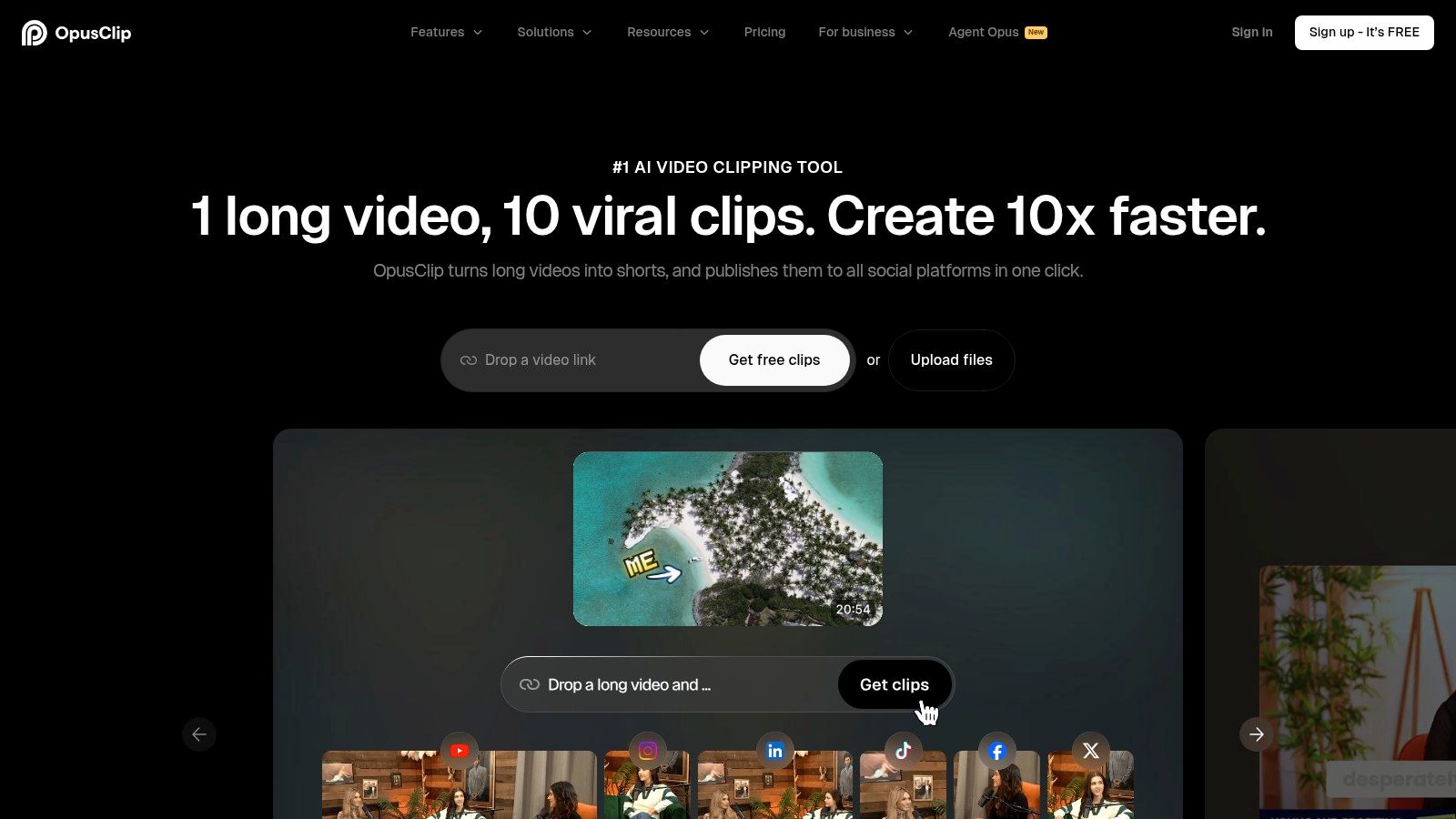
OpusClip is one of the fastest ways to turn long-form video into short-form social content. If your immediate pain is clipping podcasts, webinars, interviews, or YouTube videos into vertical assets, it does that job well.
Its value is speed. Upload a long video, let the platform identify moments, generate captions, reframe for vertical, and export platform-ready clips. For creators trying to stay visible on Shorts, Reels, TikTok, and LinkedIn, that speed matters.
OpusClip is strongest when you need volume from existing video. Features like AI clip detection, animated captions, auto-reframing, templates, and scheduling reduce the editing burden for teams that don't want to live in a traditional video editor.
The caution is straightforward. Predictive scoring isn't the same as guaranteed performance. You still need taste, context, and audience awareness.
If you're comparing repurposing-first tools, this breakdown of Taja AI vs OpusClip alternatives helps clarify the difference between pure clipping and broader multi-channel repurposing.
Use OpusClip if your bottleneck is clipping long videos into shorts as fast as possible.
Canva belongs on this list because content marketing isn't text alone anymore. A Statista+ Content Marketing Trend Study for 2026 reported that just over half of 252 surveyed B2B content marketing professionals said their department uses AI to produce text, images, or videos, according to Statista's chart on AI tools in content marketing. If your stack can't support visual production, it's incomplete.
Canva's Magic Studio makes visual content production accessible to teams that don't have a designer on standby. Social graphics, thumbnails, one-pagers, short videos, presentations, translated assets, and resized channel variants all happen fast inside one interface.
Canva works because it reduces the distance between idea and asset. Brand Kits, templates, scheduling, Magic Write, Magic Design, image generation, and bulk creation give small teams enough power to ship polished visuals without a design bottleneck.
It's not built for long-form SEO writing or complex editorial planning. That's fine. It doesn't need to be.
Canva is one of the easiest AI content marketing tools to adopt because the learning curve is low and the output is immediately useful.
Try Canva.
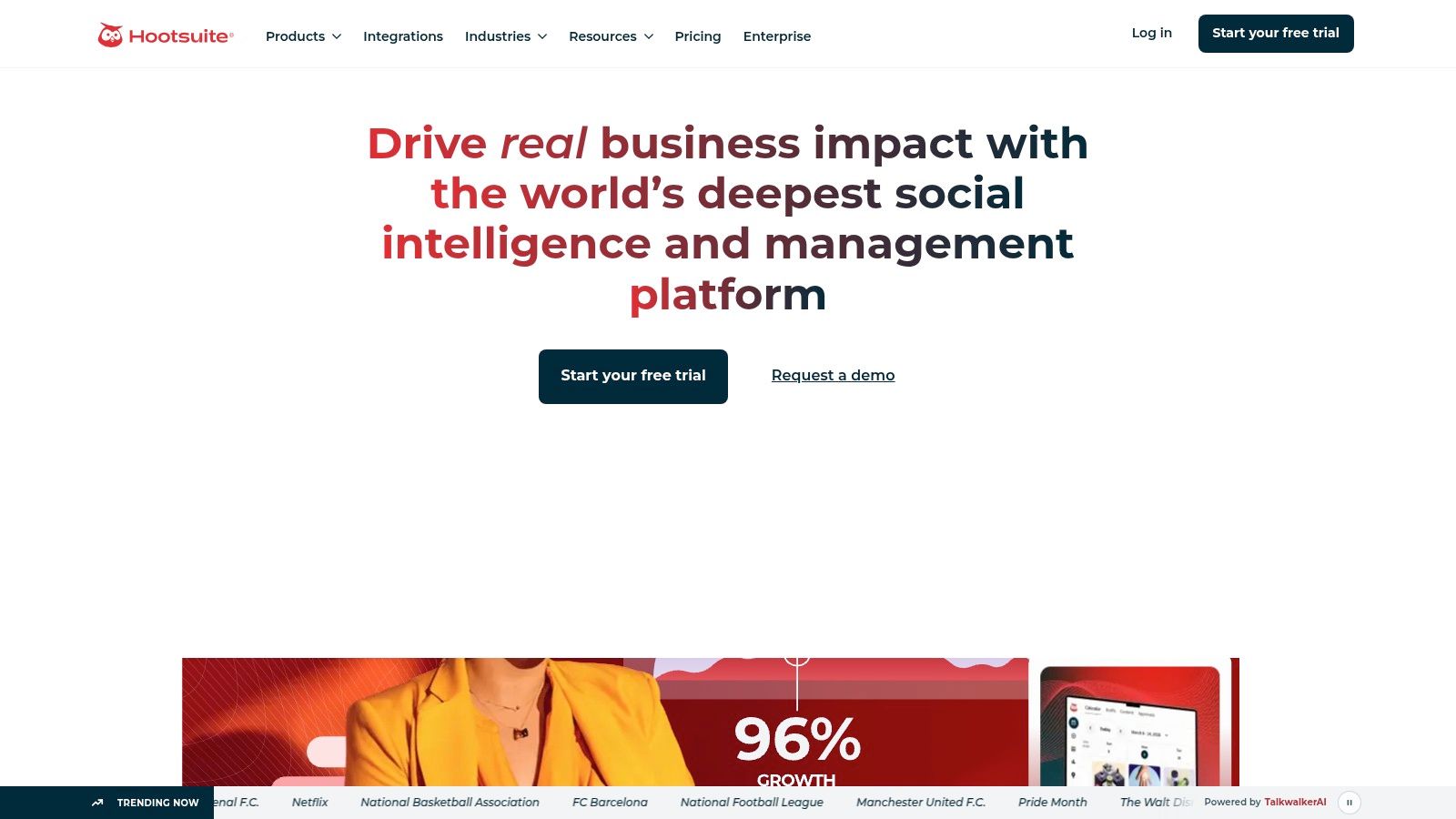
Hootsuite is the distribution tool on this list. That's an important distinction because most AI content conversations obsess over creation and ignore publishing discipline. Content doesn't compound if it sits in drafts.
Hootsuite's OwlyGPT and OwlyWriter AI help teams generate social captions, post ideas, and trend-informed drafts, but the platform's real strength is what happens after the copy exists. Scheduling, approvals, templates, workflows, and analytics keep the machine moving.
If your team juggles multiple channels, multiple stakeholders, or multiple approval layers, Hootsuite brings order. It's especially useful for businesses that need one calendar, one publishing layer, and one place to track performance across social channels.
Publishing consistency beats sporadic bursts of great content every time.
Hootsuite isn't your long-form writing engine. It shouldn't be. Pair it with a creation or repurposing platform, then use Hootsuite to handle the operational side of social distribution.
Go to Hootsuite.
| Product | Core features | Unique selling points ✨ | UX / Quality ★ | Pricing & Value 💰 | Target audience 👥 |
|---|---|---|---|---|---|
| Taja AI 🏆 | Auto-generates ~27 shorts, captions, thumbnails; SEO-opt; multi-channel auto-scheduling | Next Video Idea; Backlog Boost; vertical-first outputs; built-in editor ✨ | ★★★★☆, fast, editor-friendly | Free starter + paid tiers; strong time ROI 💰 | Solopreneurs, creators, small teams 👥 |
| Jasper | Brand voice (Jasper IQ), agents, API, multi-model routing | Centralized brand governance for marketing teams ✨ | ★★★★, marketing-focused | Business/custom pricing; credits for some features 💰 | Marketing teams, agencies 👥 |
| Copy.ai | Visual Workflow Builder, brand voice, multi-model access | Workflow templates to scale repeatable GTM processes ✨ | ★★★☆, best with workflows | Seat & credit structure; better value for automation-heavy users 💰 | Small teams, content ops 👥 |
| HubSpot AI | Breeze Assistant, in-CMS AI writer, CRM-context outputs | Native CRM/CMS integration for context-aware content ✨ | ★★★★, seamless for HubSpot users | Feature access varies by Hub/subscription 💰 | Sales & marketing teams using HubSpot 👥 |
| Semrush Content Toolkit | Topic Finder, SEO briefs, AI article generator, optimizer | SEO-grounded topic → draft → optimize workflow ✨ | ★★★★, research-led, SEO-first | Add-on to Semrush; cost stacks with plan 💰 | SEO teams, content marketers 👥 |
| Surfer | Content Editor, Audit, AI-assisted drafts, SERP analysis | On-page optimization with NLP-based guidelines ✨ | ★★★★, editor & SEO focused | Plan limits on docs/AI; scales with usage 💰 | SEO writers, freelancers, agencies 👥 |
| Writer | Brand guardrails, governance, connectors, compliance controls | Enterprise-grade policy, safety & terminology enforcement ✨ | ★★★★☆, consistent at scale | Enterprise pricing; ROI for regulated orgs 💰 | Enterprises, regulated teams 👥 |
| OpusClip (Opus.pro) | AI clip detection, auto-reframe, animated captions, scheduling | Virality Score + fast clip pipeline for shorts ✨ | ★★★★, very fast short-form outputs | Tiered plans; advanced features vary by plan 💰 | Creators, social teams, editors 👥 |
| Canva (Magic Studio) | Magic Write/Design, templates, image gen, Brand Kits, scheduling | Rapid template-driven creatives and bulk create ✨ | ★★★★, intuitive for non-designers | Free + Pro; AI Pass/add-ons for higher limits 💰 | Small teams, creators, designers 👥 |
| Hootsuite | OwlyGPT captions, scheduling calendar, analytics, approvals | Real-time trend-driven assistant for social publishing ✨ | ★★★☆, centralized publishing & analytics | Tiered plans; add-ons for advanced features 💰 | Social managers, agencies, teams 👥 |
Don't collect tools. Build a system that removes your biggest bottleneck first.
The adoption trend is already settled. Independent market forecasts point to rapid expansion in AI marketing and AI content marketing, with Grand View Research estimating the global artificial intelligence in marketing market at USD 20.44 billion in 2024 and projecting USD 82.23 billion by 2030 at a 25.0% CAGR, while Market.us estimates the AI content marketing market will rise from USD 2.4 billion in 2023 to USD 17.6 billion by 2033 at a 25.68% CAGR, according to Market.us coverage of the AI content marketing market. Money is flowing into tools that improve throughput, reduce friction, and help teams publish more effectively. You don't need to buy everything. You need the right sequence.
Start with the workflow you currently run.
For most creators and small teams, the cleanest setup looks like this:
Repurposing is the force multiplier in that stack. That's the part too many teams leave manual, and it's the reason their output stalls after one good piece of long-form content. When you can turn a single video, interview, webinar, or podcast into shorts, social posts, blog content, thumbnails, captions, and scheduled assets, your content engine stops depending on constant reinvention.
That's why Taja AI stands out. It sits in the middle of the system and extends the life of everything you create. Instead of asking your team to keep making new content from scratch, it helps you extract more value from the content you've already recorded.
Pick the category where your process breaks.
If you never know what to write, start with Semrush or Surfer. If your drafts are slow and inconsistent, start with Jasper or Copy.ai. If content is getting stuck before publication, fix distribution with HubSpot or Hootsuite. If you already create strong long-form content but fail to spread it across channels, start with Taja AI immediately.
The winning model is simple. Create once. Repurpose aggressively. Publish consistently. Measure what gets seen. That's how modern teams use AI content marketing tools without turning their brand into generic sludge.
If your biggest problem is turning one video into enough content to stay visible everywhere, start with Taja AI. It gives solopreneurs and small teams the fastest path from long-form content to clips, posts, blogs, thumbnails, and scheduled distribution without adding more manual work.


We are blessed to work with leading brands & Companies


We try to make easy and simple for every professionals. Get 30 days free trial - No credit card required.


© 2025 Taja AI. All rights reserved.