Closed Captions vs Subtitles: Key Differences Explained
Closed captions vs subtitles compared: the technical, accessibility and platform differences, plus which format each video needs and how to publish both.
5 min read
November 13, 2026

Compare 10 of the best youtube video name generator tools, see how their outputs differ, and learn title best practices that boost search clicks.
Written by:


Your title decides whether anyone ever watches your video, yet YouTube gives you more room than many title formulas suggest. The YouTube Data API documentation allows video titles of up to 100 characters. The challenge isn't squeezing every upload into an arbitrary short-title formula. It's giving the right viewer a clear reason to watch.
A weak title can leave an excellent tutorial, interview, or property walkthrough overlooked. Search viewers need to recognize the answer they're looking for. People browsing suggested videos need a truthful promise that makes sense beside the thumbnail, even when they weren't searching for your topic.
A YouTube video name generator turns your topic, keyword, description, or transcript into possible titles. It doesn't establish demand, verify every promise, or predict how your audience will respond. Those decisions still belong to you.
The useful comparison: Judge a generator by how much editing its suggestions need, not how confidently it labels them optimized.
The tools below cover YouTube-focused research suites, standalone generators, and general AI writers adapted for video. Output examples are illustrative editing targets, not claimed test results. The practical question throughout is simple: after you click generate, does the tool help you publish a more accurate, distinctive title, or just give you more headlines to sort?
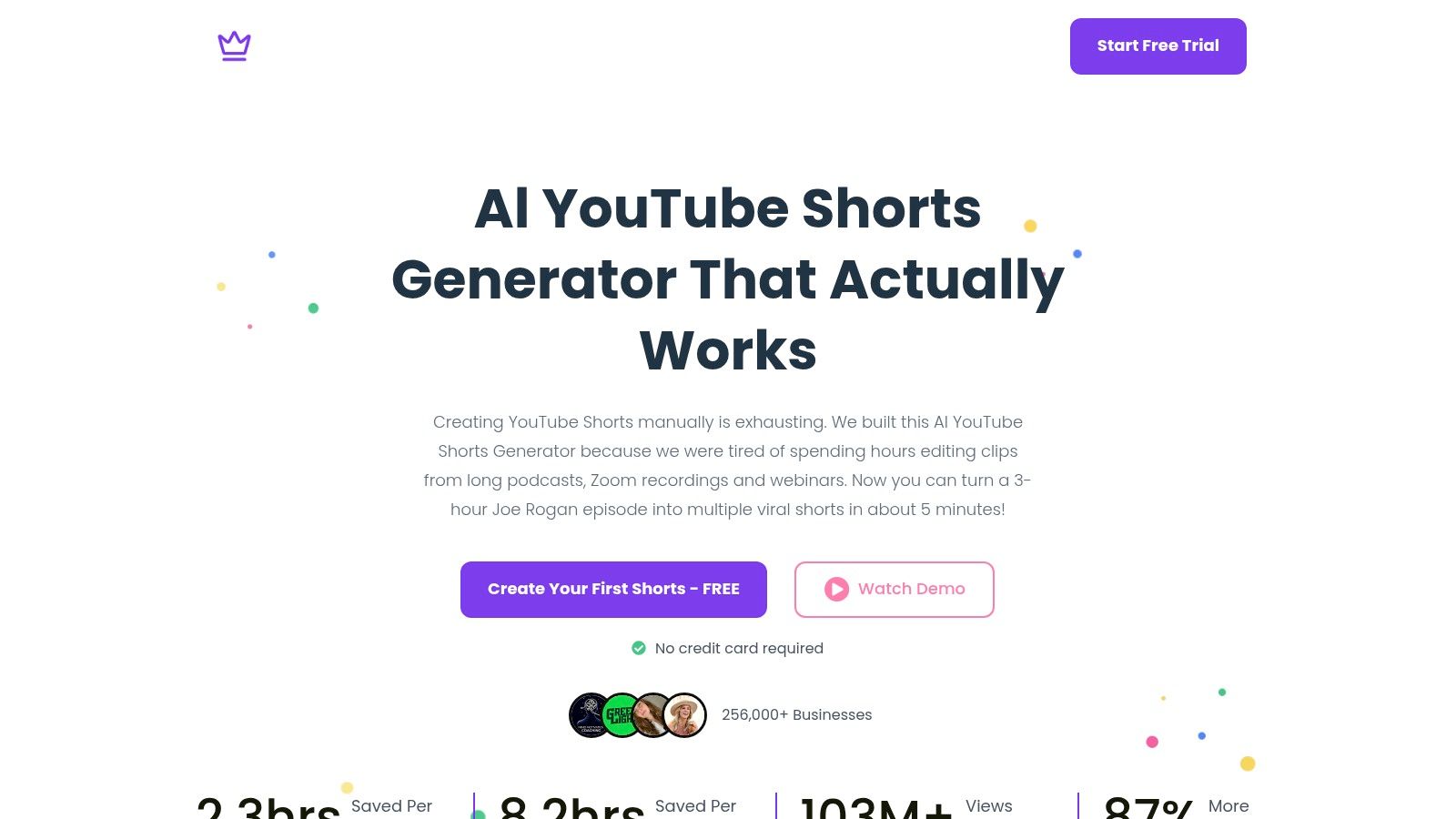
Best for turning existing recordings into titled Shorts rather than starting with a blank prompt. Taja AI's YouTube Shorts Generator combines clip creation with title ideation, making it a different proposition from a standalone headline writer. You supply existing footage, then review the short-form content and its packaging together.
That matters because a useful clip title should describe the excerpt, not repeat the parent video's topic. Say a mortgage interview contains a segment about how changing jobs affects an application. A title focused on that question gives viewers a clearer promise than a broad label about homebuying advice.
The strongest workflow is clip selection, context check, title refinement. Watch the extracted segment and confirm that it delivers the title's promised answer without depending on an explanation elsewhere in the recording. For more packaging guidance, use this guide to crafting AI-engineered titles for YouTube Shorts.
The trade-off is dependence on your footage. A polished title can't turn an incomplete excerpt into a satisfying Short. Choose this approach when finding and packaging usable moments is the bottleneck, not when you only need alternatives for an already finished upload.
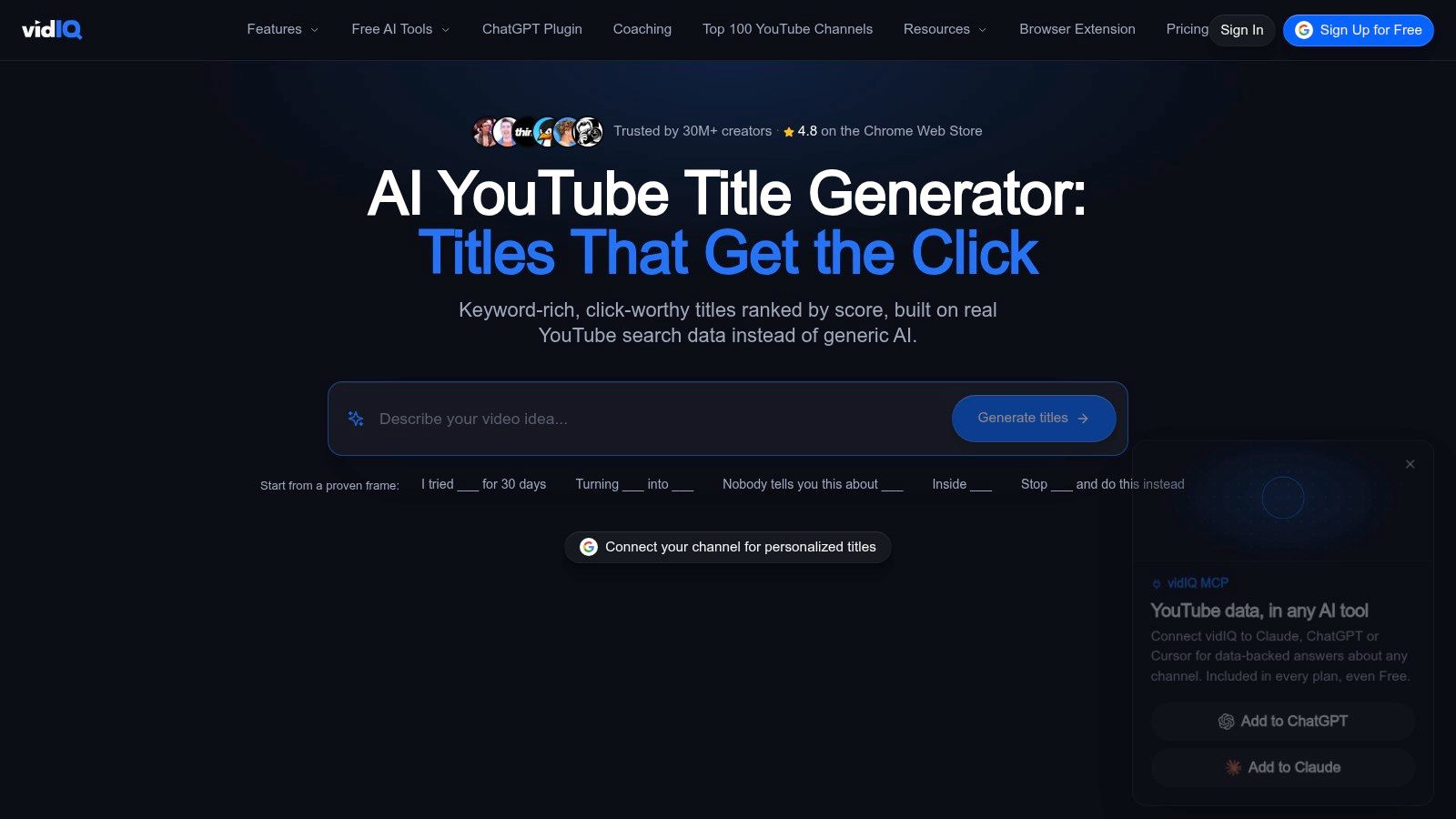
vidIQ fits creators who research before they write. Its AI Title Generator sits alongside YouTube-oriented keyword, topic, and title-analysis tools. That combination is useful when you haven't yet decided which audience question your upload should address.
For a local plumber, a broad prompt about water heaters leaves too much unresolved. A focused brief about diagnosing a leaking water heater gives the generator a clearer job. Research should help you choose the question; generation should help you express the answer.
vidIQ's advantage is the connection between brainstorming and a broader YouTube workflow. Its title analyzer can support revision, but a favorable score isn't evidence that viewers will prefer a particular suggestion.
Use these SEO title best practices to distinguish useful keyword placement from repetition. I'd choose vidIQ when uncertainty about the topic or query matters as much as uncertainty about the wording. For a finished video with a clear angle, a lighter generator may be enough.
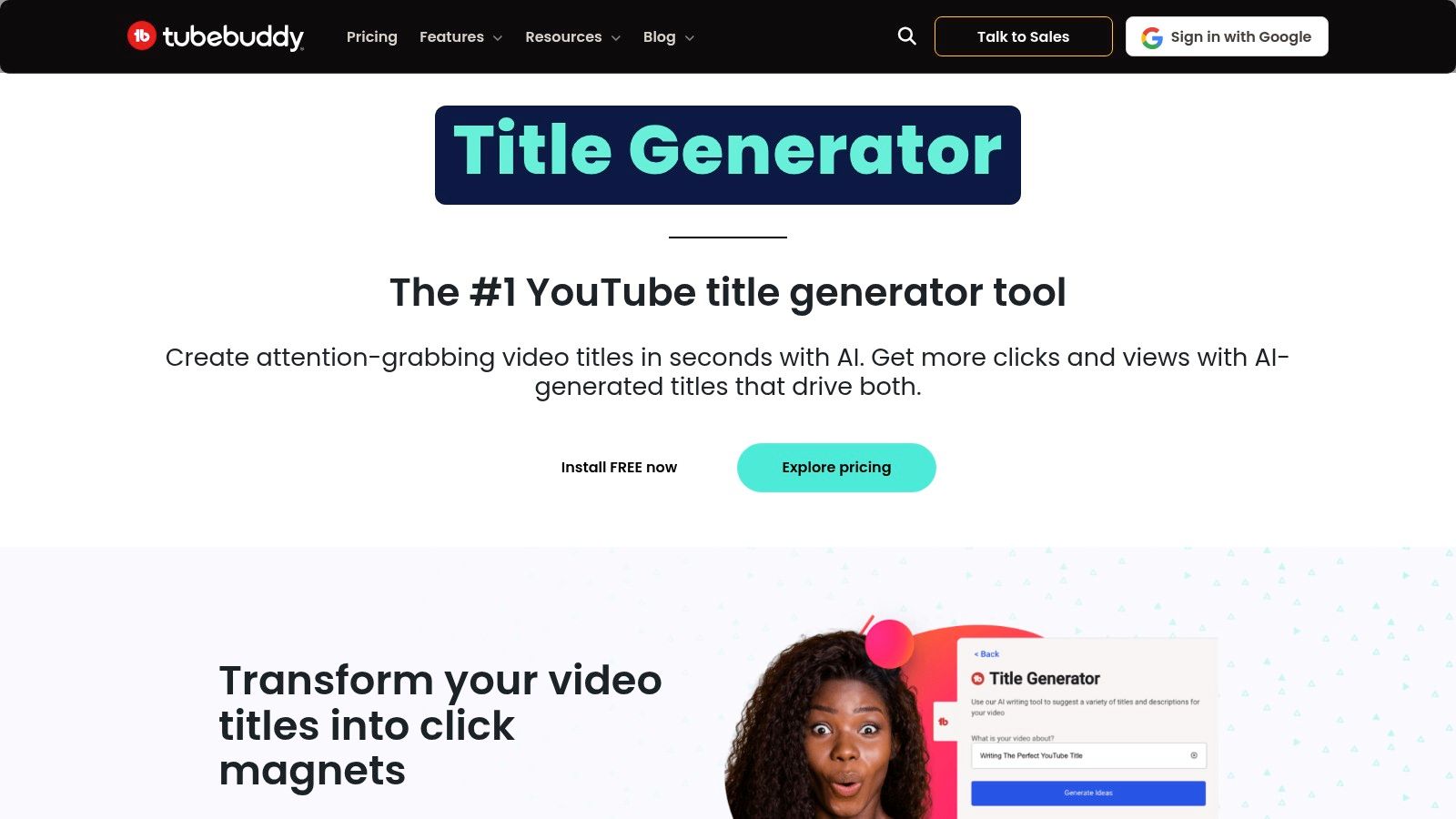
Already have a serviceable title? TubeBuddy's AI Title Generator is a sensible option for generating alternatives without leaving a YouTube-focused channel-management workflow. It accepts a prompt or existing title, so you don't have to rebuild the brief from scratch.
This is especially useful during upload preparation. Start with a descriptive working title, then ask for alternatives that emphasize the viewer's problem, the demonstrated outcome, or the comparison in the video. Different angles are more useful than interchangeable adjectives.
A useful alternative changes the reason to watch, not just the wording around the same promise.
For example, a bookkeeping lesson might support an instructional angle about reconciling transactions and a problem-led angle about finding missing entries. Neither should imply that the video covers tax strategy if it doesn't.
TubeBuddy makes the most sense when you're already using its broader tools. Some plans limit access, so confirm the current allowance before depending on it for batch production.
The editorial risk is accepting a smoother sentence that changes the meaning. Review claims about ease, speed, certainty, and results particularly closely. Choose TubeBuddy for convenient revision inside an existing workflow, not because a generated alternative automatically deserves to replace your original.
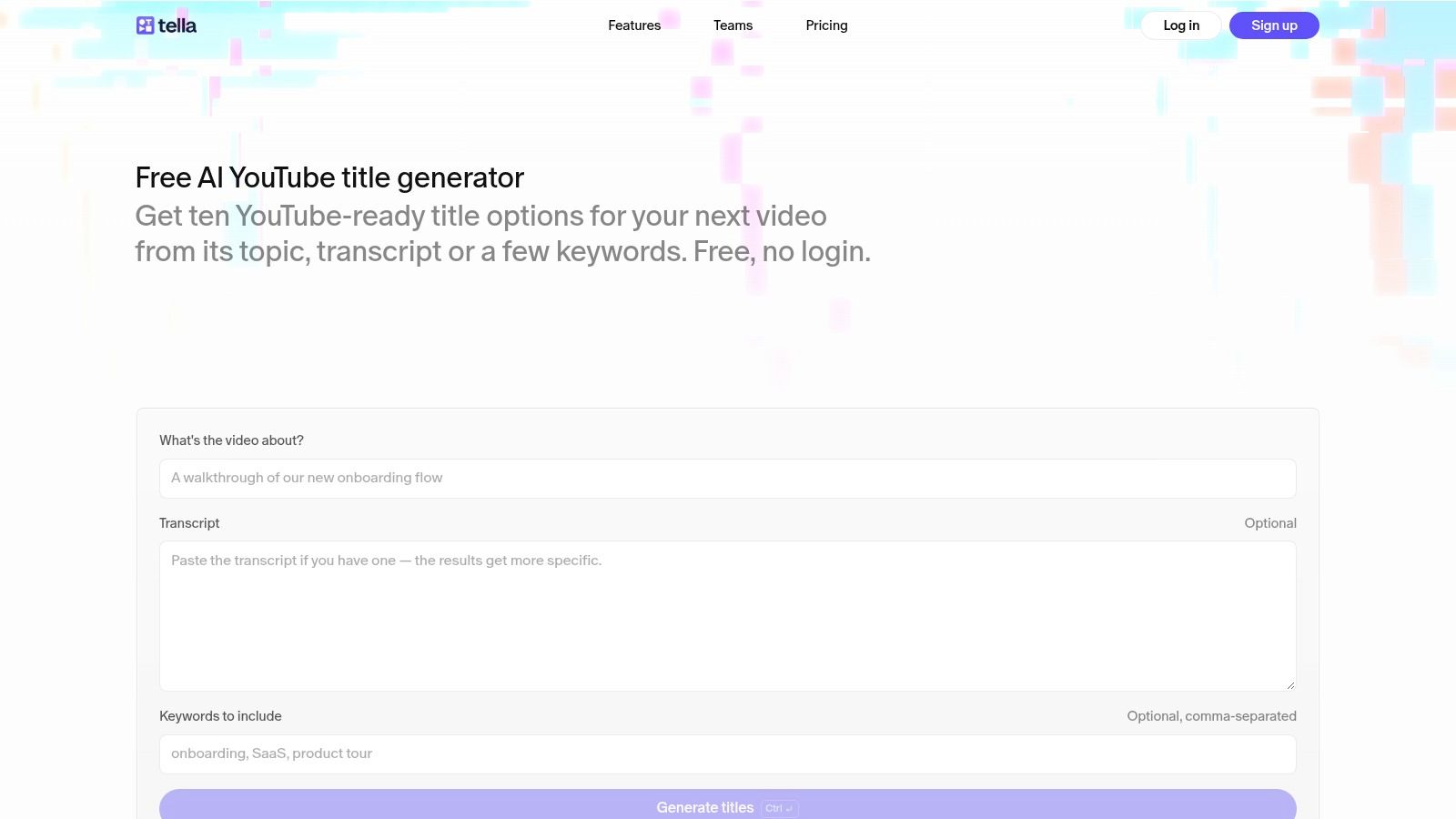
A transcript gives a generator more to work with than a topic label. Tella's AI YouTube Title Generator accepts a description or transcript, with optional keywords, through a free, no-login workflow subject to fair-use limits.
Its practical appeal is content grounding. For an educator explaining spreadsheet lookups, include the actual task, the learner's level, and the method demonstrated. That gives you a better basis for judging suggestions than a prompt containing only the software name.
A raw transcript can contain introductions, tangents, and housekeeping that don't belong in the title. Add a short summary identifying the central takeaway so those details don't compete with the lesson.
Tella isn't a replacement for YouTube keyword research. Its strength is quick, context-based drafting when you already know what the video should accomplish.
I'd shortlist it for occasional uploads, screen recordings, and straightforward tutorials. If the suggestions remain broad, improve the summary before asking for another batch. More generations won't repair an unclear brief.
CoSchedule's YouTube Title Generator suits teams that already treat video as part of a larger editorial calendar. Its dedicated YouTube workflow generates title ideas, while Headline Studio offers a separate analysis step.
The distinction matters for a business turning a webinar into a video, newsletter, and social posts. You need consistent positioning across those assets, but you don't need identical headlines. A newsletter subject line can rely on subscriber familiarity that a YouTube viewer may not have.
Headline analysis can help refine phrasing; it can't verify the video's substance. A title may sound stronger after revision while becoming less precise about what the viewer will learn.
For a customer-training video, keep the product task recognizable even if a more dramatic variation receives a favorable assessment. Existing customers may need a clear instruction, not a curiosity hook.
CoSchedule is a reasonable choice when editorial consistency is the main challenge. Creators deciding which YouTube topic to pursue will still need a separate research process, and some analysis features may require an account or paid access.
Keyword-led brainstorming is where Semrush makes the most sense. Its AI Title Generator accepts a topic or keyword and supports YouTube titles alongside other headline formats. Marketers already working from a content brief can use it without inventing a separate ideation process.
There's a useful reason to preserve topic alignment: a Semrush analysis of YouTube search performance identified title–keyword similarity, video views, and video duration as the strongest predictors in its machine-learning model. That finding doesn't establish that repeating a keyword causes better rankings.
For a video about first-time buyer closing costs, keep that subject recognizable. Don't let the generator broaden it into a sweeping promise about buying a home unless the recording delivers that broader lesson.
The main output risk is a headline that reads like an article rather than a video invitation. Remove language suggesting a written guide when the upload is a focused demonstration.
Choose Semrush when the keyword and audience are already settled. If you're still deciding what viewers want, resolve that question before generating titles.
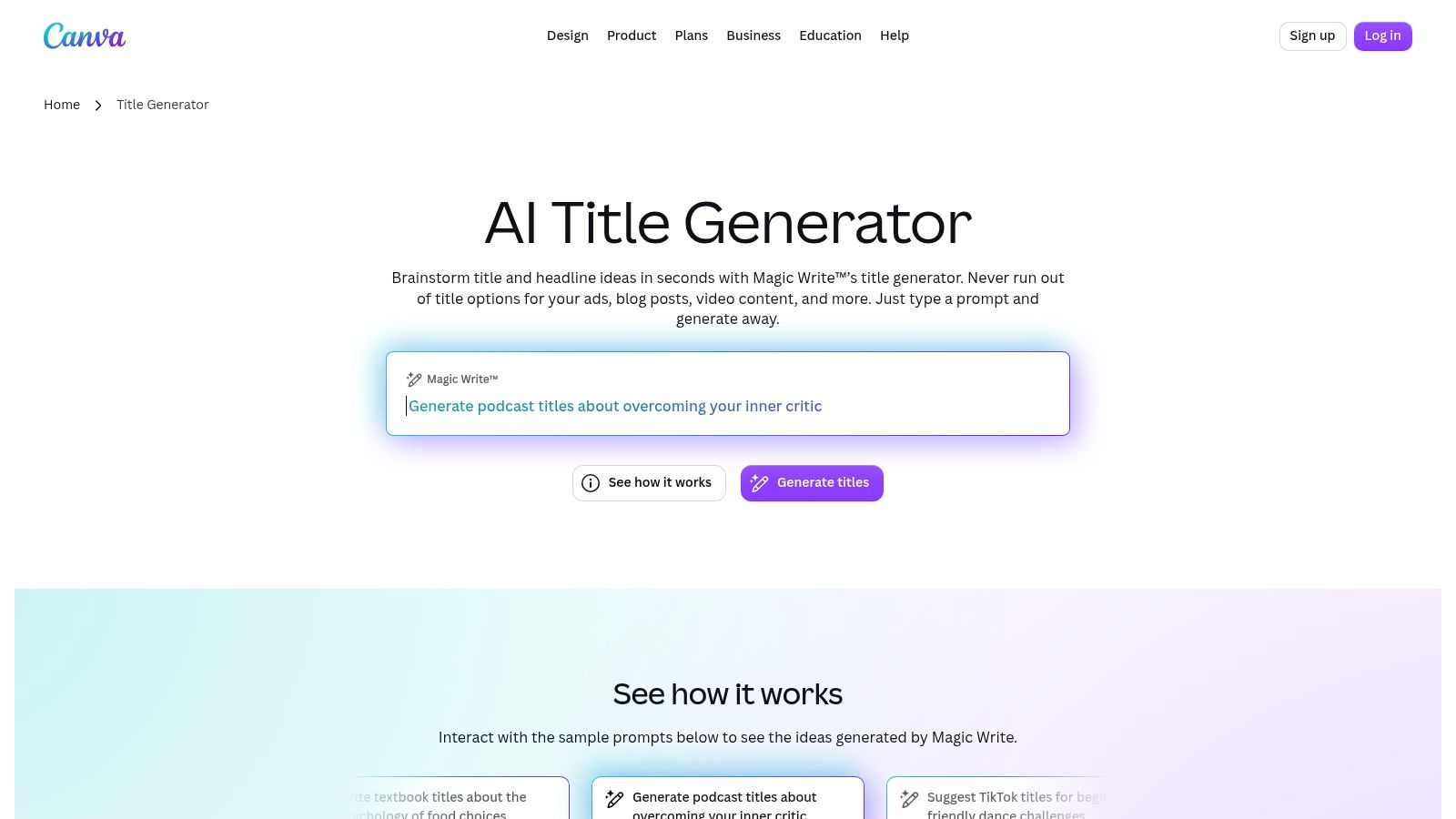
A title can look convincing in a text box and become redundant beside the thumbnail. Canva's AI Title Generator, powered by Magic Write, is useful for creators who already develop their visual assets in Canva.
Provide the video context, relevant keywords, and brand-voice requirements. Also describe the thumbnail's message so you can ask for a title that complements it rather than repeating it.
Packaging rule: Give the title and thumbnail different jobs. Let the image establish the situation and the title clarify the reason to watch.
For a bakery tutorial, the thumbnail might show collapsed bread while the title explains the proofing mistake. Repeating the same vague failure message in both places leaves the viewer without a clear benefit.
Canva's advantage is workflow proximity to design, not specialized YouTube search intelligence. It doesn't replace keyword research or channel analytics.
The main trade-off is prompt dependence. Without audience and content details, title ideas can sound polished but interchangeable. Specify whether your voice is instructional, conversational, technical, or community-focused, then remove exaggerated phrasing that doesn't fit.
Choose Canva when visual packaging is your bottleneck and you're already creating thumbnails there. If you only need a quick text brainstorm, opening a broader design environment may add unnecessary steps.
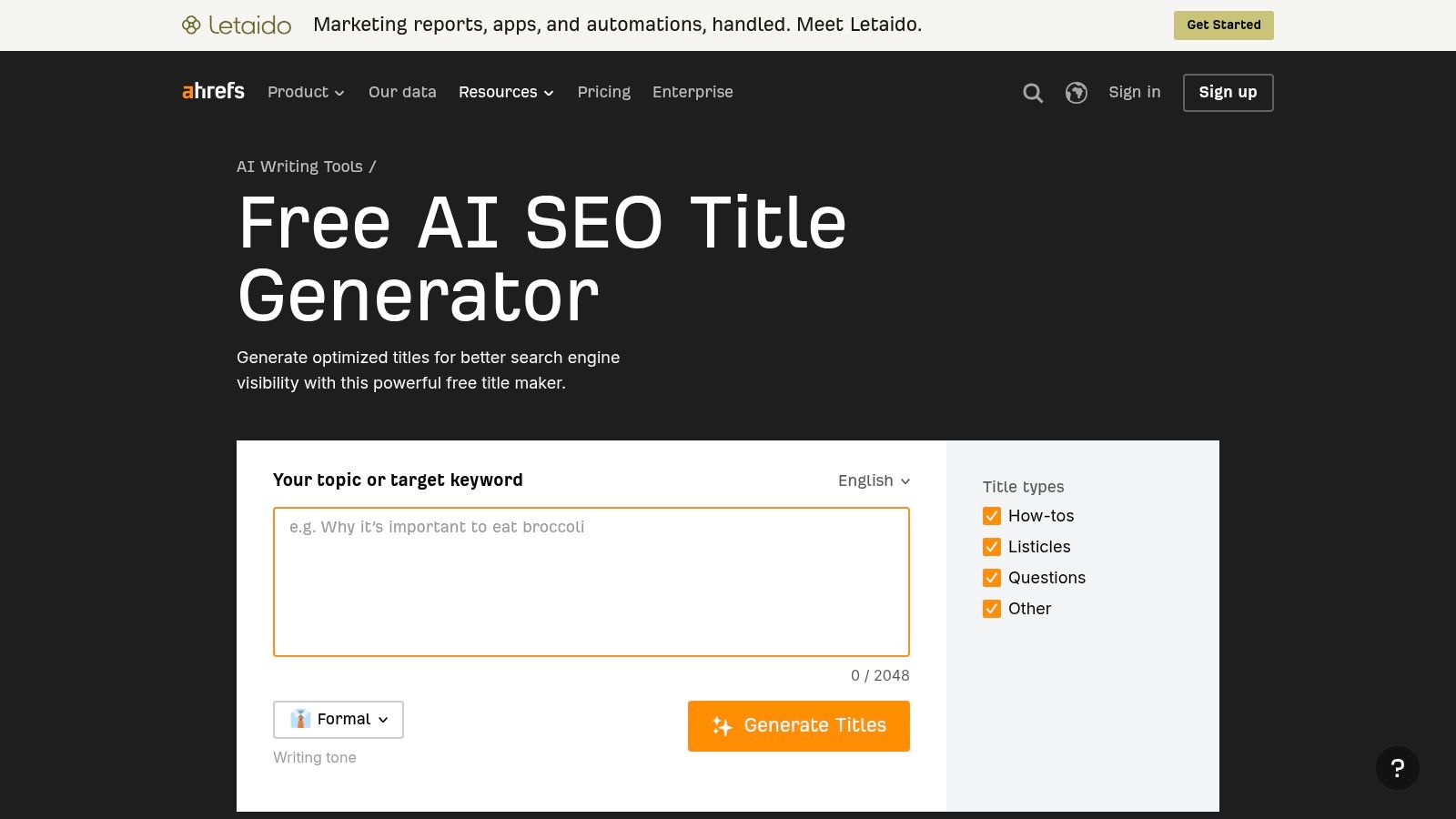
Ahrefs is a flexible writing option, not a YouTube-specific testing product. Its SEO Title Generator can support video brainstorming when you explicitly specify the platform, audience, and intended angle.
That flexibility is helpful for teams creating several formats from the same subject. It also creates extra responsibility: you must explain what makes the video different from an article, landing page, or general overview.
A useful brief for a real-estate video would identify the location, buyer type, property feature, and question answered. A vague request about real estate gives the generator little reason to produce anything distinctive.
The quality test is specificity. Could the suggested title fit an unrelated upload with only a noun changed? If so, it needs another pass.
Ahrefs suits marketers comfortable writing structured prompts and editing across content formats. It doesn't supply a YouTube title experiment or establish which wording your channel's viewers prefer. Check current access requirements and usage limits on the tool page before incorporating it into a production routine.
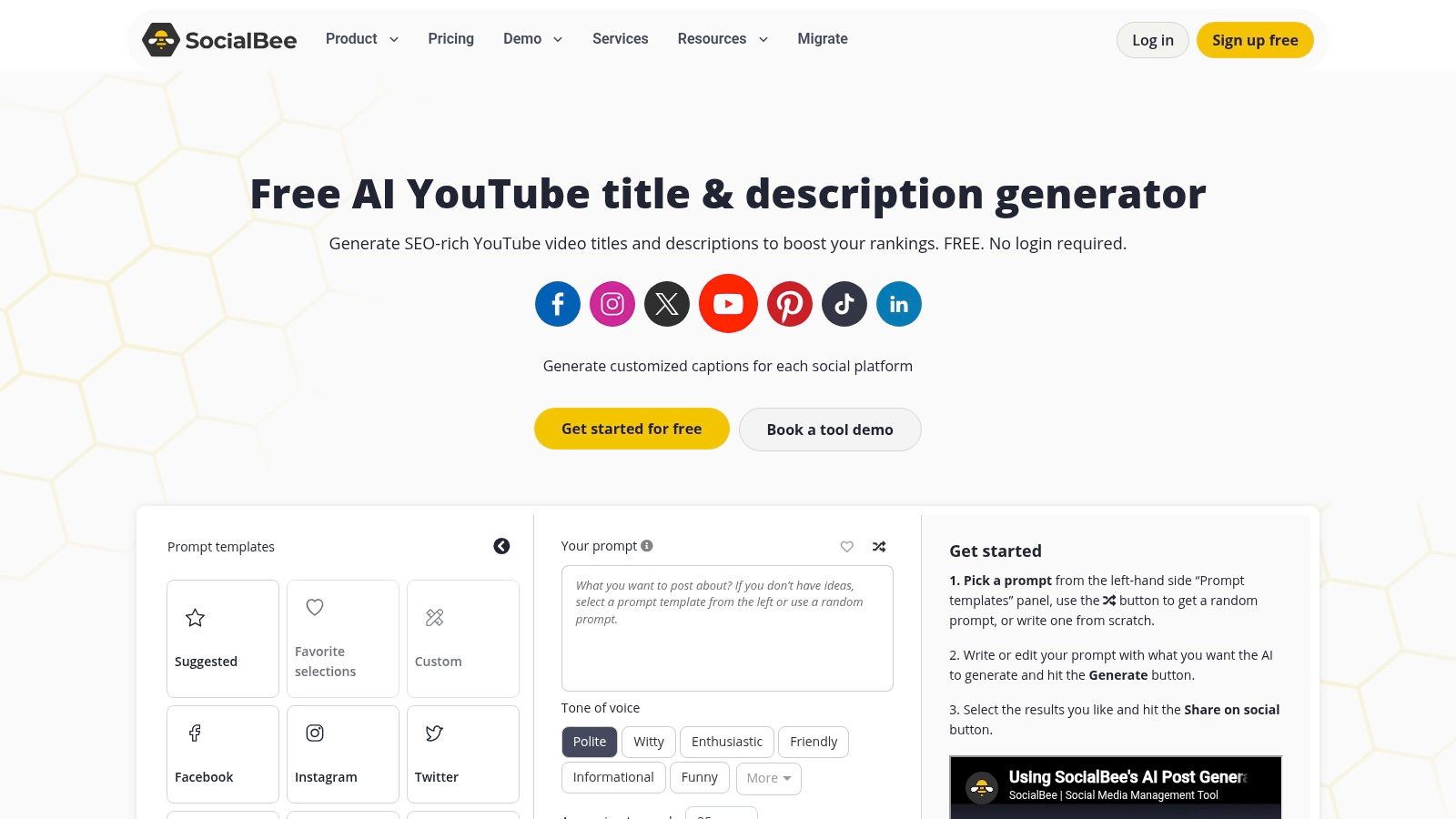
Small-business publishing involves more than a title field. SocialBee's YouTube Generator drafts titles and descriptions, which makes it relevant when preparing the entire upload package is the bottleneck.
For a congregation publishing a sermon excerpt, the title should communicate the central question or message. The description can carry surrounding context, references, and the next step for viewers. Trying to squeeze all of that into the title makes the promise harder to understand.
Generating the title and description together gives you a useful review opportunity. Compare both with the recording and remove any claim that appears in the copy but not in the video.
Keep the description useful rather than filling it with variations of the title. Explain what viewers will learn and provide relevant context without overstating the scope.
SocialBee presents the generator as free, but confirm current access conditions and usage limits. Its wider management platform may be unnecessary if title generation is your only need. Choose it when coordinated copy saves more effort than a title-only tool would.
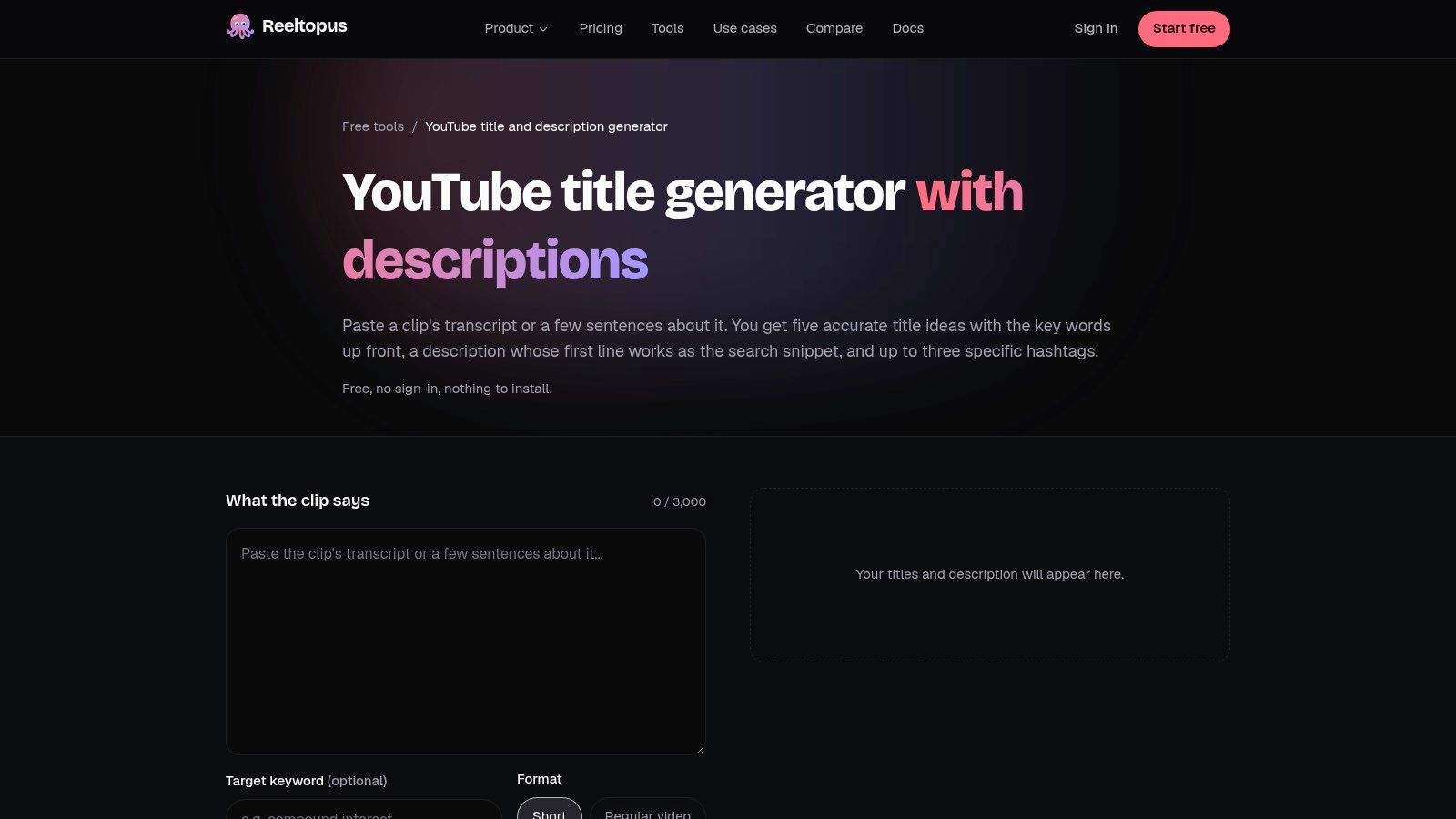
Reeltopus's YouTube Title and Description Generator offers a lightweight workflow built around a transcript or short description. It also accepts an optional keyword and distinguishes between a Short and a regular video.
That format choice is helpful, but the content brief still determines the promise. A short excerpt answering a narrow objection needs different framing from the full interview that explores the subject in depth.
Say an interview clip explains why a guest stopped offering discounts. Focus the title on that decision rather than promising a complete pricing strategy. The accompanying description can explain the context without expanding what the clip delivers.
Use this guide to persuasive YouTube video descriptions when refining the supporting copy.
Reeltopus is a practical option when the clip already exists and you want a compact upload package. It isn't the right place to settle broader questions about demand or channel strategy.
Before generating again, identify why the first suggestions missed. A clearer audience or narrower takeaway may solve the problem faster than another batch.
| Tool | Input Type | Free Access | Best For |
|---|---|---|---|
| AI YouTube Shorts Generator | Existing long-form video | Not specified | Repurposing videos into Shorts |
| vidIQ AI Title Generator | YouTube video topic or title prompt | Free tools available | Title ideas with keyword and topic research |
| TubeBuddy AI Title Generator | Prompt or existing title | Limited access on Free and Pro plans | YouTube creators using TubeBuddy |
| Tella AI YouTube Title Generator | Video description or transcript, optional keywords | Free without login, subject to fair-use limits | Quick, context-based title suggestions |
| CoSchedule YouTube Title Generator | YouTube title prompt | Not specified | Generating and refining titles across platforms |
| Semrush AI Title Generator | Topic or keyword | Free, limited to three generations per day | Keyword-led title brainstorming |
| Canva AI Title Generator | Written prompt with video context, keywords, or brand voice | Available with Canva Free | Creators already using Canva for design |
| Ahrefs SEO Title Generator | Topic or brief | Access and limits should be checked | Flexible brainstorming across content formats |
| SocialBee YouTube Generator | YouTube content inputs | Free generator; limits not specified | Drafting YouTube titles and descriptions |
| Reeltopus YouTube Title and Description Generator | Transcript or description, optional keyword, video type | Free without sign-in, subject to usage limits | Generating copy for Shorts or regular videos |
Choose the tool that addresses your actual bottleneck. Research-first creators should lean toward vidIQ or TubeBuddy. Quick brainstormers can start with standalone tools such as Tella or Reeltopus, while marketers already using Canva, Semrush, CoSchedule, or Ahrefs may prefer to keep drafting inside their existing workflow.
Don't confuse a familiar interface with better output. Compare suggestions against the same brief: the video's central topic, intended viewer, demonstrated benefit, and limits. Reject titles that invent a result, exaggerate certainty, or depend on context the viewer won't have.
For search-led videos, place the recognizable topic or keyword early when it reads naturally. For browse-led videos, emphasize a compelling, truthful promise that works beside the thumbnail. A podcast guest's strongest moment may be more useful than a broad episode label, provided the episode supports that framing.
Keep titles concise, but don't cut essential meaning to satisfy a universal length formula. The title-generator guidance examined by ytstudio.org illustrates why precise length and click-lift formulas need scrutiny rather than automatic acceptance. Remove filler before removing the detail that tells the right viewer the video is for them.
Audience positioning matters before wording. The same discipline behind market fit validation from Find Startup Idea applies here: clarify whose problem you're solving before polishing how you describe the solution.
Use YouTube's available title-and-thumbnail experiments rather than assuming your favorite draft will win. As explained in WaveVision's guide to YouTube title testing, native experiments can compare up to three variants, with the winner selected by watch-time share, not clicks alone.
Choose alternatives that represent different hypotheses, such as a direct answer, an outcome, and a truthful curiosity angle. Review impressions, click-through rate, viewing duration, and retention in context. Generated titles are drafts to test, not final answers.
Our SEO Optimization feature transcribes your video, captures your brand voice, and generates titles paired with SEO scores, with optimized metadata syncing directly into YouTube Studio. Visit Taja AI to start free with no credit card required, then review the suggestions against your video's promise and choose distinct candidates to test.


We are blessed to work with leading brands & Companies


We try to make easy and simple for every professionals. Get 30 days free trial - No credit card required.


© 2025 Taja AI. All rights reserved.