.jpeg)
YouTube Shorts vs TikTok: Which Wins for Creators in 2026
YouTube Shorts vs TikTok compared on specs, reach, algorithms and monetization, with a clear platform pick for creators and brands in 2026.
5 min read
October 27, 2026

Protect your content & brand with a watermark for YouTube videos. Learn design, placement, and automation to boost subscribers. Get started now!
Written by:


That little logo in the corner of your favorite YouTube videos? It’s not just a logo. For most new creators, it’s the most overlooked growth tool on the entire platform. This small, often transparent image is your secret weapon for turning casual viewers into subscribers and protecting your hard work from getting stolen.
Most creators treat their channel watermark as an afterthought—something they’ll get around to adding eventually. That’s a huge mistake.
Thinking of a watermark as mere decoration is leaving growth on the table. It's a strategic powerhouse that quietly works to build your brand and secure your content with every single view. It's a fundamental tool you should be using from your very first upload.
Here's the most direct benefit: the YouTube branding watermark is a persistent, clickable "subscribe" button. When a viewer on a desktop hovers over your watermark, a subscribe button pops up instantly. That simple, frictionless interaction can turn a moment of interest into a long-term subscriber without ever interrupting their viewing.
This isn't some minor perk; it's a proven growth driver. When YouTube introduced branding watermarks back in the early 2010s, it was a game-changer. Early data showed channels using them saw subscriber growth jump by as much as 70% compared to channels without one.
Fast forward to 2026, and the numbers are even more staggering. Recent stats show that over 2.5 billion monthly active users click on these watermarks, contributing to a massive 15% of all new subscriptions across the platform.
A watermark transforms passive viewing into an active opportunity. Every second someone watches your video is a chance for them to join your community with a single click.
Beyond subscriber growth, a watermark is your first and easiest line of defense against content theft. Let's be real—unauthorized re-uploads are a frustrating reality for anyone sharing their work online.
When your logo is clearly baked into your video, it immediately establishes ownership. This deters bad actors who are just looking for a quick and easy video to steal and pass off as their own.
Look, integrating a watermark is a small action with a massive impact on both growth and security. To really amplify your channel's reach, you should also be integrating advanced YouTube SEO best practices.
Let's be honest, most YouTube watermarks are terrible. They're either a distracting, full-color logo shoved in the corner or a blurry smudge you can't even read. A bad watermark is worse than no watermark at all—it screams amateur and pulls focus from your actual content.
The goal here isn't to plaster your brand everywhere. It's about a subtle, professional touch that boosts brand recognition without annoying your viewers.
Forget about that intricate logo you paid a designer a fortune for. When shrunk down to the size of a postage stamp, complex designs become unreadable messes. The best watermarks are simple, bold, and instantly identifiable even when they're semi-transparent. Think about how your favorite brands simplify their logos for social media profile pictures. That’s the exact mindset you need.
This infographic breaks down the two massive benefits you get from doing this right: growth and protection.

It really just boils down to this: a good watermark helps you get more subscribers while making it harder for people to steal your stuff.
YouTube is picky about its branding watermark for a reason. Get these specs wrong, and you'll either get an upload error or end up with a pixelated disaster. There's no room for error here.
Here's a quick cheat sheet I put together to make sure you get it right every single time. These are the non-negotiable rules for a watermark that looks clean and professional on any device.
| Attribute | Recommendation | Why It Matters |
|---|---|---|
| Dimensions | 150x150 pixels (perfectly square) | This is YouTube’s sweet spot for clarity and performance. Anything else risks distortion. |
| File Format | PNG (with a transparent background) | Transparency is essential. A JPG with a white box around your logo looks sloppy and blocks your video. |
| File Size | Under 1 MB | A small file size ensures your watermark loads quickly and doesn't slow down the player. |
| Design | Simple, high-contrast, one-color | Complex logos become unreadable. A simple icon or monogram works best when small and semi-transparent. |
Getting these technical details right from the start saves you a massive headache later. Think of your watermark less as a piece of art and more as a functional piece of your channel's UI. It needs to work, not just look pretty.
Beyond just branding, that little logo in the corner is your first line of defense against content thieves. There’s a reason 92% of the top 1,000 channels use visible branding.
Content pirates are lazy. They look for the easiest targets. Research shows that just having a visible ownership mark can slash content theft by as much as 45%. In a world where creators lose billions to piracy, that simple logo provides crucial traceability. One recent stat showed that channels with clear watermarks recovered 62% more stolen videos simply because proving ownership for DMCA takedowns was easier. You can find more details in Videomaker's protective strategies guide.
Of course, a cohesive brand goes way beyond just the watermark. Your thumbnails, titles, and on-screen graphics all need to work together. If you're looking to level up your channel's entire visual package, you might want to check out our guide on how AI can revolutionize your YouTube thumbnails. Creating a consistent, professional look across the board is what separates the hobbyists from the pros in 2026.
Alright, you’ve got your perfectly crafted watermark file ready to go. Now for the easy part—and honestly, one of the most satisfying five-minute tasks you'll ever do for your channel.
We're going to add this as a permanent fixture across all your videos. It's a true "set it and forget it" move that stamps your brand on everything you've ever published and everything you ever will. Let's get it done.
First things first, jump into your YouTube Studio. Once you're in, look at the menu on the left side and find Customization. Give that a click.
This is your channel's command center for all things visual. You’ll see three tabs at the top: Layout, Branding, and Basic info. Go ahead and click on Branding. This is where you manage your profile picture, banner, and the star of today's show: your video watermark.
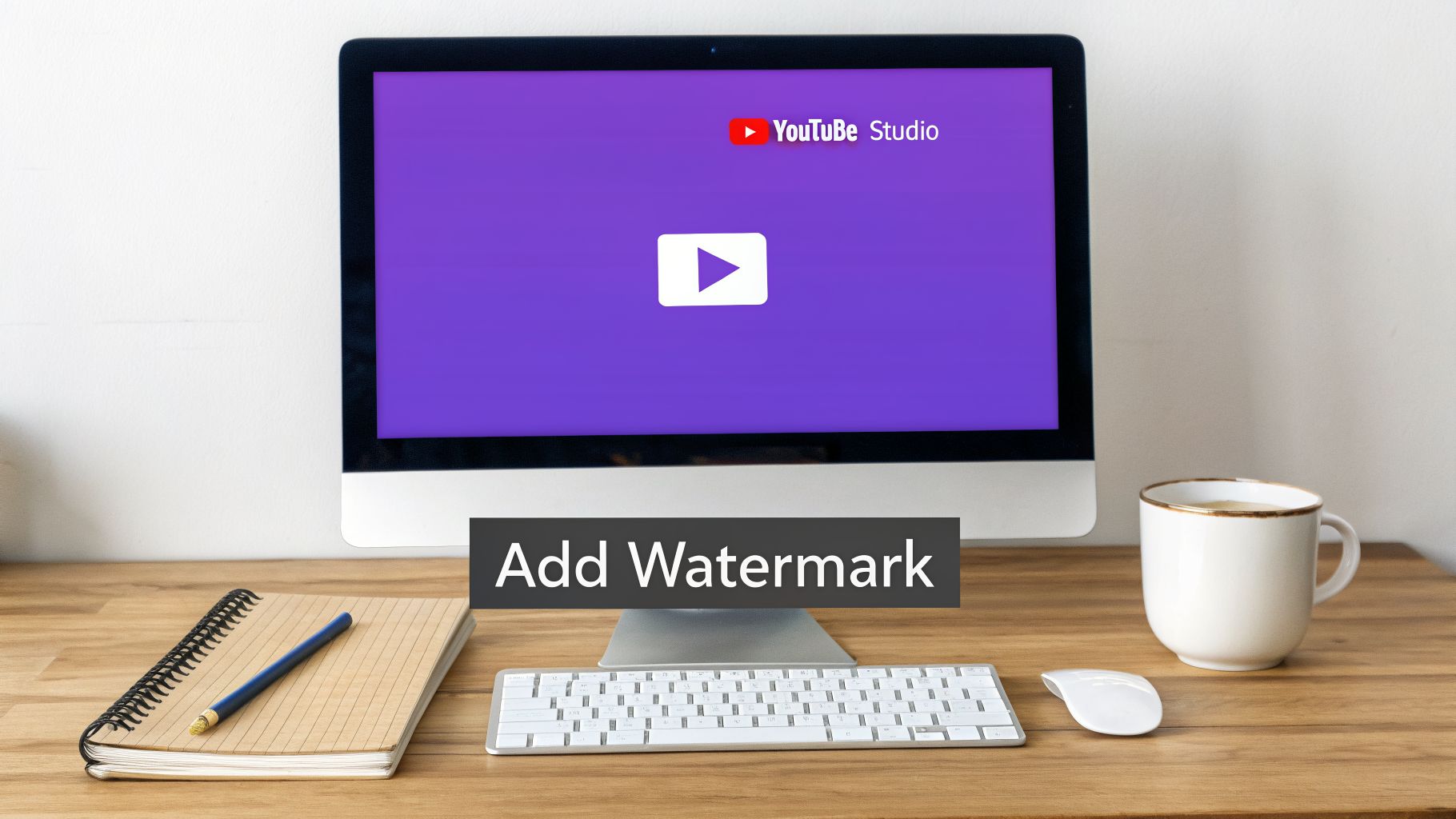
Down at the bottom, you'll see the "Video watermark" section. Just hit that ‘UPLOAD’ button, find the 150x150 pixel PNG you made, and you're one step away from being done.
Okay, this next part is critical. YouTube will immediately ask you when you want your watermark to show up. You get three options, but in my experience, one is dramatically better than the others.
Look, I'll be blunt. For 99% of creators, 'Entire video' is the only option that makes sense. It guarantees your branding is always on screen, turning every single second of your content into a chance to gain a subscriber. Channels that use this setting see way better brand recall and conversion.
Once you’ve made that choice, just scroll up and hit the big blue ‘PUBLISH’ button in the top-right corner. That’s it. You’re done.
Your watermark is now live across your entire video library. It’s a simple but powerful piece of channel management, and you can get even more pro tips from our YouTube Studio deep dive to turn those analytics into real growth.
That little branding watermark YouTube lets you add in the bottom corner? It’s a great start, but it’s a trap. It gives you a false sense of security.
The second someone downloads your clip and reposts it to Instagram, embeds it on their blog, or turns it into a TikTok, that clickable subscribe button vanishes. Your branding disappears right along with it, leaving your content to wander the internet anonymously.
This is where you need to get serious. By "burning" a watermark directly into your video file during the editing process, you create a permanent brand asset. This in-video overlay travels with your content wherever it goes, ensuring every single viewer on every single platform knows who made it.
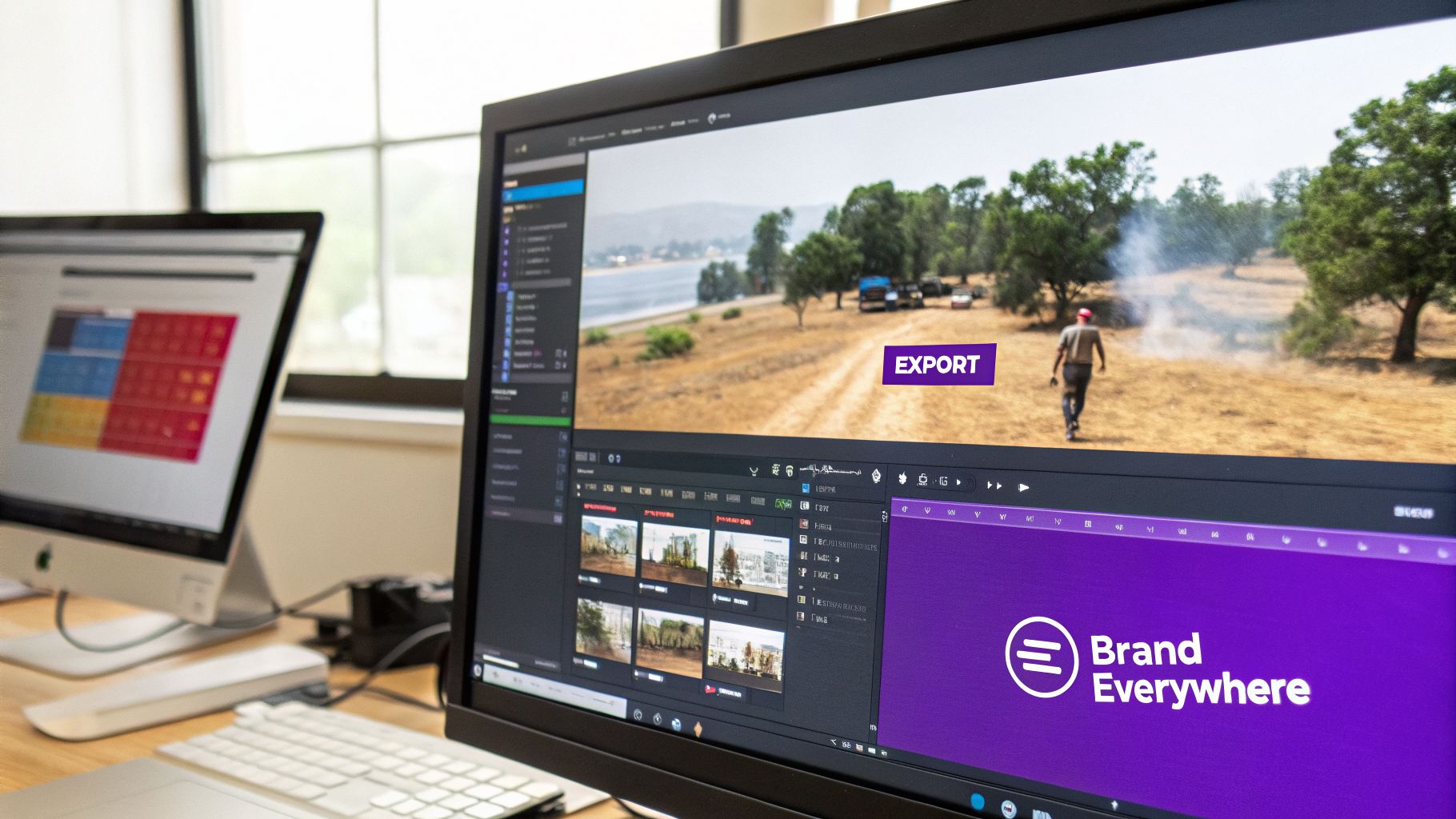
This method moves way beyond YouTube’s built-in features and gives you complete control over your brand’s presence. Honestly, it's standard practice for any creator who takes repurposing seriously and needs unshakable consistency across their entire digital footprint.
Let me tell you the biggest mistake I see creators make with burned-in watermarks: they stick them in the bottom-right corner. That’s prime real estate for YouTube's own UI—the official branding watermark, the "watch next" cards, you name it. Slapping your own logo there just creates a cluttered, amateurish mess.
Instead, look at the other three corners. The top-left or top-right are usually solid choices because they have way less on-screen clutter. This ensures your watermark for youtube videos is visible without fighting for attention with platform elements or captions.
Here are a few tips to get the placement and visibility right:
Your burned-in watermark shouldn't scream for attention. Its job is to be a quiet, constant reminder of your brand. A subtle presence is far more professional and effective than a loud, obnoxious logo.
A static watermark gets the job done, sure. But a gently animated one? That can be even more effective.
I'm not talking about some crazy, spinning 3D logo. A simple two-second fade-in at the start of a clip or a subtle pulse effect every few minutes can draw the viewer's eye just enough to register your brand without being intrusive.
Most modern video editors, from Adobe Premiere Pro to DaVinci Resolve, make this incredibly easy. All it takes is a few simple keyframes on the opacity or scale properties of your logo.
This little trick is especially useful for short-form content on platforms like TikTok or Reels, where you only have a few seconds to make a brand impression. In a fast-paced feed, a tiny bit of motion can help your logo stand out. The goal is a dynamic but clean look that reinforces your brand identity, no matter where your clip ends up.
Let's be honest. Manually burning your logo into every single video clip is a soul-crushing task. It’s the kind of repetitive work that makes you question your life choices as a creator, especially when you're trying to repurpose a single long-form video into a dozen shorts.
Imagine spending hours editing a one-hour podcast, then spending several more painstakingly chopping it up and adding your watermark to each individual clip. That's a major workflow bottleneck that kills your momentum.
But here's the thing: modern AI tools are completely changing this game. This isn't just about saving time on one little task. It's about creating an automated system where your brand identity is applied consistently across all your content, without you lifting a finger.
Think about how much more you could get done if branding was an automated step instead of a manual chore. This is where platforms like Taja AI come in, using brand templates to make this a reality.
You set up your brand just once—uploading your watermark file, defining your brand colors, and choosing your go-to fonts. The AI then applies this entire package to all the content it generates for you.
Picture this: you upload a one-hour webinar. The AI gets to work, sniffing out the most viral-worthy moments and slicing them into short, vertical clips perfect for YouTube Shorts, TikTok, and Reels.
But it doesn't stop there. Each of those clips automatically gets your watermark baked in. Your brand colors are applied to the captions. Your fonts are used for any text on screen. It all just... happens.
This isn't just about saving a few hours of editing. It's about achieving enterprise-level brand consistency with a solopreneur's resources. It ensures every single piece of content you put out, on every platform, strengthens your brand and protects your work.
The real magic here is the scale. A single long-form video can be spun into 20+ perfectly branded, ready-to-post short clips. What used to be a full day of tedious editing now takes a few clicks.
This allows you to maintain a high-volume posting schedule without ever sacrificing your brand's quality or integrity.
This kind of automated workflow unlocks a powerful content strategy:
This level of automation makes it possible to maintain a constant, professional presence online without the constant grind. If you're interested in how this fits into the bigger picture of content creation, you can explore our guide on harnessing AI for end-to-end YouTube video optimization.
As AI gets more sophisticated, understanding its wider influence on creator strategies gives you an edge. It helps you see how things like watermarks are becoming part of a much larger, automated workflow. To learn more about this trend, check out this piece on AI's impact on influencer campaigns.
By bringing these tools into your workflow, you’re not just adding a logo; you’re building a scalable, efficient, and powerful brand engine that works for you around the clock.
Alright, let's clear up some of the confusion I see floating around about YouTube watermarks. Even when you think you've got your branding locked in, these little details can trip you up and undermine your strategy.
Getting these specifics right isn't just about looking professional. It’s about making sure your branding actually works the way you expect it to across your entire channel. Let's tackle some of the most common hangups creators have.
This is where YouTube’s built-in tool really shines. When you upload a new branding watermark in YouTube Studio, it automatically updates across every single video on your channel—even the one you posted five years ago. No need to go back and manually edit anything.
But here’s the crucial part most creators miss: this only works for the official YouTube branding watermark. If you burned a logo or overlay directly into your video files using editing software, those are permanent. You can't change them without re-editing and re-uploading the video from scratch. This is a massive distinction between the two methods.
For anyone serious about building a long-term brand, your logo is almost always the smarter choice. A custom logo turns that little box in the corner into a constant brand reinforcement tool. With every single view, you’re training viewers to associate your content with your identity.
Sure, a generic "Subscribe" button is a direct call-to-action, but here's the thing—the YouTube watermark is already a clickable subscription button. Using your own logo accomplishes both goals at once: it prompts subscriptions and builds your brand equity. It's a small detail that makes your channel look more established and memorable.
Using your logo turns the watermark from a simple function into a powerful branding asset. It's a small detail that contributes to a much stronger, more recognizable channel identity in the long run.
No, not if you’re using the official YouTube branding watermark feature. That’s just a lightweight overlay that YouTube’s player adds on top of your video during playback. It has zero impact on your original file's resolution or quality.
Now, if you're burning a watermark into your video with editing software, you do need to be careful. Always make sure you’re exporting your final video at a high-quality setting. A low-bitrate export can cause noticeable compression or fuzziness around your watermark, which just looks amateur.
This is the big one. That point of confusion that drives creators crazy. The official YouTube branding watermark does not appear in the YouTube mobile app when videos are viewed in the standard portrait (vertical) mode.
It only shows up on mobile devices when a viewer physically turns their phone sideways to watch in landscape (horizontal) full-screen mode.
Considering a huge chunk of your audience watches in portrait mode while scrolling, this is a massive limitation. This single issue is precisely why so many serious creators choose to burn a smaller, more subtle watermark directly into their video file—it guarantees brand consistency, no matter how or where someone is watching.
Ready to stop wasting time on manual editing and get your branding on autopilot? Taja AI can automatically add your watermark, brand colors, and fonts to dozens of clips generated from a single video. Start repurposing content the smart way for free.


We are blessed to work with leading brands & Companies


We try to make easy and simple for every professionals. Get 30 days free trial - No credit card required.


© 2025 Taja AI. All rights reserved.