.jpeg)
7 Closed Caption Fails That Cost Viewers and Lawsuits
Seven real closed caption fails, from Netflix and edX lawsuits to garbled auto-captions, plus before/after fixes and quick quality checks.
5 min read
October 28, 2026

Discover the best tools for content creators in 2026. This guide covers the top 10 apps for video editing, AI repurposing, scheduling, and analytics.
Written by:


Your creator stack is broken, and the waste shows up fast. You can spend 10+ hours on a single long-form video and still watch it fade after 72 hours, not because the content was weak, but because the workflow was fragmented. The fix is not another random app. It's a stack that moves one piece of content from capture to edit, from repurposing to distribution, without forcing you to do the same work twice.
That shift matters because creator tooling has changed. YouTube Studio made analytics a built-in part of publishing, not an extra chore, and modern creator guidance still treats first-party data as the baseline. One practical guide says to spend just 15 minutes weekly reviewing analytics and to keep the core stack free for blogs, YouTube, social, and email, which is exactly why efficient creators stop chasing shiny tools and start building a system around the platform's own data best creator analytics tools. Another 2026 comparison recommends setting aside 2% to 5% of monthly creator income for analytics software, which means at $2,000/month in creator revenue, you're looking at roughly $40 to $100 per month for tools that help you make better publishing decisions best creator analytics tools compared.
The best tools for content creators in 2026 are not the fanciest. They're the ones that remove friction, cut burnout, and keep your content moving across channels with less manual labor. Here are the 10 that belong in a serious content stack.
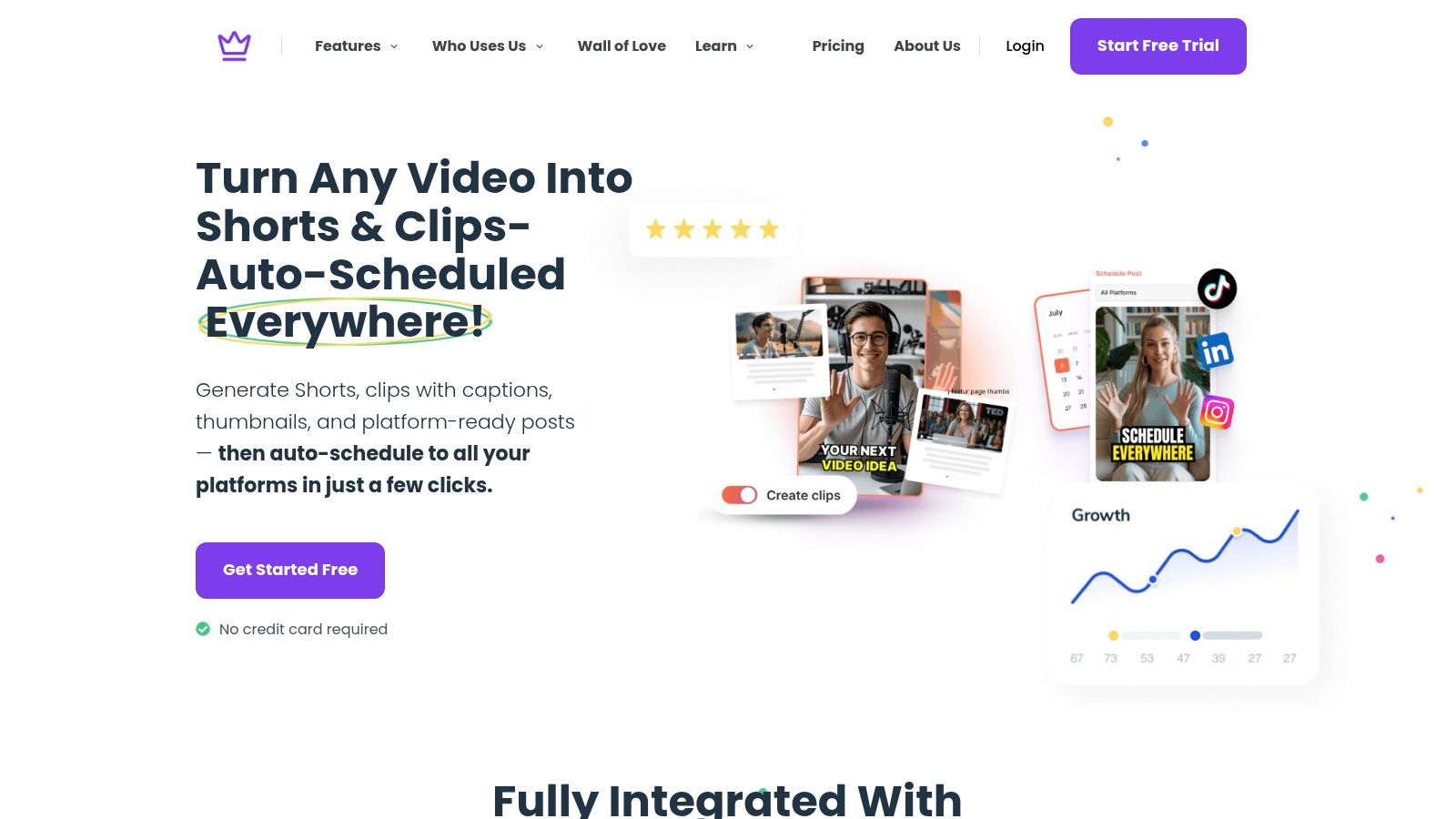
Taja AI is the strongest choice if you want one upload to become a full distribution engine. It takes long-form video, analyzes your channel, niche, and brand voice, then turns that source into platform-ready shorts, clips, captions, thumbnails, blog blurbs, and social posts from a single workflow. The site says creators can start free with no credit card, and that alone makes it the easiest repurposing tool to test without adding another fixed cost to your stack.
The advantage is not just speed. It's how Taja collapses multiple jobs into one system, which is exactly what burned-out creators need. The platform reports an average of 27 platform-ready assets from one upload, about 3.8 weeks of content generated per upload, and up to 2.3 hours saved per optimized video Taja AI. Those numbers matter because they translate into fewer editor handoffs, fewer blank-page delays, and less time spent turning one recording into six different deliverables.
Taja's value is its full loop. It handles Next Video Idea for topic discovery, Backlog Boost for reviving old content, and Auto Kick-Off for hands-free repurposing, then pushes content across YouTube, Instagram, TikTok, Facebook, X, and LinkedIn from one dashboard Taja AI. That combination is what most creators need. You don't need more isolated tools, you need one system that gets you from recording to distribution without creating another bottleneck.
Practical rule: If your long-form content is still sitting in a folder days after recording, your problem is not creativity. Your problem is workflow.
Taja also fits the creators who feel the squeeze most: solopreneurs, small businesses, realtors, podcasters, social media managers, and faith-based groups. The product's positioning is simple and correct, which is why it stands out. If you want consistent reach without paying a full-time editor, start here: Taja AI.
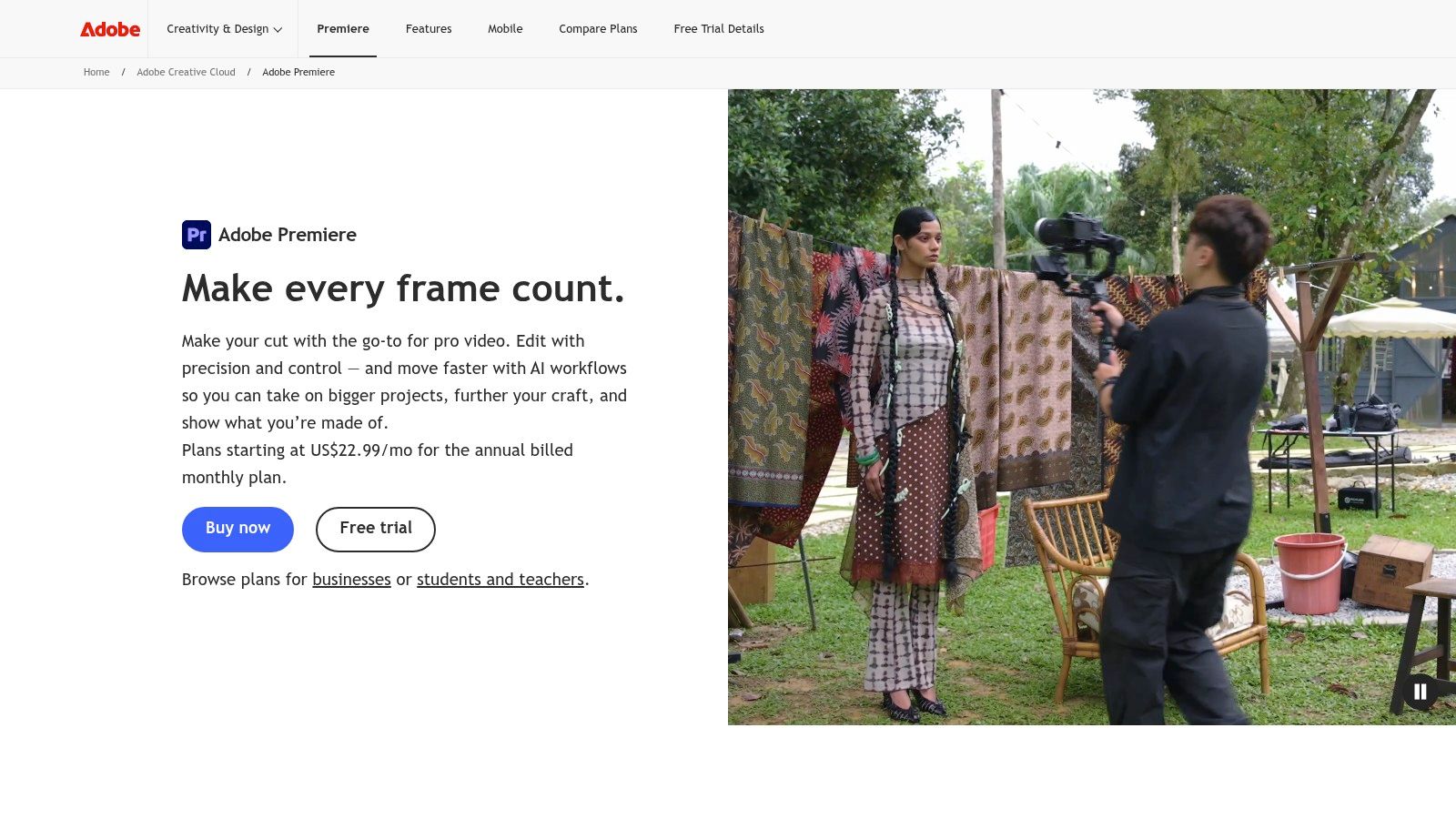
Adobe Premiere Pro is the right pick when you need professional editing power and you're serious about polish. It's a timeline-based editor built for creators who work across 4K+ workflows, professional codecs, advanced audio, color, and effects, with Firefly AI-assisted features and native Frame.io review flows for approvals Adobe Premiere Pro. If you're producing sponsored videos, polished YouTube essays, or client content, this is the editor that keeps quality high and handoffs clean.
The biggest advantage is interoperability. Premiere fits naturally with the rest of Adobe's ecosystem, which is still one of the strongest reasons creators choose it. Round-trip workflows with After Effects and Audition make it easier to move between motion graphics, sound cleanup, and final delivery without rebuilding projects from scratch Adobe Premiere Pro. That matters if your content has layers, because layers are where amateur tools start slowing you down.
Premiere is not the fastest editor to learn, and it shouldn't be. It's built for creators who need control, not shortcuts. The tradeoff is worthwhile if your channel depends on strong composition, precise trimming, or complex audio cleanup.
For creators who already use a repurposing tool like Taja, Premiere becomes the refinement layer. Taja gets you assets quickly, Premiere gives you the final polish. If your content strategy depends on a clean editing standard across multiple shows or clients, Premiere should be in the stack.
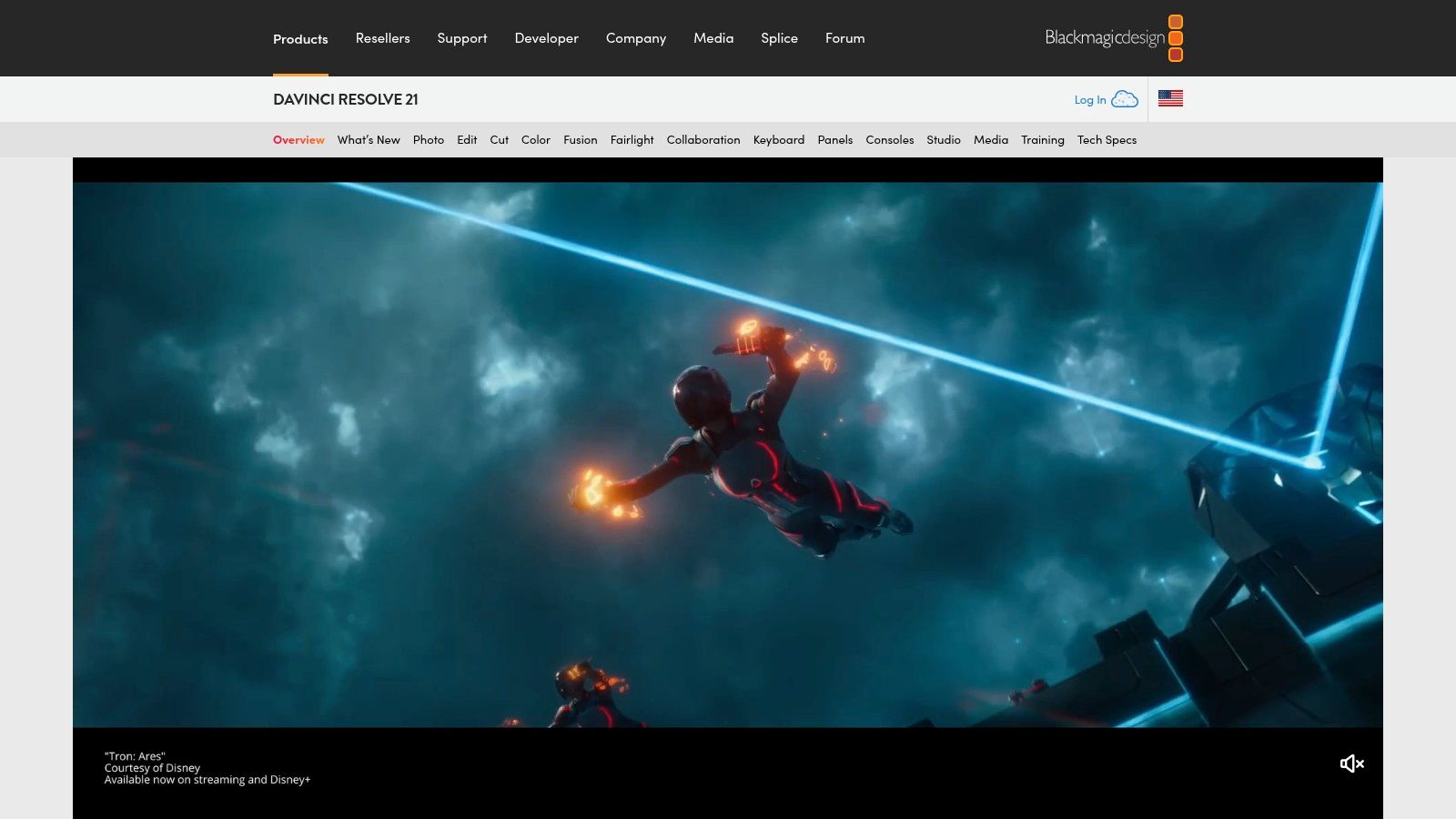
DaVinci Resolve is the smartest value play for creators who want pro-level post-production without locking themselves into a subscription-first model. It combines editing, world-class color grading, VFX through Fusion, and audio work through Fairlight in one app DaVinci Resolve. For many creators, that makes it the most complete single-platform editor on the market.
The free version is a huge reason Resolve keeps appearing in creator workflows. You get enough power to build a real channel with it, and the paid Resolve Studio version adds advanced AI features, collaboration tools, and deeper professional capabilities. It also runs on Windows, macOS, and Linux, which gives it a wider technical reach than many creators expect DaVinci Resolve.
Resolve shines when your content looks and sounds expensive. That's the point. If you shoot interviews, product videos, educational content, or talking-head material with mixed lighting, its color tools can fix what cheaper editors leave behind.
The best workflow is simple, capture cleanly, cut quickly, grade intentionally, and stop overcomplicating the final export.
Use Resolve when you want one environment for the whole post-production chain. If your channel is growing into a more serious production brand, Resolve gives you room to scale without immediately paying subscription fees for every seat.
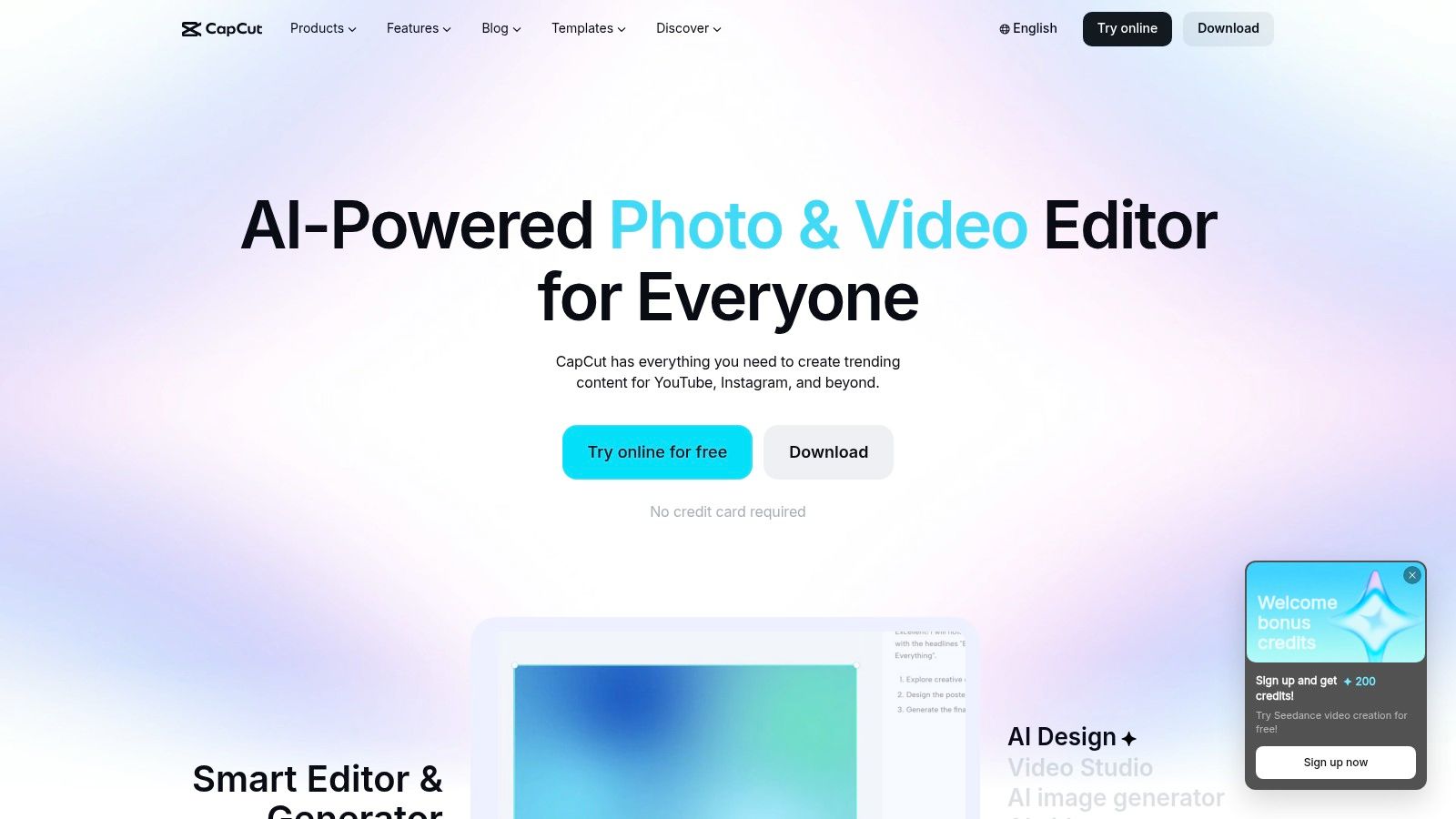
CapCut is the short-form editor most creators should learn first. It's fast, social-first, and designed for the reality of modern platforms, where speed and packaging matter as much as the footage itself CapCut. If your main output is TikTok, Reels, or Shorts, CapCut gives you a quicker path from raw clip to published post than heavyweight editing software.
Its strongest features are practical, not flashy. Auto captions, subtitle styling, translation, trending templates, effects, sounds, and AI utilities like voice effects and background removal are all built for quick publishing CapCut. That means less time spent on repetitive formatting and more time spent posting.
CapCut's advantage is adoption speed. A solo creator can learn it quickly, and a small team can standardize on it without needing a post-production specialist. The free tier is enough for many use cases, which makes it a smart default for anyone who needs volume more than cinematic detail.
The limitation is control. If your project needs advanced timelines, complex audio cleanup, or highly granular effects, a professional NLE will serve you better. But for most social creators, CapCut is the right tradeoff.
Direct advice: Use CapCut for speed, not perfection. Publish the clip, learn from the response, and move on.
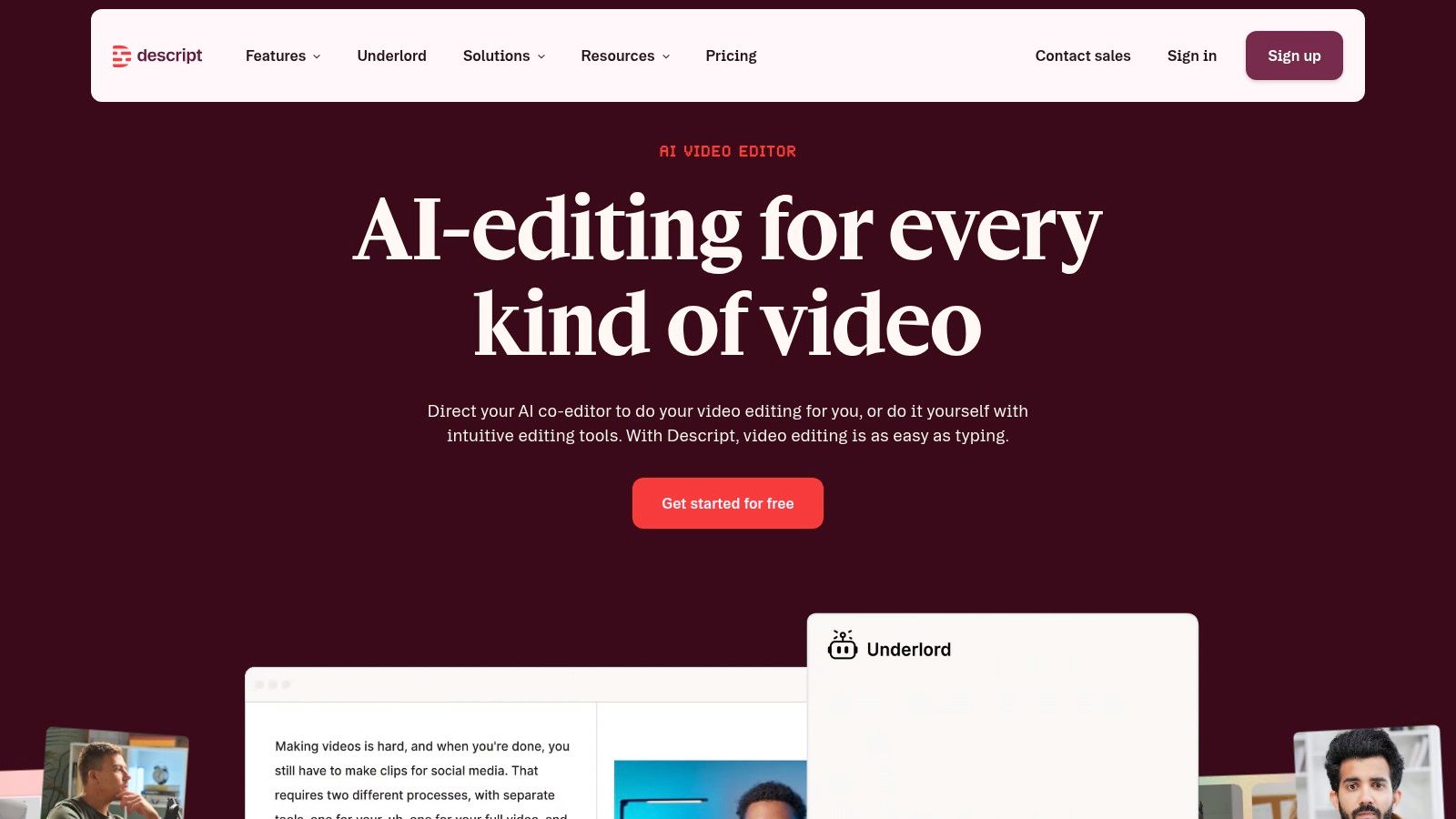
Descript is what you use when spoken content is the bottleneck. It lets you edit audio and video by editing the transcript, which is a cleaner way to work if you produce interviews, podcasts, lessons, or talking-head videos Descript. Instead of scrubbing a timeline frame by frame, you delete a sentence, move a paragraph, or tighten a clip by working in text.
That approach makes Descript especially effective for repurposing. It includes recording, multitrack editing, screen capture, overdub voices, Studio Sound, filler-word removal, clipping, and translation tools Descript. For creators who record a lot and edit often, those features remove the worst parts of the job.
Descript is ideal when your content starts as a conversation. If you host interviews or teach on camera, you'll feel the time savings immediately because transcript-driven editing matches the way creators think about spoken content.
The tradeoff is that traditional editors still win on precision. If you need advanced motion work or frame-level control, Descript should sit upstream as your rough-cut and clipping tool, not as your only finishing environment. Used that way, it saves real time without forcing compromise.
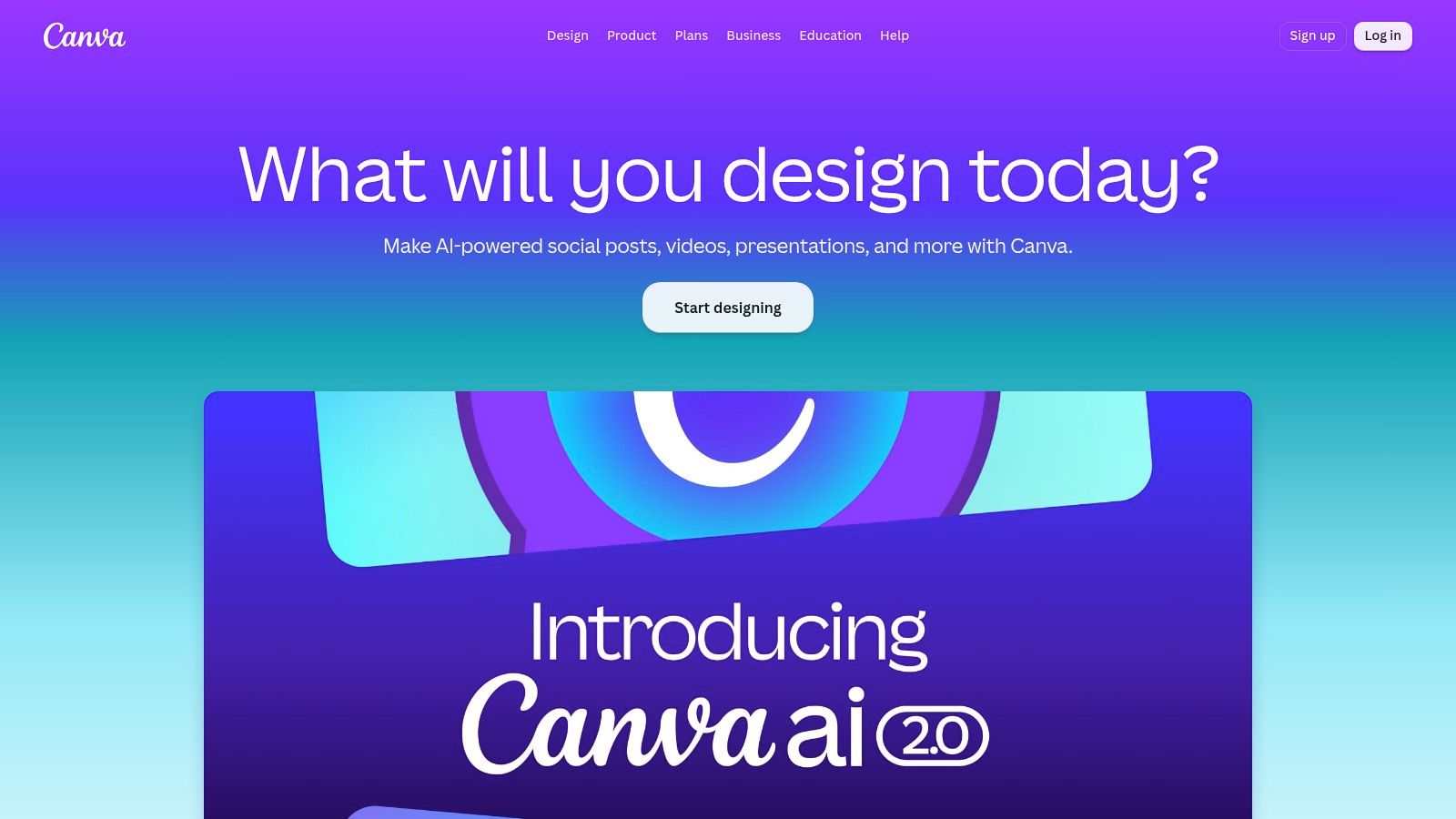
Canva is the design layer most creators should standardize on. It handles thumbnails, channel art, carousels, stories, and other visual assets without requiring you to become a designer Canva. For creator businesses, that matters because inconsistent visuals make every other part of the content system feel less credible.
The value is speed and consistency. Canva gives you a huge template and asset library, plus Brand Kit and Brand Templates, so you can keep a channel visually coherent across formats Canva. It also includes built-in AI design features, with scheduling and handoff options that help the visual layer connect to distribution.
Canva works because it reduces decision fatigue. A creator who has to design from scratch every time will delay publishing. A creator who has a repeatable thumbnail system will ship faster and look more professional doing it.
Use Canva for the packaging that surrounds your content. Pair it with Taja for repurposed video output, and you get a fast path from clip to cover art to publish-ready visual. If you want a practical guide on adding branding to visual assets, this logo placement walkthrough is worth keeping in your workflow.
Buffer is the social distribution tool that keeps solo creators and small teams sane. It supports publishing and analytics across platforms like YouTube Shorts, TikTok, Instagram, Facebook, X, LinkedIn, Pinterest, Threads, Google Business Profile, Bluesky, and Mastodon, which makes it one of the most flexible lightweight schedulers available Buffer. If your content is getting stuck because posting is chaotic, Buffer solves that problem directly.
Its advantage is clarity. Buffer gives you queueing, first-comment management, an AI Assistant for captions and ideas, post analytics, a Start Page link-in-bio tool, and a hashtag manager Buffer. That's enough structure for a clean distribution engine without dumping you into enterprise complexity.
That's the goal. Posting should be routine, not a daily interruption. Buffer helps creators stay consistent across multiple channels without hiring a social media operator or building a spreadsheet-driven workflow.
The only real limitation is scale. If you manage many profiles, per-channel billing can add up, and deeper CRM-style functions are lighter than enterprise suites. Still, for creators who need dependable scheduling and enough analytics to improve, Buffer is one of the best tools for content creators because it keeps publishing under control.
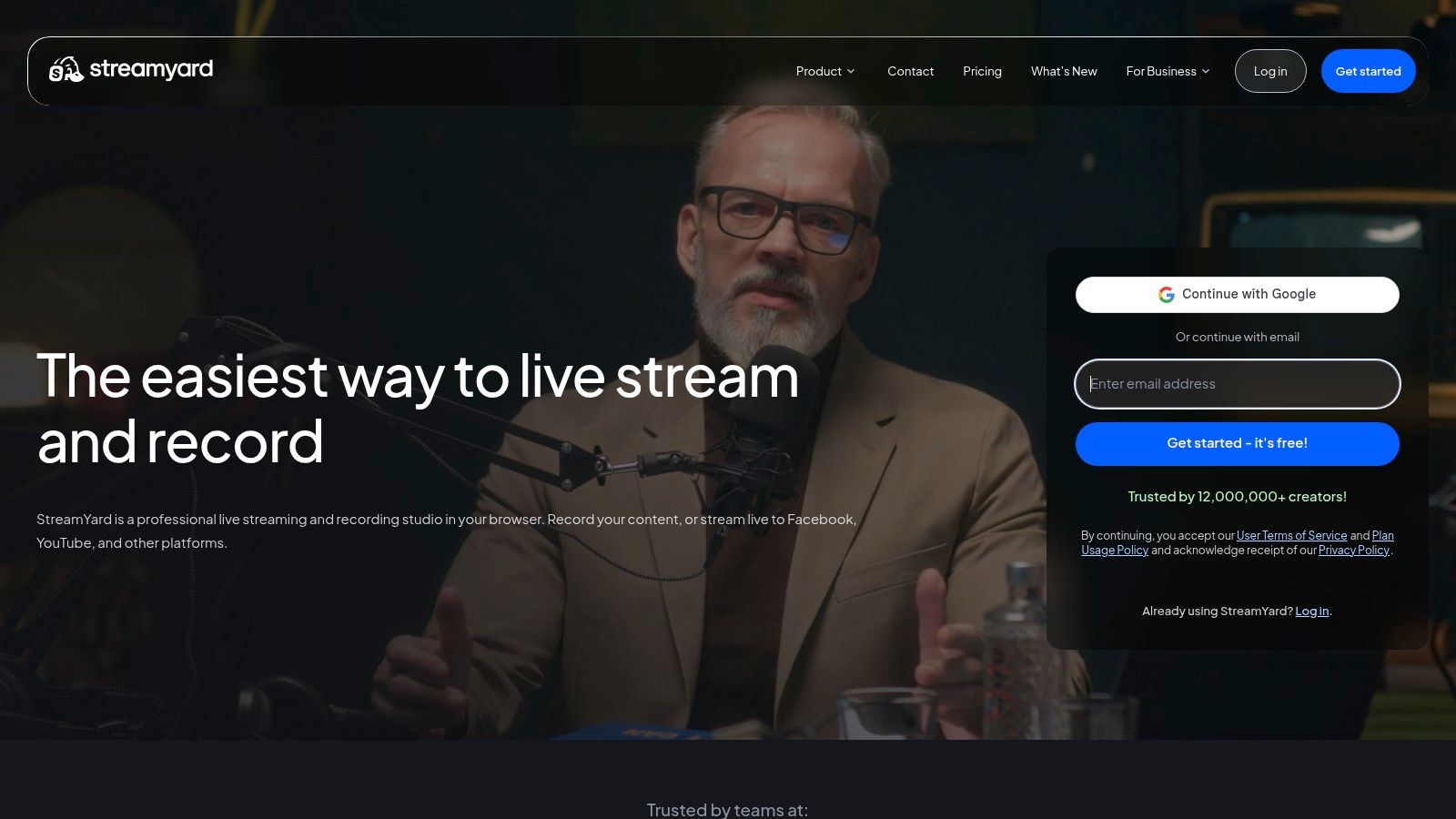
StreamYard is the easiest live-streaming studio for creators who care more about output than technical drama. It runs in the browser, which means guests can join with minimal friction, and you can multistream to multiple destinations with branded overlays StreamYard. That makes it a strong fit for interviews, webinars, live shows, and community events.
The platform also includes local recordings on higher tiers, cloud recording, pre-recorded streams, AI clips, and guest management StreamYard. Those features matter because live content should not be treated as one-and-done. A good stream becomes a set of clips, and StreamYard makes that transition easier.
StreamYard wins when you want guests to show up without learning a studio. The interface is built for speed, and that lowers the chance of a messy live session. If your work involves interviews or webinar-style education, that simplicity saves stress for everyone involved.
Its weakness is design depth. Layouts are template-driven, so you won't get the same customization you'd find in a full production suite. But for creators who want stable live production and straightforward distribution, StreamYard is a strong choice.
Riverside is built for creators who record remotely and refuse to compromise on quality. It captures separate tracks with local backups, which is exactly what podcasters, interviewers, and educators need when they want studio-grade output from remote sessions Riverside. If your guests join from different locations, this is the cleaner choice.
The platform also includes AI enhancements, filler-word removal, transcripts, Live Studio, webinar hosting, registration, embedding, and built-in publishing features Riverside. That turns it into more than a recorder. It's a capture-and-distribution layer for creators who want fewer handoffs after the session ends.
Riverside gives you a disciplined workflow. You record locally, protect audio quality, and then move into clipping and publishing without rebuilding the session elsewhere. That's especially valuable if you're producing recurring interviews or educational series.
Pricing and feature limits vary by tier, so plan selection matters. Still, the core promise is solid, high-quality remote capture with enough downstream tooling to keep the workflow moving. If your show depends on guest conversations, Riverside belongs near the top of the stack.
TubeBuddy is the YouTube-specific tool that serious channel owners should not ignore. It's a browser extension and web app built for keyword research, metadata optimization, A/B testing, bulk processing, and competitive insights TubeBuddy. If YouTube is a core growth channel, you need a tool that speaks YouTube's language.
What makes TubeBuddy useful is that it saves time while improving discovery. Features like Keyword Explorer, Search Insights, SEO Studio, Next Video Ideas, and bulk metadata management keep the channel optimization work from becoming a manual grind TubeBuddy. That's a real advantage for creators who publish often and want every upload to work harder.
TubeBuddy works best when you treat it as a lifecycle tool, not a one-time checker. It helps with topic selection, optimization, and testing, which makes it valuable at both the beginning and growth stages of a channel.
If you're comparing YouTube-focused optimization tools, a useful alternative overview is this TubeBuddy alternatives guide. The bigger point is simple. YouTube growth gets easier when you stop guessing and start using a tool built for metadata, testing, and repeatable channel decisions.
| Tool | Core Offering ✨ | Key Features / USPs ✨ | Quality ★ | Best For 👥 | Price / Value 💰 |
|---|---|---|---|---|---|
| Taja AI 🏆 | AI content repurposing (1 upload → ~27 assets) | ✨ Auto-repurposing, Next Video Idea, Backlog Boost, multi‑channel scheduling | ★★★★☆ | 👥 Solopreneurs, SMMs, podcasters, small biz | 💰 Free start; paid tiers for heavy use |
| Adobe Premiere Pro | Professional timeline NLE | ✨ Deep editing, Firefly AI, After Effects/Audition integration | ★★★★★ | 👥 Pro editors, post houses, advanced creators | 💰 Subscription (higher cost) |
| DaVinci Resolve | End‑to‑end post suite (edit/color/audio/VFX) | ✨ Best‑in‑class color, Neural Engine, collaboration tools | ★★★★★ | 👥 Filmmakers, colorists, pros | 💰 Free core; Studio one‑time purchase |
| CapCut | Social‑first short‑form editor (mobile/web) | ✨ Templates, auto‑captions, trending effects, AI tools | ★★★★☆ | 👥 Short‑form creators, mobile users | 💰 Free tier; Pro varies by region |
| Descript | Text‑based audio/video editor | ✨ Transcript editing, Overdub, Studio Sound, quick clips | ★★★★☆ | 👥 Podcasters, educators, non‑editors | 💰 Free tier; paid for media/AI credits |
| Canva | Drag‑drop design for thumbnails & socials | ✨ Massive templates, Brand Kit, AI design assistants | ★★★★☆ | 👥 Non‑designers, social teams | 💰 Free tier; Pro subscription |
| Buffer | Social scheduling & analytics | ✨ Queueing, AI captions, post analytics, hashtag manager | ★★★☆☆ | 👥 Solos & small teams managing posting | 💰 Affordable tiers; per‑channel costs |
| StreamYard | Browser live‑stream studio | ✨ Multistream, branded overlays, guest management | ★★★★☆ | 👥 Hosts, interviewers, live show creators | 💰 Free tier; paid for 4K & more destinations |
| Riverside | Remote studio‑quality recording & webinars | ✨ Separate‑track capture, AI cleanup, transcripts | ★★★★☆ | 👥 Podcasters, interviewers, educators | 💰 Tiered plans by recording hours |
| TubeBuddy | YouTube SEO & channel growth toolkit | ✨ Keyword Explorer, bulk metadata, A/B tests, ideas | ★★★★☆ | 👥 YouTubers focused on growth | 💰 Free trial; paid tiers for advanced features |
Having the best tools for content creators is useless without a system. Your goal isn't to master 10 separate apps, it's to build an integrated workflow that cuts friction at every stage. Start by finding your biggest bottleneck. If editing is slowing you down, pick Premiere Pro, Resolve, or Descript. If distribution is the problem, Buffer and TubeBuddy should be first. If your real pain point is repurposing, Taja AI is the fastest fix.
A strong stack follows the content lifecycle in order. Capture with Riverside, StreamYard, or your camera setup. Edit in Premiere Pro, DaVinci Resolve, CapCut, or Descript. Design with Canva. Repurpose and schedule with Taja AI. Then use Buffer and YouTube analytics to see what gets traction, because first-party data remains the cheapest high-value feedback loop for creators best creator analytics tools. That structure matters more than any single app, because a disconnected stack creates extra work every time you publish.
Don't buy tools because they look impressive. Buy them because they remove repeated labor. The most efficient creator stacks are modular, which is why editorial tools handle production while scheduling and analytics tools handle distribution and iteration. Sprout Social's creator workflow framing matches that reality, creators commonly combine editing, design, AI writing, and social scheduling rather than relying on one app to do everything creator tools.
Use the same standard when you choose new software. Ask whether it shortens your path from idea to publish, whether it reduces handoffs, and whether it gives you data you can act on quickly. If it doesn't, it's not part of the stack, it's just another distraction.
Taja AI is built for creators who want more output with less manual work. It turns one long-form video into clips, captions, thumbnails, blog assets, and scheduled posts, which makes it a direct fit for the workflow problem this guide is solving. Visit Taja AI if you want to stop repurposing content by hand and start running a real distribution system.


We are blessed to work with leading brands & Companies


We try to make easy and simple for every professionals. Get 30 days free trial - No credit card required.


© 2025 Taja AI. All rights reserved.