.jpeg)
Best Aspect Ratio for YouTube: The Complete 2026 Guide
Discover the best aspect ratio for YouTube videos, Shorts, and community posts. Learn when to use 16:9 vs 9:16 with practical tips and real examples.
5 min read
October 2, 2026

Find the best thumbnail maker for Minecraft with our 2026 list. Compare free tools, template sites, and AI generators to boost your YouTube views.
Written by:


Your Minecraft thumbnails are costing you views.
You spent hours building a mega-base, grinding a survival challenge, or recording the perfect SMP moment. Then you upload, and the video stalls. The problem usually isn't the gameplay. It's the packaging. A weak thumbnail gets ignored before your title even has a chance to work.
Minecraft is one of the most durable games on the internet, and thumbnail creation around it has evolved from manual Photoshop-heavy work into AI prompts, template systems, and screenshot-based workflows that make production much faster for creators and teams in markets like the U.S., India, Brazil, and Europe, as noted by Thumbnail Studio's Minecraft thumbnail generator overview. If you're still winging it with random screenshots and default text, you're behind.
The fix isn't just finding one thumbnail maker for minecraft videos. It's building a system that fits how Minecraft thumbnails are made. You need a clean character render, a strong background, and a fast way to add contrast, text, and branding without wasting your whole upload day.
If your screenshots look muddy, fix that first with AI upscaling for better photos. Then use the tools below to build a workflow that gets clicks.
You finish editing a Minecraft video, then the true time drain starts. Thumbnail. Shorts. Captions. Social posts. Scheduling. If your upload day gets eaten by those handoffs, Taja AI deserves your attention.
Taja fits the workflow angle of this list better than a typical thumbnail-only app. It handles the packaging work around the thumbnail, which is exactly where solo creators lose momentum. You upload one long-form video, and the platform helps turn it into thumbnails, clips, captions, blog snippets, and platform-specific posts for YouTube, Instagram, TikTok, Facebook, X, and LinkedIn from one dashboard.
Taja belongs in the all-in-one category. That makes it useful for Minecraft creators who need a publishing system, not just another design tab.
Minecraft thumbnails rarely stand alone. You need the render, the text, the title packaging, the short-form cutdowns, and a posting schedule that does not collapse every time you publish. If your thumbnail maker for minecraft videos only solves the image, you still have a bottleneck.
Practical rule: If your thumbnail process delays the upload, fix the process before you blame the algorithm.
Taja also includes brand templates, an editor, a content calendar, Backlog Boost for older videos, and Next Video Idea for planning. That combination helps creators who are stuck in constant context switching. Instead of bouncing between five tools, you can keep the packaging and distribution work in one place.
You can also review Taja's perspective on AI thumbnail generators for YouTube growth if you want to sharpen your click strategy, not just generate another image.
Use Taja when your problem is production speed and repeatability.
Taja is not the best pick if you want precise Minecraft character posing or custom 3D scene control. Other tools in this list handle that better. But if you want a professional workflow that starts with one video and ends with a full batch of publish-ready assets, Taja is a strong first layer in the system.
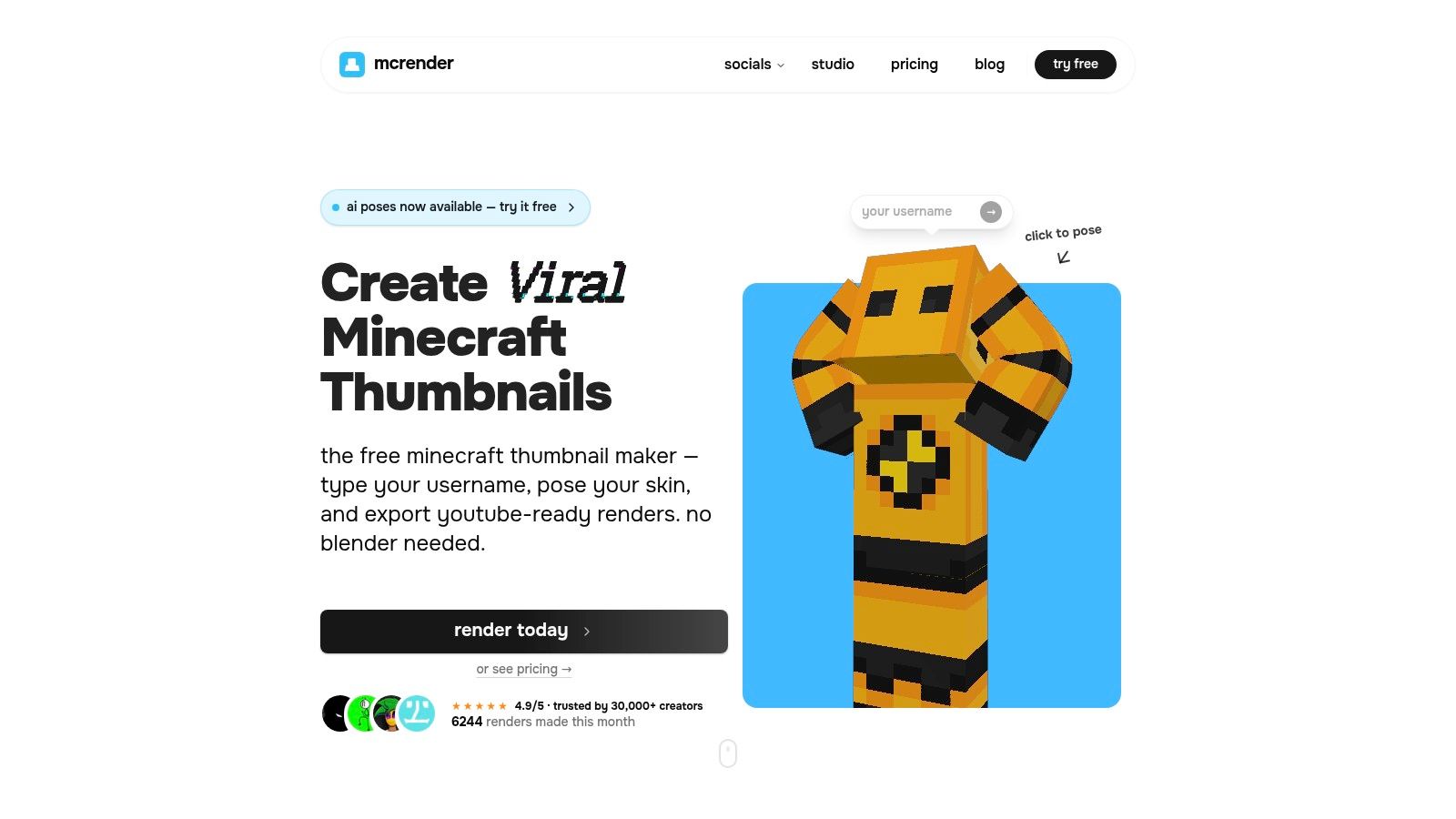
If your thumbnails keep failing because your character looks flat, awkward, or badly cropped, use MCRender.
This tool does one job well. It gives you fast Minecraft skin renders in a browser. Type a username or upload a skin, pose the character, frame the camera, and export a transparent PNG. That's exactly what most creators need before they move into a text and effects editor.
MCRender is a renderer, not a full thumbnail maker. That makes it valuable.
A lot of creators lose time in bloated software when their core need is simple. They need a hero subject with a clean cutout. MCRender gives you that without forcing you into Blender or a full 3D pipeline.
Your subject should look intentional, not ripped out of a random gameplay frame.
Use it when your thumbnail needs:
Its downside is obvious. You won't finish a complete thumbnail here. Backgrounds, bold text, arrows, glow, and story framing still need another tool. But that's fine, because MCRender is strongest when you treat it as step one in a repeatable workflow.
For faceless channels, it also solves a common problem. You can turn your Minecraft skin into a recognizable channel asset instead of relying on whatever random frame happened to look decent in the recording.
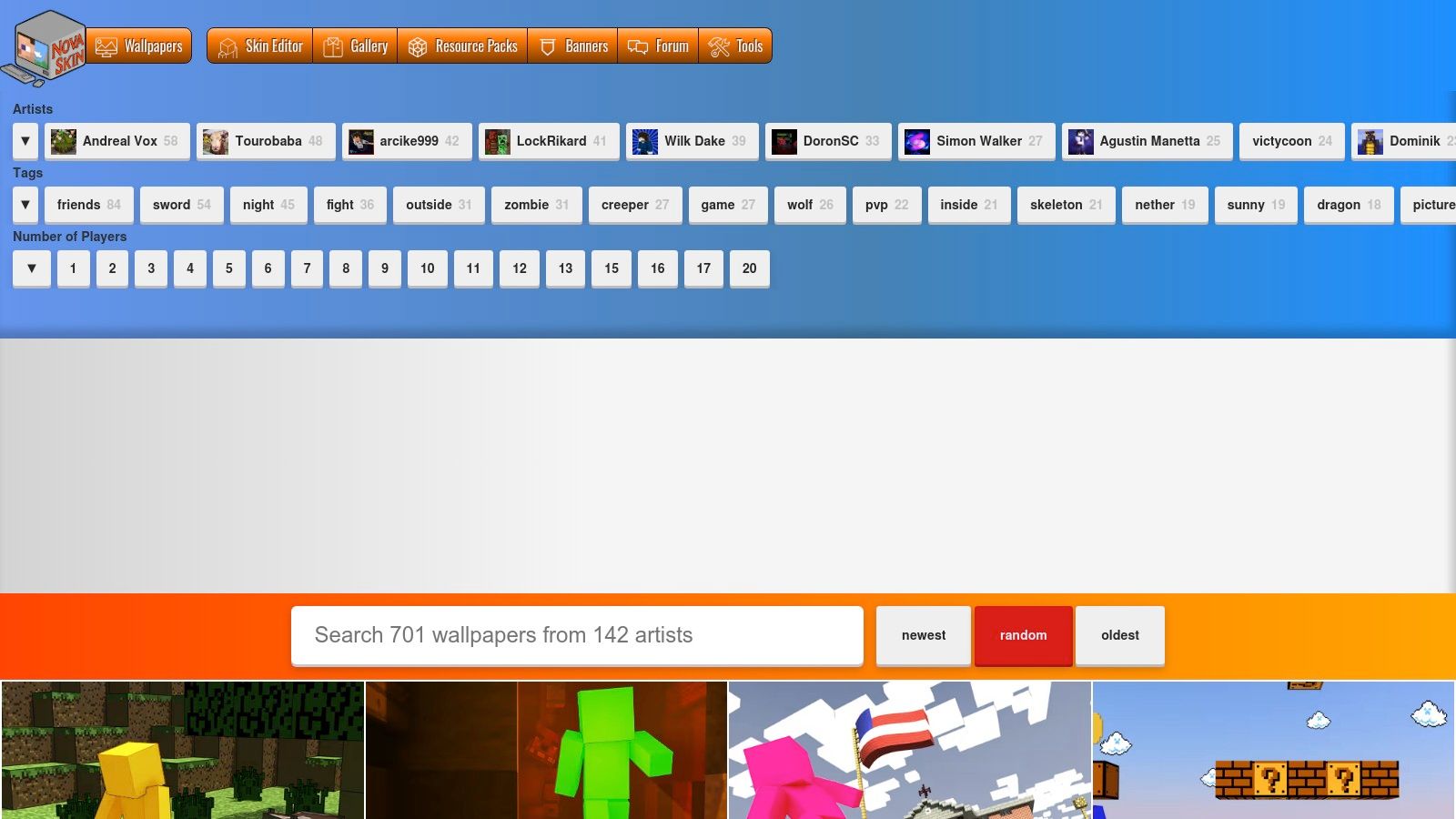
NovaSkin Wallpapers is the fast answer when you need an on-brand Minecraft background and don't want to build an entire 3D scene from scratch.
The interface feels old, and yes, it can be clunky. Ignore that. It still gives creators something useful. A large gallery of Minecraft-style wallpaper scenes, skin import, in-line posing, and exports that work well as thumbnail backplates.
Minecraft thumbnail design has a long history of staged screenshots, custom poses, green-screen cutouts, and layered effects. That workflow shows up clearly in creator tutorials built around Nova Skin, replay or capture mods, and Photoshop compositing, as shown in this Minecraft thumbnail tutorial on YouTube. That's not trivia. It's the foundation of the niche.
NovaSkin fits that tradition perfectly. It helps you create the scene layer. Then you move to a compositor for text, contrast, glow, blur, and final polish.
Here's where NovaSkin works best:
What it won't give you is precision lighting control or deep material work. If you're chasing a premium cinematic look, Mine-imator will beat it. But if you need a usable background now, NovaSkin is still one of the fastest ways to stop staring at a blank canvas.
When your thumbnails need to look premium, Mine-imator is the move.
This is the desktop tool for creators who are done with generic templates and want full control over camera angle, lighting, shadows, mobs, items, and staged scenes. It's built around Minecraft assets, so you get much more control without diving into Blender complexity.
Mine-imator is not for rushed uploads. It's for videos that deserve stronger packaging than a screenshot and text.
Use it for:
The biggest advantage is control. You can place the exact item, mob, or rig you need, set the camera where the story reads best, and export a still that looks purpose-built for the video.
The downside is setup time. If your upload schedule is tight, this can slow you down. That's why Mine-imator works best as a specialist tool in your stack, not your default for every single upload.
A thumbnail for a major series finale or high-stakes Hardcore video should not look like your throwaway episode thumbnail.
If you want cinematic Minecraft imagery without fighting a full 3D suite, Mine-imator is one of the best tools in this entire category.
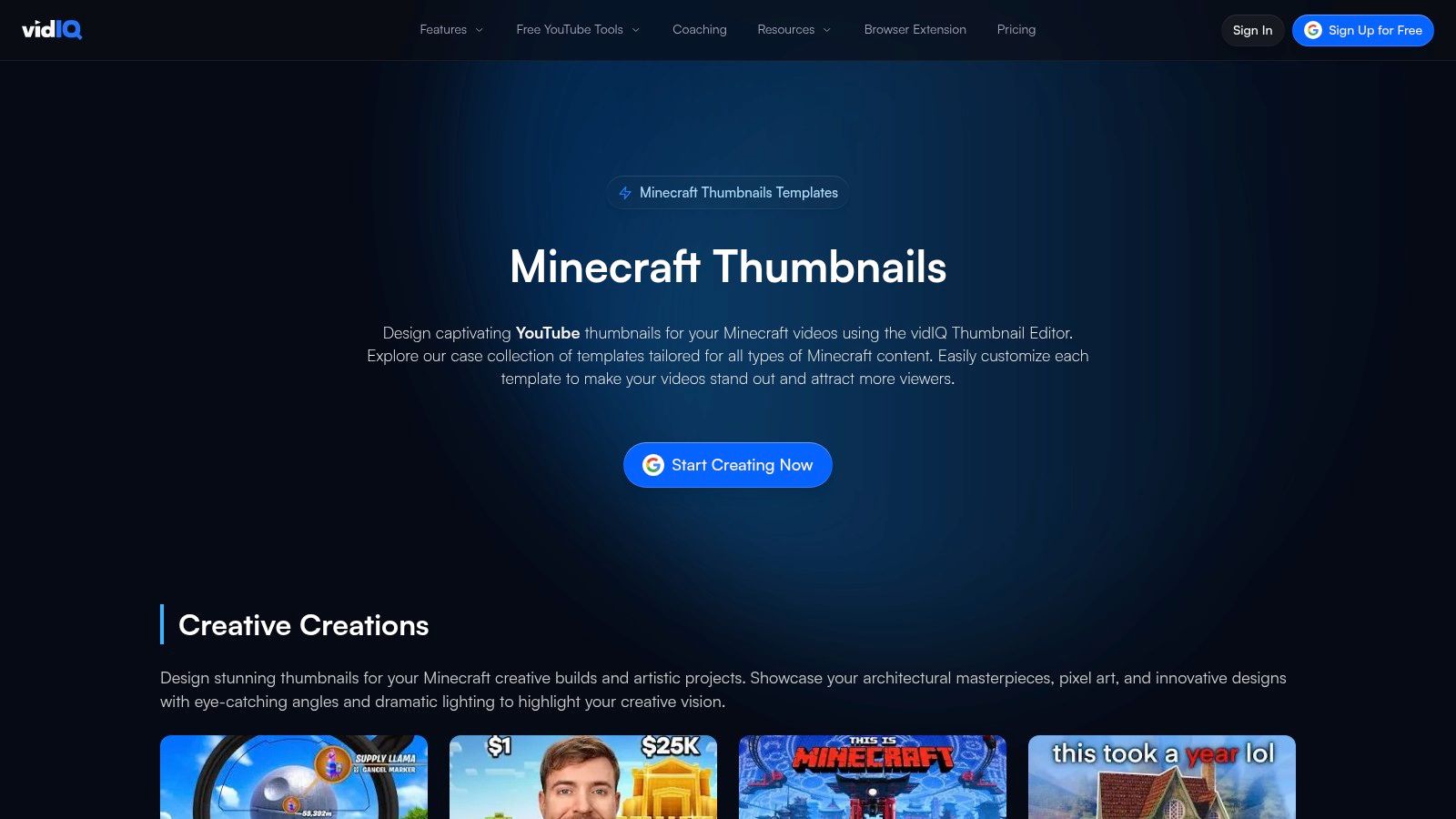
If you already live inside vidIQ for YouTube optimization, use vidIQ's Minecraft thumbnail templates. Don't overthink it.
This tool is strong because it removes friction. You get Minecraft-specific starting points, AI-assisted generation, and a workflow that sits close to the rest of your YouTube operations. That's useful when your real problem isn't artistic vision. It's speed and consistency.
vidIQ makes the most sense for creators who want a guided system instead of a blank editor.
Its main strengths are straightforward:
The limitation is just as clear. Advanced design control is lighter than what you'd get in a more dedicated image editor. If your brand depends on custom compositing, layered effects, and sharper visual storytelling, you'll outgrow it.
Still, for creators already using AI-assisted packaging, this kind of automation is where the category is headed. If you want a broader take on that shift, Taja's piece on automating thumbnail design with AI is worth reading.
One caution matters here. The market is crowded with tools promising thumbnails in seconds or under two minutes, but speed alone doesn't answer the key question of whether the style improves clicks for your video type, as discussed in VisualKit's look at Minecraft thumbnail makers. Use vidIQ when you need fast drafts. Don't assume the first template is the winner.
Canva is still one of the easiest compositors for Minecraft creators. Not because it's Minecraft-native. Because it's fast, simple, and repeatable.
If you've already got your render from MCRender or your background from NovaSkin, Canva handles the final assembly well. Add text, outlines, glows, arrows, brand colors, and reusable layouts without wrestling with a complicated interface.
Canva is the best option for creators who need volume and consistency more than advanced image manipulation.
Use it for:
Canva also works well for channels with a stable packaging formula. If your Hardcore series always uses the same font, color accent, and corner badge, Canva helps you lock that down fast.
Its weakness is obvious. You have to bring your own Minecraft assets. It won't generate a great skin render or build you a strong Minecraft-specific scene by itself. It's a compositor, not a specialist renderer.
For creators comparing template-first workflows against newer AI systems, this Canva alternative perspective on AI thumbnail makers captures the core tension well. Canva is fast. AI-native tools are pushing faster. The right choice depends on whether you need manual brand control or more automation.
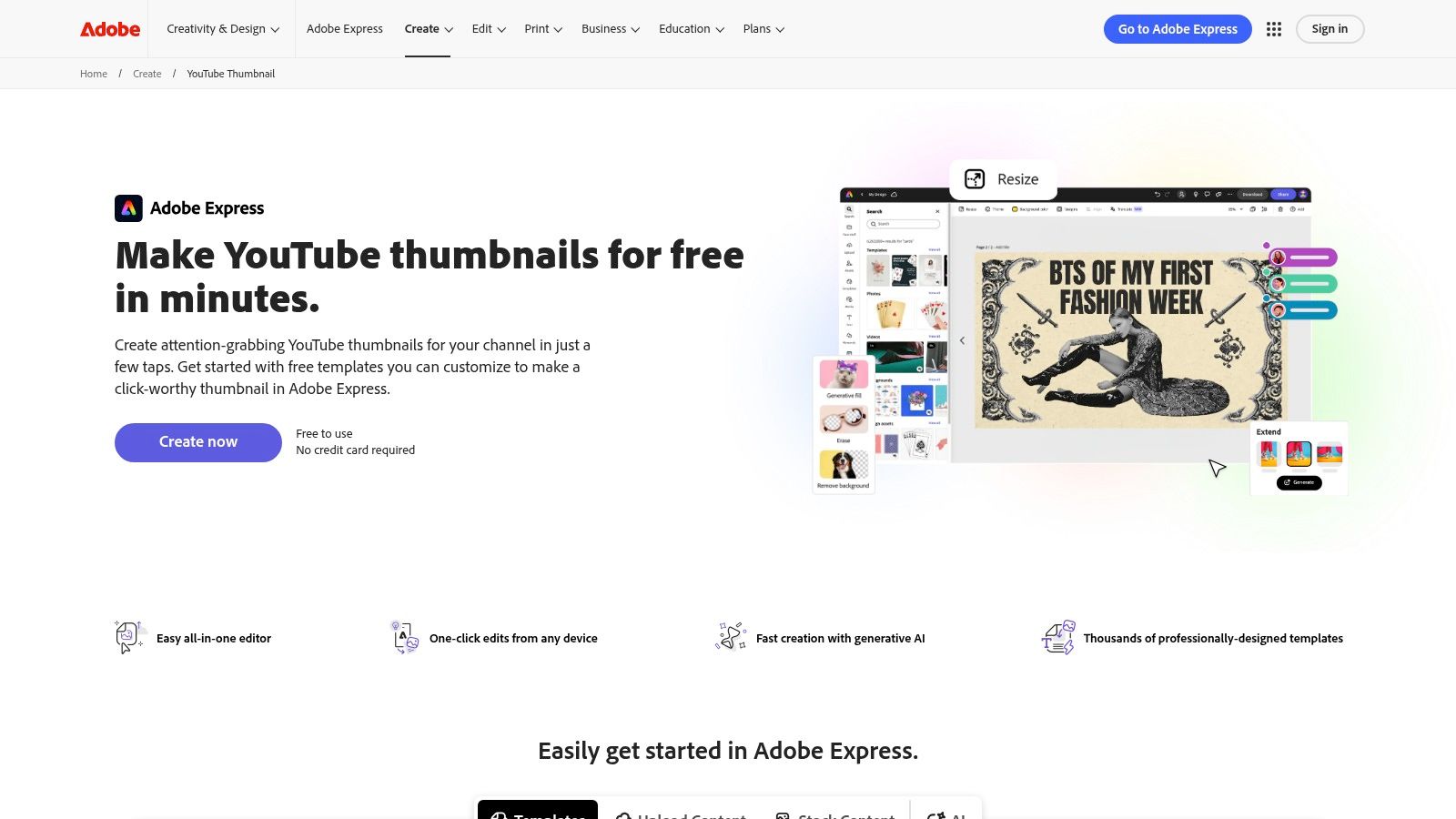
Adobe Express is the cleaner option for creators who like Adobe's ecosystem but don't want to open a heavy desktop app for every thumbnail.
It gives you YouTube thumbnail templates, background removal, brand kits, fonts, and imports from layered Adobe files. That's a good middle ground if Canva feels too generic and Photoshop feels like overkill for your normal upload schedule.
Adobe Express is strongest when your workflow already touches Adobe tools.
That means:
The practical use case is simple. Build your Minecraft scene elsewhere, then finish it in Adobe Express with text, framing, and branded styling.
It falls short if you want niche Minecraft assets out of the box. The tool is broad, not specialized. But for creators who care about cleaner typography and tighter branding than most quick template apps offer, Adobe Express is solid.
This is the app for "I need this to look polished fast," not "I need a fully custom Minecraft art pipeline."
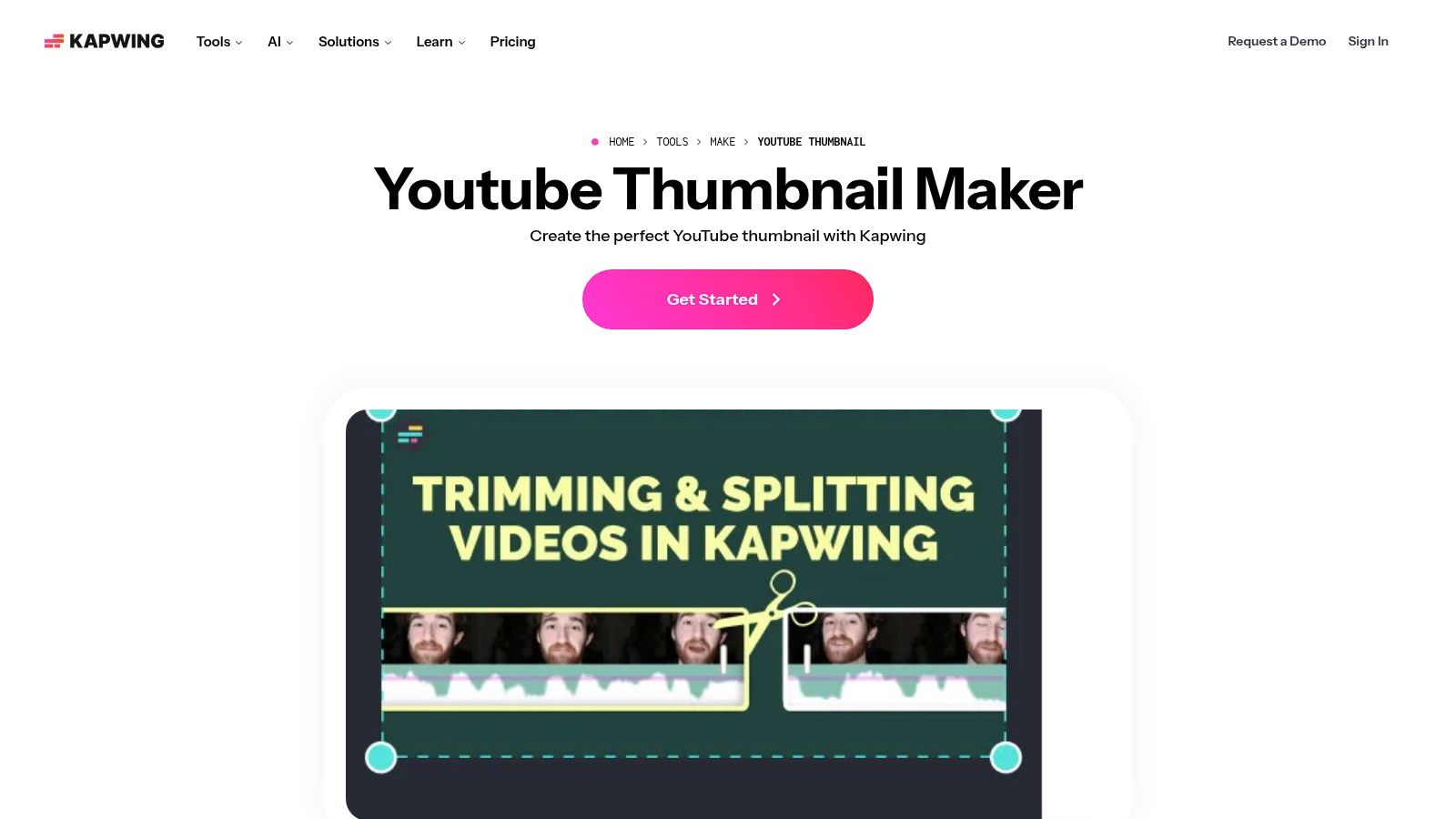
Need a thumbnail right after exporting your video. Use Kapwing's YouTube thumbnail maker.
Kapwing is great when you're on a deadline and need to grab a frame, add text, outline a subject, and get out. It's browser-based, collaborative, and fast enough for creators who don't want installs or complex project files.
Kapwing shines in one specific situation. You already have the visual moment. You just need to turn it into packaging.
That makes it useful for:
If your survival challenge has one perfect panic frame, Kapwing lets you turn that into a thumbnail without detouring through a bigger design app.
Use Kapwing when the footage already carries the story.
Its limitations matter. Advanced compositing is lighter than in more design-heavy tools, and free-plan constraints can get annoying. But if your current pain point is "I need a thumbnail in the next fifteen minutes," Kapwing is one of the most practical options on this list.
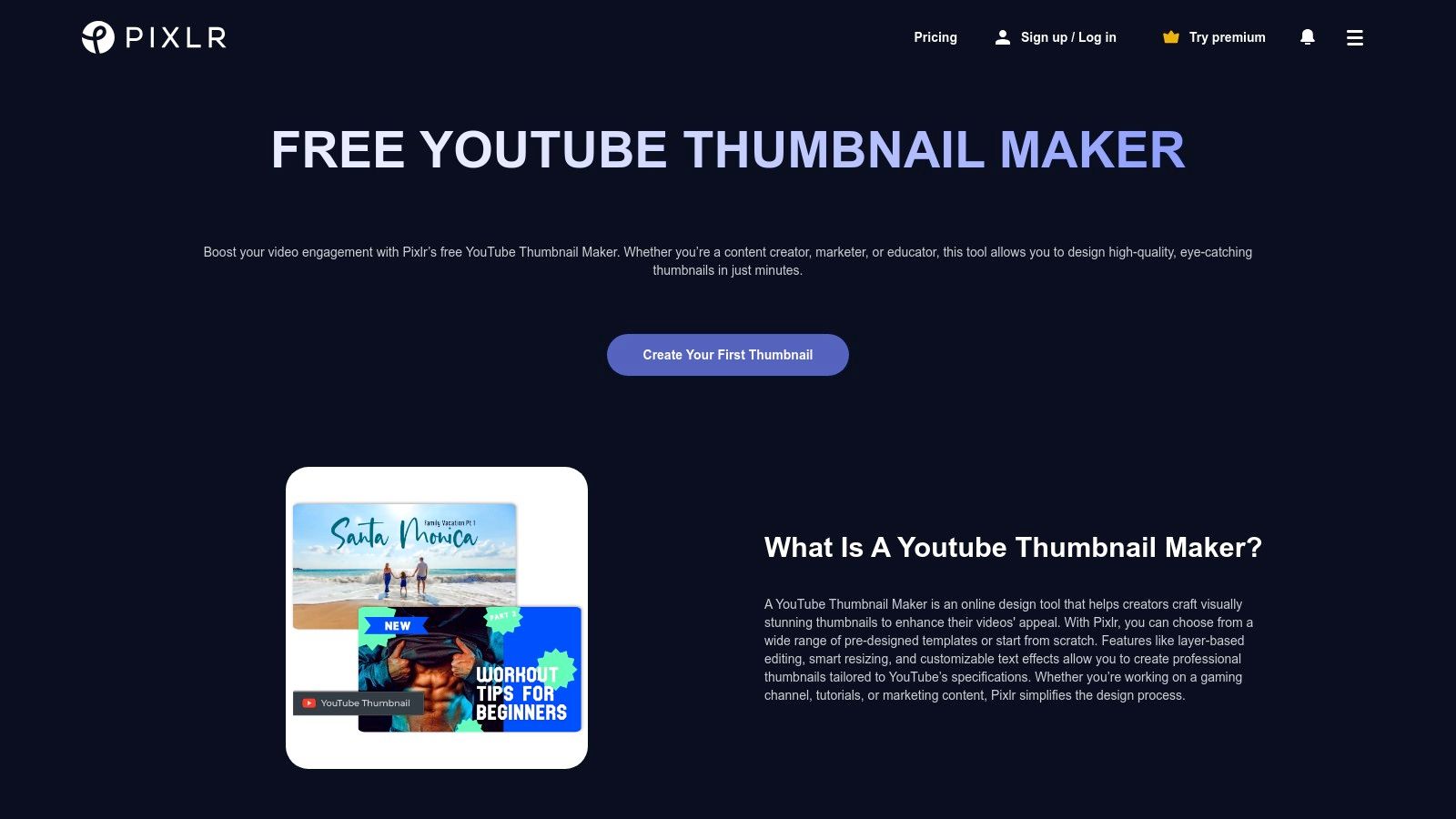
Pixlr is the browser editor for creators who want more control than Canva but don't want to install desktop software.
Think of it as a practical middle layer. You can composite Minecraft renders, add shadows, push outlines, remove backgrounds, adjust layers, and export cleanly without leaving the browser.
A lot of thumbnail tools are too simple. They push you into templates when what you really need is control over separation and depth.
Pixlr gives you more room to do that:
This makes Pixlr especially useful for Minecraft creators who want thumbnails with more visual punch but don't want the friction of full pro software.
It isn't perfect. The free experience can include ads and feature gating, and the template library isn't the main attraction. But if you're building a thumbnail maker for minecraft workflow that depends on browser-based compositing, Pixlr deserves more attention than it gets.
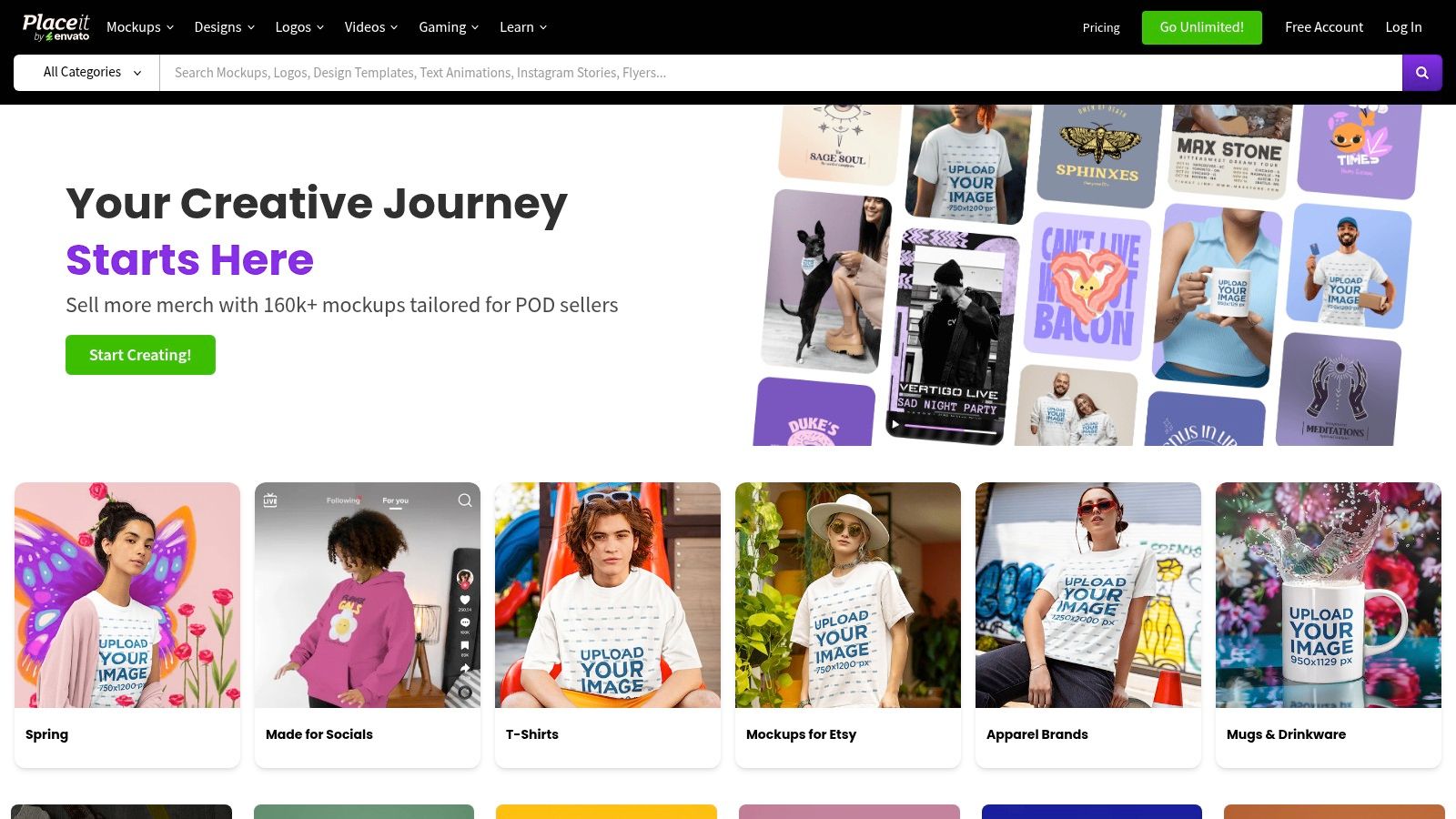
Placeit by Envato is the fastest template-first option here.
If your channel needs polished gaming-style thumbnails and you don't want to design from zero, Placeit gets you moving fast. Pick a layout, swap text, drop in your Minecraft render or screenshot, and export.
Placeit works well when your main requirement is speed with decent style. That makes it a good fit for newer creators, small teams, and businesses publishing game-adjacent content without a dedicated designer.
What it does best:
The downside is the same thing that makes it fast. It leans heavily on templates. If your channel needs a distinctive visual identity, Placeit can start to feel repetitive unless you bring in stronger custom assets.
Still, if your current thumbnails look homemade in the bad way, Placeit is a fast upgrade.
| Tool | Core features | UX / Quality (★) | Price / Value (💰) | Target (👥) | Unique strength (✨) |
|---|---|---|---|---|---|
| Taja AI 🏆 | Auto-repurposes long videos → ~27 assets; editor, templates, Backlog Boost; multi‑channel auto-scheduling | ★★★★★ · saves ~2.3h/video | 💰 Free trial (no CC) → paid plans (contact) | 👥 Solopreneurs, SMBs, creators, SMMs | ✨ Next Video Idea, auto‑SEO, vertical‑first multi‑platform distribution |
| MCRender | Live skin posing, limb controls, camera framing; transparent PNG export | ★★★★☆ · instant renders, near zero learning | 💰 Free / browser | 👥 Minecraft thumbnail creators needing quick character cutouts | ✨ Purpose‑built skin posing + transparent export |
| NovaSkin Wallpapers | Large wallpaper templates, skin import/pose, high‑res exports | ★★★☆☆ · template variety, dated UI | 💰 Free | 👥 Creators seeking ready Minecraft backgrounds | ✨ Big community gallery for inspiration |
| Mine‑imator | Desktop 3D scene builder, camera/lighting/animation, high‑res export | ★★★★☆ · full control, learning curve | 💰 Free desktop app | 👥 Creators wanting premium Minecraft 3D renders | ✨ Full scene/lighting/animation control without Blender |
| vidIQ Thumbnail Editor + Minecraft Templates | Minecraft templates, AI thumbnail generation, YouTube integration | ★★★★☆ · fast templates + analytics preview | 💰 Free tier; best with vidIQ subscription | 👥 YouTubers using vidIQ for channel optimization | ✨ Templates + direct vidIQ upload/preview workflow |
| Canva | 1280×720 thumbnail presets, background remover, brand kit, collaboration | ★★★★☆ · very fast & easy for teams | 💰 Free + Pro subscription | 👥 Non‑designers, teams, fast turnaround creators | ✨ Huge template library & cloud collaboration |
| Adobe Express | Thumbnail templates, background remover, brand kits, Adobe asset access | ★★★★☆ · polished, Adobe ecosystem friendly | 💰 Free + premium assets (paid) | 👥 Adobe users wanting quick polished thumbnails | ✨ PSD/AI import & Adobe asset integration |
| Kapwing | Frame‑grab from video, thumbnail presets, simple layer controls, collaboration | ★★★★☆ · quick video→thumbnail workflow | 💰 Free with limits; paid removes watermark | 👥 Creators on tight schedules needing browser tools | ✨ Fast frame capture + team comments |
| Pixlr | Layered editing, background removal, smart resize, template presets | ★★★☆☆ · granular browser editing (ads on free) | 💰 Free tier; premium removes ads/features | 👥 Creators wanting Photoshop‑like browser tools | ✨ Layered edits + smart resize for repurposing |
| Placeit by Envato | Thousands of templates (gaming styles), guided editor, PNG export | ★★★★☆ · template‑first, very fast | 💰 Subscription for best assets | 👥 Creators who prefer template workflows | ✨ Vast, frequently updated gaming/template library |
The best thumbnail maker for minecraft content isn't one tool. It's a stack.
That's the mistake most creators make. They search for a single app that will somehow render the skin, build the background, add cinematic effects, fit channel branding, and speed up publishing. In practice, the strongest Minecraft thumbnails usually come from a workflow built in layers.
Minecraft thumbnail creation has already moved in that direction. Creator education around staged screenshots, custom poses, layer-based composition, and visual effects established a repeatable production system, and newer tools now compete on speed, prompts, templates, and niche relevance instead of basic editing alone, as reflected in the earlier sources. So build your process around functions, not hype.
For most creators, the cleanest workflow looks like this:
Minecraft thumbnails aren't random artwork; they're structured packaging. A recognizable character, a readable focal point, a clear emotion or threat, and simple text still do the heavy lifting.
One more point needs to be said clearly. Faster isn't automatically better.
The current market pushes one-click workflows hard. But if your thumbnail doesn't communicate danger, reward, conflict, transformation, or curiosity, speed won't save it. Manual composition still wins when the story is nuanced, the branding matters, or the emotional read has to be exact.
That's why a real system beats a single "best app" answer. You might use MCRender plus Canva for routine uploads, Mine-imator plus Pixlr for major episodes, and Taja when you want the whole publishing chain handled from one source video.
Your workflow should change based on the video's value, not your mood on upload day.
There's also a smart testing angle here. The most actionable process in current AI-first thumbnail guidance is to generate multiple versions, refine lighting, contrast, saturation, and sharpness, keep the structure layered, and track which patterns keep working for your audience, as described by 1of10's Minecraft thumbnail workflow guide. That's the behavior to copy. Not blind trust in automation.
If you're serious about growth, stop treating thumbnails like an afterthought. Build a workflow. Save reusable layouts. Use better renders. Push stronger contrast. Make the story readable at a glance. Then publish more consistently.
If you want the fastest way to turn a Minecraft upload into a real content system, try Taja AI. It doesn't just help you make thumbnails. It helps you turn one video into publish-ready assets, keep branding consistent, schedule content across platforms, and stop wasting hours bouncing between tools.


We are blessed to work with leading brands & Companies


We try to make easy and simple for every professionals. Get 30 days free trial - No credit card required.


© 2025 Taja AI. All rights reserved.