.jpeg)
10 Best Instagram Reels Maker Tools for Creators in 2026
Compare 10 Instagram Reels Maker tools for editing, vertical templates, captions, and publishing, with honest limits and use cases for 2026.
5 min read
October 15, 2026

Compare 10 thumbnail generator from video tools for frame extraction, AI selection, branding, pricing considerations, and faster creator workflows.
Written by:


The best thumbnail workflow isn't always the most automated one. A fully designed AI image can save time, but it can also miss the exact expression, product moment, or visual detail that makes a viewer stop scrolling. Sometimes the right answer is a polished thumbnail. Sometimes it's the strongest frame from the video, an exact timestamp capture, a privacy-preserving local tool, or a repeatable batch workflow for several platforms.
YouTube treats thumbnails as part of a measurable discovery funnel. Its analytics count an impression only when a thumbnail appears for more than 1 second and at least 50% of it is visible, then track impressions click-through rate and the relationship between thumbnail exposure and watch time in YouTube Analytics documentation. That makes the choice of a thumbnail generator from video more practical than cosmetic. The tool needs to help you create an image that survives a feed, earns a click, and still represents the video accurately.
The comparison below sorts tools by the job they perform: automated design, intelligent frame selection, privacy-first extraction, batch capture, and platform integration. It also considers source handling, customization, export needs, the pricing signals available from each product, and how much manual editing remains. Brand consistency usually comes from the workflow around the generator, not automation alone. For more visual direction, compare this process with Hooked Veo3 thumbnail tips.
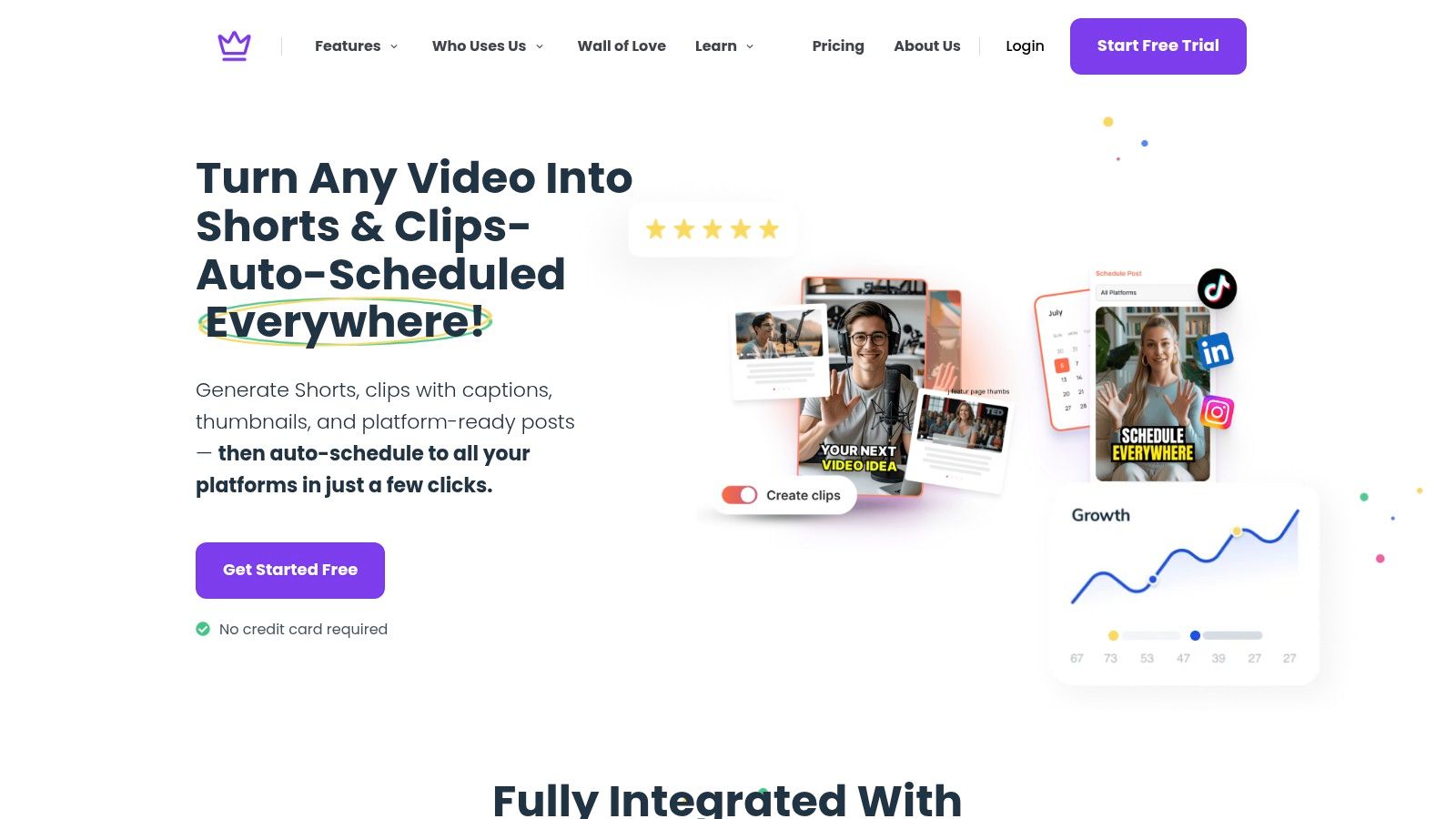
Taja AI is the strongest choice when the thumbnail is only one part of a larger publishing job. Upload a long-form video, and the platform can turn that source into shorts, clips, captions, blogs, social posts, and thumbnail options. It analyzes the channel, niche, and brand voice, then gives you editable outputs rather than forcing you to rebuild every asset from scratch.
The thumbnail workflow is useful for creators who want design ideas based on the video topic and previous successful channel designs. You can generate multiple options, then adjust the background, image, color scheme, and text in the editor. That distinction matters. The generator handles the first creative pass, while the editor gives you a way to correct an awkward crop, remove an irrelevant visual, or bring the result back into your brand system.
Taja's main advantage is reduced context switching. The same upload can support a full repurposing pipeline, with auto-scheduling across YouTube, Instagram, TikTok, Facebook, X, and LinkedIn. The platform also includes Next Video Idea for topic discovery and Backlog Boost for bringing older videos back into the content calendar.
Taja says its users include solopreneurs, small businesses, real estate professionals, podcasters, educators, social media managers, and congregations. It also reports that users can save up to 2.3 hours per optimized video, a claim supplied by Taja's publisher information rather than an independent benchmark.
Practical rule: Choose Taja when the real bottleneck is content throughput, not just the thumbnail file.
The trade-off is control. AI-generated design still needs human review when the subject has a nuanced tone, a complicated visual story, or strict brand requirements. Taja offers a free start with no credit card required, free credits, and a free one-to-one consultation, but teams with high publishing volume should confirm current plan limits and pricing before committing.
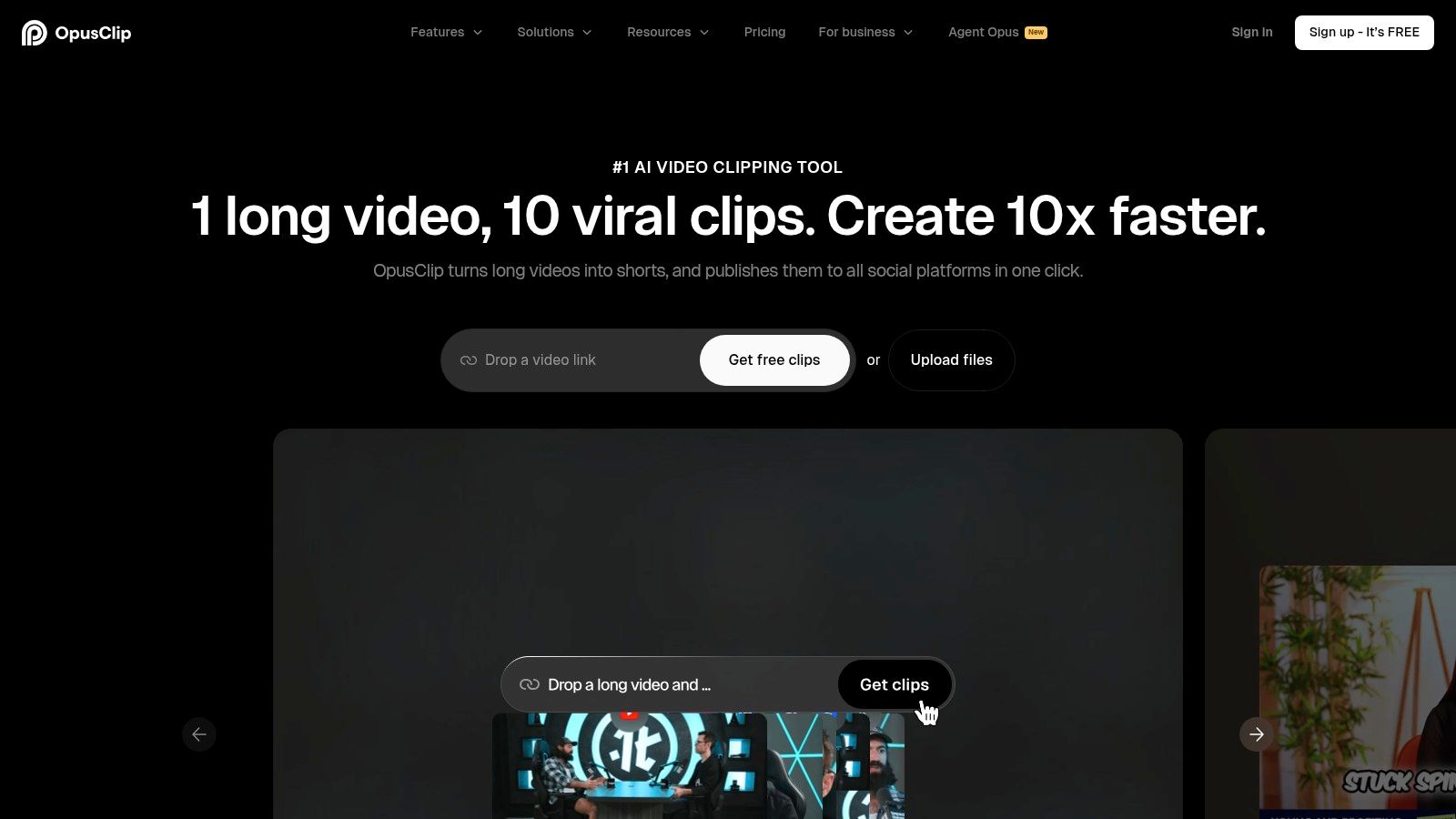
OpusClip Thumbnail fits creators who already use OpusClip to turn long videos into short clips. You can paste a video link or upload a file, and the GPT-4o-powered tool analyzes the content and genre before producing click-focused thumbnail concepts. The workflow stays inside the same environment used for clipping and scheduling, so you won't need to move between a video editor, a frame extractor, and a separate thumbnail app for the first draft.
Its most useful feature is the connection between source content and repurposing. A podcast episode, interview, or tutorial can produce short clips and a YouTube thumbnail in one working session. You can also provide a face or reference image to guide the visual direction, which helps when the channel has a recognizable host.
The tool is modeled around winning creator-thumbnail patterns, but that doesn't mean every output deserves publication without review. AI can select a technically clear image that lacks the right emotional emphasis, or it can make the design feel too close to a generic YouTube template. The free tier makes it accessible for testing, although the product is more YouTube-oriented than a general-purpose brand design system.
Read how AI is transforming thumbnail creation for YouTubers for a broader view of how automated thumbnail workflows fit into channel production.
Use OpusClip Thumbnail when you value speed and platform workflow more than fine-grain layout control. If you need exact typography, precise compositing, or a carefully controlled visual hierarchy, export the concept and finish it in a dedicated design tool.
vidIQ's AI YouTube Thumbnail Maker starts with more than a video file. You can provide an uploaded video, a YouTube URL, or a text idea, which makes it useful at two different stages of production. If the video already exists, the tool can scan it for visual material. If you're still planning, a text concept can give you a starting point before the recording is complete.
Prompt-based refinement is the core interaction. You can ask for changes such as a brighter image or a border, then use style matching and face-placement controls to move the result closer to a reference thumbnail. That approach is fast once you understand how to describe the change, but it isn't the same as dragging every element manually in a traditional editor.
The tool makes the most sense for creators whose thumbnail decisions are tightly connected to YouTube discovery. It offers a free starting point, and HD downloads are available with an account. The product is less suitable when one design needs to serve several platforms with different visual treatments, or when a designer needs pixel-level control over every layer.
The evidence behind deliberate design is strong enough to avoid treating the extracted frame as finished artwork. In an analysis of 1,000 thumbnails, face-led thumbnails averaged 6.8% CTR, compared with 4.1% for thumbnails without a face, a 66% relative lift, as reported by CTR Pilot's thumbnail study. The same research highlights extreme, readable expressions, tight crops, dark or high-contrast backgrounds, and short outcome-focused hook text.
A prompt can accelerate iteration, but it can't replace a clear decision about what the viewer should understand first.
For technical publishing requirements, keep definitive screen dimensions for YouTube nearby while preparing the final export. For a broader workflow perspective, see how to boost your views with AI-optimized thumbnails.
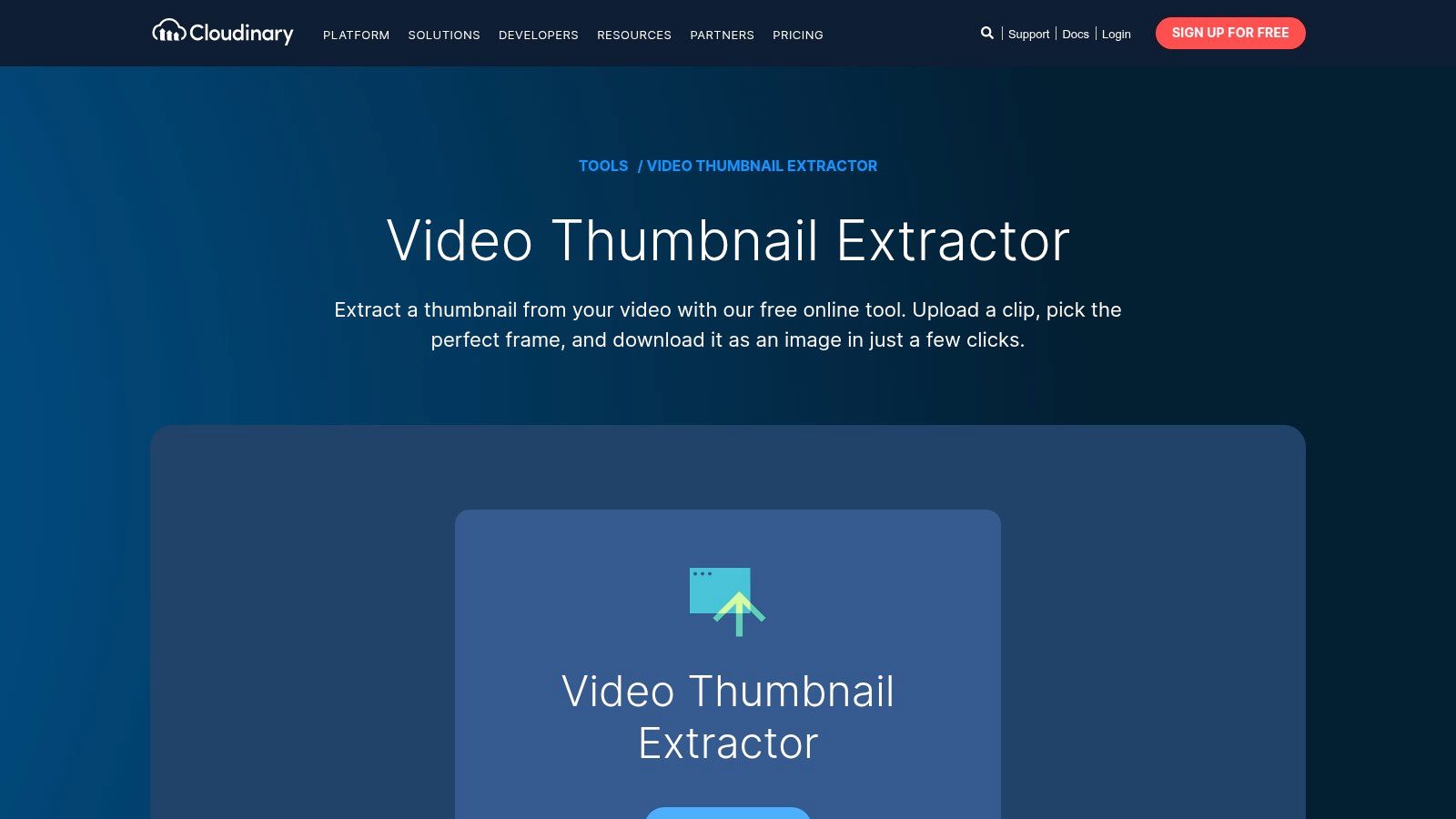
Cloudinary is the practical choice when you need a reliable frame, not a finished thumbnail design. Its browser extractor lets you upload a video, scrub to an exact frame, and download a JPG, PNG, or WebP. That makes it particularly useful for editors who already have a brand template and only need a clean source image from the footage.
The distinction between extraction and design is important. Cloudinary won't automatically give you a large headline, a branded border, or a composed background. Instead, it gives you control over the source frame, output format, and image preparation before the design stage.
The browser tool works well for an individual video, while Cloudinary's broader API and preset capabilities can support automatic extraction when videos arrive in a larger content pipeline. That creates a sensible path for teams. Start with manual frame selection to establish a reliable process, then automate repetitive extraction once the rules are clear.
Cloudinary also processes the browser workflow without adding a watermark, which matters when the extracted frame will go directly into a client-facing design. The limitation is equally clear: you'll need another tool for typography, color treatment, logos, and compositing.
A good scenario is a media team receiving many recordings from different editors. They can extract consistent frames, pass them through a brand template, and preserve a predictable handoff between video operations and design. A poor scenario is a solo creator expecting one click to produce a polished, high-converting YouTube image.
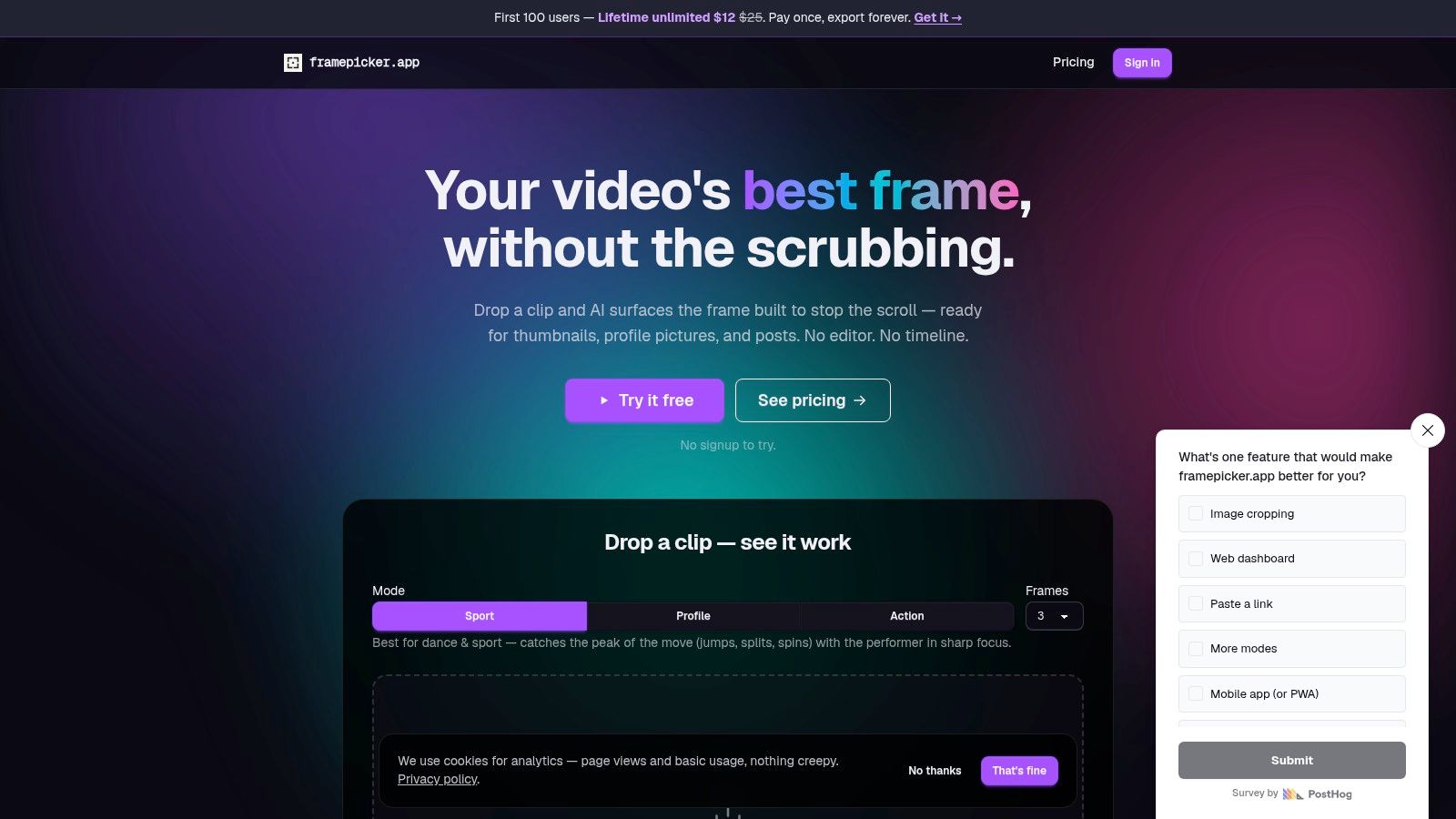
framepicker.app solves the hardest part of frame extraction: finding the moment worth designing. Instead of making you scrub through an entire recording, its AI ranks frames and surfaces the most compelling still. Modes for sport, action, and profile imagery make the tool more purposeful than a basic screenshot utility.
It supports MP4, MOV, and WebM files up to 500 MB and 10 minutes, according to the product information supplied for this comparison. Those limits make it a fit for clips, short recordings, interviews, and action footage, but a less obvious choice for a long unedited webinar.
The tool outputs a frame rather than a typographic thumbnail. That isn't a weakness if your workflow already has a design step. In fact, separating selection from design can produce a more consistent result because the brand template remains stable while the source image changes.
Background removal is available on exports, which can help when you want to place a person or object into a fixed composition. The product also offers try-before-signup access and pay-once license options, useful for creators who don't want another recurring subscription.
The best use case is a host recording several videos who needs a fast shortlist of expressive images. The worst use case is a creator looking for finished text, layout, and platform-specific creative in one pass. After choosing the frame, move it into your established template, check the face and subject at small size, and write copy that names the video's concrete outcome.
For an integrated alternative that combines frame discovery with a broader content workflow, compare Taja's thumbnail generator.
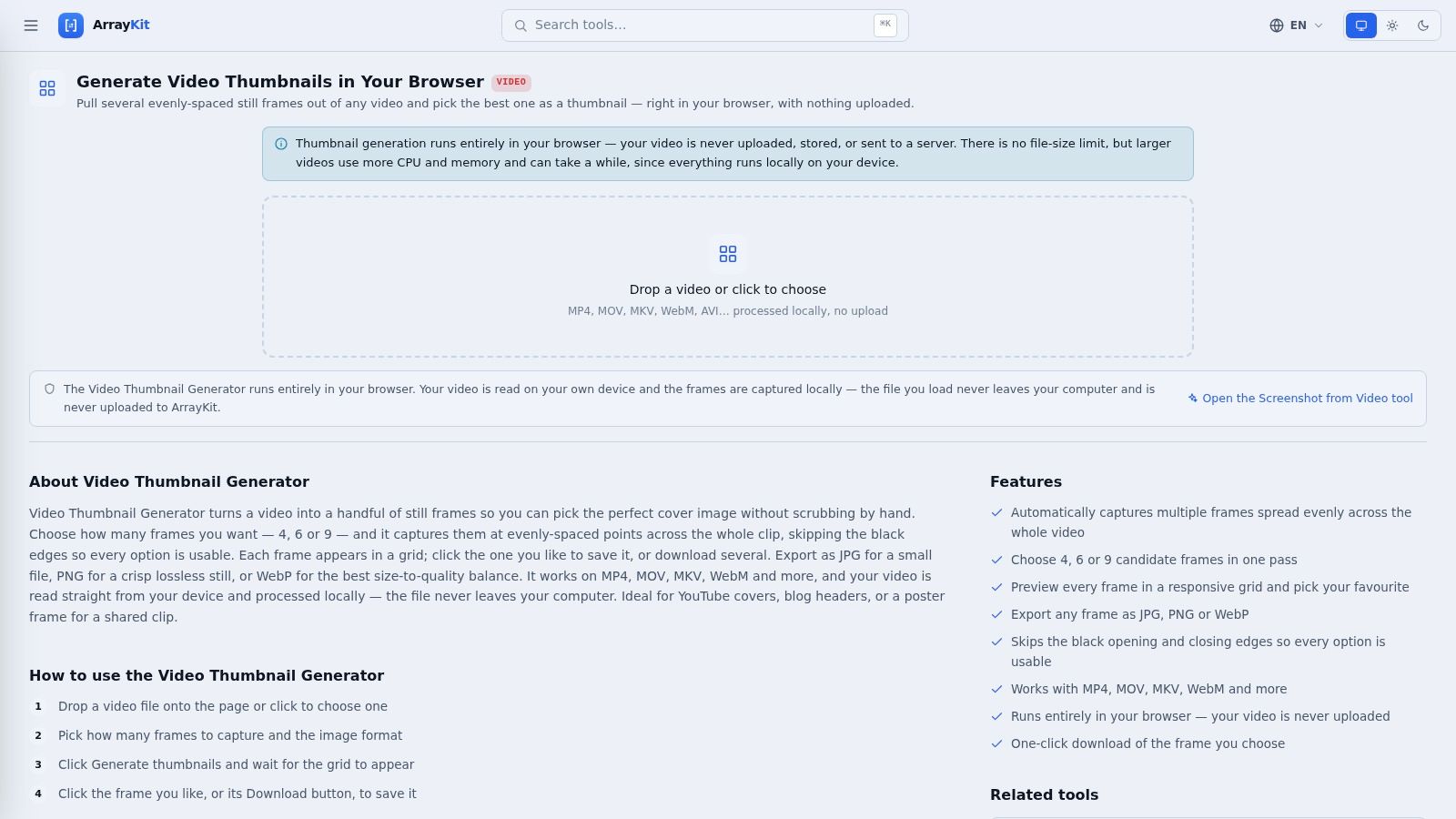
ArrayKit is the privacy-first option for creators who want several candidate frames without uploading a video. It processes the file locally in the browser and presents evenly spaced frame grids in 4, 6, or 9 options, according to the supplied product details. You choose the strongest image, then download it as JPG, PNG, or WebP.
The workflow is simple, but the simplicity is useful. ArrayKit skips black edges when selecting frames, supports MP4, MOV, MKV, and WebM, and avoids the account and upload steps that can slow down a quick production task.
ArrayKit doesn't score expressions, generate copy, or build a composition. It gives you representative frames, which means the creator still has to judge whether the image communicates the video clearly. That manual decision can be a benefit when the subject involves private footage, client material, unreleased products, or sensitive interviews.
A practical process is to open the video locally, review the frame grid, download two or three candidates, and place them into a small set of brand templates. Keep the template fixed while testing the source image. That makes it easier to tell whether the frame or the design is responsible for a weak result.
Privacy-first workflow: Use local extraction when the source video contains material you can't justify sending to a third-party server.
Choose ArrayKit when speed, privacy, and free access matter more than AI selection. Choose a designed generator when you need the tool to propose the text and visual hierarchy as well as the image.
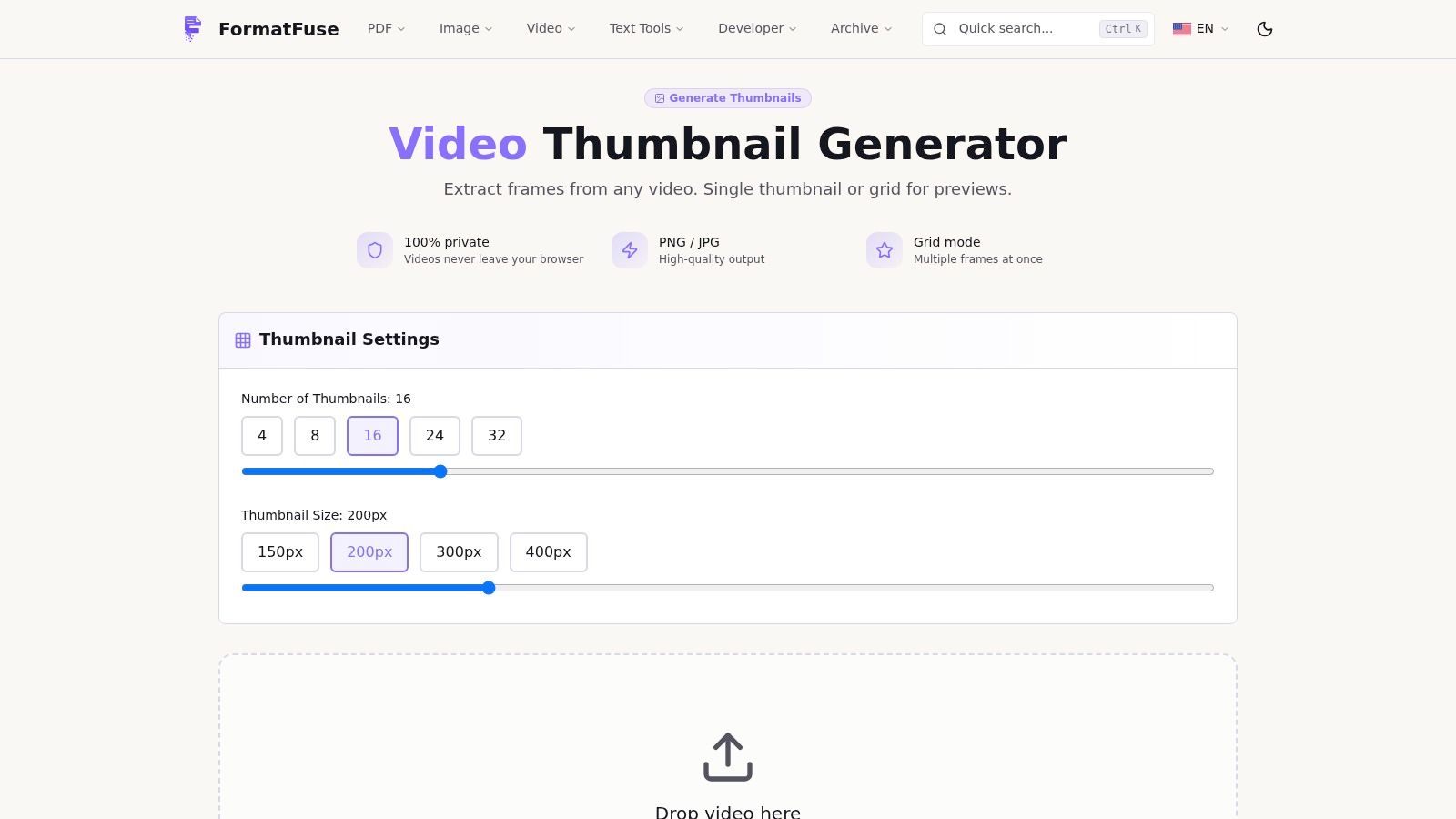
FormatFuse gives you two kinds of control that many AI thumbnail tools hide: the exact timestamp and the number of frames in a contact sheet. You can capture a specific moment or generate grids containing 4, 8, 16, 24, or 32 evenly spaced stills, based on the supplied product information. The browser handles decoding and rendering locally, so the video stays on the device.
That makes FormatFuse a strong fit for editors who know the visual moment they want. If a presenter delivers the key line at a particular point, or a product reaches its most useful position during a demonstration, exact timestamp capture avoids the guesswork of an AI ranking system.
The tool exports PNG or JPG at full native resolution and supports modern codecs such as AV1 and HEVC where the browser supports them. It doesn't add typography, logos, gradients, or layouts. Those omissions are deliberate, but they mean FormatFuse is a frame tool rather than a complete thumbnail generator in the design sense.
A common workflow is to create a larger grid first, identify a promising sequence, then return to the video for exact timestamp capture. After that, add the frame to a brand template and keep the copy short enough to remain legible when the image is compressed in a feed.
This is also a good choice for teams with privacy requirements. Local processing reduces the need to upload source footage, while native-resolution output preserves flexibility for later cropping. It won't replace a design application, but it can make the selection stage faster and more controlled.
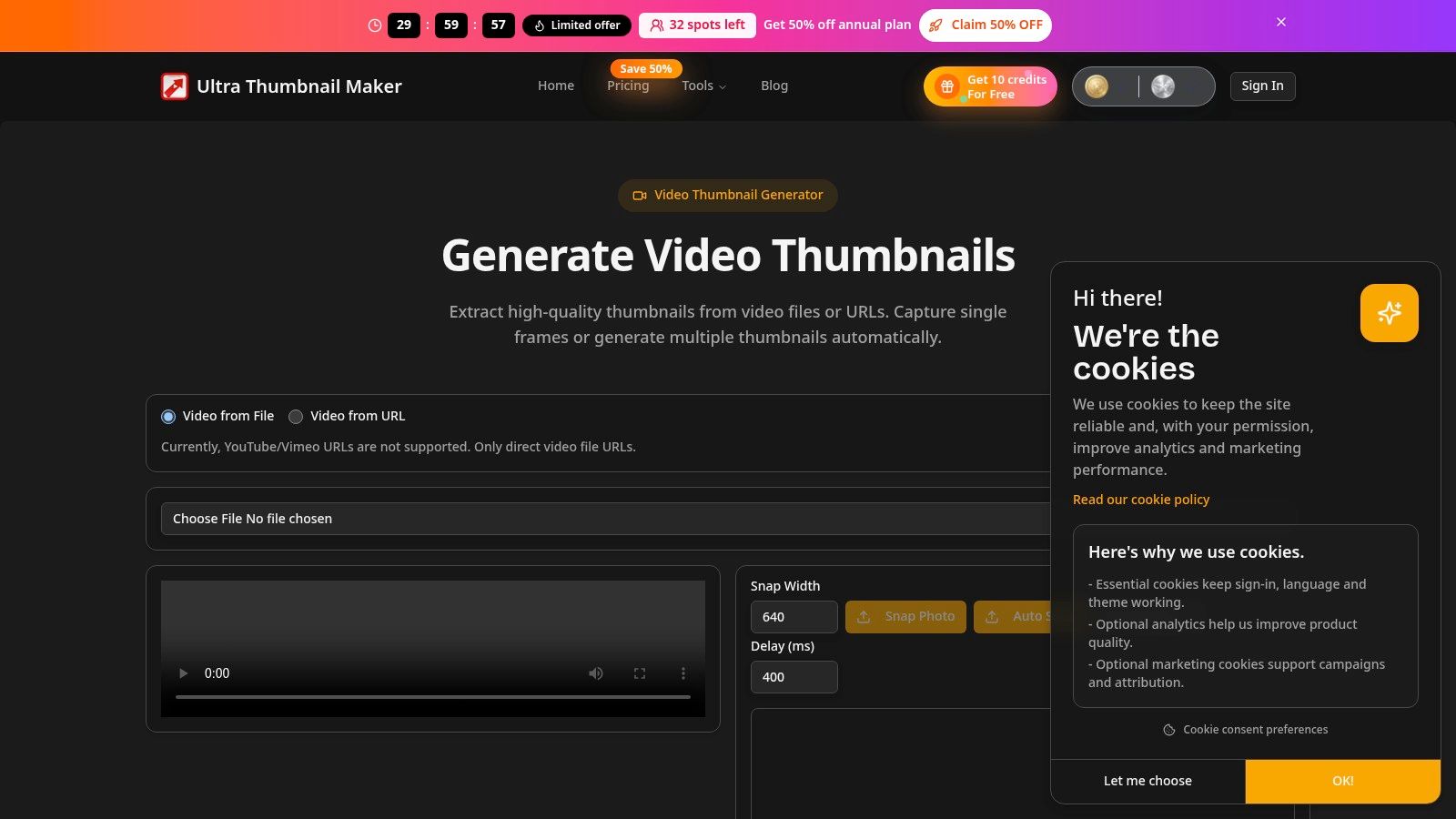
Ultra Thumbnail is designed for volume. It can load a local video or a direct video URL, capture frames at intervals or percentages, and export multiple images in a ZIP. That contact-sheet and batch-export workflow is more useful than a single-frame tool when you want to review a sequence of possible thumbnail moments at once.
Frame-by-frame navigation and timestamp jumps add precision after the batch pass. You can let the tool produce a broad set of candidates, then move directly to a promising point instead of scrubbing through the entire video manually.
The important source-handling limitation is that Ultra Thumbnail doesn't accept YouTube or Vimeo links directly. You need a direct video file URL or a local file. That adds a preparation step, but it also keeps the tool focused on media you can access as a file.
Like ArrayKit and FormatFuse, Ultra Thumbnail doesn't create the final graphic layer. There are no built-in AI text suggestions, branded compositions, or decorative overlays. Plan to finish the selected frame in a template system or image editor.
Use Ultra Thumbnail for a producer who needs many candidate frames from several recordings. It works less well for a creator who wants a single prompt to produce a complete YouTube thumbnail. The product's value is in reducing repetitive capture work, not in making the creative judgment for you.
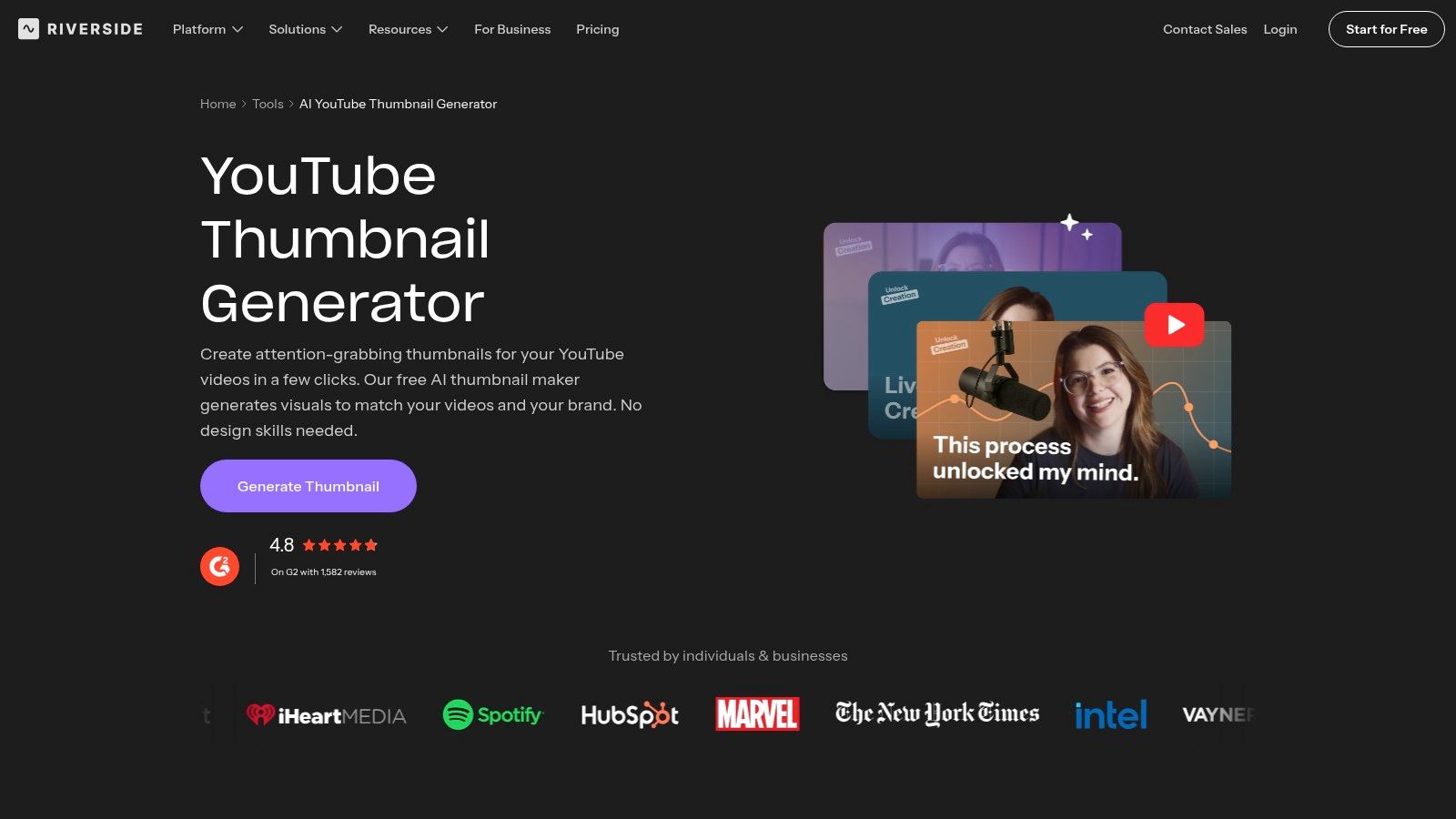
Riverside's generator is a natural fit if your recording and editing already happen in Riverside. You can paste a video link or generate from recordings inside the editor, choose a style, and optionally upload a headshot to guide the result. That creates a quick path from recorded conversation to YouTube thumbnail without exporting the source into another application first.
The integrated workflow is the main selling point. A podcast host can finish a recording, select the visual direction, and generate a thumbnail while the context of the episode is still fresh. The free generator doesn't require signup, which makes it easy to test before changing the rest of your production process.
Riverside focuses primarily on YouTube use cases. It can save time for standard creator workflows, but it won't offer the same fine-grain control as a full image editor. If the design needs a specific headline position, custom visual effects, layered product photography, or a carefully managed logo system, expect a finishing step elsewhere.
The style and headshot options are useful for maintaining a recognizable host-led identity, but they shouldn't replace a template review. Check whether the face crop is clear, whether the background competes with the subject, and whether the text remains readable when the image appears small.
Riverside is best for recording-led creators who value an uninterrupted workflow. It isn't the strongest choice for a design team managing complex brand systems across many platforms.
Medeo takes a middle position between intelligent frame selection and an all-in-one video workspace. It analyzes uploaded videos, surfaces multiple strong frames, and lets you refine the search with chat prompts. For example, you can ask it to find a frame where the presenter is smiling, rather than accepting the first visually prominent moment.
That conversational refinement is valuable when the desired frame has a semantic condition. A clean image isn't always the right image. The frame may need a specific reaction, a product held at a certain angle, or a presenter looking toward empty space where the template will place text.
Medeo can auto-size outputs for YouTube, TikTok, and Instagram, which reduces repetitive resizing across a multi-platform workflow. It also sits inside a broader creation platform, so you can keep the source and thumbnail process together.
The limitation is the same one found in most extraction-first tools. Medeo focuses on real frames rather than building typographic compositions. You may still need another tool for headline treatment, brand colors, borders, and graphic overlays.
That can be a positive choice when trust matters. The thumbnail stays faithful to the actual recording instead of inventing a scene that never appears in the video. Use Medeo when you need several content-accurate candidates and platform sizing. Use an integrated design generator when speed to a complete visual matters more than preserving a raw frame.
| Product | Core features | UX / Quality ★ | Target audience 👥 | Value & Pricing 💰 | Unique selling points ✨ |
|---|---|---|---|---|---|
| Taja AI 🏆 | AI repurposing (shorts, captions, blogs, thumbnails), SEO optimize, auto-schedule | ★★★★☆ | Creators, SMBs, SMMs, podcasters, realtors | 💰 Free tier + credits; scalable plans | 🏆 ~27 assets per upload; Next Video Idea; Backlog Boost; multi-channel auto-post |
| OpusClip Thumbnail | One-click video→thumbnail, face/reference style, integrated workflow | ★★★☆☆ | Opus users & repurposers | 💰 Free tier available | ✨ Fast, built into OpusClip (reduces context switching) |
| vidIQ AI YouTube Thumbnail Maker | Video/URL/text prompt → thumbnail, prompt edits, style matching | ★★★★☆ | YouTube-focused creators | 💰 Free to try; HD with account | ✨ Click-optimized templates; prompt-driven refinements |
| Cloudinary Video Thumbnail Extractor | Exact-frame selection, format/size options, bulk/API | ★★★★☆ | Devs, teams, enterprises | 💰 Free tool; enterprise API pricing | ✨ No watermark, scalable API & presets |
| framepicker.app | AI-ranked “best frame”, action/profile modes, bg removal export | ★★★☆☆ | Creators needing a single high-impact still | 💰 Try-before-signup; pay-once options | ✨ Fast AI scoring to surface highest-impact frames |
| ArrayKit Video Thumbnail | Local in-browser sampler; 4/6/9 grids; skips black edges | ★★★☆☆ | Privacy-conscious creators | 💰 Free; 100% local processing | ✨ Privacy-first (no upload), quick representative frames |
| FormatFuse Video Thumbnail | Exact timestamp capture, multi-frame grids, native-res output | ★★★★☆ | Creators needing source-quality stills | 💰 Free; local processing | ✨ High-res native frames, codec support (AV1/HEVC) |
| Ultra Thumbnail – Video Thumbnail Generator | Local file or URL, interval auto-capture, batch export (ZIP) | ★★★☆☆ | Users needing bulk frame grabs | 💰 Free tool | ✨ Batch exports & simple workflow for many candidates |
| Riverside YouTube Thumbnail Generator | Paste link or use Riverside recording, style/headshot guidance | ★★★★☆ | Riverside recorders/editors, podcasters | 💰 Free generator (no signup) | ✨ Smooth path from recording → thumbnail inside Riverside |
| Medeo – AI Thumbnail Generator | Smart-frame analysis, chat refinement, auto-sizing to platforms | ★★★★☆ | Medeo users & creators wanting platform-ready images | 💰 Part of Medeo platform (check plans) | ✨ Chat-driven refinement + auto-resize for TikTok/IG/YouTube |
The right tool depends on where your workflow loses time. Choose Taja AI, OpusClip, vidIQ, Riverside, or Medeo when integrated AI generation and platform context matter. These products reduce the distance between a finished video and a usable thumbnail, although each trades some manual control for speed.
Choose framepicker.app when the main problem is finding the strongest still. It ranks frames for you, but you should expect to add text and branding elsewhere. Choose Cloudinary when extraction needs to become a dependable media operation, especially if a browser workflow may later grow into API or batch processing.
For creators who don't want to upload source footage, ArrayKit and FormatFuse offer local processing with different priorities. ArrayKit favors quick, evenly spaced candidate grids. FormatFuse favors exact timestamps, native-resolution output, and a wider range of grid sizes. Ultra Thumbnail is the better fit when batch capture and ZIP export matter more than AI judgment.
The evidence supports treating frame selection and design as separate decisions. In a study of 500 breakout thumbnails, 69% used a human face and 56% used high contrast. 89% used either a face or high contrast, according to Thumbai's independent thumbnail research. The same report describes industry figures of 154% higher average CTR for optimized thumbnails than auto-generated thumbnails, with custom thumbnails at 8.2% CTR compared with 3.2% for auto-generated thumbnails. Those figures don't mean every channel should copy one layout, but they do support deliberate design over an untouched video frame.
Traffic source also changes the decision. A 2026 study reported that high-contrast 3 to 5 word text overlays improved CTR by 11% to 22% in search traffic but performed slightly worse in browse contexts, while a single dominant face with a clear expression outperformed neutral or no-face thumbnails by about 18% to 32% in the TubeAnalytics research. Build templates for the viewer's intent, not just for your preferred aesthetic.
A repeatable process looks like this:
Extraction tools still need a design step. Integrated generators may sacrifice fine-grain control to deliver a finished concept quickly. The best system combines both where necessary: select a truthful, expressive frame, place it inside a controlled brand template, inspect it at small size, and keep the process simple enough to repeat for every upload.
Taja AI turns one long-form video into thumbnail options alongside clips, captions, blogs, and platform-specific posts, with editable brand templates and scheduling across major social channels. If you want a thumbnail generator from video that fits into a broader repurposing workflow instead of creating one isolated image, visit Taja AI and start free without a credit card.


We are blessed to work with leading brands & Companies


We try to make easy and simple for every professionals. Get 30 days free trial - No credit card required.


© 2025 Taja AI. All rights reserved.