


.jpg)


Fully Integrated With







2,652,887+
Total Hours Saved with Taja AI (and counting..)
Sound Familiar?
Spending Time & Energy
but No Reach?

Limited Time
You became a solopreneur, not a content creator, and wish someone could handle your content without taking up more of your time.

Minimal Reach
Posting once a month hasn’t worked, and you know you need to diversify, but other priorities hold you back.

Content Burnout
Creating endless content feels exhausting, and you don’t want to become a full-time marketer just to keep up.

.webp)
We Get It
It's all about productivity and results.


Time Saver
Solopreneurs who use Taja AI report saving up to 2.3 hours per video optimized and repurposed.

organic reach
Automatically repurposing your long-form videos can help your business organically reach 87% more people.

Smart Topic Finder
Get data-based video topic suggestions that are low competition, high search volume and relevant to your audience.


How
How Taja Works
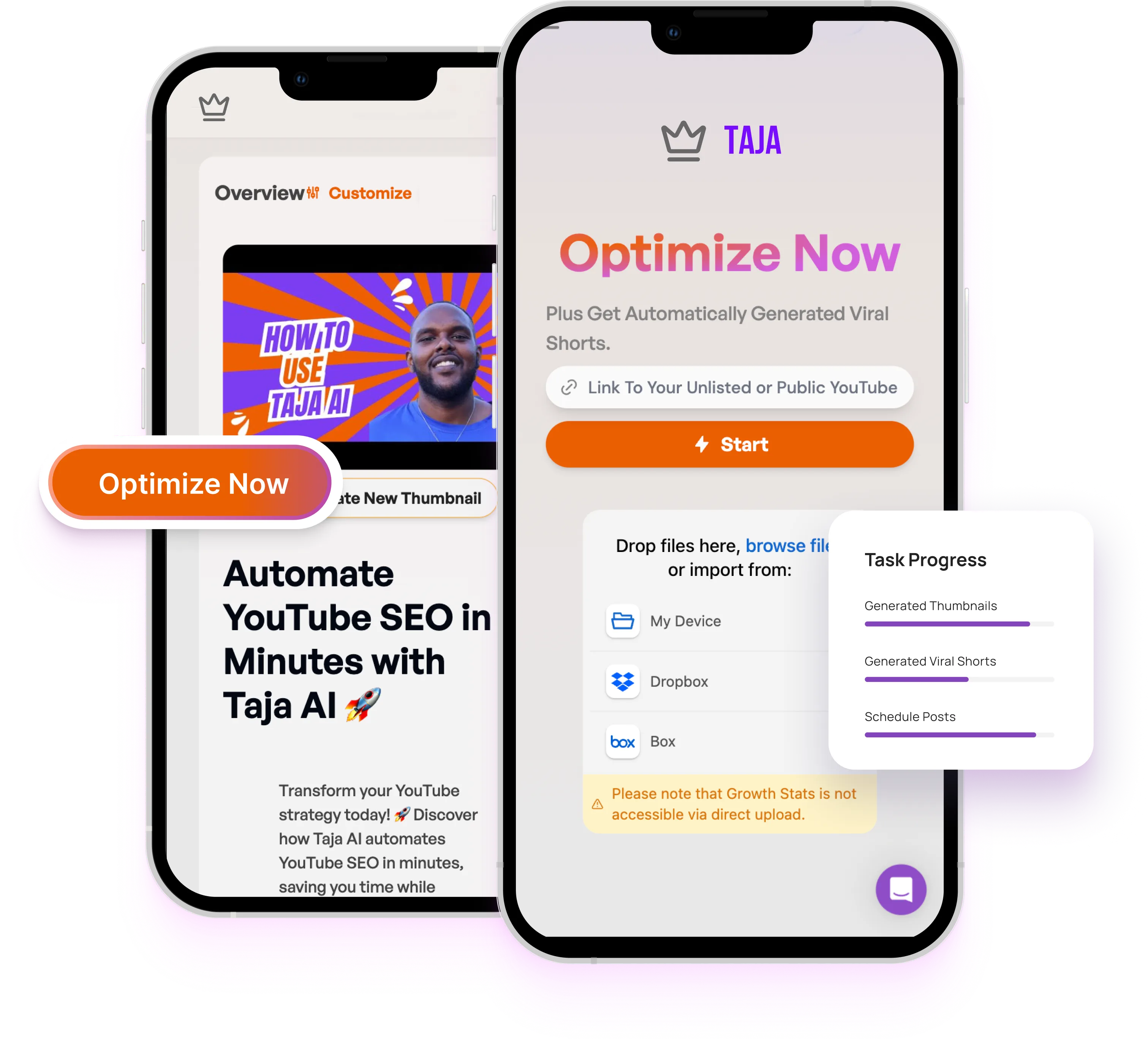
Taja AI streamlines your social media strategy by converting your YouTube videos into multiple engaging posts. This process saves you time and enhances your online presence effortlessly.
Upload & Optimize
Upload & Optimize Long Form
Simply add your video to Taja and our AI will begin understanding your content niche and brand voice.
%20(1).webp)


%20(2).webp)
Generate
Generate Shorts, Clips, & Text with 1-Click
Taja will SEO optimize your video and generate shorts, clips, and text outputs from your long form video.
Scheduled Content
Weeks of Content Scheduled
Schedule your content right from Taja so you can view everything in one place.

.webp)
Video Idea
Your Next Video Idea in Seconds
Our idea generator finds high volume, low competition keywords and matches them with outlier videos from your content niche to give you your next video idea.
Video to Blog
Weeks of Content Scheduled
Schedule your content right from Taja so you can view everything in one place.
.png)

Auto Caption
Your Next Video Idea in Seconds
Our idea generator finds high volume, low competition keywords and matches them with outlier videos from your content niche to give you your next video idea.

Pricing
Pricing Plans
Choose the plan that fits your business needs.
.svg)
Starter
19.99/MONTH
1 User

- YouTube Long-Form Optimization (4 videos)
- Shorts Generation (Up to 10 per video & No Watermark)
- Blog, Linkedin, and Thread Post Generation
- Content Scheduling Across All Platforms
- Content Idea Generation
- Premium Support
Professional
49.99/Month
1 User
- YouTube Long-Form Optimization (10 videos)
- Shorts Generation (Up to 20 per video & No Watermark)
- Blog, LinkedIn, and Threads Post Generation
- Content Scheduling Across All Platforms
- Content Idea Generation
- Premium Support
Teams/Agency
99.99/Month
5 Users
- YouTube Long-Form Optimization (Unlimited videos)
- Shorts Generation (Unlimited & No Watermark)
- Blog, LinkedIn, and Threads Post Generation
- Content Scheduling Across All Platforms
- Content Idea Generation
- Premium Support
Starter
15.99/month
(billed ANNUALLY)
1 User
1 Social Set
- YouTube Long-Form Optimization (48 videos)
- Shorts Generation (Up to 10 per video & No Watermark)
- Blog, LinkedIn, and Threads Post Generation
- Content Scheduling Across All Platforms
- Content Idea Generation
- Thumbnail Generation
- Premium Support
Professional
39.99/month
(billed ANNUALLY)
1 User
5 Social Sets
- YouTube Long-Form Optimization (120 videos)
- Shorts Generation (Up to 20 per video & No Watermark)
- Blog, LinkedIn, and Threads Post Generation
- Content Scheduling Across All Platforms
- Content Idea Generation
- Thumbnail Generation
- Premium Support
Teams/Agency
79.99/month
(billed annually)
5 Users
10 Social Sets
- YouTube Long-Form Optimization (Unlimited videos)
- Shorts Generation (Unlimited & No Watermark)
- Blog, LinkedIn, and Threads Post Generation
- Content Scheduling Across All Platforms
- Content Idea Generation
- Thumbnail Generation
- Premium Support
Free Trial
Starter
Professional
Teams/ Agency
Video Optimization
.png)
.png)
Shorts Generation
AI Captions
AI Reframe
AI Video Editing
Export & Publish
.png)
Clips Generation
Blog generation
X Threads Generation
Next Video Generator
Backlog Boost
Analytics
Automations
Teams Collaboration
Security
Support
Testimonial
see what Our Clients say about us


Can I use this for interviews, podcasts, or tutorials?
How does it know which clips will go viral?
Are thumbnails and captions included?
Can I make multiple viral clips per upload?
Does it format videos for mobile platforms?
Is there a free version?


© 2025 Taja AI. All rights reserved.